
Biblio Digital - E-book borrowing & reading
Discover endless e-books to borrow, read, & customize your experience anytime, anywhere with our powerful app.
- 5.4.6 Version
- 3.0 Score
- 233K+ Downloads
- Free License
- 3+ Content Rating

Features:
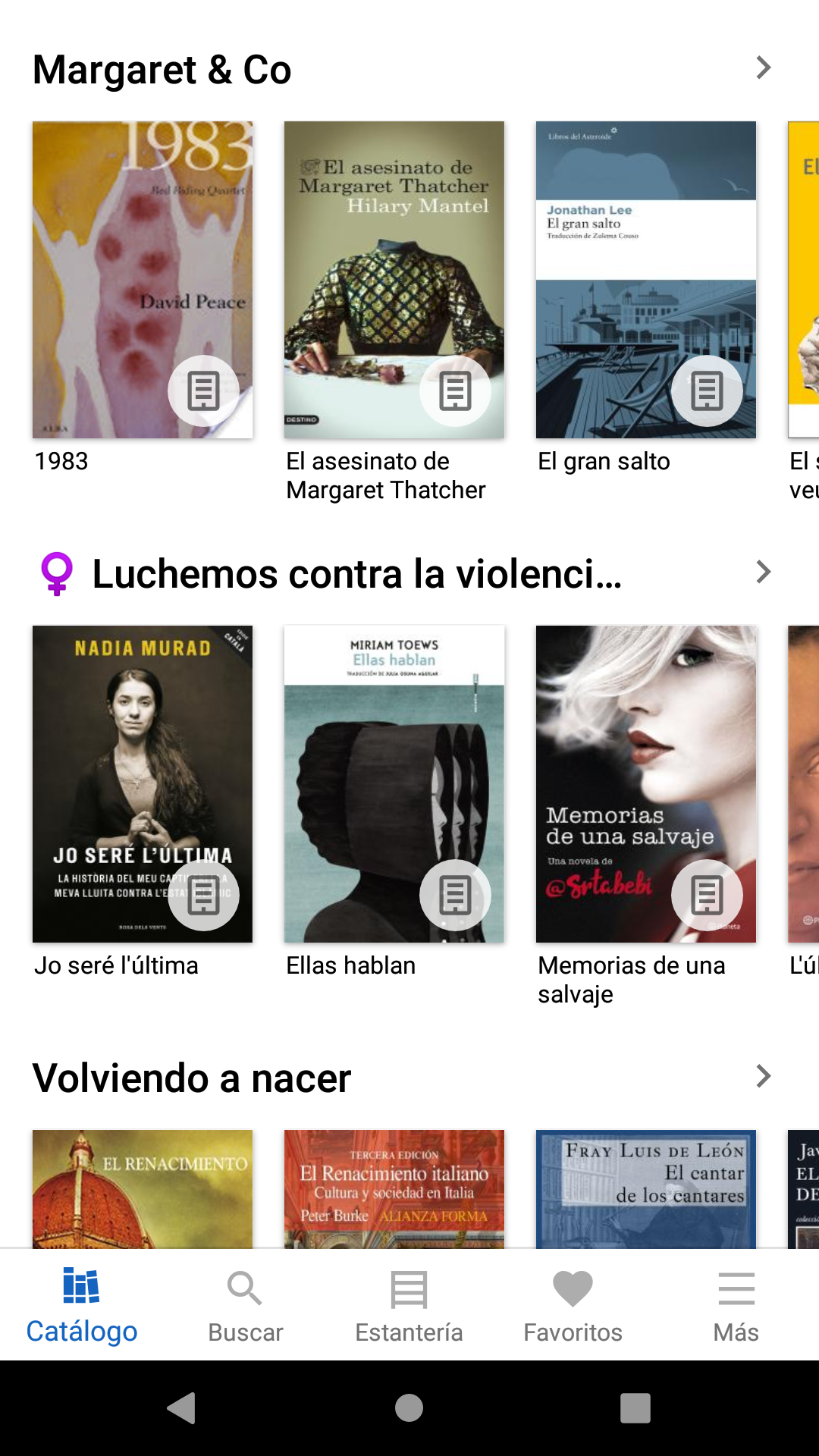
- This application allows you to borrow electronic books from the Biblio Digital digital loan platform, giving you access at any time, day or night.
- To utilize this application, a public library user card is required. If you encounter any issues with login, please reach out to your local public library for assistance.
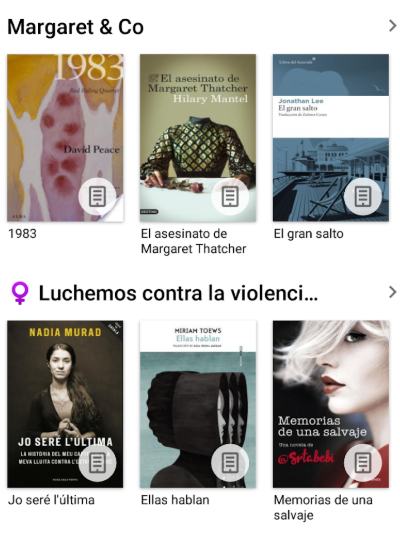
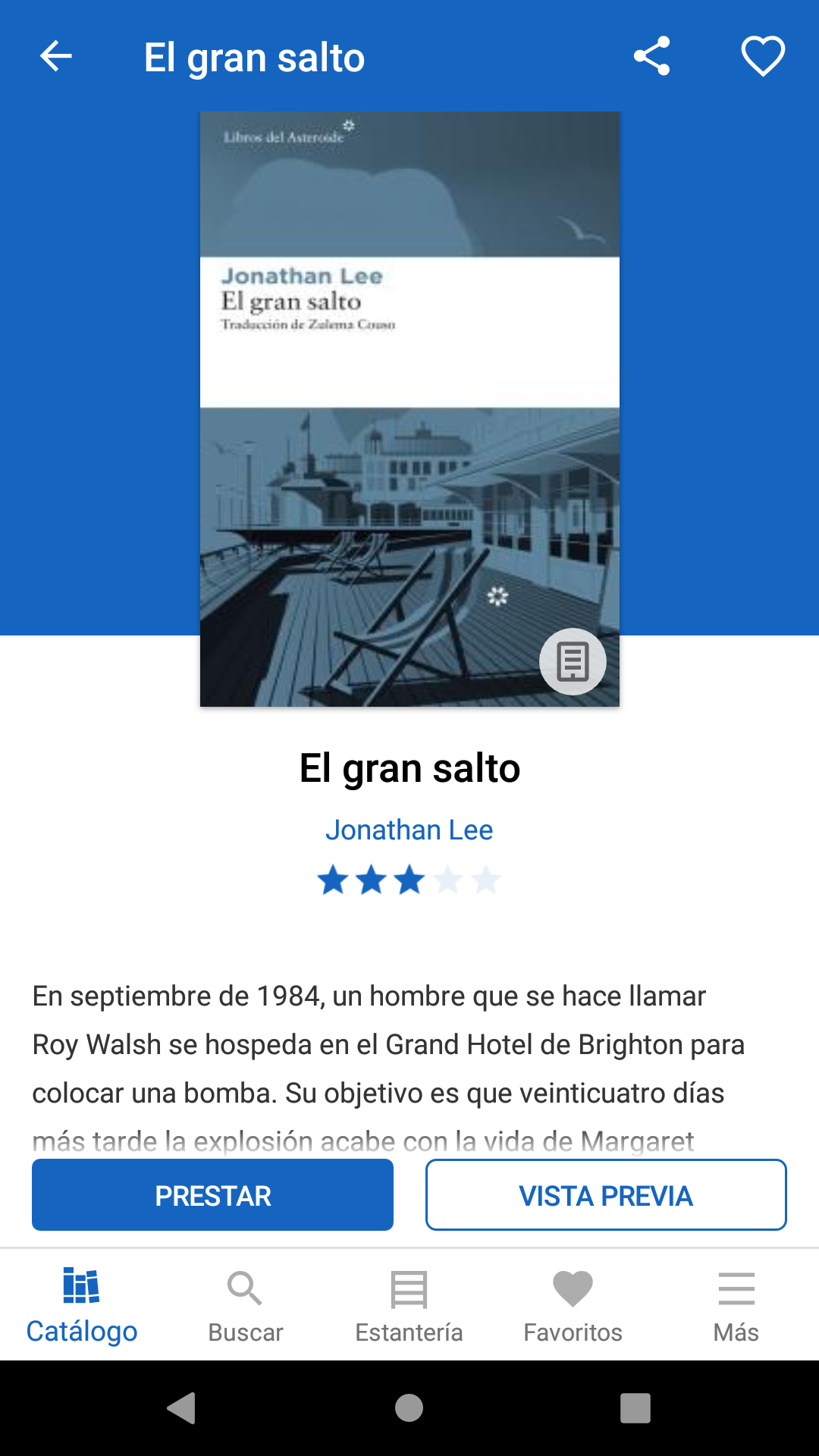
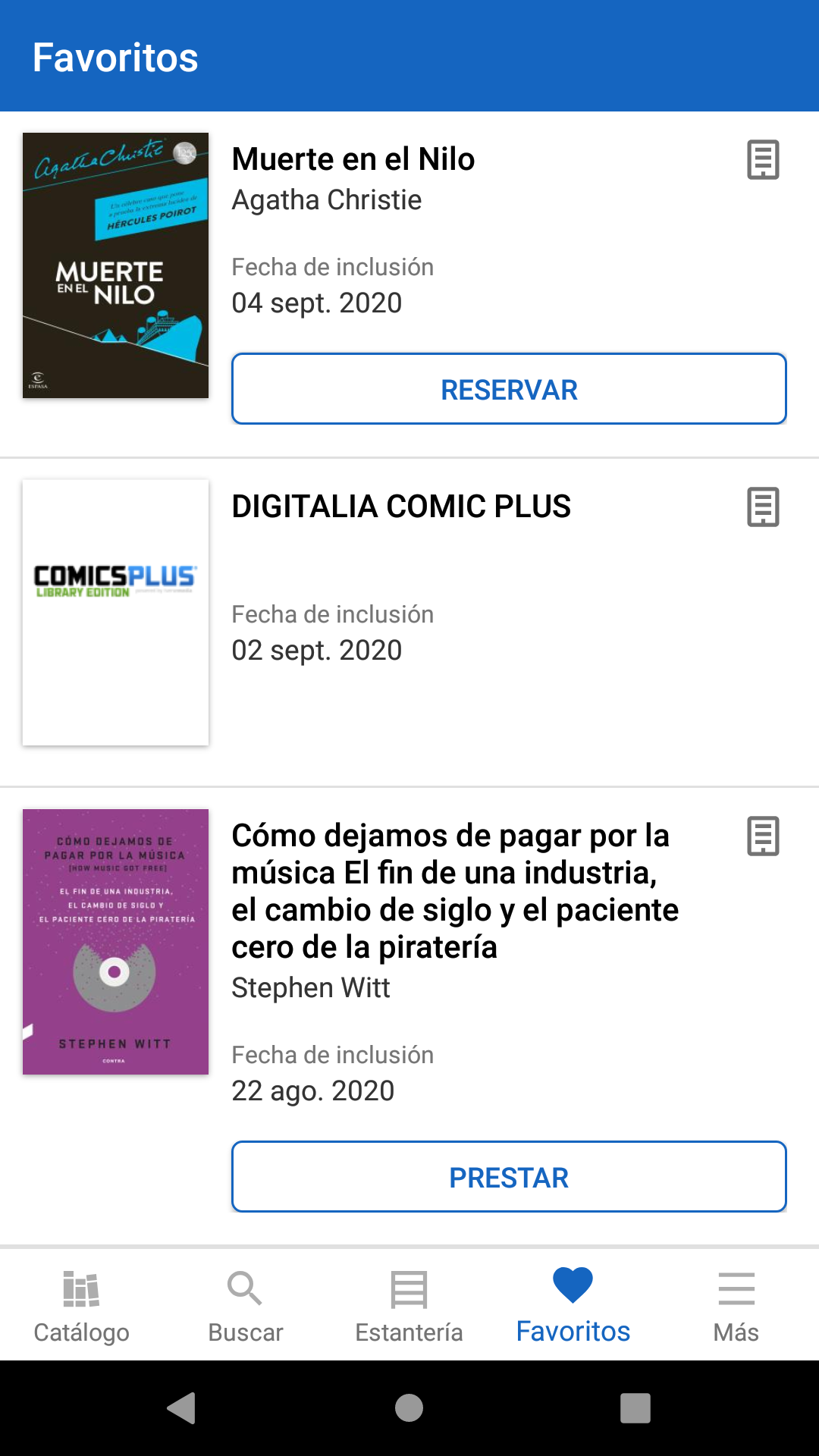
- The app enables you to explore the catalog, initiate loans and reservations, read online, and download books for offline reading.
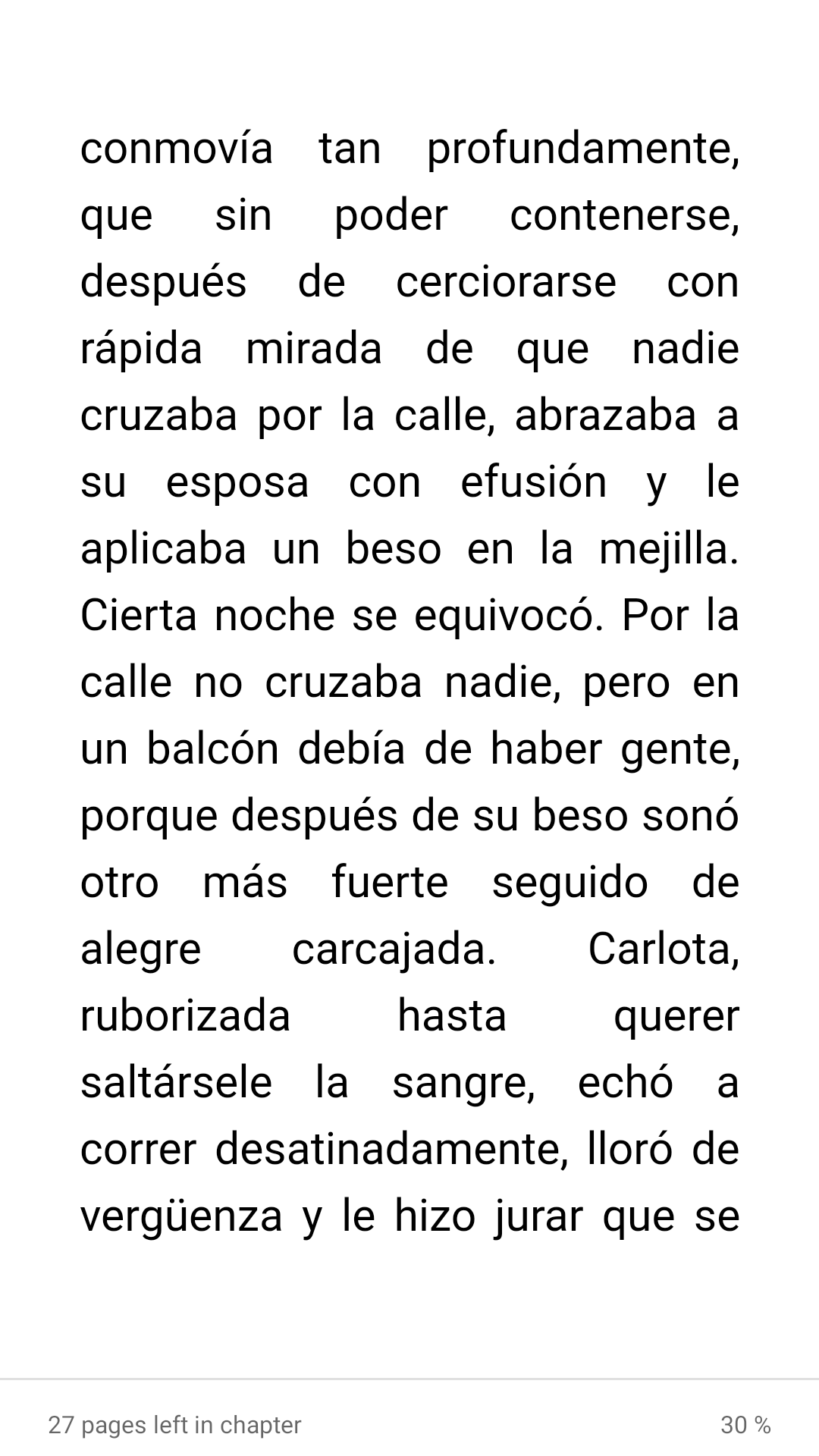
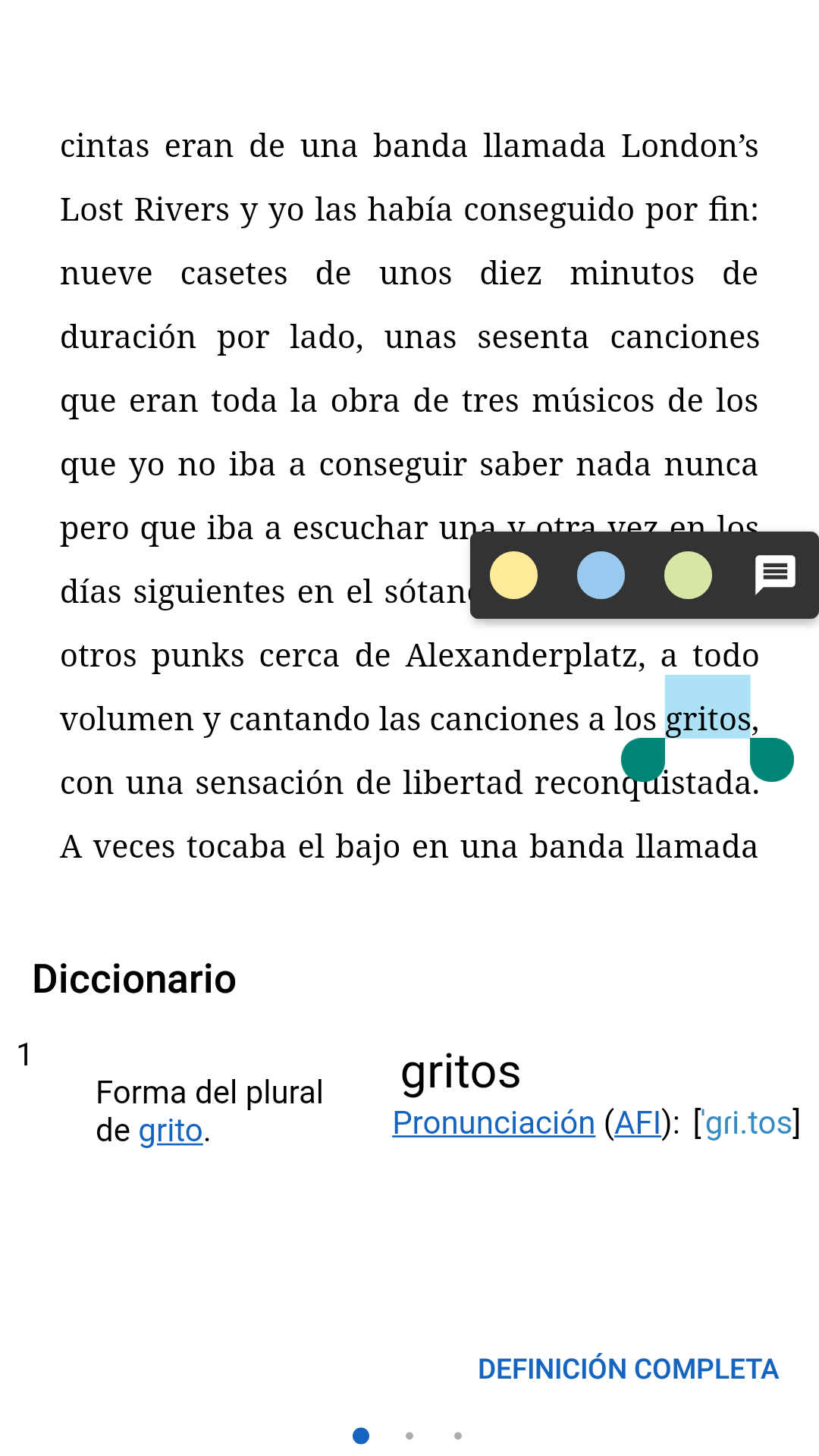
- You can customize your reading experience by modifying the format, font type, and size according to your preferences, while also being able to adjust brightness, line spacing, highlight text, and take notes.
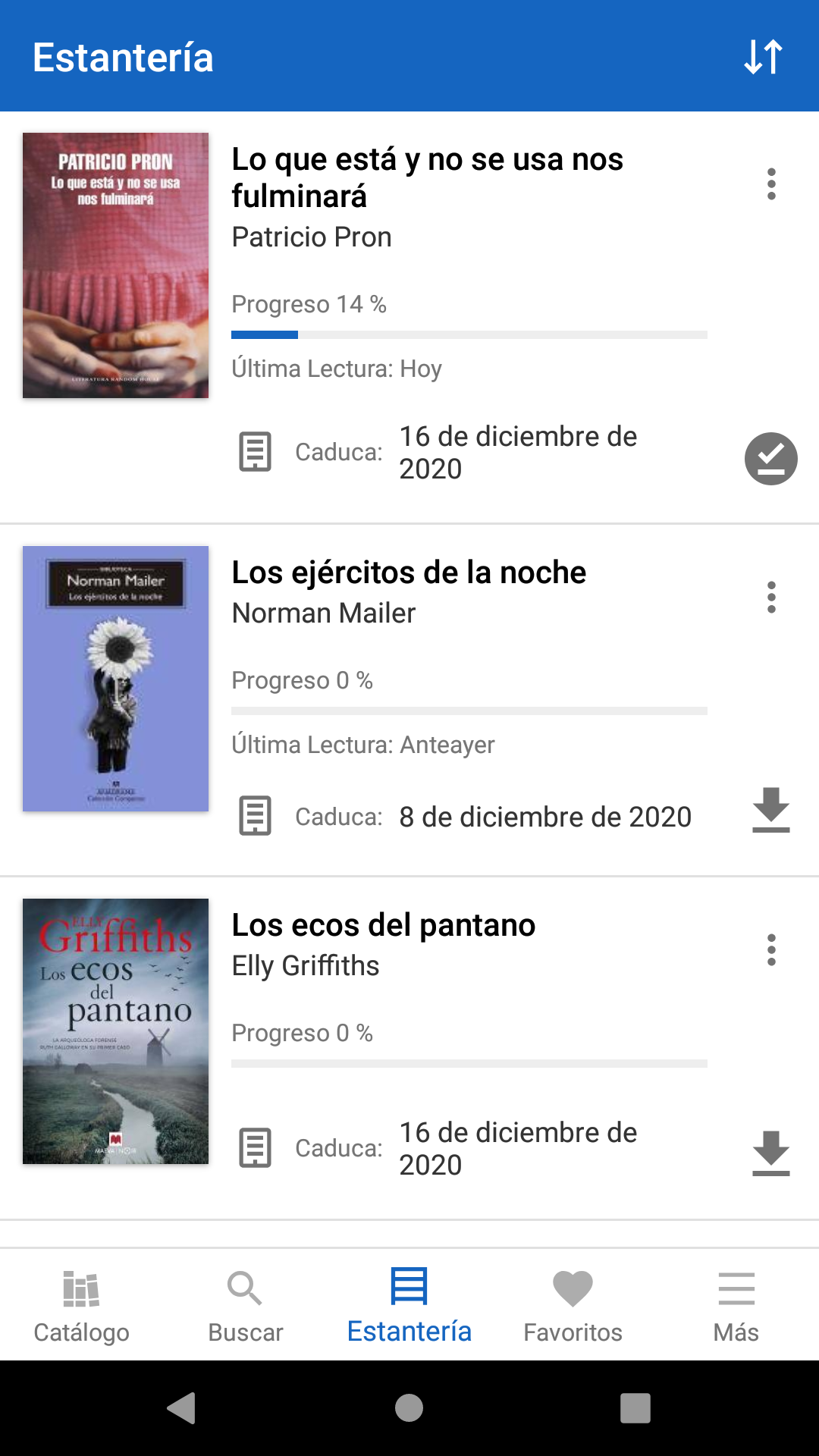
- Furthermore, you can connect up to 6 different devices, allowing you to start reading on one device and seamlessly continue on another, picking up right where you left off.
Usage Process:
1. **Download the App**: Go to your phone's app store and search for "Biblio Digital." Once you find the app, click "Get" or "Download" to install it on your device.
2. **Log in**: Open the Biblio Digital app and log in using your public library ID. If you encounter login issues, contact your local public library for assistance.
3. **Browse and Search**: Once in the app, you can browse the catalog, search by author, or title to find books of interest.
4. **Borrow a Book**: Once you find a book you want to borrow, click the "Borrow" button to complete the borrowing process.
5. **Read a Book**: After successfully borrowing a book, you can choose to read it online or download it to your device for offline reading by clicking the "Download" button. While reading, you can adjust the format, font type, size, brightness, line spacing, and more to suit your preferences. You can also highlight text and take notes. 6. **Multi-Device Sync**: To continue reading on different devices, log in to the same account on each device. Your reading progress will be recorded, allowing you to pick up where you left off.
7. **Returning Books**: After finishing a book, you can manually return it by clicking the "Return" button to make it easier for other users to borrow. However, all books are automatically returned upon their due date.
Application Experience:
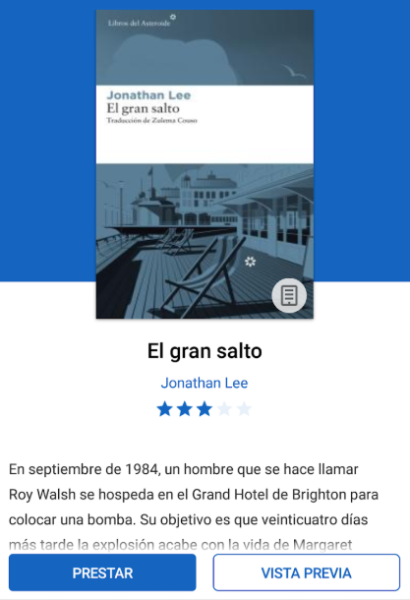
**Biblio Digital** is a highly practical e-book borrowing application. Relying on a public library user card, it allows readers to borrow and reserve e-books anytime, anywhere. It supports both online reading and offline downloading, and allows users to customize reading parameters such as font, size, and brightness. It also supports highlighting and note-taking, and features seamless synchronization across up to six devices, resulting in a very smooth cross-device reading experience. However, the application also has some limitations. For example, a library user card must be linked to use the core functions, downloaded e-books are automatically locked upon expiration, and customized reading formats cannot be synchronized to all books with one click. Overall, it effectively meets readers' daily borrowing needs and is a high-quality tool for digitizing library resources.
FAQs
### 1. Can I register for Biblio Digital without a public library user card?
No. Core features of Biblio Digital (such as borrowing and pre-ordering e-books) require a public library user card to unlock. This is essential for verifying user identity and ensuring legal borrowing. If you don't have a user card, you must first visit your local public library to apply for one (usually with your ID or other identification). Once you receive your card, you can log in to the app.
### 2. Do downloaded offline books have an expiration date? Do they automatically expire?
Yes, they do, and they expire automatically. Offline books have an expiration date that matches online borrowing (usually set by the library, such as 14 or 21 days). After the expiration date, even if you've downloaded them to your device, you won't be able to read them anymore, and the app will automatically lock access to the book. To continue reading, you must borrow the book again before the expiration date (if the book hasn't been reserved by anyone else, you can simply renew it).
### 3. When syncing across multiple devices, will highlights and notes be synced? Or will only the reading progress be synchronized?
Highlights and notes are synced with your reading progress. Simply log in to the same account on all six linked devices. When you switch to device A and open the same book on device B, any highlights and notes you made on device A will automatically load, eliminating the need for manual migration and making it easy to organize your reading across devices.
### 4. If the book I want to borrow shows "borrowed," can I reserve it? How long does it take to get it after reserving?
Yes, you can reserve it. When a book shows "borrowed," the details page will have a "Reserve" option; click to queue it. After reserving, you'll need to wait for the current borrower to return it. The waiting time depends on how quickly the previous borrower returns (usually a few days to a week if they return on time; if they renew the loan, the waiting time will be longer). When the book becomes available, the app will send a notification reminding you to borrow it.
### 5. When I adjust the reading format (such as font and line spacing), will the changes be applied to all books?
No, the format settings are saved separately for each book. For example, when reading "Book A", set the font to "Songti" and the line spacing to "1.5 times". When switching to "Book B", the default is still the system basic format, which needs to be readjusted (or manually saved as a "personal preference template", some versions support one-click application of templates) to avoid interference between reading habits of different books.
- Version5.4.6
- UpdateOct 21, 2026
- DeveloperOdilo
- CategoryBooks & Reference
- Requires AndroidAndroid 5.1+
- Downloads233K+
- Package Namees.odilo.ebiblio
- Signature03f1247cb0aa31ce087286e23847e67b
- Available on
- ReportFlag as inappropriate
-
NameSizeDownload
-
40.71 MB
-
40.36 MB
-
40.46 MB












Improved functionality for saving the last page read
Good dark mode feature for easier reading
Enhanced reading mode after recent update
Positive experience with digital library services
User-friendly graphical design
Compatible with a wide range of devices and formats
Offline access to audiobooks after download
Quick loading speeds in the latest version
Possibility of flexible text size adjustments
Frequent crashes and slow loading times
Inability to access certain features after updates
Missing book wishlist functionality
Problems with audiobook playback, often pausing unexpectedly
Lack of customizability for font and layout options
Search functionality often fails or is limited
Poor user support response from developers
Data usage concerns with constant downloads
Limited catalog availability affecting user experience