
Expargo - International delivery service
Discover seamless shopping worldwide with reliable delivery from Turkey, America, Spain & China at unbeatable prices!

- 2.1.1 Version
- 1.3 Score
- 185K+ Downloads
- Free License
- 3+ Content Rating

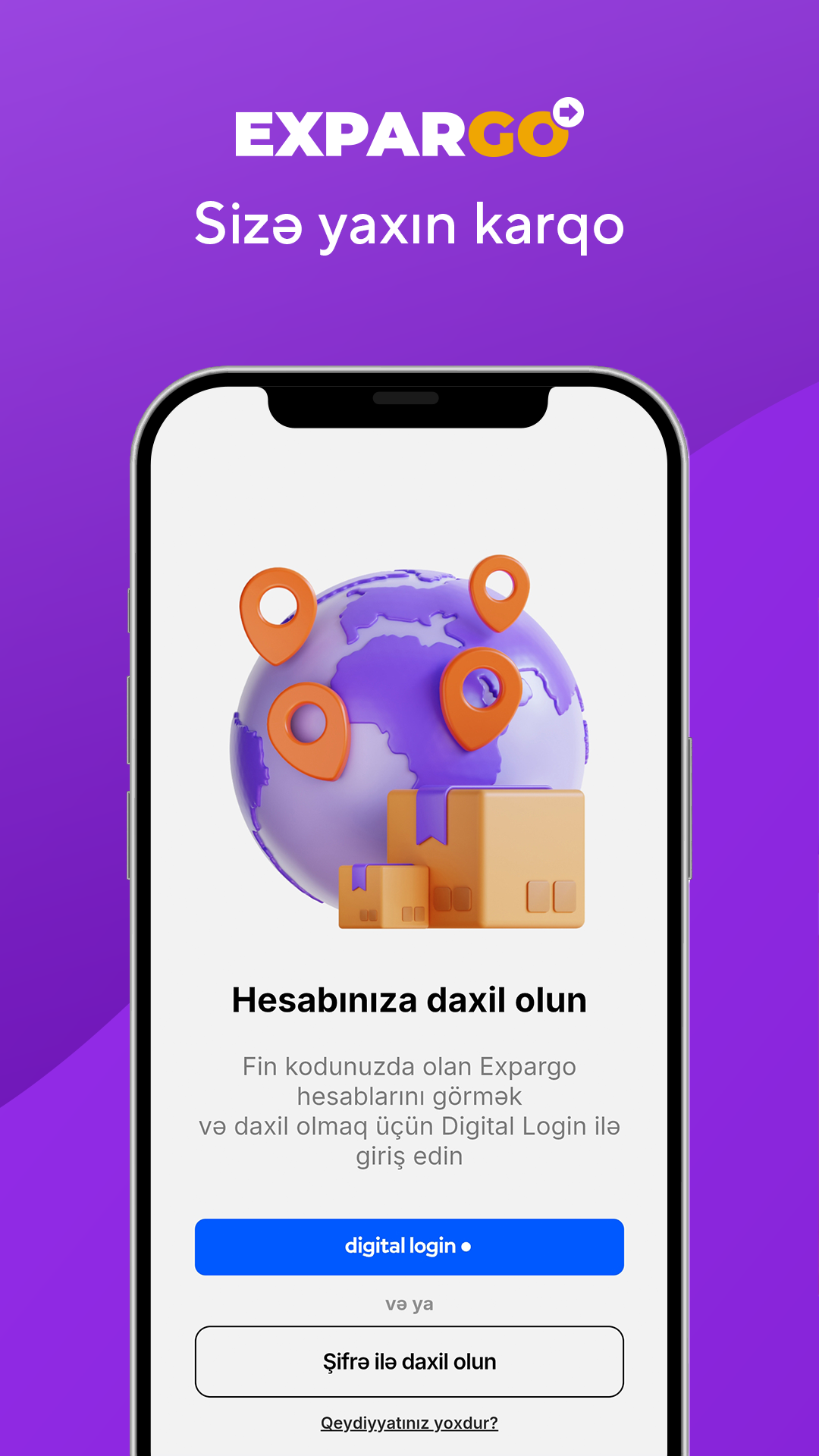

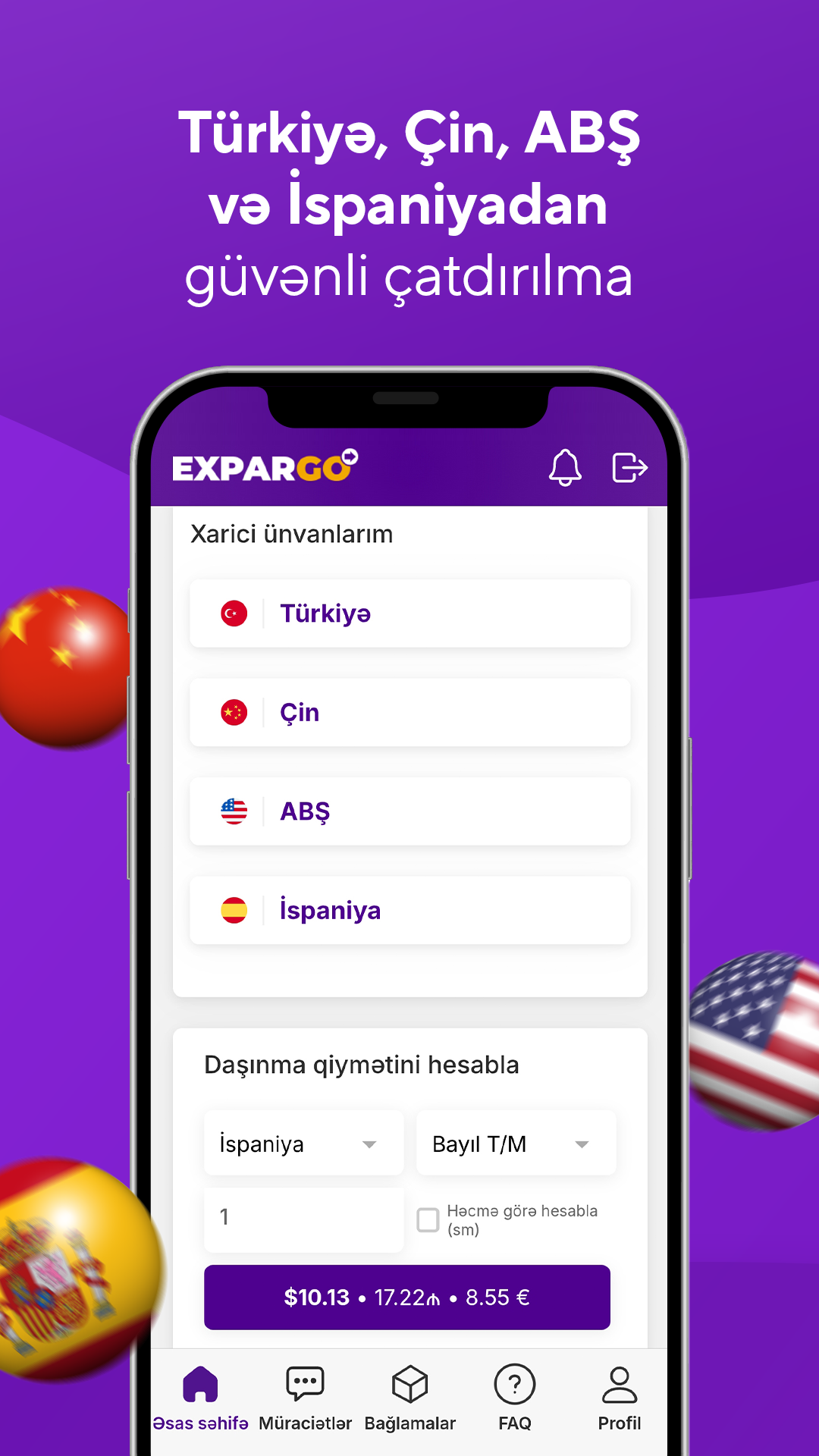
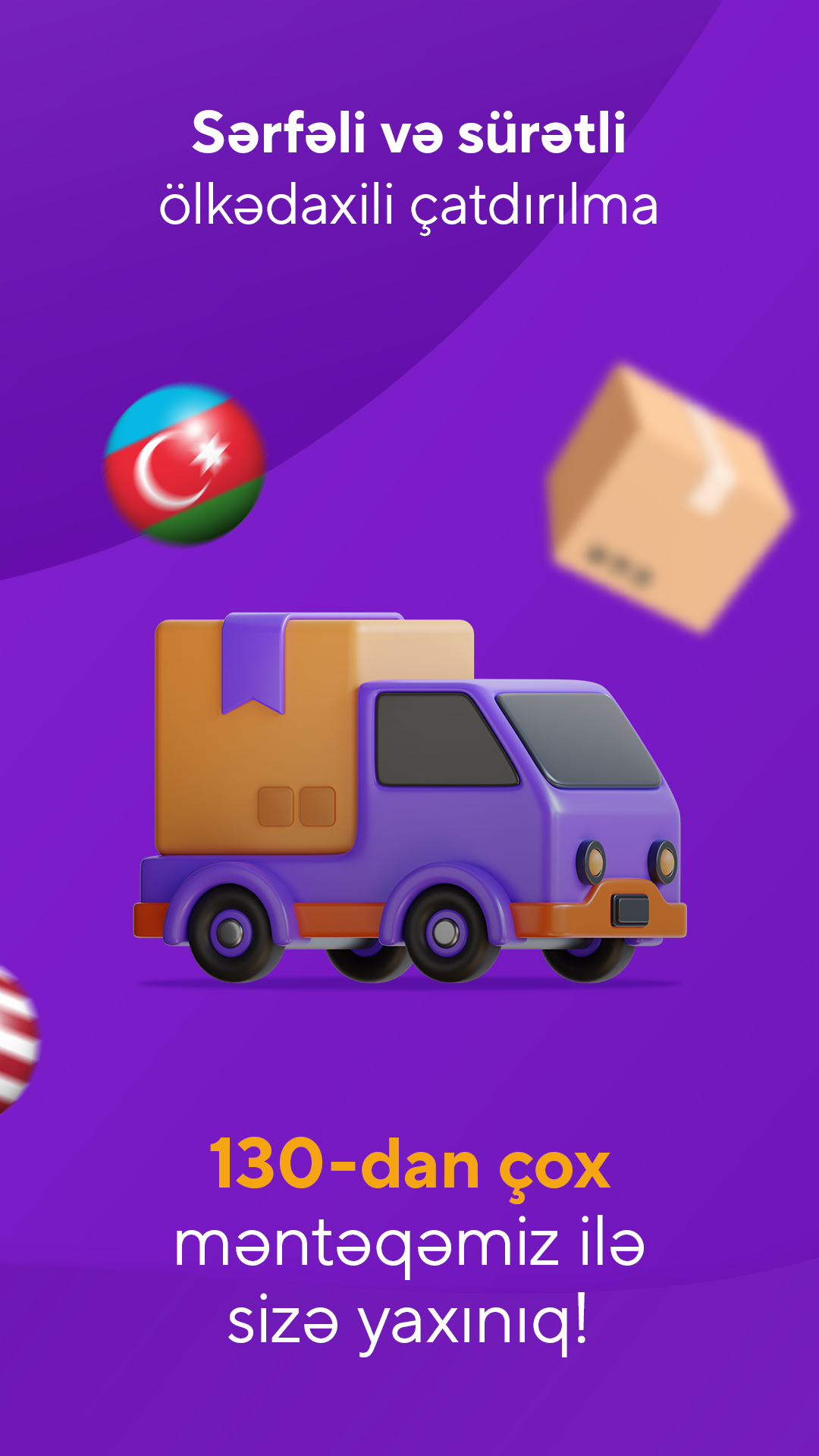
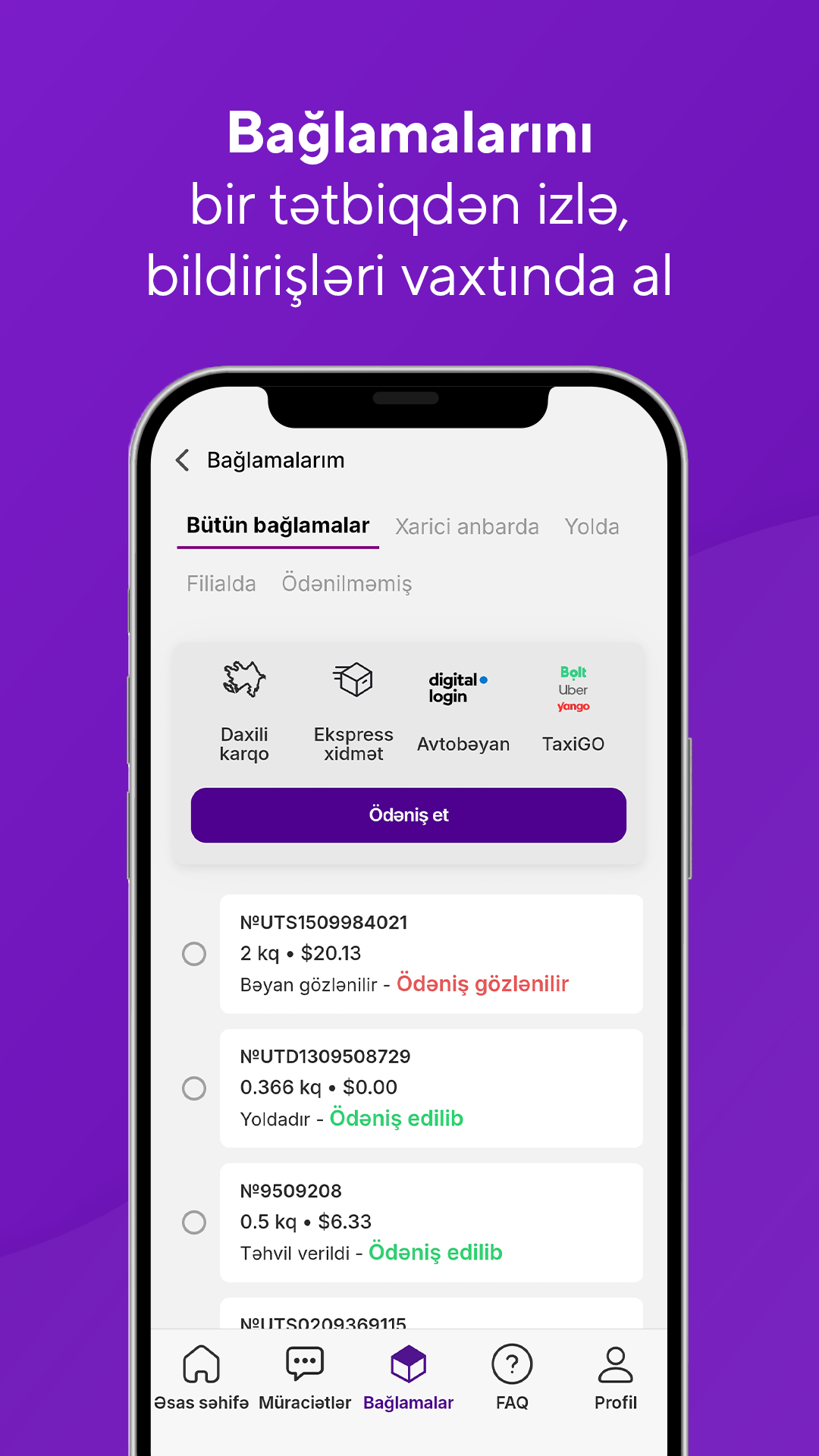
Trendyol and TEMU Pickup Points – the most reliable destination for international and domestic delivery services. You can easily place orders from Turkey, the USA, Spain, and China with Expargo. With affordable prices, an extensive service network, and high quality, Expargo is always by your side.
Questions & Answers
What is ID pooling?
ID unification – is a service that collects all your Expargo accounts linked to your FIN code under one "Master ID".
Thanks to this:
- You can track your Trendyol, TEMU and other orders from a single account.
- Your balance and notifications are collected in a single account.
- You manage all your data more conveniently.
How to do it?
1. Go to the Profile section in the Expargo application or website and log in with mygovid
2. On the page that opens, select one of your Expargo IDs as "Master ID".
Note: When logging in with the mobile application, make sure you have updated the Expargo application to the latest version.
How is domestic cargo calculated?
If the total weight of the packages exceeds 5 kg, an additional 1 AZN will be charged for each additional kilogram. For other regions except Nakhchivan and Baku-Absheron, up to 5 kg will be charged 7.50 AZN, and for each additional kilogram over 5 kg, 1.50 AZN will be charged.
What is auto declaration service?
For your convenience and time savings, you can join the Auto-Declaration service. With Auto-Declaration, your parcels are automatically declared by Expargo in Smart Customs – no need to declare them individually. To join, simply log in with Digital Login using the link below and select Allow:
JOIN AUTO-DECLARATION NOW
After Digital Login authorization, when you select an Expargo Pick-Up point in Trendyol and TEMU, your orders will be automatically declared in Smart Customs. For other parcels from the USA and Turkey, an invoice must be uploaded.
Note: It is recommended that you do not log in to Smart Customs to keep the service active. After logging in to Smart Customs, you must log in again.
--Click for VIDEO INSTRUCTIONS
WRITTEN INSTRUCTIONS
1️⃣ Use the link above, the Expargo.com homepage, or the tracking link in the SMS or WhatsApp message sent to you to declare your parcel:
2️⃣ Click the Digital Login button.
3️⃣ Enter your identification code and password to log in to the Smart Customs system.
4️⃣ Click the Allow button on the page that opens regarding the permission to transfer data to the Expargo system with Digital Login.
✅ After this stage, all your parcels will be automatically declared in Smart Customs! And you can enjoy the convenient delivery of your orders without spending extra time and energy. --VIDEO INSTRUCTION--
ℹ️ If the parcel exceeds the monthly limit of $300, there will be no auto-declaration. To declare the parcel, the customer must log in to Smart Customs, submit the declaration and pay the fee
ℹ️ To opt out of the auto-declaration service, you can go to the tracking link and select "Cancel Auto-Declaration" or contact customer services for additional support.
What is Expargo Bonus? How to use it?
11 Jan 2026
Ordering with Expargo — always means more savings and bonuses!
To earn an Expargo bonus, you must choose the Expargo “Gəl-al” point when ordering at Trendyol or TEMU.
2.5 AZN is added to your account for the first order, and 0.25 AZN for each subsequent order — you can use your bonuses for your Spain, Turkey (Iğdır) and Domestic cargo orders. The accumulated bonuses are automatically calculated as a discount on the shipping cost of the package.
To learn how to choose a point, see the instructions:
➡️ Trendyol – Point selection
➡️ TEMU – Point selection
➡️ How to order from Spain?
➡️ Domestic Cargo Service
🔹 How to combine bonuses?
If you have several Expargo accounts, you can use the ID combination function to combine all bonuses into one account. Usually, bonuses from TEMU orders are loaded into your 2nd account. To get more bonuses, it is recommended to merge your accounts. To do this:
Go to the profile section → log in with your myGov ID → all your accounts will be automatically merged → all bonuses will be collected into one account.
➡️ ID merging – Video tutorial
Note: Bonuses are not cashed out and cannot be transferred to another person.
🎉 Order Trendyol, Temu with Expargo — get both convenience and savings!

- Version2.1.1
- UpdateMar 25, 2026
- DeveloperEXPARGO LTD
- CategoryShopping
- Requires AndroidAndroid 5.1+
- Downloads185K+
- Package Namecom.expargo.courier
- Signature8aeb4e3f8126113251fa2b84492dbf52
- Available on
- ReportFlag as inappropriate
-
NameSizeDownload
-
10.57 MB
-
11.31 MB
-
11.31 MB


















User-friendly application interface
Fast and efficient delivery service
Good customer support in some instances
Reliable performance over multiple uses
Improved functionalities with updates
Clear tracking of orders
Delays in delivery exceeding 10 days
Poor customer service experience
Miscommunication regarding order status
Issues with handling lost or damaged packages
Reliability concerns with claims of fake reviews
Complicated online payment processes
Inconsistent information on delivery address changes
Overall dissatisfaction leading to negative feedback