
English Afrikaans Dictionary - Afrikaans & English dictionary
Unlock seamless language learning with offline access & engaging tools for mastering Afrikaans & English effortlessly.
- 10.4.2 Version
- 2.7 Score
- 178K+ Downloads
- In-app purchases License
- 7+ Content Rating


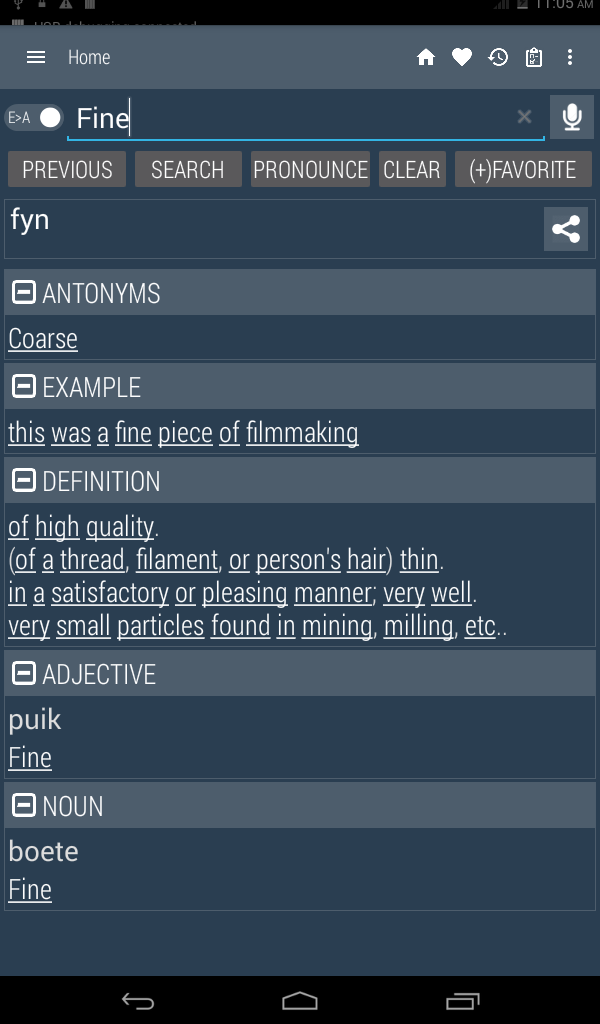
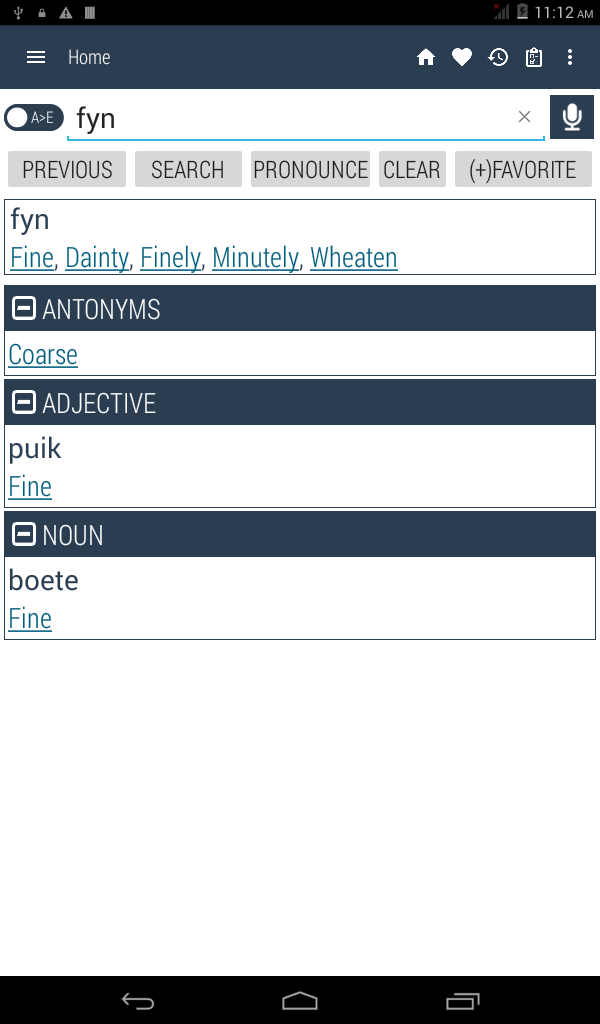
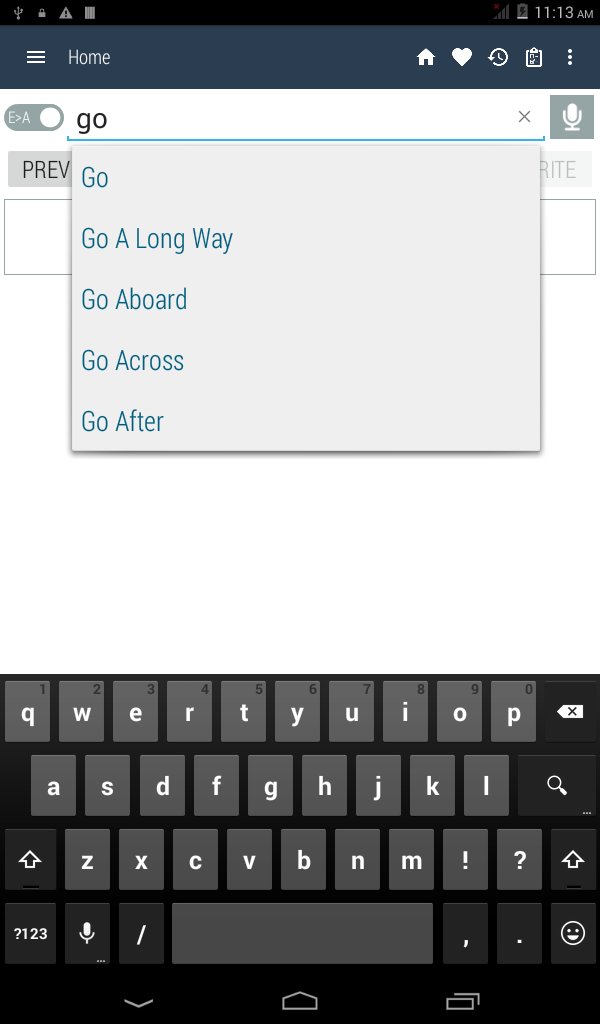
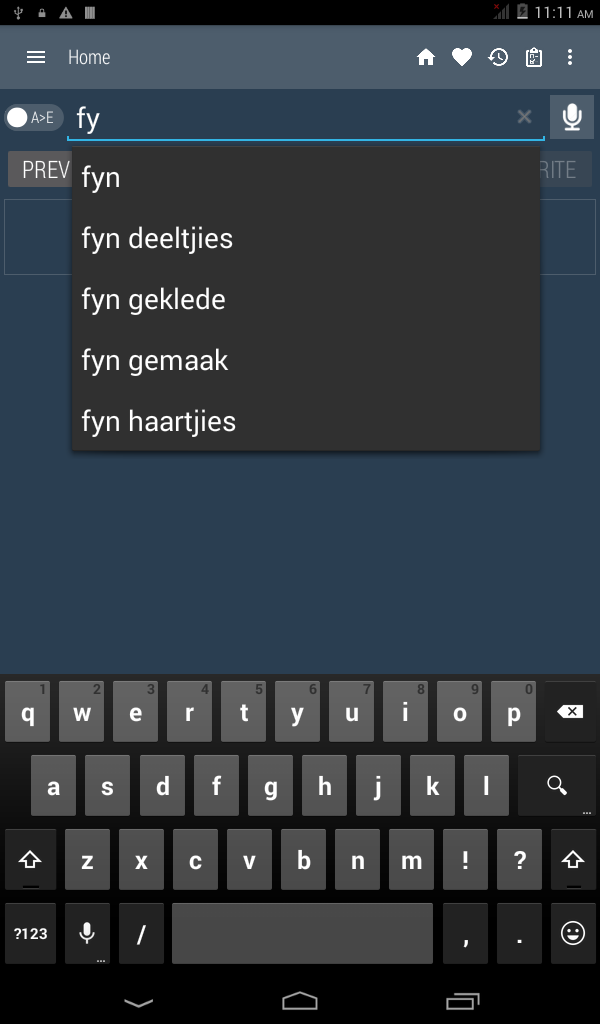
English - Afrikaans Dictionary
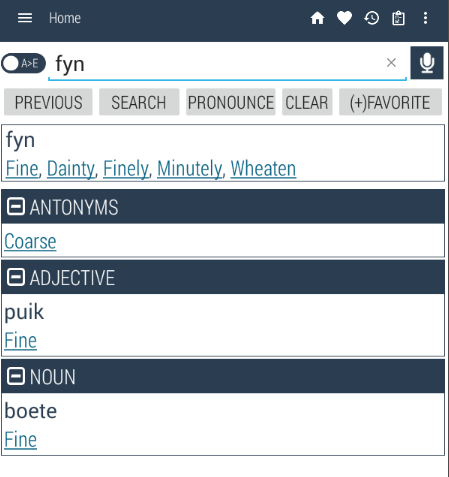
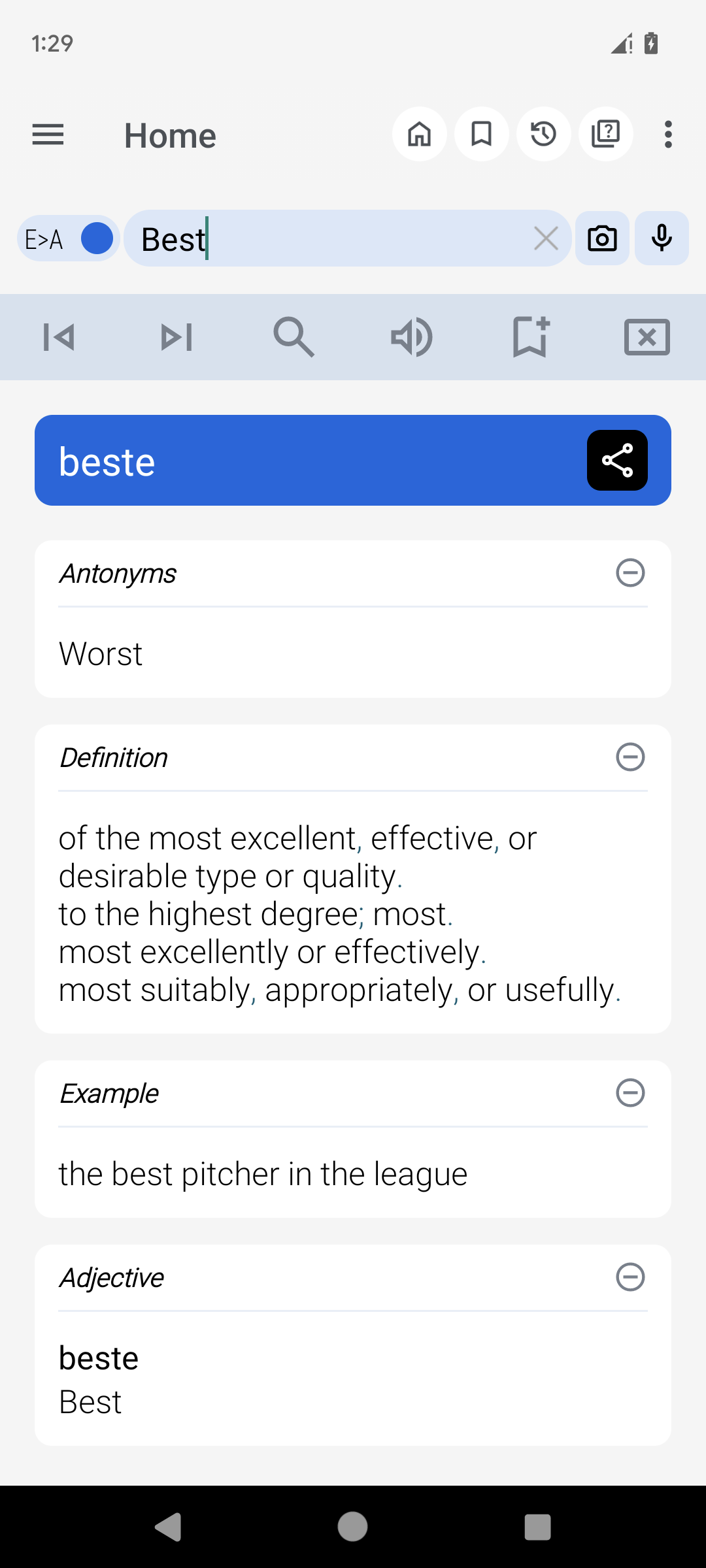
Discover a thorough, offline, and complimentary dictionary for translating between Afrikaans and English. This handy application is tailored to facilitate effortless word searches, whether you're connected to the internet or not. Created with user-friendliness and educational purposes in mind, it's ideal for learners, professionals, and anyone aiming to navigate between Afrikaans and English.
Main Features:
• Offline Functionality: Access translations for Afrikaans and English words at any time without needing an internet connection.
• Bi-Directional Search: Effortlessly shift from Afrikaans to English translations and vice versa.
• OCR (Optical Character Recognition): Quickly extract and search for text from images. Simply take a photo or upload an image, and the app will recognize and translate the text for you. This feature is excellent for understanding signs, books, or handwritten messages!
• Compatibility with Other Apps: Access the dictionary from your browser or other apps through a sharing option. By selecting "Afrikaans Dictionary" in the sharing menu, you can view the shared word directly—eliminating the need for typing! Afterward, you'll return to the app you were using.
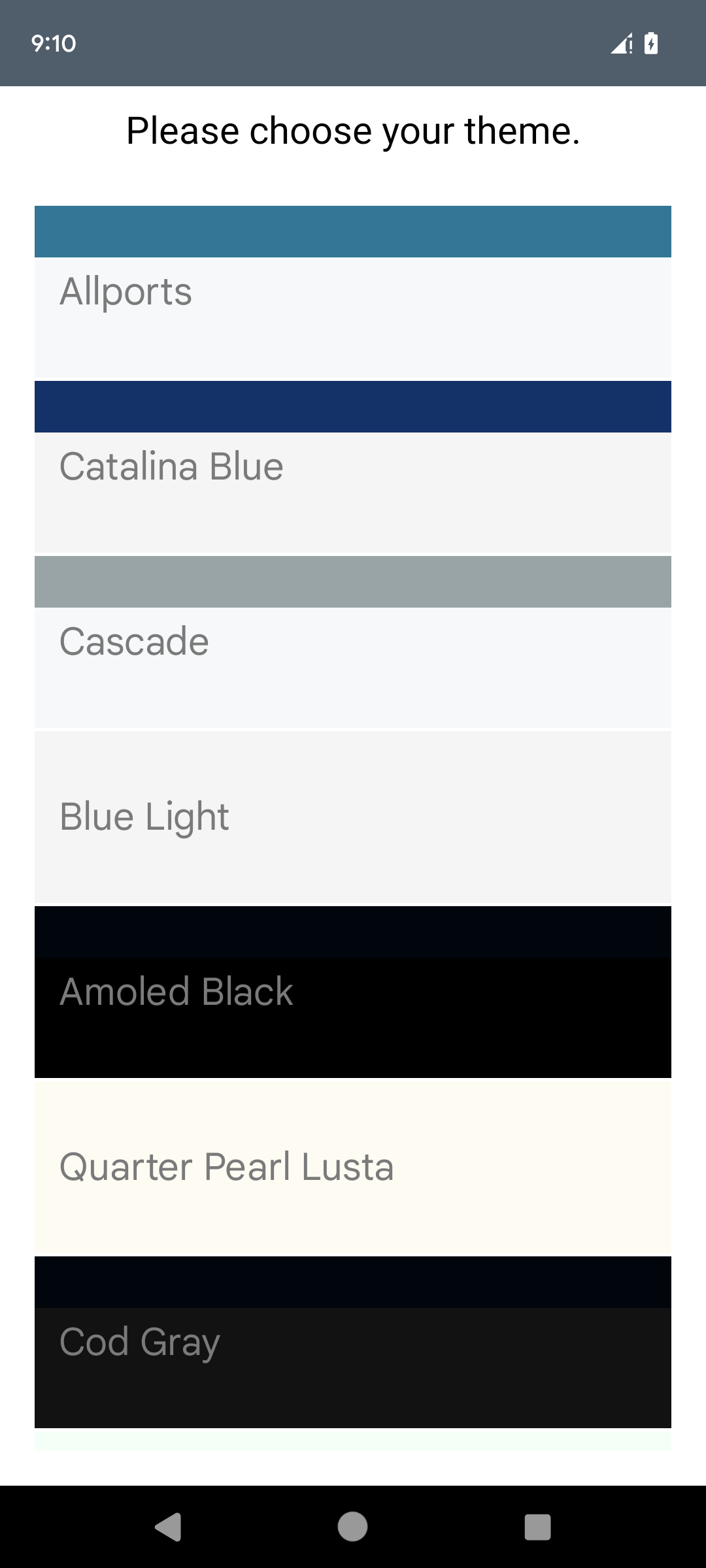
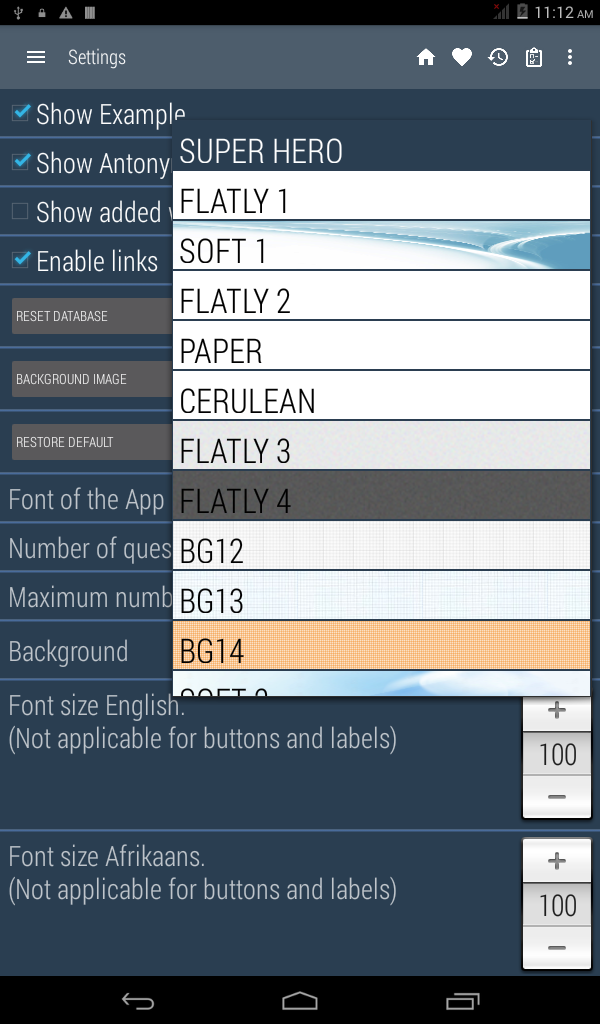
• Personalized Themes: Select from various themes to customize how the app looks. Whether you favor a light, dark, or vibrant theme, the app adjusts to suit your preferences.
Learning and Productivity Tools:
• Study Aid: Create a personal study plan by adding words and reviewing them anytime to enhance your vocabulary.
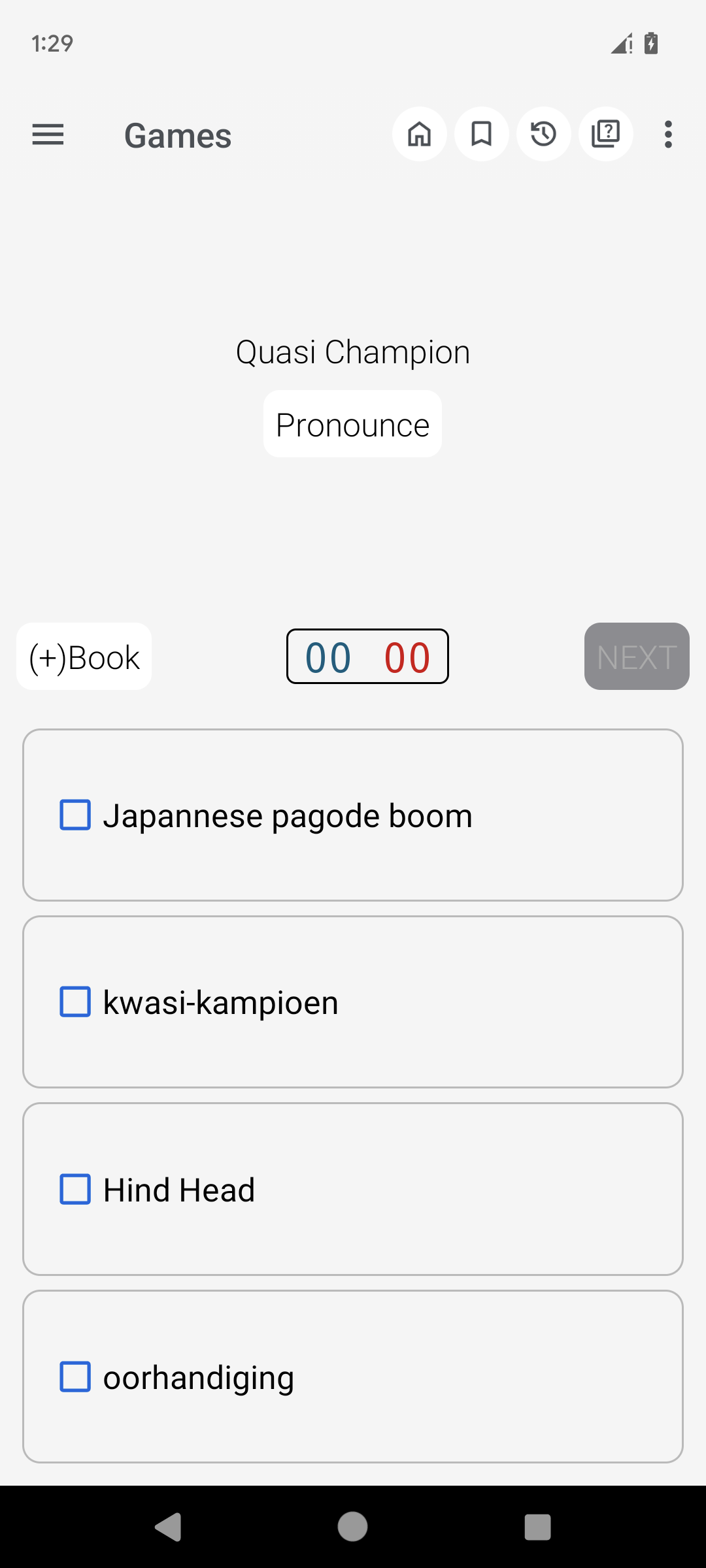
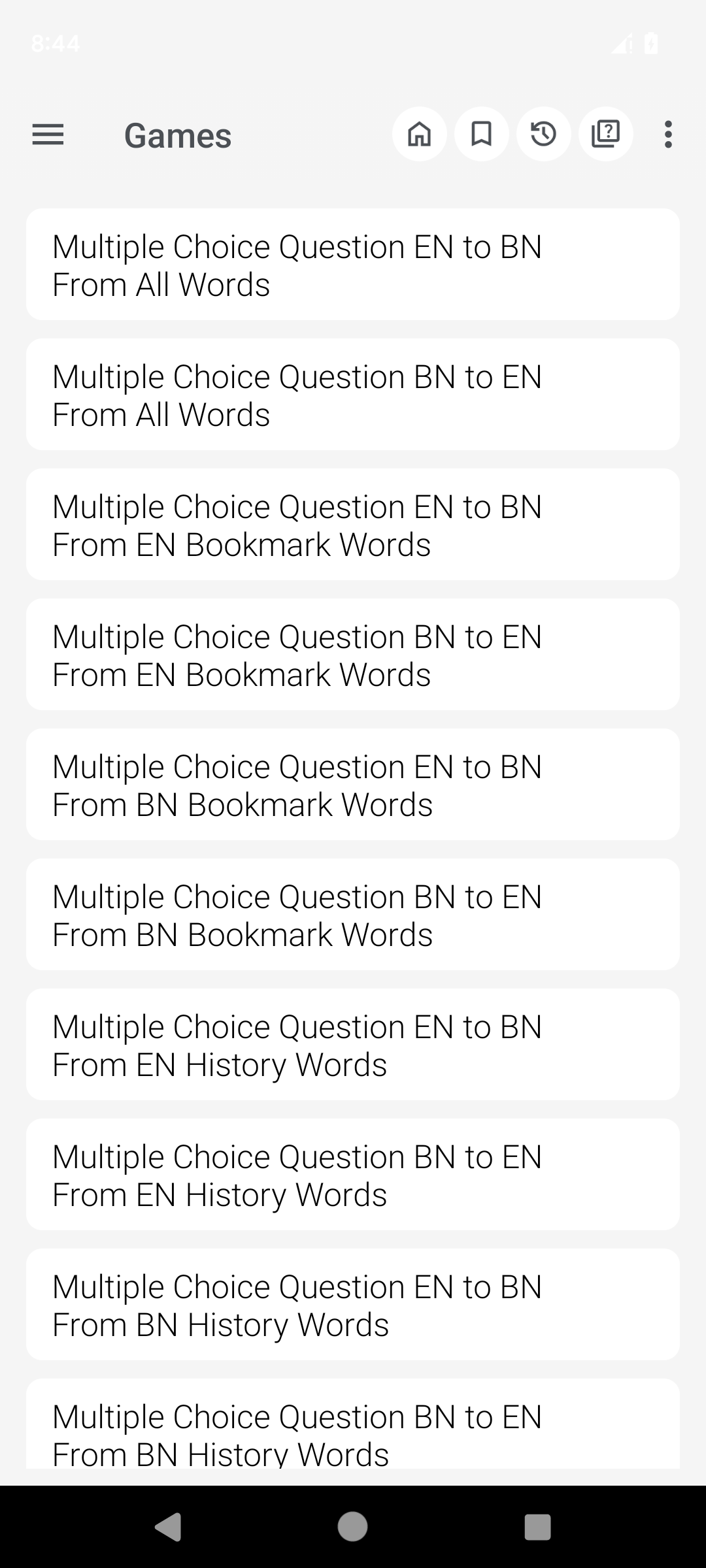
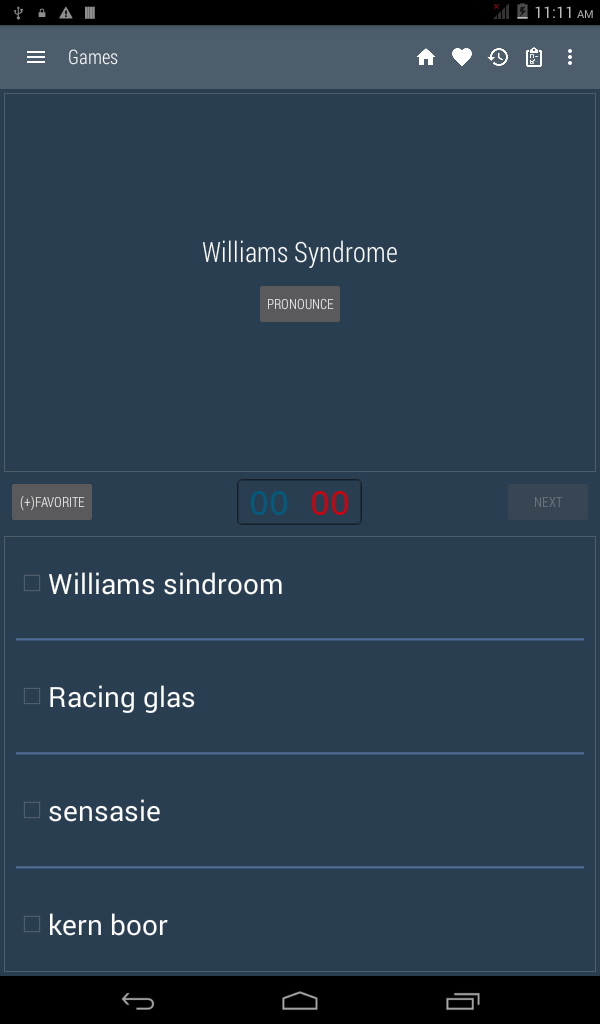
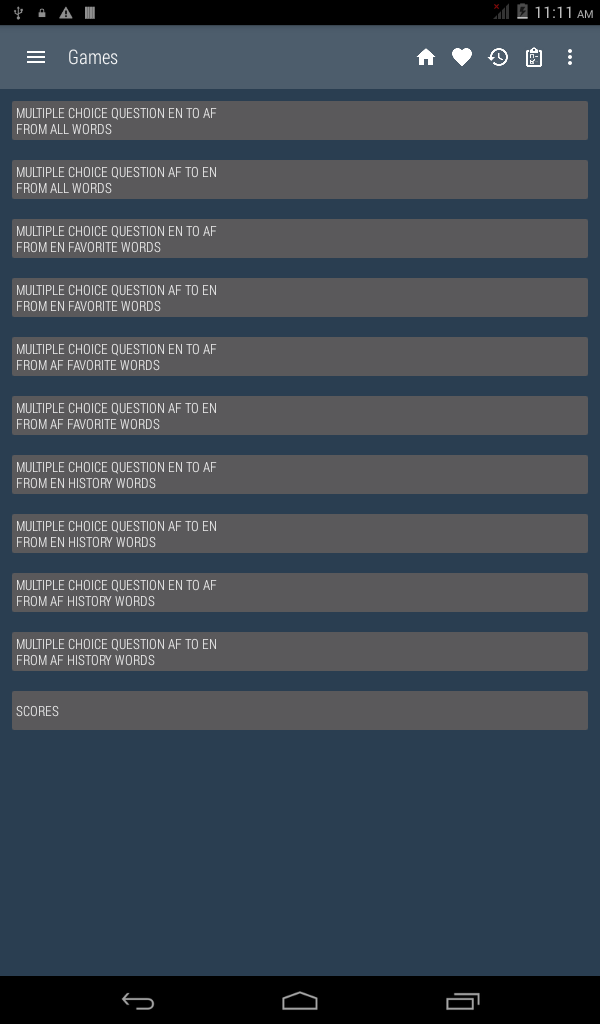
• Vocabulary Games: Participate in enjoyable games designed to build your vocabulary through quizzes and challenges.
• Multiple Choice Questions (MCQ): Evaluate your understanding with interactive quizzes and monitor your progress.
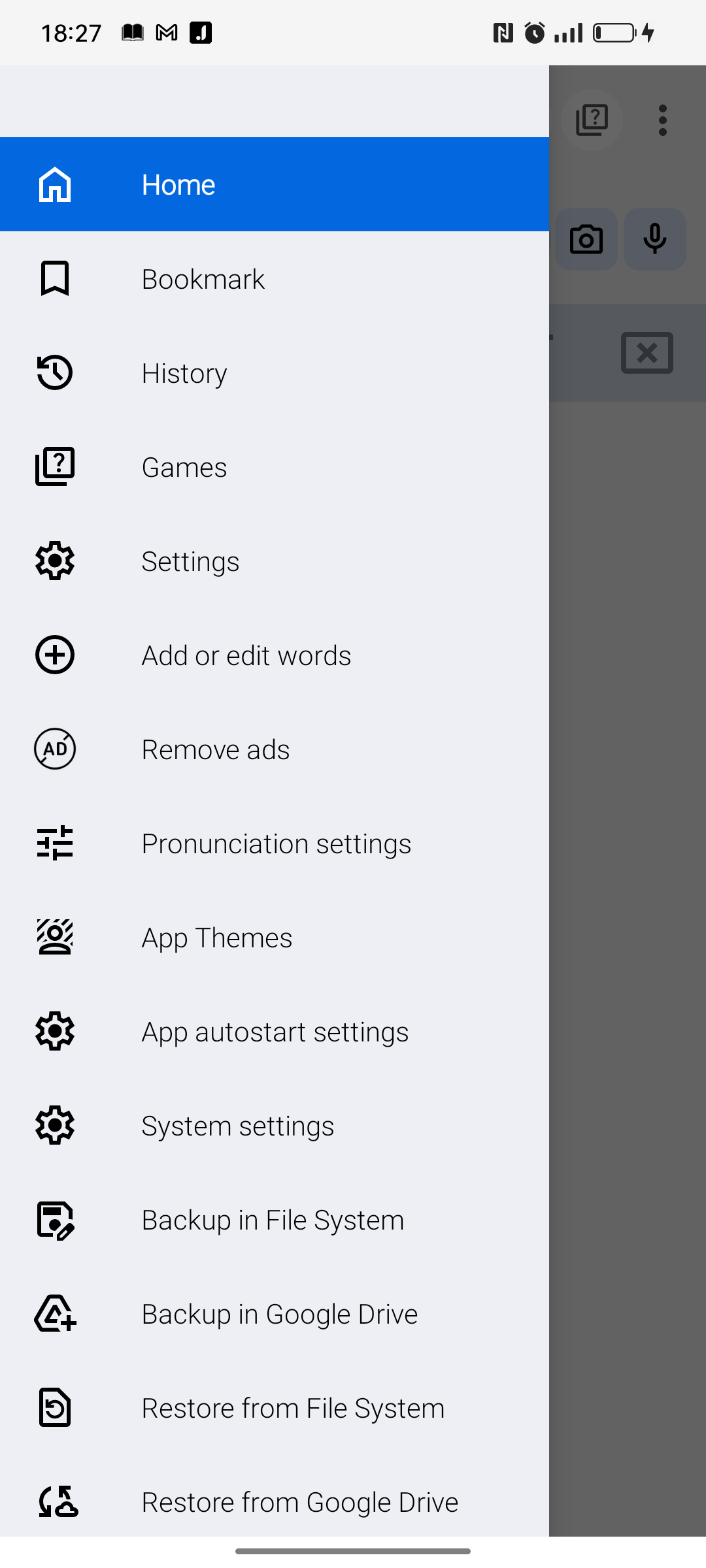
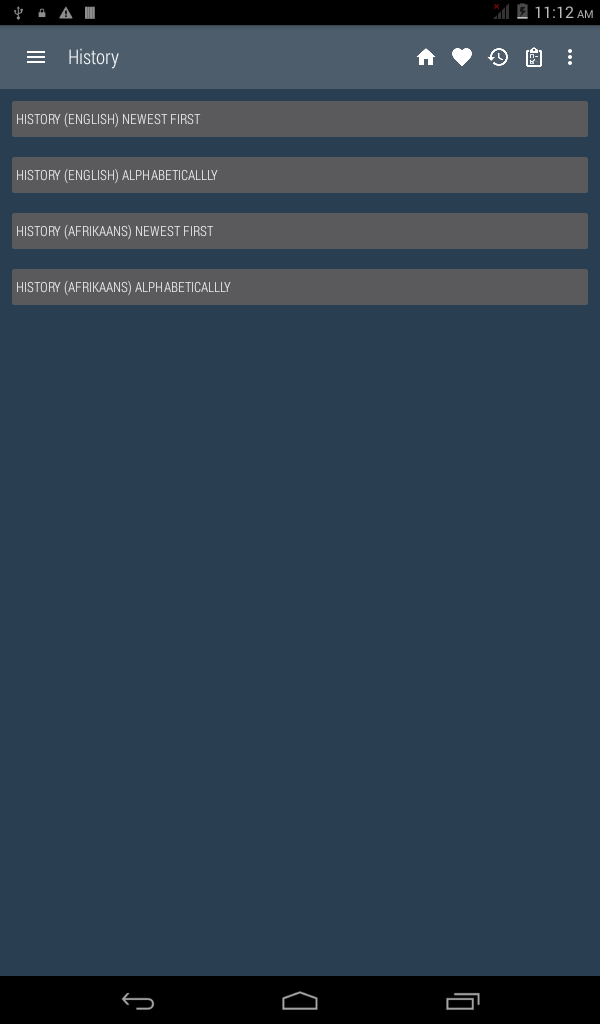
• History & Backup: View your search history and back up information to ensure your learning journey continues smoothly.
• Voice Search: Quickly find words by utilizing speech-to-text functionality instead of typing.
• Synonyms and Antonyms: Expand your knowledge of words with related and contrasting terms.
User-Friendly and Accessible:
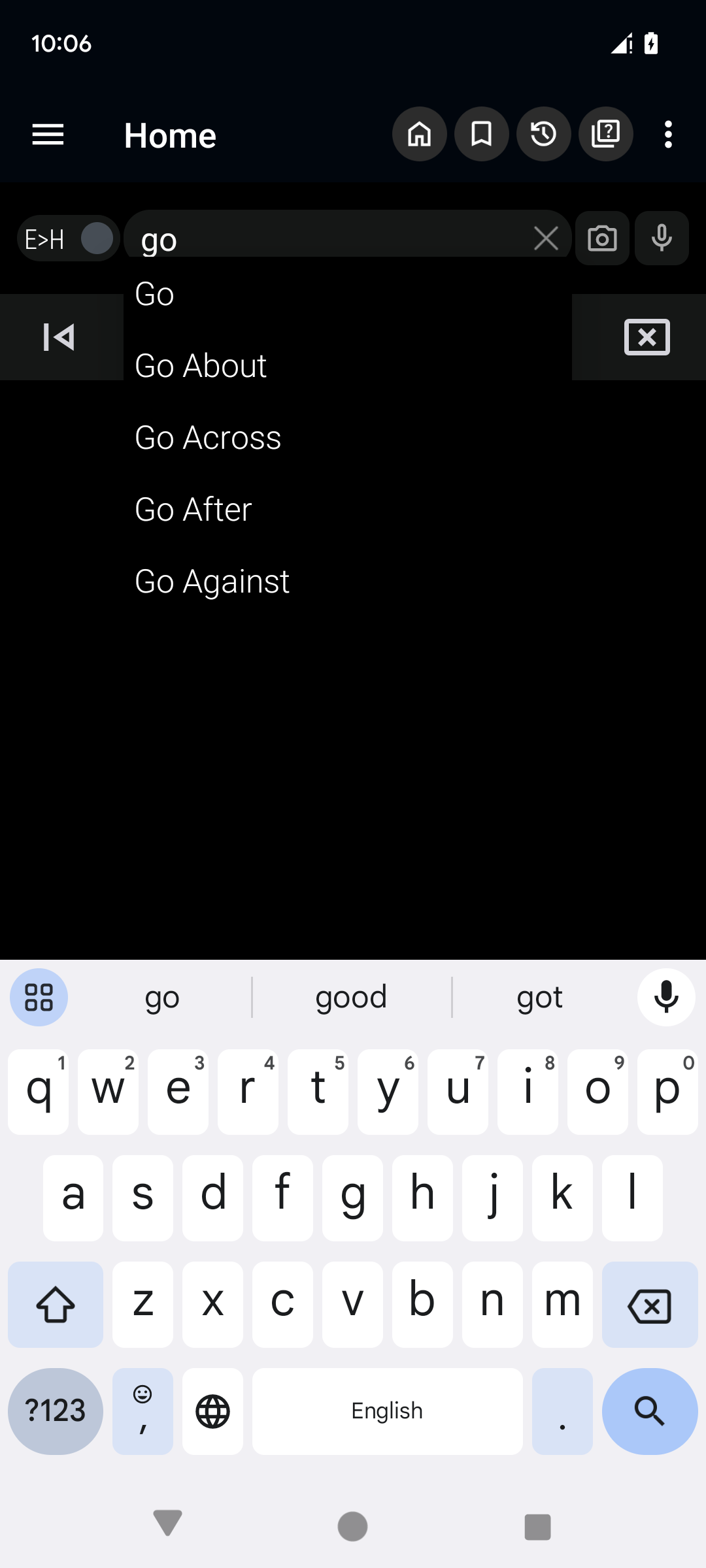
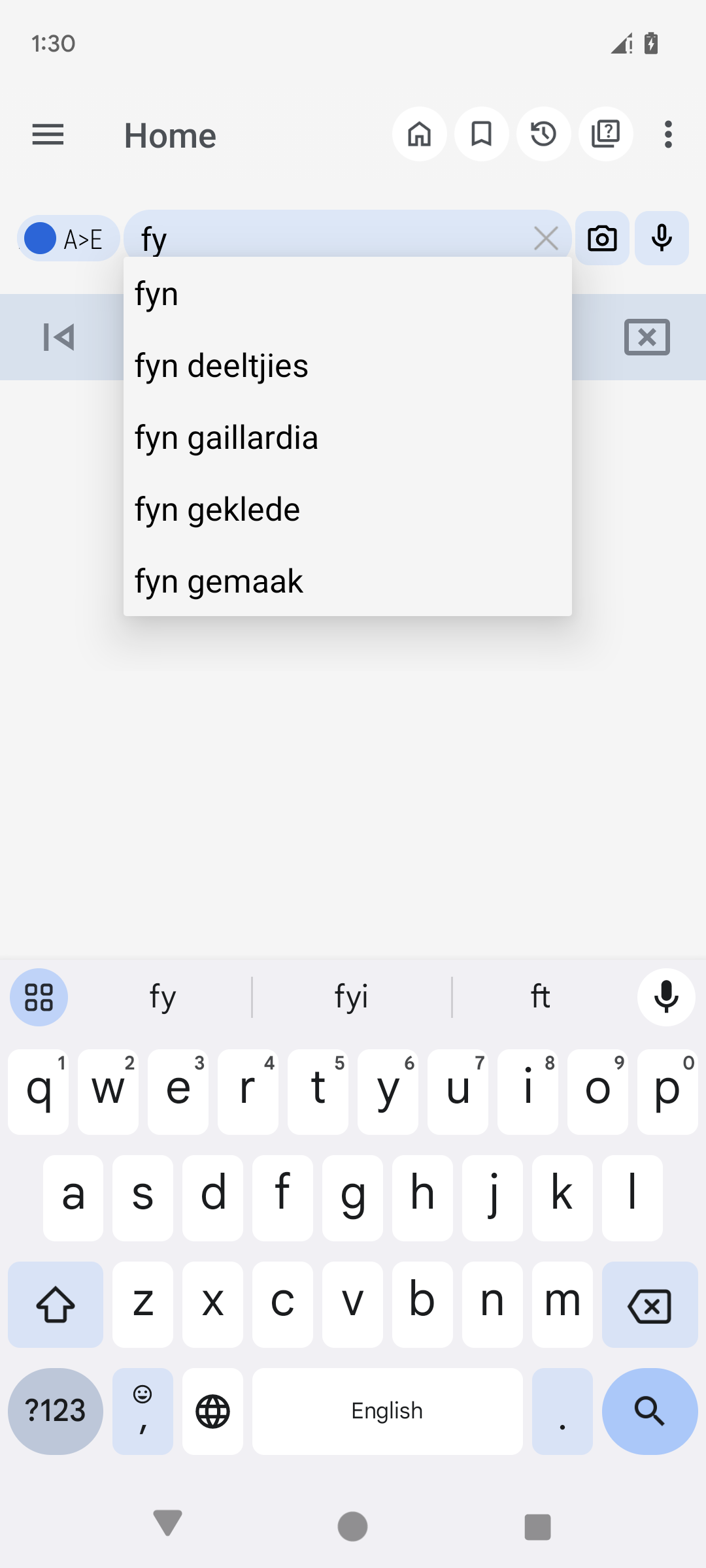
• Auto-Suggestion: Receive instant word suggestions as you type, and users on lower-performance devices can turn this option off for improved functionality.
• Easy Accessibility: An accessible icon in the notification bar allows for quick launching of the app whenever needed.
• Image Text Extraction: Use OCR to pull text from images, making it especially beneficial for students and professionals alike.
• Theme Options: Switch between various themes to improve visibility and align with your style preferences.
Additional Highlights:
• No Internet Needed: Operates fully offline, providing uninterrupted access for studying and searching.
• Sharing and Copying: Easily share words and definitions with others or copy them for use in different applications.
• Pronunciation Support: Listen to pronunciations of words to aid in your language acquisition.
Suitable for All Devices:
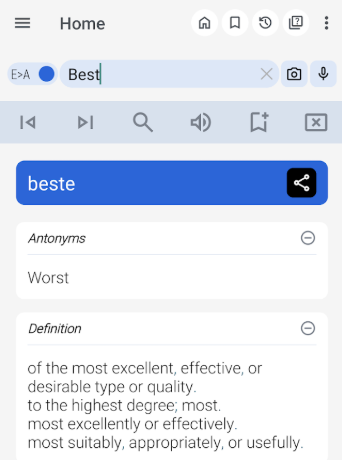
Uncover the Ideal Approach to Learning.
This application merges the functionality of a dictionary with engaging learning tools and games. Thanks to its OCR capabilities, customizable themes, and extensive vocabulary resources, this dictionary transcends being just a tool—it becomes your companion in mastering both Afrikaans and English.
Start using it today and elevate your language abilities!
Applicable Scenarios:
1. **Language Learning**
Build vocabulary, practice pronunciation, reinforce basics with games and quizzes, and simultaneously expand synonyms and antonyms.
2. **Daily Translation**
Offline bidirectional word lookup; OCR recognition of printed/neatly handwritten text such as road signs and books; quick translation of unfamiliar words on web pages across applications.
3. **Workplace/Academic**
Translate professional document vocabulary, copy definitions for organization; back up and restore learning data; seamless multi-device use.
4. **Personalized Use**
Switch themes to suit visual preferences; auto-association can be turned off on low-performance devices; quick word lookup can be launched from the notification bar.
FAQ:
1. **Can all features of this dictionary be used without an internet connection?**
Most core features, such as word translation, search history, saved study plans, and theme settings, can be used offline. However, OCR recognition and voice search may require a brief internet connection for initialization (some data will be cached after first use). Daily word lookups and basic learning functions are completely unaffected by an internet connection.
2. **Can the OCR function recognize handwritten Afrikaans or English text?**
It can recognize clean handwriting, but accuracy is lower for sloppy or heavily cursive handwriting. It is better suited for recognizing printed text, such as text on books, road signs, and documents. After recognition, it can be translated directly, making it very useful for students looking up information and professionals reading foreign documents.
3. **How can I quickly import unfamiliar words I see in my browser into the dictionary for translation? **
Select an unfamiliar word in your browser, click the "Share" button, and select "Afrikaans Dictionary" from the pop-up menu. The dictionary will automatically load the word and display its definition, eliminating the need for manual input. After searching, you can return to your browser without interrupting your browsing flow.
4. **Are the vocabulary games and MCQ quizzes suitable for language beginners? **
Yes. The games and quizzes are designed around common, basic vocabulary, such as "Everyday Objects" and "Basic Conversation," and gradually increase in difficulty. Beginners can practice and strengthen their foundations, while advanced learners can expand their vocabulary with more advanced questions. You can also track your progress and focus on improving your weaknesses.
5. **If I change my phone, will my saved study plans and search history be lost? **
By enabling the "Backup" feature on your original phone and logging into the same account (if account syncing is supported) after the switch, or by importing a backup file, you can restore your study plans, search history, and saved words without worrying about losing your learning data.
- Version10.4.2
- UpdateOct 20, 2026
- DeveloperInnnovative-Software
- CategoryBooks & Reference
- Requires AndroidAndroid 4.4+
- Downloads178K+
- Package Namecom.dictionary.af
- Signature01e27c357d409ff70d2c943b36772d81
- Available on
- ReportFlag as inappropriate
-
NameSizeDownload
-
20.33 MB
-
21.89 MB
-
21.86 MB

















Extensive vocabulary support
Works offline for convenience
Useful for educational purposes
Provides instant translations and definitions
Features word of the day for learning
Allows saving favorite words
Offers pronunciation assistance
Reliable performance with minimal issues
Lacks some everyday Afrikaans words
No pronunciation for certain Afrikaans words
Sometimes provides Dutch translations instead of Afrikaans
Can experience crashes or slow installation
Advertisements cover the screen, causing frustration
Does not translate complete sentences effectively
Some words are missing from the dictionary
Sentence construction needs improvement