
Dr.eye 雲端版 - Translation & learning assistant
Unlock your English potential with real-time translations, rich dictionaries, and daily vocabulary reviews at your fingertips.

- 3.0.2232 Version
- 2.8 Score
- 174K+ Downloads
- Free License
- 3+ Content Rating

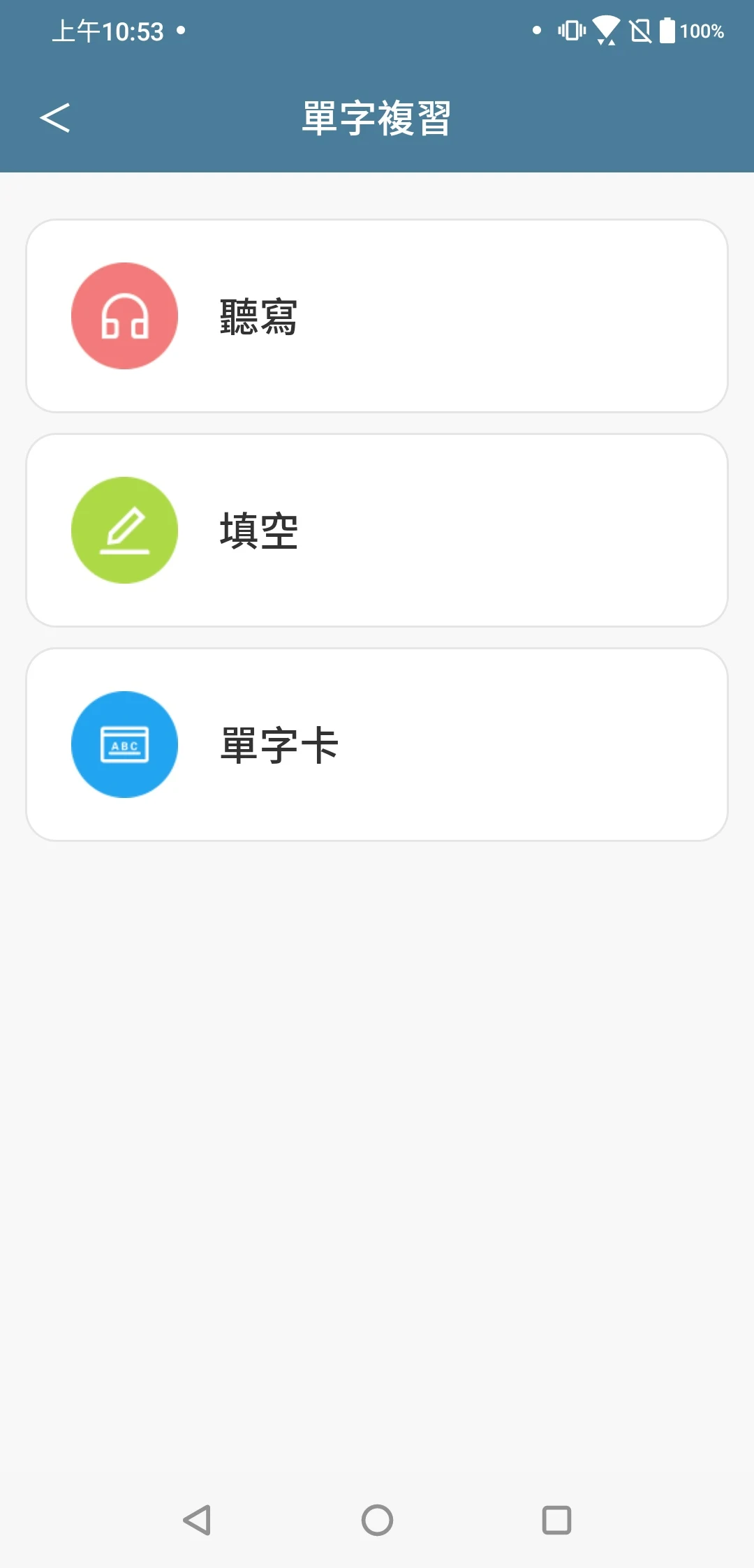
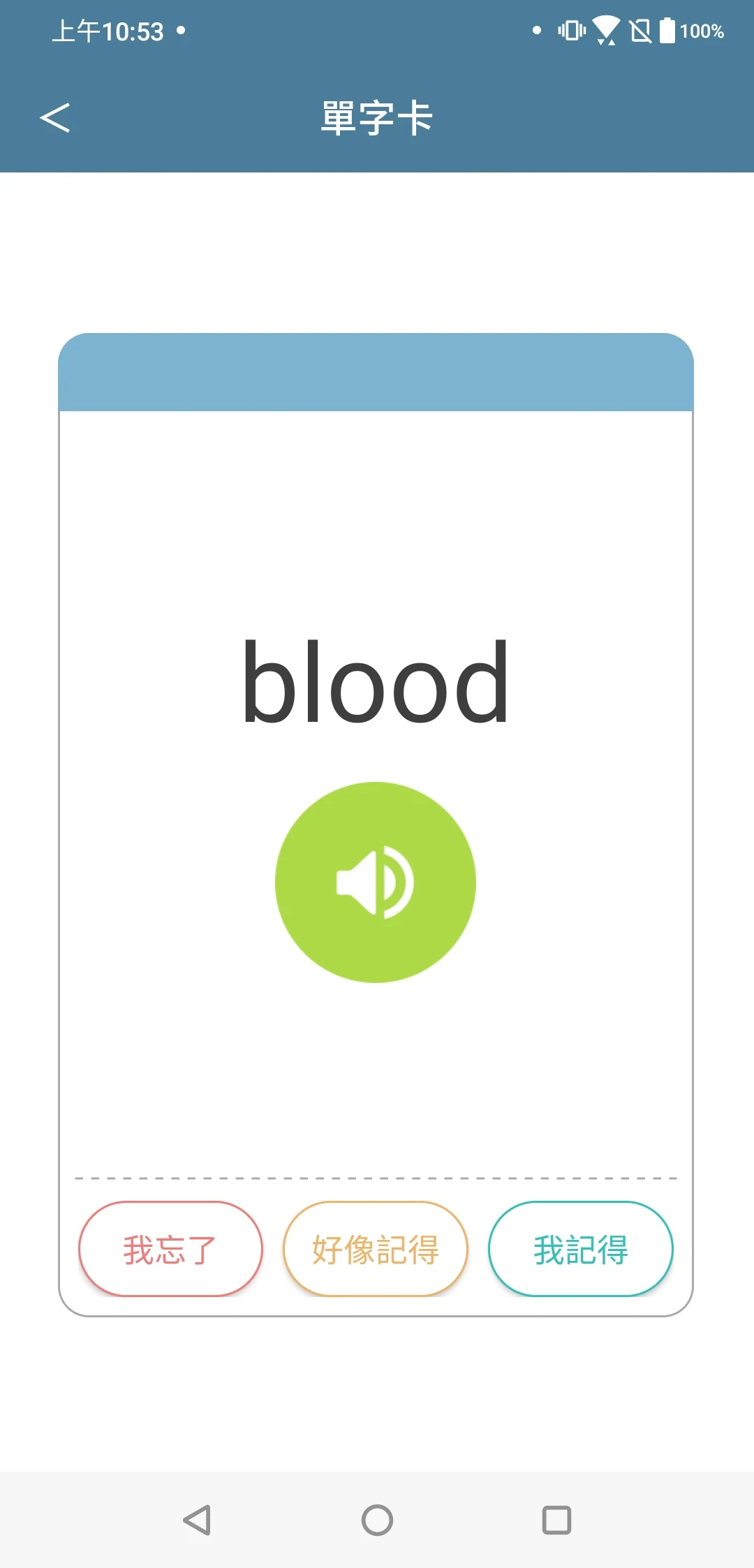
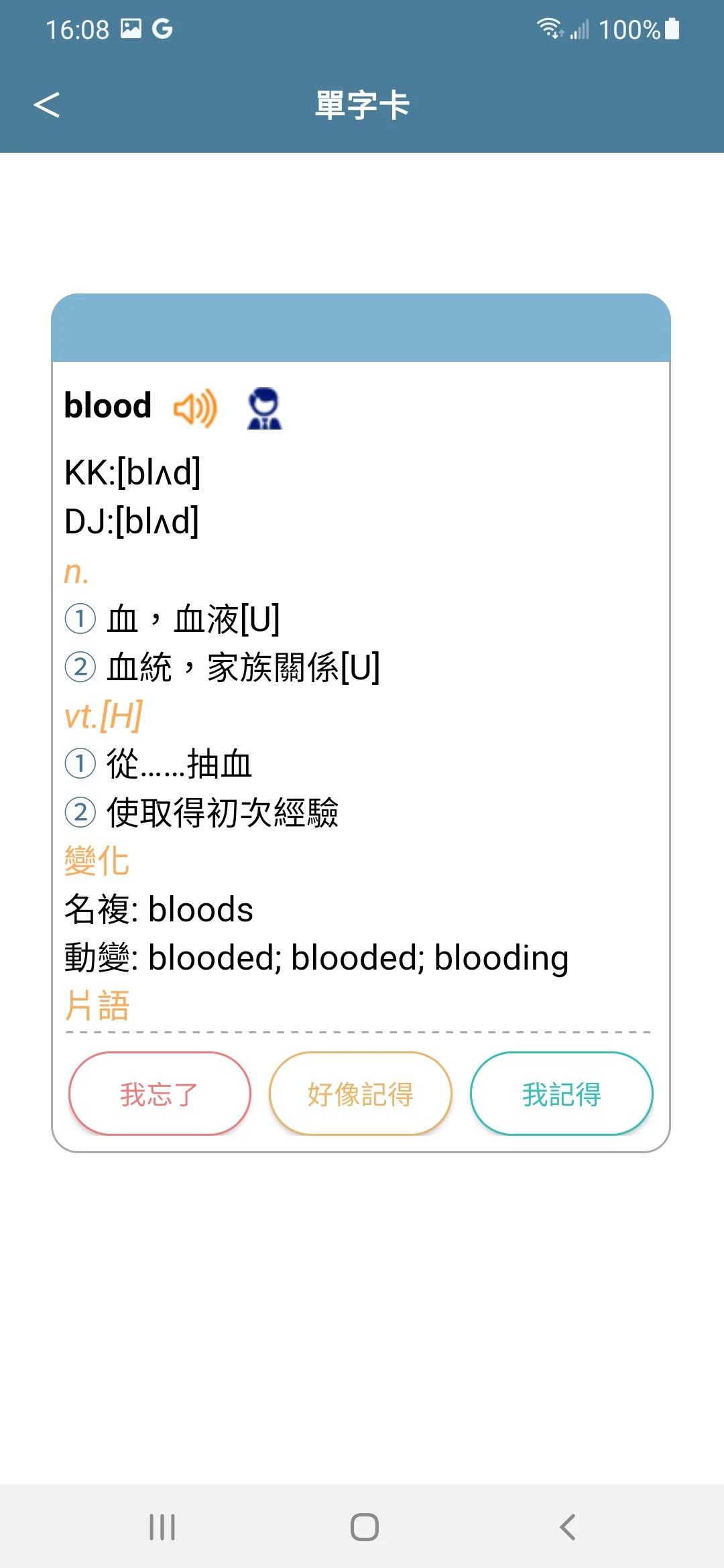
*Join Chunghwa Telecom's Hami Pass and take advantage of discounts by using the Dr.eye cloud version App.*
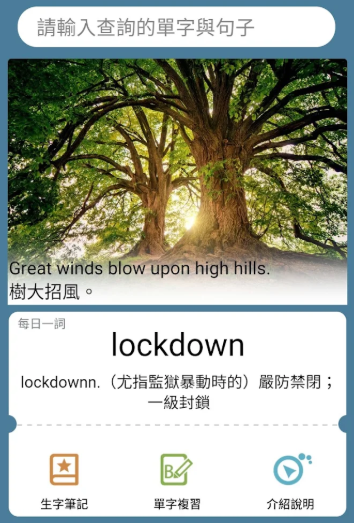
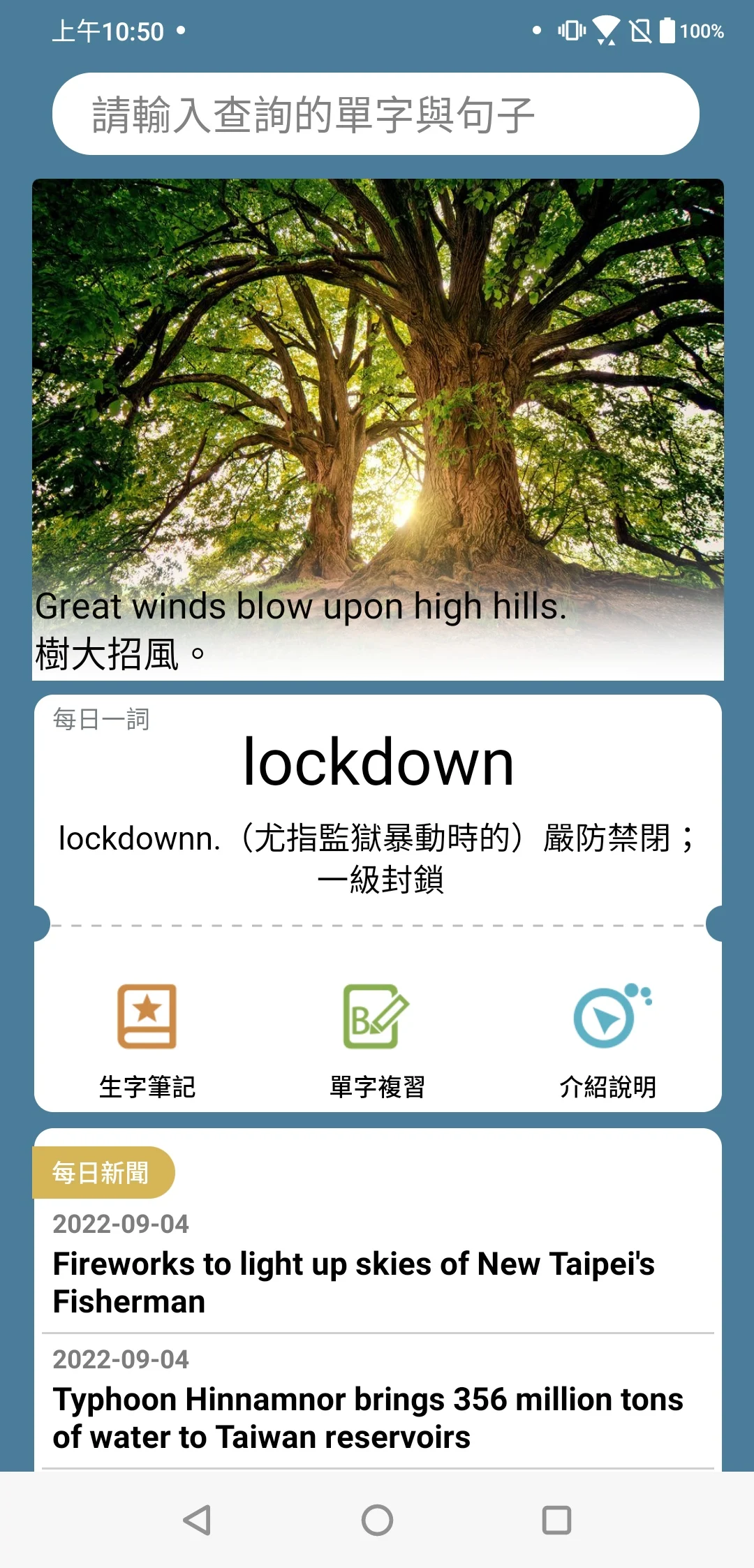
The Dr.eye Cloud Edition is a translation and learning application designed for Android users, serving as an excellent companion for English language learners.
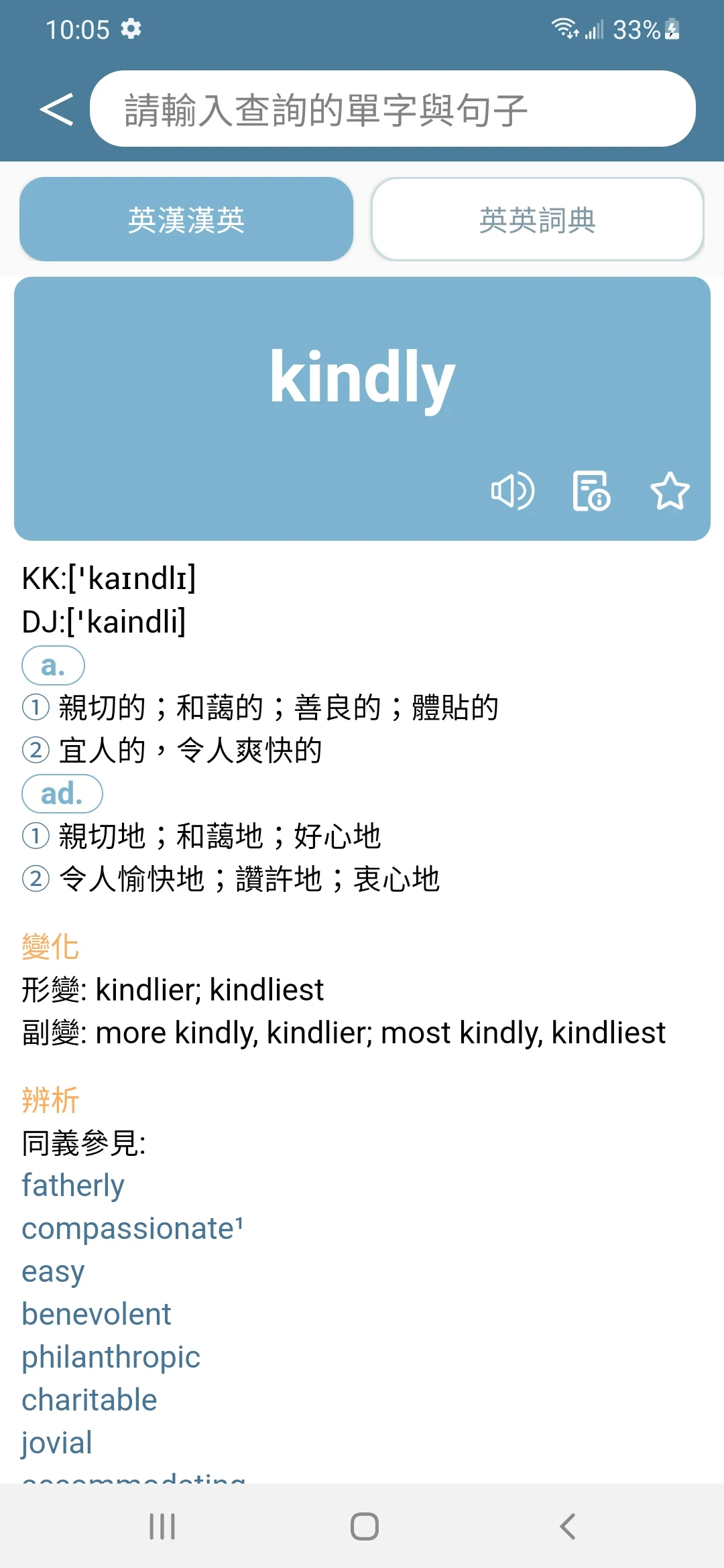
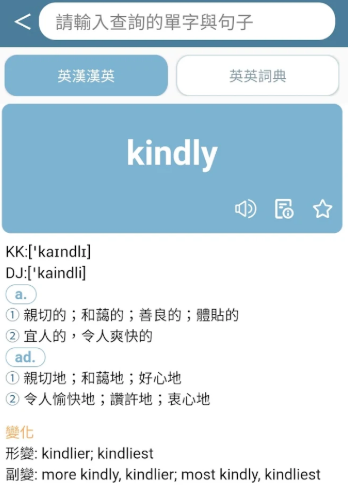
It offers a comprehensive English-Chinese and Chinese-English dictionary that features various functionalities including word searches, historical queries, daily updates, new vocabulary notes, and word reviews. It also provides pronunciation support for both Chinese and English words.
Function Overview:
1.Engaging new interface:Experience a fresh design that makes all functions easily accessible。
2.Access expansive dictionary information effortlessly: With a built-in extensive English-Chinese and Chinese-English dictionary, you can explore definitions and pronunciations with ease.
3.Quick access to basic meanings of words:The vocabulary list includes keywords along with straightforward definitions, allowing you to understand related terms conveniently。
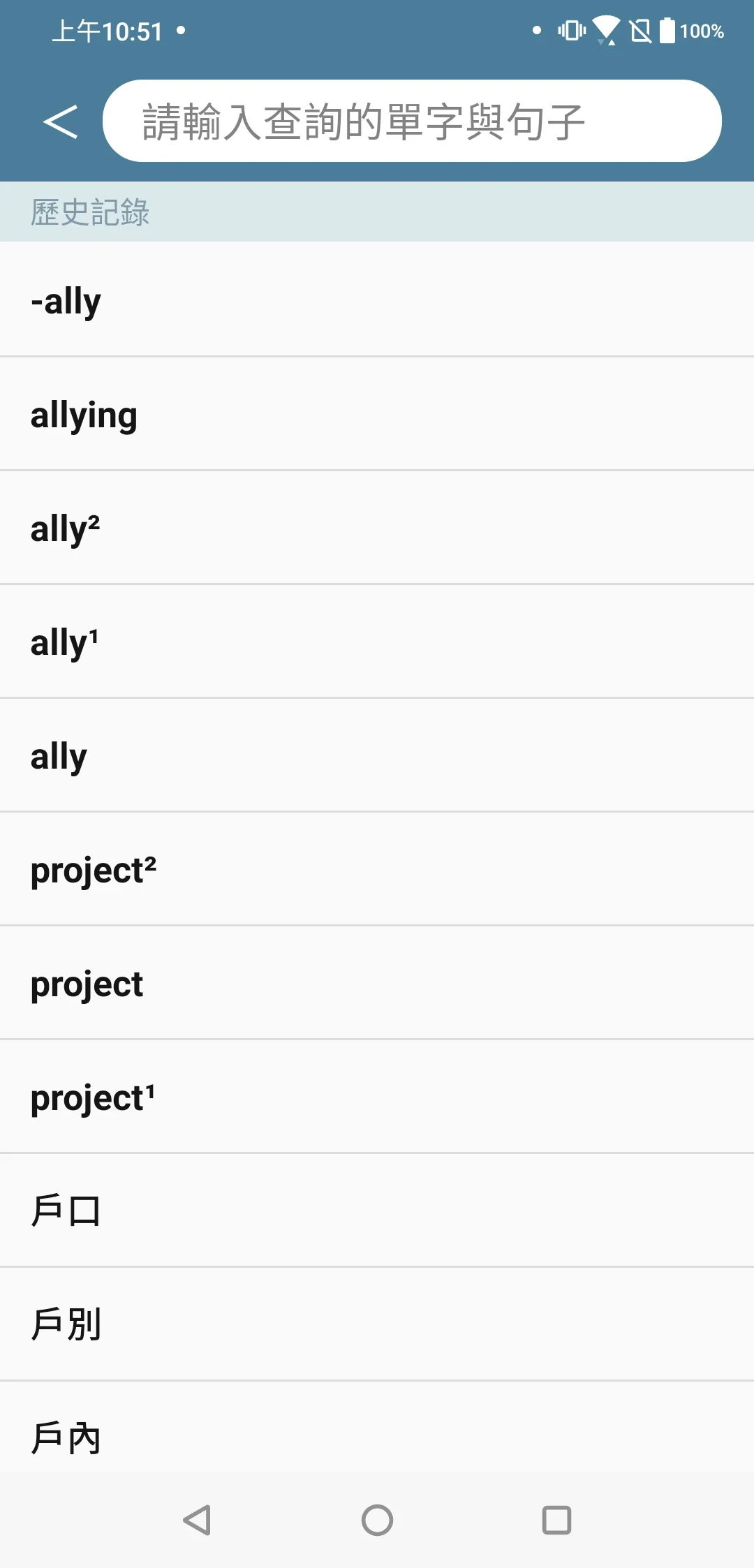
4.Automatic history tracking for your searches:Forgetting recently searched words will no longer be an issue as your recent query history is saved automatically for easy retrieval。
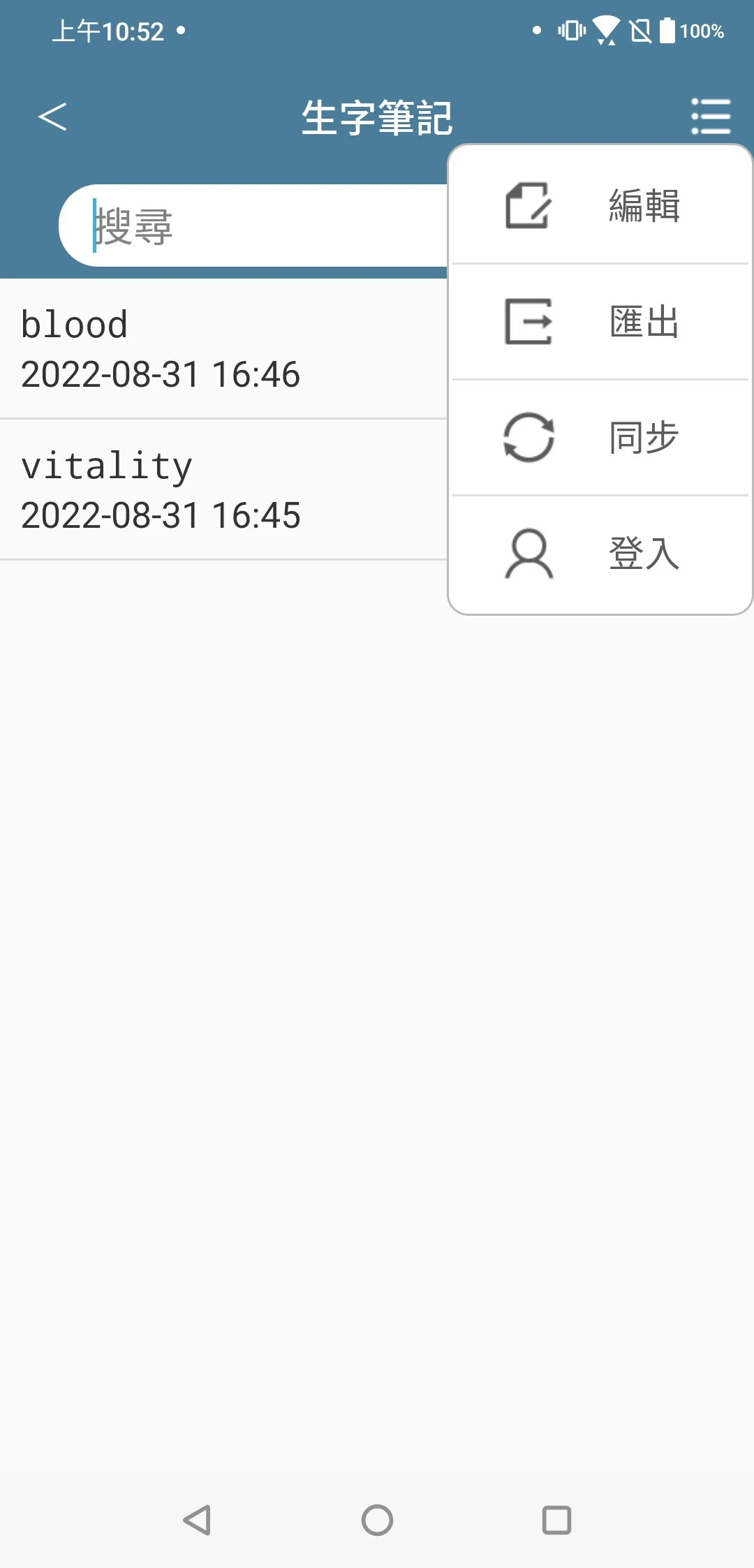
5.Daily vocabulary review and practice:If you frequently find yourself lacking vocabulary, you can gather words daily for review and practice, gradually mastering more English terms and expressions。
6.Cloud synchronization for vocabulary notes:Keep your vocabulary notes in the cloud for easy access. If you use a PC version, it allows for cross-platform review, ensuring you don't miss any important words。
7.Option to unlock full features:You have the freedom to opt for the paid version to unlock all features available。
Core User Experience:
1. **Easy to Use, Low Learning Cost**
The interface is simple and intuitive, with clear access to functions (e.g., dictionary search, history record, vocabulary review, etc.) making it easy for even first-time users to get started quickly. Automatically recording search history and providing concise definitions reduces the need for repetitive operations. For example, after looking up a word, there's no need to manually save it; you can simply access it in "History Search" when you need to review it later, saving time.
2. **Strong Learning Continuity, Stress-Free Cross-Device**
Cloud-based vocabulary note synchronization and integration with PC eliminate the disconnect between "memorizing words on your phone and reviewing on your computer." For example, users can use their phone to collect unfamiliar words while commuting, and upon returning home, they can directly access their notes on their PC to continue studying. This ensures data is not lost, avoids redundant recording, and provides a more consistent learning experience.
3. **Adaptable Functionality, Highly Flexible**
The app offers both free basic features (e.g., dictionary search, pronunciation, and history record) for daily word search needs, and a paid full version is available, catering to both casual users and advanced learners (those who require more advanced learning tools). The pronunciation feature also supports both Chinese and English, helping users to simultaneously correct pronunciation when looking up words, enhancing the completeness of their language learning.
Typical Use Cases:
1. **Daily Word Lookup: Instantly Resolve Language Questions**
- Use Cases: When encountering unfamiliar words while reading English articles or browsing English websites, or when translating Chinese content into English (e.g., when writing emails or sending messages).
- Usage: Directly open the app and enter a word to quickly access its meaning and pronunciation. If you encounter an unfamiliar word in your browser, you can quickly access it through app links (if supported). This eliminates the need to switch between multiple apps and allows users to instantly return to their current session.
2. **English Learning: Fragmented Accumulation and Review**
- Use Cases: During fragmented time like commuting and lunch breaks, or during regular English study sessions (e.g., a 30-minute vocabulary review session daily).
- Usage: Collect key words encountered daily and consolidate them using the "Vocabulary Review" feature. With cloud sync, you can continue learning across multiple devices (e.g., memorize words on your phone, take in-depth notes on your PC). This is particularly suitable for students, professionals, and other learners with sporadic schedules.
3. **Cross-Scenario Assistance: Boost Efficiency with Hami Pass and PC**
- Scenario: Want to save money while using Chunghwa Telecom's Hami Pass, or need to work on English documents or study reports on your computer.
- Usage: Unlock app discounts with Hami Pass to reduce costs. Connect your PC to your cloud notebook to directly access vocabulary saved on your phone, assisting with tasks like writing and document translation. Suitable for users who need to collaborate across multiple devices (e.g., professionals and students).
FAQS:
1. **Q: What are the core functions of the app?**
A: The main feature is bidirectional English-Chinese/Chinese-English word lookup, supporting word pronunciation, lookup history, vocabulary notes, and daily review. It also allows for cloud synchronization between mobile phones and PCs.
2. **Q: What are the conveniences of the word lookup functions?**
A: It has a built-in massive dictionary resource; simply enter a word to quickly get a concise definition. It automatically saves lookup history, eliminating the need for manual saving and allowing for direct retrieval for later review.
3. **Q: How does the vocabulary learning function help users accumulate vocabulary?**
A: It supports daily vocabulary collection and review exercises. Combined with cloud synchronization, new words noted on the phone during the commute can be further studied on the computer at home.
4. **Q: Are there version differences in functionality?**
A: Yes, basic functions (word lookup, pronunciation, history) are free; after paying to unlock the full version, all advanced learning tools can be used.
5. **Q: Is the cross-device synchronization function useful?** **
A: Very practical. It breaks down the learning barriers between mobile phones and computers, syncs vocabulary notes in real time, avoids repetitive recording, and allows for seamless integration of fragmented learning and systematic review.
- Version3.0.2232
- UpdateOct 20, 2026
- DeveloperInventec Besta Co., Ltd.
- CategoryBooks & Reference
- Requires AndroidAndroid 5.0+
- Downloads174K+
- Package Namecom.inventec.dreye.dictnew.trial
- Signaturee3e90bc61ef26a43ce025fbcebc0e40e
- Available on
- ReportFlag as inappropriate
-
NameSizeDownload
-
77.85 MB
-
77.98 MB
-
77.95 MB














Easy-to-use, no-brainer for beginners.
Cloud-based, cross-device synchronization supports continuous learning.
Basic features, plus discounts with the Hami Pass, offer excellent value.
Combining word search and review functions, it meets the core needs of English learners.
This app is only available on Android; iOS users cannot use it due to device compatibility limitations.
Full functionality requires a paid subscription. The free version may not meet the needs of deep learning.
Offline functionality is not mentioned, so relying on a network connection may affect the search experience.