
Drone Remote Control - Drone Control & Live Streaming
Transform your phone into a drone controller, enabling easy flight plans, live streaming, and capturing stunning visuals.
- 18.0 Version
- 4.7 Score
- 336K+ Downloads
- Free License
- 3+ Content Rating

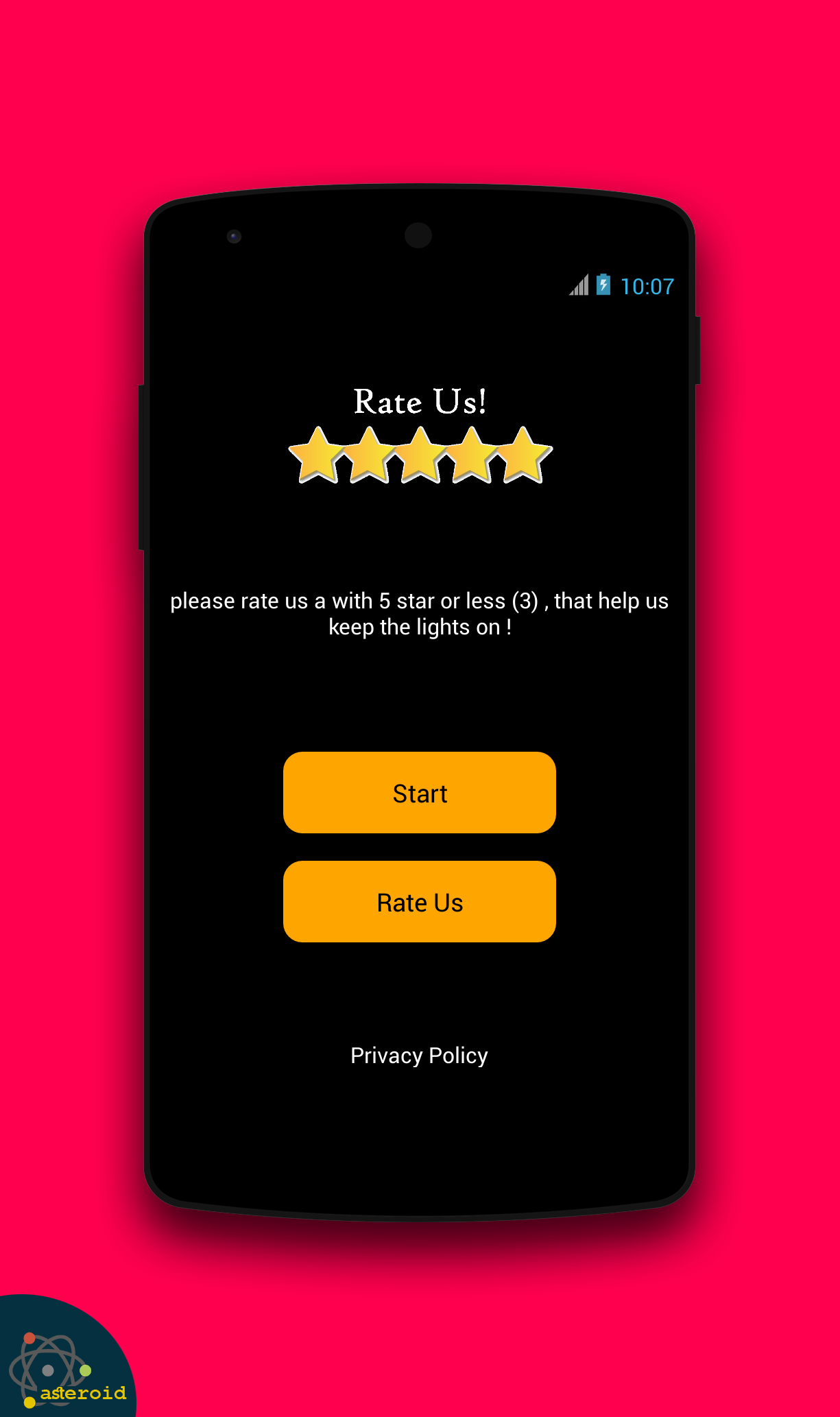
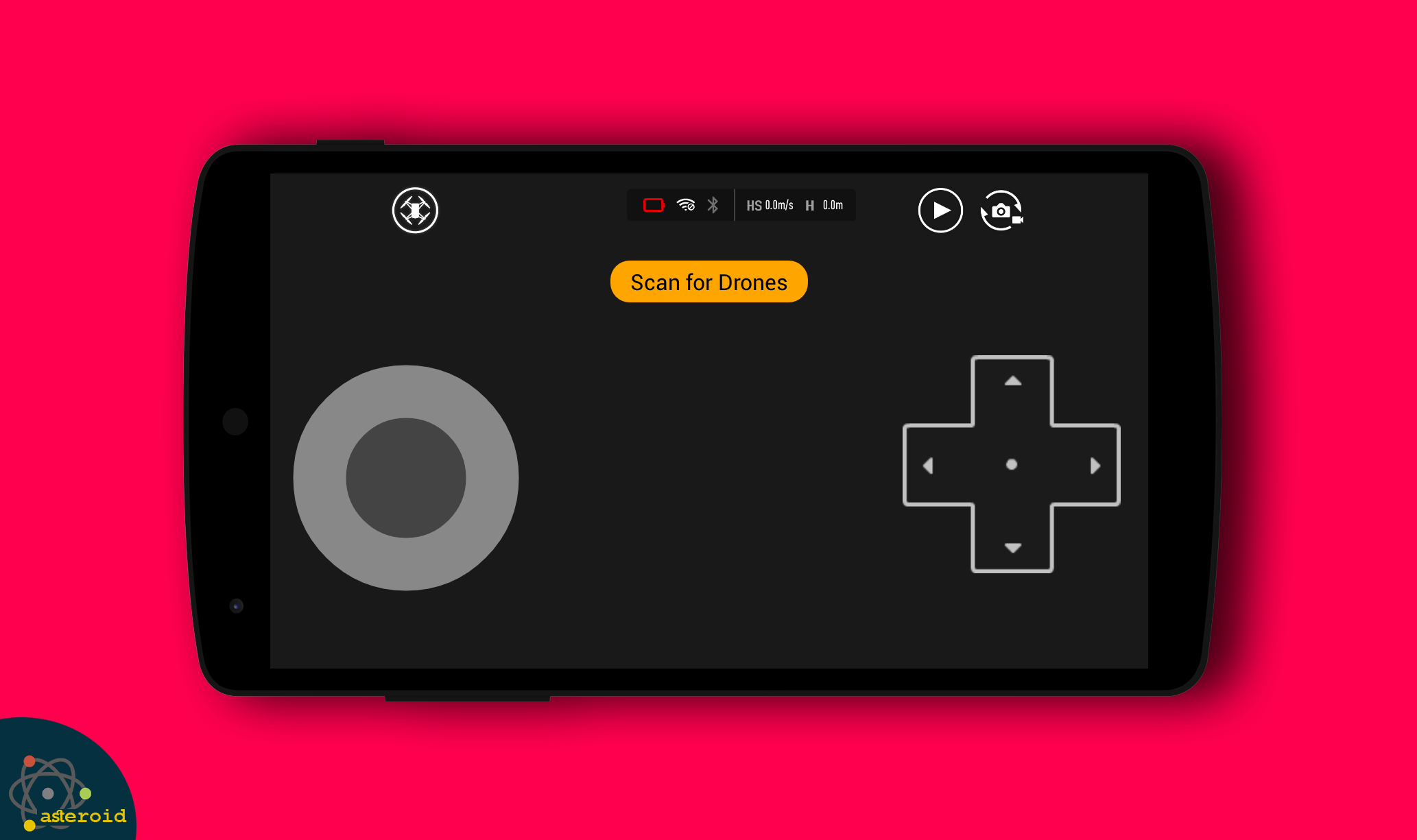

Utilize your smartphone as a remote control for drones.
Fly a drone using your phone with our Drone Remote Control Application.
Drone Remote Control is compatible with all types of DRONES
allowing you to effortlessly transform your Android phone into a drone remote. It’s straightforward and user-friendly, operating just like a traditional RC Drone.
Ever wanted to take control of your friends' drones? Now, with Drone Remote Control, the true excitement begins.
This remote control for drones serves as an alternative to your physical drone controller. You can manage drones equipped with cameras through this universal remote application.
Experience this fantastic and free Universal Drone Remote Control Application that converts your android device into a drone controller.
It works with the latest drone models but may not be suitable for some older hardware:
- Effortlessly create flight plans on any device
- Automate tasks such as takeoff, flying, capturing images, and landing
- Stream live First Person View (FPV)
- Quickly disable auto-flight and regain manual control with a simple tap
- Seamlessly continue flights without interruption to cover vast areas
- Features a Drone Controller with Video capabilities.
- Includes a Drone Controller with FPS capture functionality
- Connect the application to a WiFi camera device, allowing you to view the camera feed, take photos, record videos, and control the drone.
This is undoubtedly the ultimate way to play tricks on anyone who loves drones, be it quadcopters or other drone varieties.
If you know someone like that, the best thing you can do is to install Drone Remote Control.
Thank you, and enjoy!
Title: A Surprisingly Robust and Immersive Drone Piloting Experience
My experience with the Drone Remote Control Application has completely transformed how I interact with my drone, offering a level of convenience and advanced functionality I didn’t expect from a smartphone-based solution. The app’s ability to turn my Android device into a fully-featured remote control feels seamless and intuitive, with an interface that mimics the tactile responsiveness of a traditional physical controller while adding modern enhancements. Planning automated flight paths directly from my phone’s screen is not only practical but opens up creative possibilities for capturing complex aerial shots with minimal effort.
The live First Person View (FPV) streaming is smooth and immersive, making it easy to frame the perfect photo or video as if I were in the cockpit. I particularly appreciate the flexibility to switch between automated tasks and manual control instantly, allowing for precise adjustments when needed. While the app works brilliantly with newer models, it’s important to note that compatibility can vary with older hardware. For drone enthusiasts looking to simplify their gear or experiment with advanced features like waypoint navigation and automated missions, this app delivers a professional-grade experience right from the palm of your hand.
Frequently Asked Questions (FAQ)
• Is the app compatible with all drone models?
The app is designed as a universal remote and supports a wide range of drones, particularly newer models with Wi-Fi camera connectivity. Some older drones may not be fully compatible.
• How do I connect my drone to the app?
Ensure your drone’s Wi-Fi camera is enabled, then connect your smartphone to the drone’s Wi-Fi network through your device’s settings. The app will automatically detect the drone for control and FPV streaming.
• Can I use the app without a physical controller?
Yes, the app is intended to replace a standard remote controller. It supports all basic flight controls (takeoff, landing, maneuvering) as well as advanced functions like flight planning and camera operation.
• Does the app support automated flights?
Absolutely. You can create custom flight paths, automate takeoffs and landings, and schedule actions like capturing photos or videos—all through the app’s planning interface.
• Is an internet connection required to use the app?
No, the app operates over Wi-Fi directly between your phone and the drone, so no cellular data or internet connection is needed during flight.
- Version18.0
- UpdateOct 21, 2025
- DeveloperAIOO inc
- CategoryLibraries & Demo
- Requires AndroidAndroid 4.4+
- Downloads336K+
- Package Namecom.Asteroid.droneremotecontrol
- Signaturee22581ebe351bbdba99111fe092e39f3
- Available on
- ReportFlag as inappropriate











Easy installation process
Intuitive walkthrough for operation
Potential for solid performance with compatible drones
Offers convenience for controlling multiple drone types
Allows quick access to functionalities once rated
May provide a useful tool for drone enthusiasts
Forcing users to rate before use
Inability to access full app functions without a rating
Ads and nagware interfere with user experience
Lack of clear compatibility information for drones
Many reviews indicate non-functionality with popular models
Users experience frustration from being trapped in rating loops
Repeated prompts for ratings can be annoying
App may not work as advertised, leading to wasted time
Overall poor user experience reported across reviews