Block ads on video and Save - Ad-Free Video Player
Experience seamless video streaming & downloads with no ads, in any format, accessible anytime & anywhere.

- 1.1.2 Version
- 1.9 Score
- 260K+ Downloads
- In-app purchases License
- 3+ Content Rating


About Block Ads on Video and Save
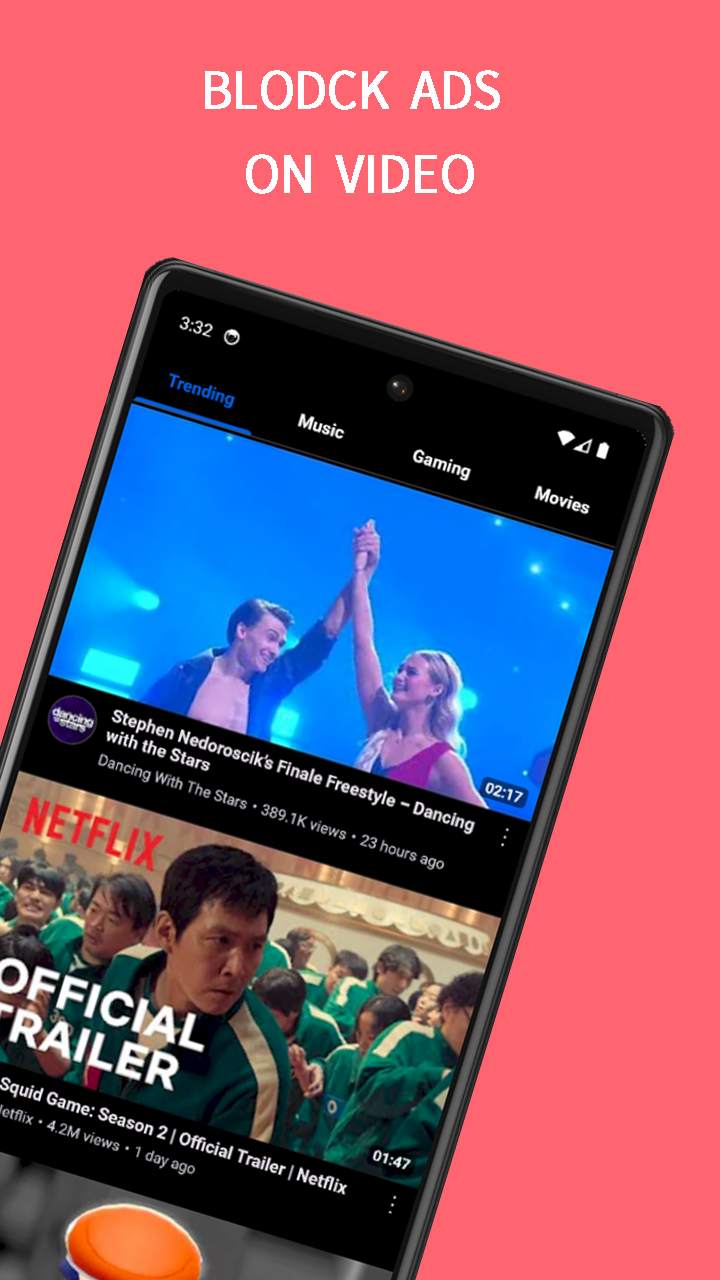
Block Ads on Video and Save is a third-party app for streaming and downloading online videos and audio. It supports video playback without advertisements and provides download options in formats such as MP4, MP3, MOV, M4A, WMV, and AVI.
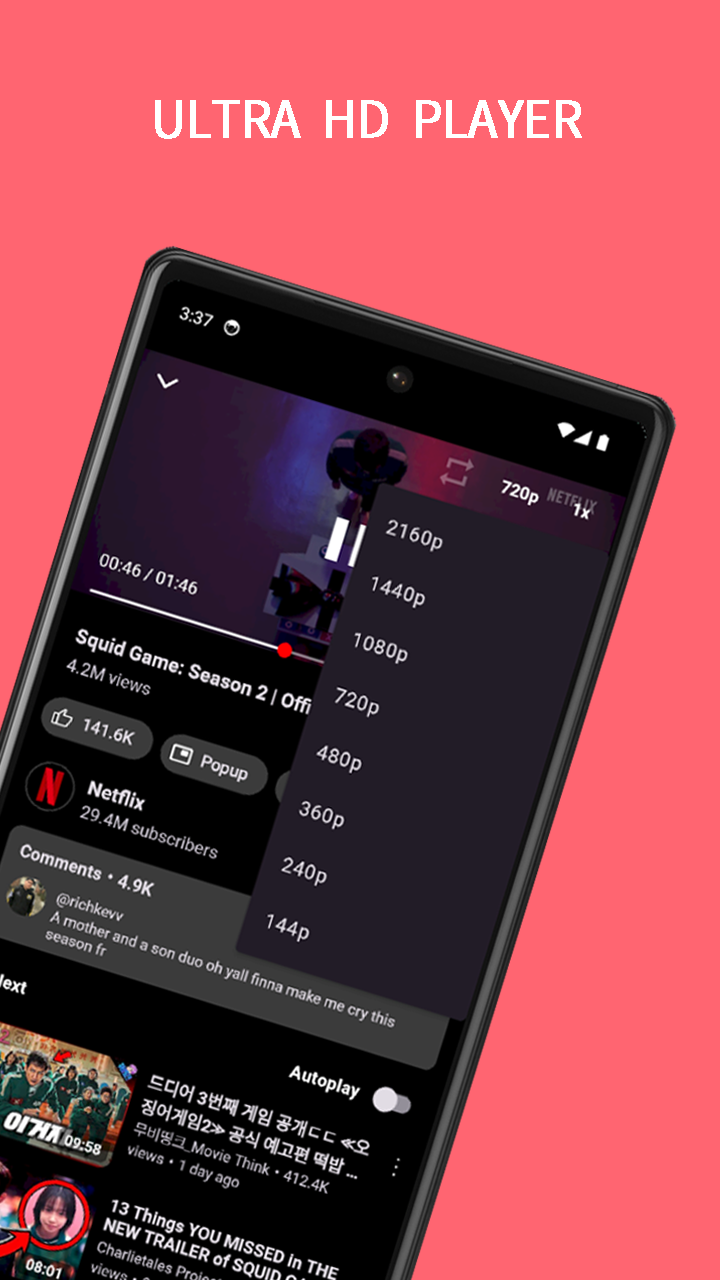
The app supports online streaming and offline playback, with Full HD and 4K download options when supported by the original video. Its search function covers both videos and MP3 tracks, with keyword suggestions displayed during searches.
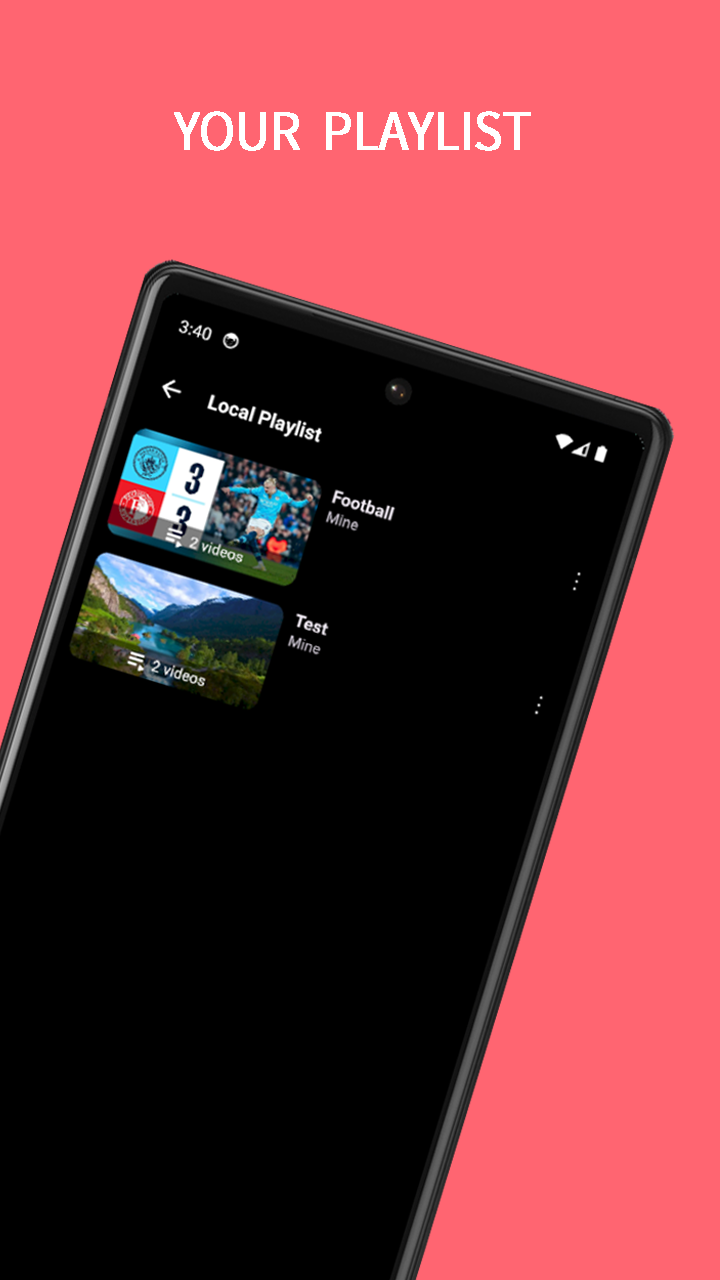
A floating video player allows playback in a separate window while other apps are in use. Bookmarks and playlists provide options for organizing favorite content, while playback and search histories make previously accessed videos and queries easier to find. The interface also includes dark and light themes.
Key Features
Ad-Free Video Playback: Watch online videos without advertising interruptions.
Multiple Download Formats: Save videos and audio in MP4, MP3, MOV, M4A, WMV, and AVI formats.
Full HD and 4K Support: Download videos in higher resolutions when supported by the original source.
Offline Playback: Play downloaded media without an internet connection.
Video and MP3 Search: Find videos and music tracks using keywords.
Floating Video Player: Continue watching videos in a separate window while using other apps.
Bookmarks and Playlists: Save favorite videos and organize them into playlists.
Playback and Search History: Access previously watched videos and search queries.
Search Suggestions: View keyword suggestions while entering search terms.
Subscription Filtering: Filter subscription-related content during browsing.
Dark and Light Themes: Switch between the two available interface themes.
No Account or Root Required: Use the main features without registration or device rooting.
How to Use Block Ads on Video and Save
Search for a video or MP3 track using keywords, then select a result to start playback. Online videos can be streamed directly or downloaded for offline viewing.
For downloads, choose an available file format and resolution. The selection depends on the source media, so Full HD and 4K options are not guaranteed for every video.
Use bookmarks and playlists to manage favorite content. Playback and search histories provide access to previously viewed material. To continue watching while using another app, activate the floating video player.
FAQs
1. Does Block Ads on Video and Save require an account?
No. Registration and sign-in are not required to use its main features.
2. Which media formats does the app support?
The supported formats include MP4, MP3, MOV, M4A, WMV, and AVI. Actual download options depend on the source content.
3. Can I play downloaded videos offline?
Yes. Downloaded video and audio files can be played without an internet connection.
4. Does the app support 4K downloads?
Yes. Full HD and 4K downloads are supported when the original video is available in those resolutions.
5. Can I watch videos while using other apps?
Yes. The floating video player displays playback in a separate window, allowing you to switch between apps without closing the video.
6. Can I download any online video?
No. Download availability depends on the source platform and applicable permissions. Ensure you have the necessary authorization before downloading copyrighted material.
- Version1.1.2
- UpdateNov 20, 2026
- DeveloperFast BLE
- CategoryVideo Players
- Requires AndroidAndroid 6+
- Downloads260K+
- Package Nameio.adfree.town
- Signaturea2d713e7beb7afab74b5c402357c6f6e
- Available on
- ReportFlag as inappropriate
-
NameSizeDownload
-
18.98 MB
-
15.92 MB
-
17.08 MB