
3D Saxophone Fingering Chart - Saxophone learning & practice
Discover how to play different saxophones with interactive lessons, 3D models & real sound feedback!
- 1.0.13 Version
- 1.6 Score
- 208K+ Downloads
- Free License
- 3+ Content Rating

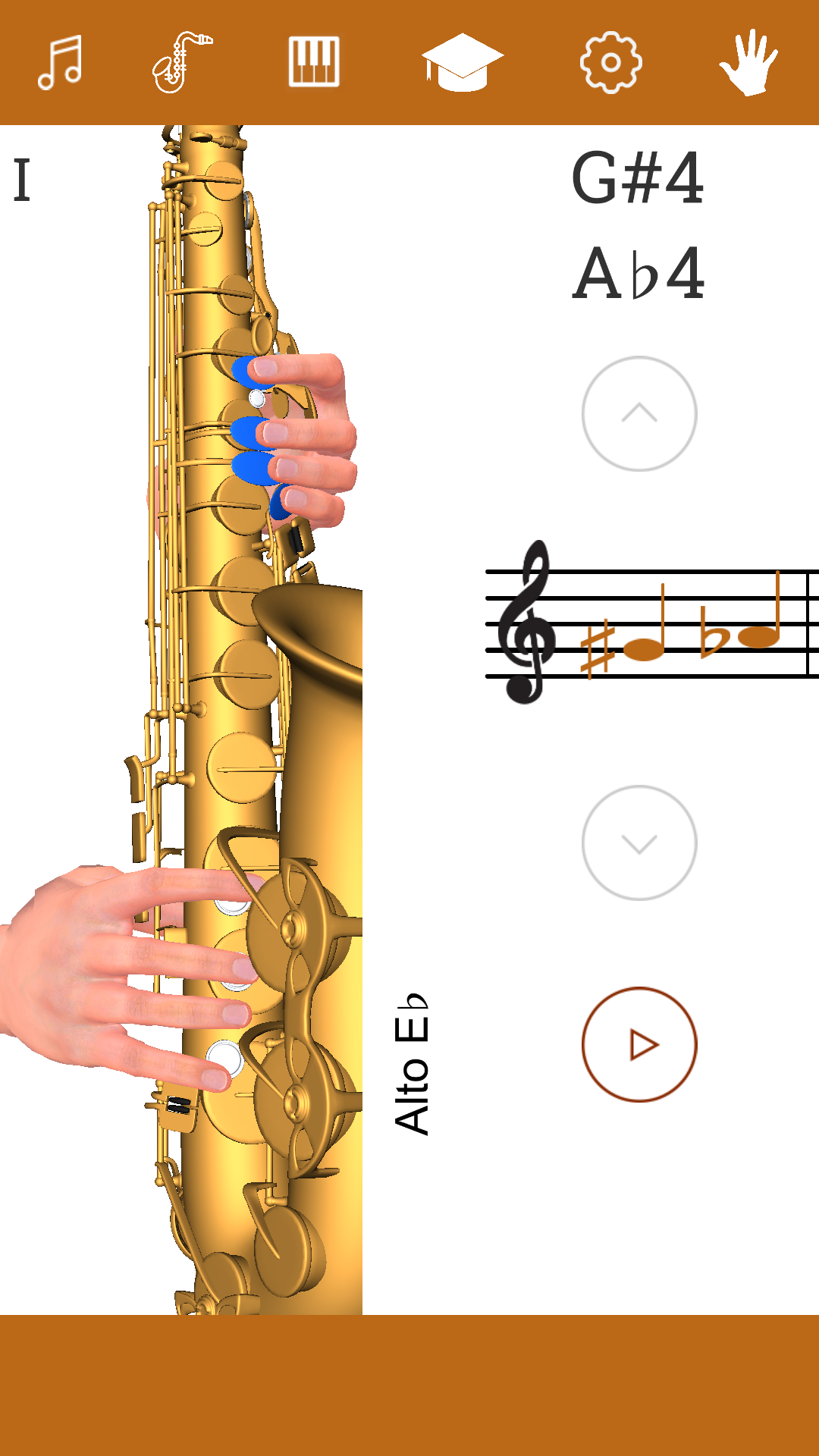
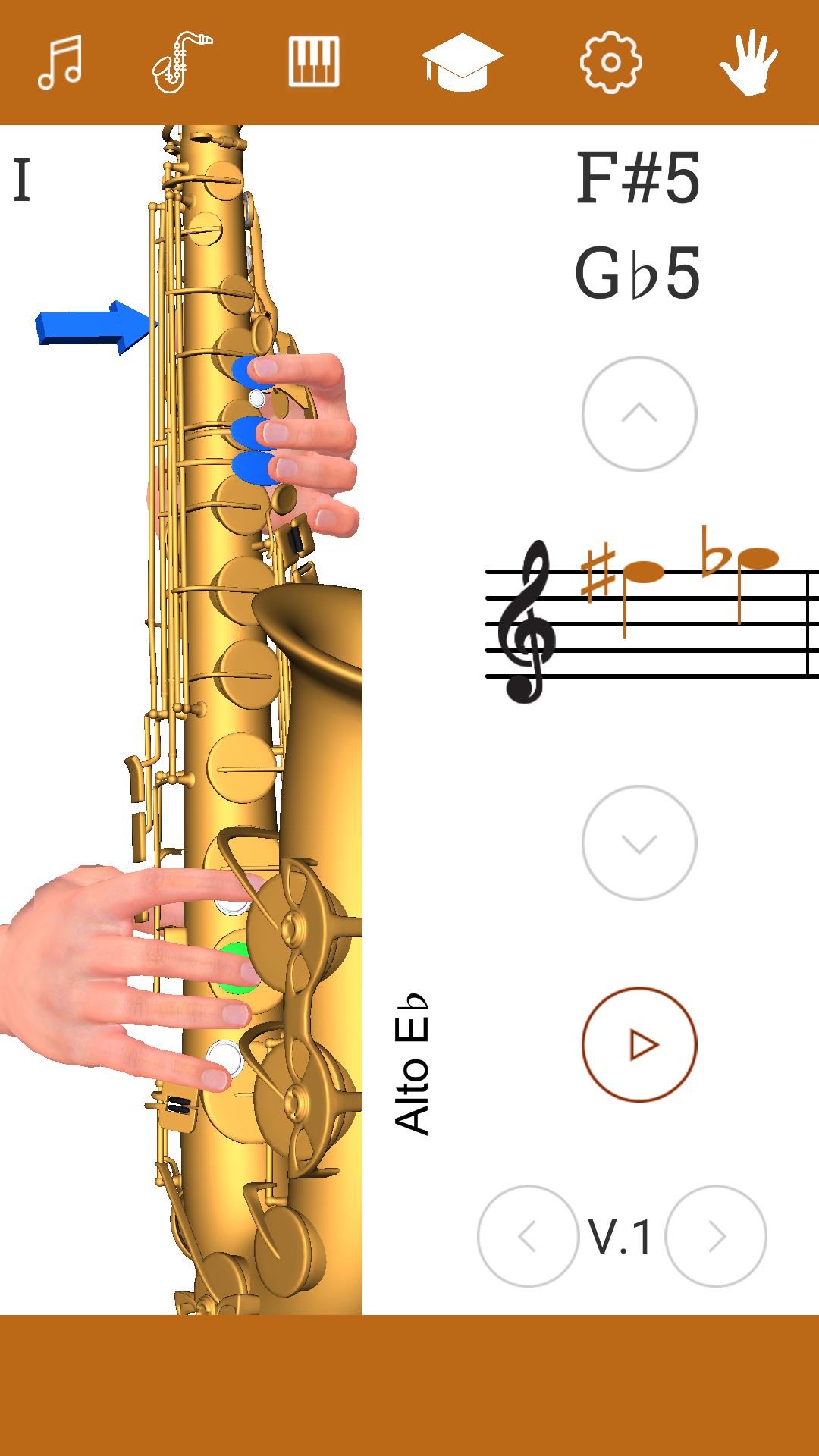
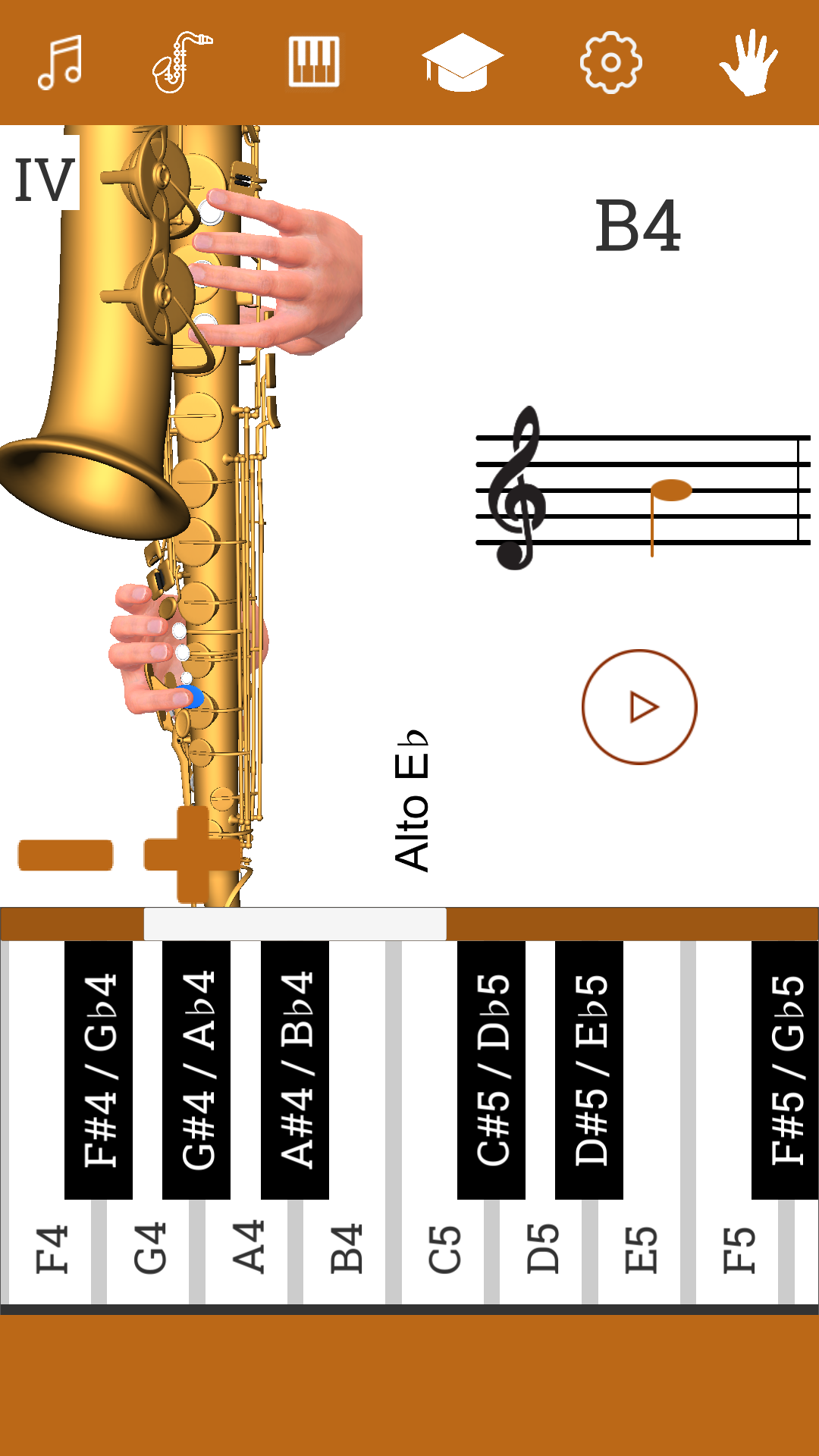
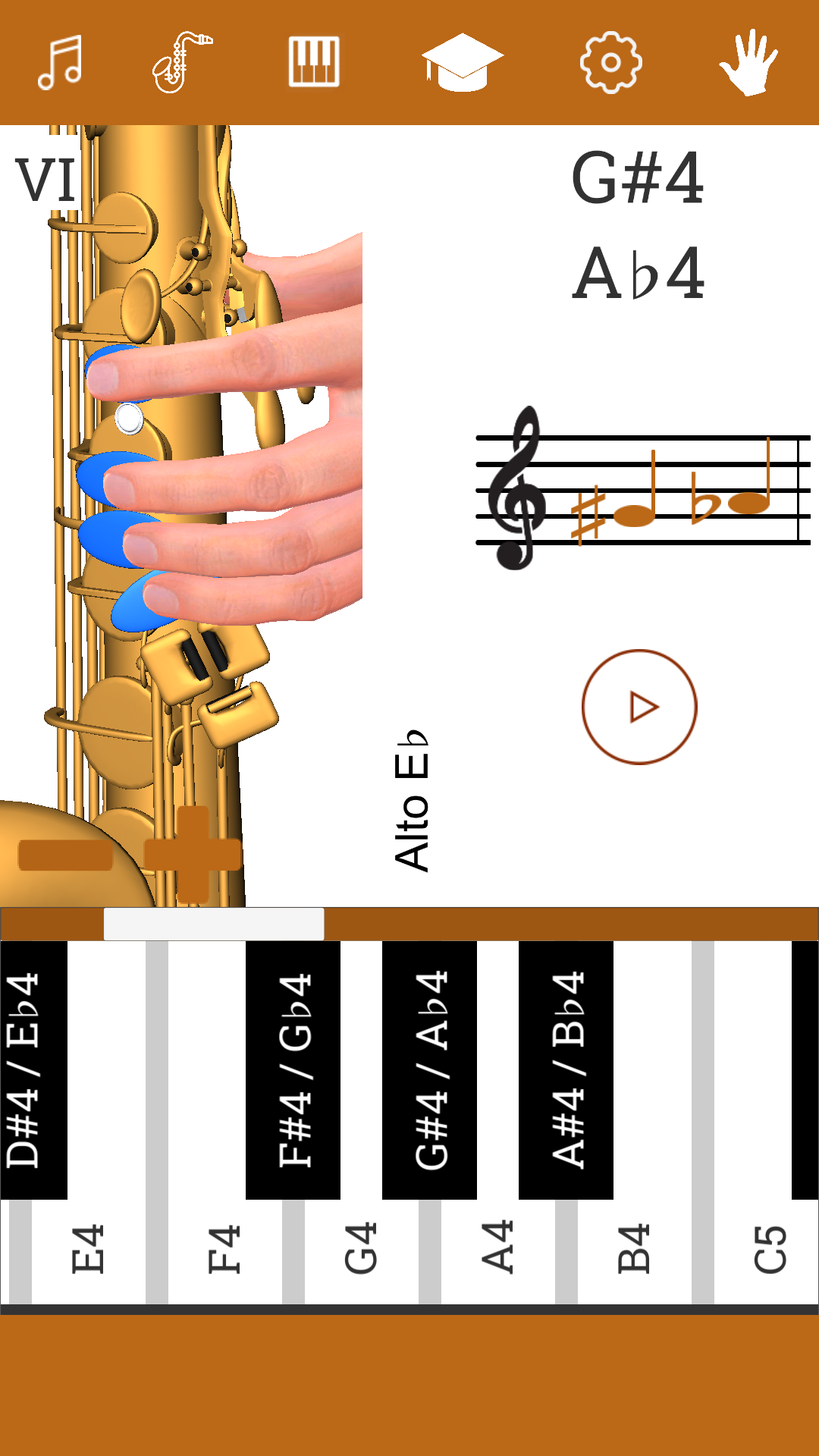
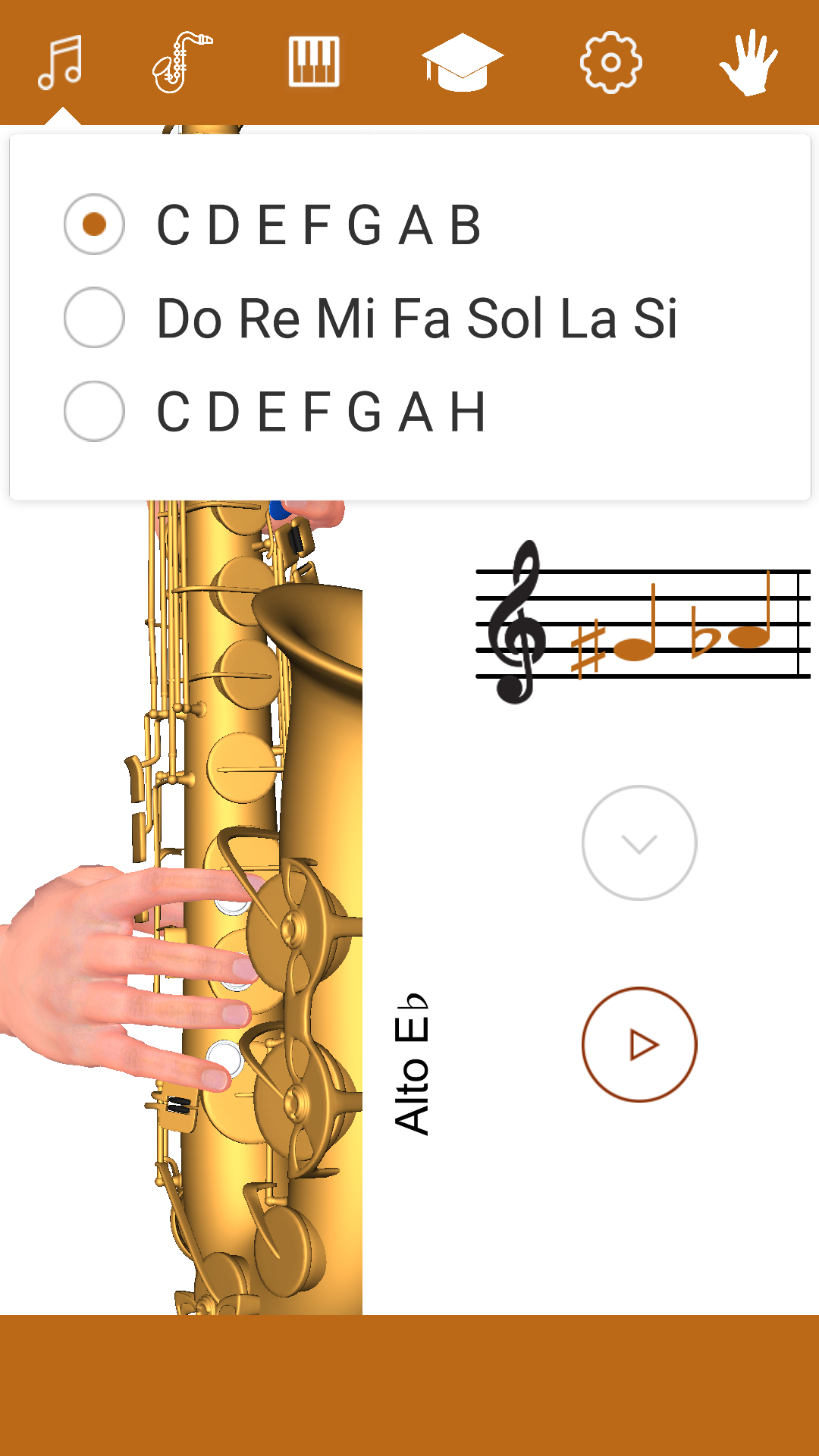
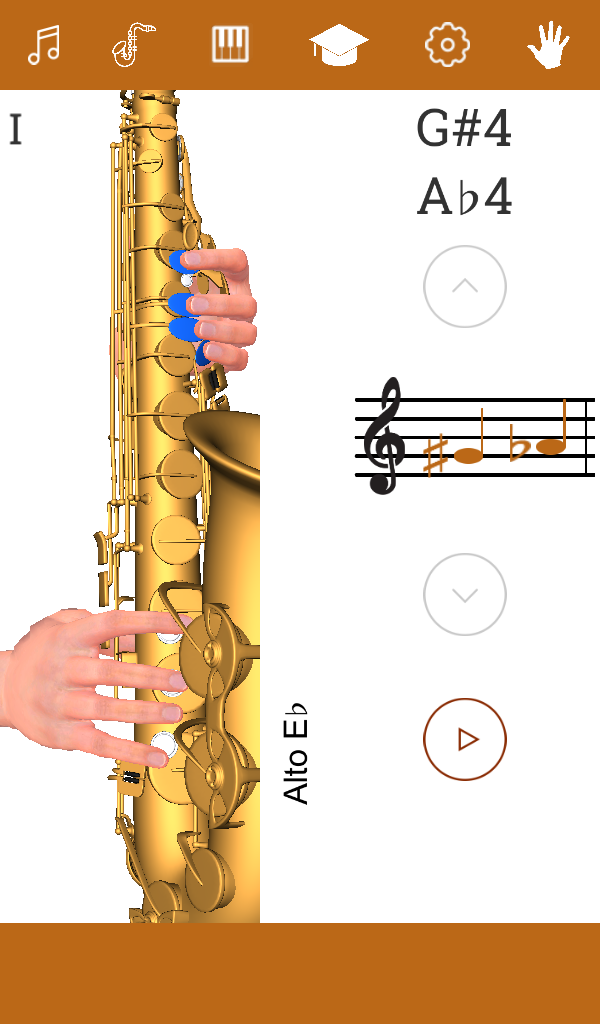
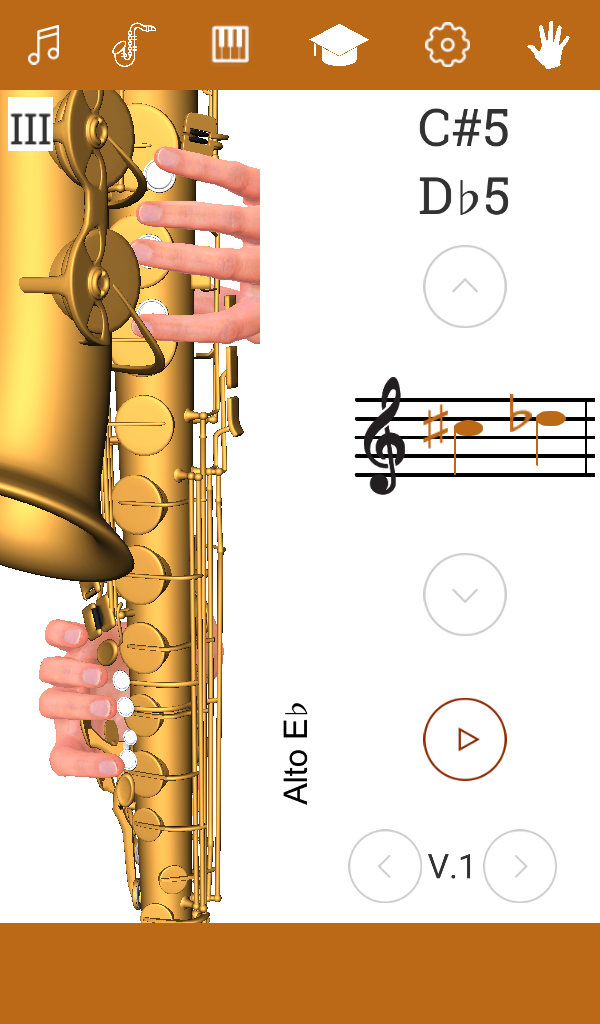
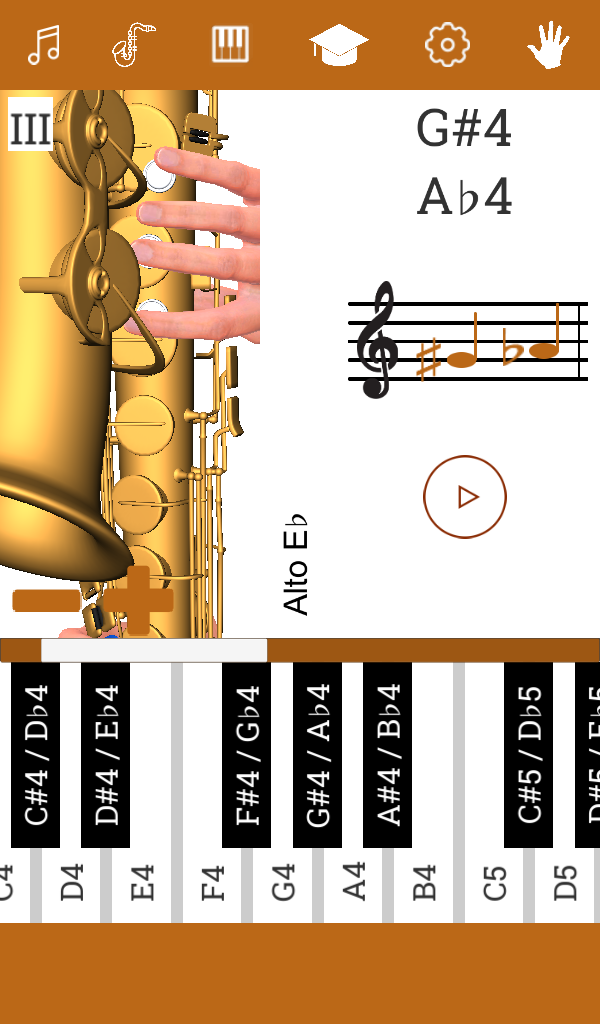
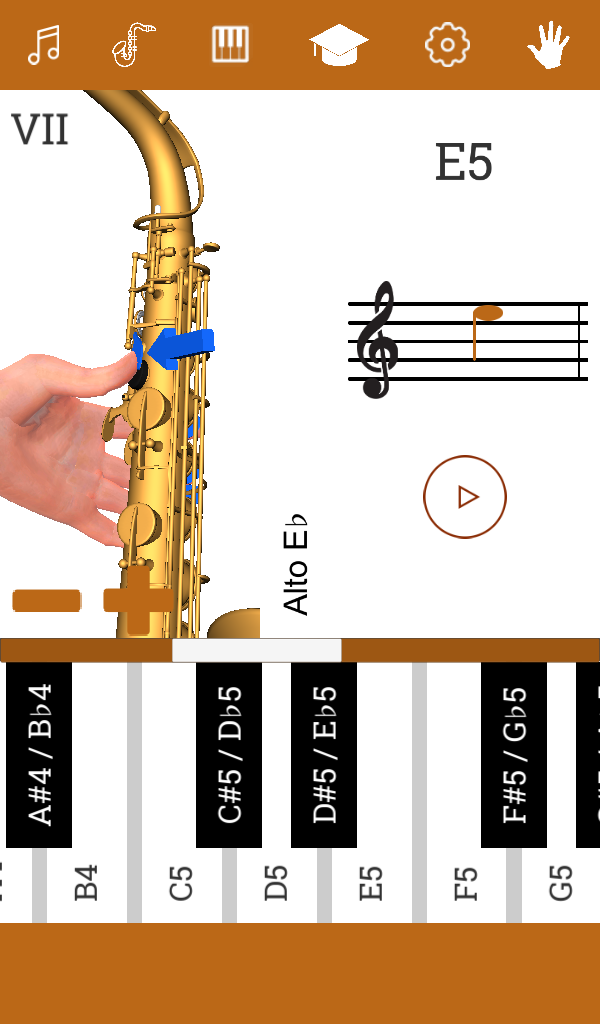
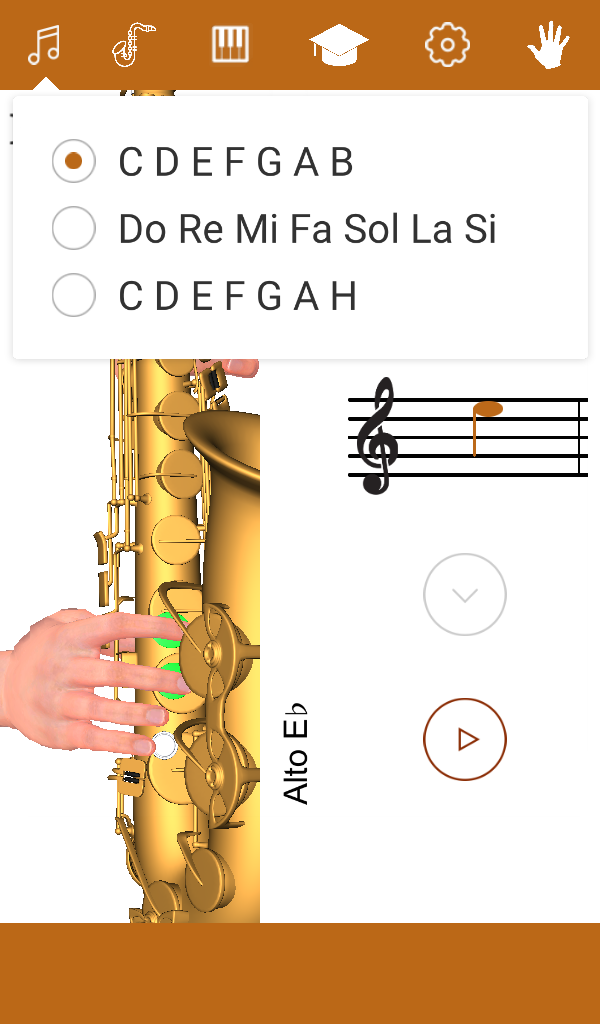
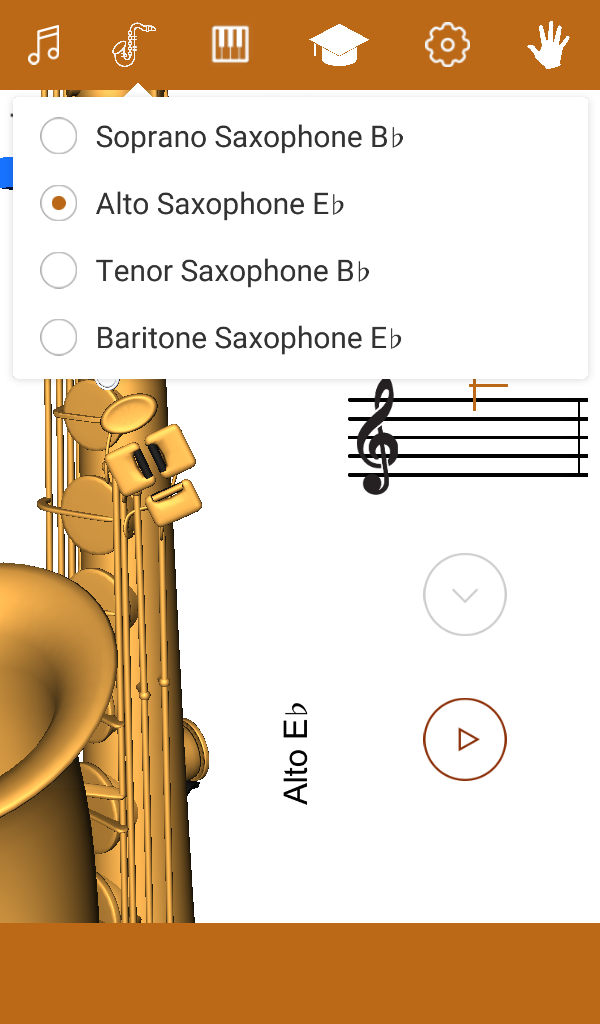
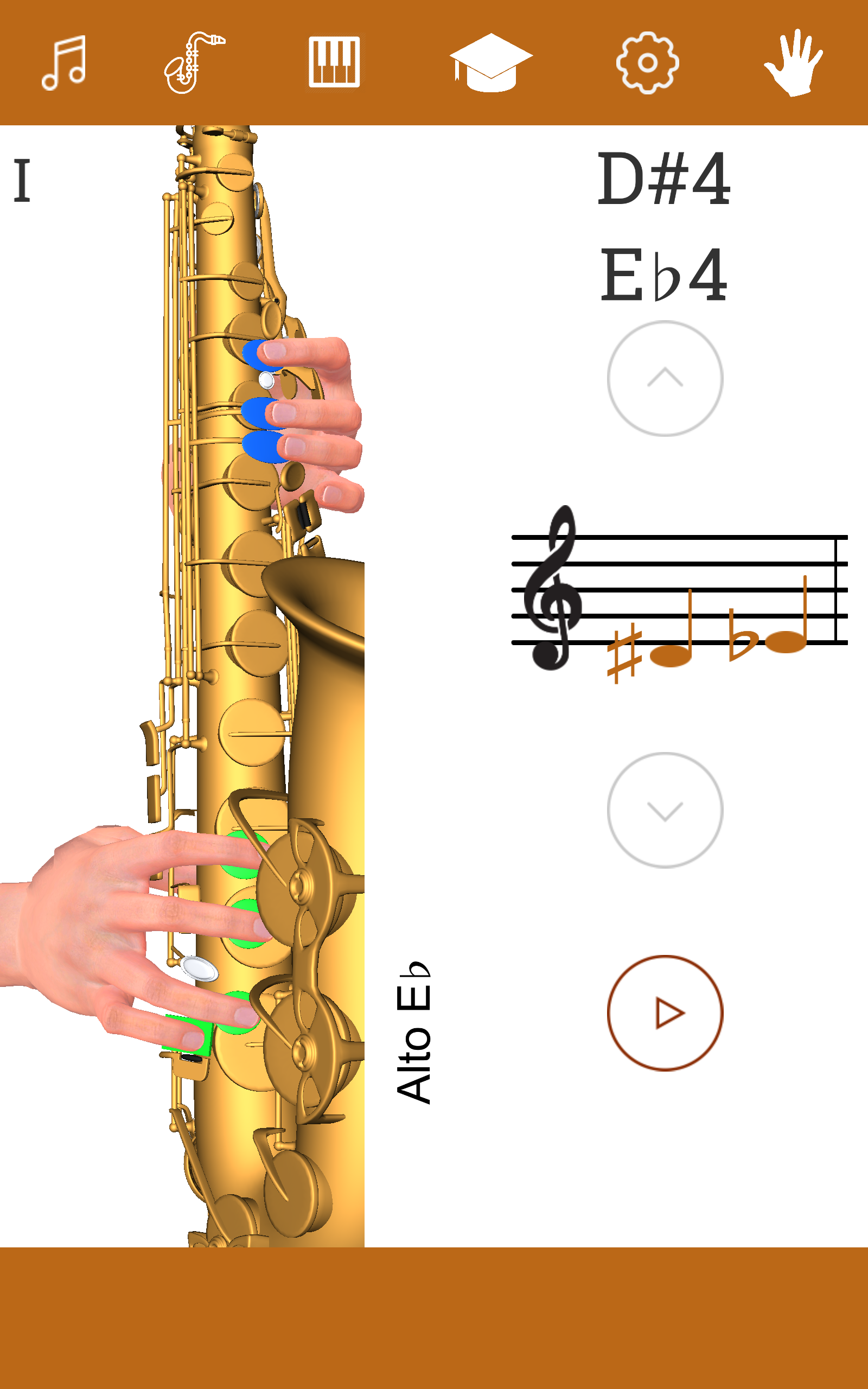
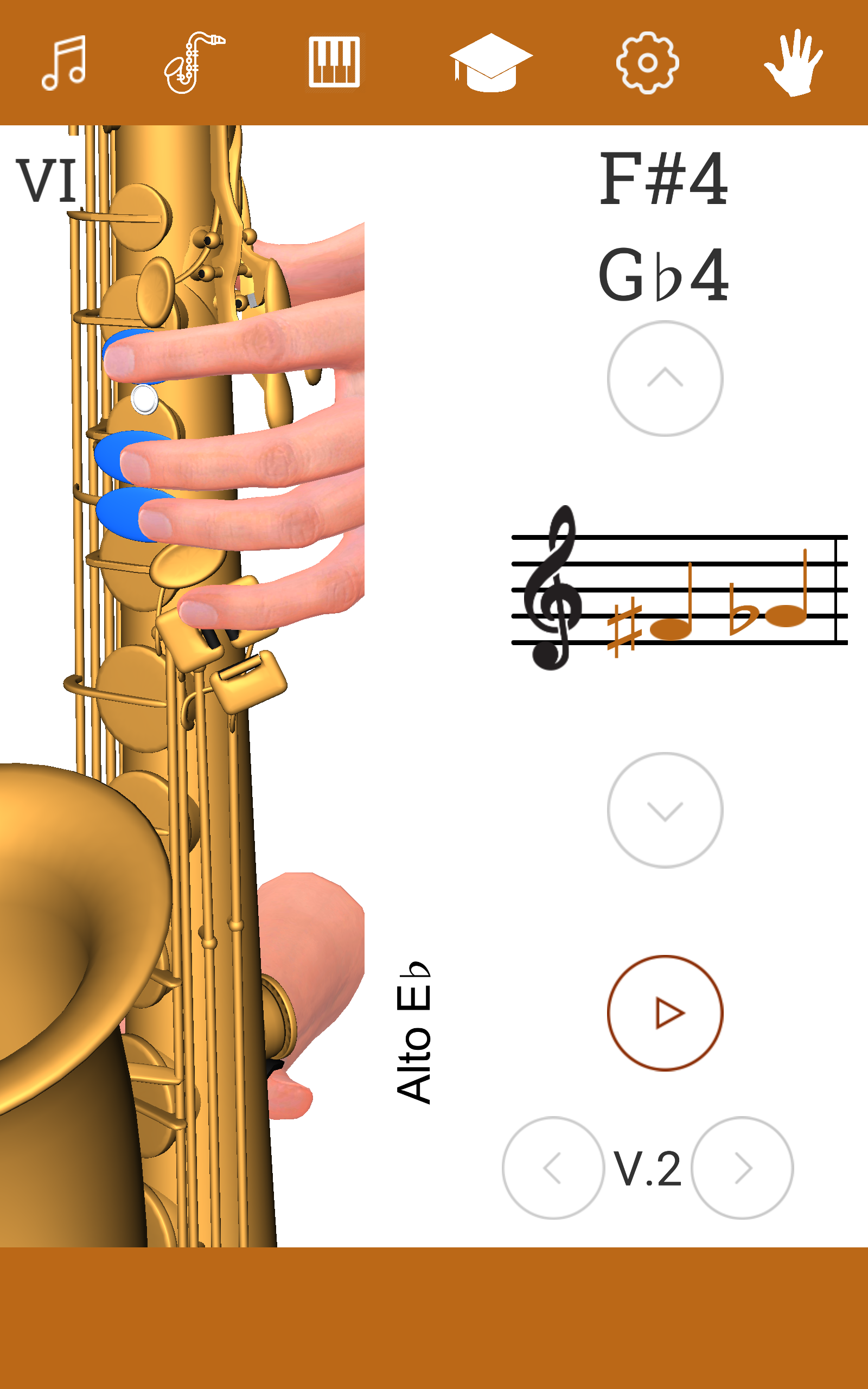
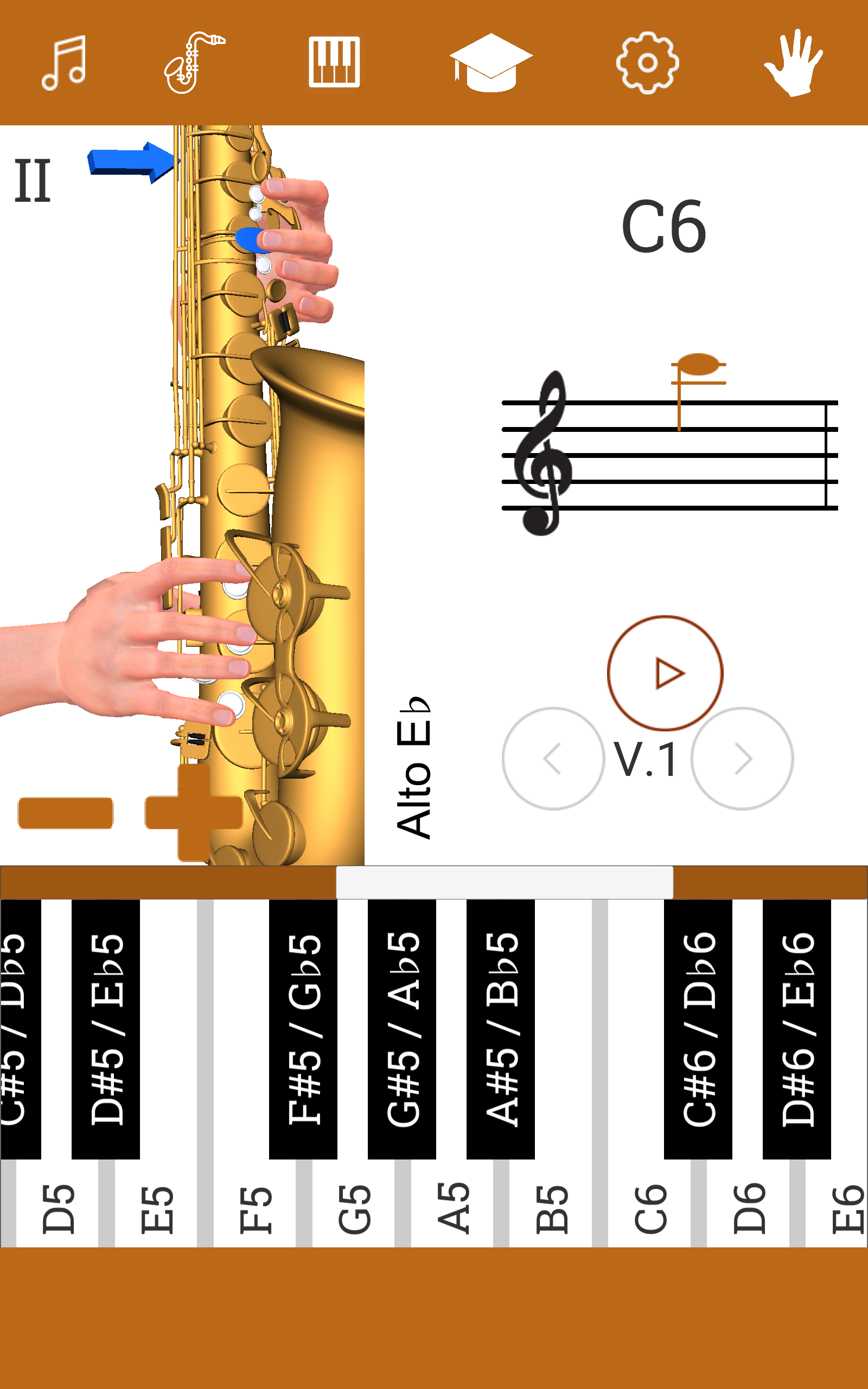
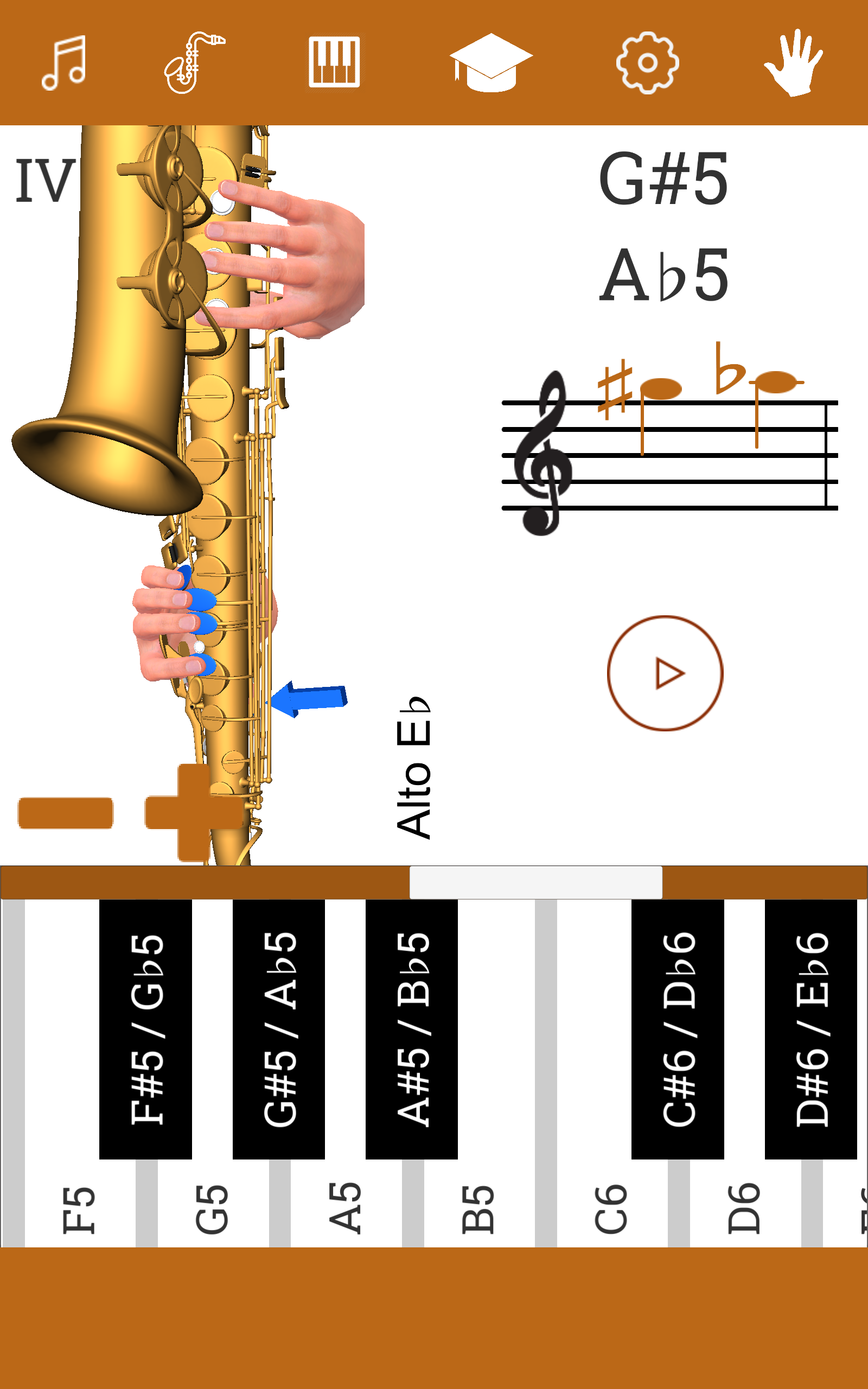
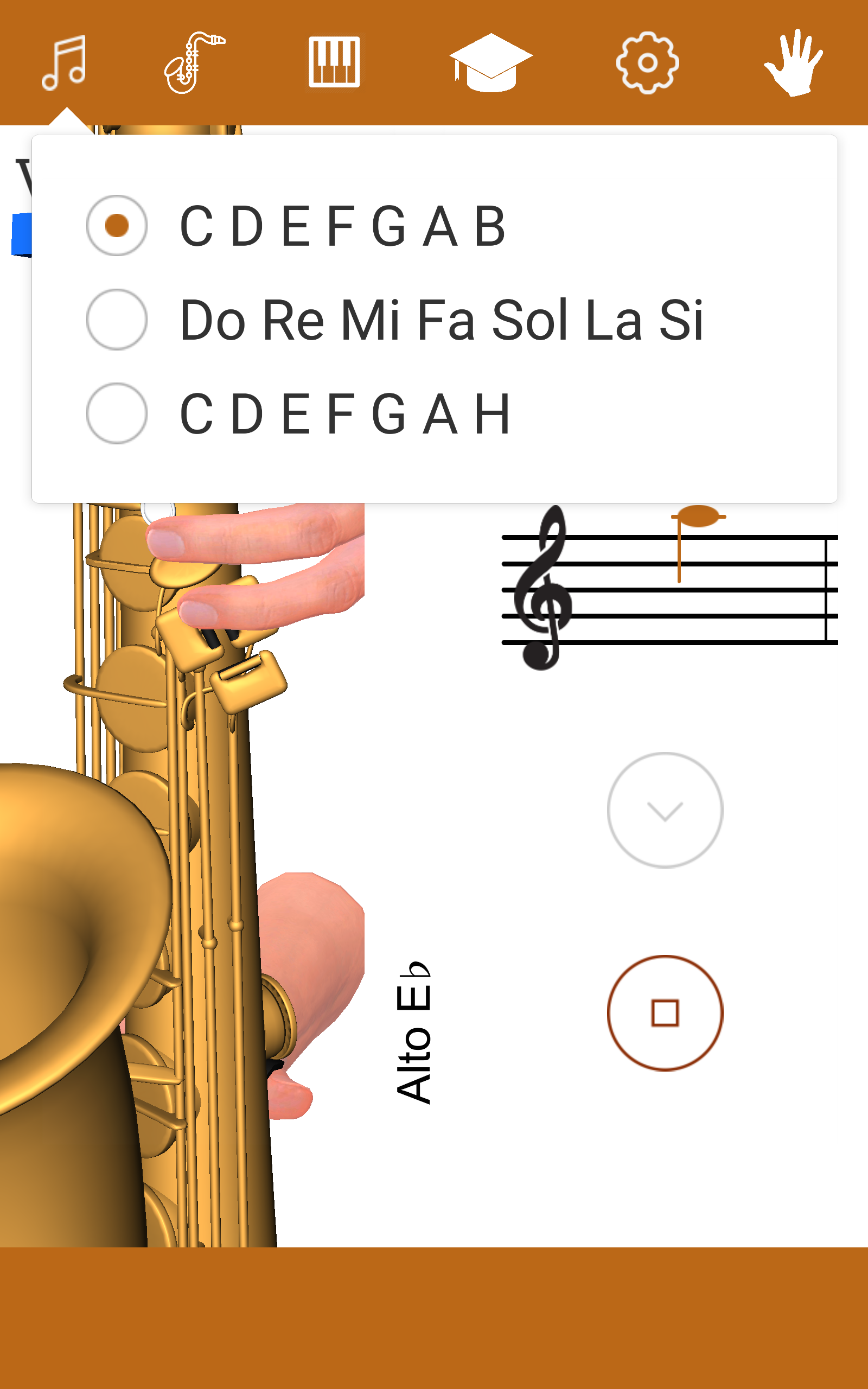
This app displays the finger placements on the saxophone.
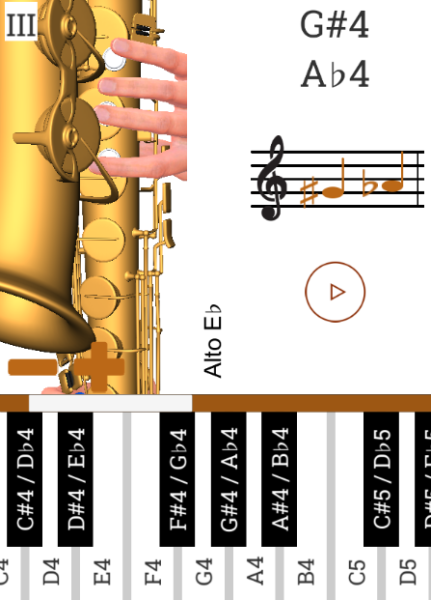
Features:
- You are able to listen to the sound produced by each musical note.
- It includes demonstrations using 3D models, which will aid in your learning process for playing the saxophone.
- Additionally, there is a dedicated section offering saxophone lessons.
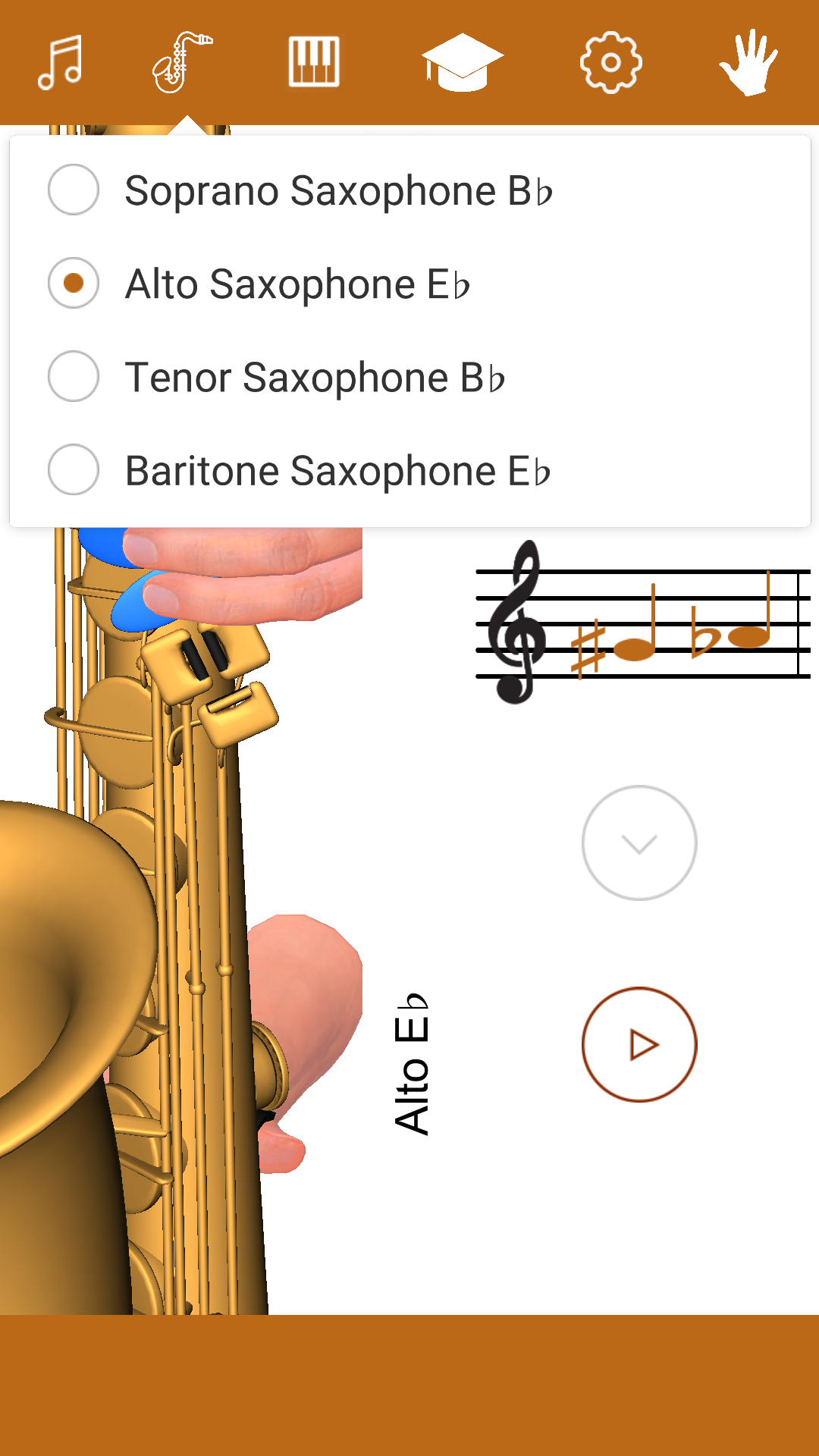
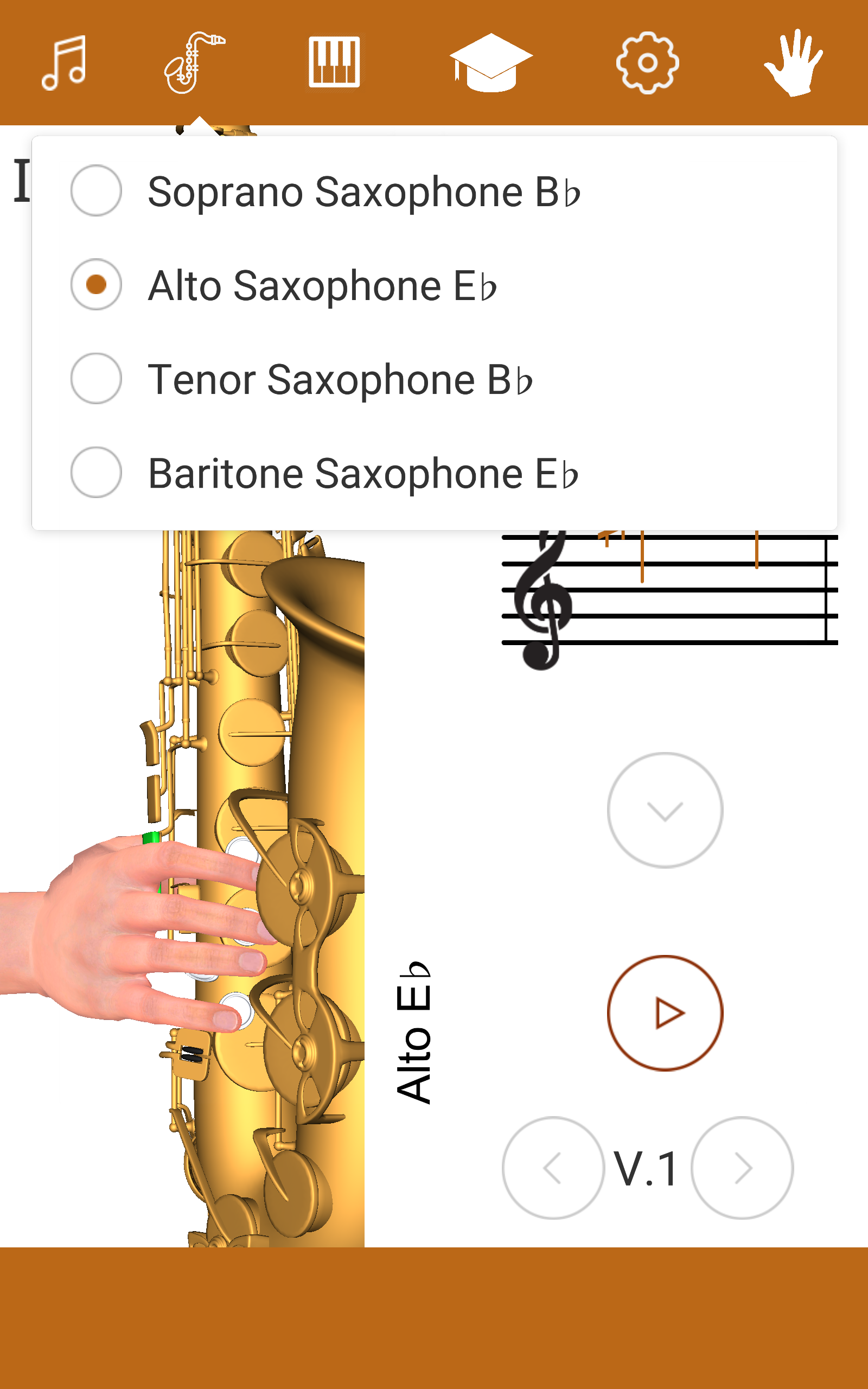
- You can select from various types of saxophones: Soprano B♭, Alto E♭, Tenor B♭, and Baritone E♭.
Core Value:
- Lowers the learning barrier: 3D models are more intuitive than traditional graphics, making them particularly useful for beginners in understanding complex fingerings and reducing the confusion of "looking at the sheet music but not finding the keys."
- Widely adaptable: Whether you're preparing for fingerings before daily practice, comparing tones during performance, or studying systematically, the app can meet all your needs, catering to both fragmented practice and systematic learning scenarios.
- Covers all needs: From beginners familiarizing themselves with fingerings and correcting pitch to advanced players switching between different saxophone practice sessions, the app's functions meet the needs of learners at all stages, from entry-level to advanced.
Target Audience:
- Saxophone beginners with no prior experience (needs to intuitively understand fingering and pitch, no prior music theory knowledge required)
- Saxophone learners with some experience (needs to compare fingerings for instruments in different keys and correct pitch)
- Advanced players (needs to practice on soprano/alto/tenor/baritone saxophones)
- Individuals lacking a physical instrument who want to practice fingerings in short bursts of free time
- Learners who need a systematic saxophone course (including basic music theory)
User Guide:
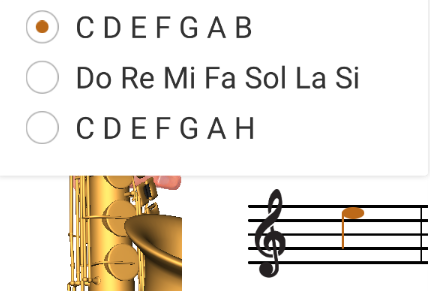
1. Switching Saxophone Type: On the main screen or in the "Saxophone Type Selection" section, click the corresponding model (Soprano B♭/Alto E♭/Tenago B♭/Baritone E♭). The 3D model and fingering markings will automatically adapt.
2. Viewing Fingering and Listening to Tone: In the 3D fingering interface, search for the target note by note name or scale and click it. The 3D model will display the corresponding fingering position, and the system will simultaneously play the standard pitch. Click the "Replay" button to listen again.
3. Learning and Simulation Practice: Beginners can directly use the 3D fingering diagram to familiarize themselves with the "note-fingering" correspondence without prior music theory knowledge. The "Saxophone Lessons" section allows for systematic learning (including basic music theory). Even without a physical saxophone, you can memorize fingerings by observing the 3D model and practice by listening to the pitch.
FAQs:
Q: After opening the app, how do I switch to the saxophone type I'm learning (for example, alto E♭)?
A: On the app's main screen or in the "Saxophone Type Selection" section, there are four options listed, including "Soprano B♭ (B-flat Soprano)" and "Alto E♭ (E-flat Alto)." Simply click on the corresponding type to switch. The 3D model and fingering notation will automatically adapt to the key layout of that type of saxophone.
Q: How do I view the fingering for a specific note and listen to the sound?
A: In the 3D fingering interface, first find the target note (you can search by note name or scale). Click on the note, and the 3D model will automatically display the corresponding finger positions. The system will also automatically play the standard sound of that note. If you need to listen again, some interfaces may have a "Replay" button.
Q: Can I start learning saxophone from scratch with this app? Do I need to learn music theory first?
A: You can get started right away with no prior experience. The app's 3D fingering charts are easy to understand without complex music theory knowledge—the intuitive key notation allows for quick "note-to-fingering" mapping. However, for more systematic learning, we recommend combining it with the "Saxophone Lessons" section, which covers basic music theory (such as note durations and scale structure) for even better fingering practice.
Q: If I don't have a saxophone and want to practice with fingerings, can I use the app to simulate practice?
A: Yes. The app's 3D model clearly shows the placement of each key. Even without a physical saxophone, you can memorize finger placement by observing the 3D model. You can also listen to the pitches of different notes to familiarize yourself. This makes it perfect for practicing fingerings or getting used to pitch in your spare time.
- Version1.0.13
- UpdateOct 28, 2026
- Developerurokimusic
- CategoryEducation
- Requires AndroidAndroid 5.1+
- Downloads208K+
- Package Nameurokimusic.com.HowToPlaySax3D
- Signaturef0c7df5b2cc444643c649c778f0cb58a
- Available on
- ReportFlag as inappropriate
-
NameSizeDownload
-
67.42 MB
-
54.43 MB
-
31.15 MB











Easy step-by-step learning for beginners
Near silent practice mode to avoid disturbing neighbors
Comprehensive diagrams and YouTube references for visual learning
Clear finger positioning images for better understanding
Standard and alternate fingerings available for various notes
Immediate sound feedback for note accuracy
Suitable for all player levels, from complete beginners to advanced players
Helpful tool for self-learning sessions after work
Limited choice in viewing different saxophone perspectives
Difficulty in identifying finger positioning on palm keys
Lack of key signature features in the application
Initial learning curve for absolute beginners
Some users might find it overwhelming with too many options
Need for clearer instructions for certain features
May require additional resources for comprehensive music theory understanding