Zello PTT Walkie Talkie - Instant voice messaging
Instantly communicate like a walkie-talkie, perfect for teamwork and emergencies.

- 6.13.3 Version
- 4.2 Score
- 61M+ Downloads
- In-app purchases License
- 3+ Content Rating



App Overview
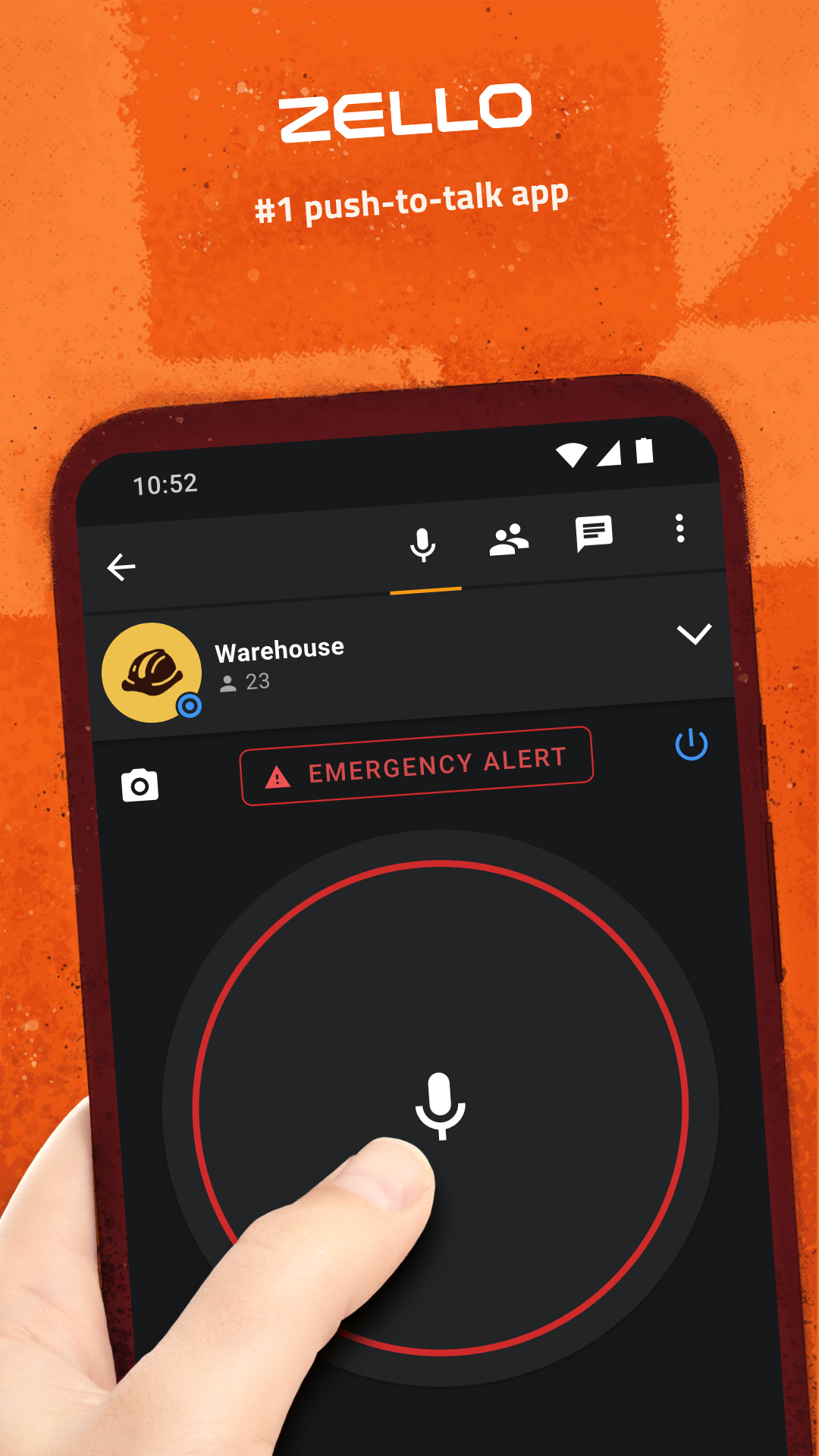
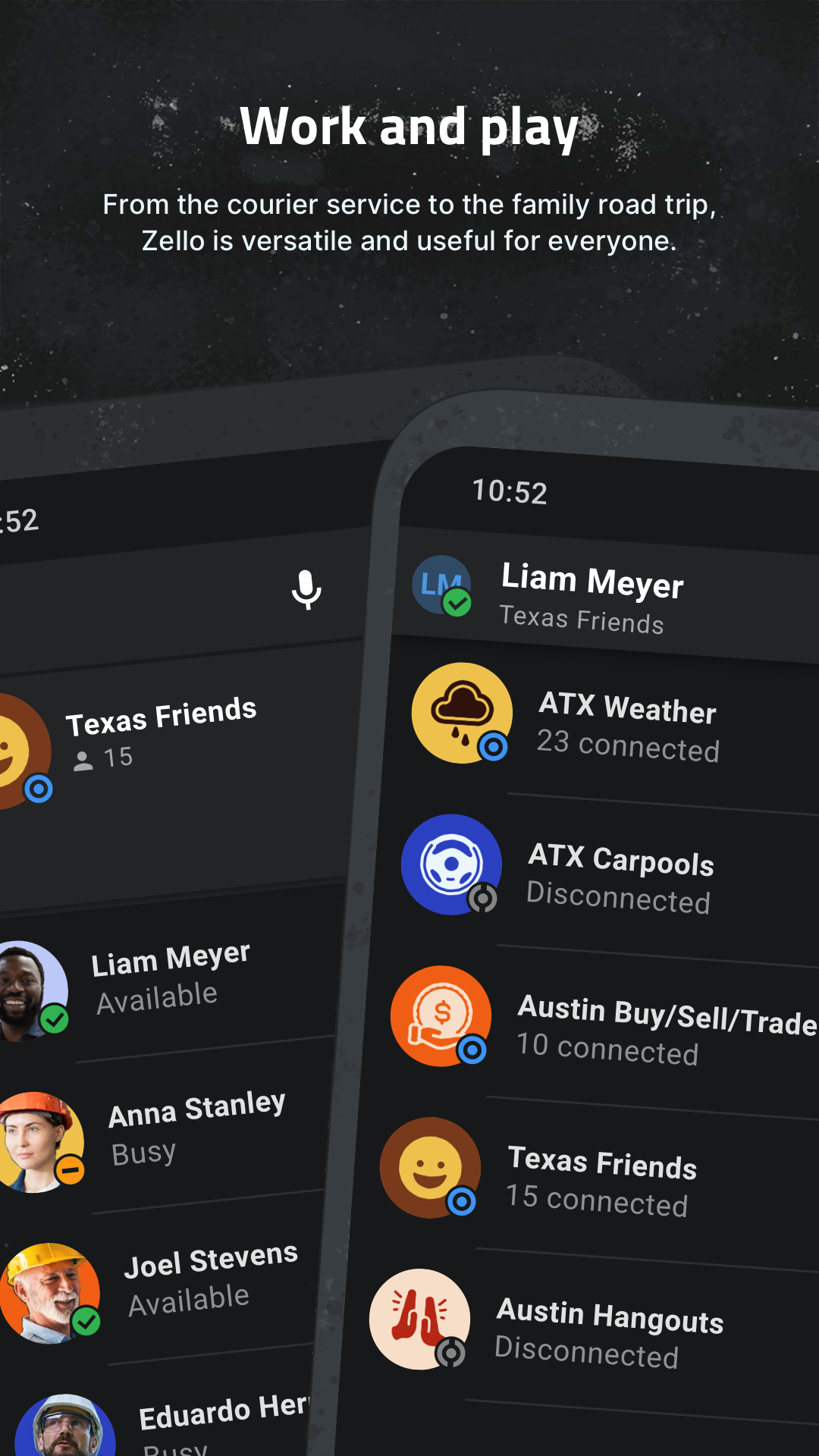
Zello PTT Walkie Talkie turns an Android smartphone or tablet into a digital walkie-talkie. Using push-to-talk (PTT) technology, users can exchange voice messages in real time with individual contacts or communicate with larger groups through public and private channels.
The app transmits audio over Wi-Fi and mobile data networks, including 2G, 3G, and 4G connections. Other communication tools include contact availability indicators, text status updates, image sharing, voice message history, and call notifications.
Zello offers different services for personal and professional use. Zello Public is free for individual users, while Zello Work and Zello Enterprise Server provide communication solutions for businesses and organizations.
Key Features
• Push-to-Talk Communication: Hold the PTT button to transmit voice messages in real time and release it when finished
• Public and Private Channels: Join public conversations or communicate with selected members in private groups, with support for up to 6,000 users per channel
• Contact Status: View contact availability and text status updates
• Hardware PTT Support: Activate voice transmission using compatible physical buttons
• Bluetooth Headset Compatibility: Connect supported Bluetooth headsets on compatible smartphone models
• Voice Message History: Replay previously received voice messages
• Image Sharing: Send pictures to individual contacts or channel members
• Call Notifications: Receive alerts for incoming communications and other activity
• Location Sharing: Share location information through Zello Work
How to Use Zello
Create an account or sign in after installing the app. Add contacts to your list and select an individual contact to start a private conversation. Hold the PTT button while speaking, then release it to send the voice message.
For group communication, join an existing public channel or participate in a private channel. You can also review received voice messages, exchange pictures, and adjust notification settings.
Compatible hardware PTT buttons and Bluetooth headsets can be configured for voice transmission, depending on device support.
Internet Requirements and Service Options
Zello requires an active internet connection to send and receive voice messages. It works over Wi-Fi and mobile data networks, including 2G, 3G, and 4G, but cannot operate as a traditional offline radio.
Zello uses a proprietary PTT protocol and cannot directly communicate with Voxer, Sprint Direct Connect, or AT&T Enhanced PTT.
The platform offers three service options:
• Zello Public: A free service for personal conversations, contact management, and public channels
• Zello Work: A cloud-based communication service designed for businesses and workplace teams
• Zello Enterprise Server: A private server solution for organizations that want to manage their own communication infrastructure
FAQs
1. Is Zello PTT Walkie Talkie free?
Yes. Zello Public is free for personal use. Businesses can choose paid services such as Zello Work or Zello Enterprise Server.
2. Can I use Zello without an internet connection?
No. Zello requires Wi-Fi or mobile data to transmit and receive voice messages. It does not work as an offline walkie-talkie.
3. Does Zello support Bluetooth headsets?
Yes. Compatible Bluetooth headsets are supported on selected smartphone models. Compatible hardware PTT buttons can also be used.
4. How many people can join a Zello channel?
A Zello channel can accommodate up to 6,000 users.
5. Is Zello available on desktop computers?
Yes. Zello offers versions for additional platforms, including desktop computers. Visit the official Zello website for download options and platform information.
6. Can Zello communicate with other walkie-talkie apps?
No. Zello uses its own PTT protocol and cannot directly connect with Voxer, Sprint Direct Connect, or AT&T Enhanced PTT.
- Version6.13.3
- UpdateNov 16, 2026
- DeveloperZello Inc
- CategoryCommunication
- Requires AndroidAndroid 7.0+
- Downloads61M+
- Package Namecom.loudtalks
- Signature21b5032dea5be128f7dfa17fc69414a8
- Available on
- ReportFlag as inappropriate
-
NameSizeDownload
-
59.00 MB
-
59.00 MB
-
58.80 MB