
WordBit الأسبانية - Learn Spanish & Vocabulary
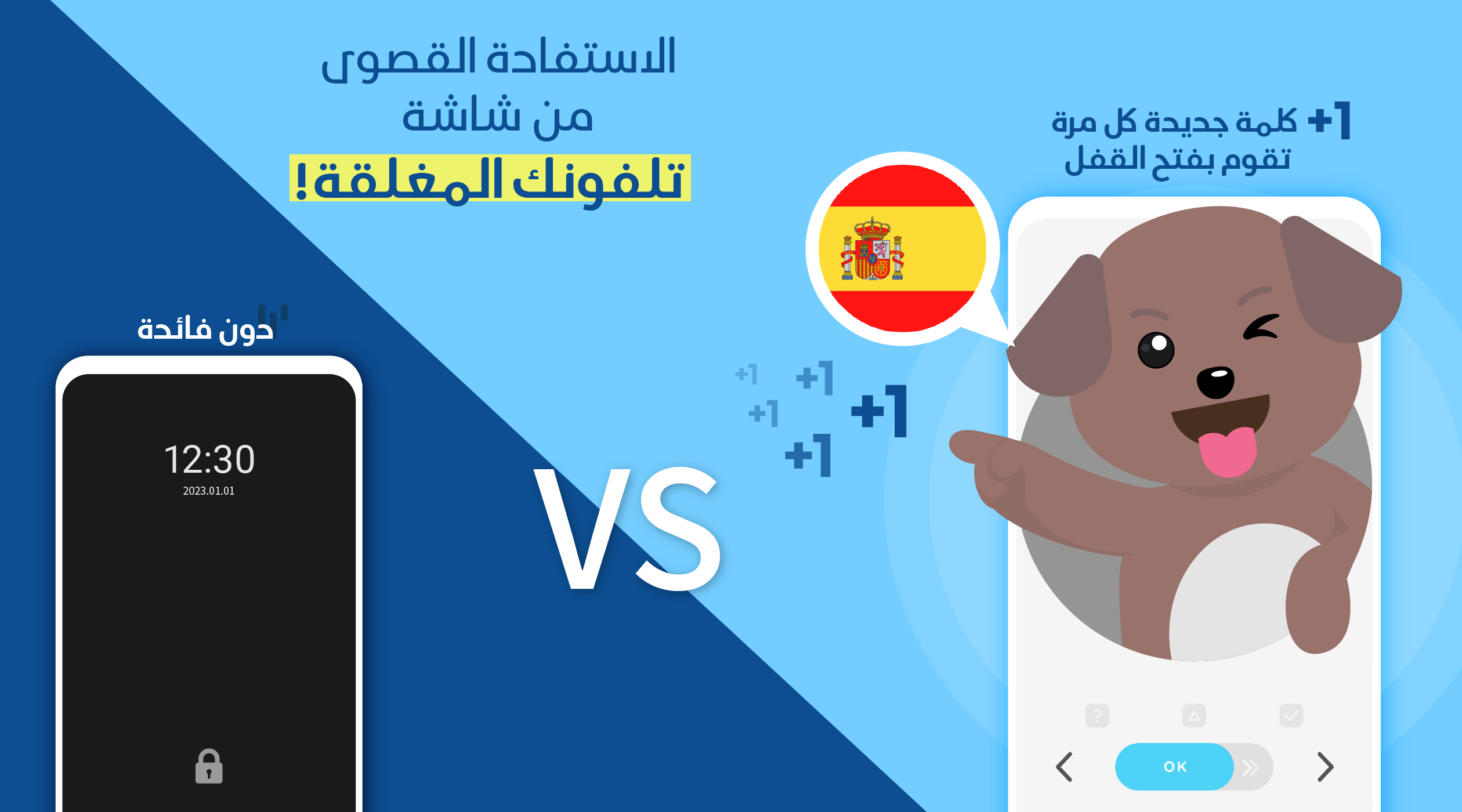
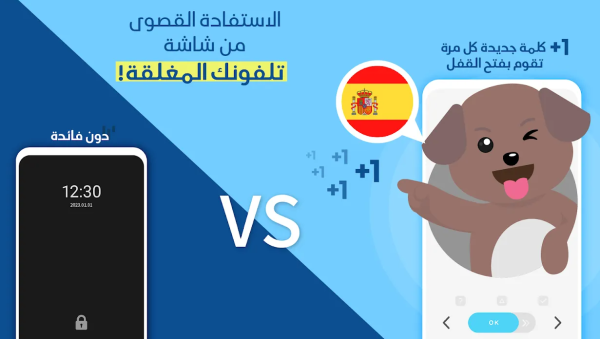
Transform your lock screen into a Spanish classroom, learning vocabulary effortlessly while you check your phone!
- 1.7.0.32 Version
- 1.1 Score
- 201K+ Downloads
- Free License
- 3+ Content Rating


About WordBit Spanish
WordBit Spanish is a Spanish vocabulary learning app that displays words, phrases, and example sentences on a phone's lock screen. Instead of following a conventional lesson format, it introduces vocabulary whenever users check or unlock their phones, incorporating short review sessions into everyday phone use.
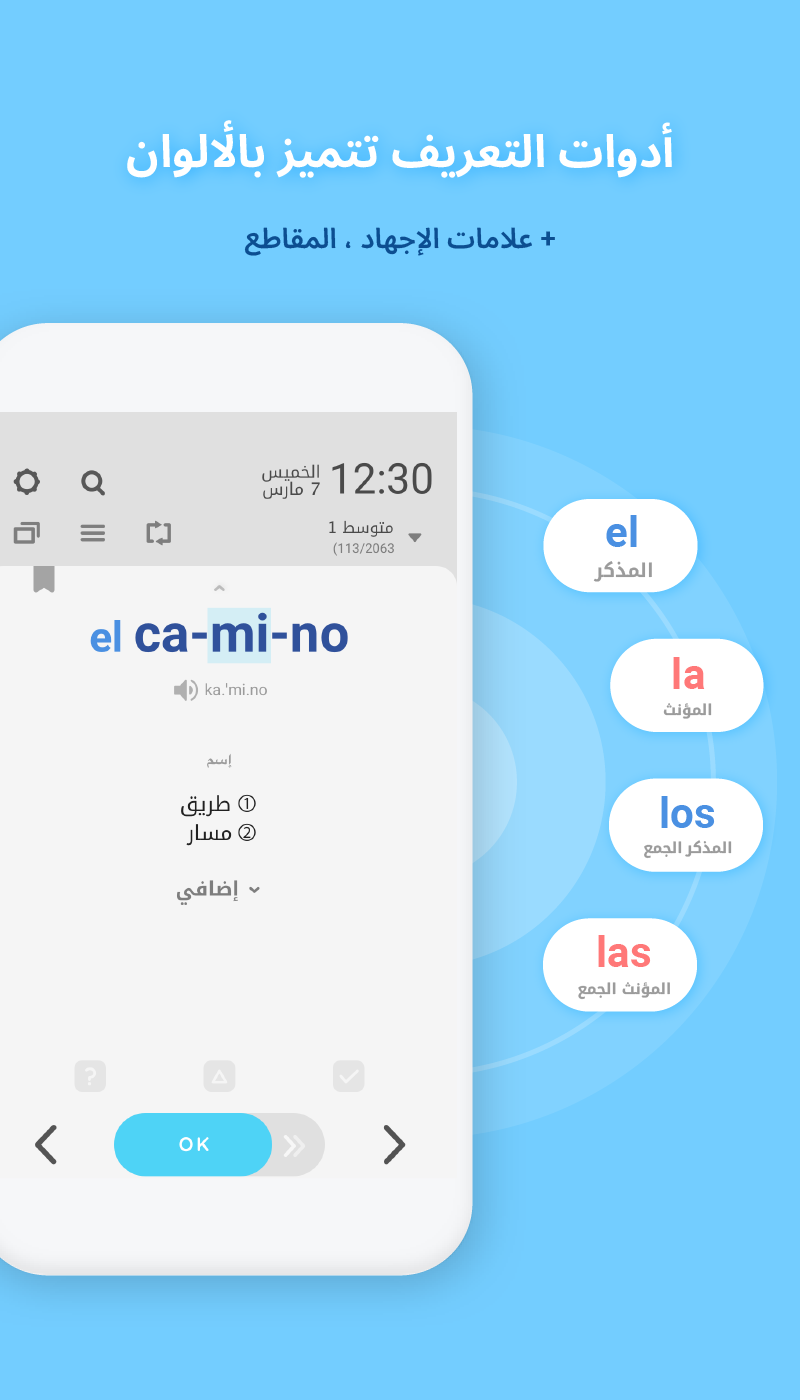
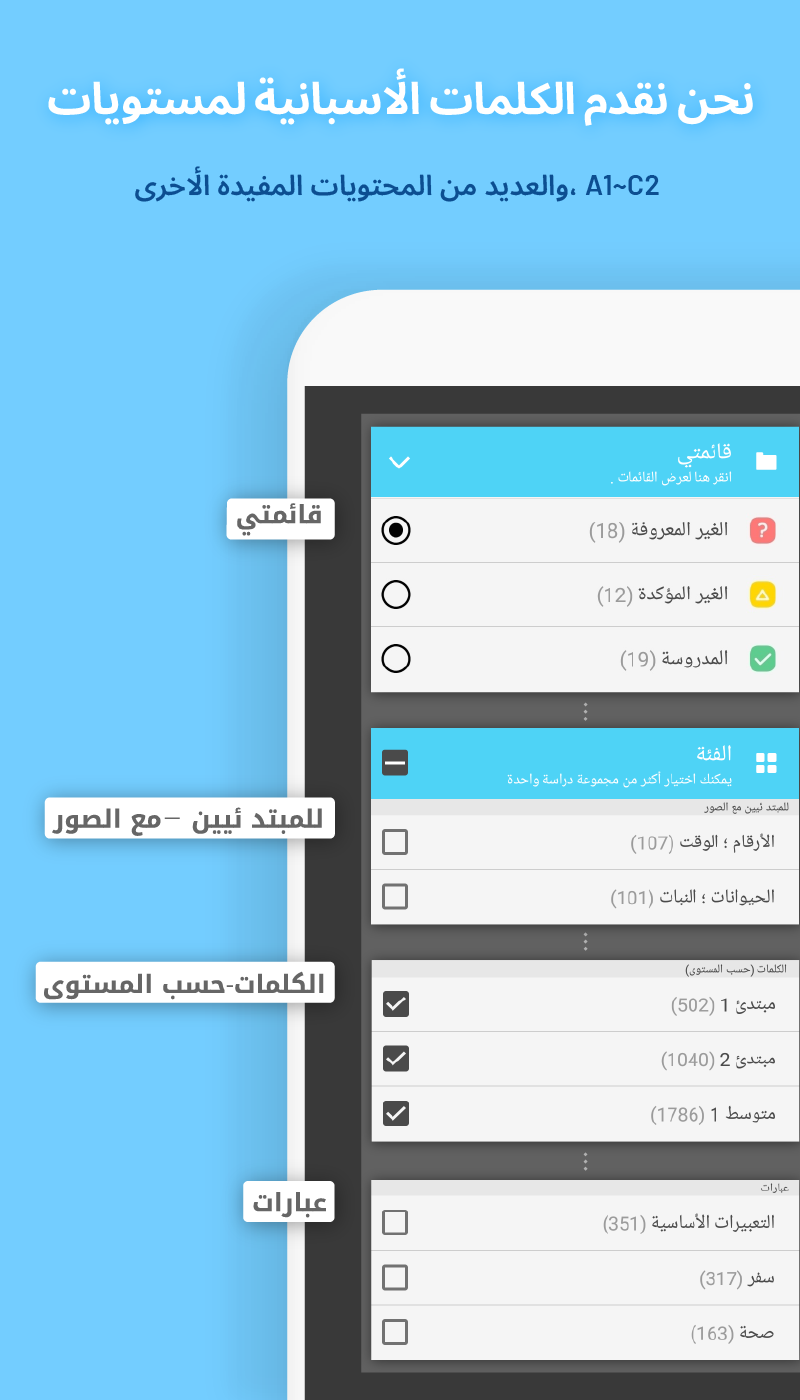
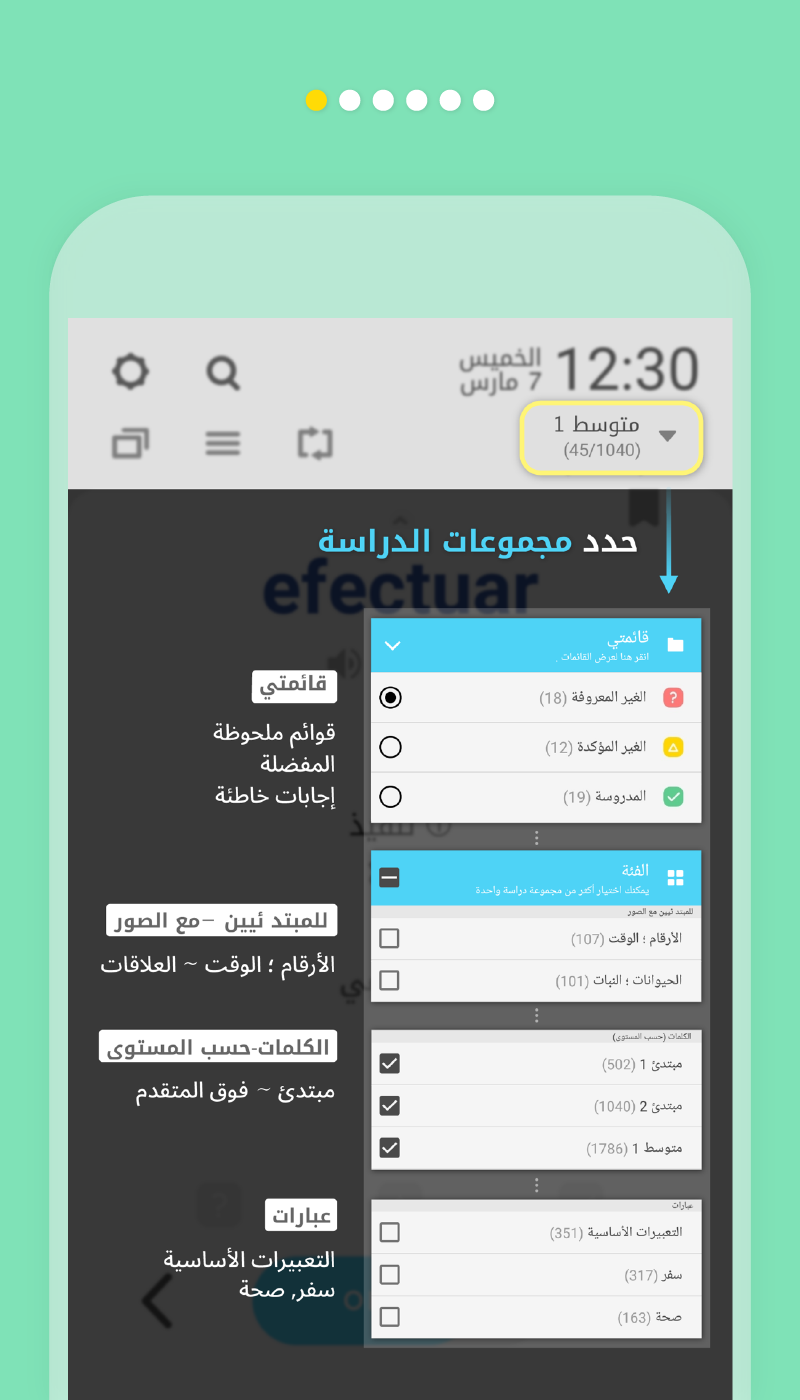
The app contains more than 10,000 vocabulary items divided into four proficiency levels: beginner, intermediate, upper-intermediate, and advanced. Topics include everyday subjects such as numbers, time, animals, plants, food, and relationships, alongside idioms, proverbs, common expressions, and travel phrases.
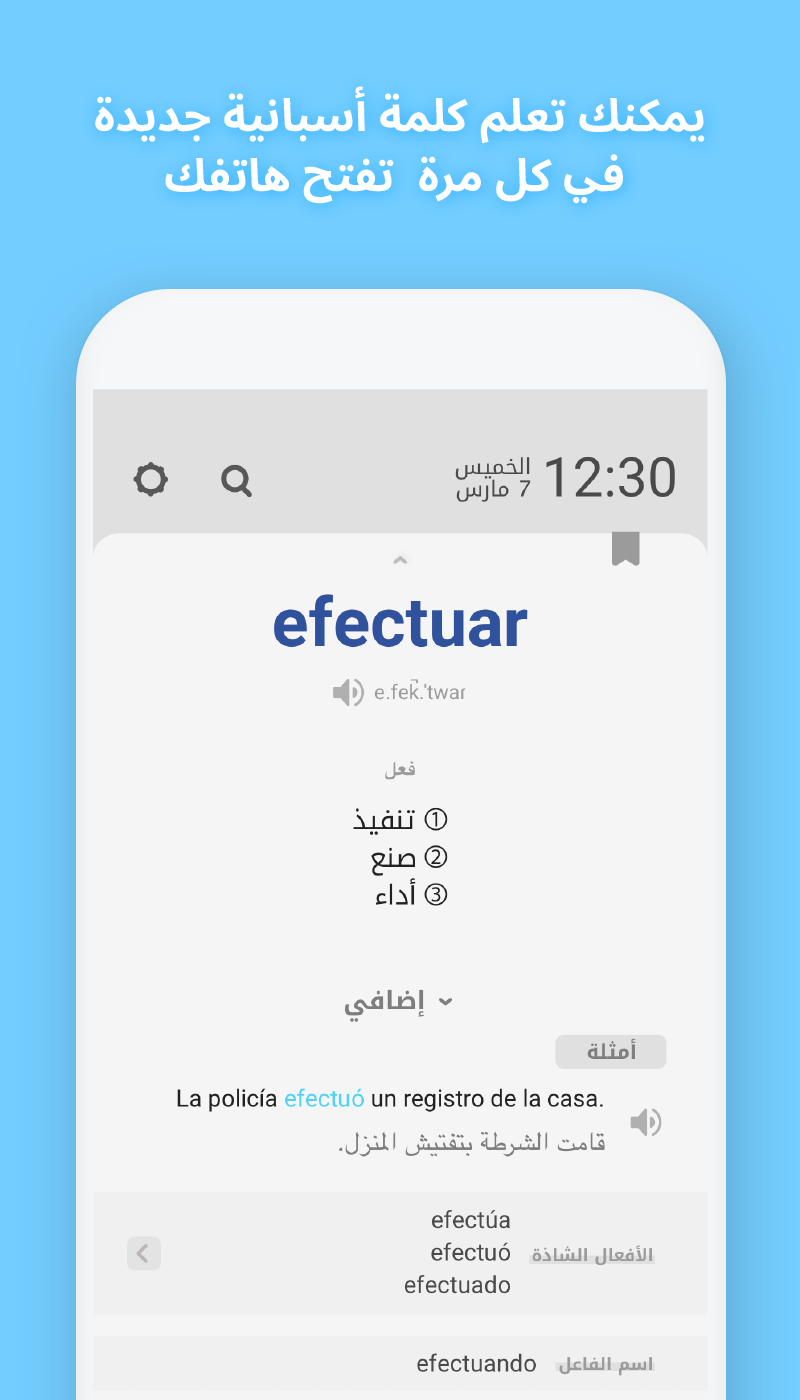
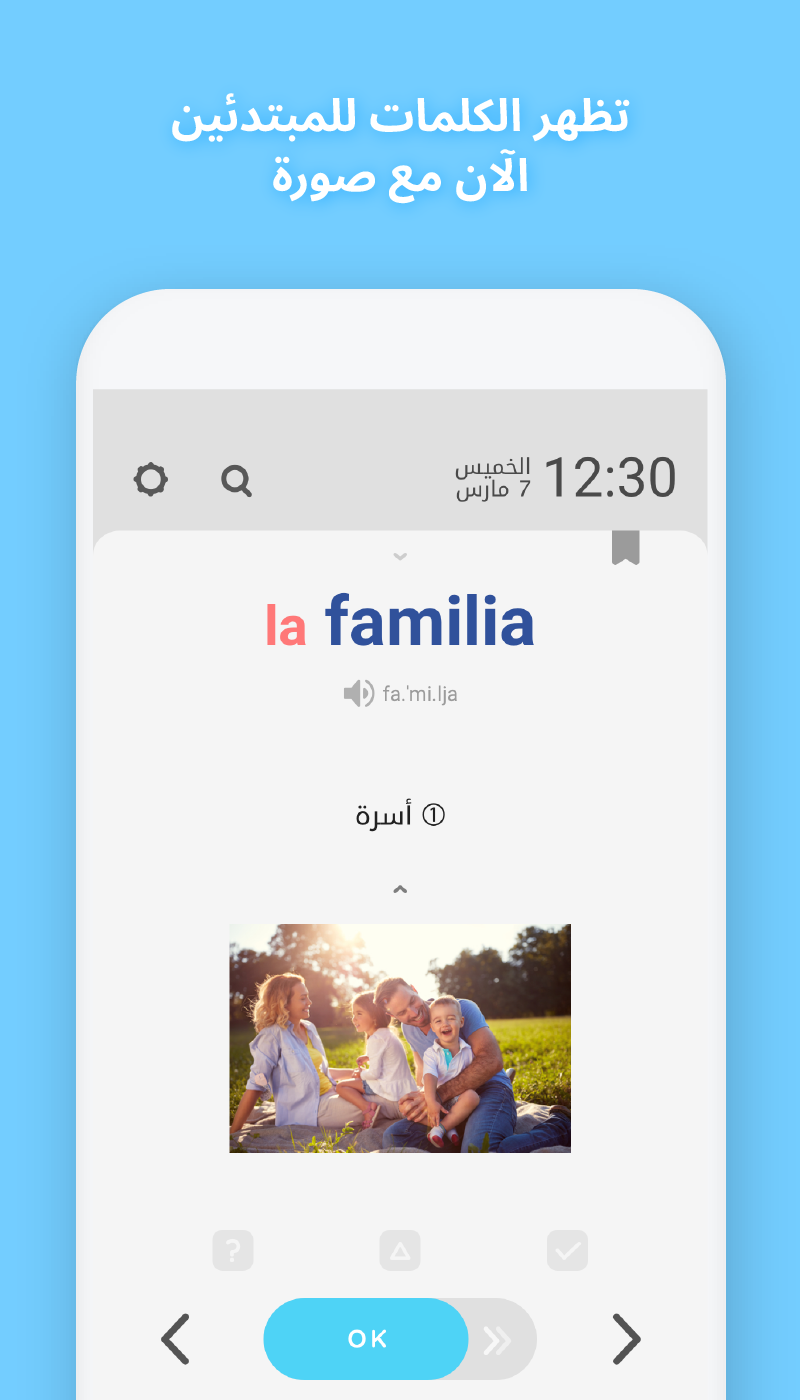
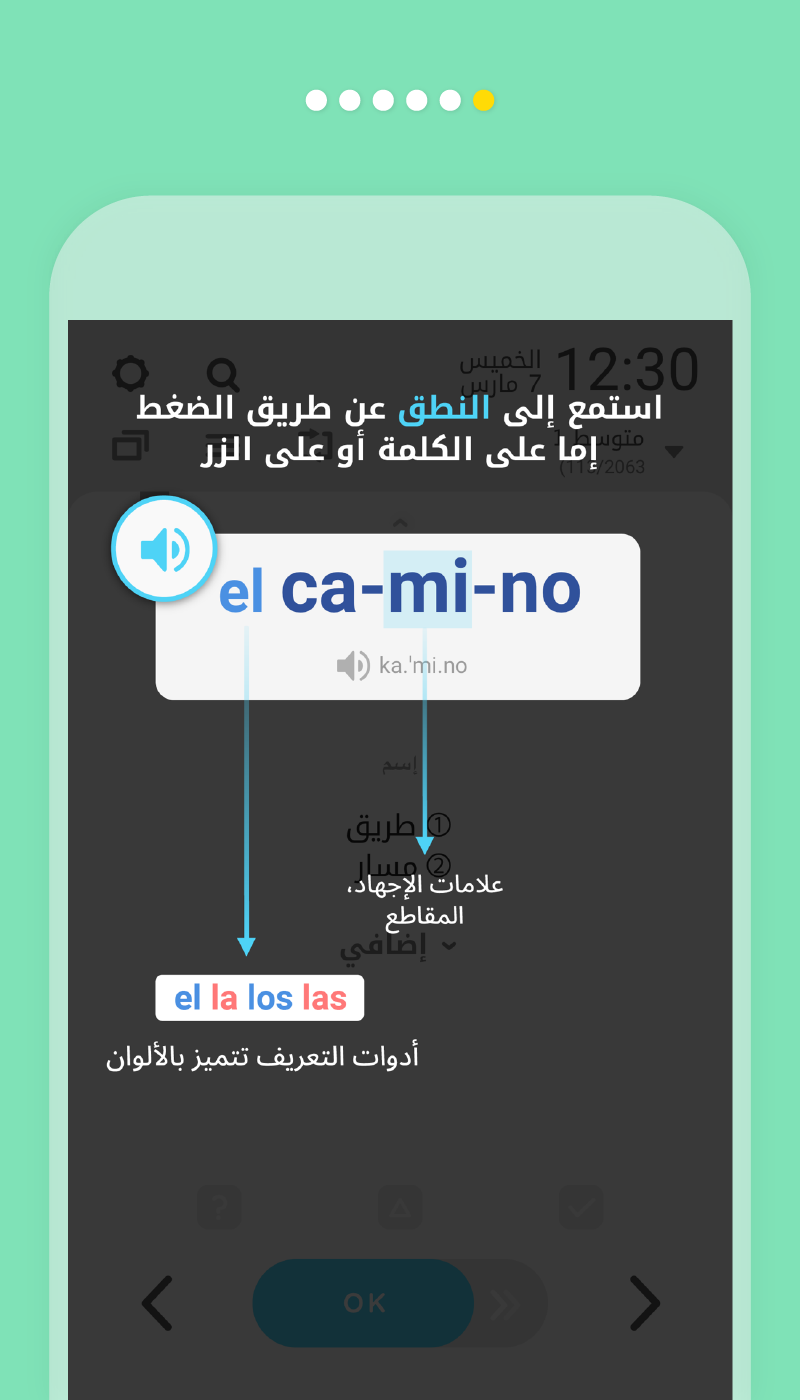
Vocabulary entries may include example sentences, audio pronunciation, and illustrations. Additional language references cover verb conjugations, synonyms, antonyms, and grammar notes. WordBit Spanish is designed for learners who prefer frequent vocabulary practice over longer, scheduled study sessions.
Key Features
1. Lock Screen Vocabulary Learning
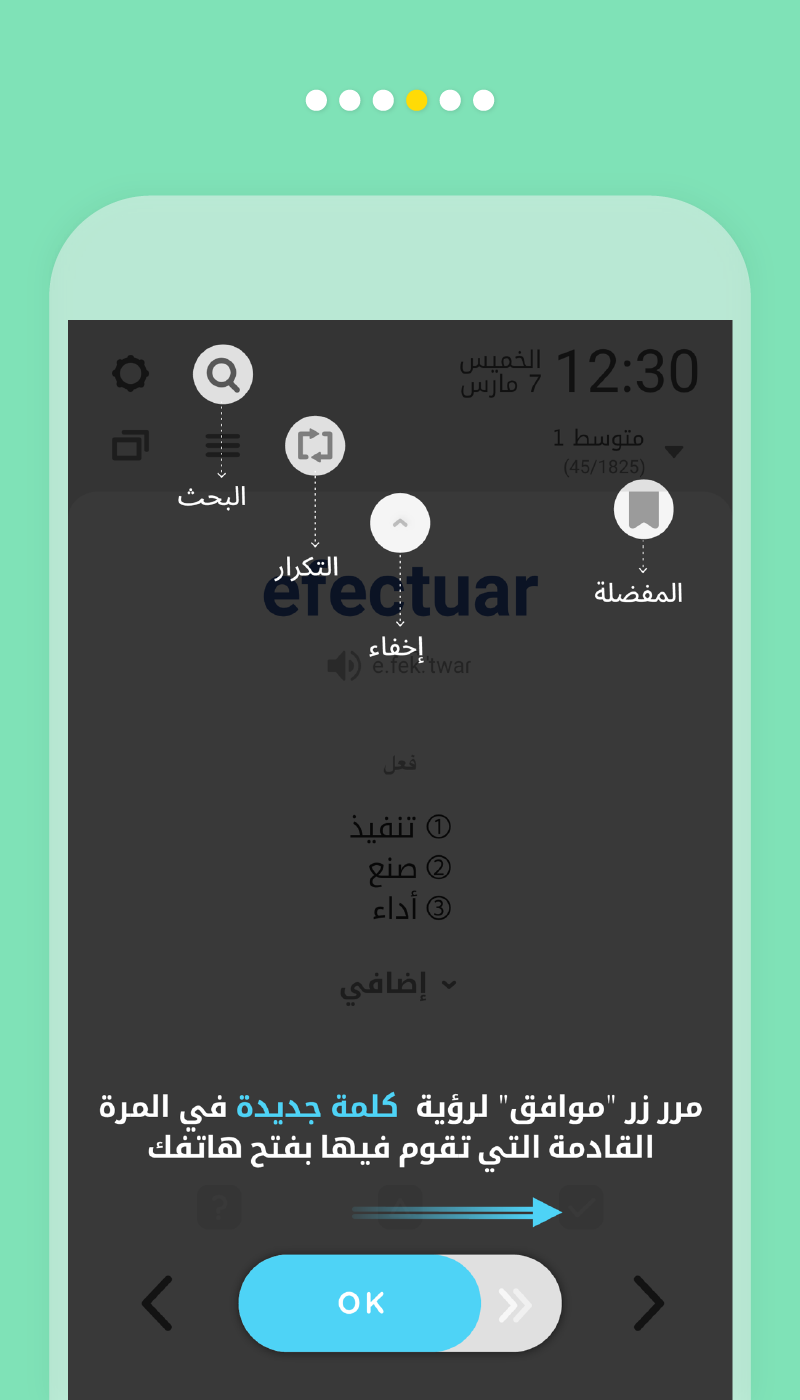
Spanish words and phrases appear automatically on the lock screen when the phone is unlocked. Users can review vocabulary without opening a separate lesson or navigating through the app.
2. Four Proficiency Levels
The vocabulary collection is divided into beginner, intermediate, upper-intermediate, and advanced levels. This organization allows learners to select material suited to their current Spanish ability.
3. Contextual Language Information
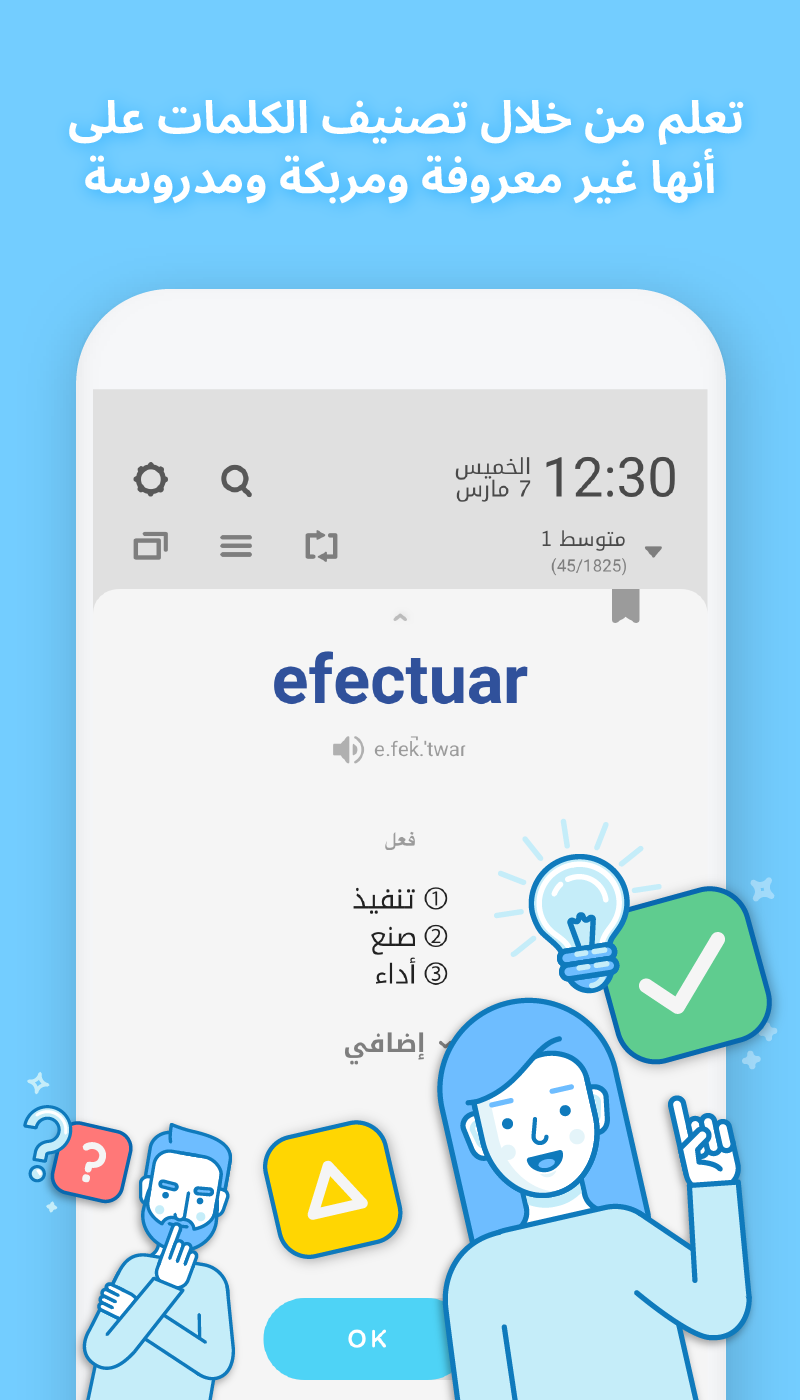
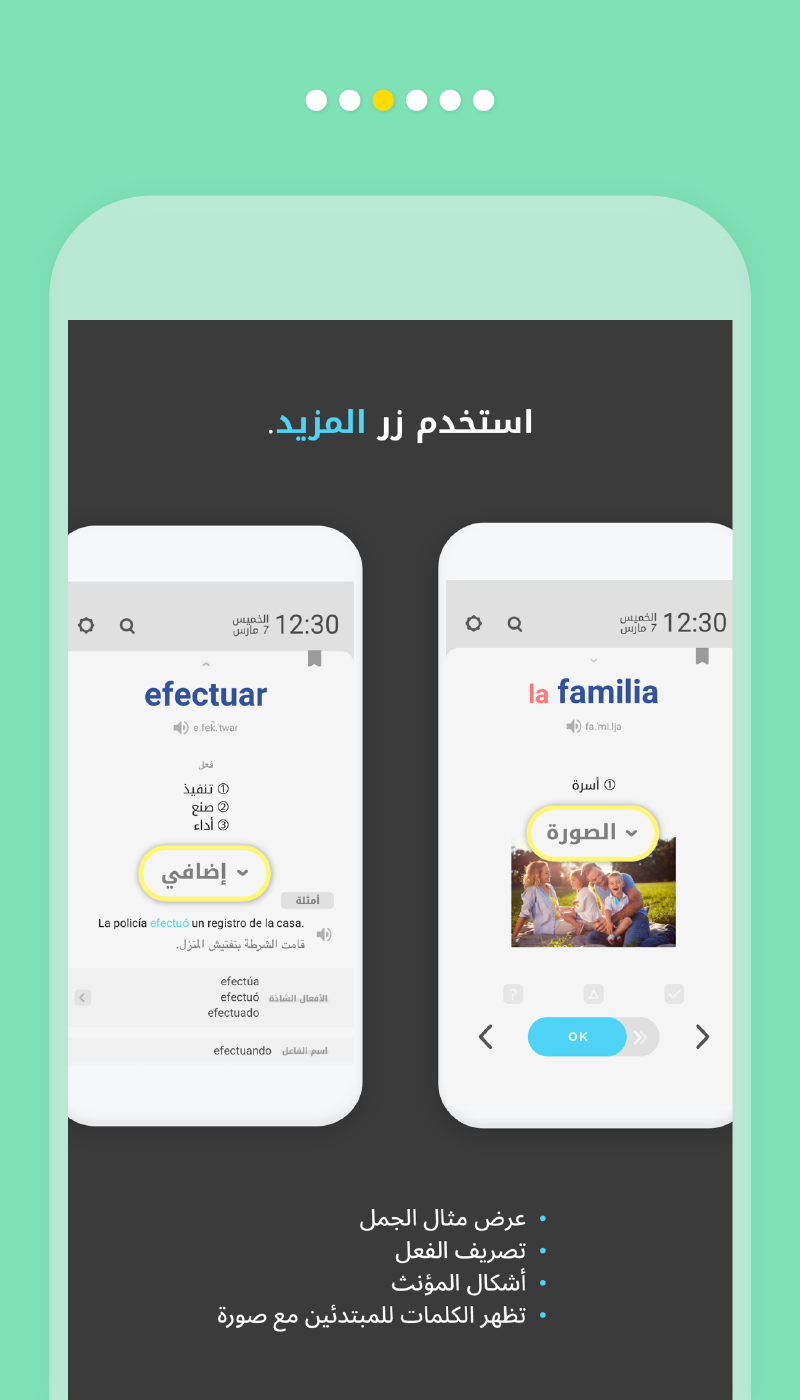
Entries include example sentences and relevant linguistic details, such as synonyms, antonyms, noun forms, verb conjugations, comparative forms, and grammar explanations.
4. Audio and Visual Support
Audio playback demonstrates Spanish pronunciation, while stress marks indicate syllable emphasis. Selected entries also feature illustrations, particularly for familiar subjects such as food, animals, and plants.
5. Everyday Expressions and Travel Phrases
In addition to individual words, the collection covers idioms, proverbs, frequently used expressions, and travel-related language for common conversations and practical situations.
6. Quizzes and Spaced Review
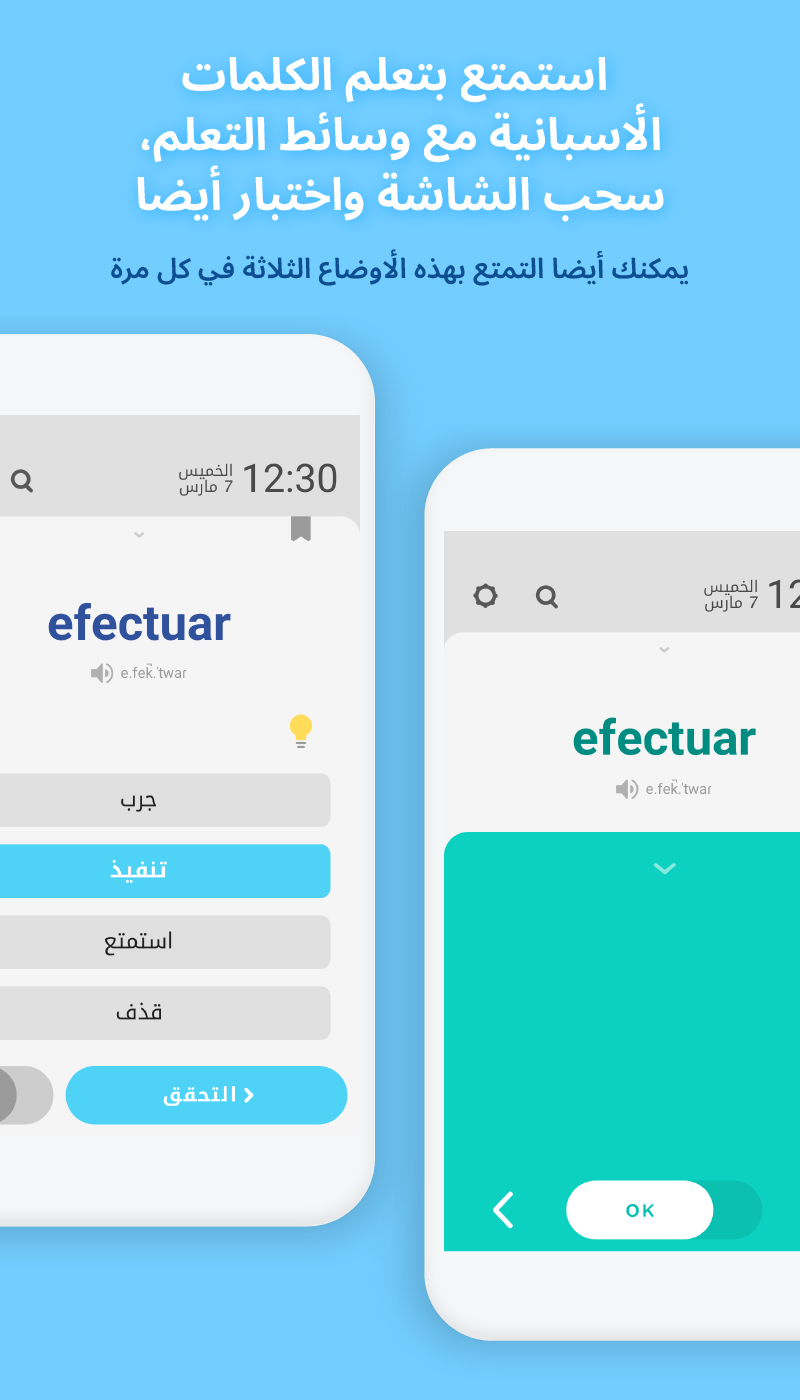
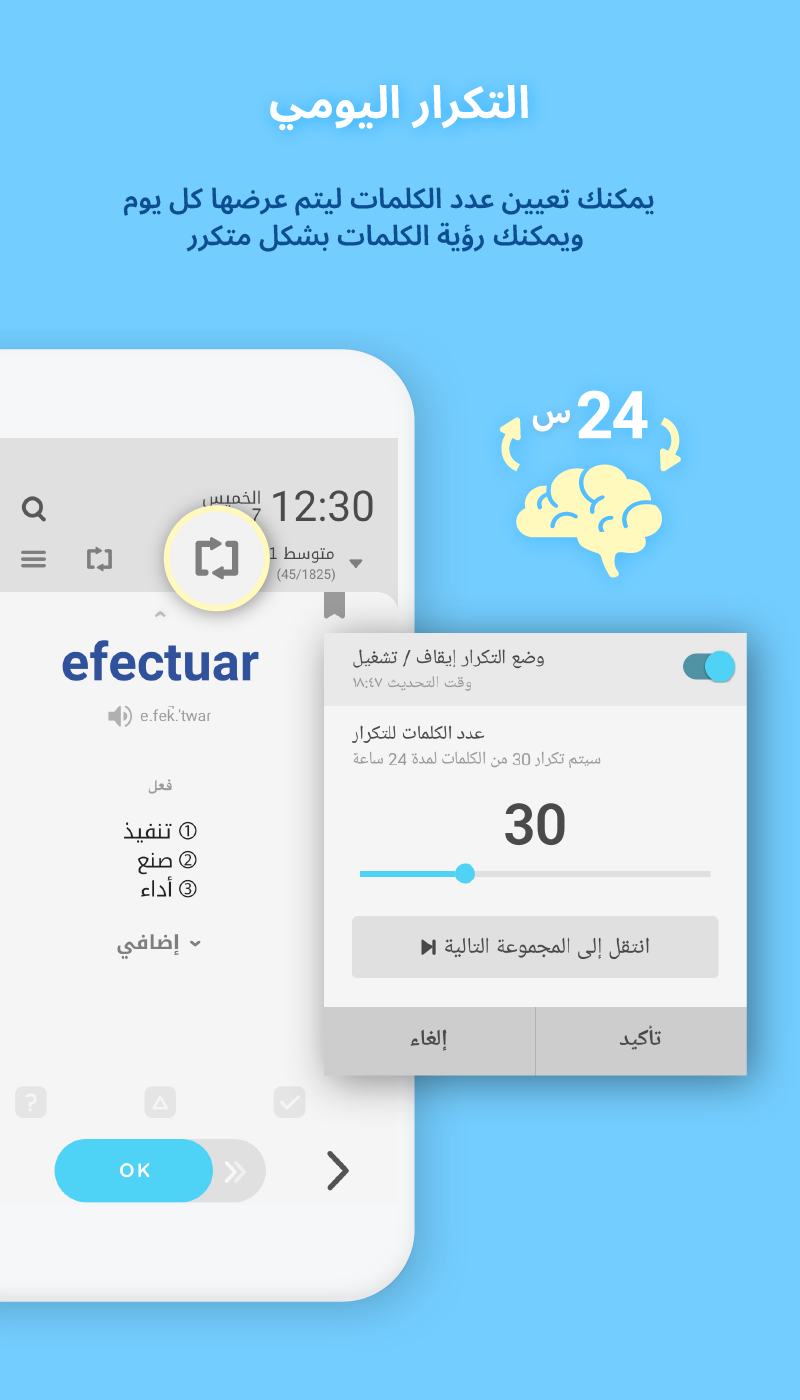
Quizzes and cover mode test vocabulary recall rather than relying solely on reading definitions. The daily repetition function also brings previously displayed words back within a 24-hour period.
7. Vocabulary Management and Interface Settings
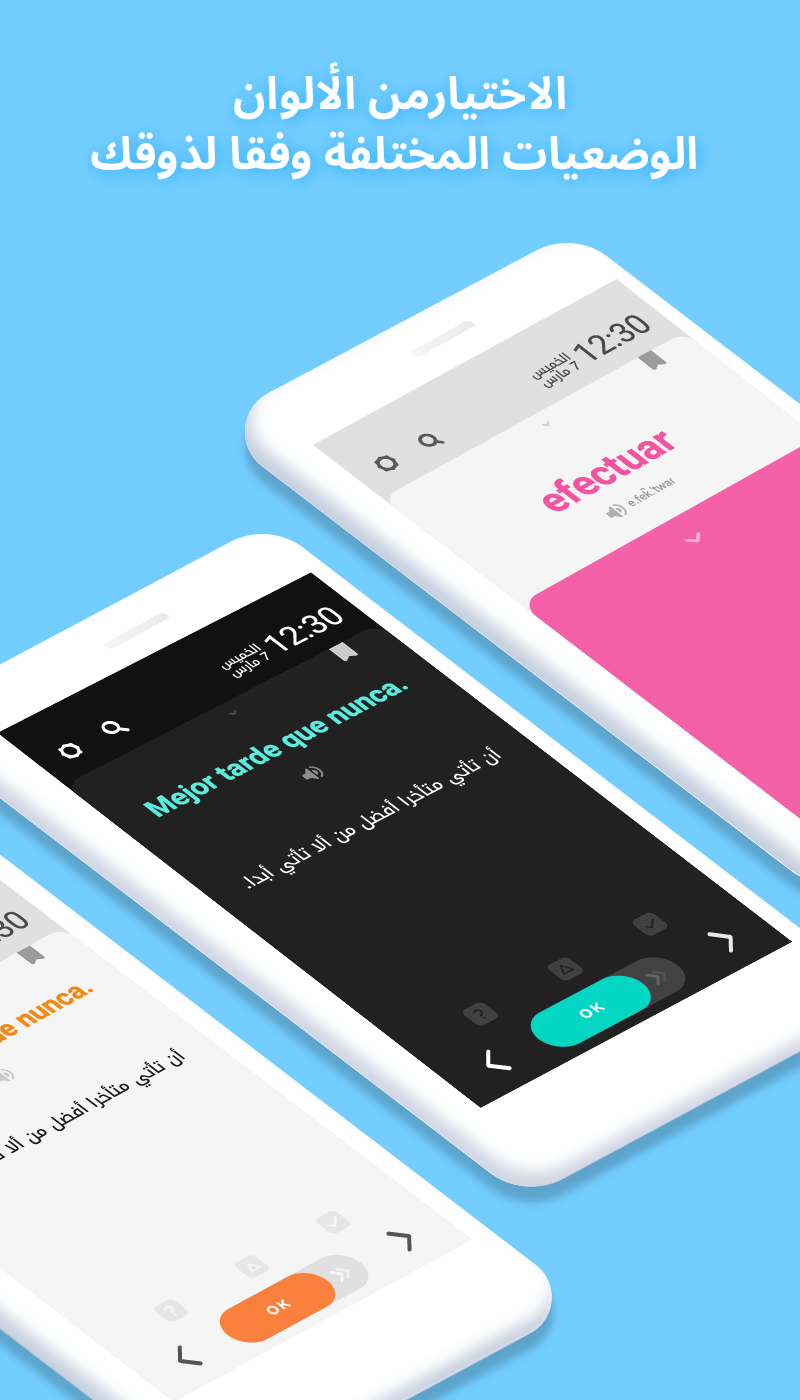
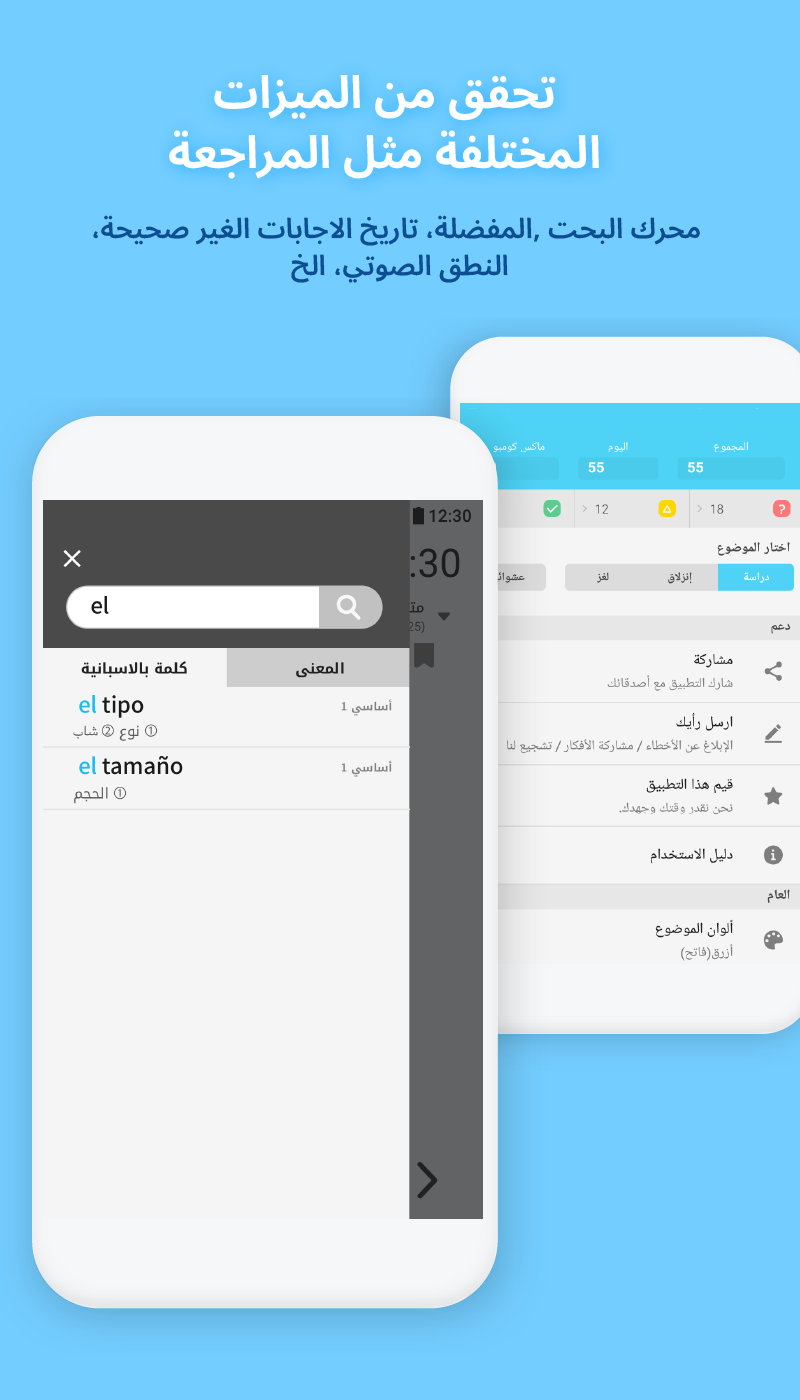
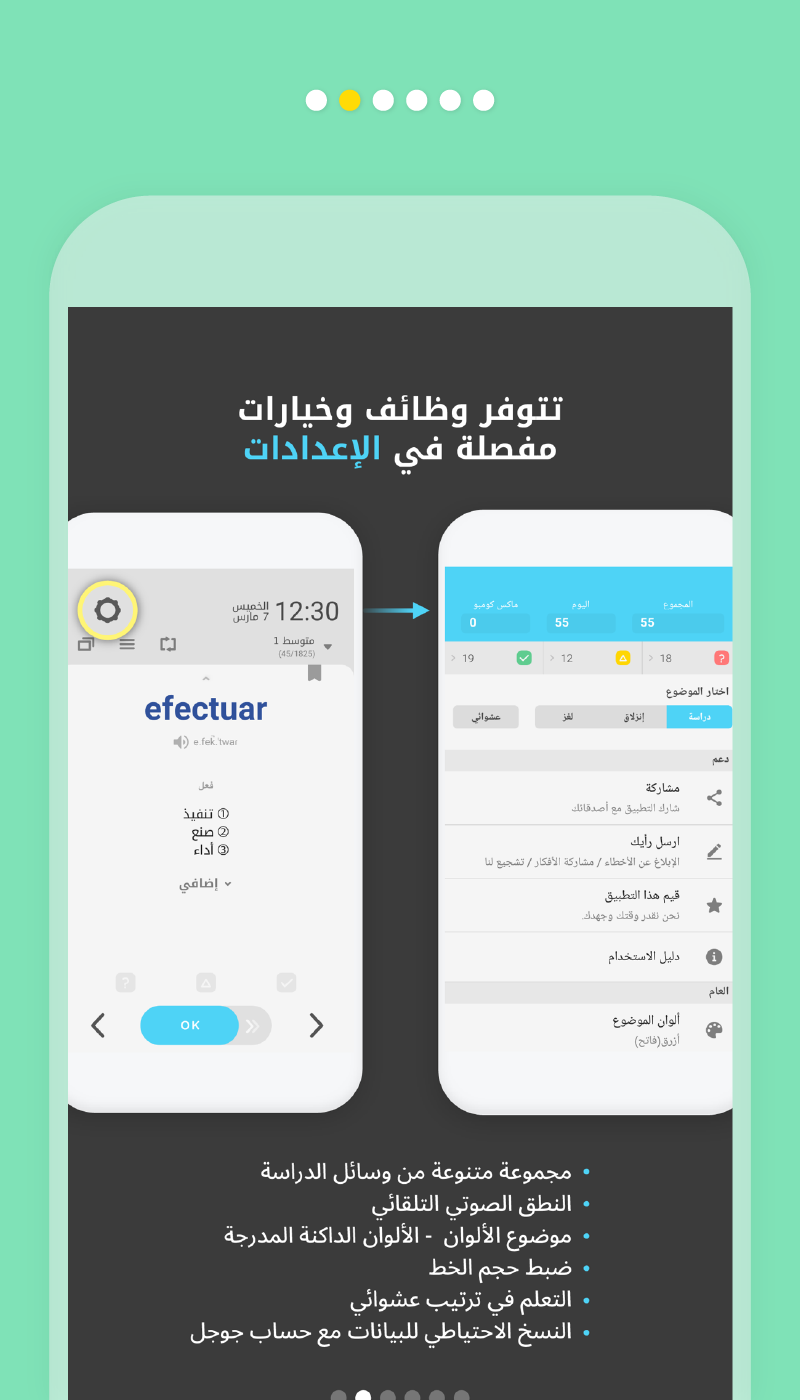
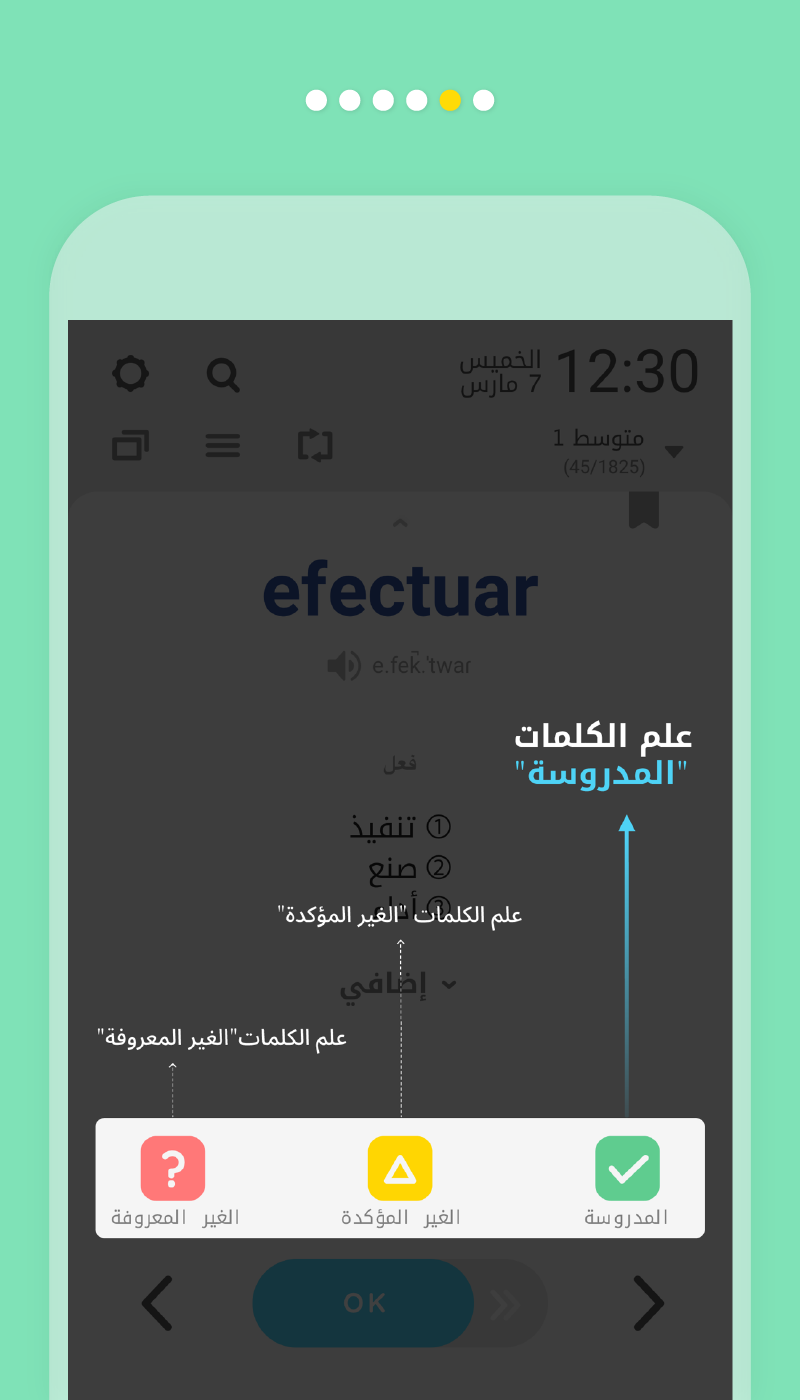
Word search and list management tools help organize study materials. Users can mark familiar words, remove unwanted entries, and choose from 16 interface color options, including dark themes.
How to Use WordBit Spanish
After installing WordBit Spanish, open the app and enable its lock screen learning function. Select a proficiency level and choose the vocabulary categories you want to study.
Once configured, vocabulary appears when you unlock your phone. Tap an entry to see its meaning, example sentences, and available language references. Use audio playback to hear its pronunciation, or try quizzes and cover mode to test your recall.
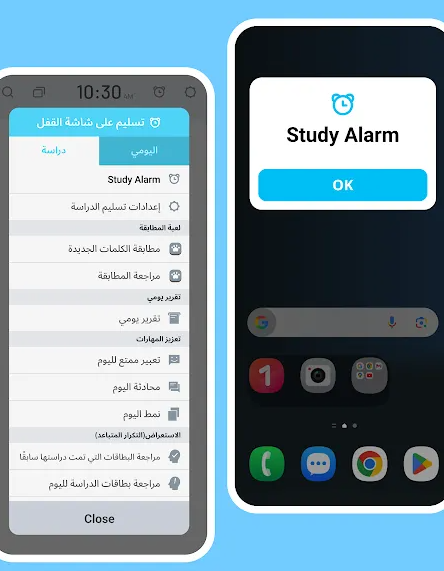
The vocabulary management tools let you search for specific entries, mark familiar words, and organize your lists. Interface colors and automatic lock screen displays can also be adjusted through Settings.
If vocabulary stops appearing automatically, check your device's battery optimization and background activity settings. Some Android manufacturers, including Huawei, Xiaomi, and OPPO, impose background restrictions that may interfere with the app's operation.
FAQs
1. Does WordBit Spanish require an internet connection?
Offline availability may vary depending on the app version and content settings. Check the app's settings or official listing for current offline usage requirements.
2. How many vocabulary items does WordBit Spanish contain?
The app contains more than 10,000 vocabulary items across four proficiency levels. Its collection also includes idioms, proverbs, common expressions, and travel phrases.
3. Is WordBit Spanish suitable for beginners?
Yes. The beginner level covers basic vocabulary organized around familiar subjects. Example sentences, pronunciation audio, and illustrations provide additional learning references.
4. Can I disable automatic lock screen learning?
Yes. You can turn off automatic vocabulary displays through Settings. The Home button can also be used to leave a learning session, although exiting before completing a session may affect how learning points are recorded.
5. Why does vocabulary stop appearing on my lock screen?
Some Android devices restrict background activity to conserve battery power. Check WordBit's battery optimization, background activity, and auto-start permissions in your phone's settings. Menu names and available options vary by manufacturer and operating system.
6. How can I review previously studied vocabulary?
The daily repetition function brings previously encountered words back within a 24-hour period. You can also revisit entries through your vocabulary lists, mark familiar words, and remove items you no longer need to study.
- Version1.7.0.32
- UpdateNov 20, 2026
- DeveloperWordBit
- CategoryEducation
- Requires AndroidAndroid 7.0+
- Downloads201K+
- Package Namenet.wordbit.esar
- Signaturece8401c9aa2592e866a7d96c173a35e3
- Available on
- ReportFlag as inappropriate
-
NameSizeDownload
-
182.75 MB
-
182.75 MB
-
181.70 MB












Efficient fragment utilization
Highly adaptable content
Practical functions
Effective memory support
System adaptation has shortcomings
Pause rules are inflexible
Active learning is weak