
Weibo - Chinese social media network
Connect with friends, share photos, and stay updated with Chinese social media.

- 6.8.0 Version
- 3.4 Score
- 3M+ Downloads
- Free License
- 12+ Content Rating

App Overview
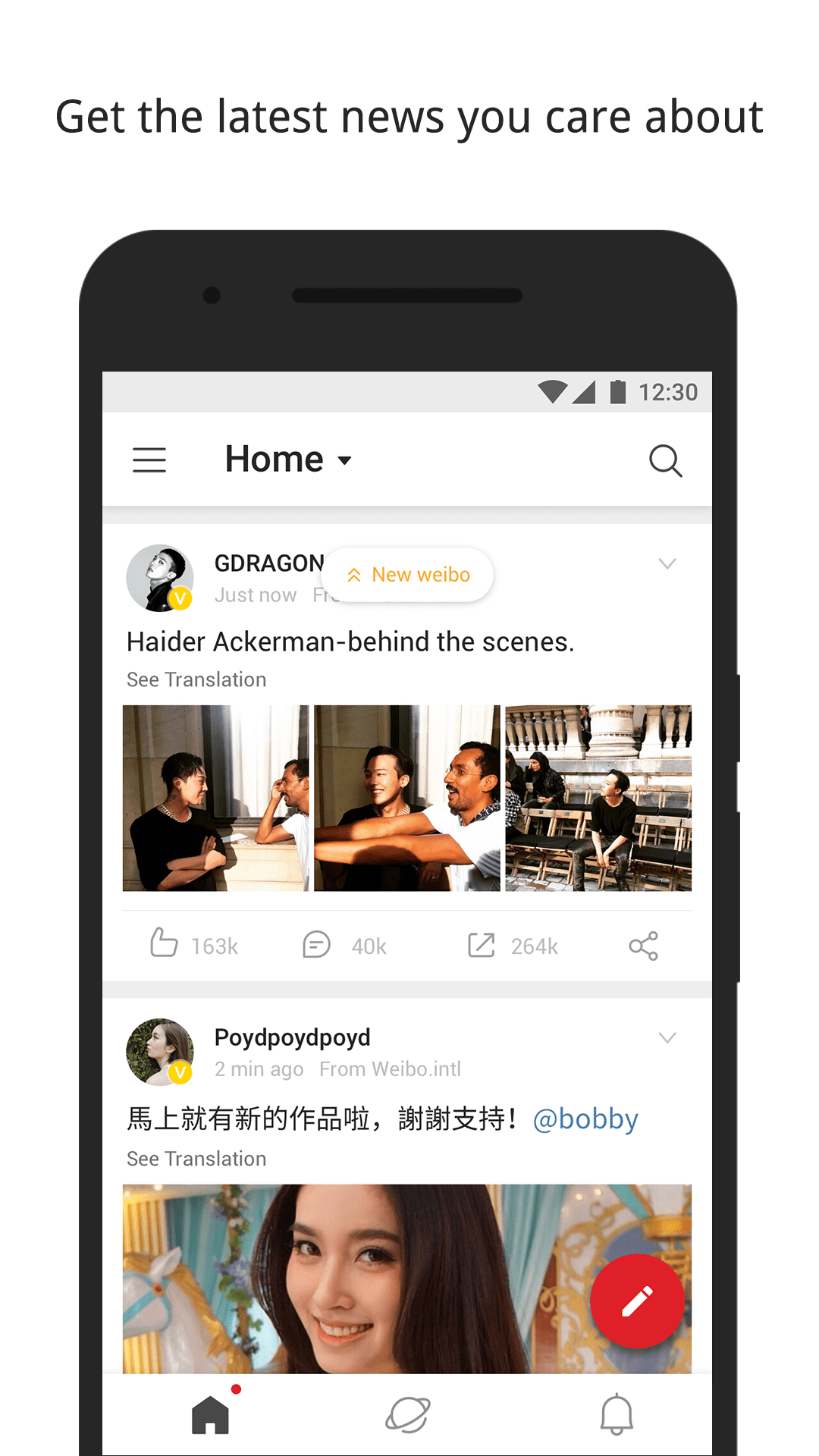
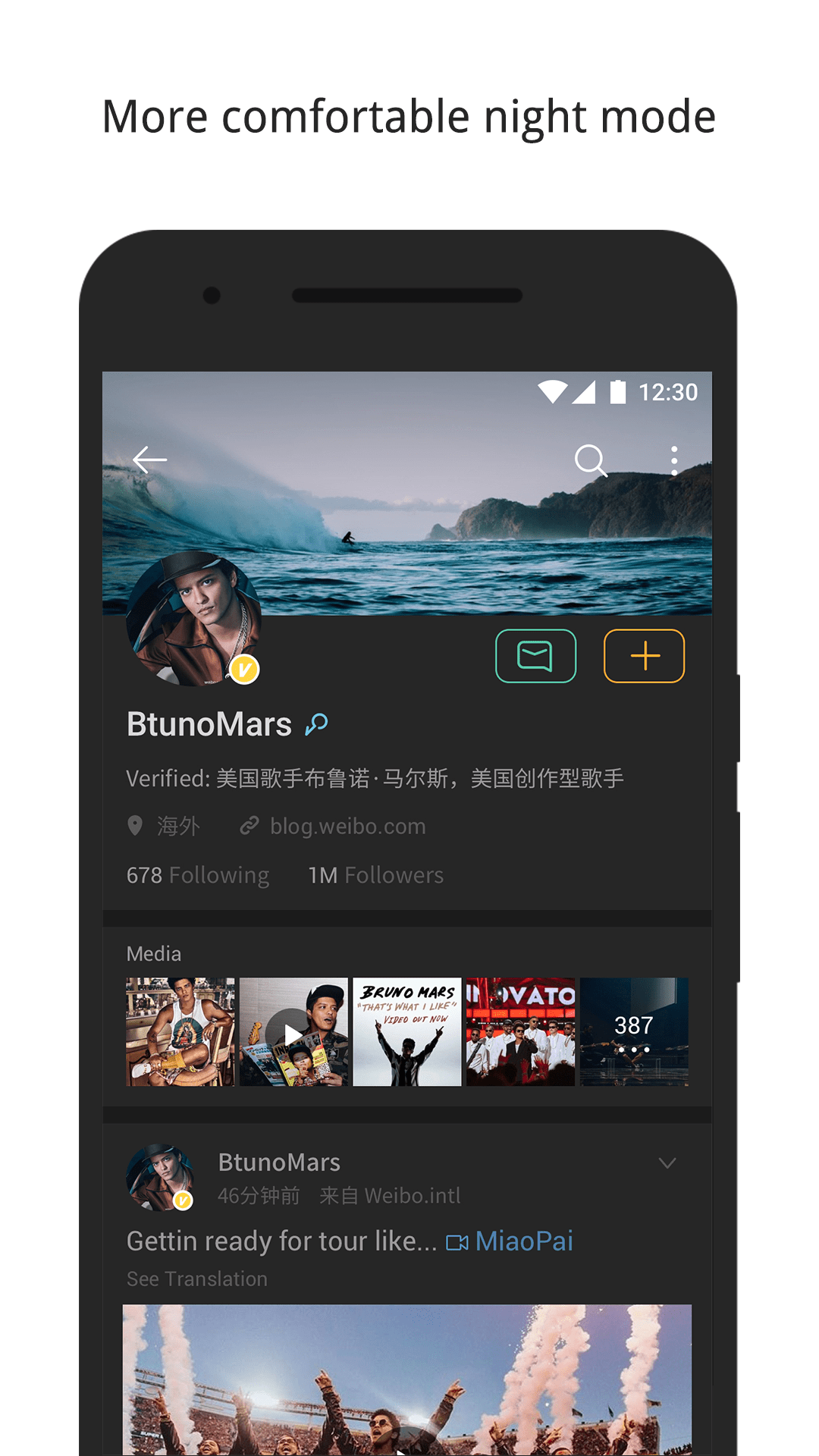
Weibo is a social networking app that provides access to Sina Weibo, one of China's leading social media platforms. It features trending searches, celebrity updates, news, and user posts covering entertainment, music, sports, travel, fashion, and other popular topics. Users can follow public figures, read updates from different accounts, and participate in discussions about subjects attracting attention across Chinese social media.
The app combines content browsing with social networking features. Users can publish updates containing text, photos, GIFs, videos, and emojis, as well as interact with other posts through likes, comments, and reposts.
Officially authorized by Weibo and powered by Weico, the International Edition offers an alternative way to access the platform. It also supports registration with eligible phone numbers from countries and regions outside mainland China.
Key Features
Trending Searches: Browse popular search terms and discussions currently attracting attention on Weibo
Celebrity Accounts: Follow Chinese actors, singers, idols, and other public figures to see their latest updates
Multimedia Publishing: Create posts containing text, photos, GIFs, videos, and emojis
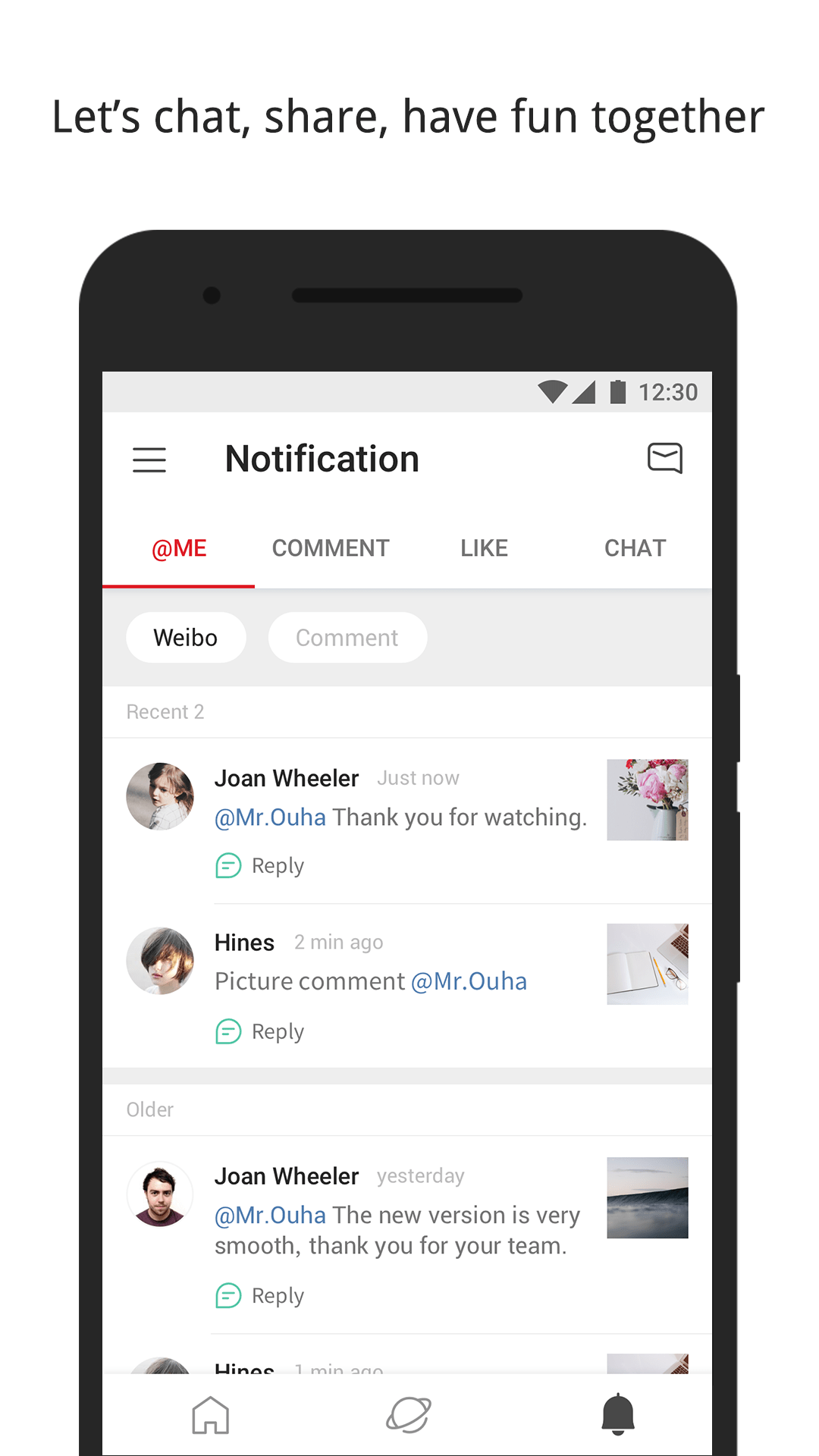
Social Interactions: Like, comment on, and repost updates from other accounts
External Sharing: Share Weibo posts through Facebook, Twitter, WhatsApp, Weixin, Messenger, and other supported services
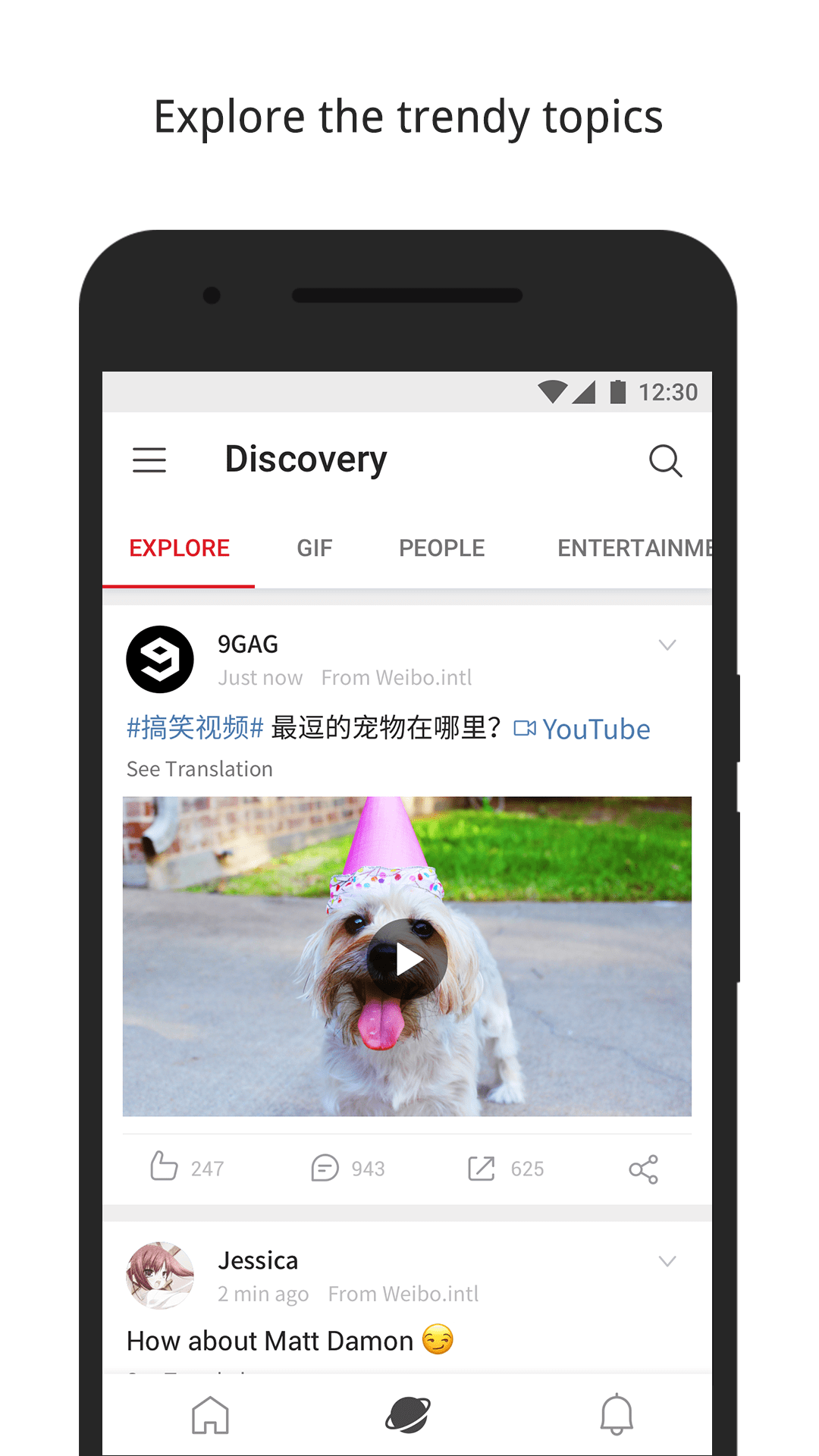
Topic Discovery: Explore content about entertainment, sports, fashion, travel, and lifestyle
International Registration: Create an account using supported phone numbers from outside mainland China
How to Use Weibo International Edition
Open the app and sign in with an existing Weibo account or register for a new one. During registration, select your country or region code, enter a supported phone number, and follow the verification instructions.
Once logged in, browse recommended posts on the homepage or visit the trending section to see popular searches and discussions. Use the search function to find specific accounts, celebrities, or topics.
To interact with a post, tap the corresponding like, comment, or repost option. To publish your own update, open the posting interface, enter your text, and attach photos, GIFs, or videos. You can also use the sharing option to send posts to contacts through supported external services.
App Experience
Weibo International Edition offers access to a social media environment closely connected to Chinese entertainment and internet culture. Celebrity activities, television dramas, music releases, entertainment news, and trending public discussions are prominent parts of its content. This makes the platform particularly relevant to users interested in Chinese celebrities and popular culture.
The International Edition also provides an account registration option for users outside mainland China, subject to supported phone numbers and regional availability. Its multimedia posting and external sharing functions allow content to circulate in different formats and across other social platforms.
FAQs
1. Can I register for Weibo International Edition without a Chinese phone number?
Yes. The app accepts supported phone numbers from various countries and regions outside mainland China. Availability depends on the selected country or region.
2. Is Weibo International Edition free?
Yes. The app is free to download and use on Android, although certain services or features may have additional requirements.
3. Where can I download the Weibo International Edition APK?
You can download the Android APK from third-party platforms such as Uptodown. Some download platforms also offer previous versions.
4. How is Weibo different from Twitter?
Both platforms allow users to publish updates, follow accounts, and interact with posts. Weibo has a stronger connection to Chinese popular culture, with celebrity accounts, entertainment news, trending searches, and discussions about events in China.
5. Can I share Weibo posts outside the app?
Yes. You can share posts through supported services such as Facebook, Twitter, WhatsApp, Weixin, and Messenger. Available options depend on your device and installed applications.
6. How can I contact Weibo International Edition support?
For technical questions or feedback, contact the support team at support@weico.com.
- Version6.8.0
- UpdateNov 13, 2026
- Developerweico
- CategorySocial
- Requires AndroidAndroid 5.0+
- Downloads3M+
- Package Namecom.weico.international
- Signatureefae8acaf190c9ae826f01bcfc1bfc71
- Available on
- ReportFlag as inappropriate
-
NameSizeDownload
-
127.50 MB
-
127.49 MB
-
101.74 MB














Allows users to communicate in an international environment
Supports multiple content formats such as text, pictures, videos, etc.
Provides global news and information to help users understand international hot spots and trends
Users may face speech restrictions issues
Need to keep updating the latest version
Sometimes the gallery cannot be opened