
TV by e& - TV streaming & recording
Experience seamless TV streaming & recording with instant access to a vast library of channels & movies at your fingertips!

- 3.9 Version
- 4.1 Score
- 191K+ Downloads
- Free License
- 3+ Content Rating

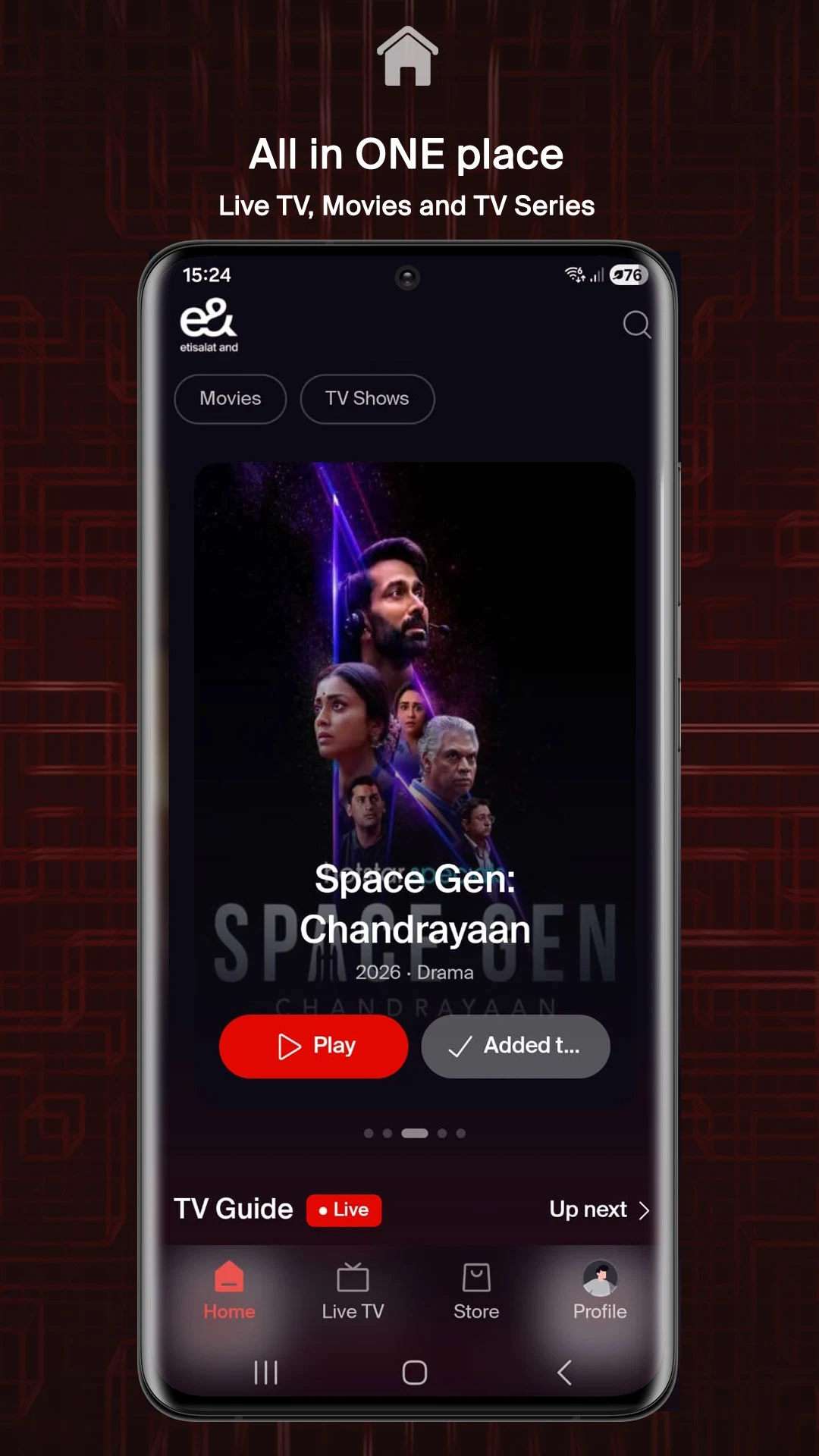
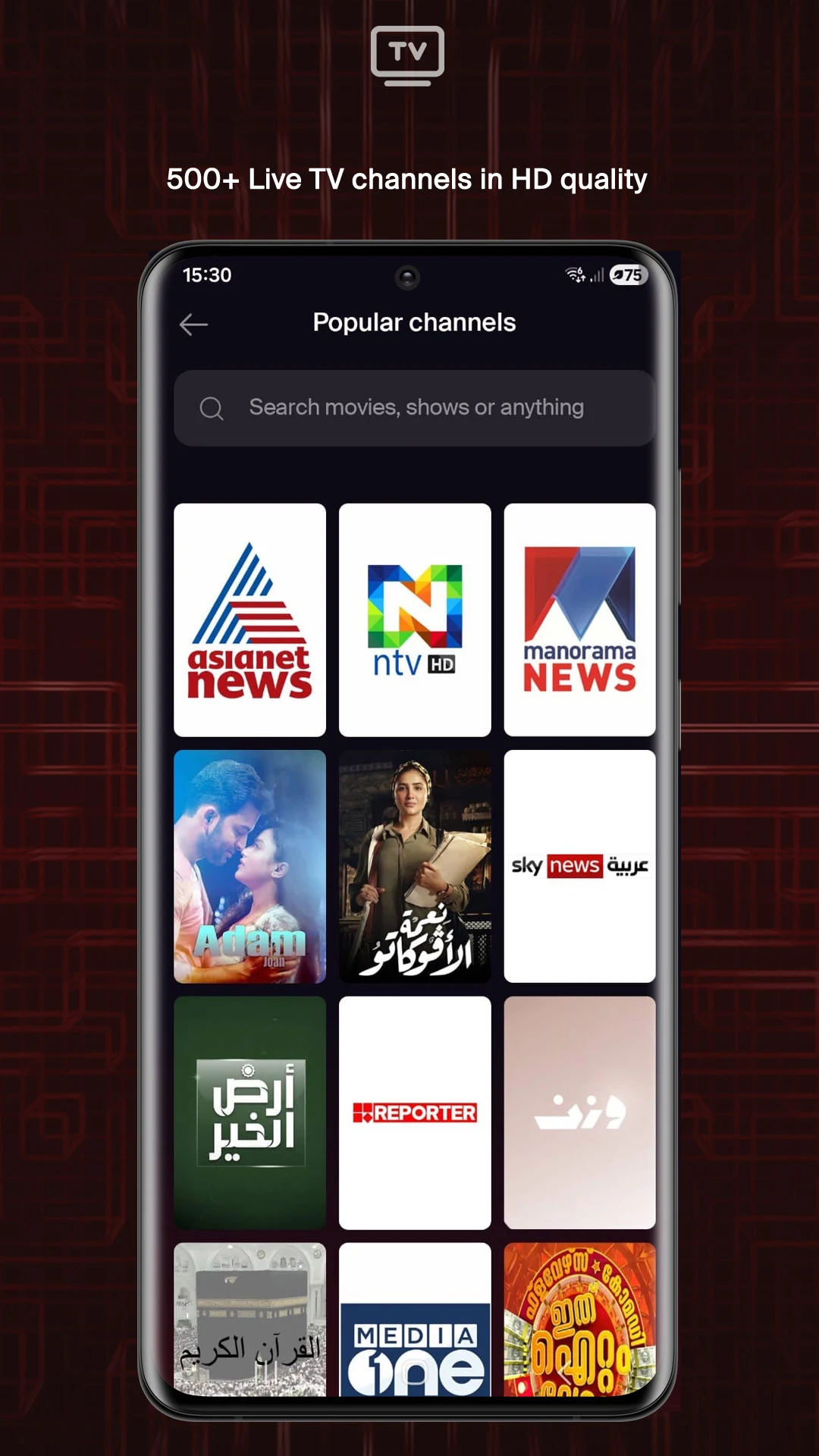
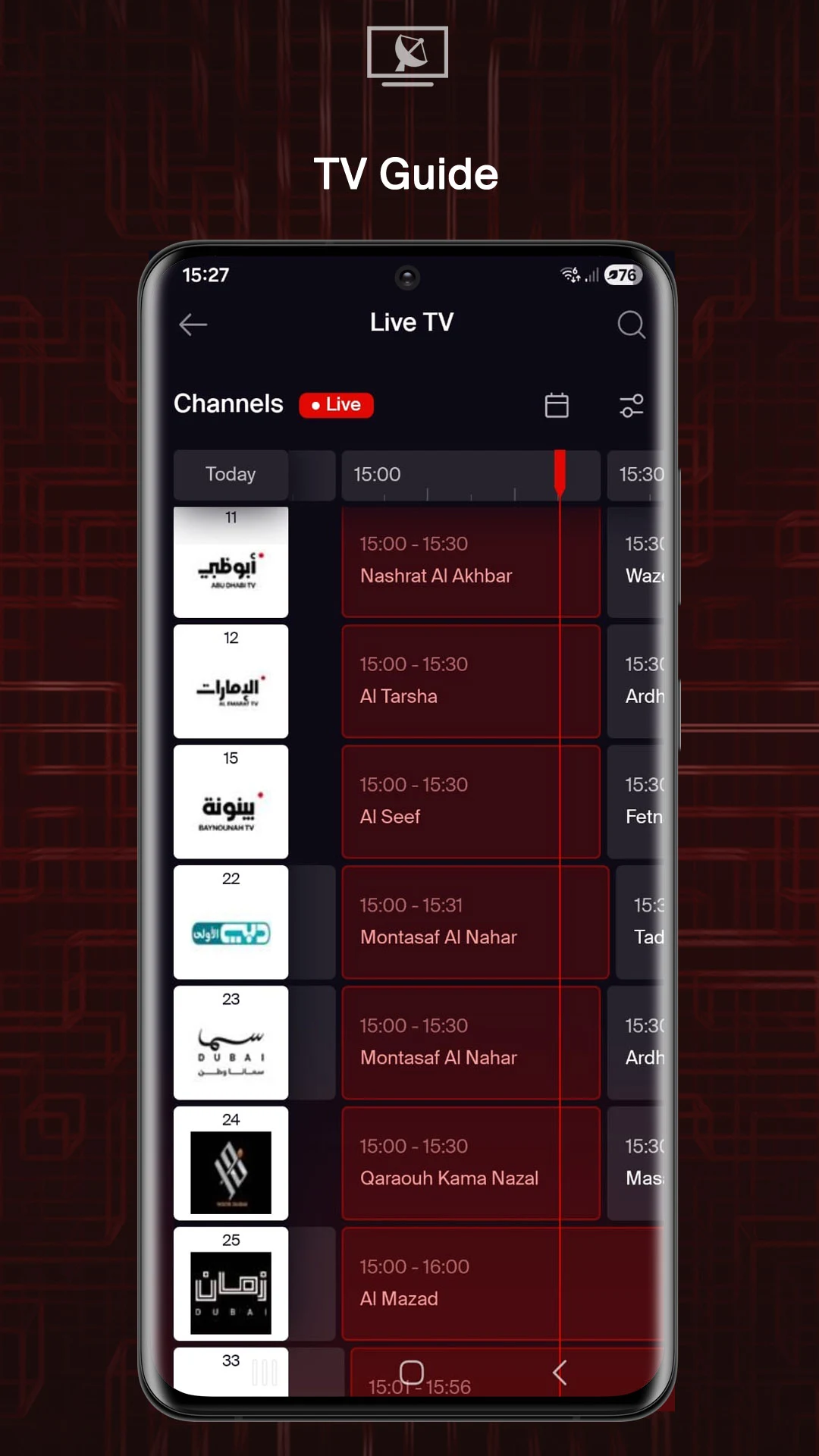
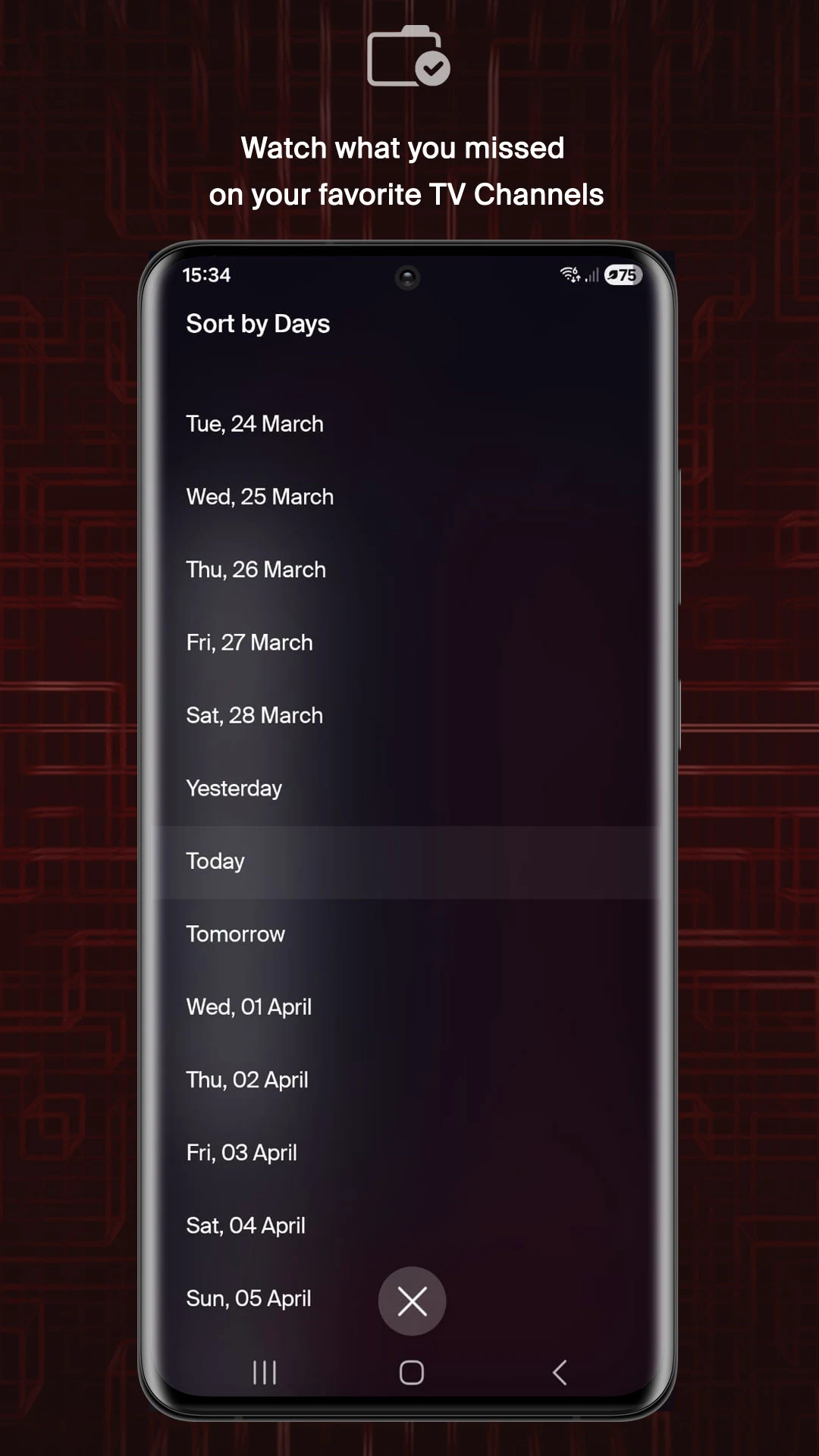
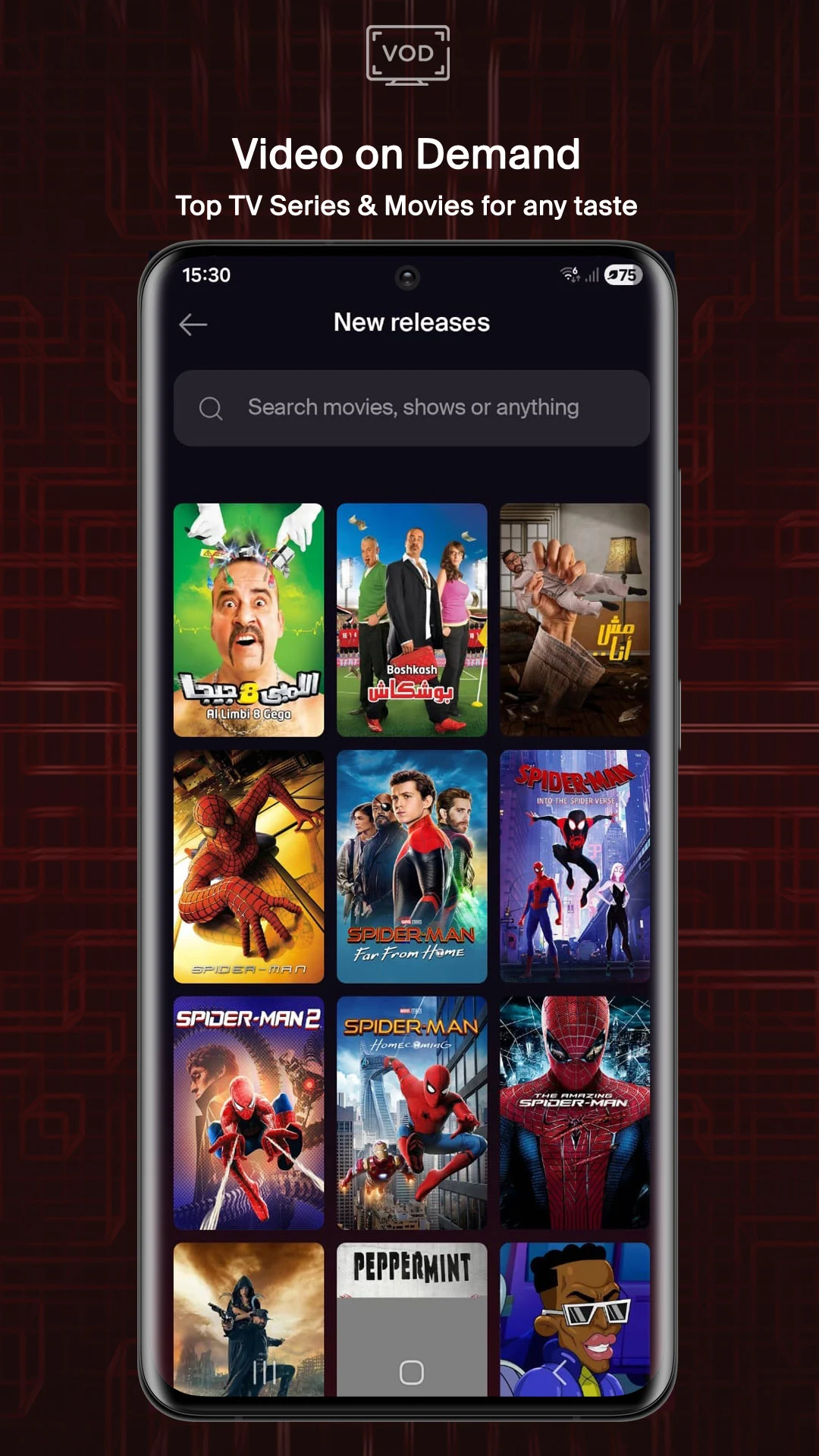
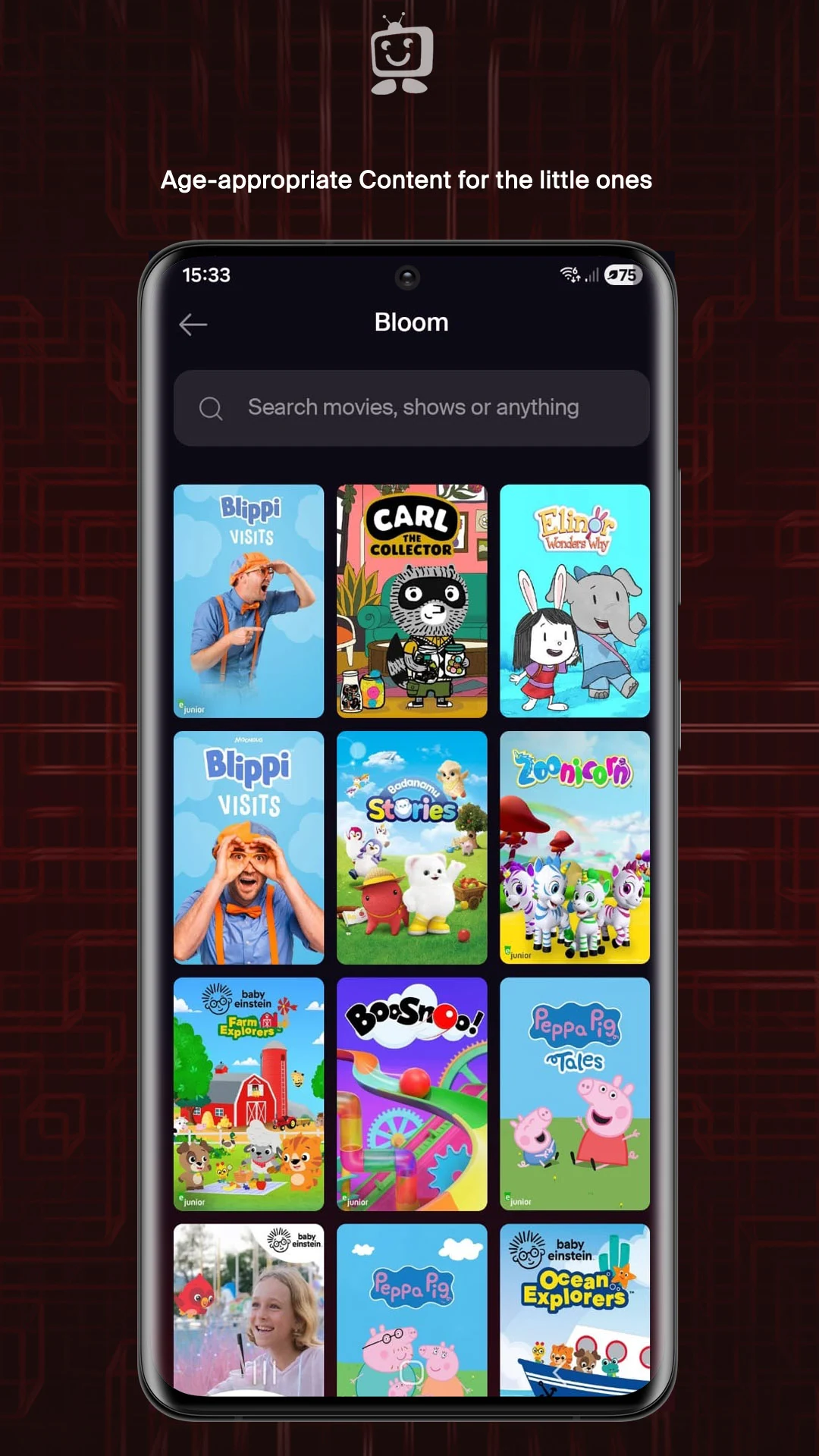
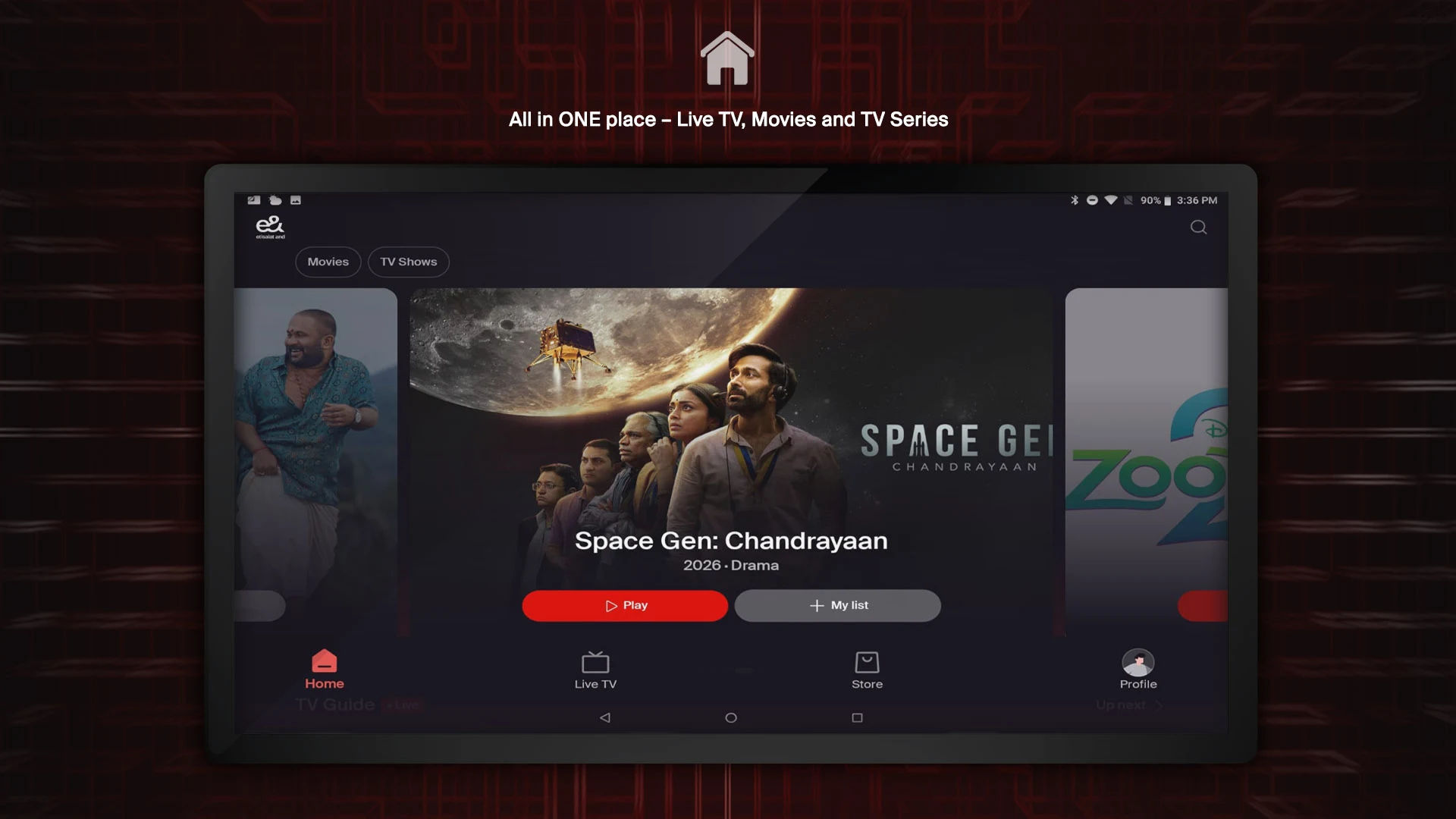
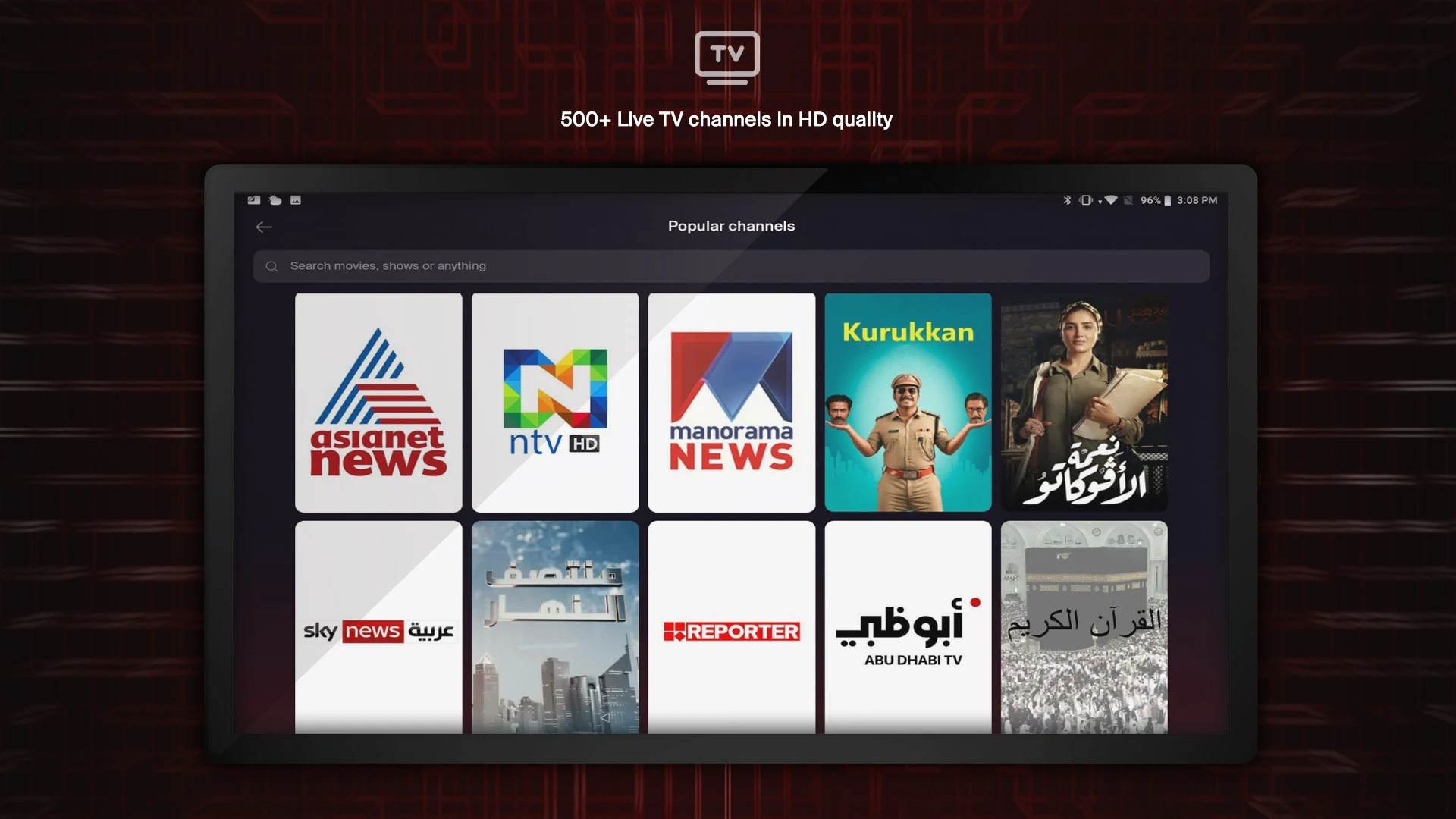
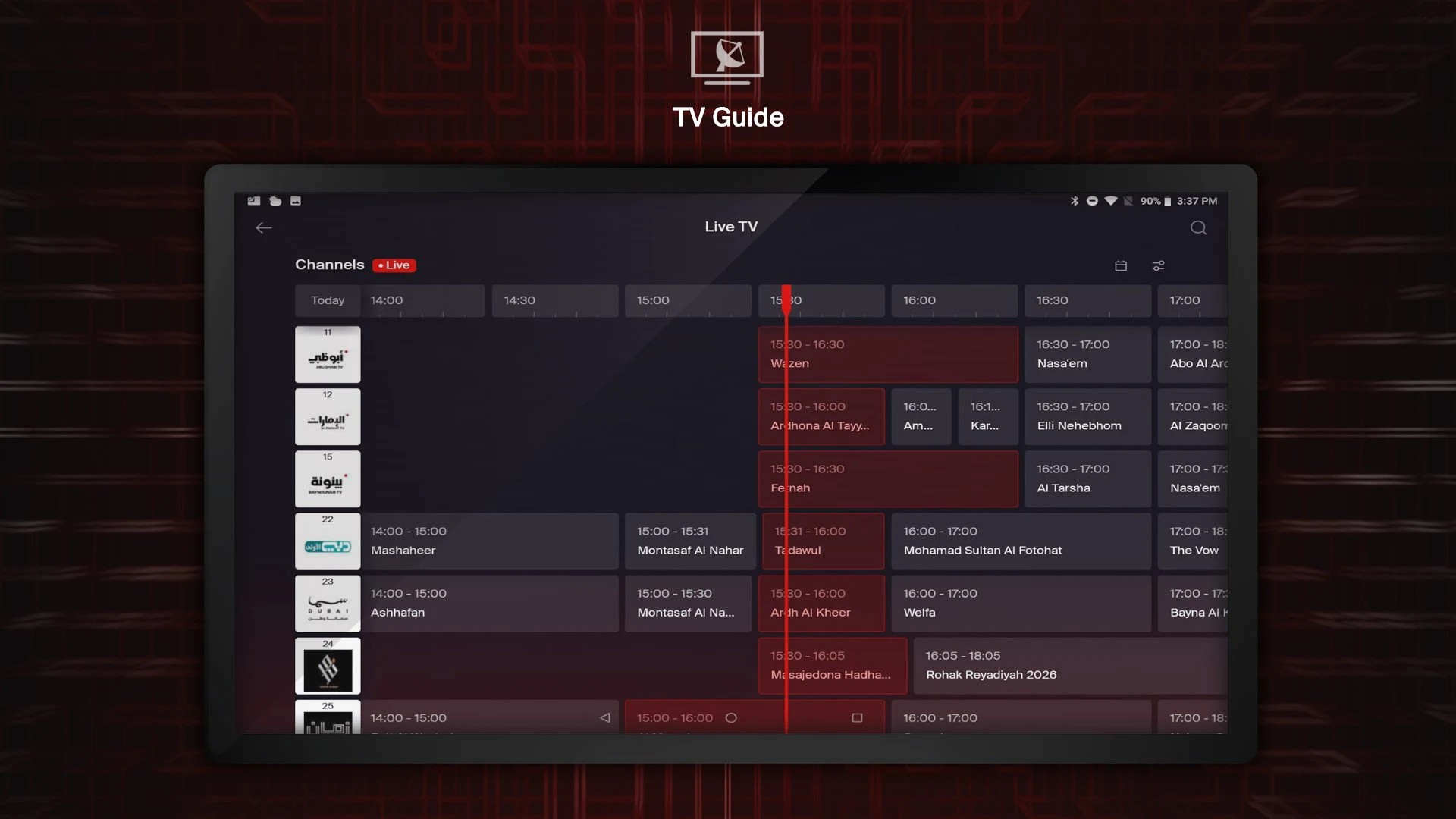
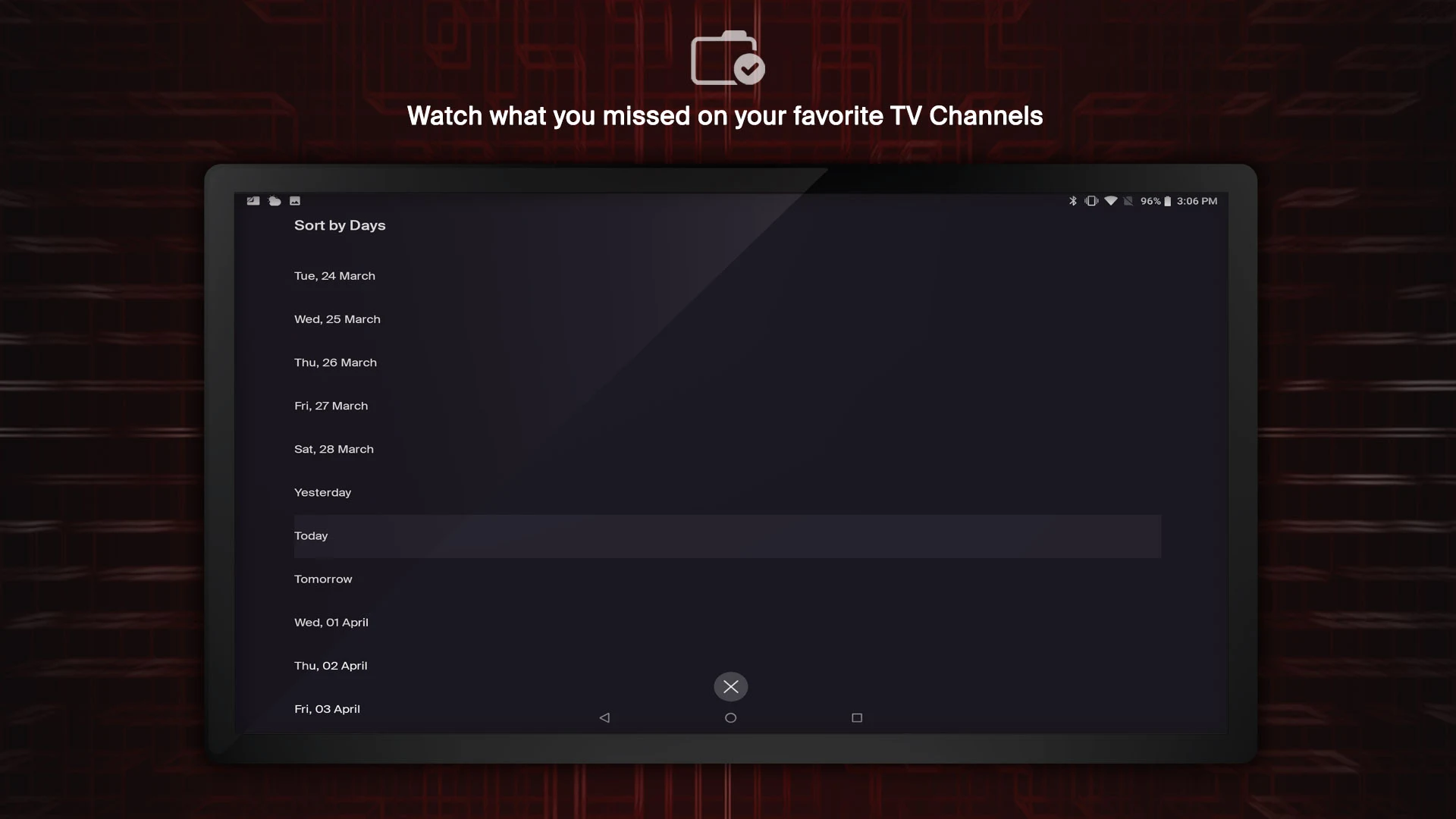
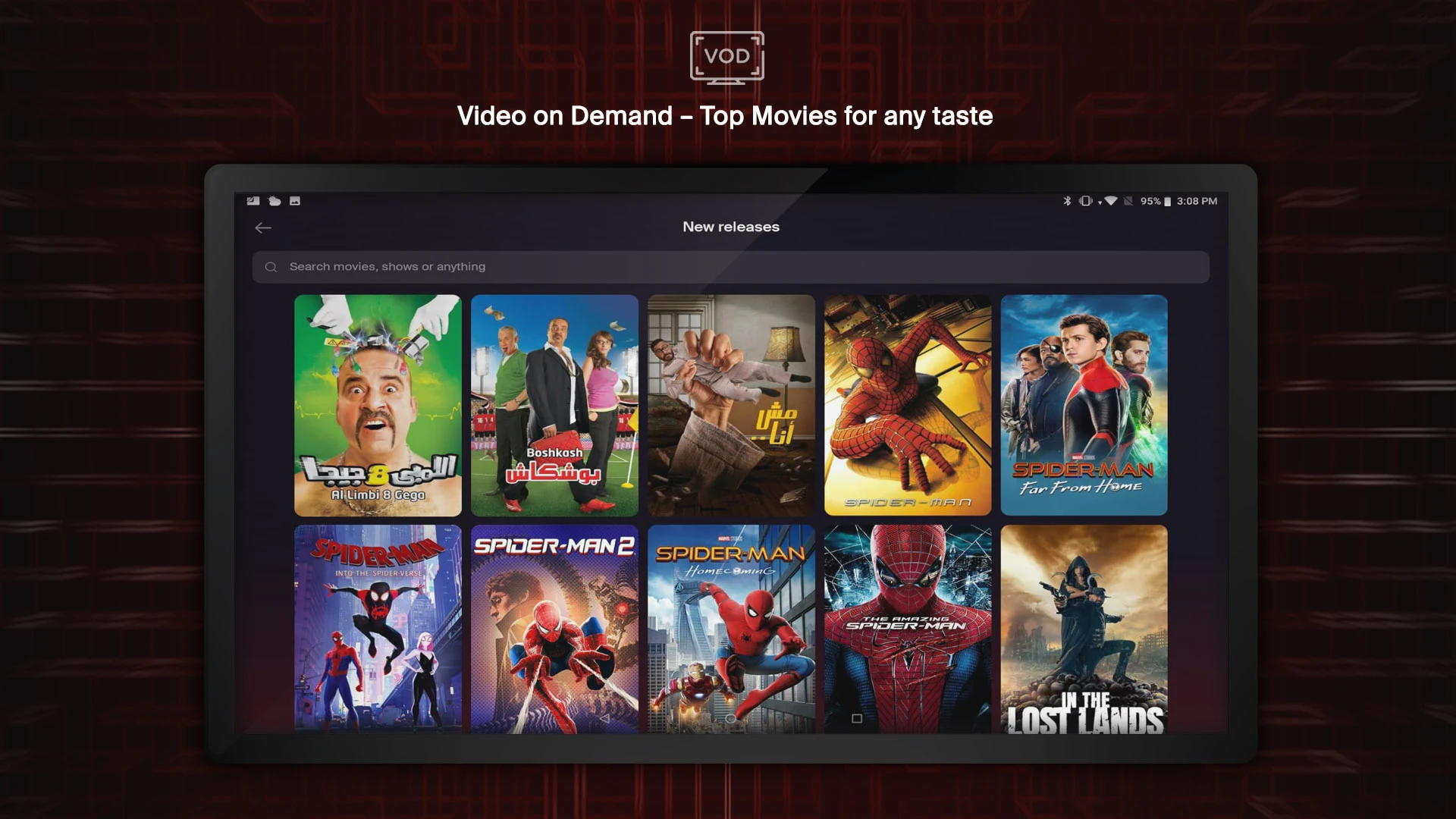
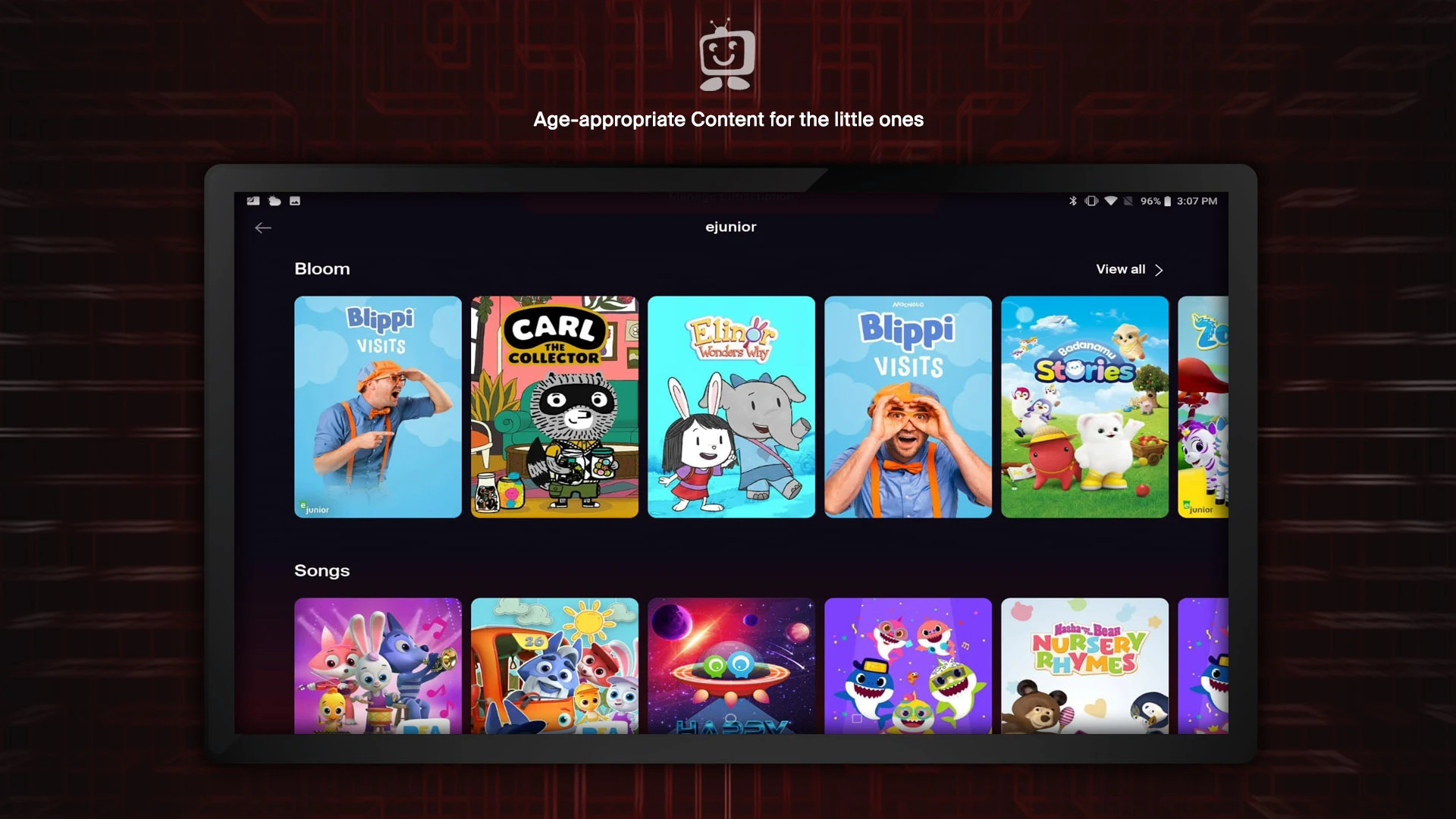
A brand new experience with the TV by e& app has arrived.
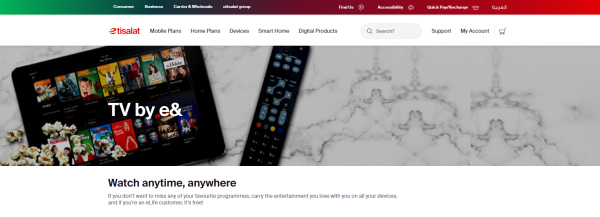
This update is filled with innovative features, making it even easier to access the leading entertainment provider in the UAE!
Features:
- Enjoy a variety of TV channels and our extensive On Demand movie collection with fresh options.
- Capture every moment by quickly recording your favorite shows with just one click or by scheduling recordings from anywhere.
- Set reminders, and the TV by e& app will alert you when your beloved show is about to start or when your team is kicking off.
- If you happen to miss an episode, there's no need to worry; the TV by e& app allows you to watch shows that aired as far back as 7 days prior!
- With an extensive selection of on demand TV series and our unmatched Movies On Demand library, we cater to all tastes, featuring content from Bollywood, Hollywood, Arabic, Tagalog, and our latest TV by e& Originals.
Core Strengths:
- Rich and Diverse Content Resources: Aggregating content from multiple regions and languages, as well as original works, caters to diverse user preferences and boasts a strong competitive content portfolio.
- Convenient and Flexible Operation: Recording, scheduling, and reminder functions are simple to use, supporting remote operation and adapting to mobile user needs.
- Thoughtful and Comprehensive User Experience: The replay function addresses the pain point of "missed content," while the reminder function precisely addresses user needs and enhances the user experience.
- Regional Leadership: As a leading entertainment service provider in the UAE, we offer enhanced content coverage and service stability.
User Guide:
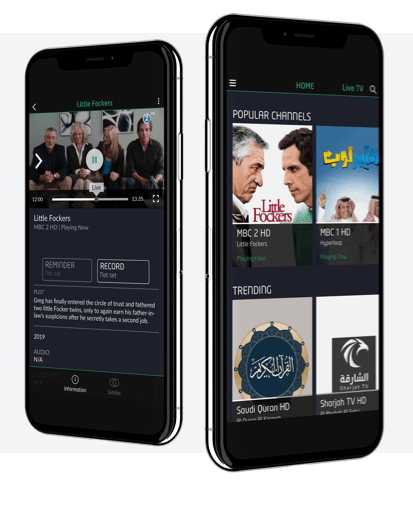
1. **Content Browsing**
After opening the app, you can directly browse live TV channels or enter the on-demand section to select content from multiple regions, including Bollywood, Hollywood, Arabic, Tagalog, and more, as well as platform original works.
2. **Reservations and Reminders**
Find the programs or events you want to watch and set reminders. The app will automatically send a notification before the content goes live. You can also directly schedule recordings, supporting remote operation anytime, anywhere, and easily lock in your favorite content.
3. **Watch Missed Content**
If you miss a program, don't worry. Search for the corresponding content within the app to watch replays from **7 days ago**, easily catching up on missed episodes.
4. **Personalized Experience**
Save your favorite content according to your viewing preferences. You can quickly find it in your favorites list later, saving you the trouble of repeated searches.
Related Questions and Answers:
1. **Q**: What is the core positioning of this app? Which region does it primarily serve?
**A**: It is a high-quality entertainment streaming app for the UAE, focusing on live TV and a vast array of on-demand content, providing local users with a rich and diverse entertainment experience across multiple scenarios.
2. **Q**: What are the unique features of the app's content? Can it meet the needs of different users?
**A**: The content coverage is very diverse, including film and television content from multiple regions (such as Bollywood, Hollywood, and Arabic), as well as platform-exclusive original works, catering to users with different language preferences and viewing tastes.
3. **Q**: If I accidentally miss a favorite show or event, how can the app help me?
**A**: There are two practical ways. One is to set a reminder for a show or event in advance so that I receive a notification before it starts. The other is to use the replay function to watch content that aired within the past 7 days without worrying about missing the highlights.
4. **Q**: What convenient features does the app provide for recording content?
**A**: It supports quick recording of your favorite programs with one click, and you can also remotely schedule recordings of content you plan to watch. The operation is flexible, allowing users to capture the program content they want to keep at any time.
- Version3.9
- UpdateOct 30, 2026
- Developere& UAE
- CategoryEntertainment
- Requires AndroidAndroid 5.0+
- Downloads191K+
- Package Namecom.huawei.phone.elife
- Signature75e716cec943e1f2350f1da42198dba4
- Available on
- ReportFlag as inappropriate
-
NameSizeDownload
-
37.95 MB
-
16.07 MB
-
37.78 MB


















Access to eLife channels on the go
User-friendly interface improvements
Ability to view your package's content anywhere
Option to watch channels not available on traditional TV
Regular updates with performance enhancements
Frequent login issues with invalid credentials
Complicated navigation and poor user experience
Additional charges for content that's supposed to be included
Limited device compatibility, not working on certain TVs
Poor customer support and resolution mechanisms
App crashes and technical errors during use
Misleading marketing about available channels
Lack of features like Picture in Picture support
Inconsistent picture quality and playback interruptions