
Tailscale - Securely connect devices & networks
Transform your networking experience with secure connections across any infrastructure, effortlessly managing access using user identities.

- 1.86.4-t3149aad97-g320ff0bef Version
- 2.6 Score
- 449K+ Downloads
- Free License
- 3+ Content Rating

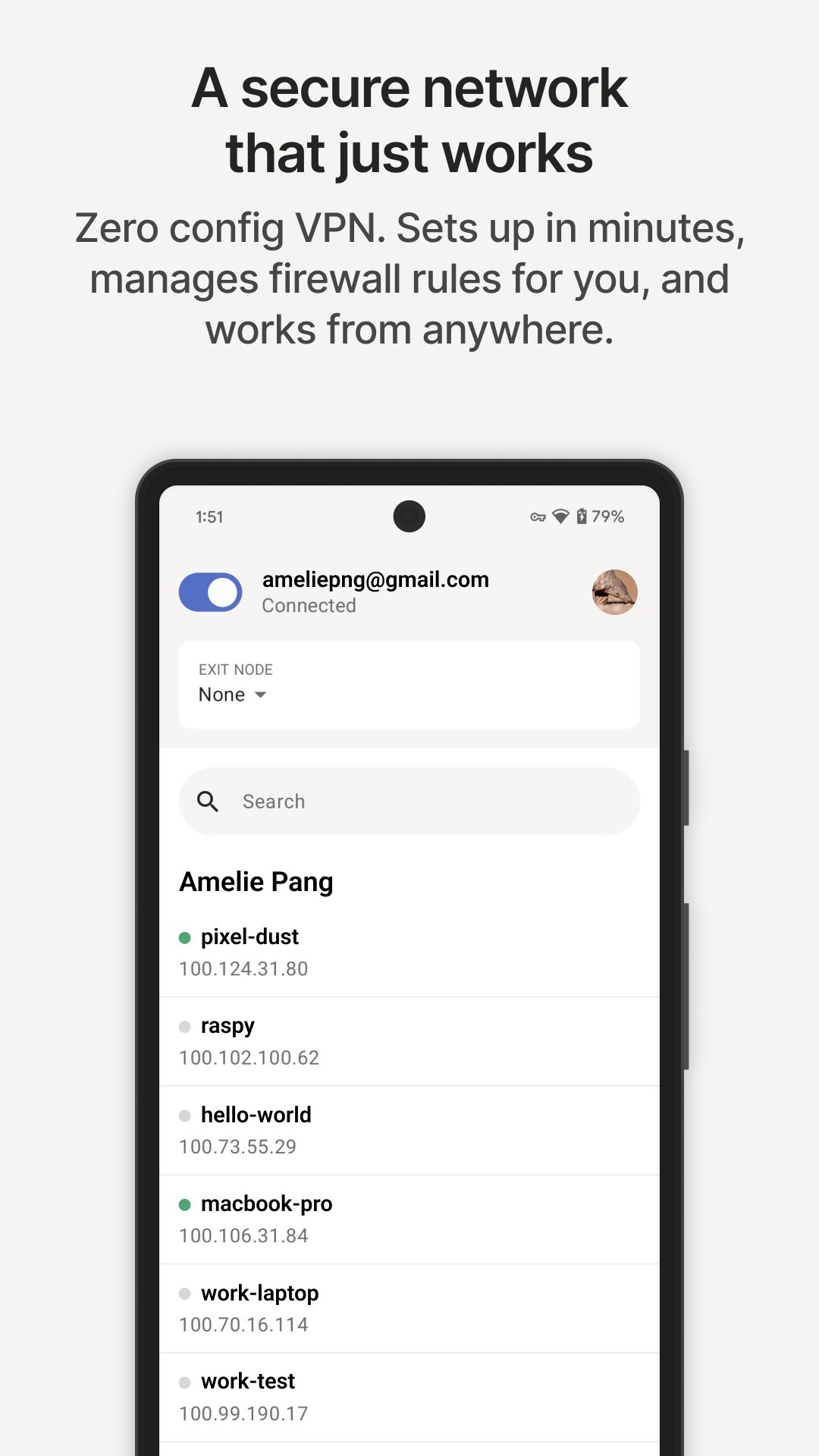
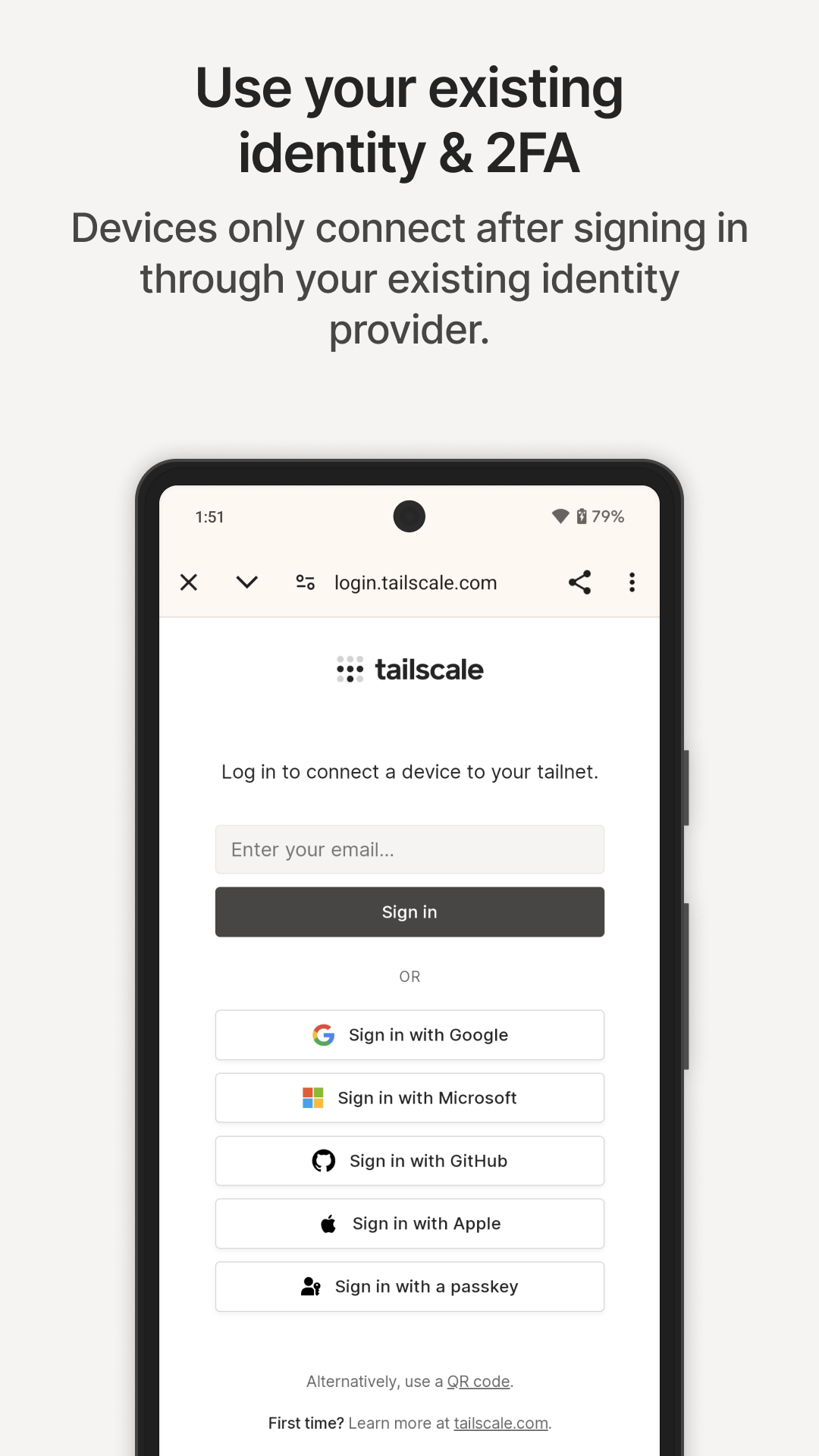
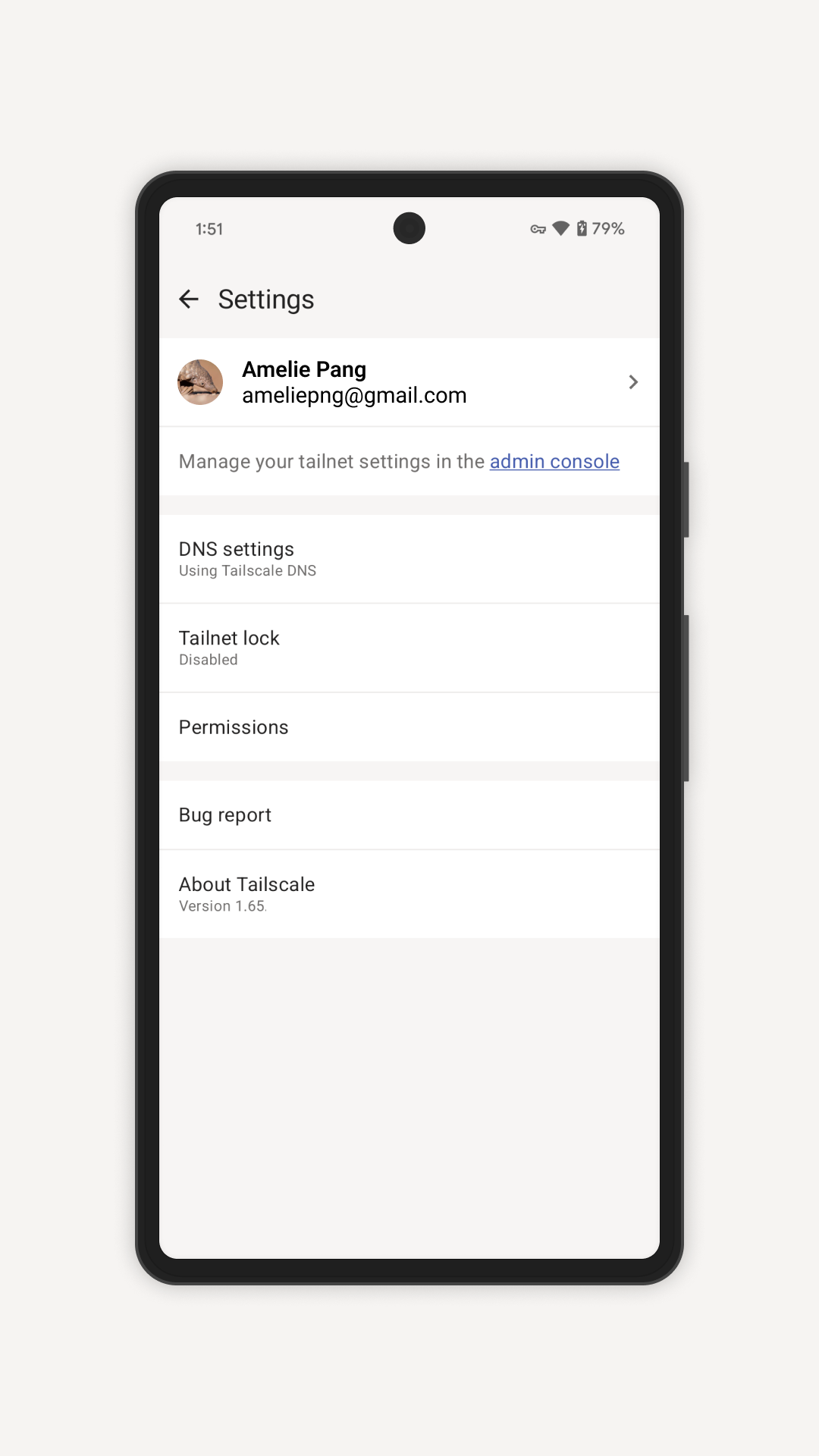
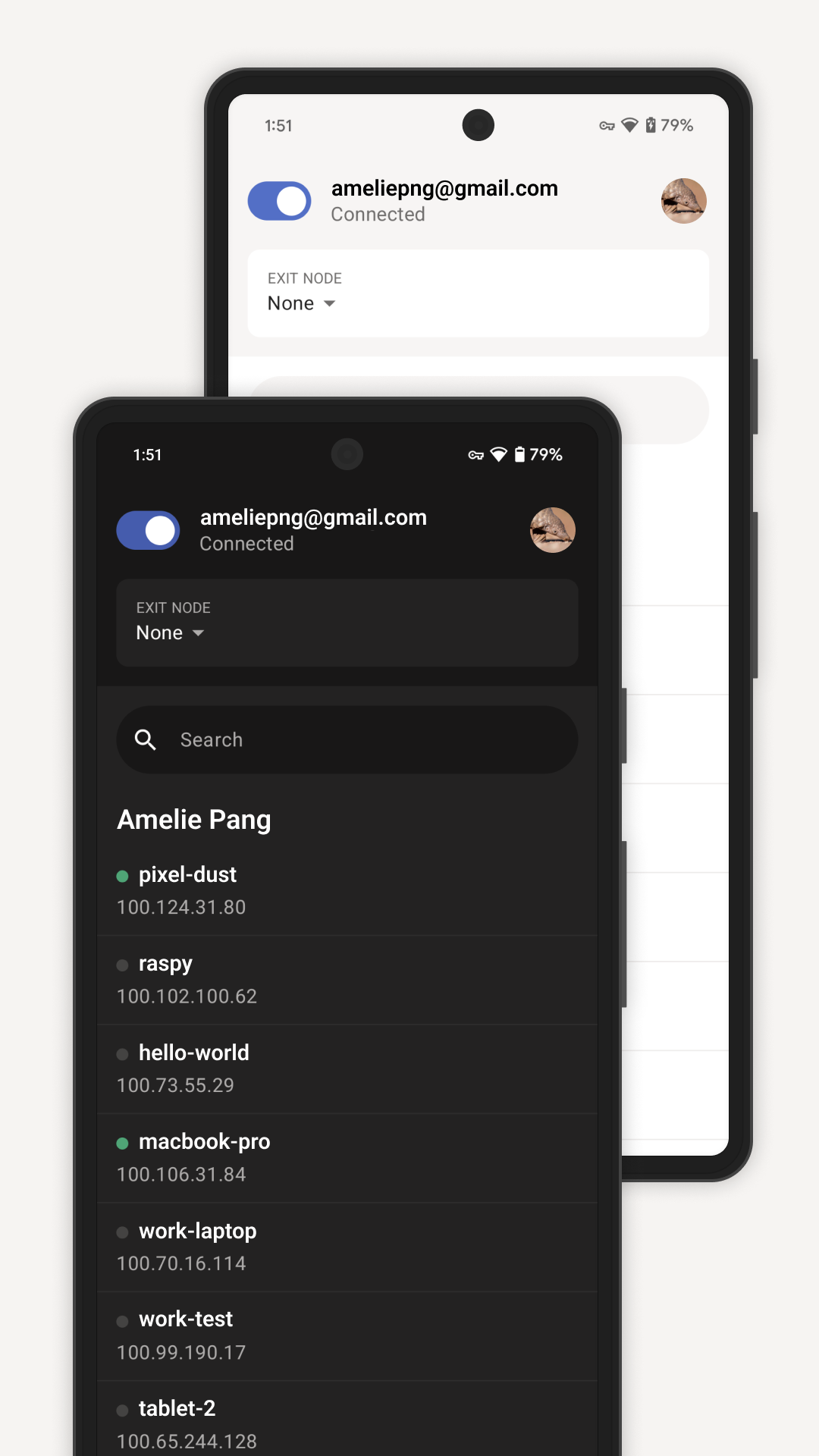
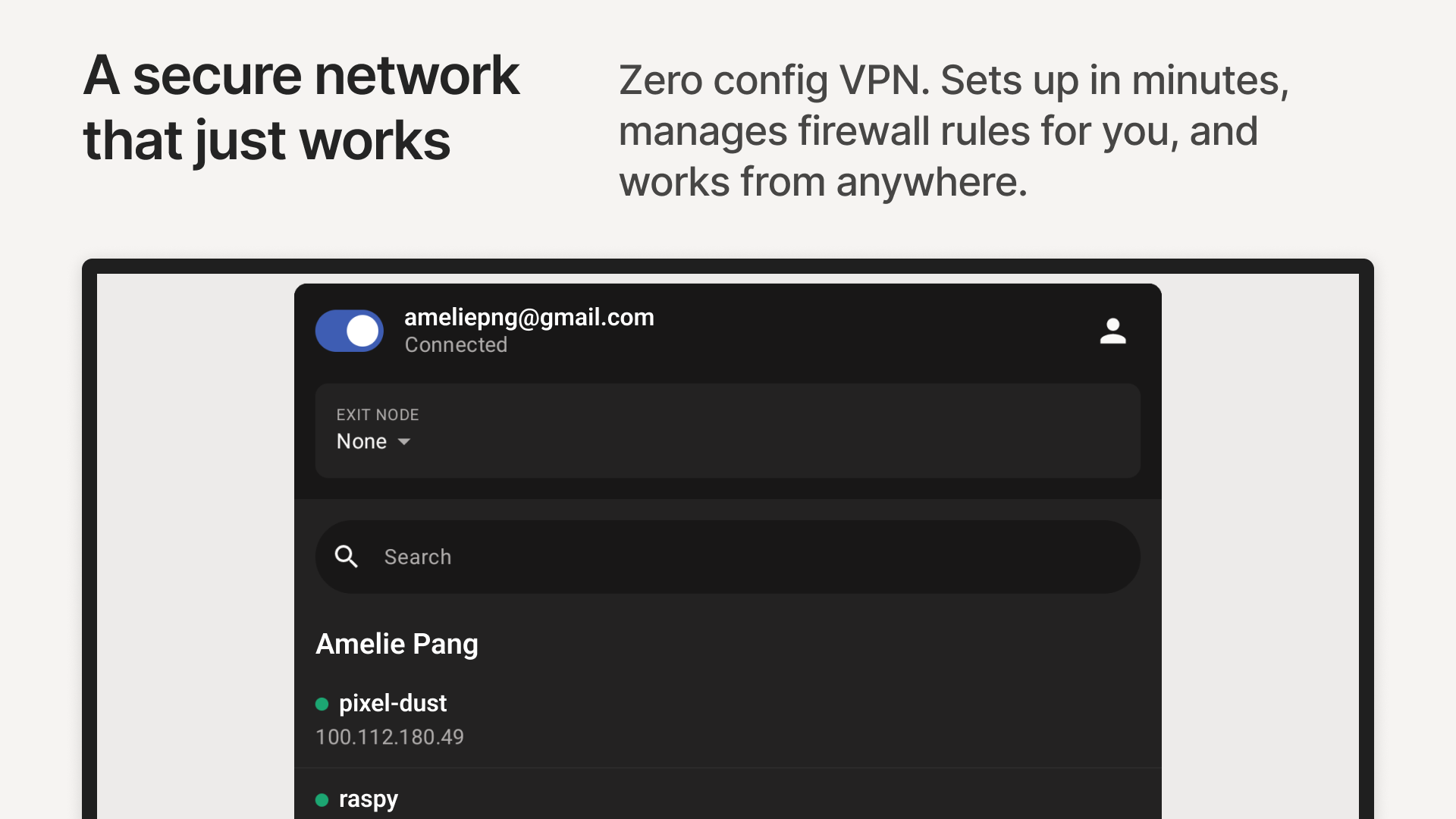
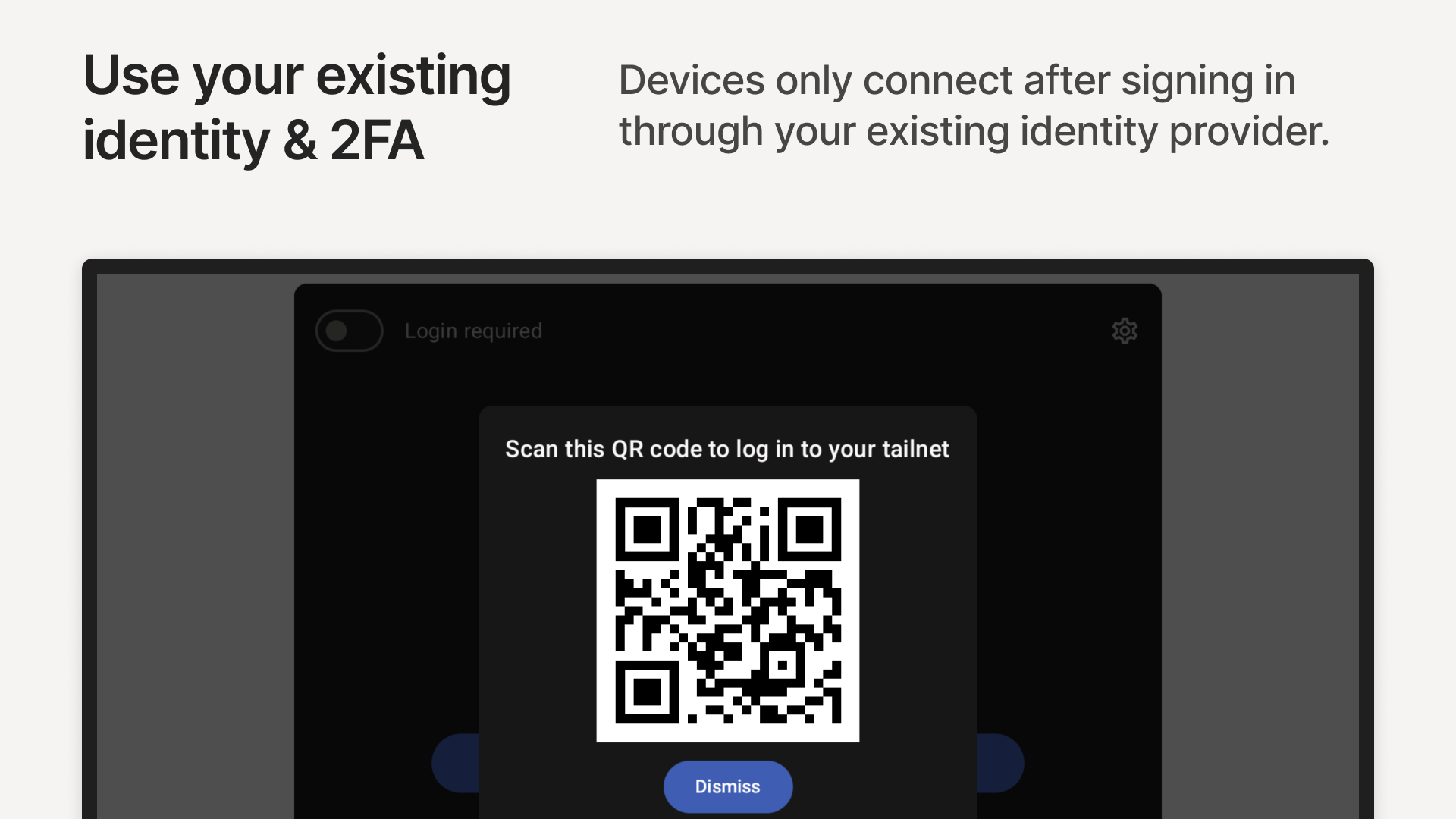
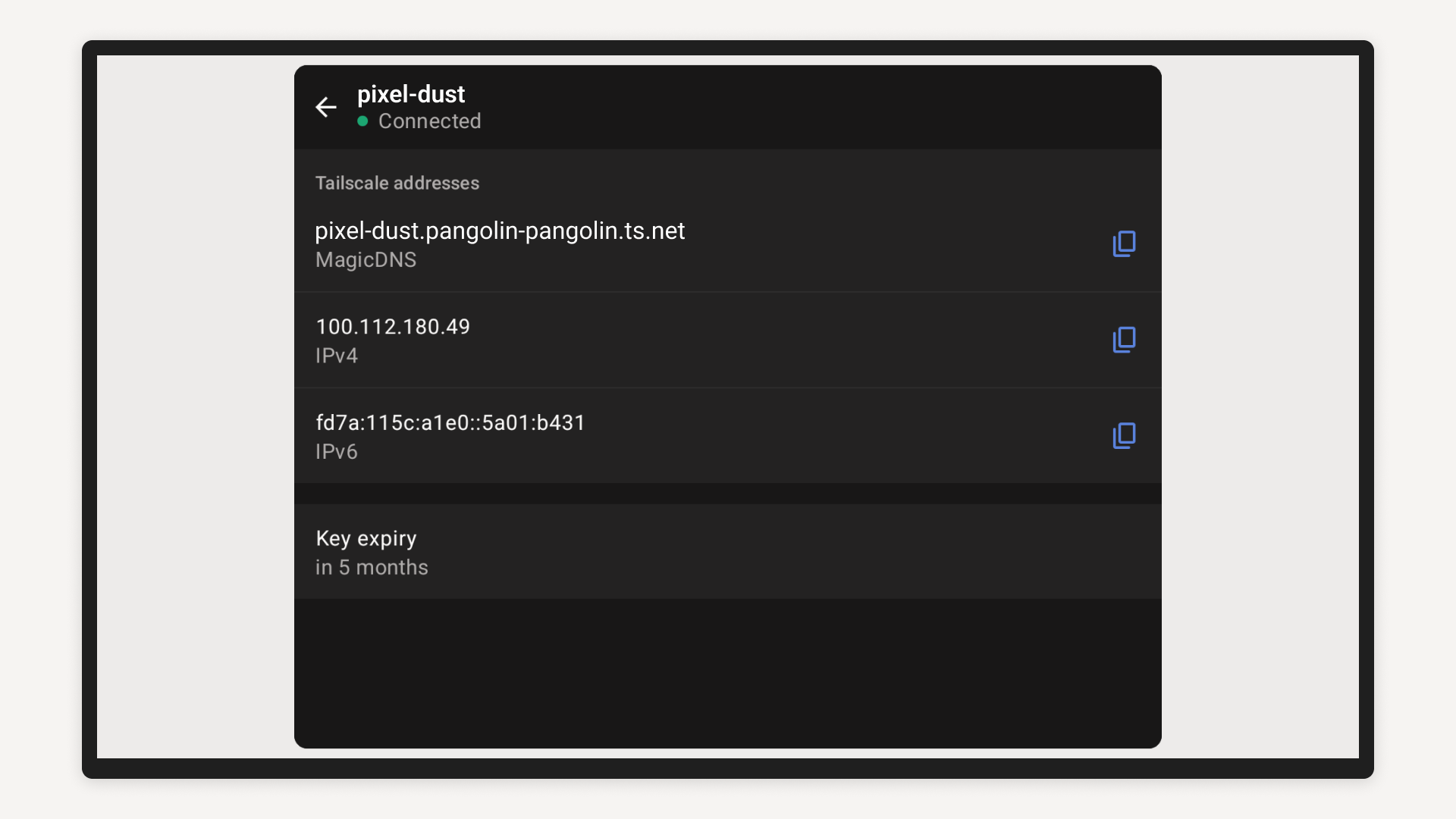
Establish a secure connection to any online resource using Tailscale. Utilizing WireGuard®, Tailscale is a networking solution that facilitates the creation of highly customizable, end-to-end secured connections aligned with zero trust principles among various resources across any infrastructure. It integrates user identity at the network layer, allowing access control based on individual identities rather than solely IP addresses. This empowers you to define access rights for users in an intuitive manner, considering existing user identities, along with groups, services, and subnet ranges.
Tailscale revolutionizes your current network by shifting from a traditional hub-and-spoke model to a modern, efficient mesh networking framework. This transformation enhances performance, scalability, and security for users, devices, and remote resources while removing single points of failure.
Transform outdated VPNs, link workloads across both on-premise and cloud environments, support Zero Trust strategies, and enhance remote access security by streamlining software-defined networking and security processes. Implement a zero-config VPN, gain secure access to resources on any platform, facilitate developer workflow networking, and scale modern enterprise networking seamlessly with Tailscale.
Tailscale operates independently of hardware, enabling you to make hardware choices without being tied to network considerations. It constructs an overlay network utilizing your existing infrastructure, allowing for gradual implementation without the need for new network switches or modifications to your network layout.
Tailscale supports over 100 technology integrations and numerous identity providers, and is compatible with a broad spectrum of operating systems, including Apple macOS, iOS, and tvOS, Windows, Linux, and Android.
Title: Tailscale Rewires Networking with Effortless Zero-Trust Brilliance
As an IT manager drowning in legacy VPN bottlenecks, Tailscale felt like witnessing networking’s future unfold in real-time—transforming our chaotic hybrid infrastructure into an elegant, self-healing mesh. The magic isn’t just ditching clunky hub-and-spoke VPNs (though watching WireGuard® auto-negotiate encrypted tunnels between AWS instances and developer laptops withoutport-forwarding rules was revelatory). It’s how seamlessly identity-centric security integrates: I defined granular access policies in minutes—granting contractors subnet access via their Google Workspace logins while walling off finance servers—all without touching a single firewall.
During last month’s cloud migration crisis, I SSHed into on-prem servers from my phone at 30,000 feet using tailnet-enabled auth keys, while colleagues globally collaborated as if plugged into the same rack. Whether onboarding remote teams via Slack SCIM syncs or securing IoT devices through ephemeral keys, Tailscale’s hardware-agnostic design makes zero-trust feel less like a buzzword and more like breathing—scaling silently from solo devs to enterprise grids without a single dropped packet.
Mini-FAQ Section
Q: How complex is deployment?
A: Literally minutes. Install clients on devices, authenticate via SSO (Google/Microsoft/etc.), and policies auto-propagate—no CLI expertise needed.
Q: Can it replace traditional site-to-site VPNs?
A: Absolutely! Creates secure tunnels between clouds/DCs without gateway hardware. Subnet routing supports legacy systems transparently.
Q: What about latency in mesh mode?
A: Intelligent relay routing minimizes hops—our transatlantic teams saw 30% lower ping than OpenVPN. Tested at petabyte scale.
Q: Security compliance for regulated industries?
A: SOC 2 compliant. End-to-end encryption + FIPS 140-2 validated modules. Audit logs feed directly into SIEM tools.
Q: Cost for small teams?
A: Free for ≤3 users/100 devices! Paid tiers start at $5/user monthly—fraction of hardware VPN costs.
- Version1.86.4-t3149aad97-g320ff0bef
- UpdateAug 15, 2025
- DeveloperTailscale Inc.
- CategoryTools
- Requires AndroidAndroid 8.0+
- Downloads449K+
- Package Namecom.tailscale.ipn
- Signature391c1b0ec8b3a4c4087acfb95afe5375
- Available on
- ReportFlag as inappropriate
-
NameSizeDownload
-
93.12 MB
-
93.10 MB
-
91.06 MB














Easy to set up and use across multiple devices.
Access to network resources securely from anywhere.
No need for port forwarding or complex configurations.
Works seamlessly on various platforms (Windows, Linux, Android, iOS).
Supports split tunneling for selective app usage.
Offers robust customer support and prompt updates.
Maintains usability while preventing battery drain.
Home and remote access capabilities for file sharing and services.
Intuitive user interface with a recent redesign.
Toggle feature in notification shade does not start the app automatically.
Issues with disconnections and unreliable background operation.
Problems with PDF file transfers between devices.
High battery consumption and drain reported by users.
Split tunneling setup can be cumbersome and lacks flexibility.
App may not connect when switching networks (Wi-Fi to cellular).
Some features missing compared to desktop versions (e.g., admin dashboard).
Persistent request to set a Taildrop folder annoying for some users.
Random connectivity issues reducing reliability during use.