Syrup - Recipes & cocktail ideas
Discover new recipes using favorite ingredients with Syrup's cooking companion.

- 5.8.11_M Version
- 4.5 Score
- 17M+ Downloads
- Free License
- 3+ Content Rating


1. App Overview
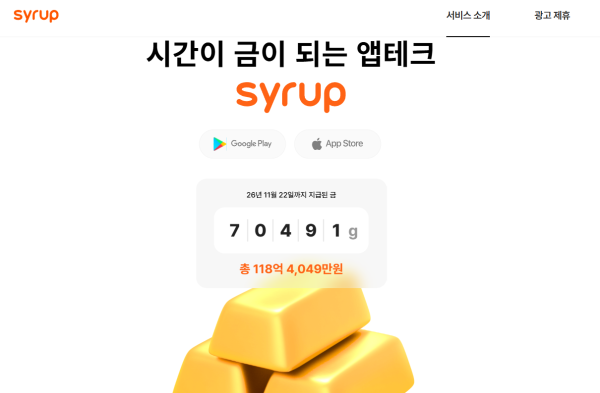
Syrup is a Korean lifestyle and rewards app developed by SK Planet. It combines gold-based rewards, online shopping, promotional events, food photo recognition, and brand discounts. Users can accumulate gold through eligible activities and exchange their rewards through supported redemption options.
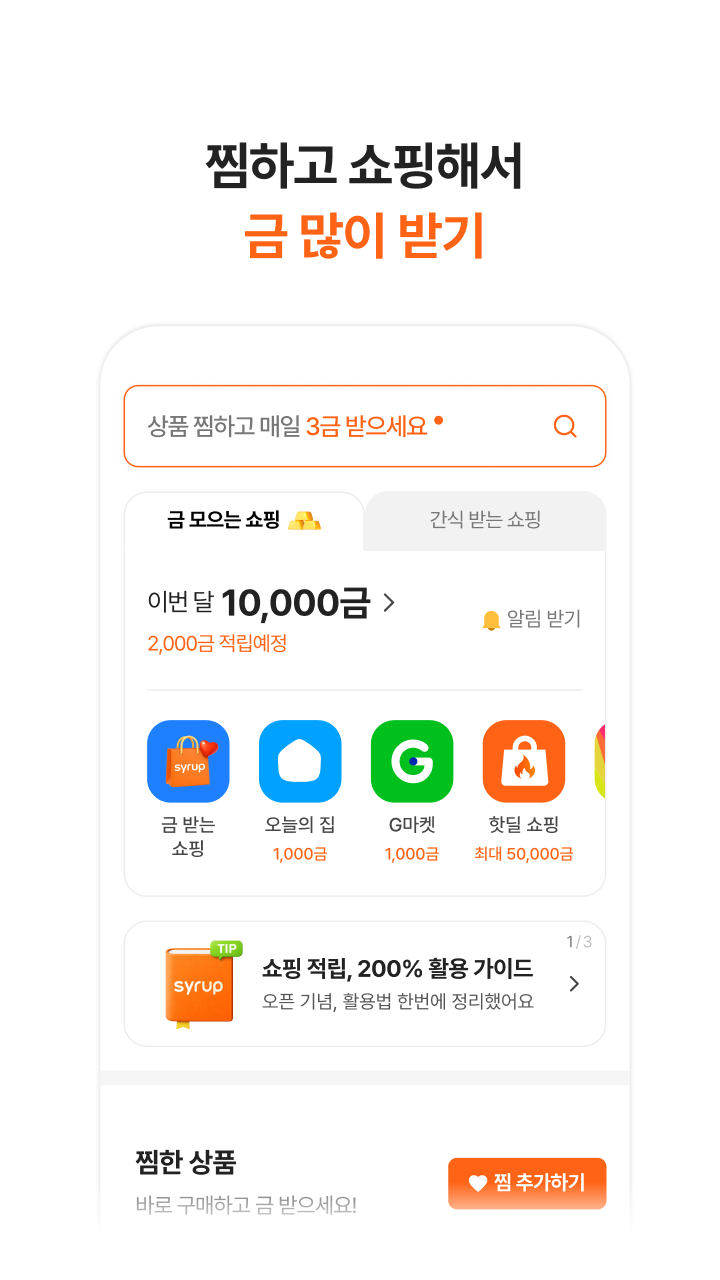
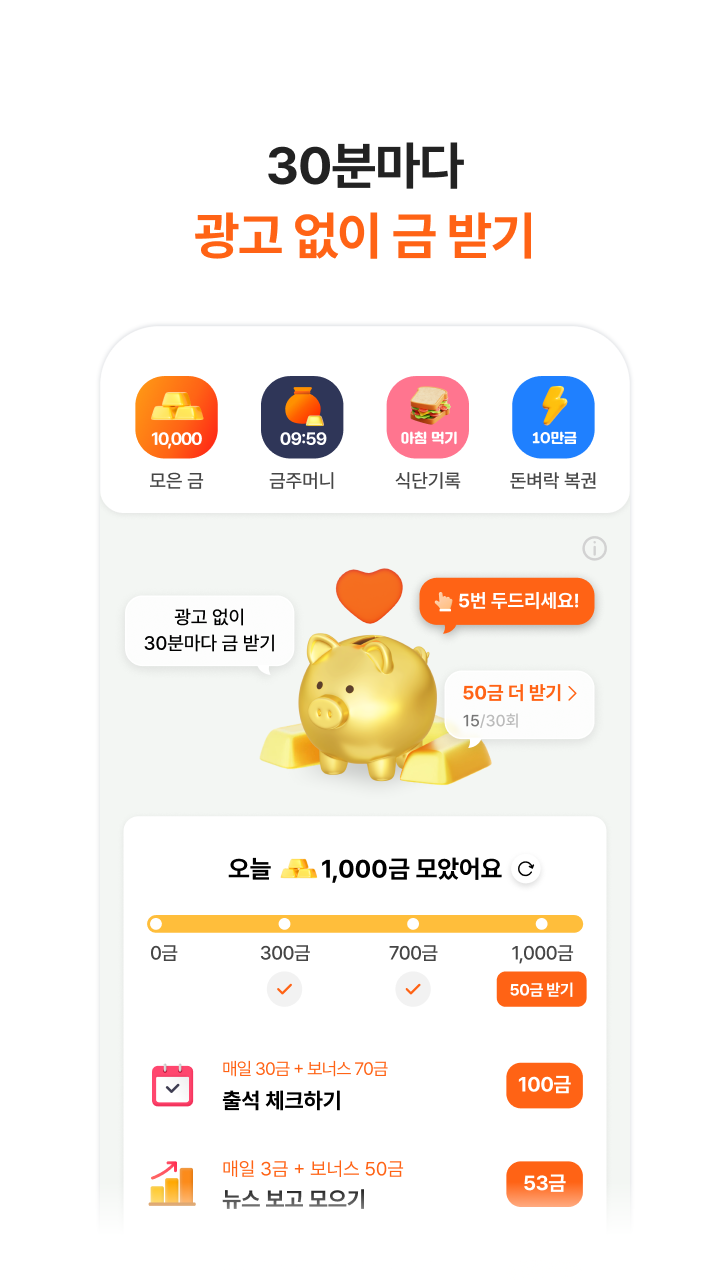
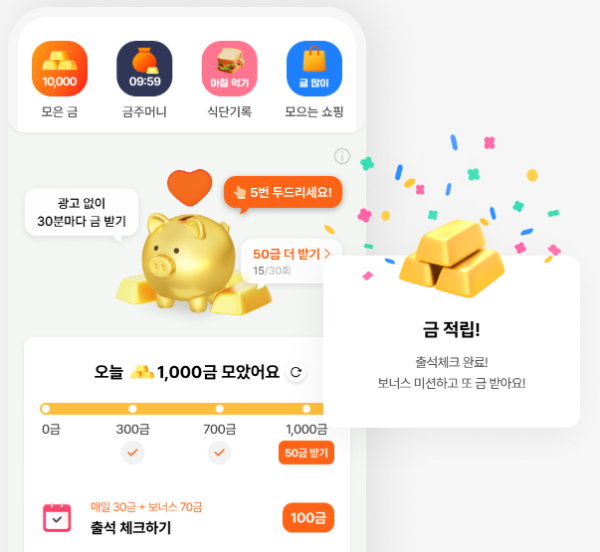
Gold rewards are available through everyday app activities, including daily check-ins and scheduled collections. One recurring activity involves visiting the in-app gold pig every 30 minutes to claim available rewards. Shopping provides another earning opportunity. Users can browse participating online stores, search for products, and access designated shopping links. Rewards are subject to individual store requirements, purchase conditions, and promotional rules.
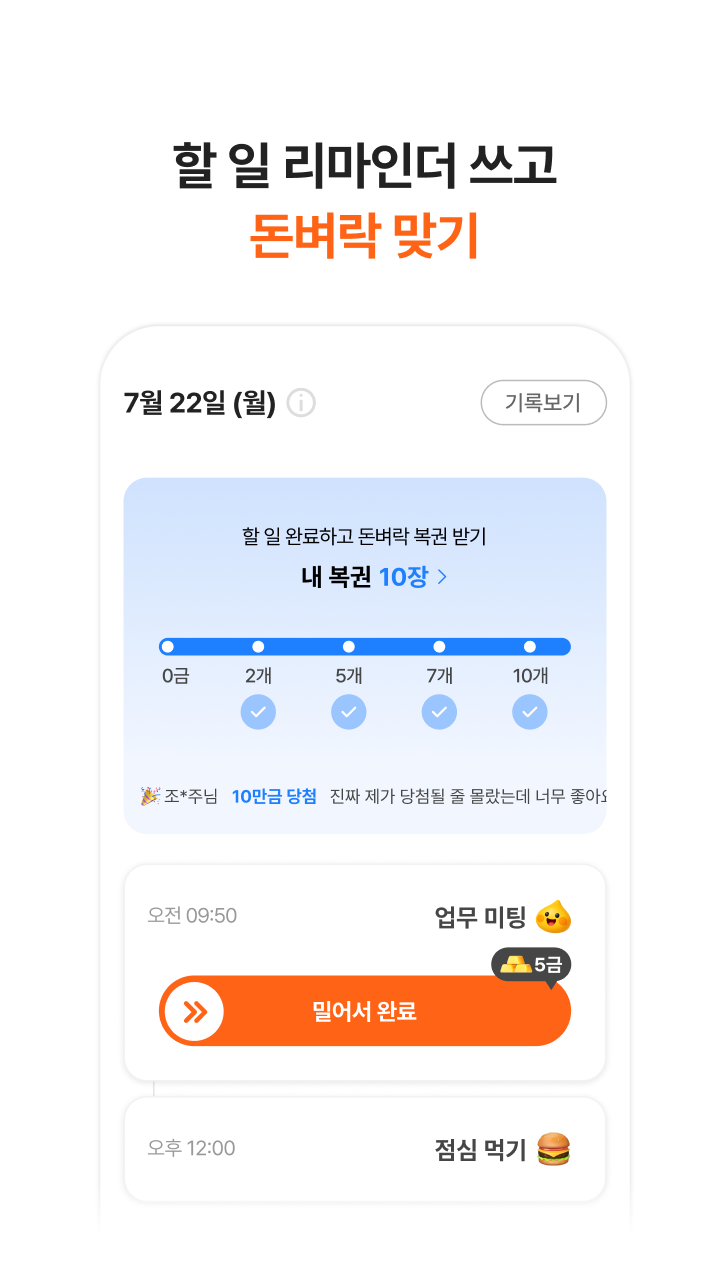
Syrup also features promotional campaigns, trending content, and prize draws offering potential rewards of up to 100,000 units of gold. Its food photo recognition feature identifies photographed meals and provides information about menu items, including calories and nutritional content. This function focuses on meal identification rather than comprehensive food logging or long-term dietary tracking.
The app includes discounts and special offers from participating brands such as Burger King, Lotteria, KFC, and Pizza Hut.
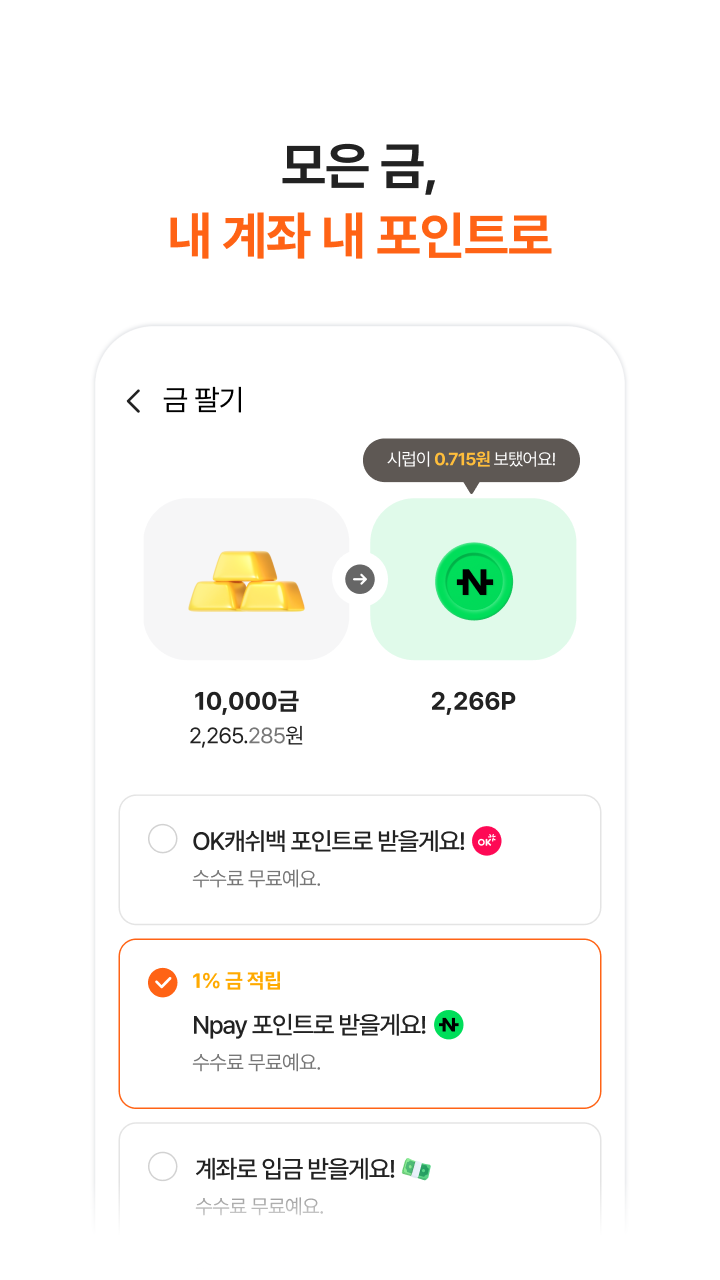
Accumulated gold can be exchanged for cash, physical gold, OK Cashbag points, or Naver Pay points, depending on available redemption options and eligibility requirements. Its value is linked to physical gold traded on the Korea Exchange (KRX), meaning the displayed value can fluctuate with market prices. Users can check their accumulated balance and its current exchange value before redemption.
2. Key Features
Gold Rewards: Earn gold through daily check-ins, app activities, scheduled collections, shopping, and eligible promotional campaigns.
Online Shopping: Browse participating stores, search for products, and access designated shopping links. Eligible purchases may generate gold rewards according to individual store conditions.
Scheduled Gold Collection: Visit the gold pig feature every 30 minutes to claim available rewards.
Events and Prize Draws: Participate in promotional campaigns and prize draws offering potential rewards of up to 100,000 units of gold.
Food Photo Recognition: Photograph meals to identify menu items and view available calorie and nutritional information.
Restaurant and Retail Discounts: Browse promotions from participating brands, including Burger King, Lotteria, KFC, and Pizza Hut.
Multiple Redemption Options: Exchange eligible gold for cash, physical gold, OK Cashbag points, or Naver Pay points, subject to availability and redemption requirements.
Gold Value Tracking: Monitor accumulated rewards and their current value based on changes in the Korean gold market.
3. How to Use Syrup
After opening Syrup, users can check their gold balance and available reward activities on the home screen. Daily check-ins and the recurring gold pig activity provide opportunities to collect rewards without making purchases.
For shopping rewards, users can browse participating stores, search for products, and follow the designated purchase links provided by Syrup. Not every product or transaction qualifies. Purchases must meet the relevant store's requirements, which may include completing an order through the designated link. Check the displayed reward rate, exclusions, and other conditions before purchasing.
Other sections provide access to promotional campaigns, prize draws, meal recognition, and brand discounts. Users can photograph meals to identify menu items and review the nutritional information returned by the recognition feature. Restaurant and retail promotions can be browsed separately.
The gold balance section displays accumulated rewards and their current market-linked value. Before exchanging gold, users can review the available redemption methods, exchange rates, and eligibility requirements.
4. Frequently Asked Questions
Q1. Is Syrup free to download?
Yes. Syrup is available as a free download on Google Play and the Apple App Store. Some promotional activities may have additional participation requirements.
Q2. Is the gold earned through Syrup real gold?
Syrup's gold rewards are linked to physical gold traded on the Korea Exchange (KRX). The underlying gold is described by the service as 99.99% pure. However, an accumulated gold balance should not be confused with direct ownership of physical gold.
Q3. Can I exchange my gold for cash?
Yes. Cash is one of Syrup's supported redemption options. Depending on availability and applicable conditions, gold can also be exchanged for physical gold, OK Cashbag points, or Naver Pay points.
Q4. Does the value of Syrup gold change?
Yes. Its value is linked to gold market prices and may fluctuate with market conditions. Check the displayed exchange value before redeeming your balance.
Q5. Can I earn gold without making purchases?
Yes. Daily check-ins, app visits, and the 30-minute gold pig activity provide opportunities to collect rewards without shopping. Promotional campaigns and other eligible activities may offer additional rewards.
Q6. Do all purchases through Syrup qualify for gold rewards?
No. Shopping rewards depend on participating store requirements and transaction conditions. Users should access stores through the designated Syrup shopping links and review the applicable reward rules before completing a purchase.
- Version5.8.11_M
- UpdateNov 23, 2026
- Developer에스케이플래닛 (주)
- CategoryFinance
- Requires AndroidAndroid 8.0+
- Downloads17M+
- Package Namecom.skt.skaf.OA00026910
- Signature224bab9c7a20d34c818a2b3f4119c1a6
- Available on
- ReportFlag as inappropriate
-
NameSizeDownload
-
68.84 MB
-
68.84 MB
-
66.57 MB