
Summit Racing - Shop Auto Parts & Accessories
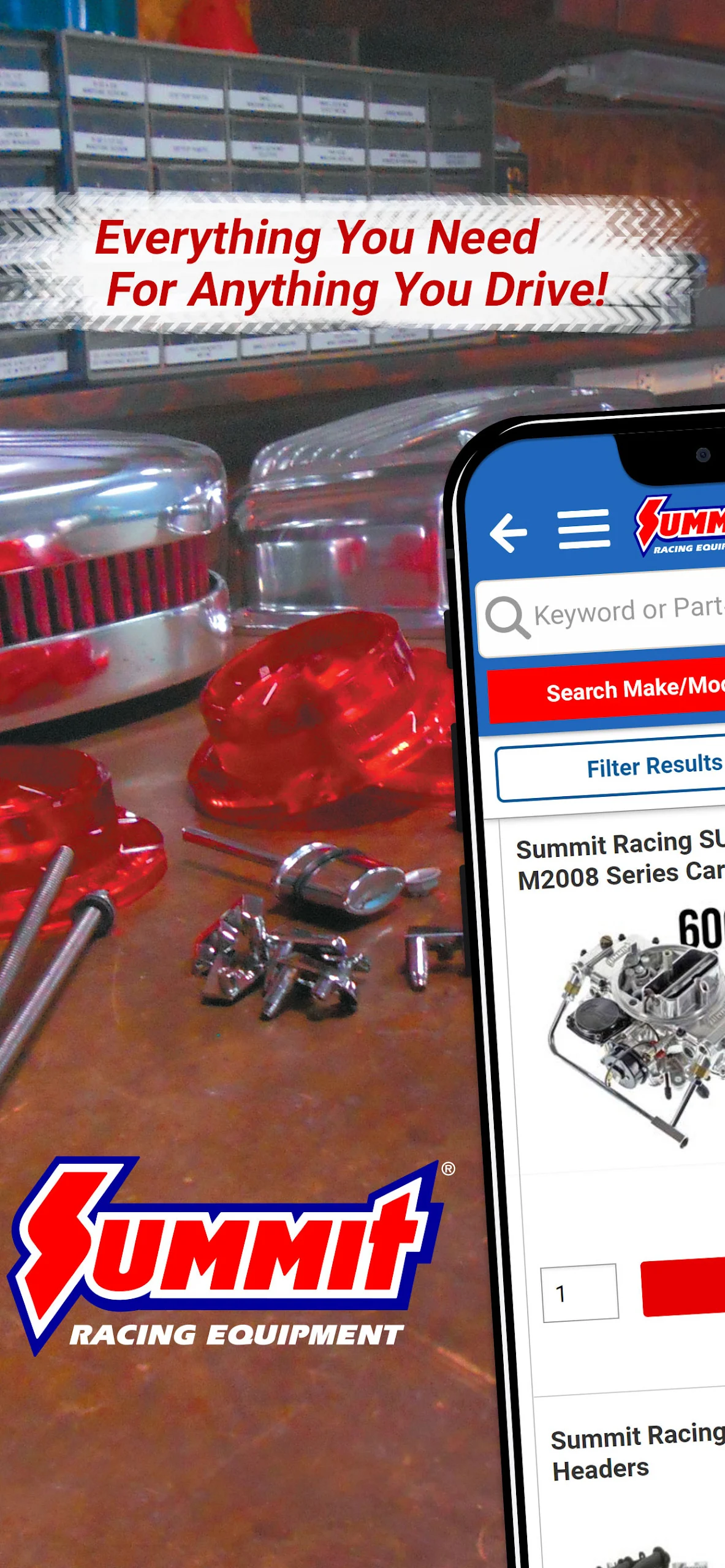
Discover over 1.5 million auto parts, shop easily & connect with the Summit Racing community all in one app!

- 2.1.58 Version
- 3.3 Score
- 258K+ Downloads
- Free License
- 3+ Content Rating

Summit Racing App — Shop Auto Parts, Track Orders, Build Your Garage
Your Performance Powerhouse in Your Pocket
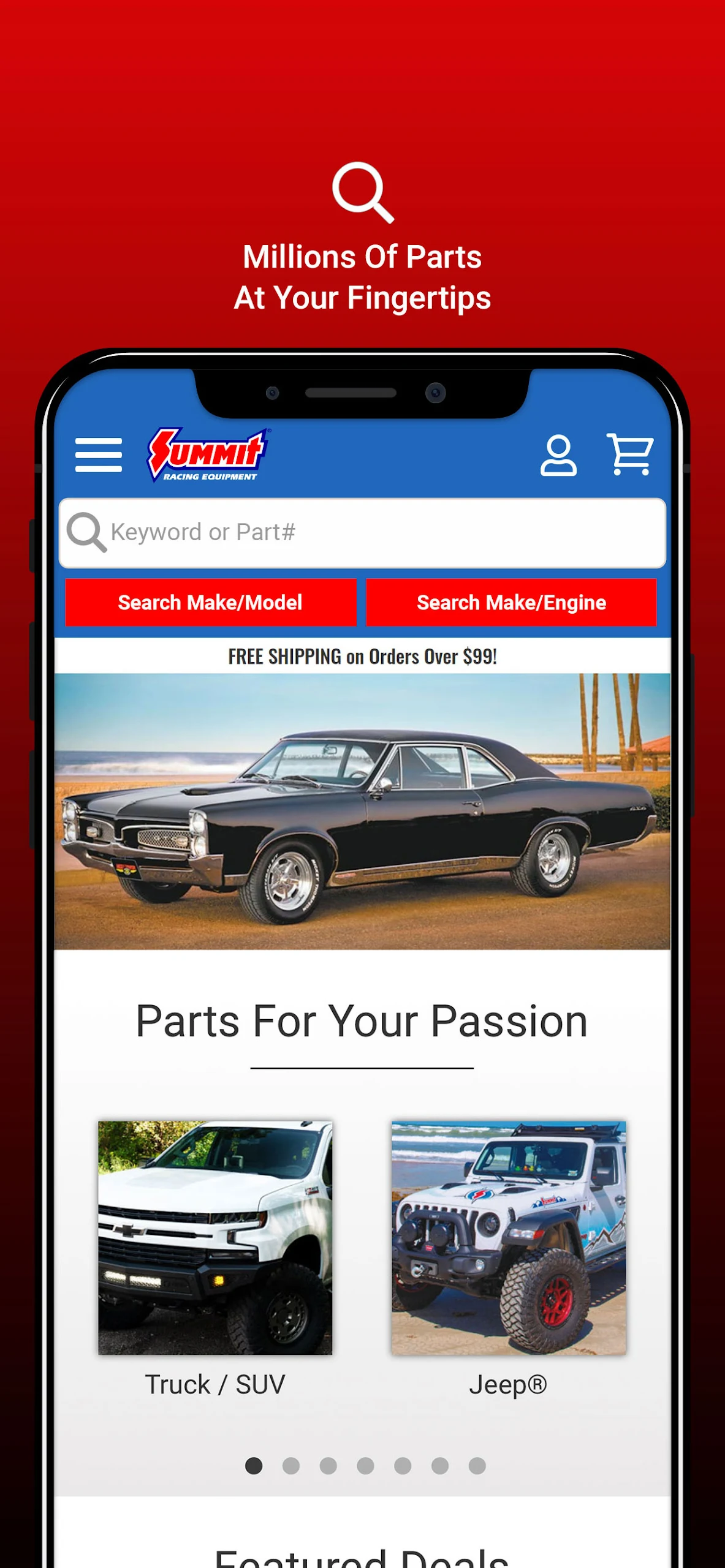
The Summit Racing app is the mobile parts counter for anyone who drives, restores, races, or wheels. Search more than 1.5 million auto parts and stock replacement parts, check fitment, view sale items, read OnAllCylinders tech content, watch YouTube videos, and manage orders from your phone. iOS and Android both list the app as a shopping app with strong ratings — around 4.8 stars on Google Play.
What you can do inside the Summit Racing app:
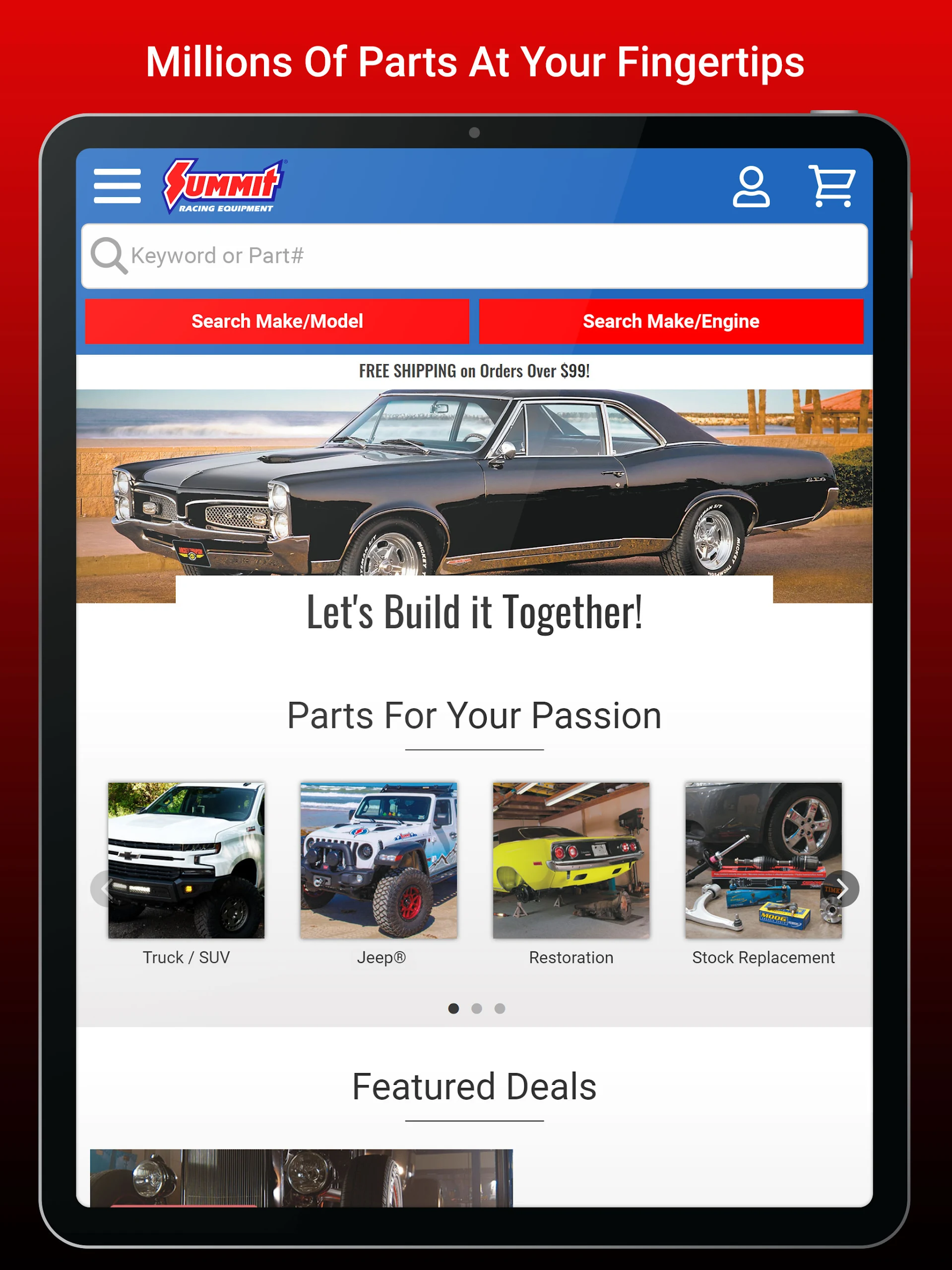
Search fast by part number, keyword, or vehicle — truck/SUV, Jeep, restoration, late-model muscle, circle track, street rod, powersports, marine, and more.
Shop 1.5M+ SKUs including Summit-branded parts, tools, gauges, ignitions, drivetrain, exhaust, wheels, tires, and fluids.
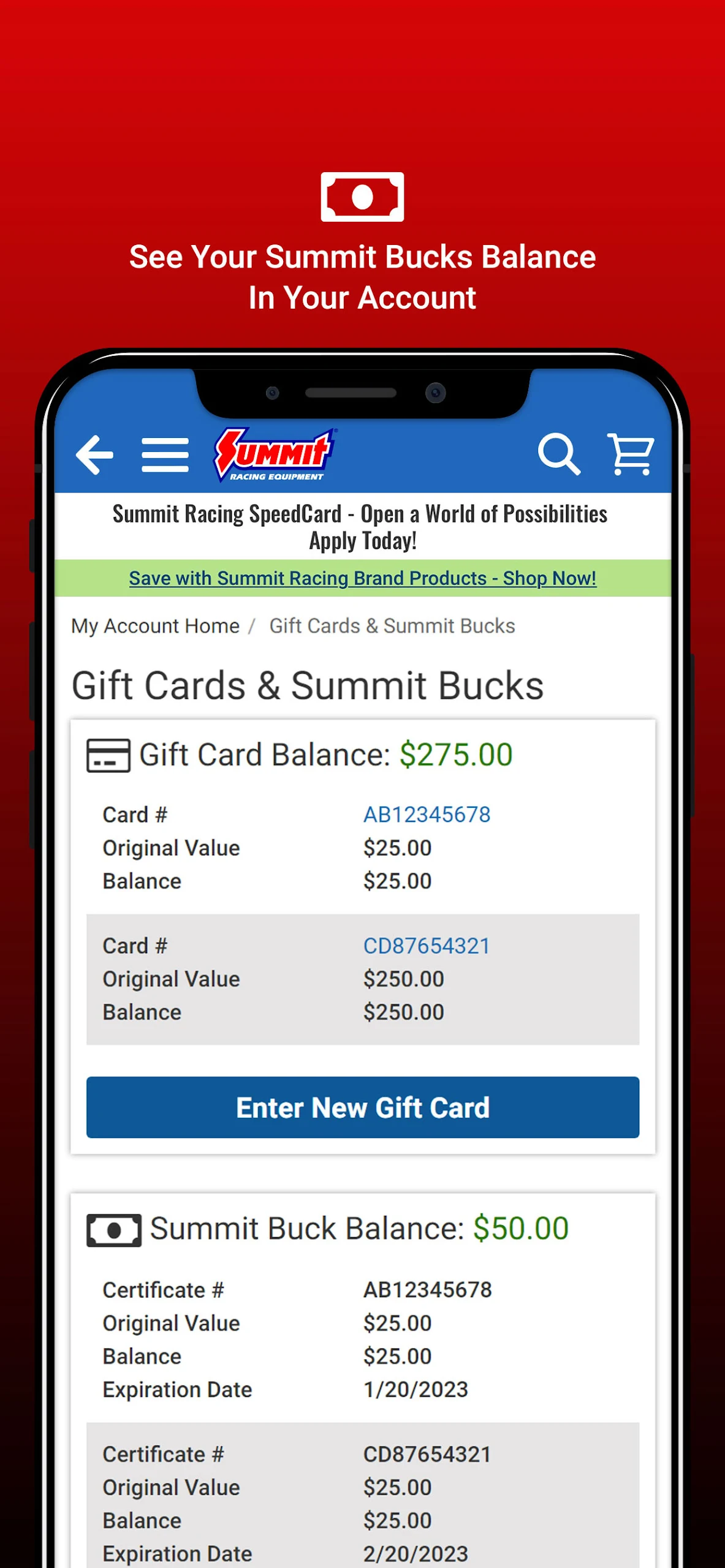
View orders and track shipments linked to your Summit account.
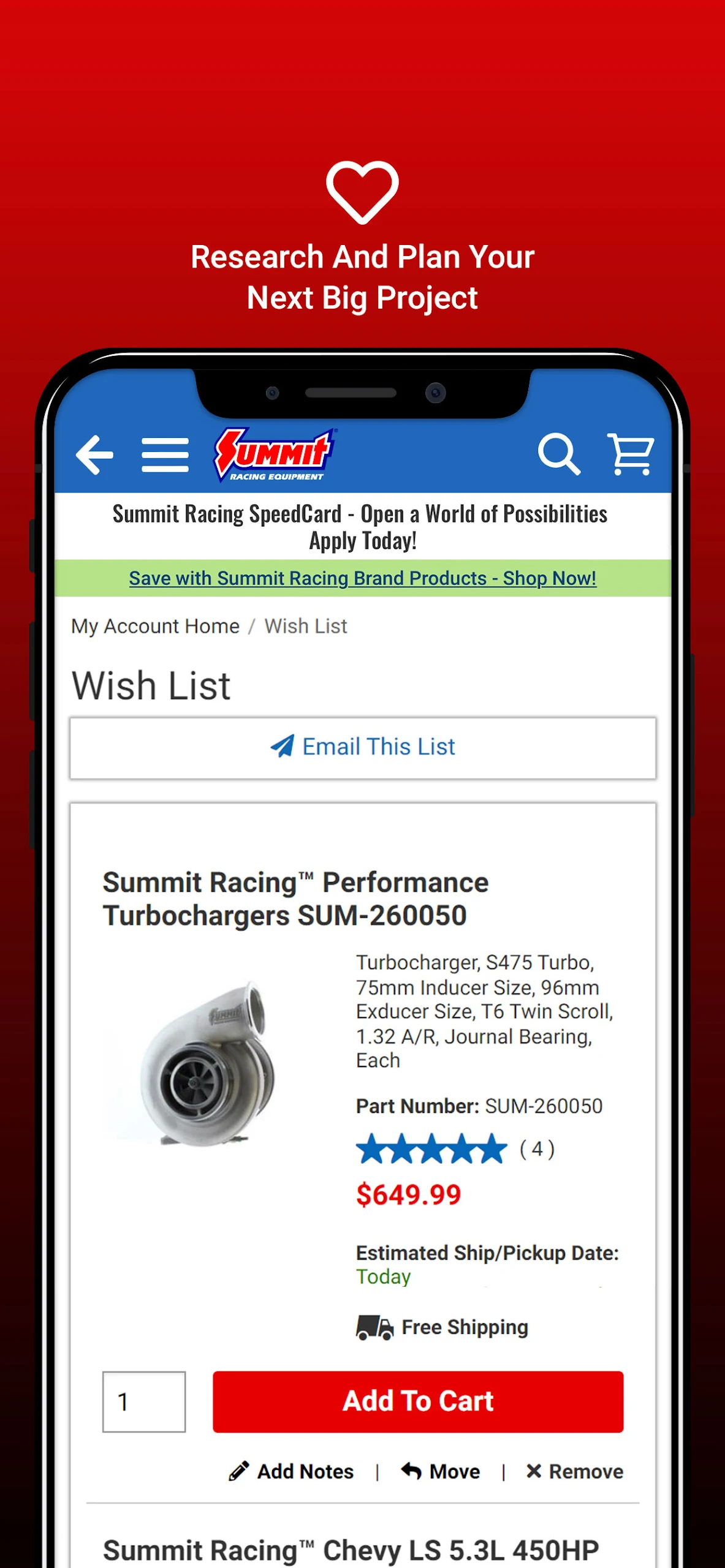
Save a wish list for build stages, seasonal maintenance, or “buy later” parts.
Open My Garage to create vehicle profiles, post photos and project updates, and follow other enthusiasts.
Read OnAllCylinders articles and watch Summit’s YouTube videos without leaving the app.
Request a print catalog, browse events, and jump into social channels.
Check current deals in Savings Central and Summit-branded promotions.
The app is free. Data is encrypted in transit, and you can request deletion of your data. The developer may collect personal and financial info tied to your identity for app functionality, advertising, or marketing.
Getting the Most Out of the Summit Racing App
1. Set up My Garage before you search.
Add your vehicle specs: engine, drivetrain, suspension, brakes, exterior mods. Update as the build changes. My Garage also lets you post photos, videos, and “SpeedFeed” updates, build a mod score, and surface your ride in Popular Rides or editorial features. It works for daily drivers, restomods, off-road rigs, and race cars.
2. Use the wish list like a build sheet.
Don’t cart everything. Split wants into stages: “oil change,” “brake upgrade,” “LS swap list,” “show prep.” The wish list keeps you out of impulse-buy territory and makes repeat buys — oil, filters, hardware — easy to reorder.
3. Search by part number when you know it.
Keyword search is broad. If you have a Holley, MSD, B&M, Hawk, Edelbrock, Trick Flow, or Summit part number, search it directly. For fitment, cross-check year/make/model and read the fitment notes before checkout.
4. Check deals in the app before checkout.
The app surfaces sale items and brand promotions. Pair that with the website’s Savings Central, Summit Bucks, and Beat-a-Price Guarantee on identical in-stock products. Always check the cart summary for active promos before paying.
5. Track orders from the account dashboard.
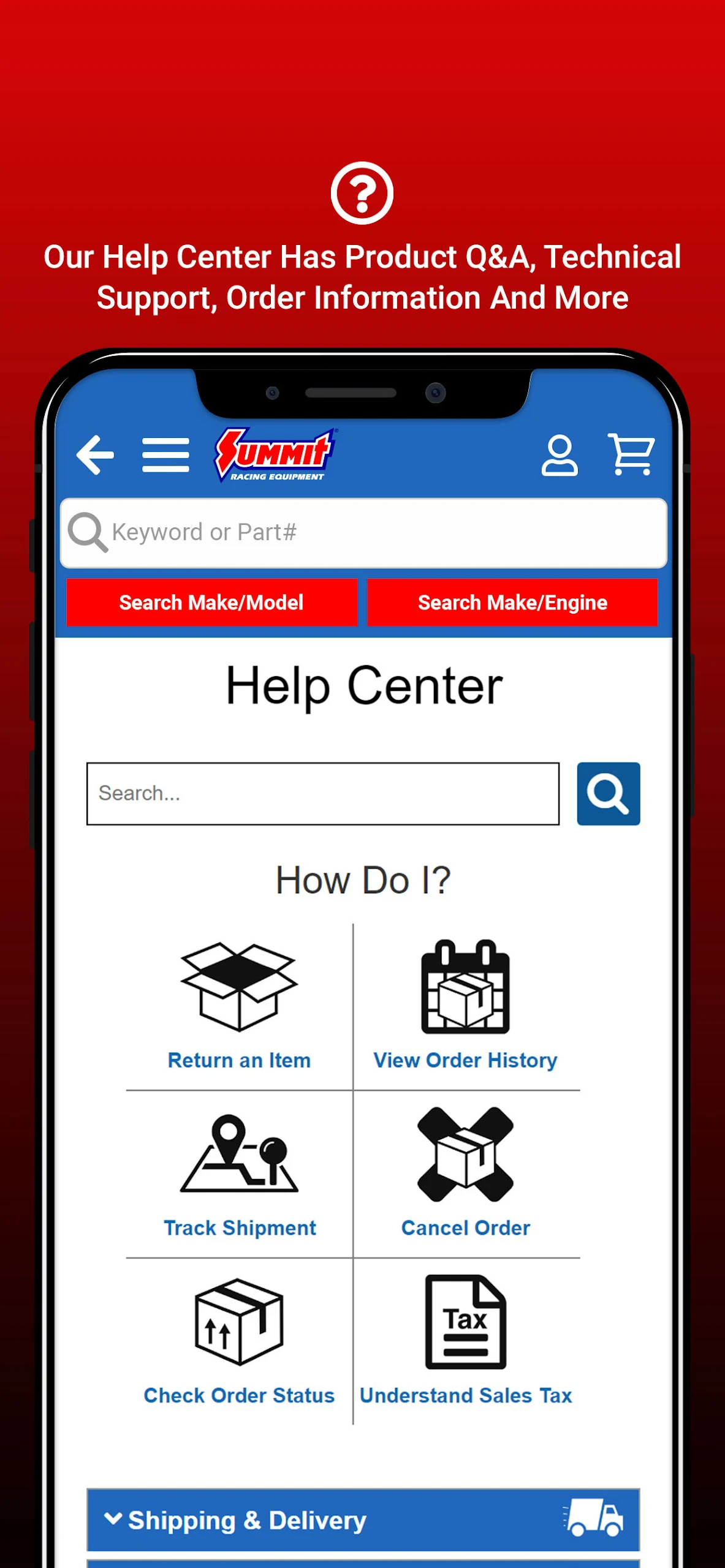
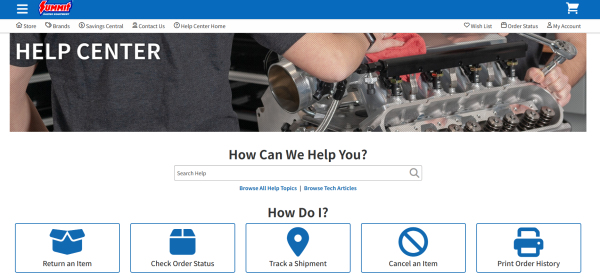
Sign in to view order status and shipment tracking. For non-urgent issues, use the Help Center. For fitment or order problems, call 1-800-230-3030 during weekday hours or use text/live chat on weekends.
6. Plan store pickup and tire service.
The app and site show retail store inventory and pickup options. New wheel-and-tire orders can get free mounting, balancing, and RFV testing at checkout where available. Use the app to confirm store stock before you drive over.
FAQ — Orders, Returns, Rewards, Account
1、Is the Summit Racing app free?
Yes. The app is free to download and use for shopping, order tracking, content, and My Garage.
2、Can I track my order in the app?
Yes. Sign in to your Summit account to view order history and status. You’ll also get email or text updates when your order ships or needs attention. Guest orders can be tracked through order status tools on the site.
3、How do I return an item?
Use the Help Center’s “Return an Item” path. Core returns, warranties, return status, and refunds are all covered there. Have your order number ready.
4、Does the cart sync perfectly between phone and desktop?
Not always. Some users report the mobile cart behaving separately from the website cart. Safest workflow: sign in, use your wish list for planned parts, and confirm the cart at checkout on the device you’re ordering from.
5、How does the Rewards Program work?
Join free from your Summit account or by calling 1-800-230-3030. You earn Speed Points on eligible online, app, and phone orders — 1 point per dollar. Every 250 points becomes $5 in Summit Bucks. App purchases count. Summit Bucks usually expire 60 days after issue, so redeem promptly. Gift cards and third-party marketplace orders don’t earn points.
6、Is My Garage only on the app?
My Garage originated on SummitRacing.com and is promoted in the app. In the app, it’s useful for saving vehicle profiles, documenting builds, and sharing with other enthusiasts. You control visibility — public, shared, or private.
7、What if a part doesn’t fit?
Check fitment notes first. If you’re unsure, call support with year, make, model, engine, transmission, and mods. Keep the part uninstalled and in returnable condition, then start a return through the Help Center.
8、Is my data safe?
Data is encrypted in transit. The app may collect personal and financial info linked to your identity. You can request data deletion. See the developer privacy policy in the App Store or Google Play listing.
- Version2.1.58
- UpdateSep 24, 2026
- DeveloperAutosales, Incorporated
- CategoryShopping
- Requires AndroidAndroid 5.0+
- Downloads258K+
- Package Namecom.summitracing.MobileAppSRE
- Signatureeab2062f6e759a69adf6b4d4fe52d417
- Available on
- ReportFlag as inappropriate



















Easy to navigate and understand
Fast shipping of parts
Wide selection of vehicle-specific and obscure items
Ability to create lists for later viewing
Good customer service with knowledgeable agents
Convenient app that acts as a shortcut to the website
Discounts available for first-time app orders
Overall user-friendly experience for browsing and ordering
Slow response time and lagging issues
Poor search functionality leading to irrelevant results
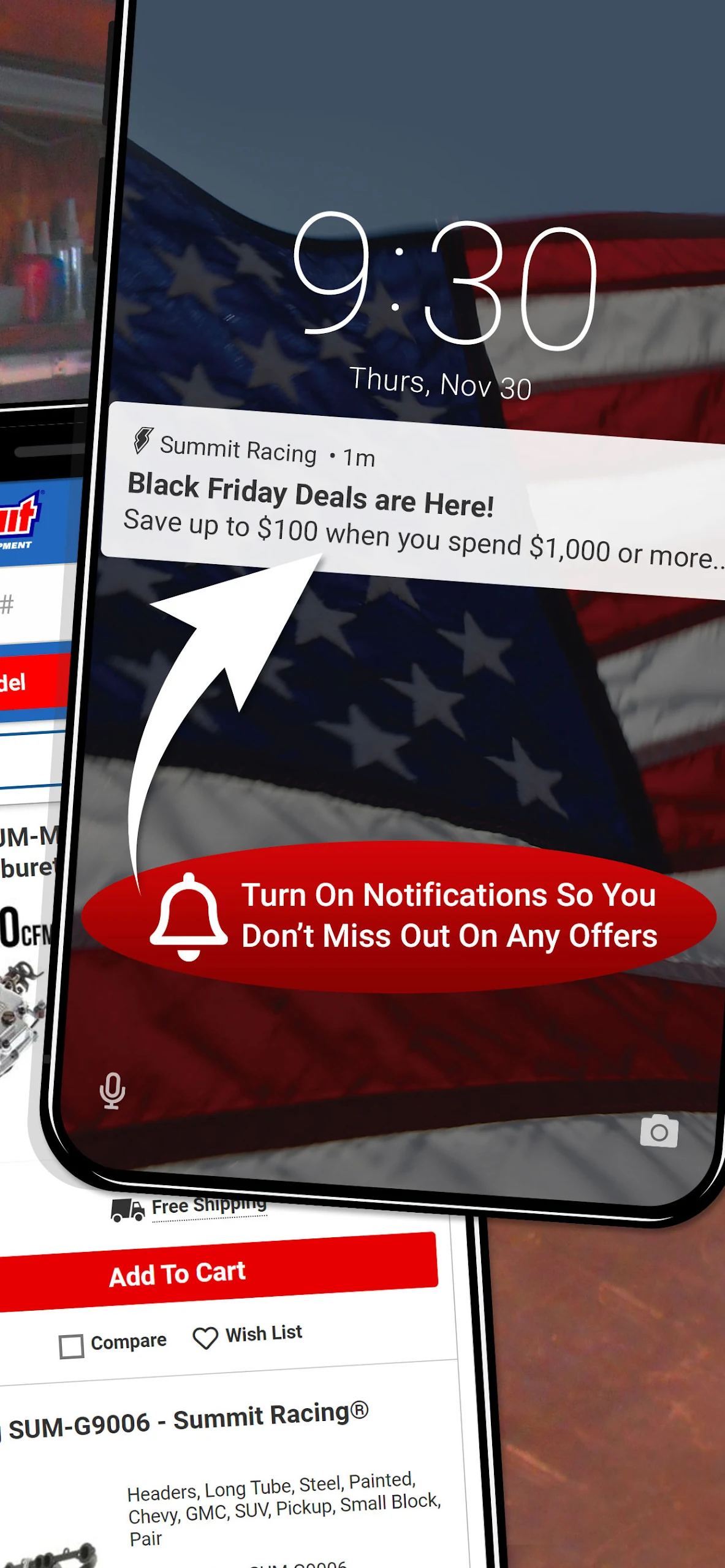
Notifications cannot be controlled or turned off
Frequent glitches causing app crashes or failure to log in
Inconsistent shopping cart experience between app and website
Lack of certain features from the desktop site (e.g., syncing carts)
Complicated checkout process with unreliable payment information input
Frustrating navigation due to loading screens and back button issues