
Soni Typing Tutor - Typing tutor & tests
Master typing skills quickly with fun tests & step-by-step guidance for English & Hindi, plus track your progress!

- 1.1.2 Version
- 2.7 Score
- 395K+ Downloads
- Free License
- 3+ Content Rating

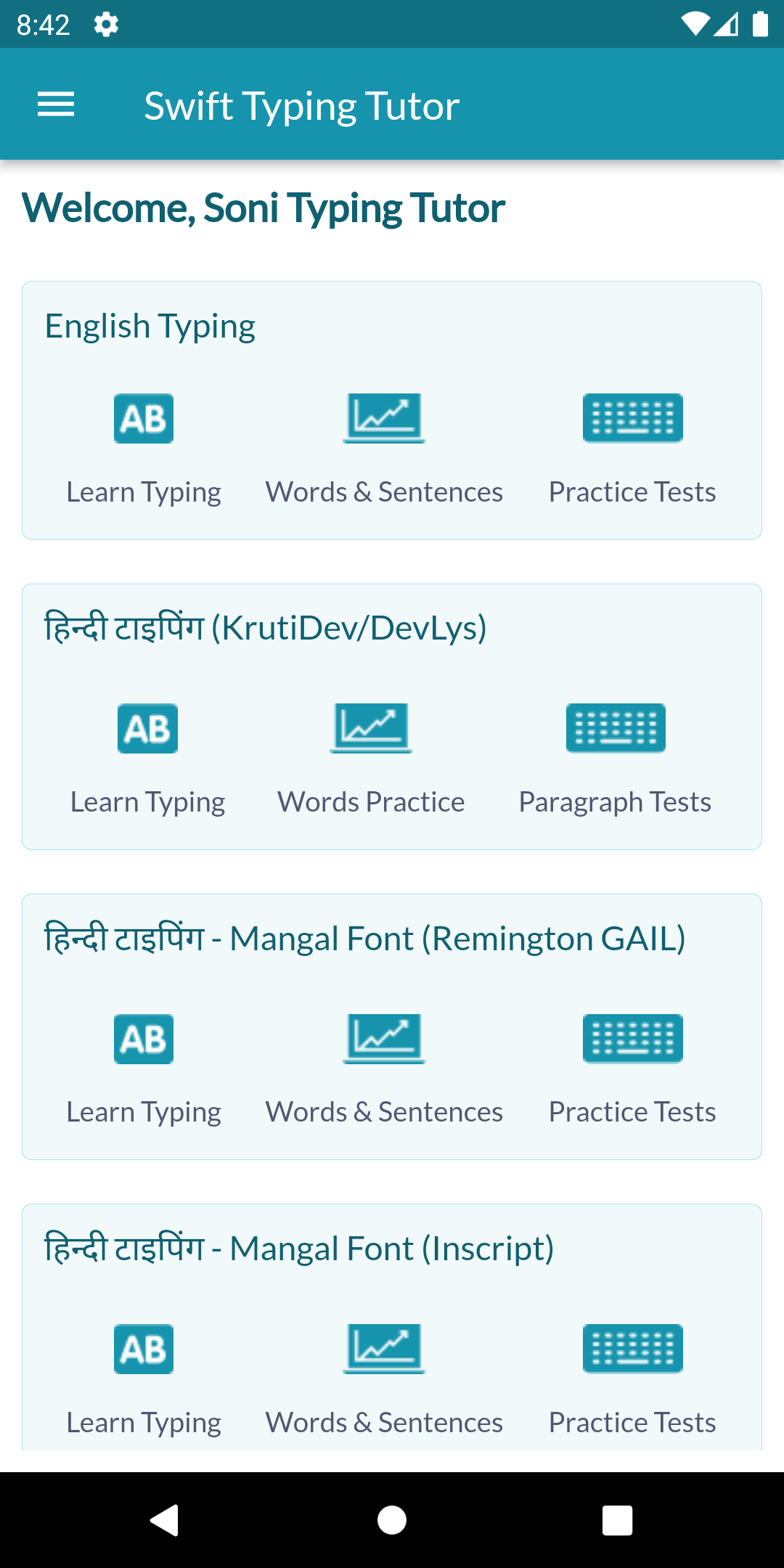
Soni Typing Tutor stands out as the top typing tutor software available for desktop, and it has now expanded its reach to the Play Store as well.
This application enables users to learn typing in both English and Hindi. You can enhance your typing speed in just a week, with support for both languages.
Features:
» The Hindi typing feature is compatible with various Hindi fonts, such as Krutidev and Mangal, and includes all keyboard layouts -
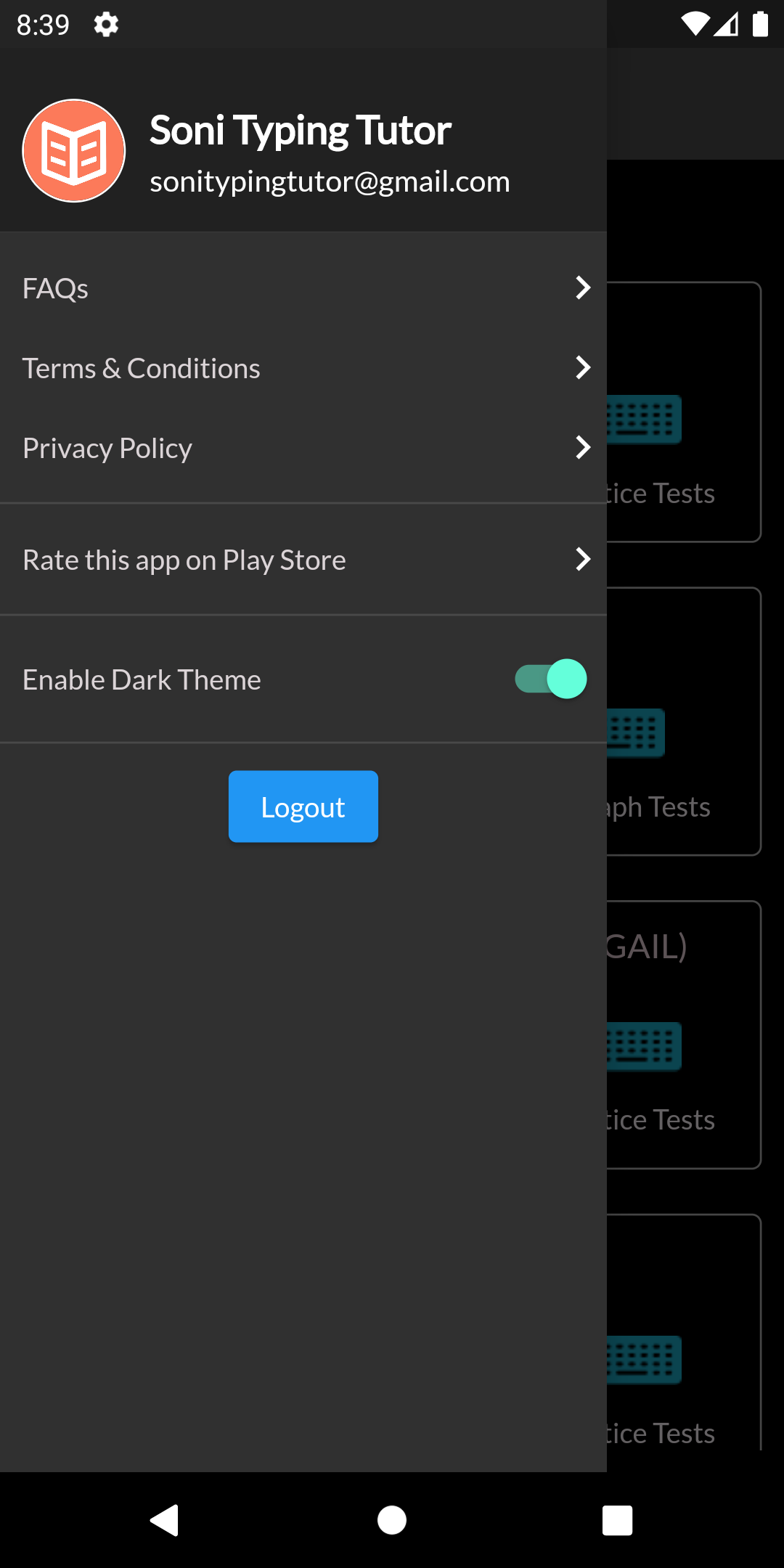
- Remington GAIL layout
- Inscript layout
- Remington CBI.
» Soni Typing Tutor also supports all ALT codes necessary for Hindi typing.
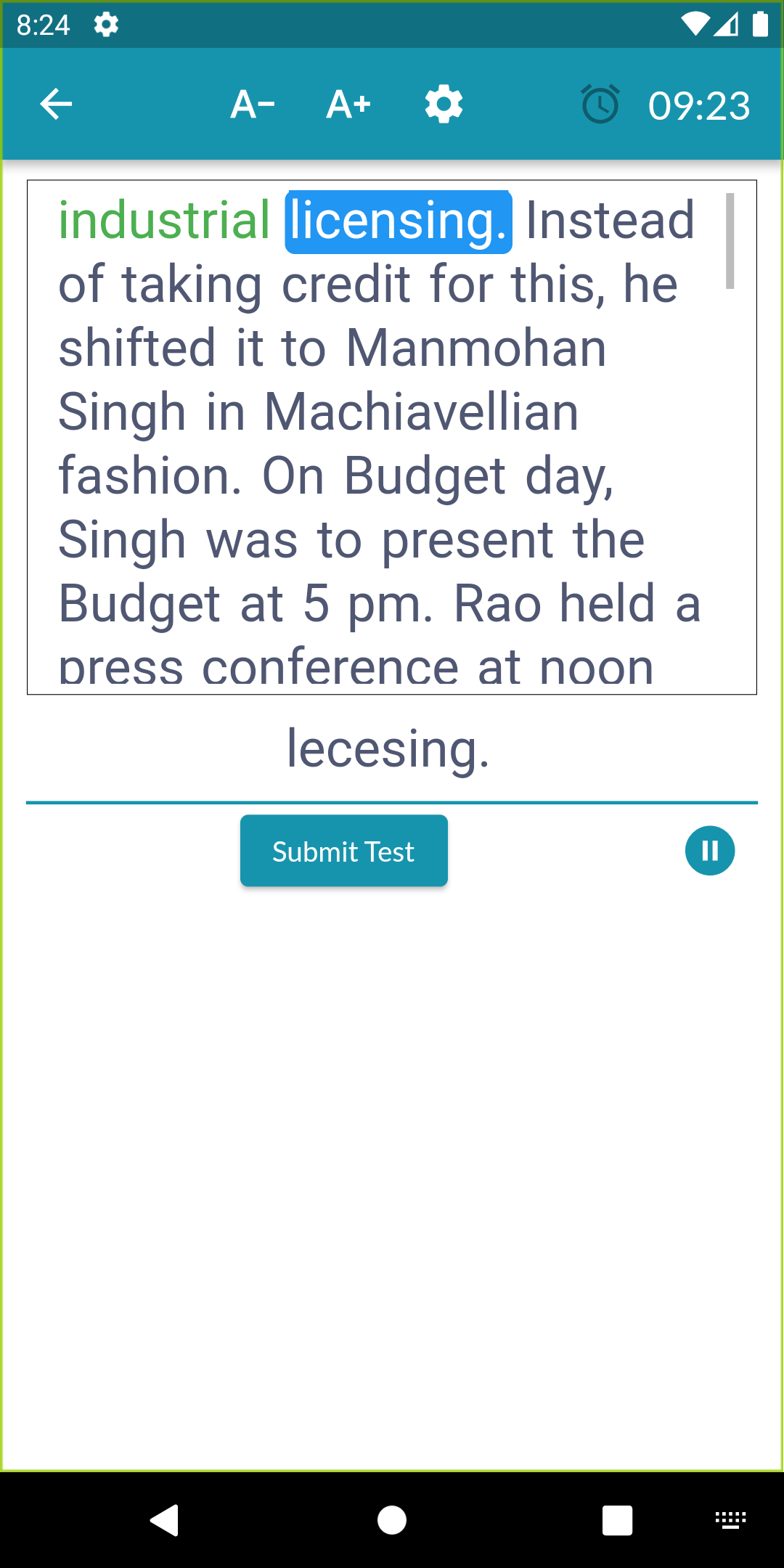
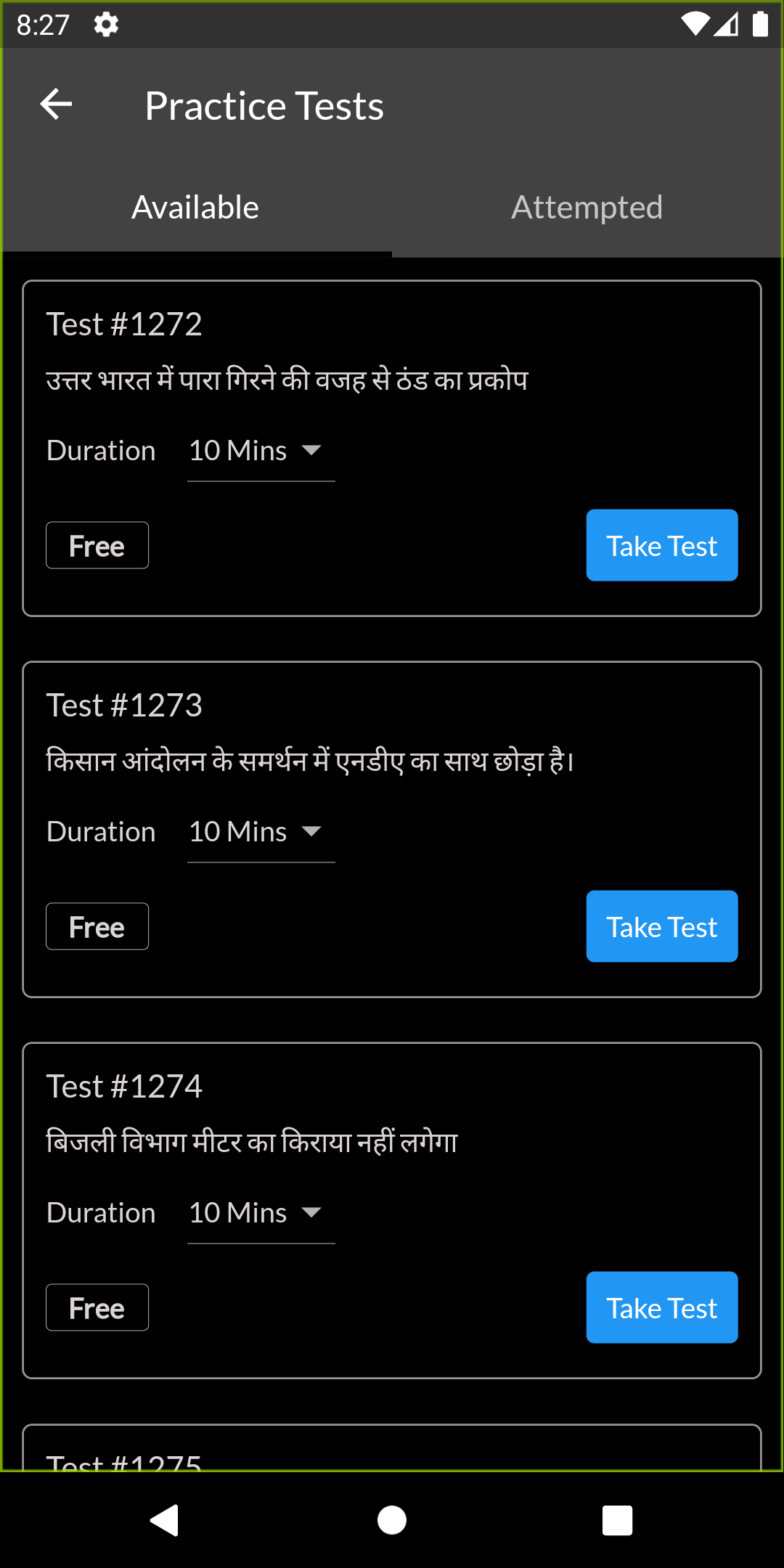
» With over 500 typing drills included in the app, you have ample opportunities to practice at your own pace.
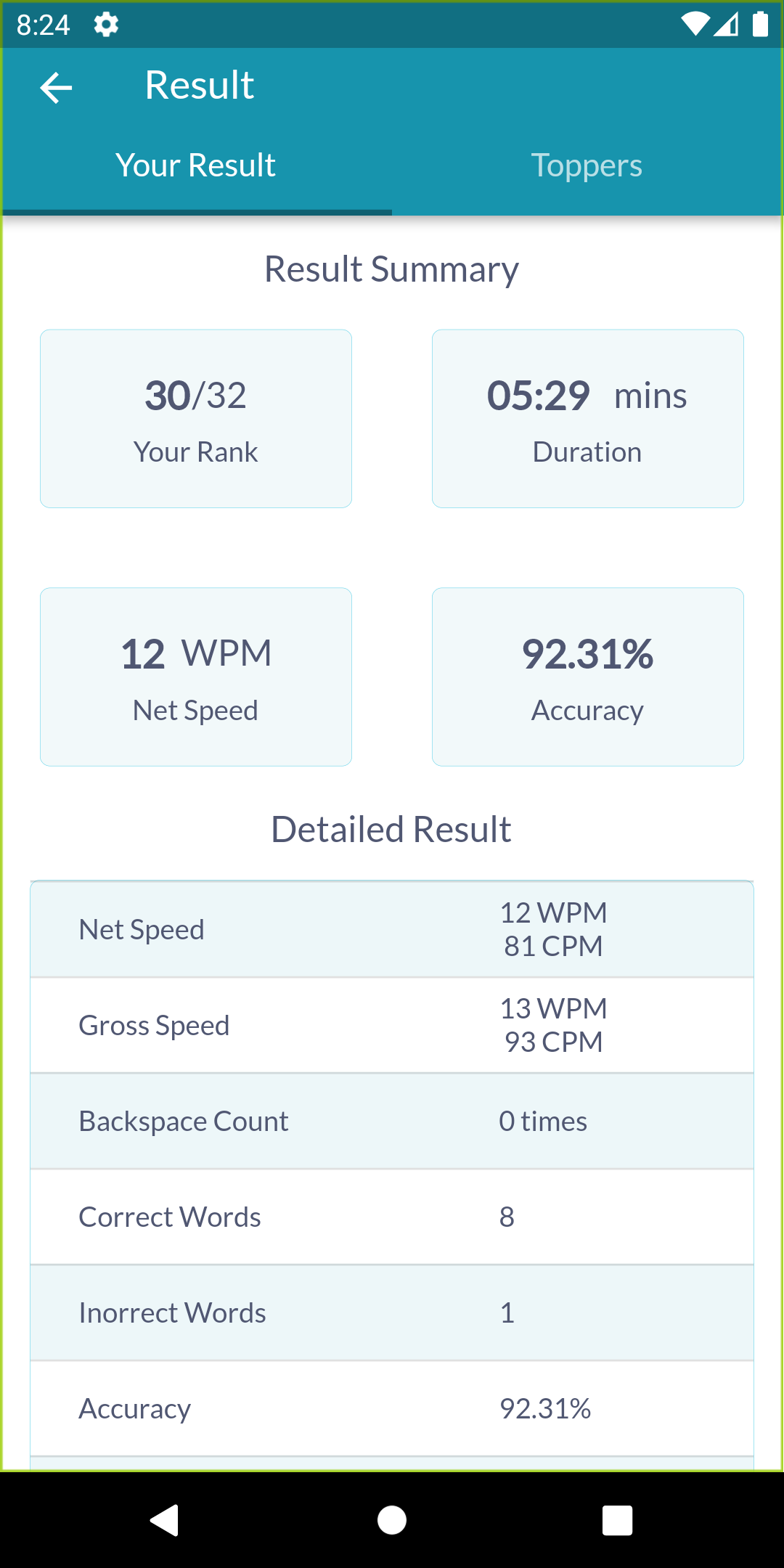
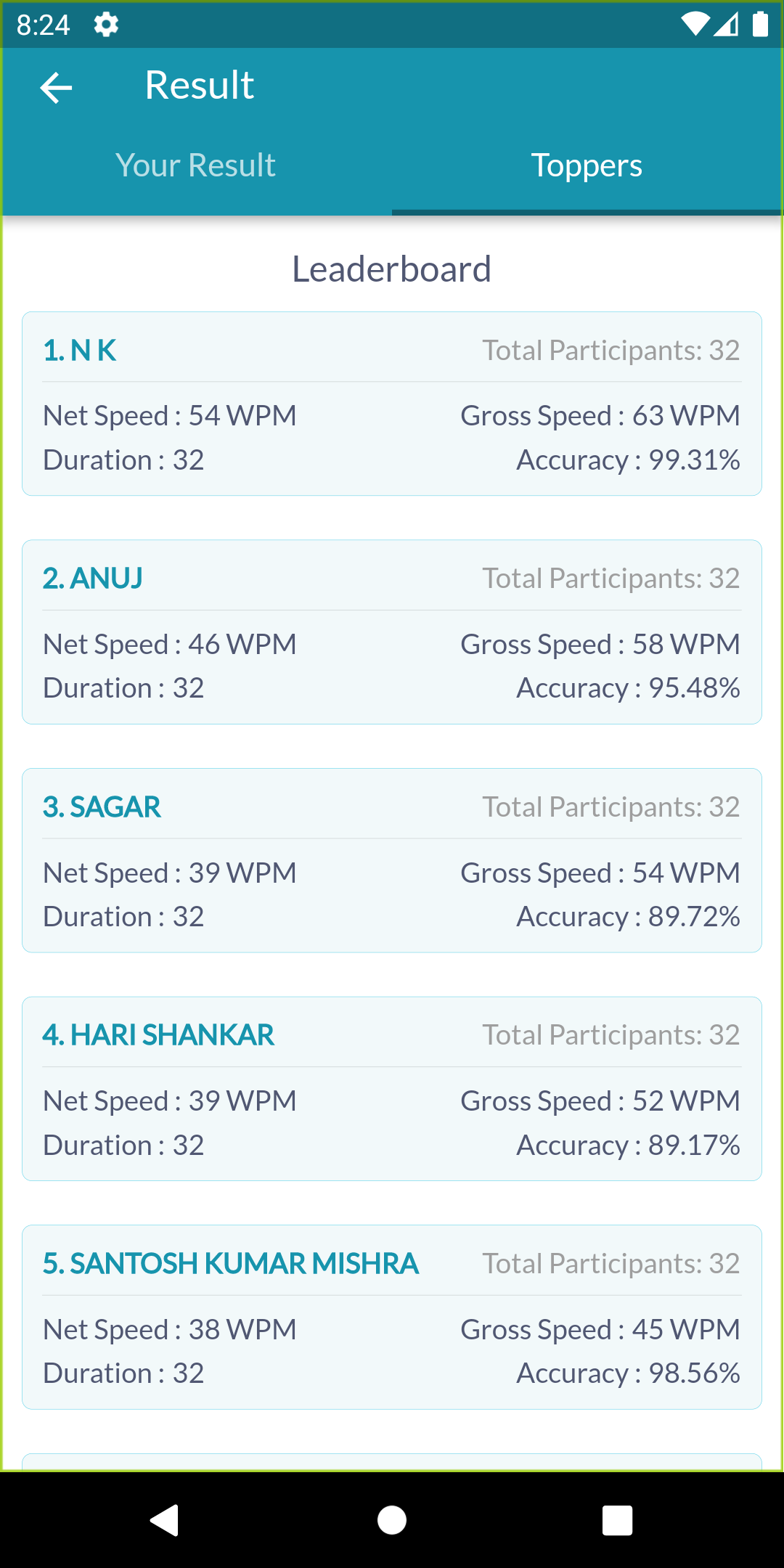
» Monitor your progress - Soni Typing Tutor allows you to see your ranking among peers and evaluate your typing speed compared to other users.
» The app features a systematic approach to learning, beginning with the fundamentals of key positions on the keyboard.
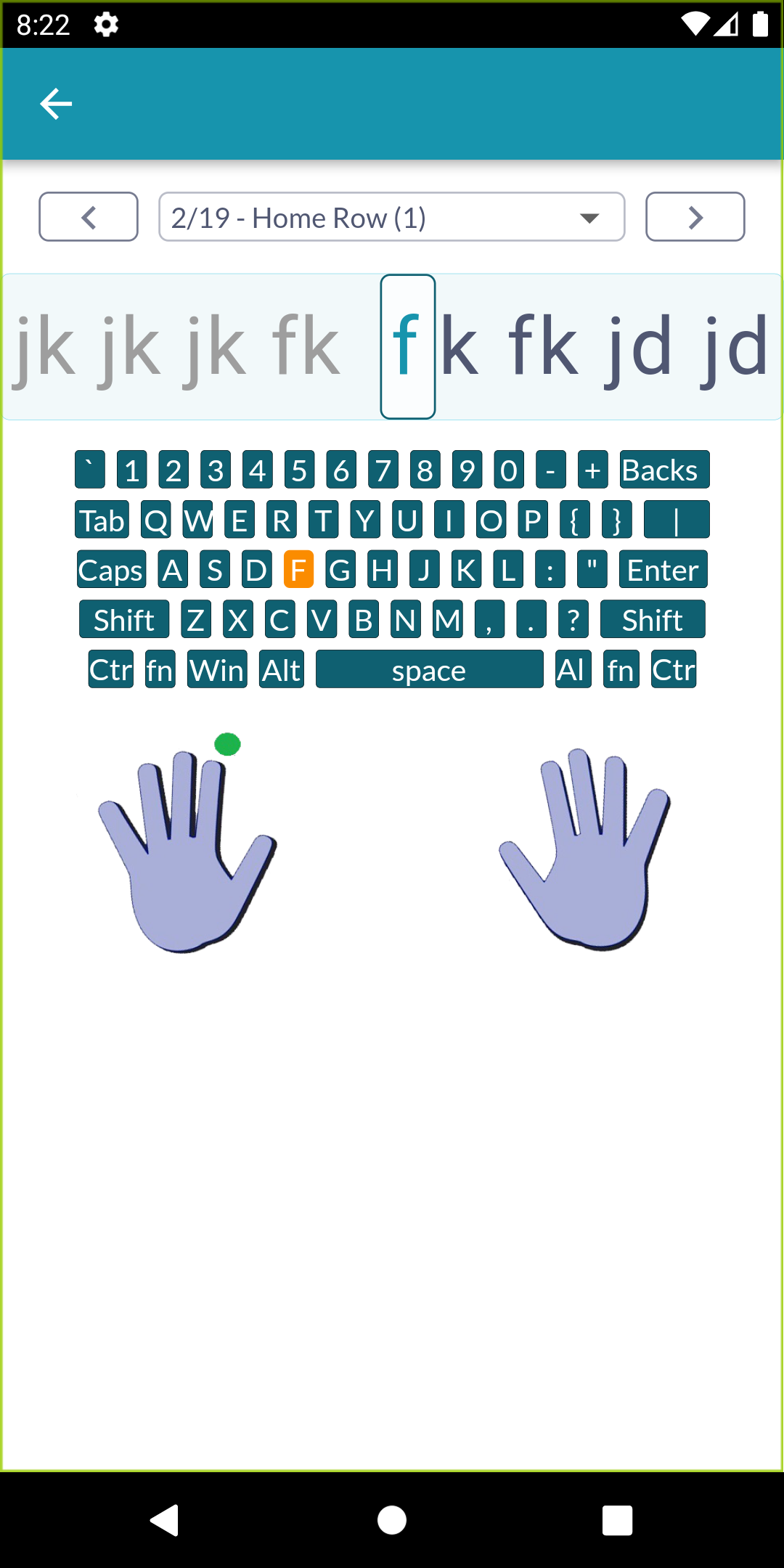
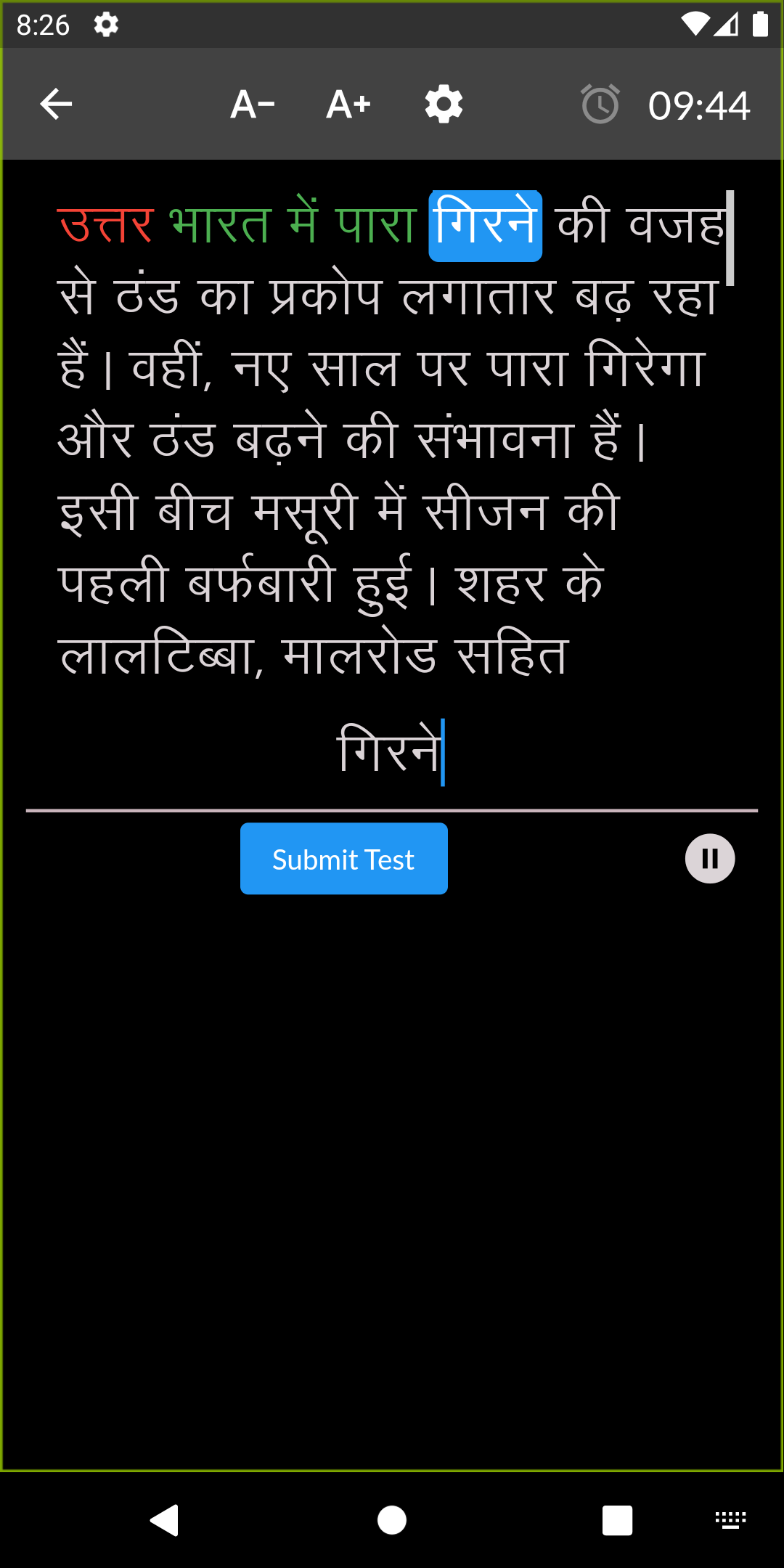
» An on-screen keyboard highlights keys you should press, guiding your practice.
» Finger placement is clearly indicated on-screen for particular keys, aiding in proper technique.
» You can assess your net typing speed alongside gross typing speed and accuracy metrics.
» This app is beneficial for preparing for various government typing exams in India, including SSC CGL, SSC CHSL, RRB NTPC, and many others.
Usage Process:
1. **Get Started**: Connect a physical keyboard and open the app (desktop/mobile).
2. **Select Language and Settings**: Select "English" or "Hindi." For Hindi, you'll need to select a font (e.g., Krutidev) and keyboard layout (e.g., Remington GAIL).
3. **Basic Learning (Beginners)**: Start with the "Keyboard Positioning" lesson. Follow the on-screen keyboard highlighting and finger placement guidelines to practice correct operation.
4. **Specific Practice**: Access the "Practice Question Bank" and select a difficulty level (over 500 resources). After practice, check your "Total Speed, Net Speed, and Accuracy."
5. **Check Progress and Compare**: View historical data in the "Progress Center" and compare your performance with others using the "User Ranking."
6. **Exam Preparation (On-Demand)**: Access the "Exam Specifics" section, select your target exam (e.g., SSC CGL), and practice with practice exercises to acclimate to the exam pace.
Simply connect a physical keyboard and embark on your typing journey to check and improve your skills.
Target Audience:

1. Beginners who want to improve their English and Hindi typing speed and accuracy.
2. Candidates preparing for Indian government typing exams (such as SSC CGL, RRB NTPC, etc.).
3. Users who need to standardize their finger placement, correct their typing habits, and pursue efficient office typing.
### FAQ:
1. **Do I need to connect a physical keyboard to use this app on mobile? Can I practice using the phone's virtual keyboard? **
A physical keyboard is required. The core of the app is to develop standard typing posture and key placement. The virtual keyboard cannot match real finger work and key placement, so whether on desktop or mobile, you need an external physicalxkeyboard for proper practice.
2. **Do I need to memorize the ALT codes for Hindi typing? Will the app provide assistance? **
No need to memorize them. The app covers all the ALT codes required for Hindi typing. During practice, the required ALT codes will be displayed next to the corresponding characters, or shortcut keys will be directly associated. You can gradually become familiar with them by following the instructions without manual memorization.
3. **How long does it take to meet the requirements for Indian government typing exams (such as SSC CHSL)? **
It varies from person to person, but the software offers a targeted advantage: With 30-60 minutes of daily practice, users with a strong foundation can approach the exam speed standard in 1-2 months (typically 30-40 words/minute for English and 25-30 words/minute for Hindi). Beginners are advised to start with basic keystrokes and, with the help of "exam-specific" simulations, gradually reach the standard in 2-3 months.
4. **Can the software customize practice content? For example, if I want to practice a specific English article or Hindi paragraph? **
Currently, the software primarily relies on the built-in question bank and does not support custom importing content. However, the software provides over 500 practice resources, covering different types of vocabulary, short sentences, and long texts, and is suitable for common exam topics, which can basically meet daily practice and test preparation needs.
5. **What is the difference between "net typing speed" and "total typing speed"? Which better reflects my true level? **
- Total typing speed: This includes the speed of all characters typed (including those corrected after errors), and is more of a "surface speed" indicator.
- Net typing speed: This represents the actual effective speed after excluding errors and corrections, and is more representative of real-world application scenarios (such as work typing and exams).
We recommend focusing on net typing speed, as it better reflects your practical ability to be both fast and accurate, and is a key factor in exam scoring.
- Version1.1.2
- UpdateOct 20, 2026
- DeveloperSoni Typing Tutor
- CategoryEducation
- Requires AndroidAndroid 4.4+
- Downloads395K+
- Package Namecom.dsspl.soni_typing_tutor
- Signatureeb64e3e59f1055ebb3330c8fed6c7711
- Available on
- ReportFlag as inappropriate
-
NameSizeDownload
-
13.63 MB
-
10.15 MB











Simple and beautiful interface
Easy to learn Hindi and English typing
Free of cost application
Provides daily mock tests
User-friendly for beginners
No annoying ads
Allows practice for competitive exams
Regular updates and new features
Supports offline usage with USB keyboard
Sudden key malfunctions reported by users
Login issues causing frustration
Problems with accuracy measurement
Keyboard interference while typing
Limited features for customization
Certain typing functions slow or unresponsive
Error messages despite active internet connection
Inaccurate performance results during tests
Need for more diverse practice content (e.g., numbers and special characters)