
Simple lunar calendar - Lunar calendar & notes
Discover lunar dates & take notes effortlessly with a simple widget for your home screen.

- 2.0.3.3 Version
- 2.0 Score
- 141K+ Downloads
- Free License
- 3+ Content Rating

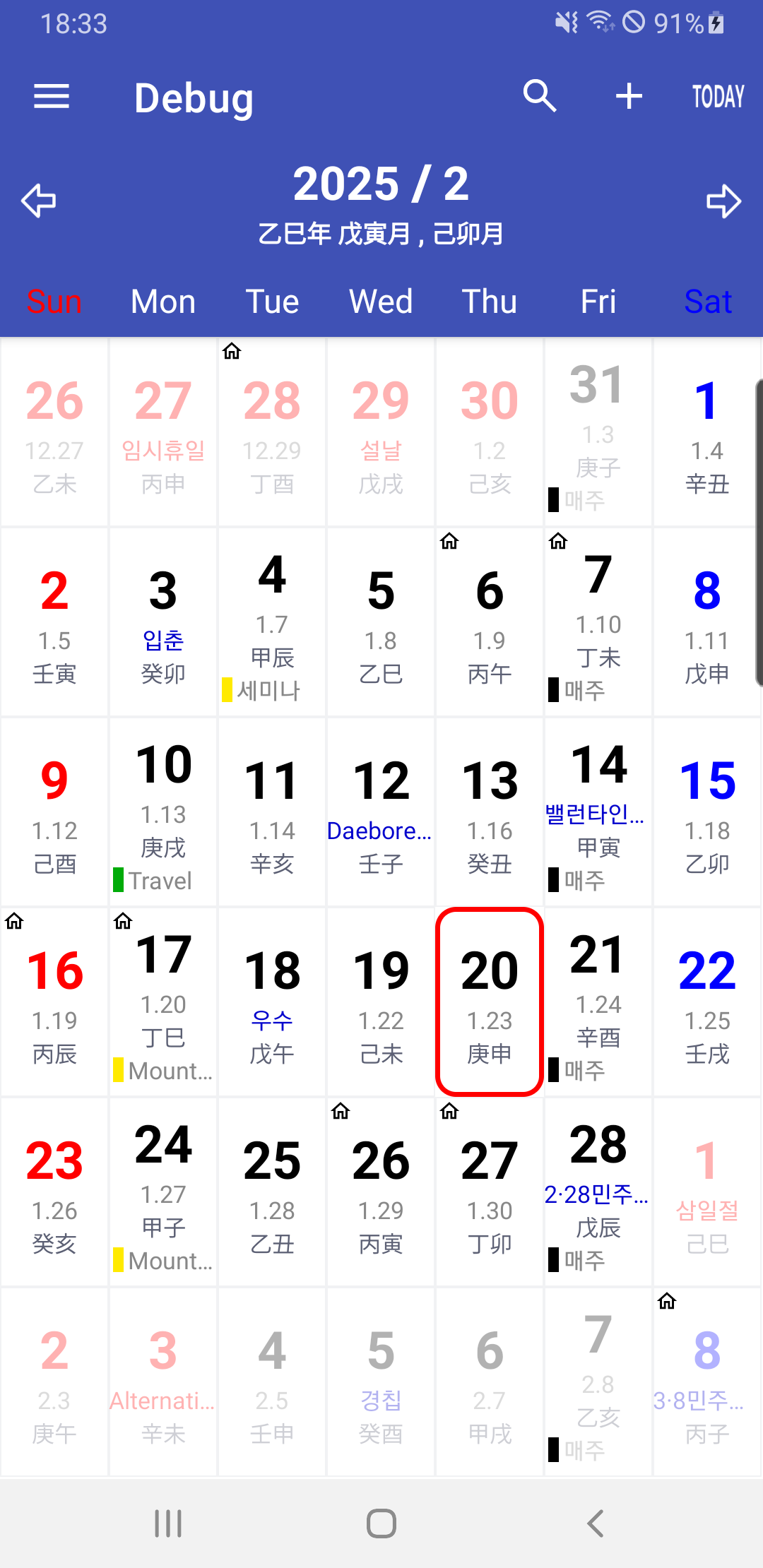
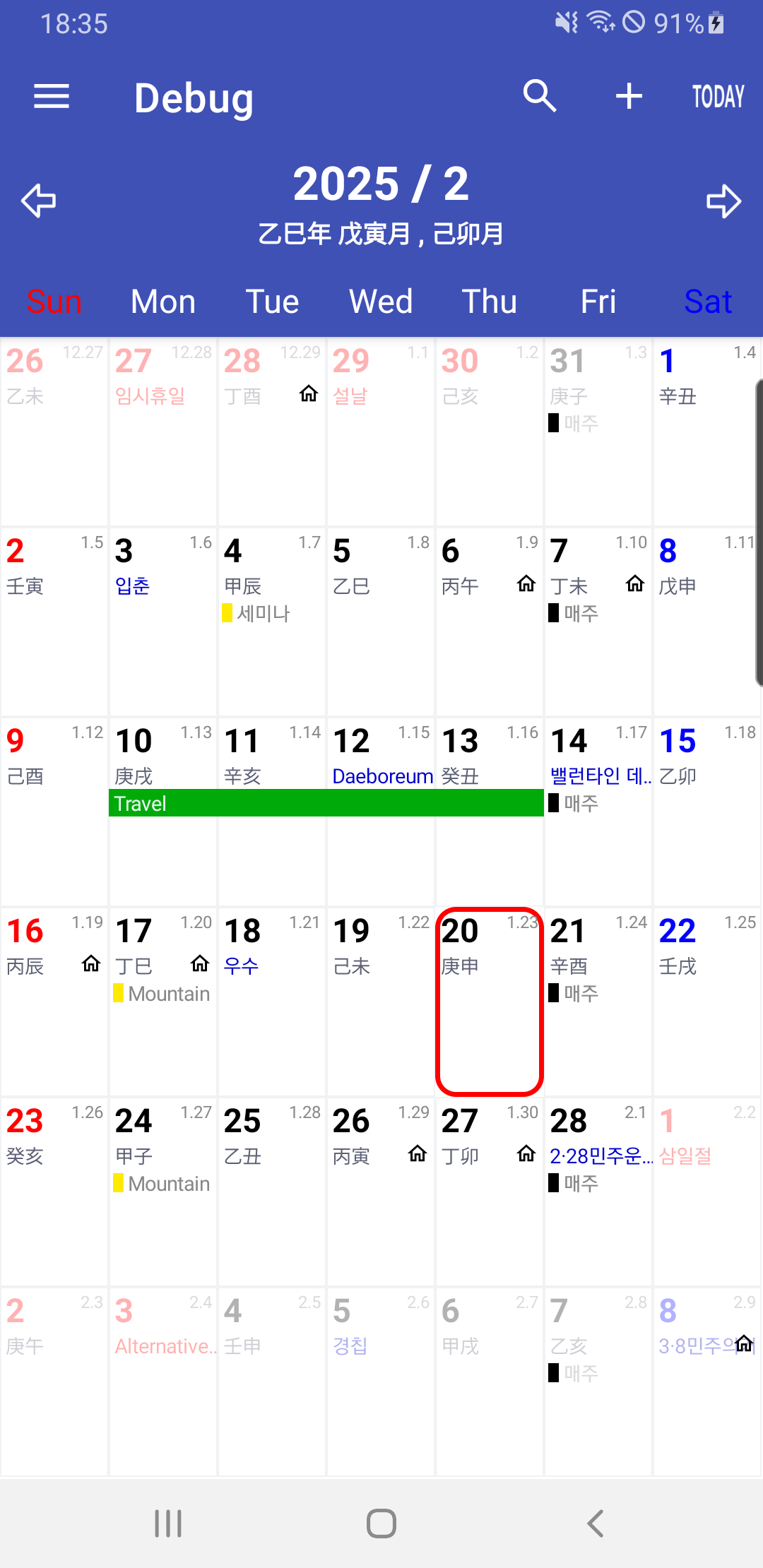
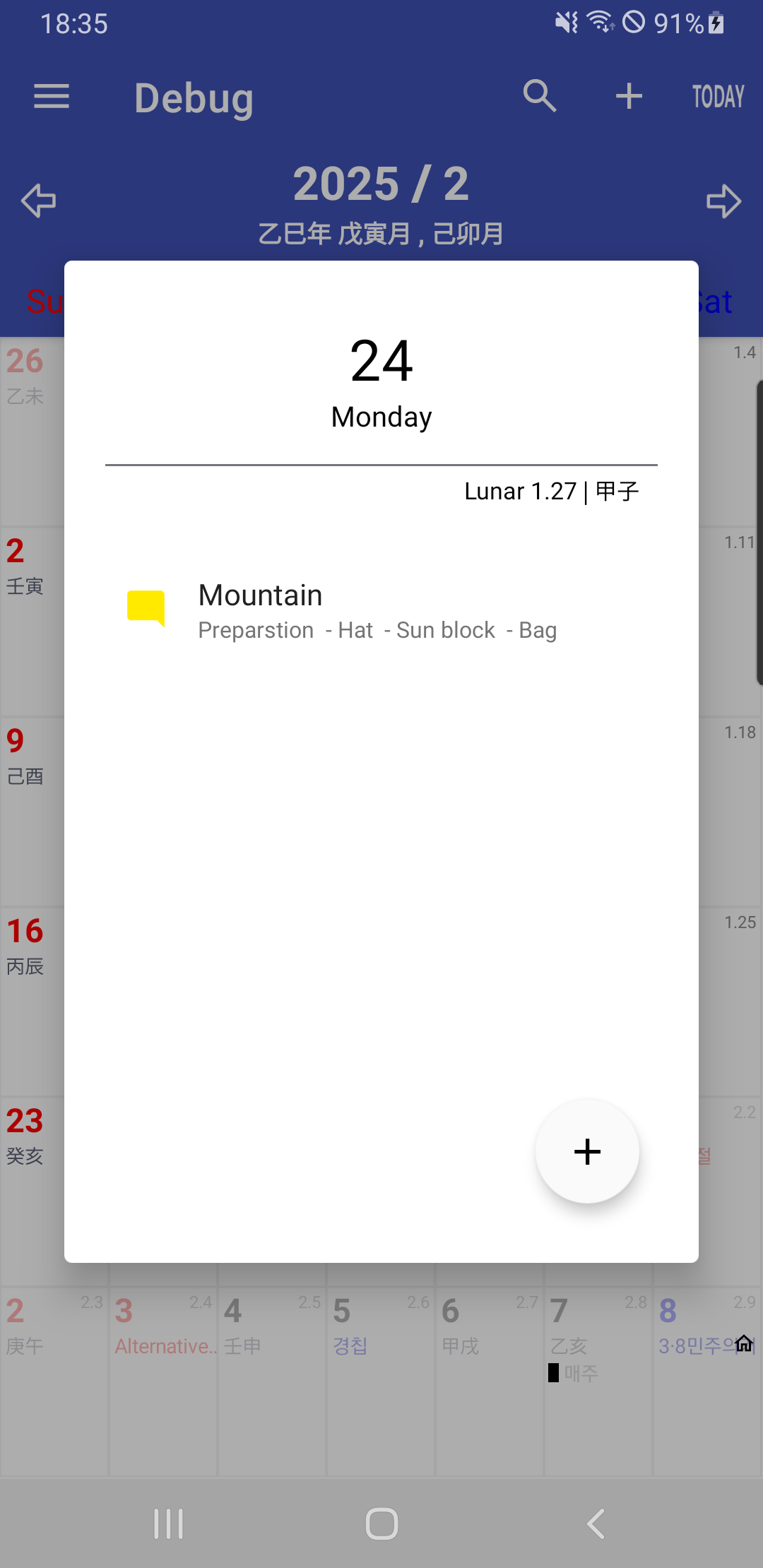
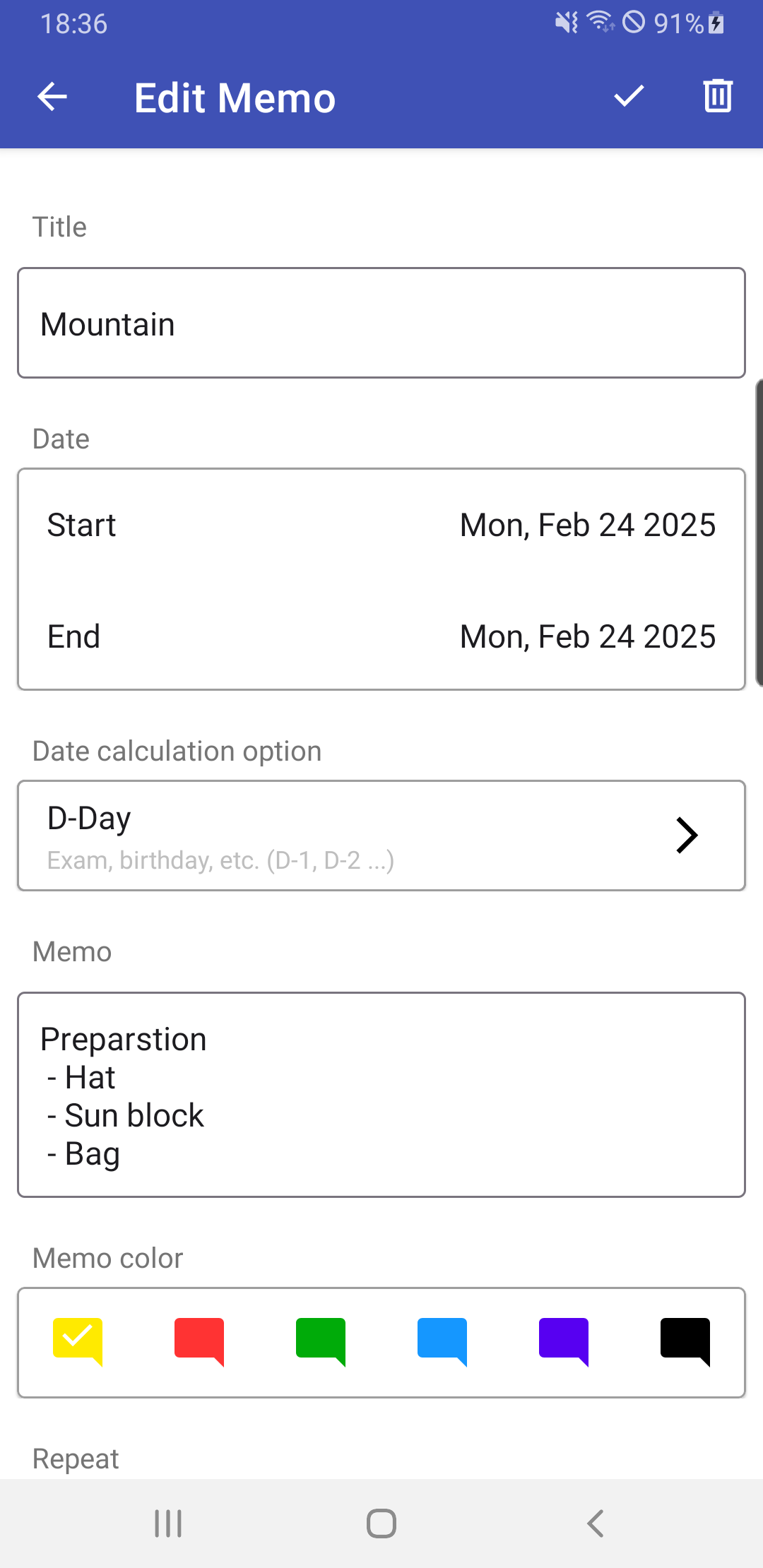
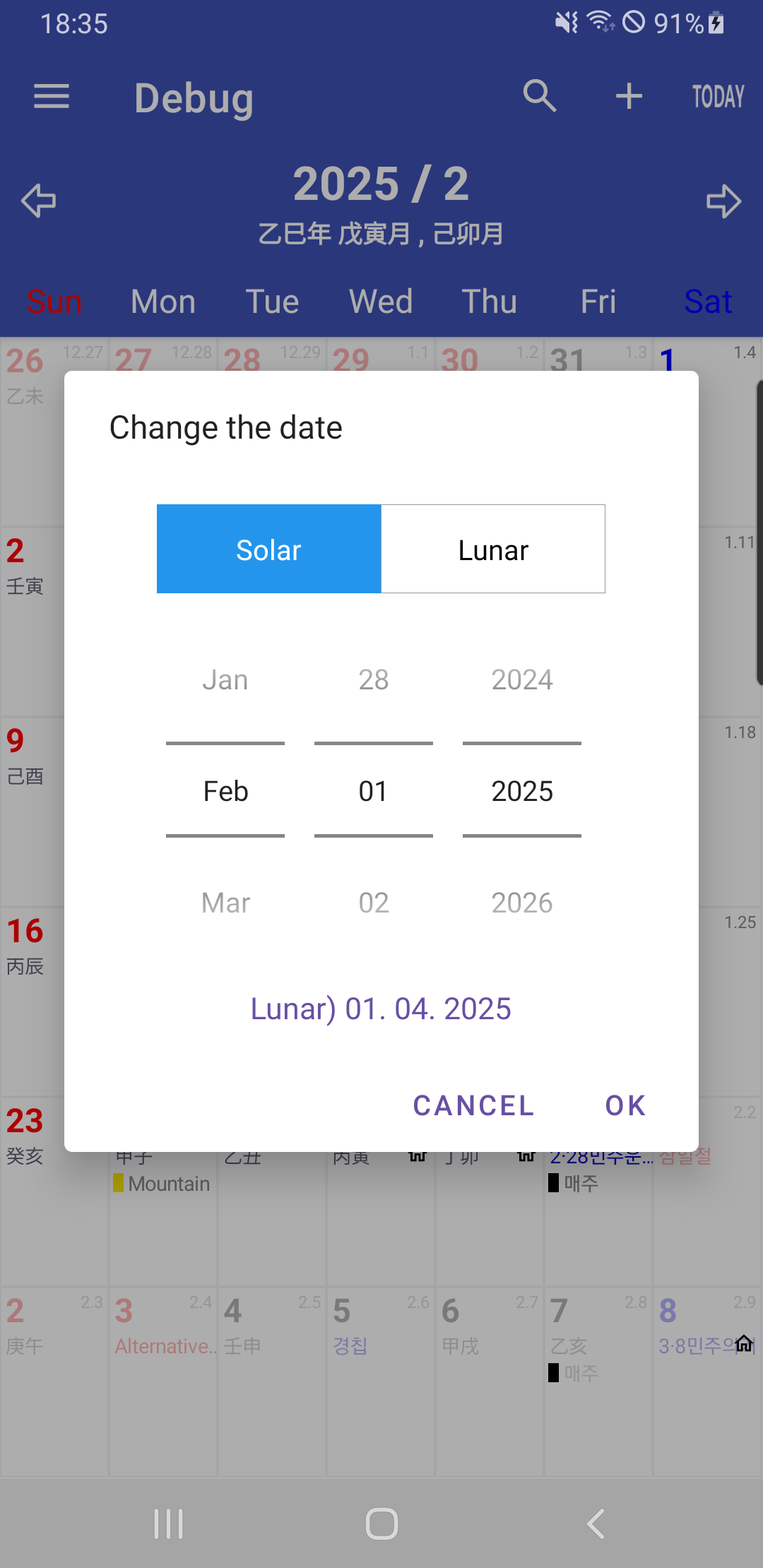
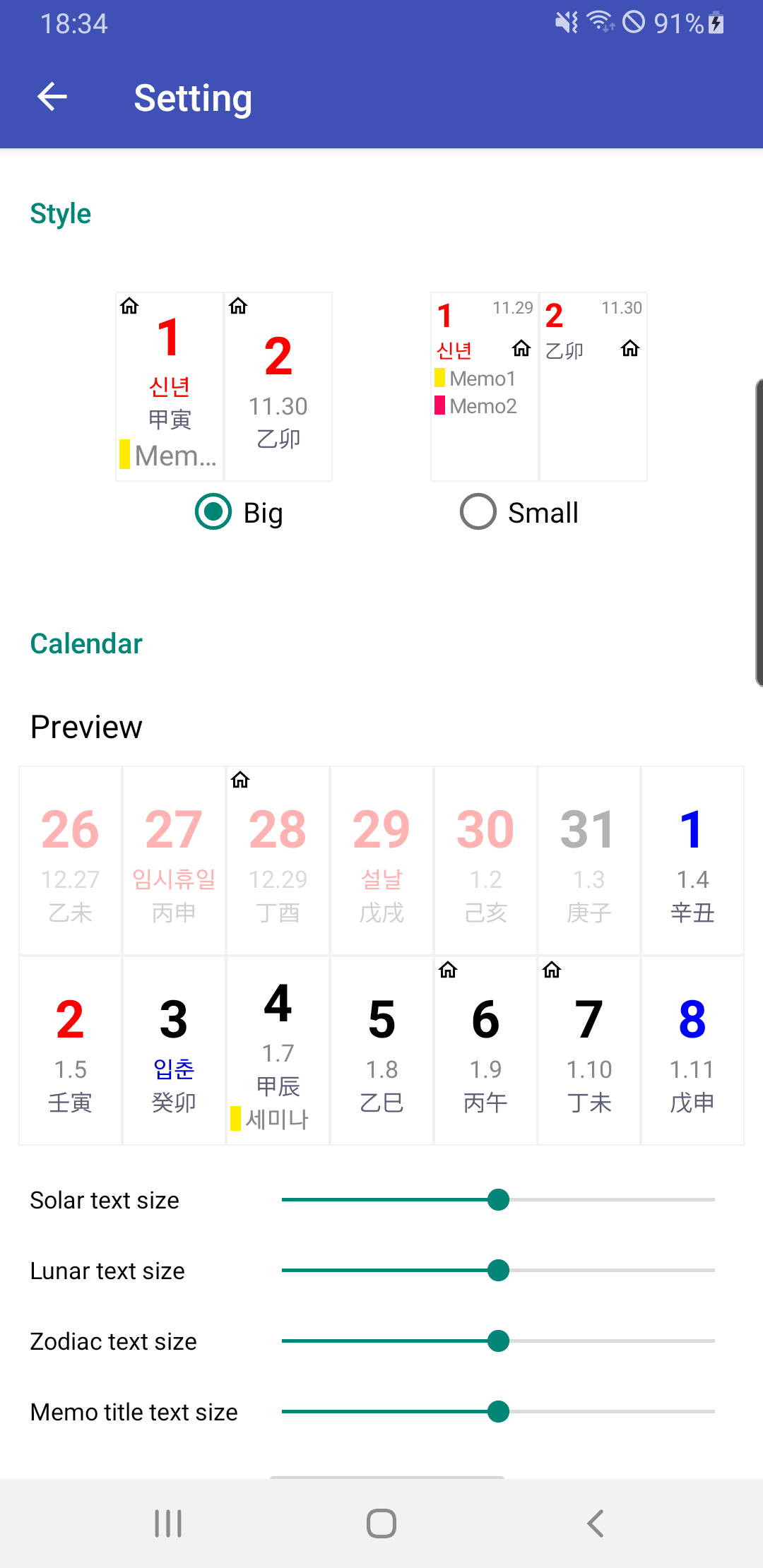
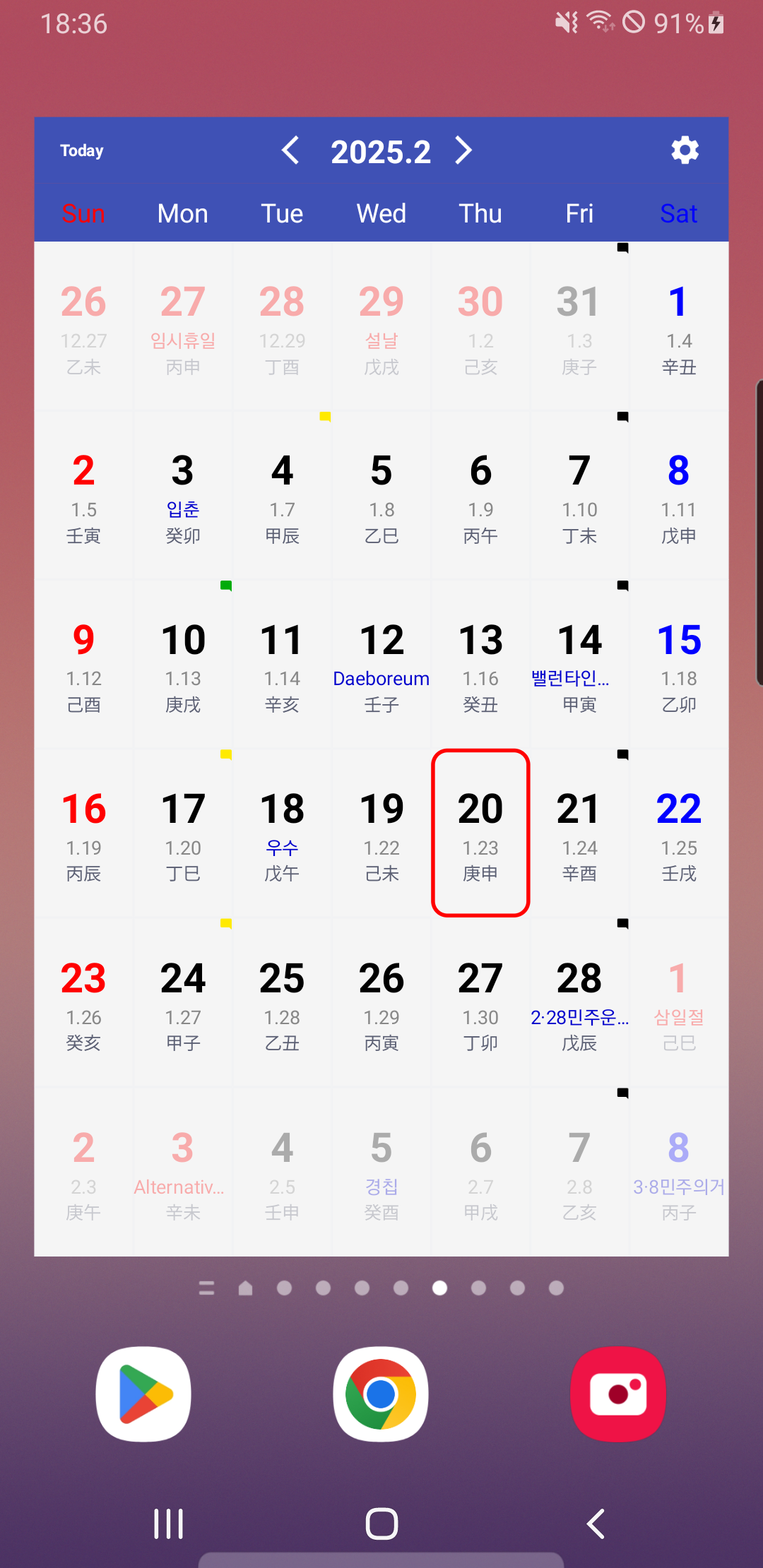
A straightforward lunar calendar.
Features:
- View the current date.
- Access all lunar days.
- A simple widget that enables you to display the calendar featuring the lunar day on your home screen.
- You can create notes.
How to Use:
- **View Date**: Open the app to view the current Gregorian calendar date and its corresponding lunar calendar date. You can scroll or tap the corresponding button to view lunar calendar information for other dates.
- **Use Widget**: Long-press an empty area on your home screen, tap "Add Widget," find the Simple Lunar Calendar widget, and add it to your home screen. This way, you can view the current lunar calendar date directly on your home screen without opening the app.
- **Create Note**: Tap the "Create Note" button within the app and enter your note. You can also set a reminder to receive a notification about the note at a specific time. To ensure you receive a reminder, select "Exclude Battery Usage Optimization" when creating a note.
- **Set Notification**: If you set a reminder when creating a note, you will receive a notification. If you don't receive a notification, check the app's notification settings to make sure it's enabled.
- **Data Backup and Restore**: If you need to back up or restore your data, you can do so through Google Drive. Click the relevant settings option in the application, select "Sign into Google Drive for data backup and restoration", and follow the prompts. This operation requires granting optional access permissions such as "Contacts" and "Files and media".
[Information regarding optional access permissions].
- Notifications: This function is utilized to receive alerts set when creating notes and to ensure the proper functioning of the top bar.
- Contacts: This access is needed for signing into Google Drive for data backup and restoration.
- Files and media: This permission is necessary for saving or retrieving your data during the backup/restoration process.
* You can continue to use the essential features even if you choose not to grant the optional access permissions.
[regarding battery usage optimization].
- When creating a note, you may optionally request to 'Exclude battery usage optimization' to ensure you receive alerts for registered notes and for the top bar to function correctly.
Key Questions & Answers:
1. **Q: What can this calendar app do?**
A: It allows you to view Gregorian and Lunar calendar dates, add a widget to display the Lunar calendar date, create notes with reminders, and restore data via Google Drive backup.
2. **Q: How do I add a Lunar calendar widget to my home screen?**
A: Long-press on an empty area of your home screen, tap "Add Widget," find the app's widget, and add it.
3. **Q: How do I create a note with reminders?**
A: Open the app, tap "Create Note," enter your content, and set a reminder time. It's recommended to check "Exclude battery optimization" to ensure you receive reminder notifications.
4. **Q: What permissions are required for data backup?**
A: Backup and restore require granting **Contacts** (for logging into Google Drive) and **Files & Media** (for saving/reading data) permissions. You can still use core functions like viewing the calendar and creating notes even without granting these permissions.
5. **Q: What if I don't receive note reminders?** **
A: First, check if the app's notification permissions are enabled, then confirm whether the "Exclude battery optimization" option was selected when creating the note.
- Version2.0.3.3
- UpdateOct 19, 2026
- Developerparkho79
- CategoryLifestyle
- Requires AndroidAndroid 5.0+
- Downloads141K+
- Package Namecom.parkho.calendar
- Signatureb4c714ccb2d1738e9e060adb141b8fad
- Available on
- ReportFlag as inappropriate
-
NameSizeDownload
-
15.31 MB
-
15.31 MB
-
15.31 MB









Practical functions
Easy to use
Flexible permissions
Date search is difficult
Modern events support is insufficient
Potential advertising issues