
ScanToSolve | Homework helper - Homework help & solutions
Unlock instant solutions & enhance your learning with our AI assistant; study smarter for better exam results.
- 1.0.28 Version
- 1.4 Score
- 250K+ Downloads
- In-app purchases License
- 3+ Content Rating

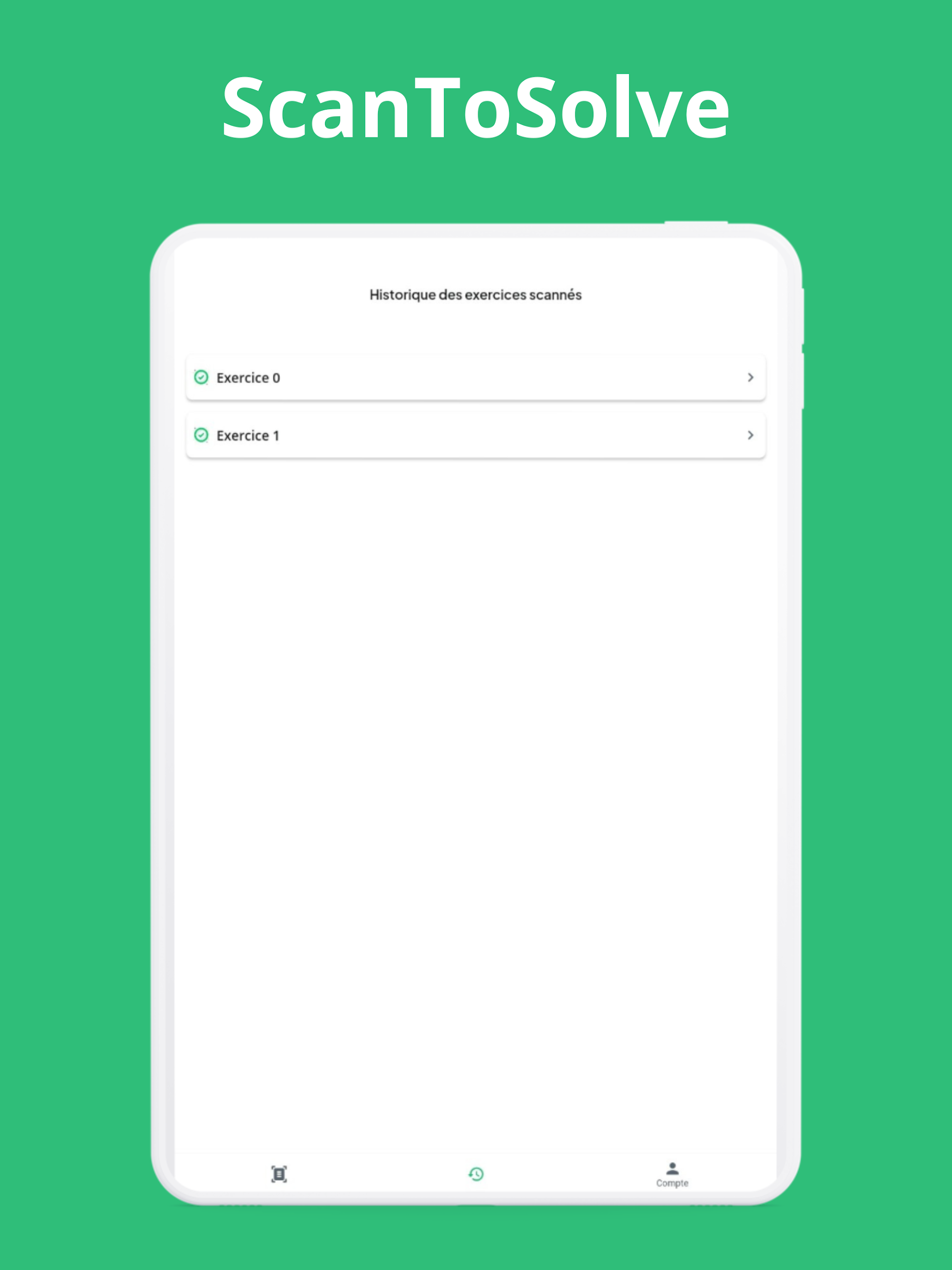
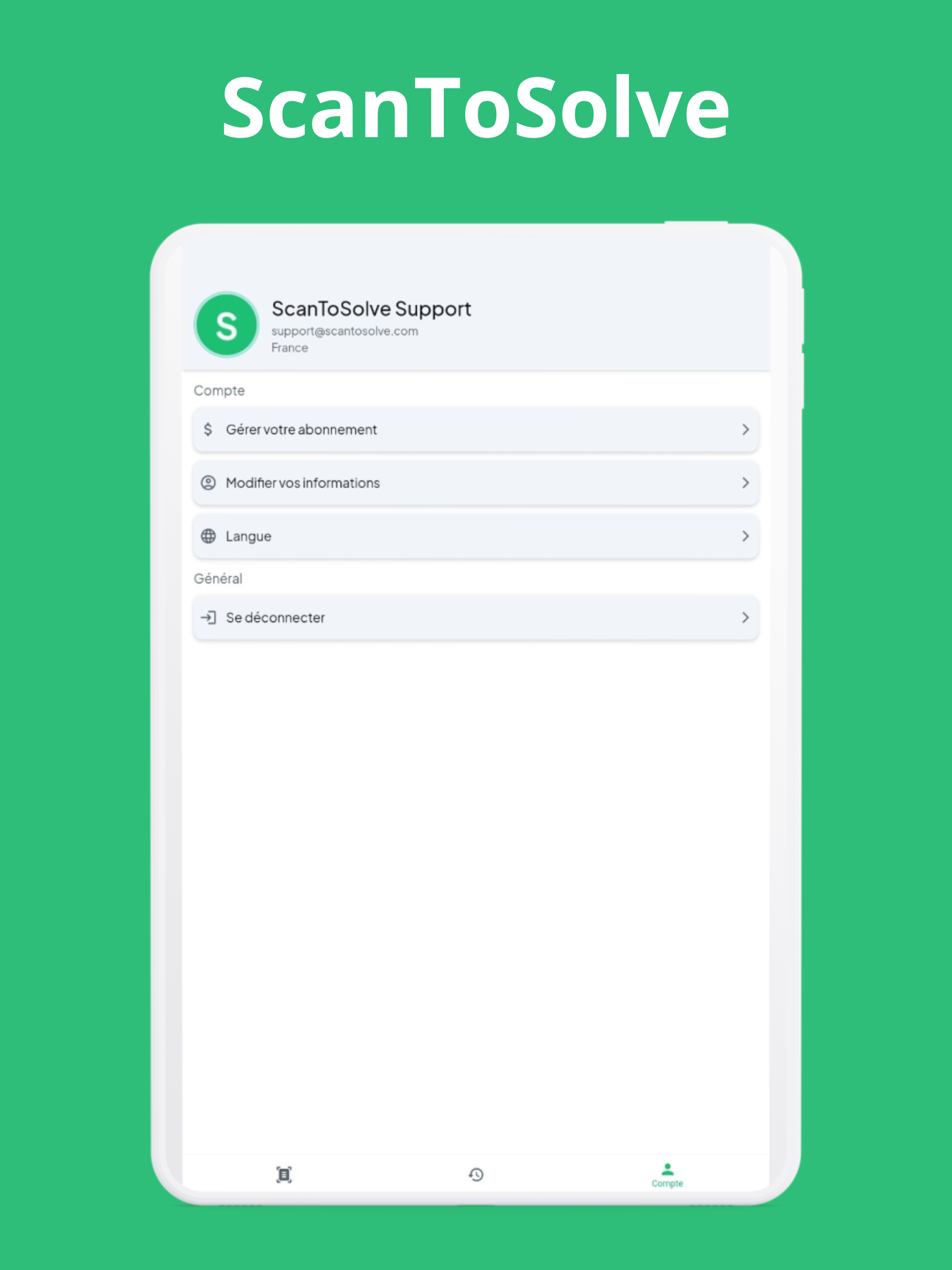
1. App Overview
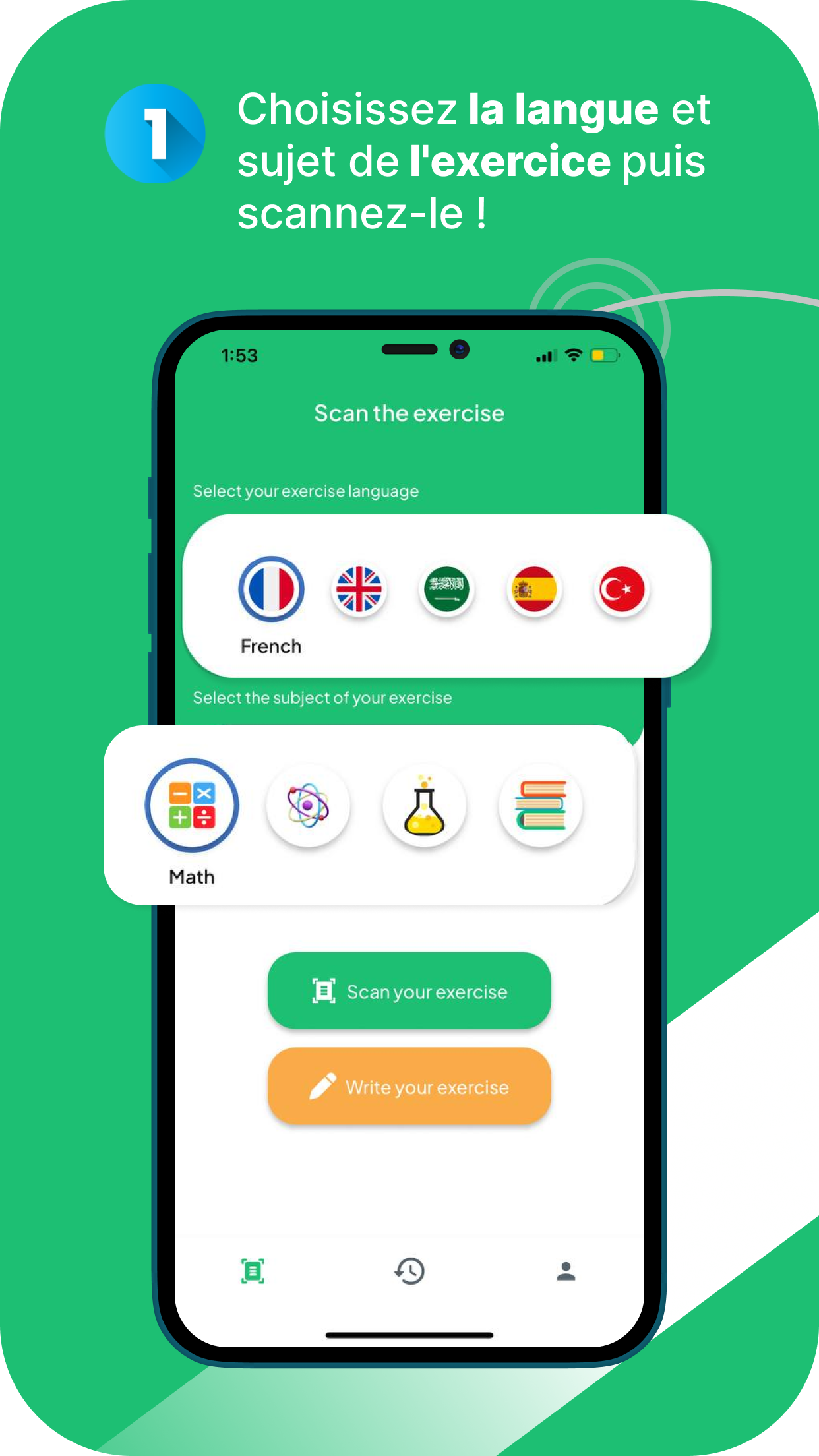
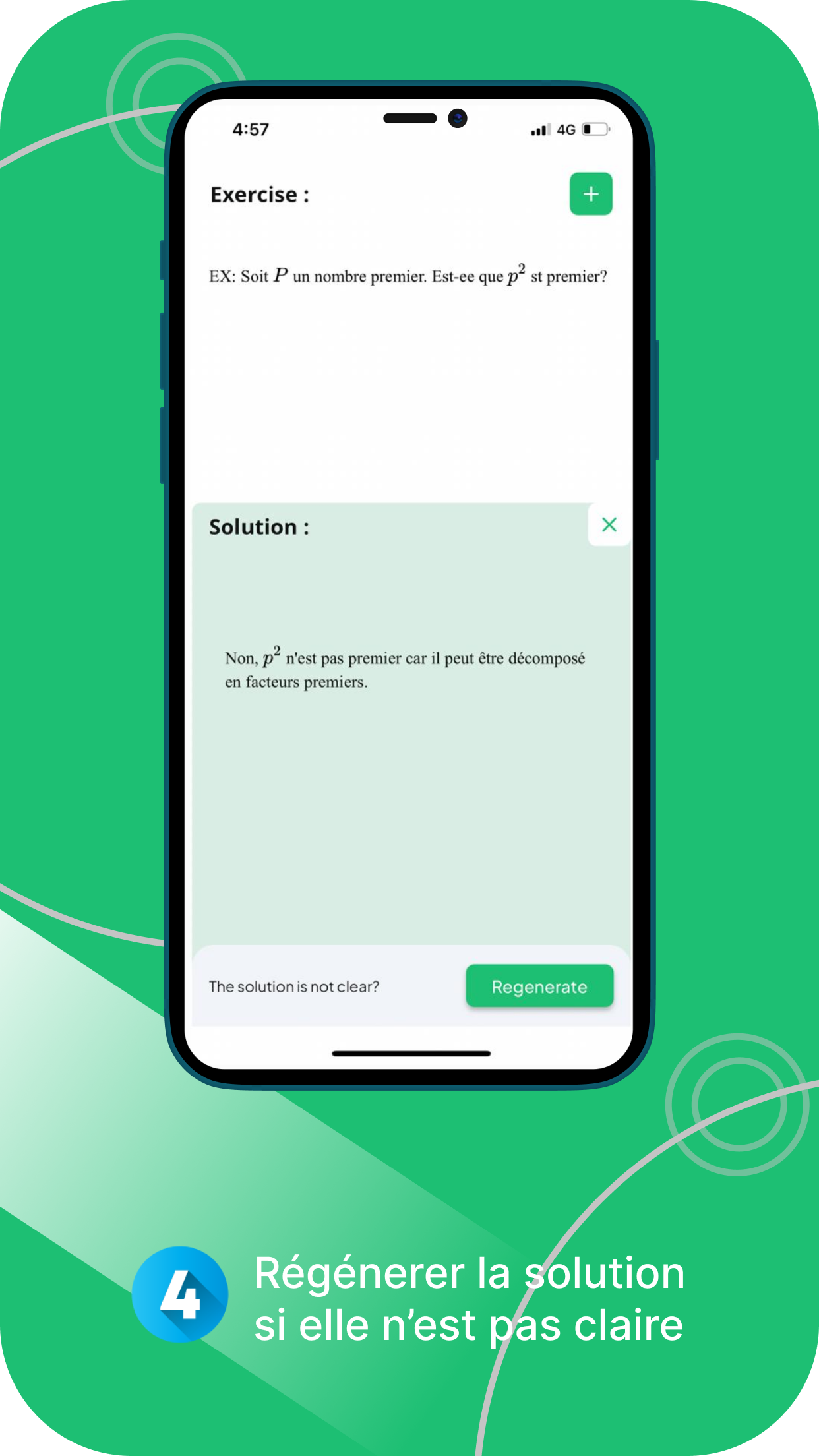
ScanToSolve is an AI-powered learning app that scans homework questions and generates answers with step-by-step explanations. Students can use their device camera to capture an exercise and let the AI recognize and solve it. A built-in AI assistant is also available for follow-up questions, explanations of difficult steps, and discussions of related concepts.
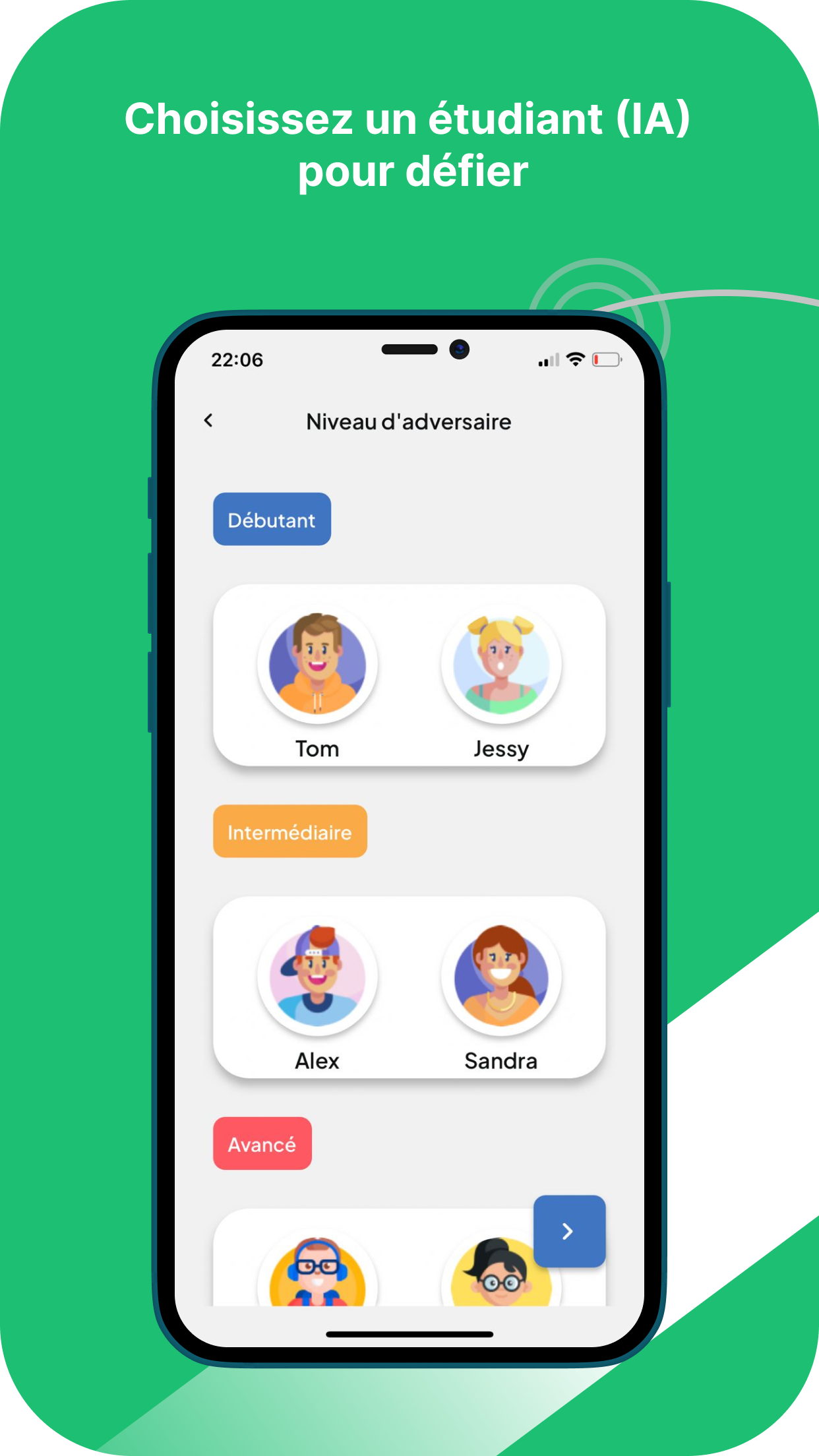
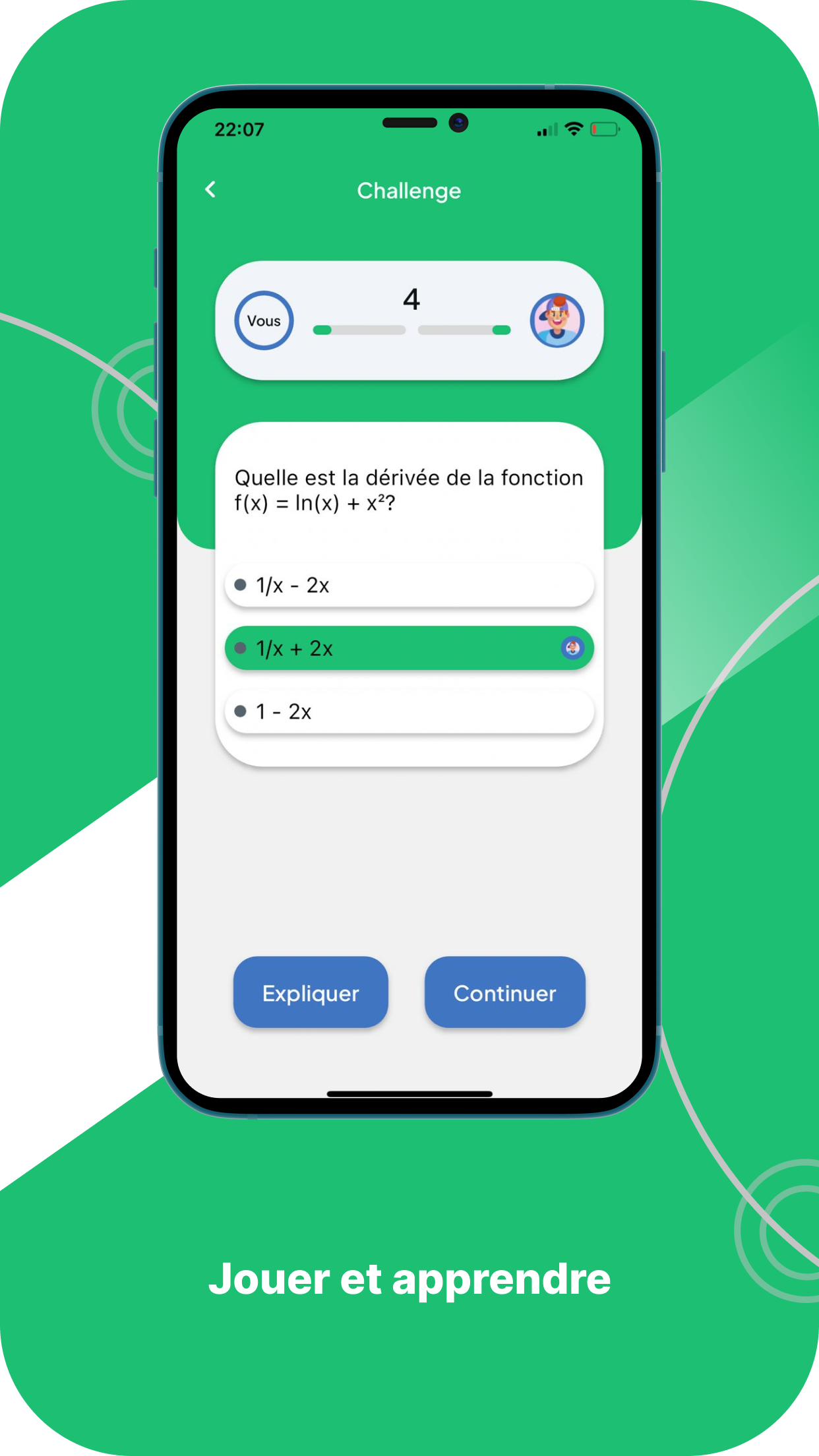
The app is designed for homework assistance, self-study, and exam preparation. It supports different types of academic questions and provides related exercises for further practice. Students can use it to check their answers, understand problem-solving methods, and review topics they find difficult.
2. Key Features
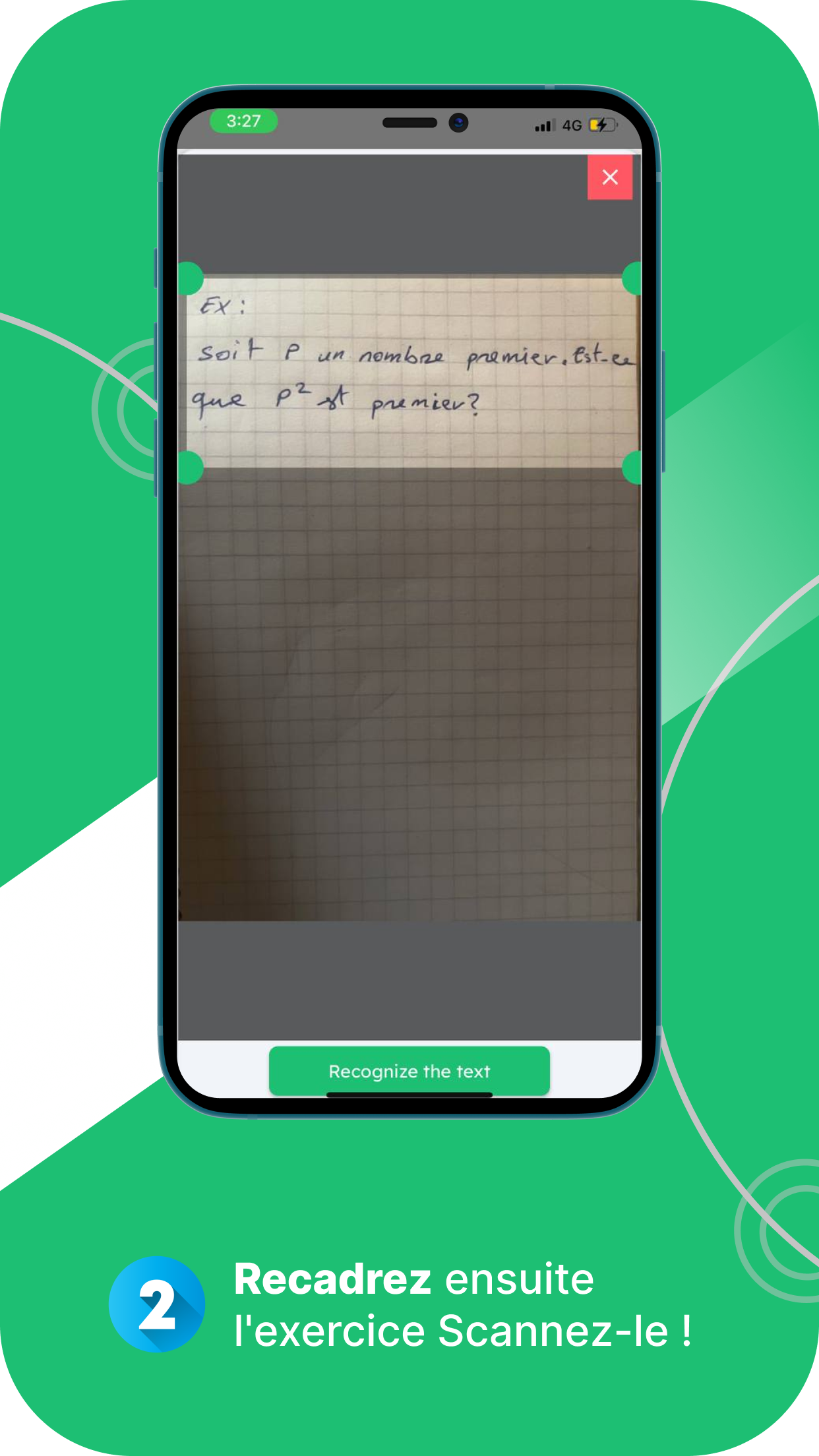
Photo-Based Question Recognition: Scan exercises with the device camera instead of entering questions manually. The AI analyzes the image and identifies the problem.
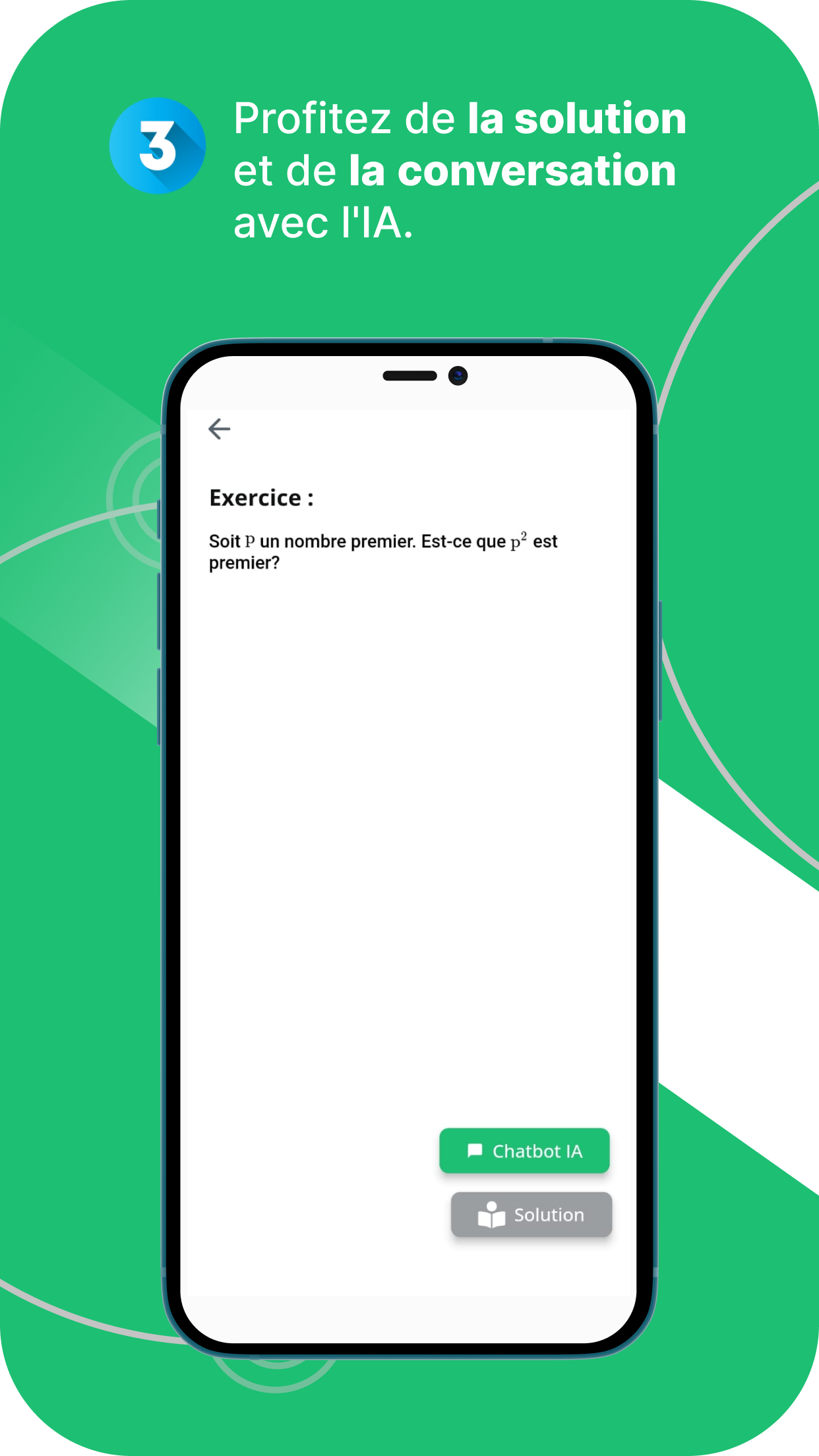
Step-by-Step Solutions: Get generated answers with explanations of the methods and reasoning involved. For open-ended questions, the app may provide suggested outlines and key points.
AI Question Assistant: Ask follow-up questions, clarify confusing explanations, or explore concepts related to the original exercise.
Related Practice Materials: Access similar exercises and relevant learning materials to reinforce understanding and practice problem-solving.
Answer Display Control: Choose when to reveal suggested solutions, allowing time to attempt a question independently before checking the answer.
3. How to Use
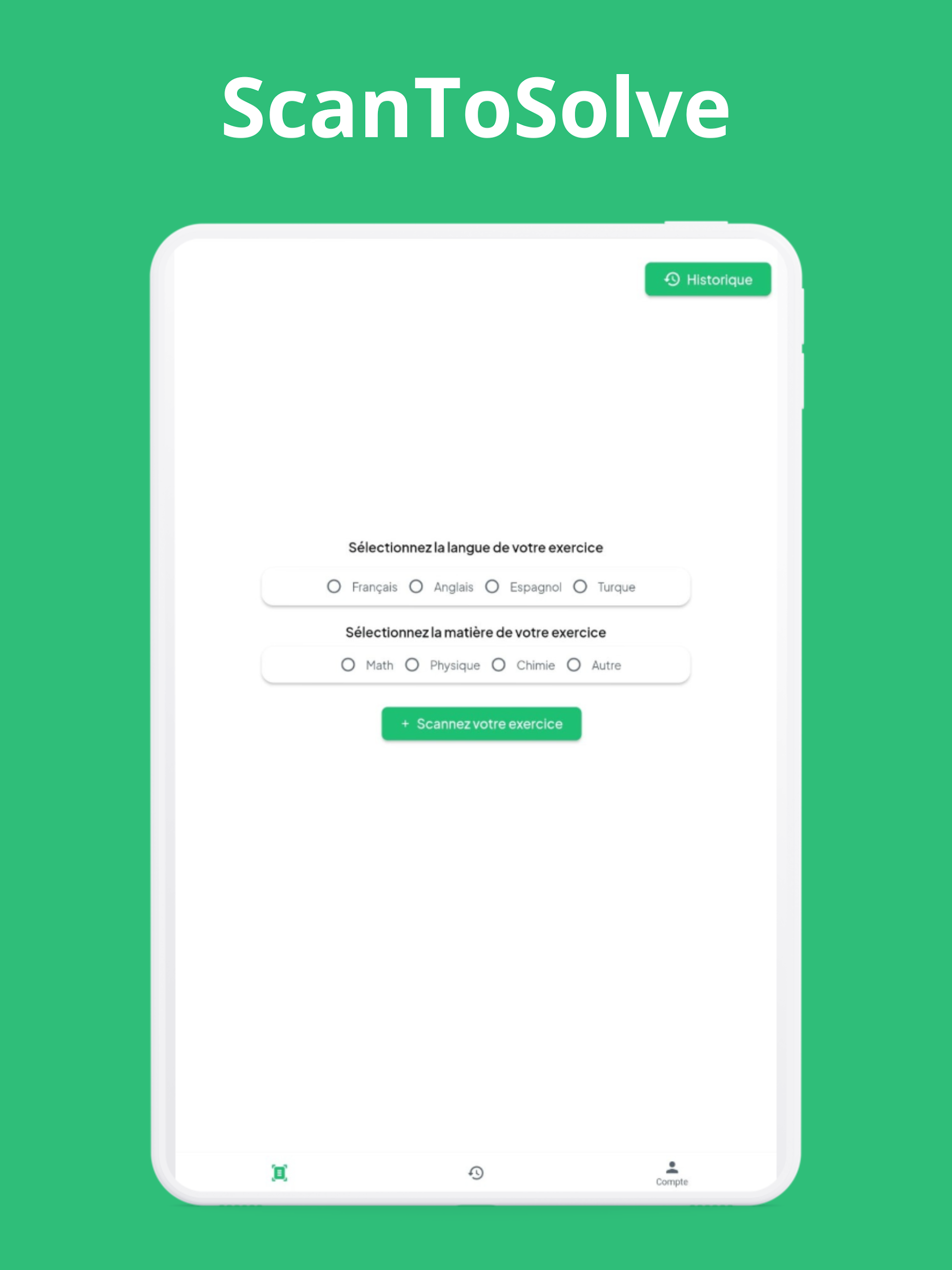
Open the Question Scanner: Launch the app and select the photo-scanning or AI-solving function. Grant camera access if prompted.
Capture an Exercise: Position the question within the camera frame and take a photo. Make sure all text, mathematical symbols, and diagrams are clearly visible.
Submit the Image: Upload the captured photo and wait for the AI to recognize and process the question.
Review the Solution: Read the generated answer and its step-by-step explanation. If anything is unclear, ask the built-in AI assistant for further clarification.
Continue Practicing: Try related exercises or revisit the concepts covered in the explanation. You can also attempt questions before revealing their suggested answers.
4. Frequently Asked Questions
Q1: Why can't AI Homework Solver recognize my question?
A: Recognition problems may result from blurry images, poor lighting, or incomplete photos. Retake the picture with the entire question clearly visible. Some question formats may not be supported.
Q2: Is AI Homework Solver free to use?
A: Availability and pricing depend on the app version. Some features may be free, while additional functions or usage limits may require payment or a subscription.
Q3: Can the app solve essay questions?
A: This depends on the supported question types. For open-ended assignments, the app may generate writing ideas, suggested outlines, or key points instead of a complete answer.
Q4: Can I ask follow-up questions about a generated solution?
A: Yes. Use the built-in AI assistant to ask about specific steps, request further explanations, or clarify related academic concepts.
Q5: What should I do if answer generation takes too long?
A: Check your internet connection and try submitting the question again. If the delay continues, restart the app and check whether an updated version is available.
- Version1.0.28
- UpdateNov 10, 2026
- DeveloperScanToSolve
- CategoryEducation
- Requires AndroidAndroid 5.0+
- Downloads250K+
- Package Namecom.mycompany.scantosolve
- Signature11ed0e00e9fef0ac55f2c8c5c10ad14a
- Available on
- ReportFlag as inappropriate
-
NameSizeDownload
-
37.77 MB
-
37.21 MB
-
36.85 MB









Highly efficient and convenient
Highly auxiliary
Low learning curve
The answer contains errors.
It easily creates dependency.
It has functional limitations.