
Notify Sounds for WhatsApp - WhatsApp notification ringtones
Elevate your messaging experience with unique & funny ringtones for WhatsApp, emails, & alarms—fun awaits you!
- 1.35 Version
- 2.2 Score
- 189K+ Downloads
- Free License
- 12+ Content Rating

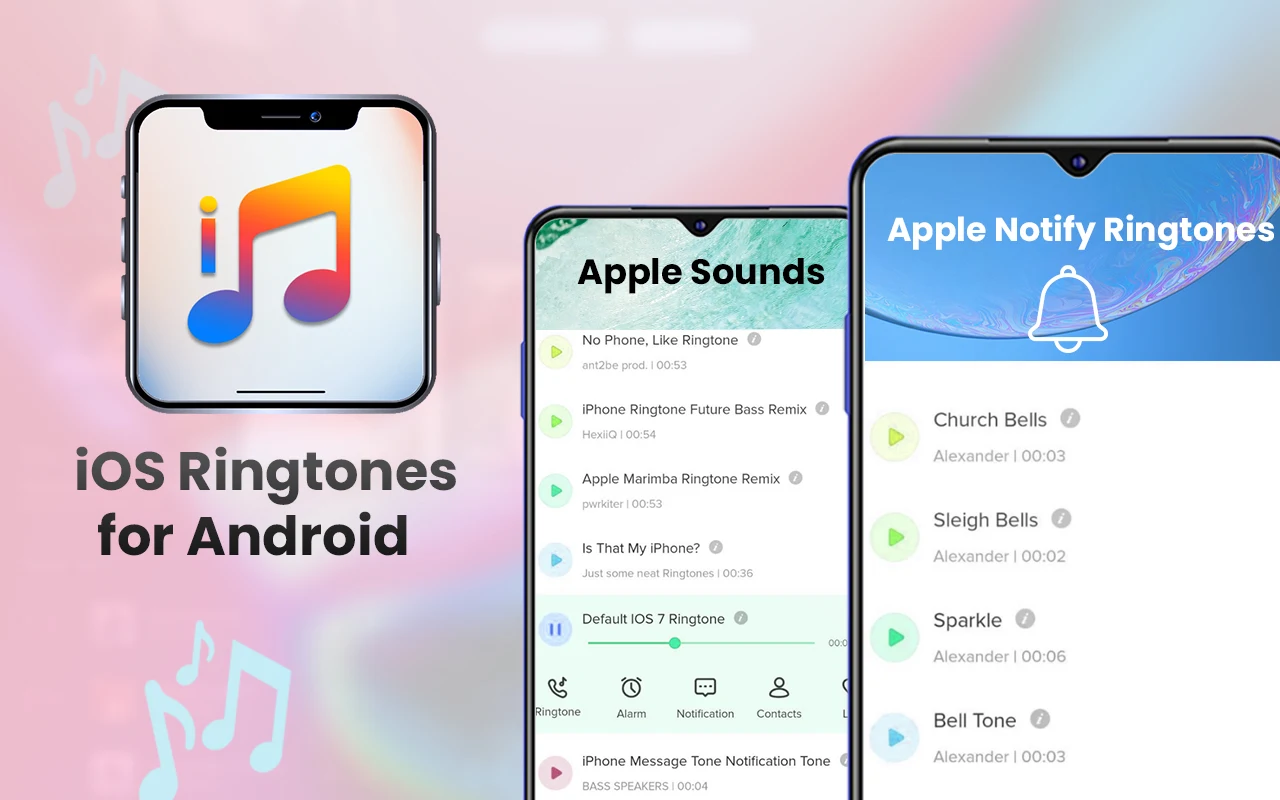
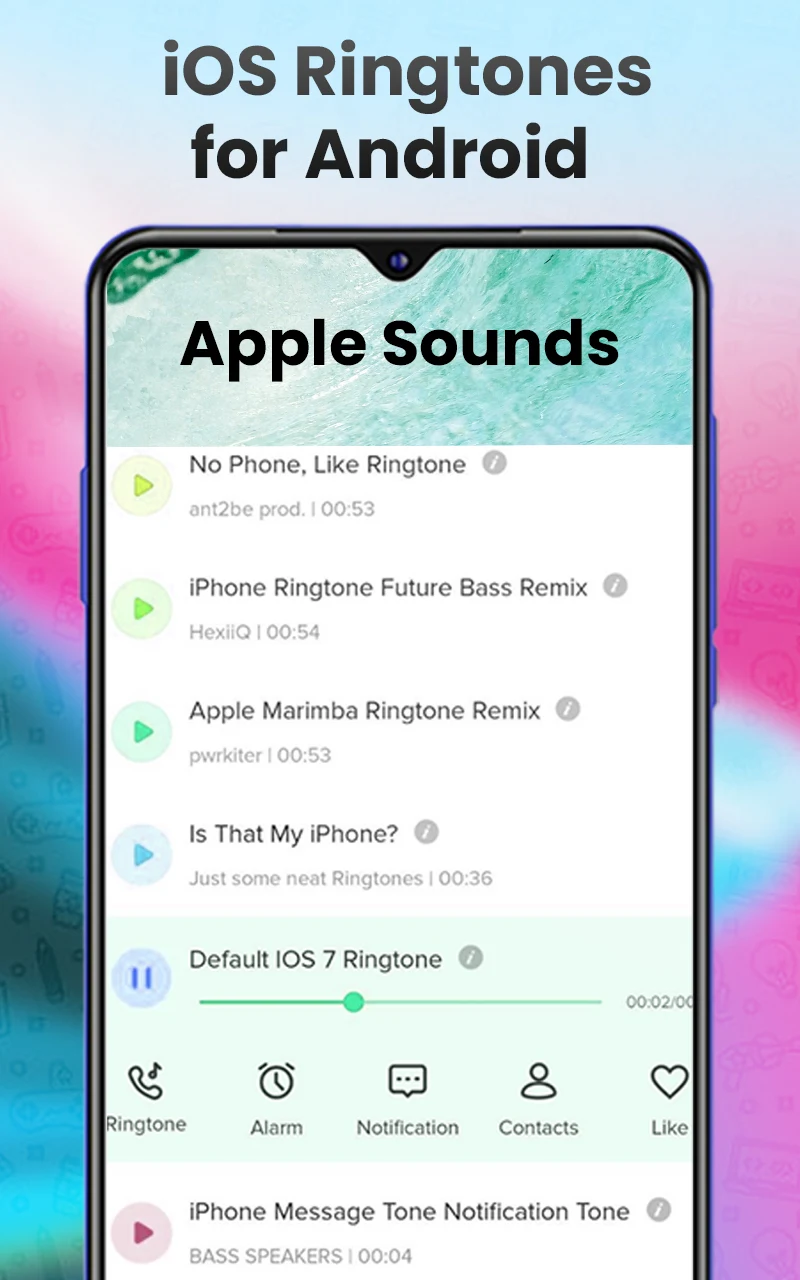
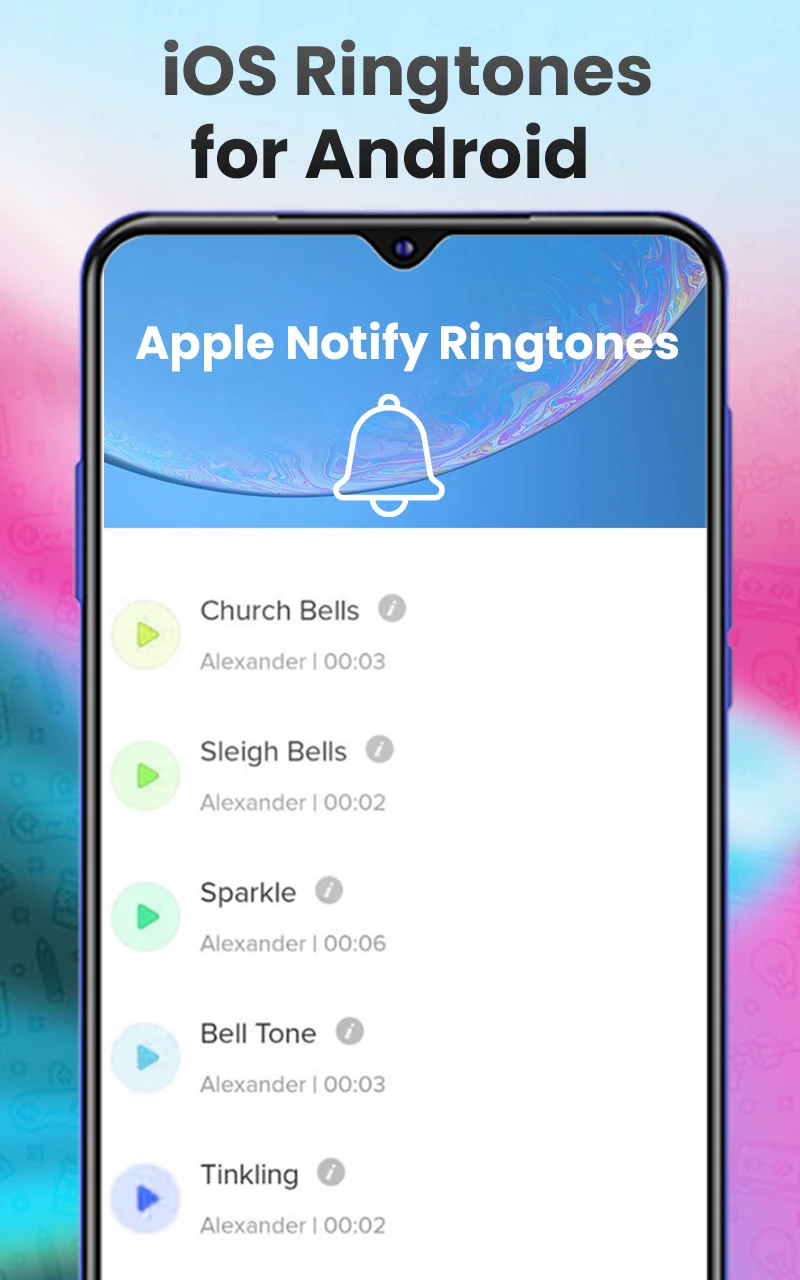
Notification Tones for WhatsApp offers a vibrant and amusing way to receive alerts. The Best Ringtones app is straightforward to use and caters to everyone, allowing you to discover your favorite remarkable notification sounds for Email, SMS, and WhatsApp.
⭐ Would you like your WhatsApp to ring with delightful melodies at any moment? The beautiful and captivating ringtones are sure to evoke wonderful feelings and provide you with a surge of energy.
⭐ So why delay? This WhatsApp ringtone app is designed to assist you.
It's a new offering that not only features the latest ringtones but also boasts impressive attributes:
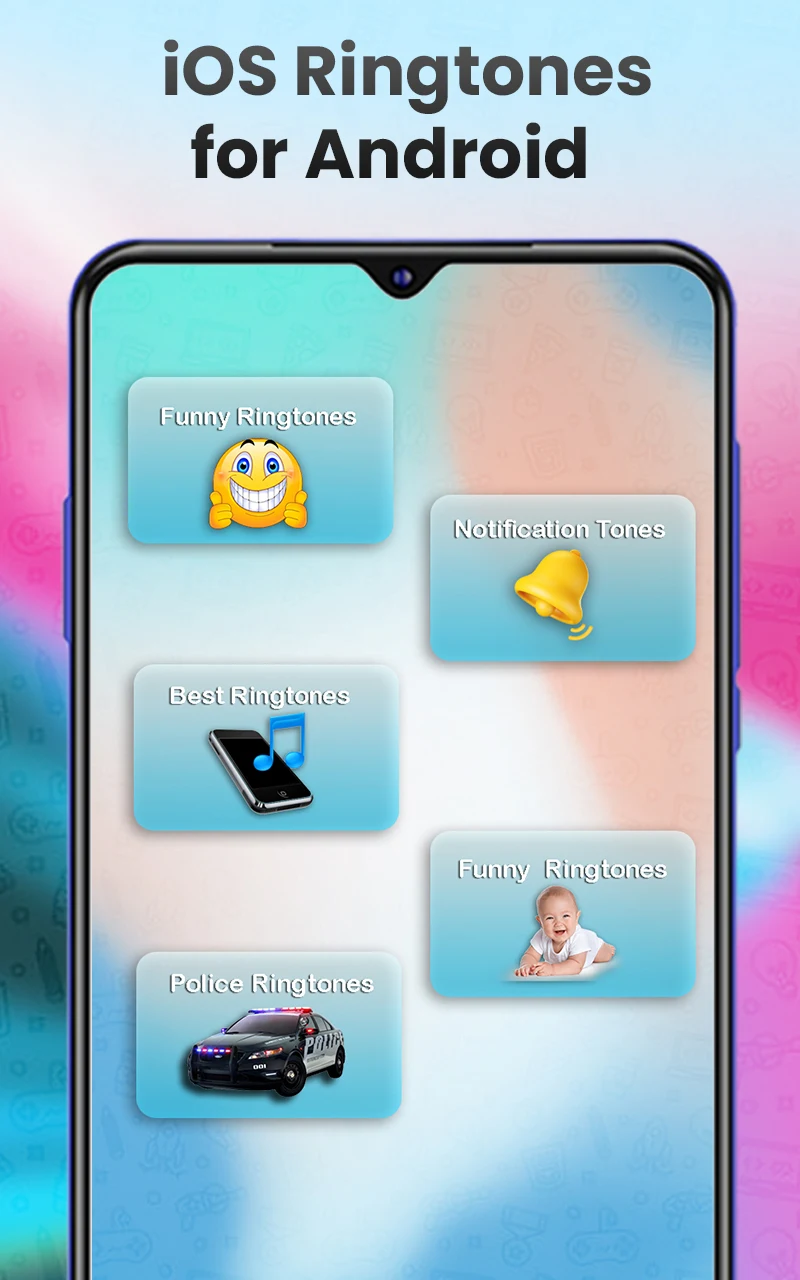
The Notification tones for WhatsApp are carefully curated to ensure high quality and uniqueness, including humorous ringtones, baby sounds, animal noises, WhatsApp message tones, and a variety of music genres such as Pop, Rock, Hip-hop, Country, remixed ringtones, Christian & Gospel, and Bollywood tunes.
WhatsApp Ringtones for Android presents a compilation of the finest WhatsApp tones available for Android devices. With over 100 top-notch ringtones and notification sounds included, this app has also been updated with sounds from iPhone X and iPhone 8. You can assign them as your ringtone, email alert, WhatsApp message tone, WhatsApp call alert, alarm, or notifications.
Setting a ringtone
- Open WhatsApp and go to the chat screen of the contact or group for which you want to set a special notification sound.
- Tap the contact or group's name to access their profile.
- Scroll down and tap "Notifications."
- Tap "Notification Sounds." On the pop-up screen, select "On Device" or a similar option. Find the ringtone you downloaded using Notification Tones for WhatsApp and select it.
- Alternatively, go to WhatsApp's "Settings" > "Notifications." Under "Message Notifications" or "Group Notifications," tap "Ringtone." Select your downloaded ringtone to set it as the default WhatsApp message or group notification sound.
Features
- Gain access to more than 150 high-quality WhatsApp ringtone sounds, with monthly updates for added variety.
- Enjoy listening to all WhatsApp email ringtone sounds during your leisure time, and set them as your default WhatsApp ringtone, message tone, alarm sound, or contact alert.
- Download any ringtone for your Android device and listen offline.
- An efficient search function helps you find your favorite notification sounds effortlessly. If you can’t locate them, feel free to reach out, and we will assist in providing your desired WhatsApp notification sounds.
⭐ What are you waiting for? Download Notification tones for WhatsApp today and immerse yourself in the coolest WhatsApp notification sounds!
Q&A
1. **Application Use?**
Set personalized notification sounds and ringtones for WhatsApp/SMS/email, and also set alarm sounds. Android-only, with a rich selection of sound effects.
2. **What Sound Effects Are Available?**
150+ high-quality sound effects, including fun sounds, animal sounds, various music styles, and classic sound effects for Apple devices, updated monthly.
3. **Does it Support Offline Use?**
Yes, you can download sound effects to your device for offline listening and use.
4. **How to Set a Personalized Sound Effect for WhatsApp?**
① Single Contact/Group: Tap the profile picture in the chat → Notifications → Notification Sounds → Select the sound effect downloaded to your device.
② Default Sound Effect: WhatsApp Settings → Notifications → Message/Group Notification Sounds → Select the downloaded sound effect.
5. **Other Functions?**
Supports sound effect search. You can set sound effects as alarms or personalized reminders for contacts. If you can't find the sound effect you want, you can provide feedback for customization.
6. **Is it Free to Use?** Yes, it can be used directly. It provides a wealth of free sound effect resources and is simple and easy to use.
- Version1.35
- UpdateOct 15, 2026
- DeveloperMillionique Studio
- CategoryMusic & Audio
- Requires AndroidAndroid 7.0+
- Downloads189K+
- Package Namecom.notification_ringtones.whatsapp_notification_ringtones
- Signaturef5dcf1b634d430a041f4bd50019da87a
- Available on
- ReportFlag as inappropriate
-
NameSizeDownload
-
50.35 MB
-
63.22 MB


















User-friendly interface for easy navigation
Wide array of notification sound options
Customizable alerts for different contacts or groups
High-quality sound and diverse genres available
Ability to preview sounds before setting them
Refreshing change to messaging experience
Unique and cool notification sounds
Excellent sound quality
Presence of intrusive ads that disrupt use
Inability to share sounds as intended
Some sounds have background noise affecting quality
Limited functionality for more comprehensive notification support
Frustrating ad overload when trying different sounds
Language barrier with ads potentially leading to user confusion
Sound installation issues reported by users
Not all desired sounds available for every app