
MyACCESS Wisconsin - Benefits tracking & management
Unlock instant access to your benefits, stay on track with reminders, & seamlessly submit documents using just your phone!
- 3.7.0 Version
- 1.4 Score
- 219K+ Downloads
- Free License
- 3+ Content Rating

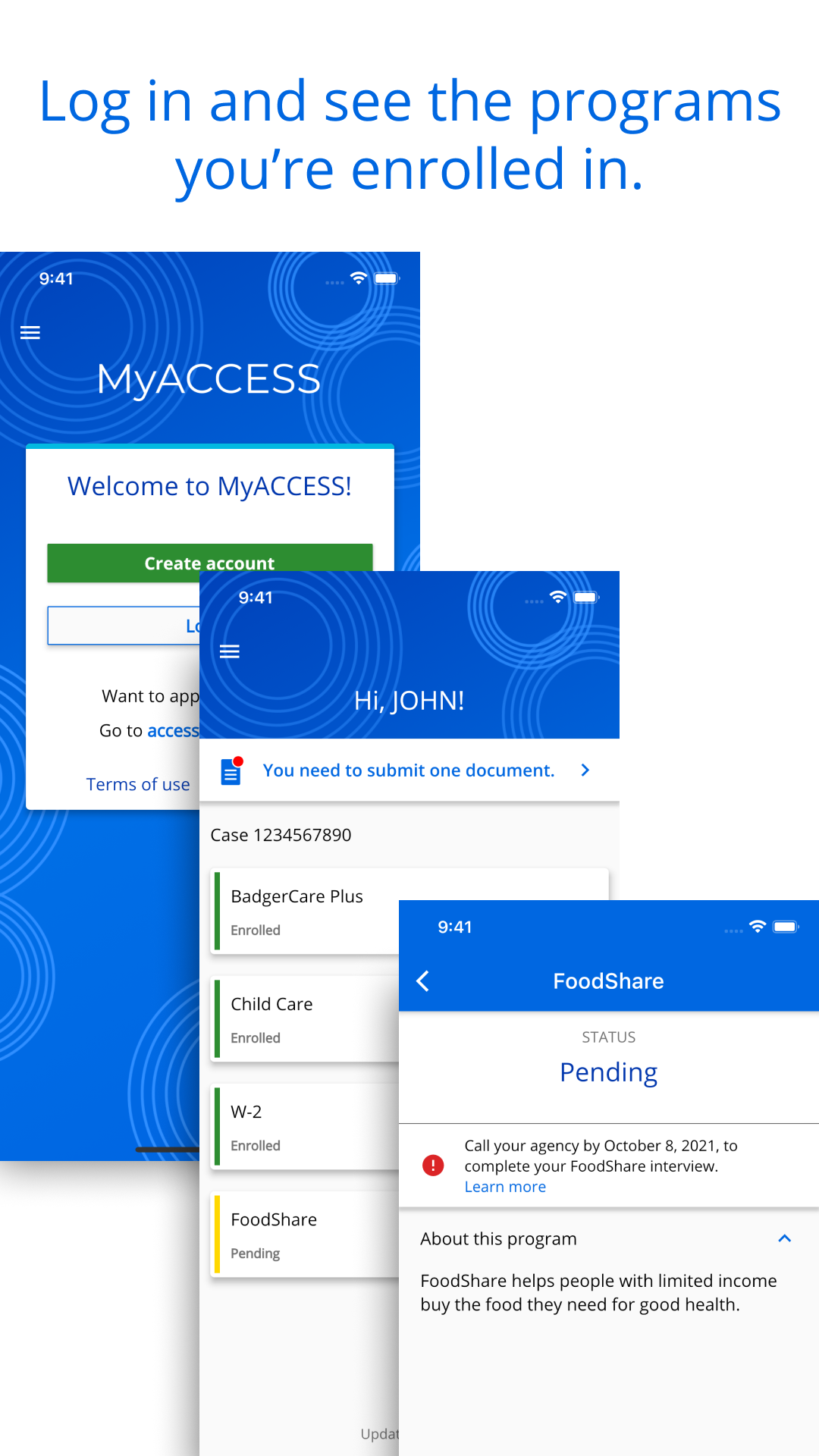
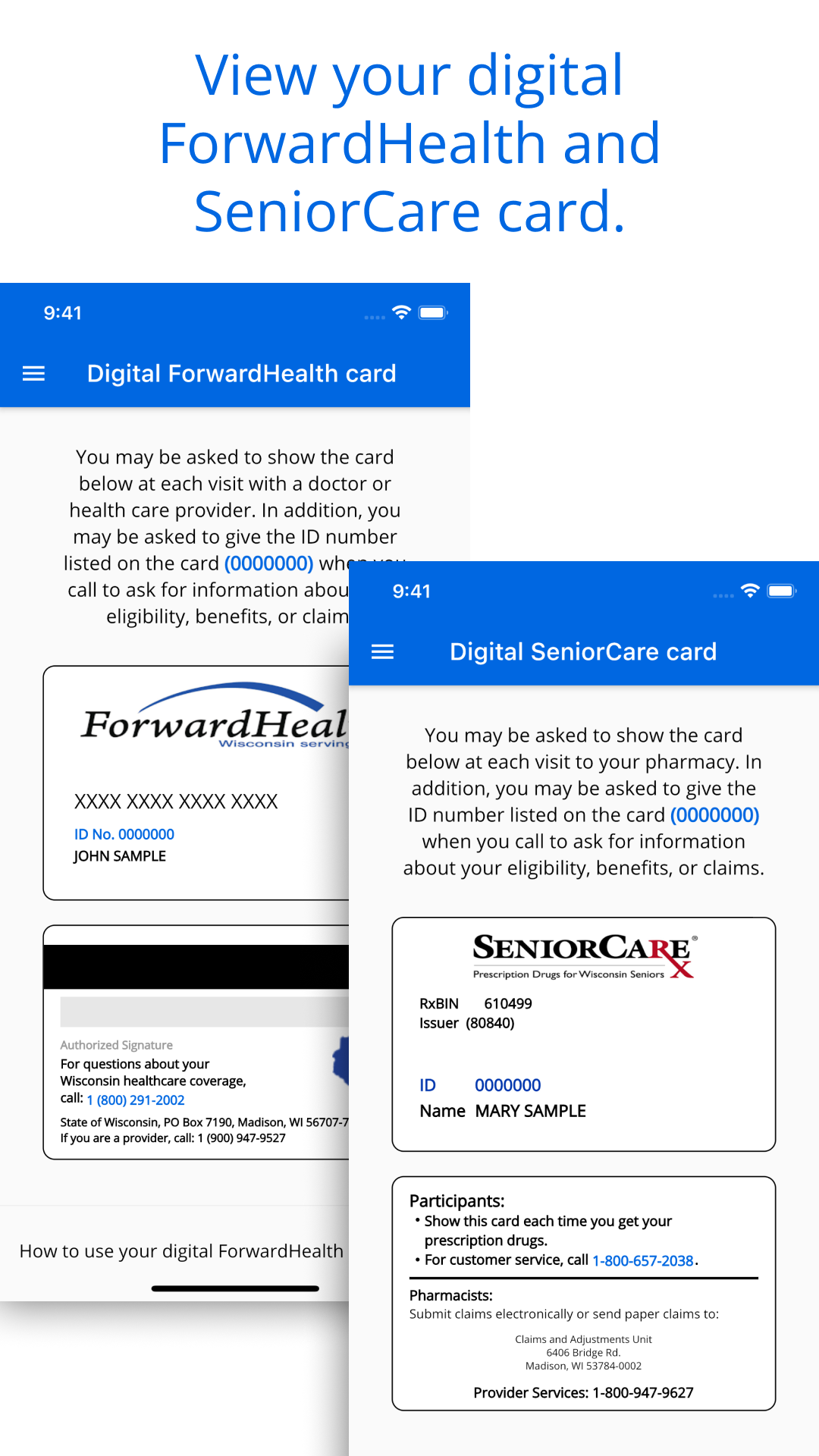
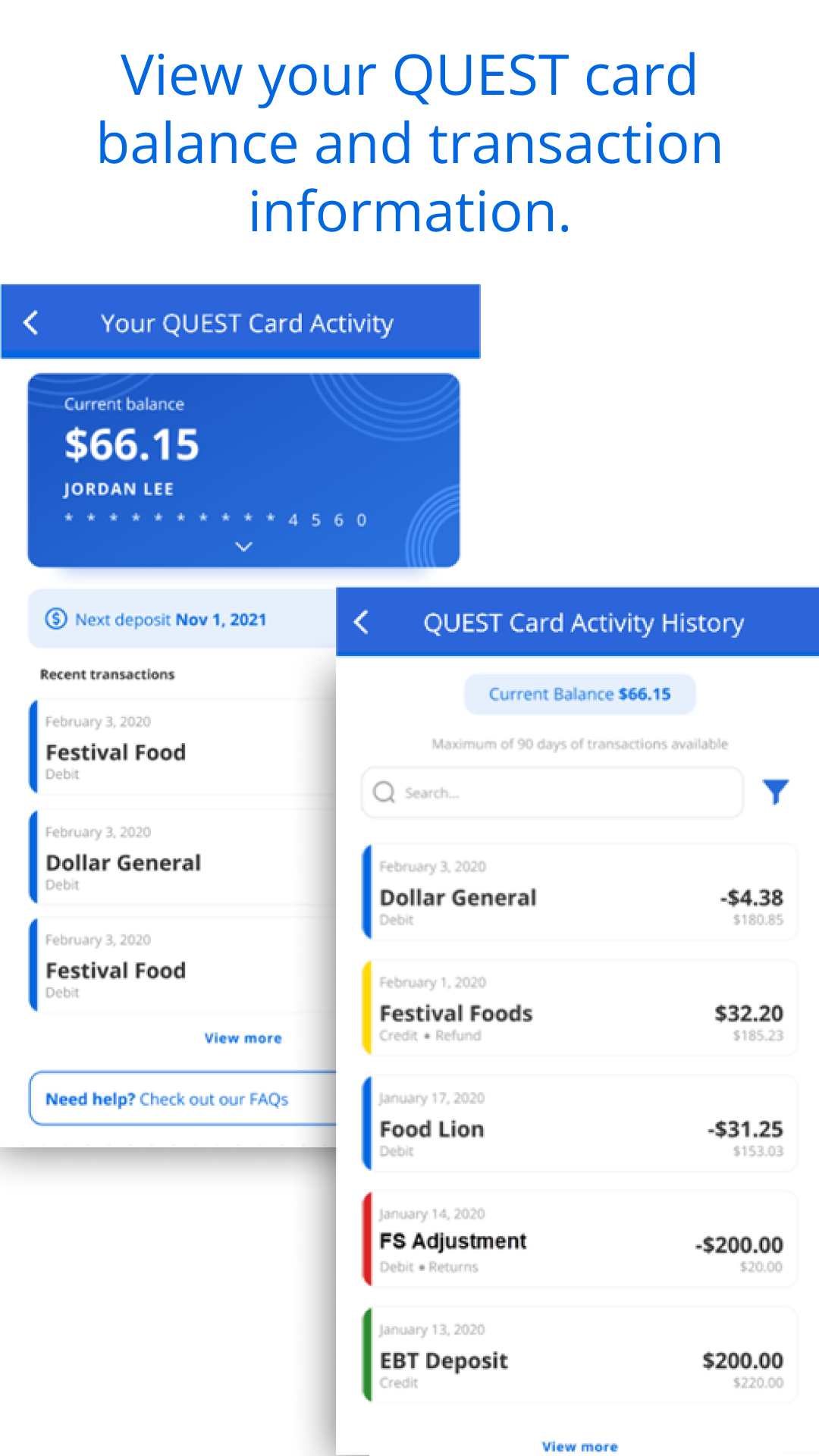
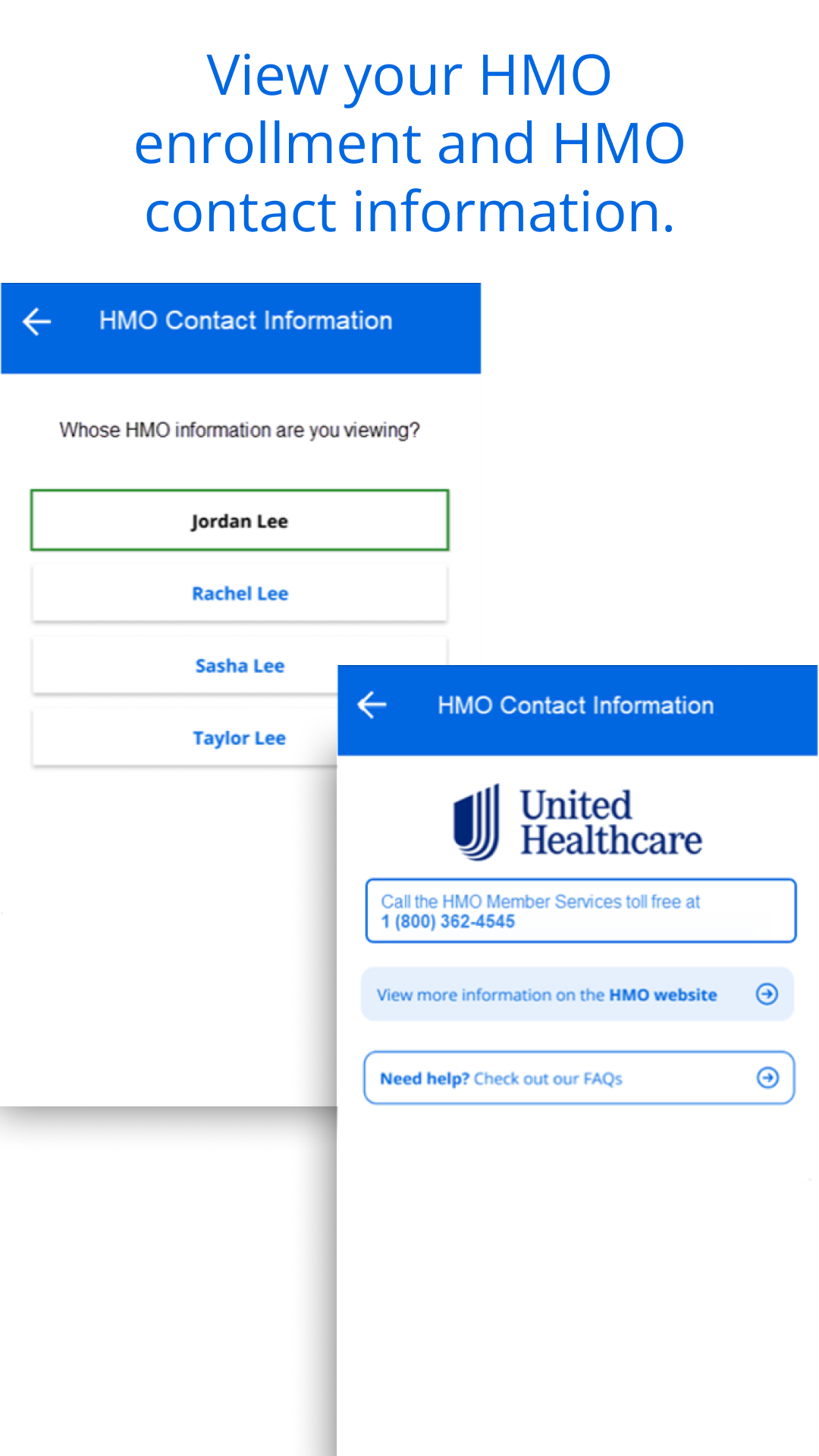
The MyACCESS mobile application offers an easy and efficient way for you to access the programs you have applied for or are currently enrolled in, such as Wisconsin Medicaid, BadgerCare Plus, FoodShare, Wisconsin Shares Child Care Subsidy, and Wisconsin Works.
Features:
VIEW YOUR PROGRAMS AND BENEFITS
Access a summary of the various programs for which you have submitted applications or in which you are enrolled.
RECEIVE REMINDERS
Get notifications about necessary actions you need to take or documents that must be submitted to maintain your enrollment.
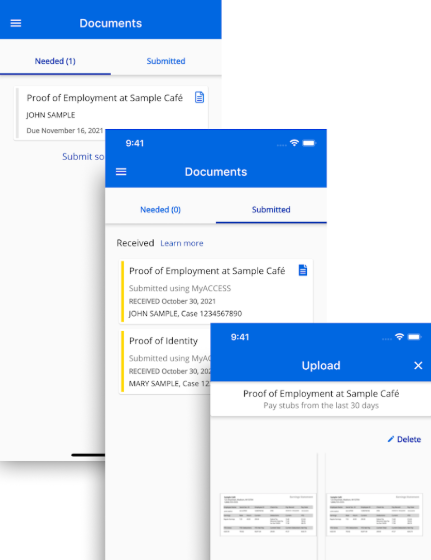
UPLOAD DOCUMENTS
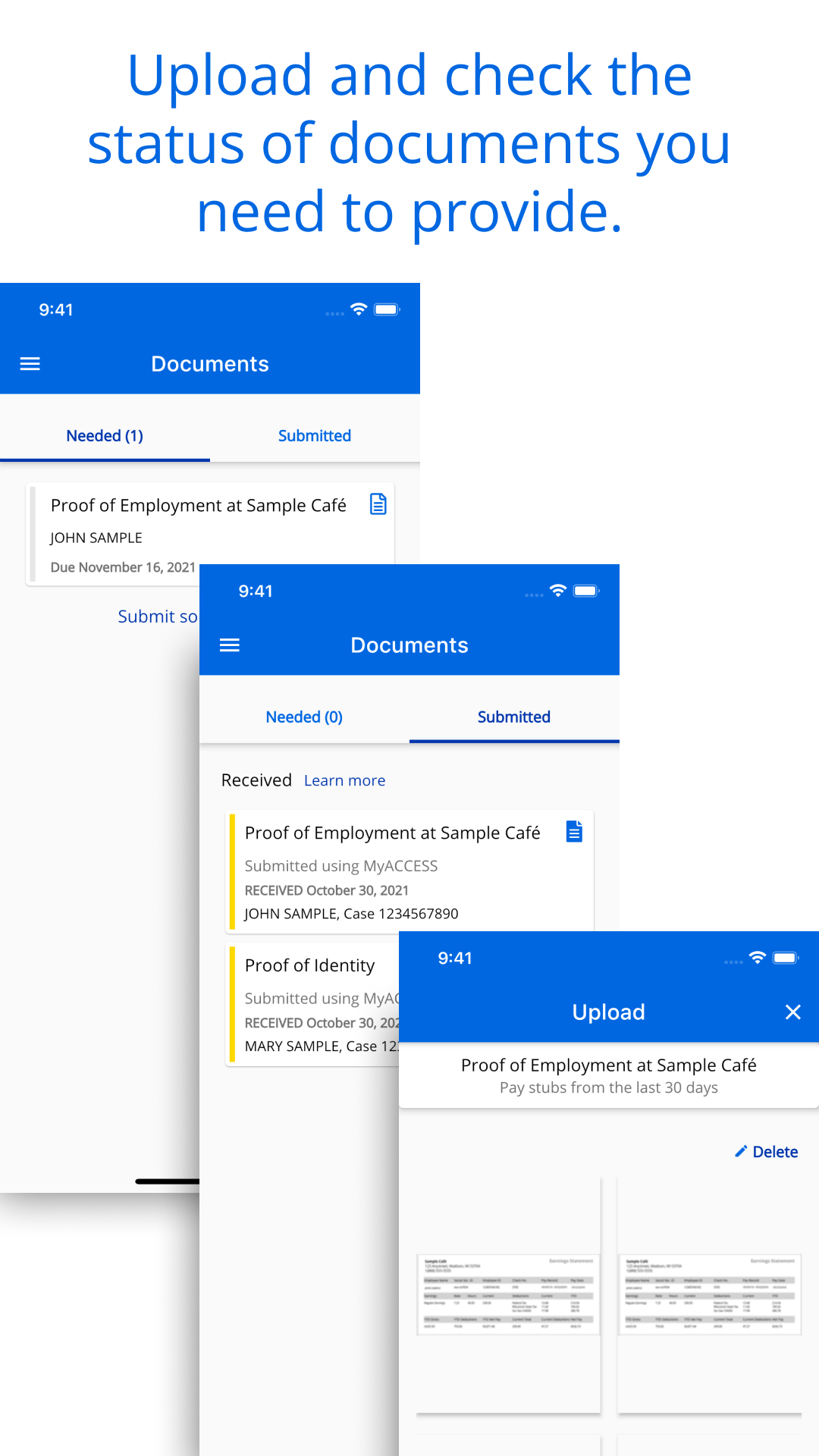
Easily upload images or PDFs of essential documents and monitor their status instantly.
Usage Process:
1. **Download the App**: If you have an Android phone, search "My Access Wisconsin" on Google Play to download it; if you have an iPhone, search the app on the App Store. The app is compatible with phones running at least Android 10 or iOS 13.
2. **Log in**: After opening the app, enter your user ID and password to log in. If this is your first time, you may need to follow some prompts for initial setup.
3. **View Programs and Benefits**: After logging in, you can view a summary of the various programs you've applied for or enrolled in, such as Wisconsin Medicaid, BadgerCare Plus, FoodShare, and more, in the app.
4. **Receive Reminders**: The app will send you reminders about required actions or documents you must submit to maintain your eligibility. You can view these reminders in the app and follow the prompts.
5. **Upload Documents**: If you need to submit documents, you can use the app's file upload feature to easily upload photos or PDFs of your documents and instantly check their status.
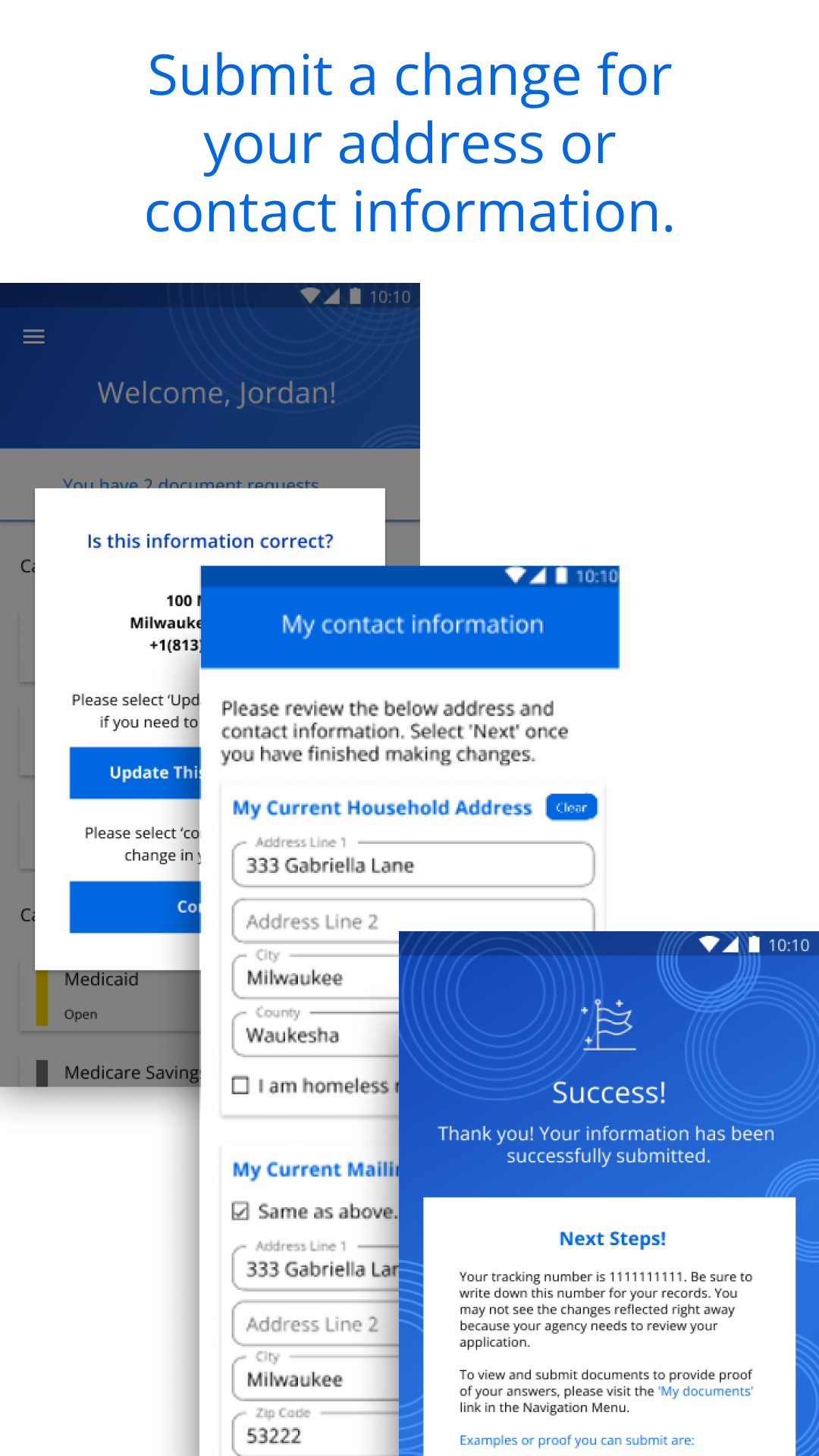
6. **Update Information**: You can also update your home address, mailing address, phone number and other information in the app.
Eligible Applicants:
1. Permanent residents of Wisconsin, USA
2. Individuals already enrolled in Wisconsin's welfare programs (such as Medicaid, Food Assistance, Childcare Allowance, etc.)
3. Individuals currently receiving Wisconsin's welfare programs (such as the Wisconsin Works employment assistance program, etc.)
Related Questions and Answers:
1. **What benefits can I access through MyACCESS? Is it only for Wisconsin residents? **
The benefits I can access are primarily state-level benefits, such as Wisconsin Medicaid and BadgerCare Plus, FoodShare, Wisconsin Shares Child Care Subsidy, and Wisconsin Works. Furthermore, it's only for Wisconsin residents; non-residents cannot access or manage benefits through it.
2. **If I use MyACCESS to receive alerts, will I miss important notifications? How are notifications delivered? **
I generally don't miss them easily because the app proactively sends notifications, such as those requiring additional documents or confirmations. These notifications usually pop up as in-app messages or system notifications on my phone. As long as I have notification permissions enabled for the app, I'll receive them promptly. However, it's recommended to check the app regularly to avoid missing anything due to notification blocking on my phone.
3. **Are there any file format or size requirements for uploading documents to MyACCESS? Can I re-upload if I make a mistake? **
The supported formats are primarily images and PDFs, which are relatively common and convenient for users to directly take ID photos or upload electronic documents. Regarding file size, while there's no specific upper limit, it's recommended to upload clear and reasonably sized files. Larger files may be slow to upload or fail. If you make a mistake, you can usually find the "Re-upload" or "Replace File" options on the document status page. Simply delete the incorrect file and re-submit the correct one.
4. **I forgot my password when logging into MyACCESS. How can I recover it? Do I need to visit an in-person office? **
No, there's usually a "Forgot Password" or "Reset Password" link on the login page. Click it and follow the prompts—usually entering the email address or phone number you registered with, receiving a verification code, and then setting a new password. The entire process is done directly in the app, eliminating the need for a visit.
5. **Can I apply for new benefit programs through MyACCESS, or can I only view existing ones? **
Currently, I can only view benefit programs I've applied for or participated in; I can't apply for new benefits directly in the app. If you want to apply for new benefits, you must go through Wisconsin's official welfare website, or contact the relevant agencies in your county or tribe. The application does not currently support the new application function.
- Version3.7.0
- UpdateOct 22, 2026
- DeveloperWisconsin Department of Health Services
- CategoryHealth & Fitness
- Requires AndroidAndroid 10+
- Downloads219K+
- Package Namegov.wisconsin.dhs.accessmobile
- Signaturea1d2d1b68b1fc58562c1af7376651877
- Available on
- ReportFlag as inappropriate
-
NameSizeDownload
-
150.03 MB
-
150.36 MB
-
149.27 MB















Convenient document upload
Reduces need for in-person visits
Saves time and reduces stress
User-friendly interface
Quick processing of documents
Easily accessible proof of submission
Digital management of benefits
Provides updates on application status
Frequent login issues
App crashes or freezes
Document uploading errors
Confusing permissions requirements
Lack of clear update options
Limited functionality compared to website
Issues with camera quality for uploads
Poor communication about required documents