
My Invisalign - Clear aligner support & tracking
Transform your smile with advanced clear aligners, virtual care, tracking, & personalized reminders - elevate your journey!

- 1.9.1 Version
- 2.1 Score
- 767K+ Downloads
- Free License
- 3+ Content Rating

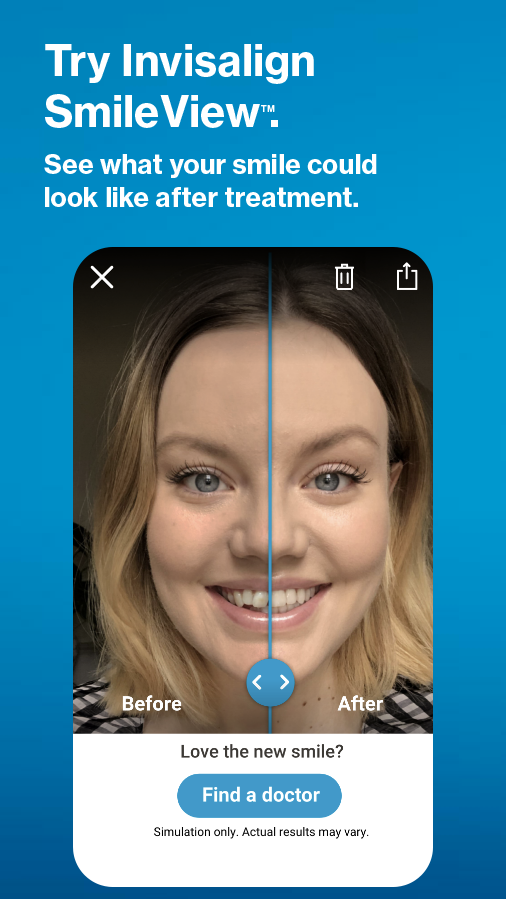
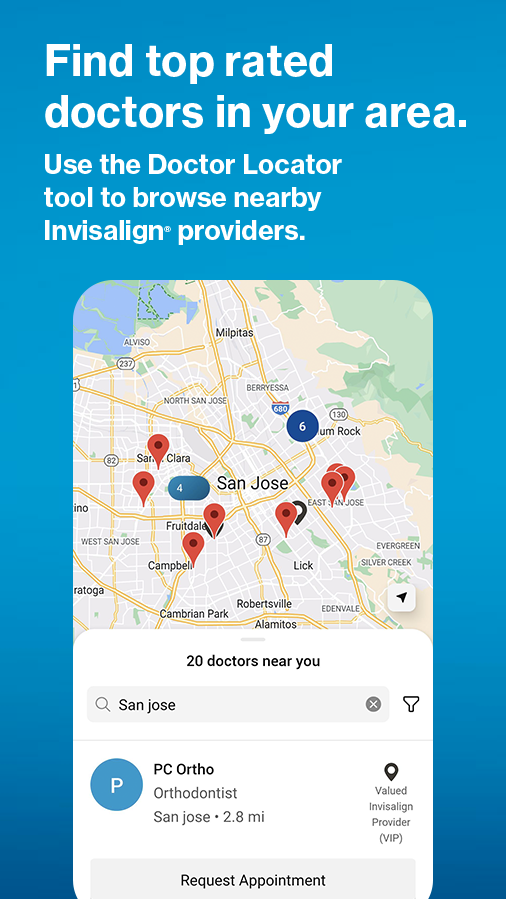
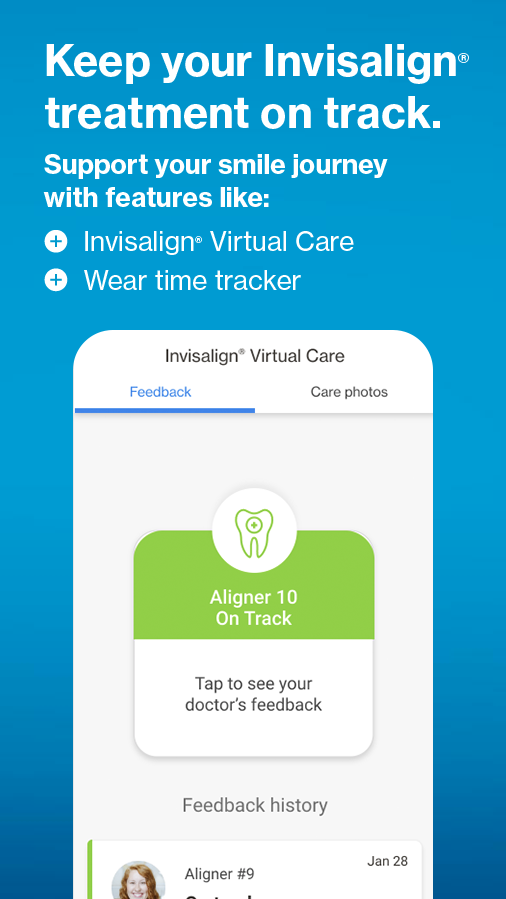
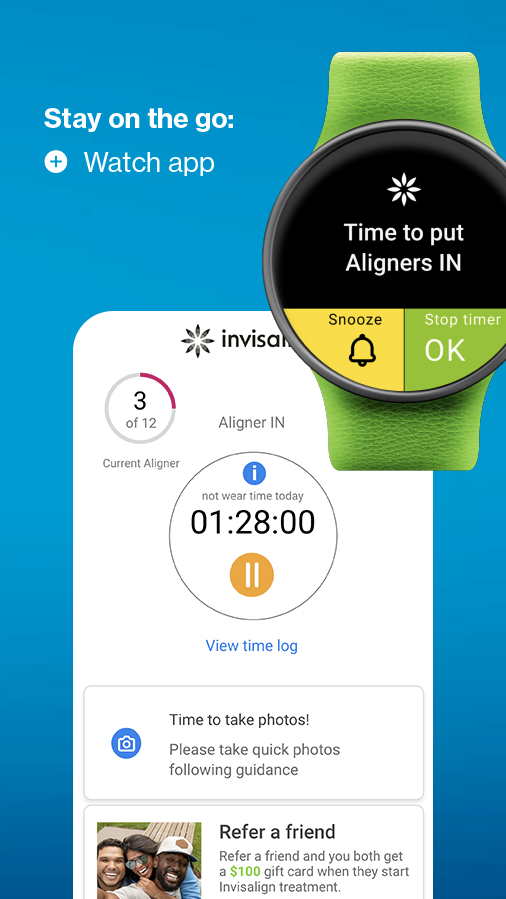
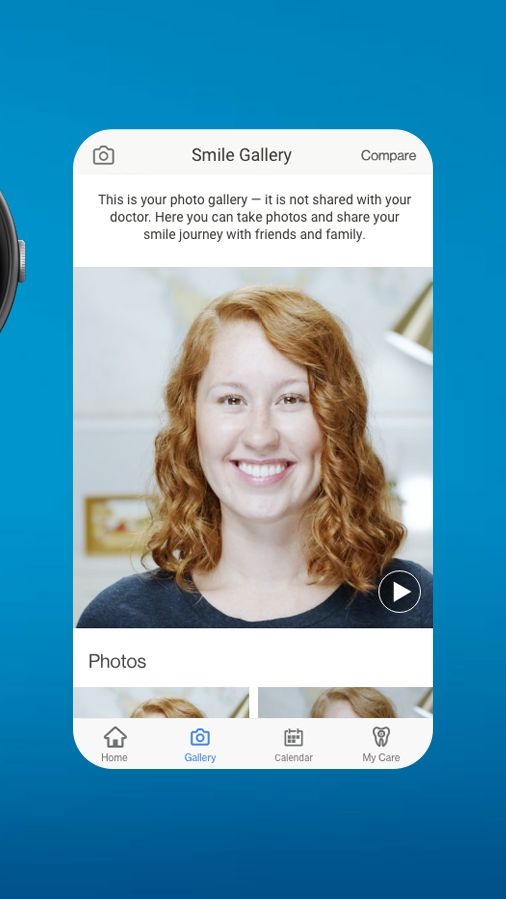
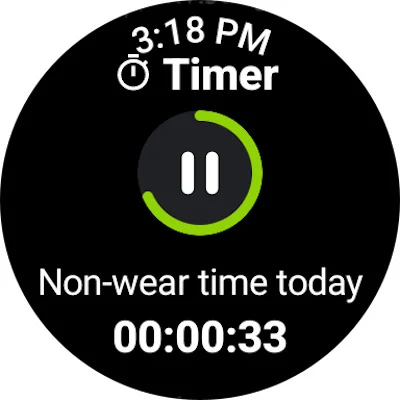
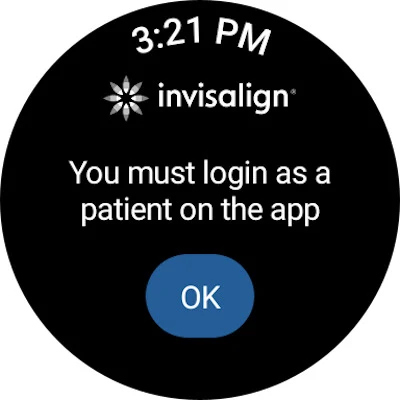
Are you eager to enhance your smile using the leading clear aligner technology available today? If you’re currently undergoing treatment and require assistance, the My Invisalign app serves as a comprehensive resource for achieving healthy and appealing smiles.
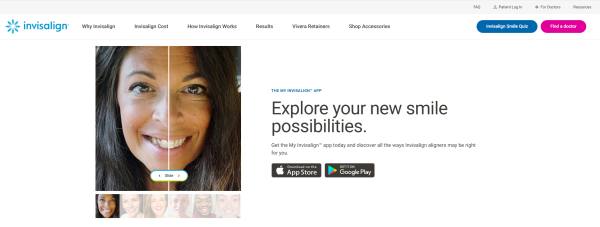
Curious about Invisalign® treatment?
• Discover everything regarding Invisalign clear aligners and their benefits for you.
• Visualize your future smile with our SmileView™ simulation tool and share the outcomes with your loved ones.
• Locate a nearby doctor and request a consultation. A dedicated smile concierge will assist in scheduling your appointment and provide support throughout your journey.
If you are an existing Invisalign patient:
• Recommend a friend and earn a $100 gift card once they begin their treatment!
• Access the ClinCheck® treatment plan shared by your dentist, available solely through their invitation.
• Keep your treatment on track by utilizing Invisalign® Virtual Care to send photos and receive guidance from your doctor, also by doctor's invitation only.
• Track your wear-time progress with weekly, monthly, and annual views.
• Customize your treatment calendar to monitor upcoming appointments and other significant events!
• Measure and record your daily and historical aligner wearing time with a personalized timer.
• Get reminders and alerts when it’s time to switch out your aligners.
• Share your progress video along with before & after pictures with friends and family.
• Provide ratings and share your feedback regarding your experience with the app.
Link your Wear OS device to your phone in order to utilize the custom aligner tracker within the My Invisalign watch application.
FAQ
1、How much does Invisalign® treatment cost?
In most cases, the cost of Invisalign treatment is comparable to the cost of braces. Your doctor will determine the cost of your treatment based on how complex your case is and how many aligners you need. There are several options to make Invisalign treatment more affordable for you, from using insurance and tax-free dollars to a monthly payment plan.
2、Is Invisalign treatment more expensive than braces?
Invisalign treatment typically is comparable in cost as braces.
3、Will my insurance cover Invisalign treatment?
Many dental insurance plans cover Invisalign treatment the same way they cover braces. Your insurance may pay for a certain percentage of your Invisalign treatment, or it may pay for a certain dollar amount. With dental insurance, you may be covered up to $3,000 for orthodontic treatment.1 Use the My Invisalign™ app to see how much your dental insurance will cover for treatment.
4、What payment options are available for Invisalign treatment?
Many doctors offer flexible and affordable monthly payment plans, which allow you to make small payments over the course of your Invisalign treatment rather than all at once. Doctors may also offer financing with low-to-no down payment. Additionally, you can use your FSA or HSA to pay for Invisalign treatment using tax-free dollars. For more information about payment options available with Invisalign treatment, see Insurance and Payment Options.
5、How much does Invisalign treatment cost without insurance?
Invisalign treatment is more affordable than you think, with or without insurance. Many doctors offer flexible payment plans, so ask about your options.
6、What does insurance typically cover?
Many dental insurance plans cover Invisalign treatment the same way they cover braces. Your insurance may pay for a certain percentage of your Invisalign treatment, or it may pay for a certain dollar amount. Often there is a lifetime cap on the amount insurance will pay for orthodontic treatment.
7、How do I know whether my insurance covers Invisalign treatment?
Ask your benefits manager at work, call your insurance plan’s customer service line, or look through your benefits package for “orthodontic treatment.” Orthodontic treatment is sometimes covered by health, rather than dental insurance, or by orthodontic coverage that you can purchase separately.
8、How do I know if my doctor accepts my insurance?
When you book your consultation, ask which insurance plans your doctor accepts. Your doctor’s office can also call your insurance provider to check your coverage.
9、What is a FSA?
A flexible savings account, or FSA, is an account you may be able to use to pay for certain medical, dental, and orthodontic costs, including Invisalign clear aligners. Your FSA is managed by your employer, and you pay money into the account throughout the year, usually through a deduction from your paycheck. You may set aside up to $3,050 annually. Not all employers offer an FSA.
10、What is a HSA?
A health savings account, or HSA, is a special savings account designed for people with a high-deductible health insurance plan. You put money into the account and can use it to cover certain medical, dental, and orthodontic costs, including Invisalign clear aligners. You may set aside up to $3,850 for an individual or $7,750 for a family annually. To open an HSA, you must meet IRS eligibility requirements.
11、What is the advantage of an FSA or HSA?
You don’t pay taxes on the money you put in an FSA or HSA.
12、How can I use my FSA or HSA to pay for Invisalign treatment?
Before you begin your Invisalign treatment, talk to both your doctor’s office and your benefits manager. You may be able to pay your doctor and be reimbursed from your FSA or HSA. Your benefits provider may also be able to pay your doctor directly.
- Version1.9.1
- UpdateSep 28, 2026
- DeveloperAlign Technology Inc.
- CategoryMedical
- Requires AndroidAndroid 5.0+
- Downloads767K+
- Package Namecom.aligntech.myinvisalign
- Signaturef1f21701103d20f028075e64aa6ac837
- Available on
- ReportFlag as inappropriate


















Effective tracking of aligner wear time
Motivates timely aligner changes
Easy to order cleaning products
User-friendly notifications for aligner changes
Helps maintain proper oral hygiene routine
Allows comparison of progress photos
Convenient access to dental appointments data
Customizable reminders and timers
Supports busy schedules with tracking features
Frequent app crashes and instability
Strict login security and frequent logouts
Complicated photo-taking process with low success rate
Inaccurate time logging for aligners
Laggy performance and slow response times
Overly marketing-focused design
Limited editing capabilities for previous dates
Difficulty in sending photos to the dentist
Confusing user interface for feature navigation