
MOJ M - Shopping organization & deals
Streamline your shopping experience with personalized offers, easy list creation, Pika card tracking & instant notifications.

- 3.20.12 Version
- 2.9 Score
- 269K+ Downloads
- Free License
- 3+ Content Rating

MOJ M by Mercator d.o.o. — All-in-One Mercator Shopping App:
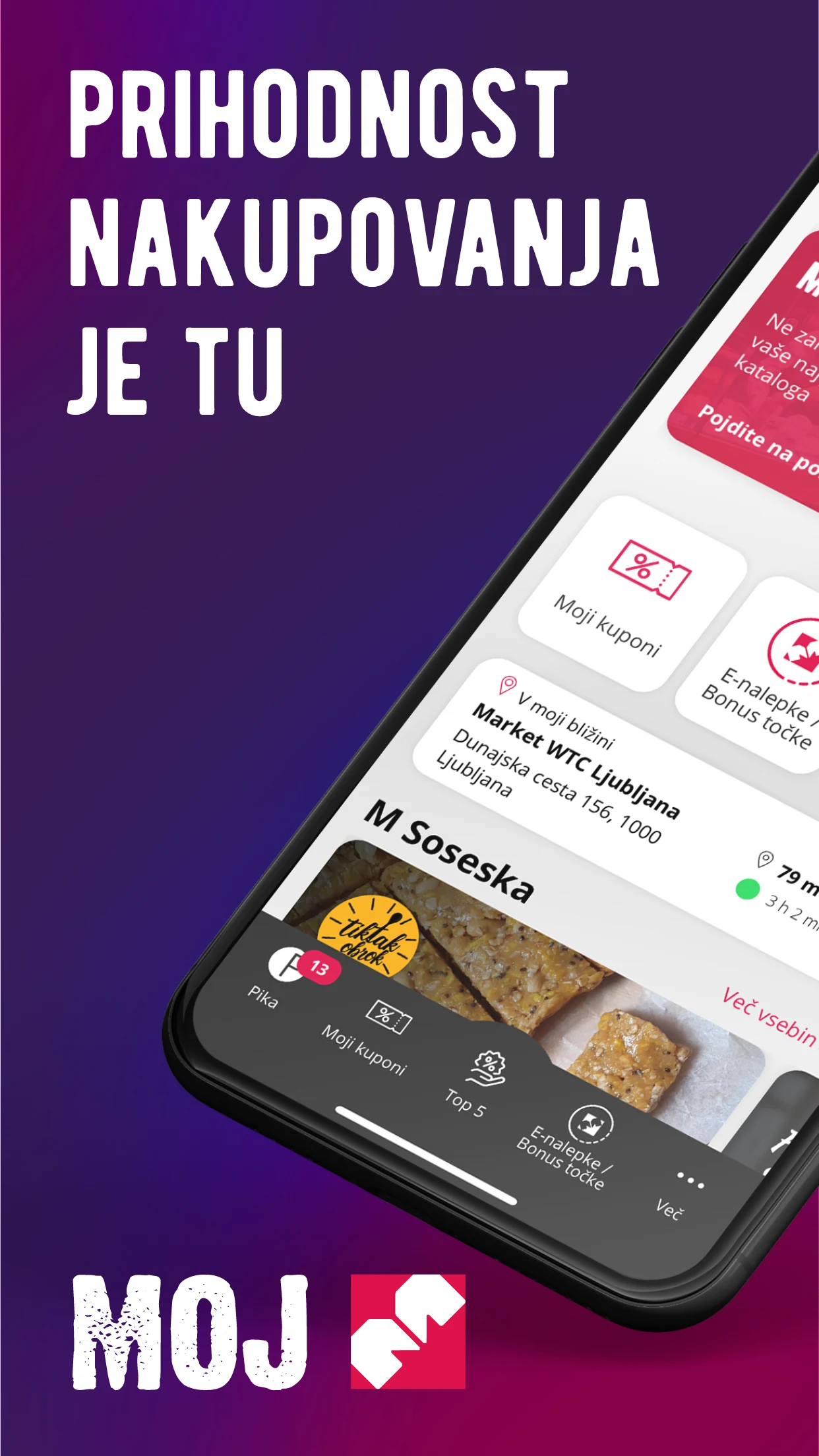
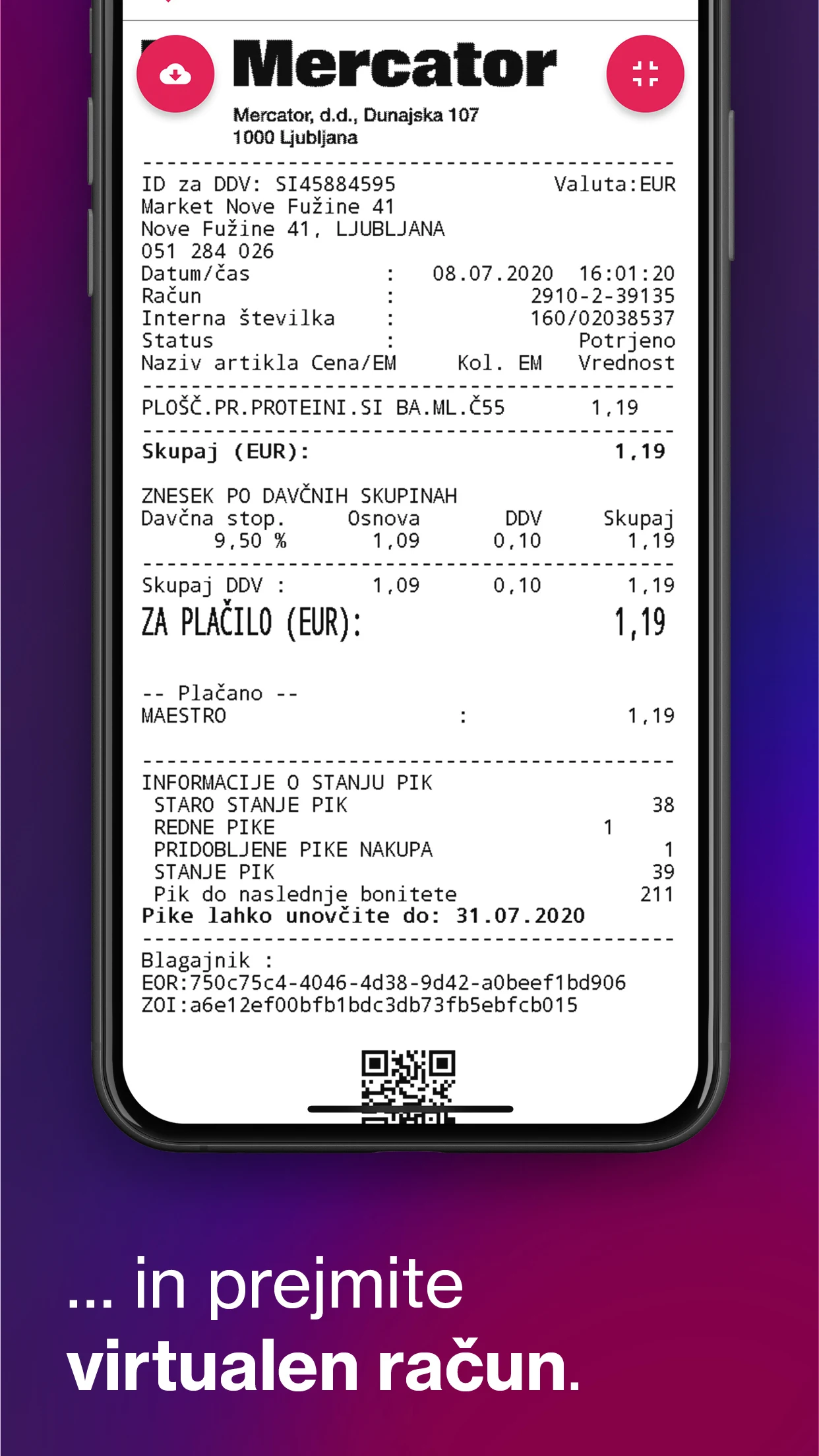
MOJ M is the official Mercator shopping app for organizing purchases, managing your Pika loyalty card, tracking points and transactions, and shopping faster across Mercator stores and Mercator Online. Instead of carrying physical cards or switching between leaflets, receipts, and store locators, MOJ M brings everything into one place: digital Pika, M Pay mobile wallet, virtual receipts, personalized offers, weekly catalogs, and a smart shopping list that syncs with your Mercator Online cart.
Best for: Mercator shoppers in Slovenia who want a digital Pika card, real-time loyalty tracking, coupon alerts, and a simpler in-store + online routine.
Key features:
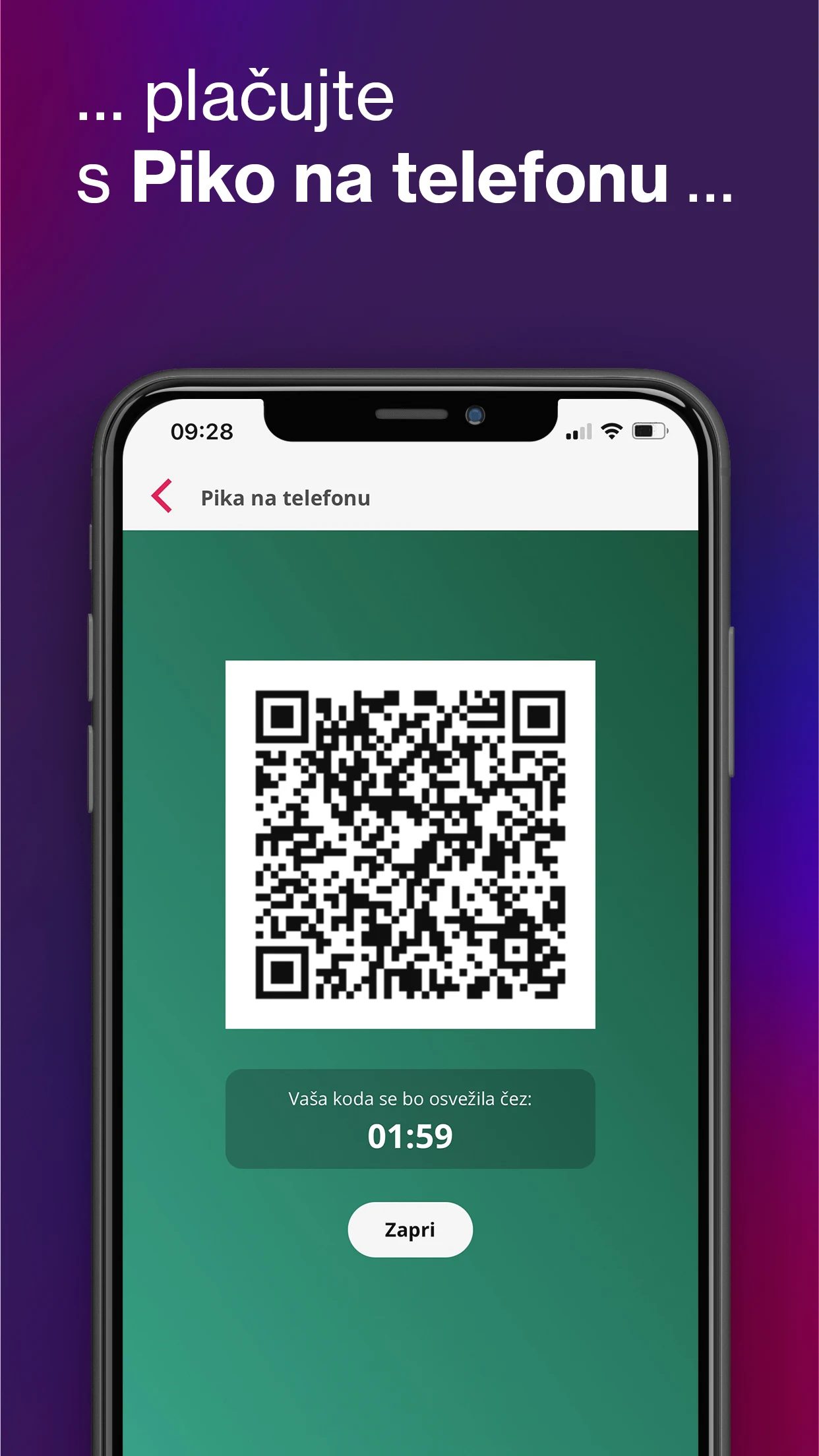
Moja Pika / Digital Pika card — view points balance, transactions, monthly overviews, and replace the need to carry a physical green/gold Pika card.
M Pay & virtual receipts — mobile wallet style payments where supported, plus instant purchase notifications and paperless receipts.
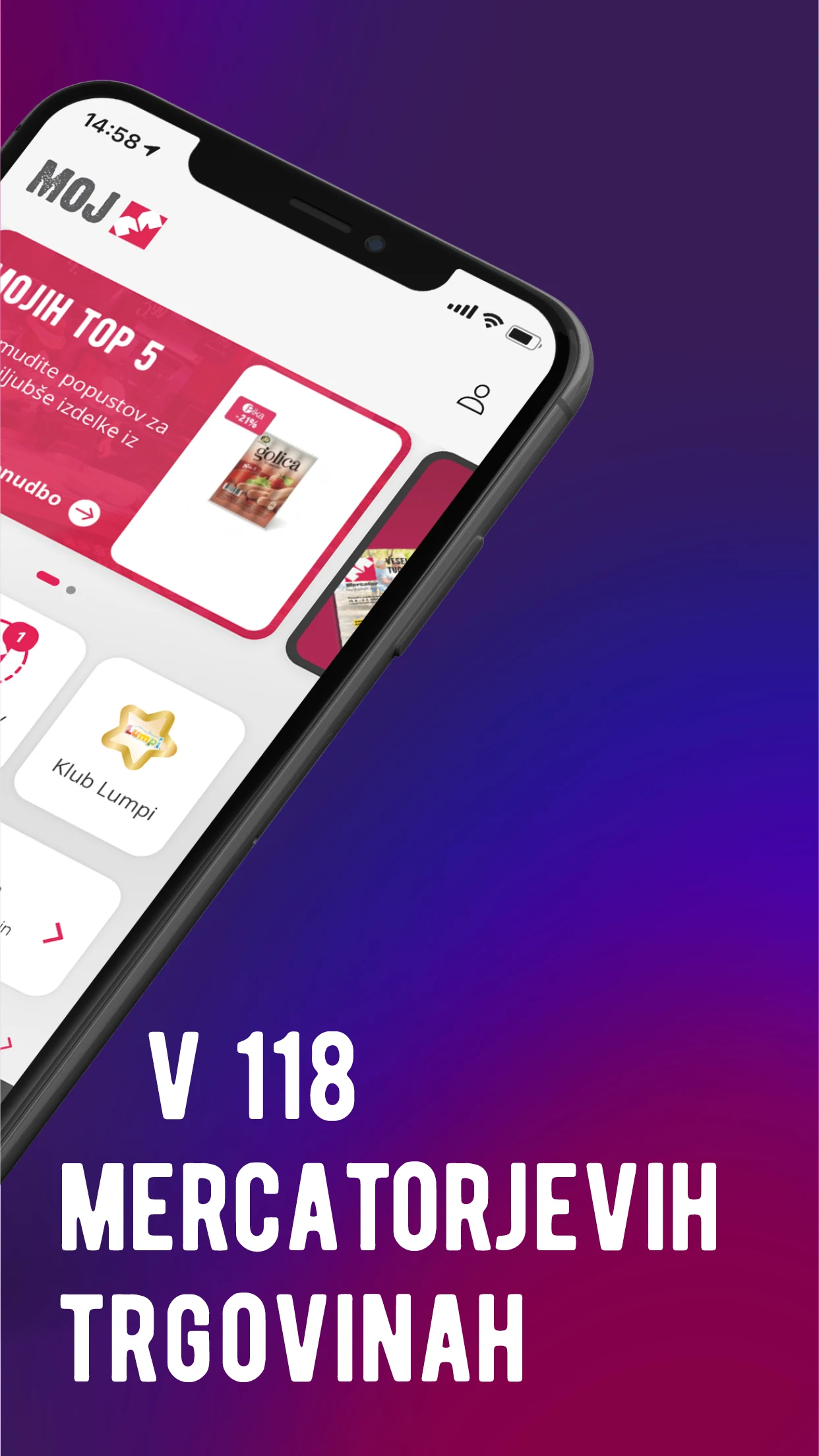
TOP 5 personalized offers — tailored product recommendations based on your shopping behavior.
Coupons & weekly leaflets — browse current Mercator catalogs and get discount/coupon notifications.
Store locator — find nearby Mercator stores with distance, opening hours, and map direction.
Shopping lists + Mercator Online — create lists manually or by scanning barcodes, then send items to your Mercator Online shopping cart.
E-nalepke / Bonus points — track collected bonus stickers and bonus-point campaigns.
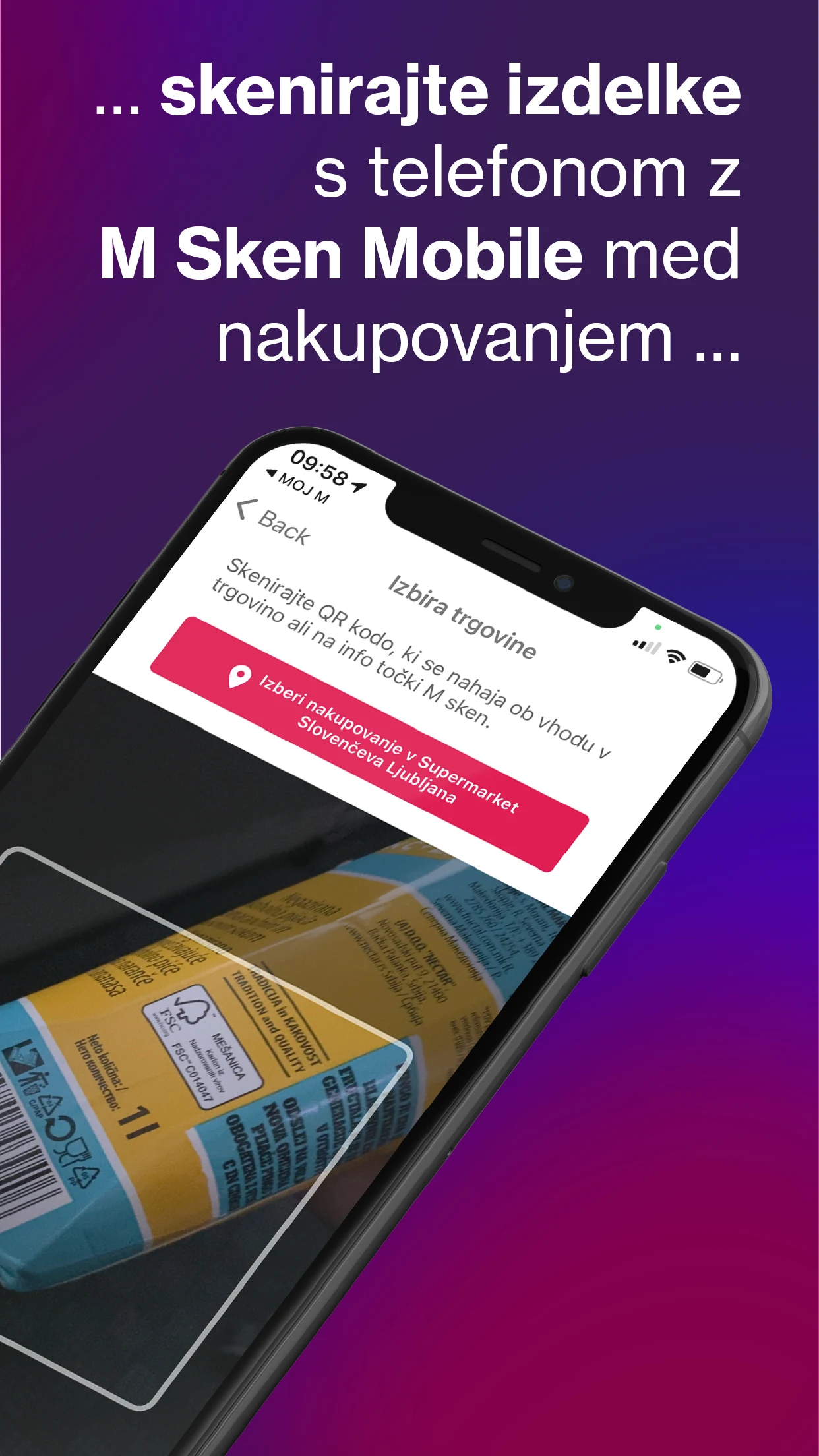
M Sken — scan products in-store for a more personal shopping flow.
Getting Started & Smart-Shopping Guide for MOJ M:
1. Set up MOJ M correctly
Install MOJ M from Google Play — developer must show Mercator d.o.o.; package IDsi.mercator.mojm.
Register or log in, then link your Pika card inside the app.
Enable notifications so M Pay, coupons, and virtual receipts work.
Allow location only if you want the nearest-store feature.
2. Use it like a regular Mercator routine
Before shopping: open TOP 5 and weekly Katalogi, add items to Nakupovalni listki.
In-store: open your digital Pika QR/barcode at checkout; use M Sken if you want to scan products.
After purchase: check virtual receipts, points balance, and monthly Pika transactions.
At home: move your shopping list into Mercator Online instead of rewriting it.
3. Make loyalty tracking actually useful
Check Moja Pika after every visit — points, savings, and transactions should update.
Watch E-nalepke / Bonus točke during promotional campaigns so stickers don’t expire unused.
Turn on coupon alerts, but mute them if they get noisy — relevance beats volume.
MOJ M FAQ — Login, Pika QR, M Pay & Fixes:
What is MOJ M?
MOJ M is Mercator’s official shopping app. It combines your Pika loyalty account, M Pay/virtual receipts, personalized offers, coupons, store locator, weekly leaflets, and Mercator Online list management.
Is MOJ M free?
Yes — the app is free to install from Google Play. Standard mobile data, SMS verification, or in-store purchase terms still apply.
Can MOJ M replace my physical Pika card?
According to the Google Play listing, the app can act as your Pika on phone and show your digital code for eligible checkout flows. Always check the cashier/terminal if a specific store requires the physical card.
Why won’t the Pika QR code load at checkout?
This is a recurring complaint aggregated by Chrome-Stats reviewers: the Pika QR/barcode can be slow or fail to appear. Quick fixes users report:
-Force-close and reopen MOJ M
-Check internet connection / toggle Wi-Fi and mobile data
-Make sure the app is updated to the latest version
-If it keeps failing, reinstalling the app helped some users — then re-link Pika carefully
Login isn’t saved / SMS verification doesn’t arrive — what now?

Chrome-Stats reviews mention repeated login prompts and missing SMS codes. Try:
-Updating MOJ M
-Rebooting the phone
-Retrying later if the SMS network is delayed
-Contacting Mercator support via the official channels on the Play Store page / mercator.si
Is my data safe in MOJ M?
Google Play’s data-safety section states MOJ M may collect location, personal info, app activity, and device/other IDs; data is encrypted in transit, and users can request data deletion. Location is shared with third parties only where disclosed in the developer’s privacy policy.
Where do I download it?
Only from the official Google Play listing for MOJ M by Mercator d.o.o. Avoid unknown “MOD APK” mirrors — they aren’t official and aren’t covered by Mercator’s privacy/support terms.
- Version3.20.12
- UpdateOct 27, 2026
- DeveloperMercator d.o.o.
- CategoryShopping
- Requires AndroidAndroid 7.0+
- Downloads269K+
- Package Namesi.mercator.mojm
- Signaturee41a569315fab9fa9988e7bb1f925894
- Available on
- ReportFlag as inappropriate
-
NameSizeDownload
-
42.02 MB
-
41.64 MB
-
41.64 MB











Ease of access to promotions
Convenience of having the Pika card on a mobile app
Ability to receive and manage loyalty points digitally
Quick reference for shopping lists
Potential for future updates to improve functionality
Integration with purchase history tracking
Inclusion of special offers and discounts
Frequent login required due to failure to save credentials
Slow loading times leading to delays at checkout
Issues with QR code functionality after updates
Complicated user interface not intuitive for basic tasks
Forced updates that disrupt usability when in a hurry
Inconsistent performance across different devices
Failure to receive activation codes or SMS confirmations
Poor customer service response to reported issues
Complicated registration process that requires extensive information