
Mirror&BeforeAfter-BA mirror - High-definition mirror & photo
Spot your best look instantly! Capture stunning before-after photos & make adjustments with easy-to-use features.
- 3.1.7 Version
- 2.0 Score
- 170K+ Downloads
- In-app purchases License
- 3+ Content Rating

Features:
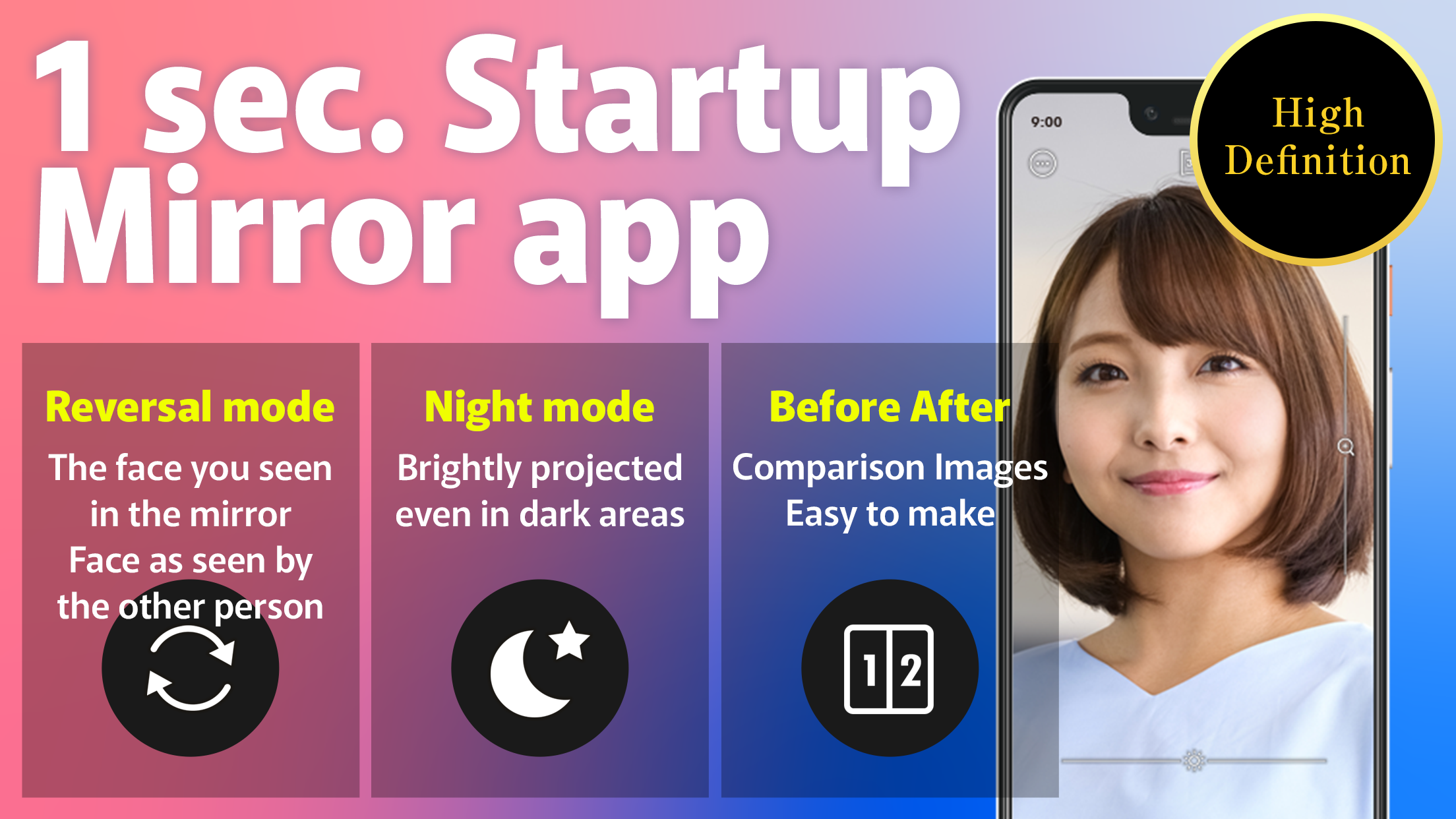
◆Start instantly! Access a free mirror application within just one second.
No need to carry around a handheld mirror!
This high-definition mirror lets you effortlessly check your appearance—whether you're touching up makeup, checking after meals, or inspecting your hair!
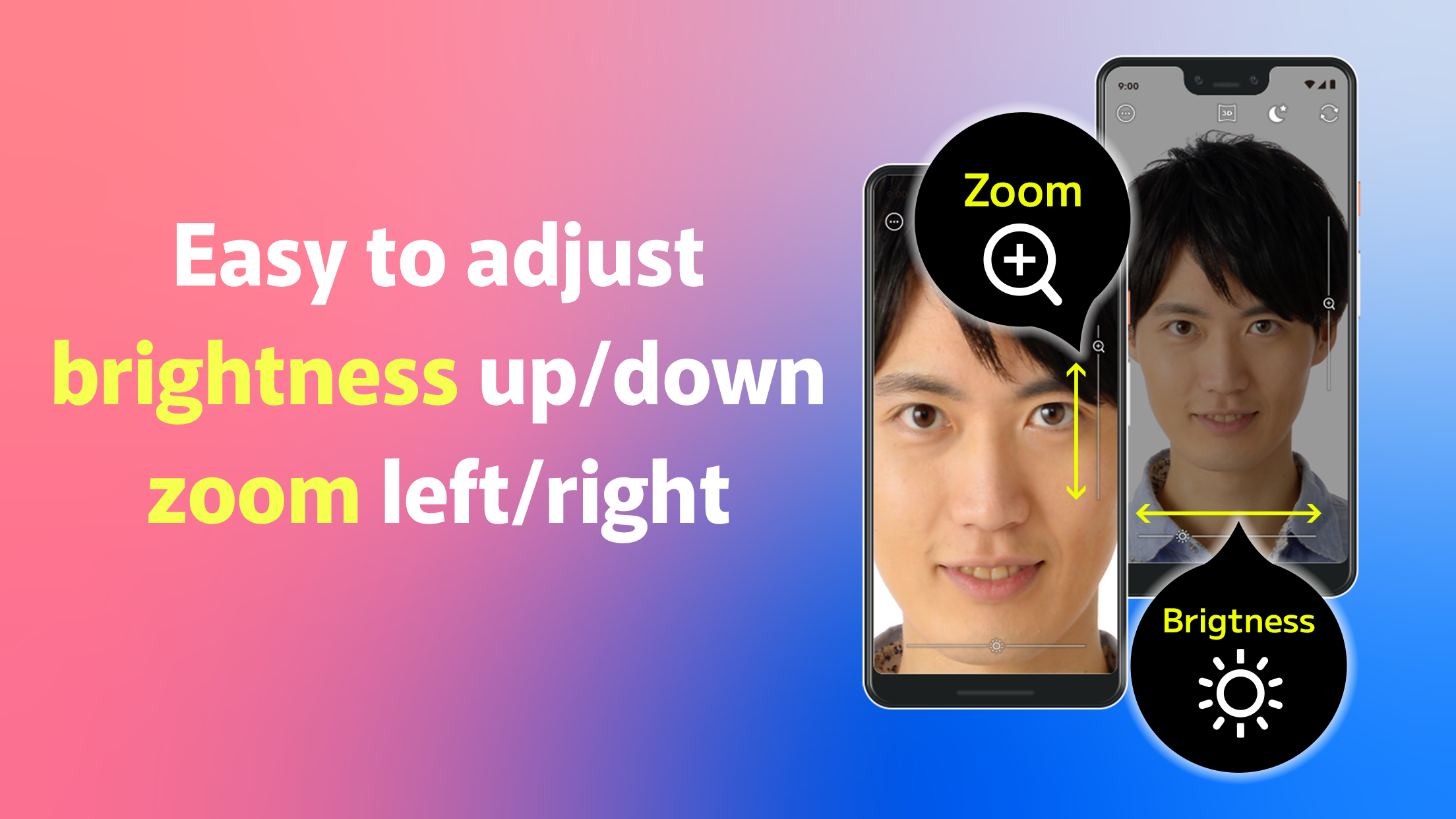
◆Includes mute and brightness controls as well as camera stabilization
Mirror apps are usable even in low-light situations like schools, offices, post-meal, on trains, etc.
◆Features mute and brightness adjustments along with camera shake correction
With just one tap, you can easily switch to the popular reversal mirror feature (horizontal flip) to see yourself from the perspective of others—this function is free!
◆A 360-degree mirror enabling views of both sides and back
This app conveniently helps you check angles that a regular mirror can't show, such as behind and above!
You can capture images of areas you wish to inspect closely.
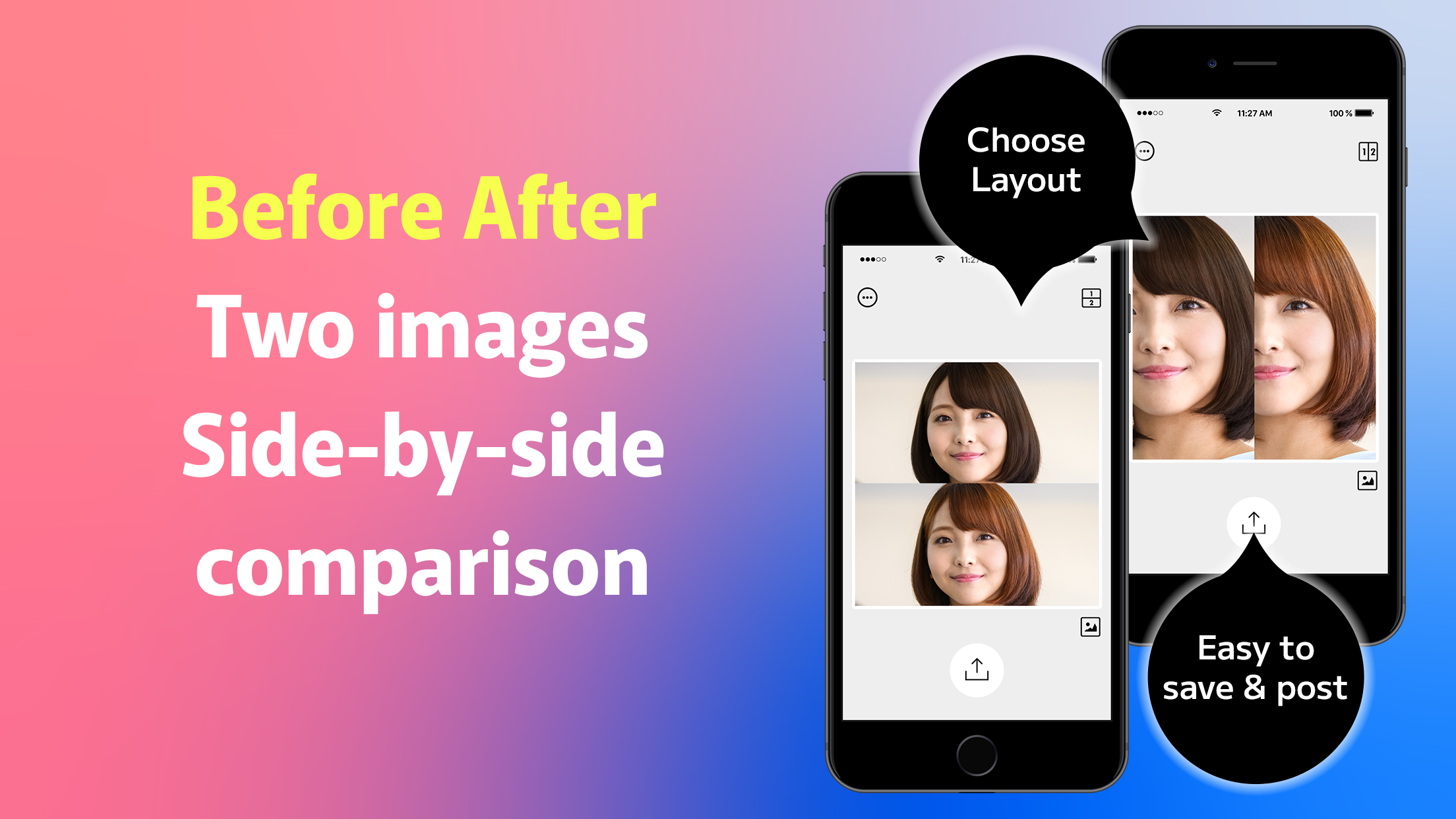
◆Effortlessly create before-and-after images!
Comparing photos taken before and after is simple using only your smartphone!
You can also zoom in and adjust the view to focus on specific areas.
◆Includes a shooting function!
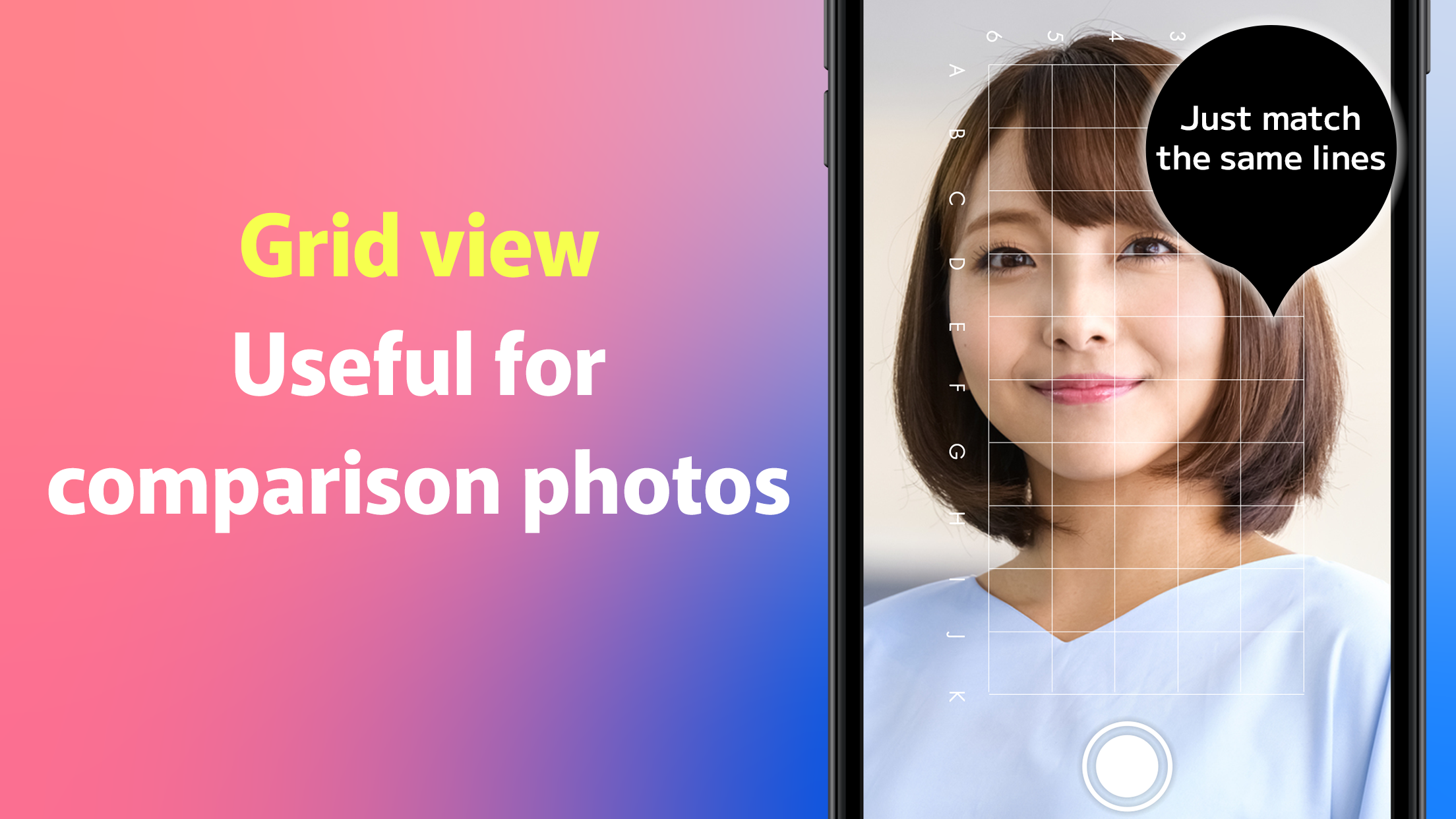
・Display grid lines to help align your shot
・Capture a before photo with a transparent backdrop
This functionality allows you to skillfully create before-and-after images!
Images you capture are automatically stored on your device.
◆Option to remove ads (paid feature)
While ads support this free service, you have the option to pay to eliminate all advertisements within the app.
This app is ideal for beauty salons, nail services, hair salons, chiropractic care, and bodywork!
The number of establishments utilizing it is on the rise.
■ Key Features of BA Mirror:
All features are available at no cost.
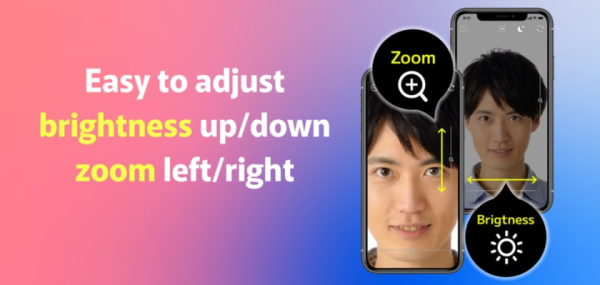
-Mirror capabilities (still images, zoom, brightness controls, horizontal flip, night mode, 3D capture, shake correction)
● Saving and sharing mirror still images
● A function for side-by-side photo comparison (both vertical and horizontal)
● Saving and sharing comparison images
● Shooting functionality (grid and watermark display)
*This mirror application utilizes the camera. Please grant camera permissions upon installation.
■ Defects, suggestions, and more:
For feedback and bug reports, please reach out through the designated channels.
■ Supported Versions:
New updates or installations are no longer viable on operating systems that have reached their end of support. However, currently installed applications can still be used for the time being after support ends.
Future unavailability may occur without prior notice. Thank you for your understanding.
We appreciate any small part you can play in enhancing our service. Your impressions would be welcomed if you try it out!
*Please make sure to read and agree to the privacy policy before engaging with this service.
App Experience:
BA Mirror is a free, high-definition mirror app that's ready to use right out of the box. No physical mirror is needed. It supports brightness adjustment, horizontal flip (reverse mirror), image stabilization, and night vision mode, making it suitable for low-light conditions. It also offers a 360-degree side and rear view. The built-in camera function (with grid lines) allows for easy creation of before-and-after comparison photos with automatic saving. It supports horizontal and vertical layout of comparison photos, zooming, and focusing.
All core features are free, and ads can be removed for a fee. Camera permissions are required. It's compatible with mainstream operating systems (systems no longer updated may not be compatible). Suitable for beauty, hair styling, and physical therapy scenarios. Feedback and suggestions can be submitted through designated channels.
Frequently Asked Questions:
1. **Q**: What are the core mirroring features of this app?
**A**: It includes HD mirroring, zooming, brightness adjustment, horizontal flipping (reverse mirroring), night mode, 3D shooting, and image stabilization. It also supports 360-degree side and back viewing, angles that ordinary mirrors can't cover.
2. **Q**: How do I create a "before and after" comparison image?
**A**: You can use the built-in camera, enable grid lines to help with composition, take a "before" photo with a transparent background, then take an "after" photo. The app's side-by-side comparison feature (supports vertical and horizontal layouts) completes the creation. You can also zoom in and adjust key areas.
3. **Q**: Does it work in low-light environments?
**A**: Yes. The app features brightness adjustment and night mode, along with image stabilization, making it suitable for low-light environments like schools, offices, and trains.
4. **Q**: What permissions do I need to enable after installation?
**A**: Because the app uses the phone's camera for mirroring, you must grant camera permissions during installation; otherwise, the core functionality will not function properly.
5. **Q**: Will photos taken be automatically saved?
**A**: Yes. Mirrored photos and comparison images taken through the app are automatically stored on the user's device for easy viewing, editing, and sharing.
6. **Q**: Can ads be removed?
**A**: Yes. The app is ad-supported by default, but users can opt in to a paid ad-free feature to eliminate all built-in ads.
- Version3.1.7
- UpdateOct 28, 2026
- DeveloperPermission Inc
- CategoryLifestyle
- Requires AndroidAndroid 6+
- Downloads170K+
- Package Namejp.co.permission.mirror360
- Signatureb649d280e0b516596d09a389969c154c
- Available on
- ReportFlag as inappropriate
-
NameSizeDownload
-
90.39 MB
-
11.66 MB











Quick startup, no need for a physical scope, and perfect for everyday use.
Full set of core features, free, and adaptable to multiple scenarios.
Easy operation, automatic photo storage, and sharing support.
The free version has ads; removing them requires a fee.
Relying on camera permissions makes it unsuitable for privacy-conscious users.
Some older operating systems cannot be installed, and future usability is not guaranteed.