
Milanote - Creative project organizer
Unleash your creativity! Save inspiration, organize visually, collaborate easily & sync across devices with this essential tool.

- 3.18.35 Version
- 3.2 Score
- 608K+ Downloads
- Free License
- 3+ Content Rating

Introduction
Milanote serves as an effective solution for managing your creative endeavors.

Functions
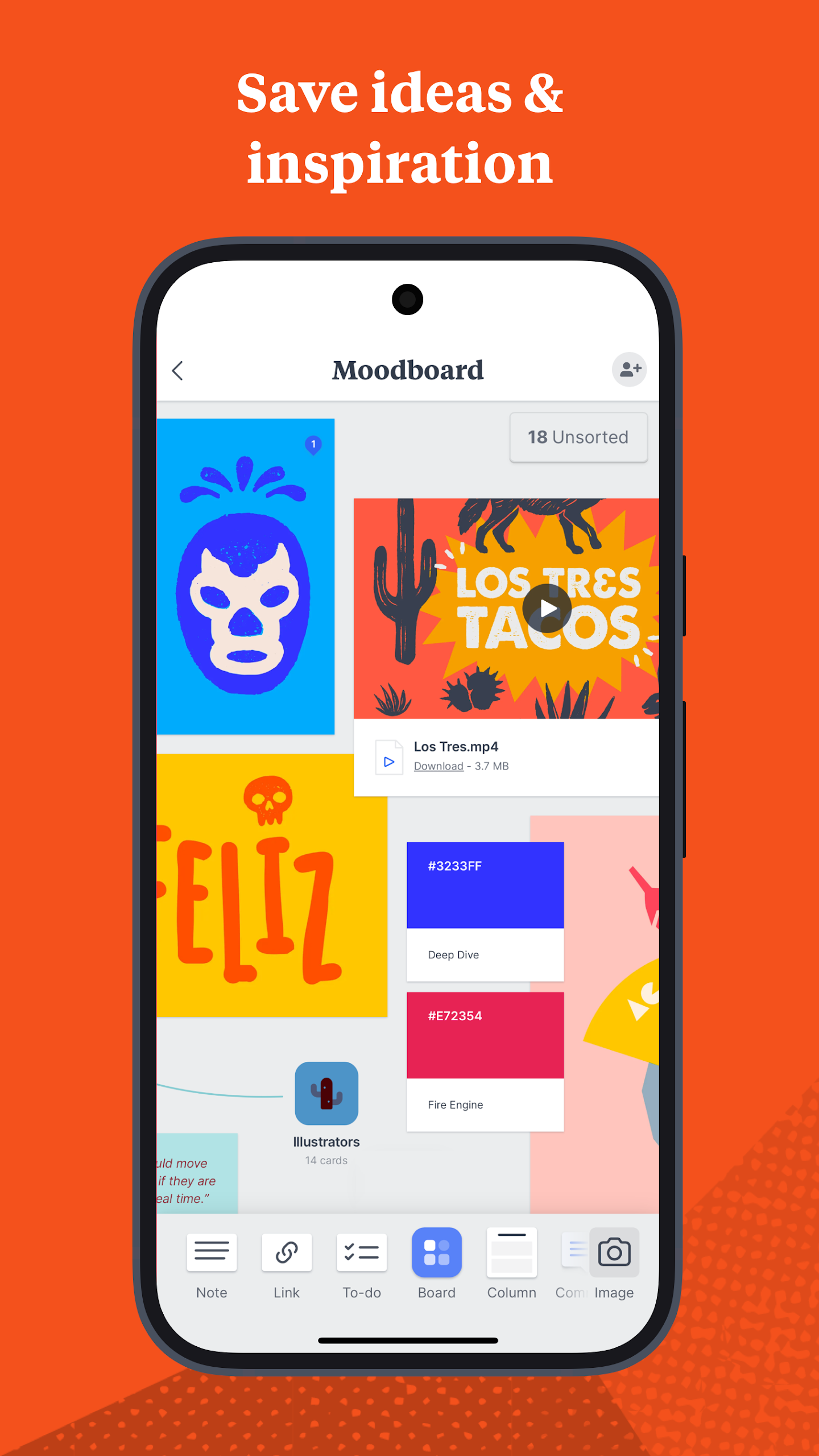
CAPTURE INSPIRATION & IDEAS
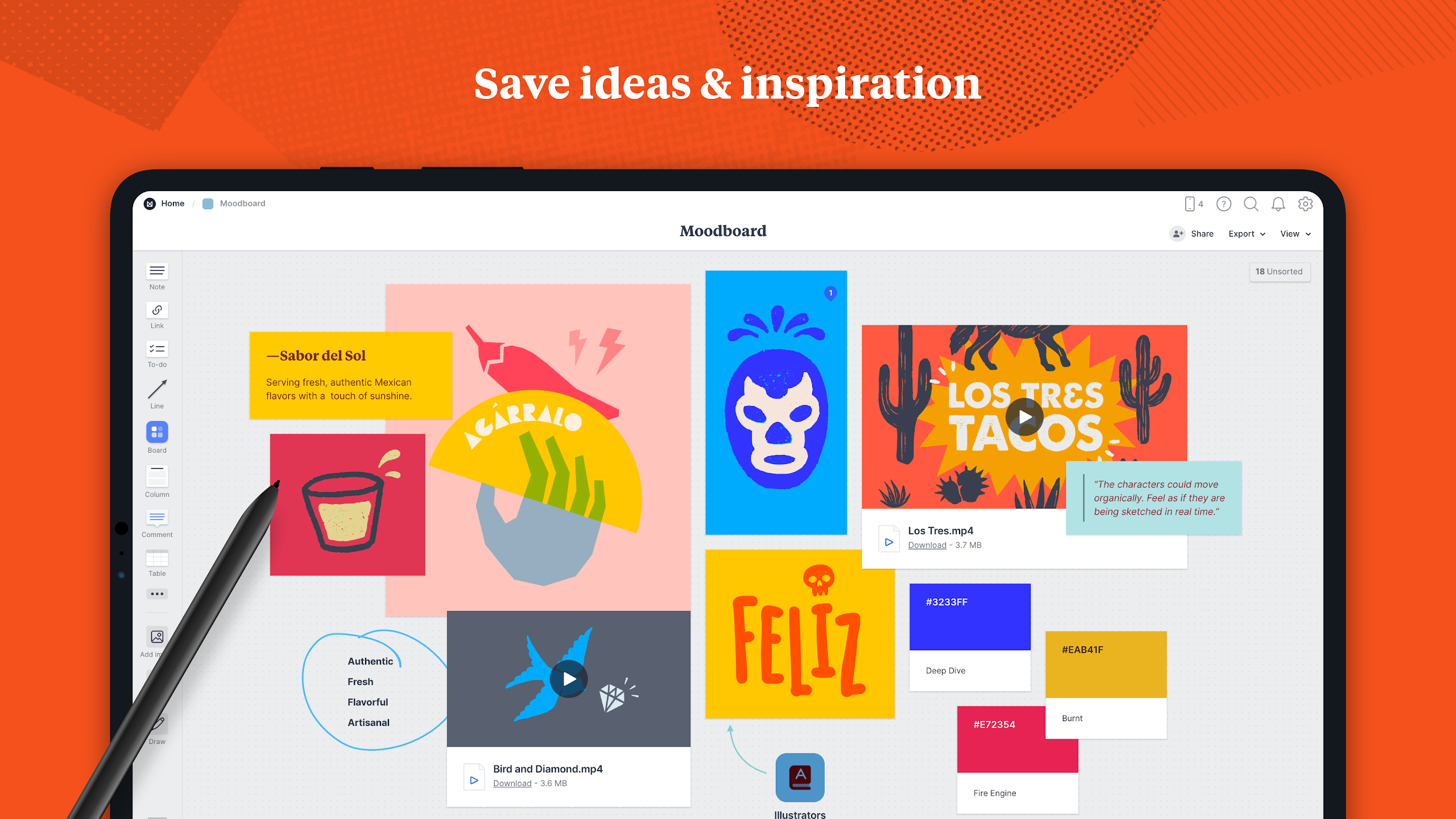
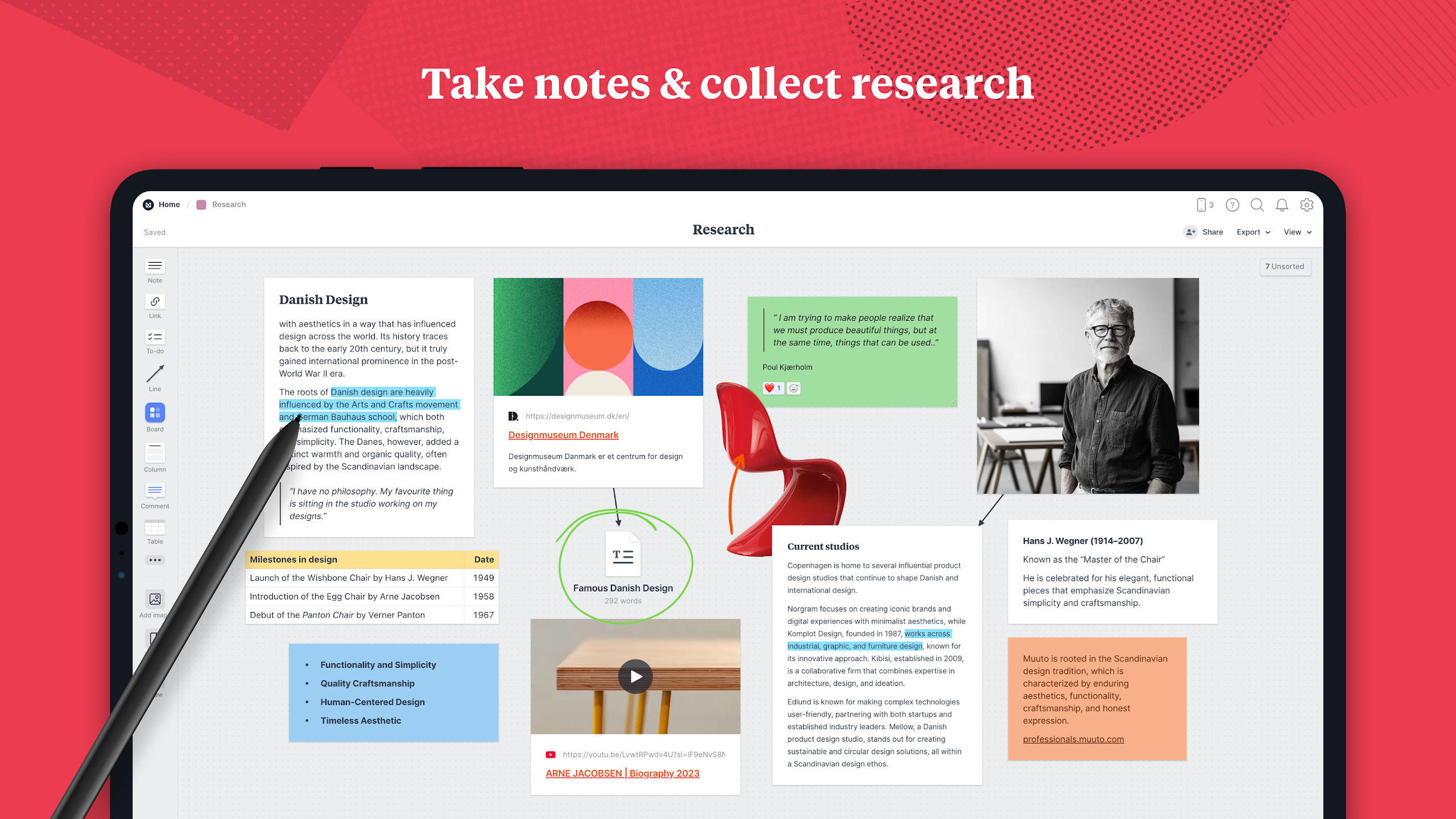
- Effortlessly merge notes, images, videos, sketches, and more. Gather anything that ignites your creativity.
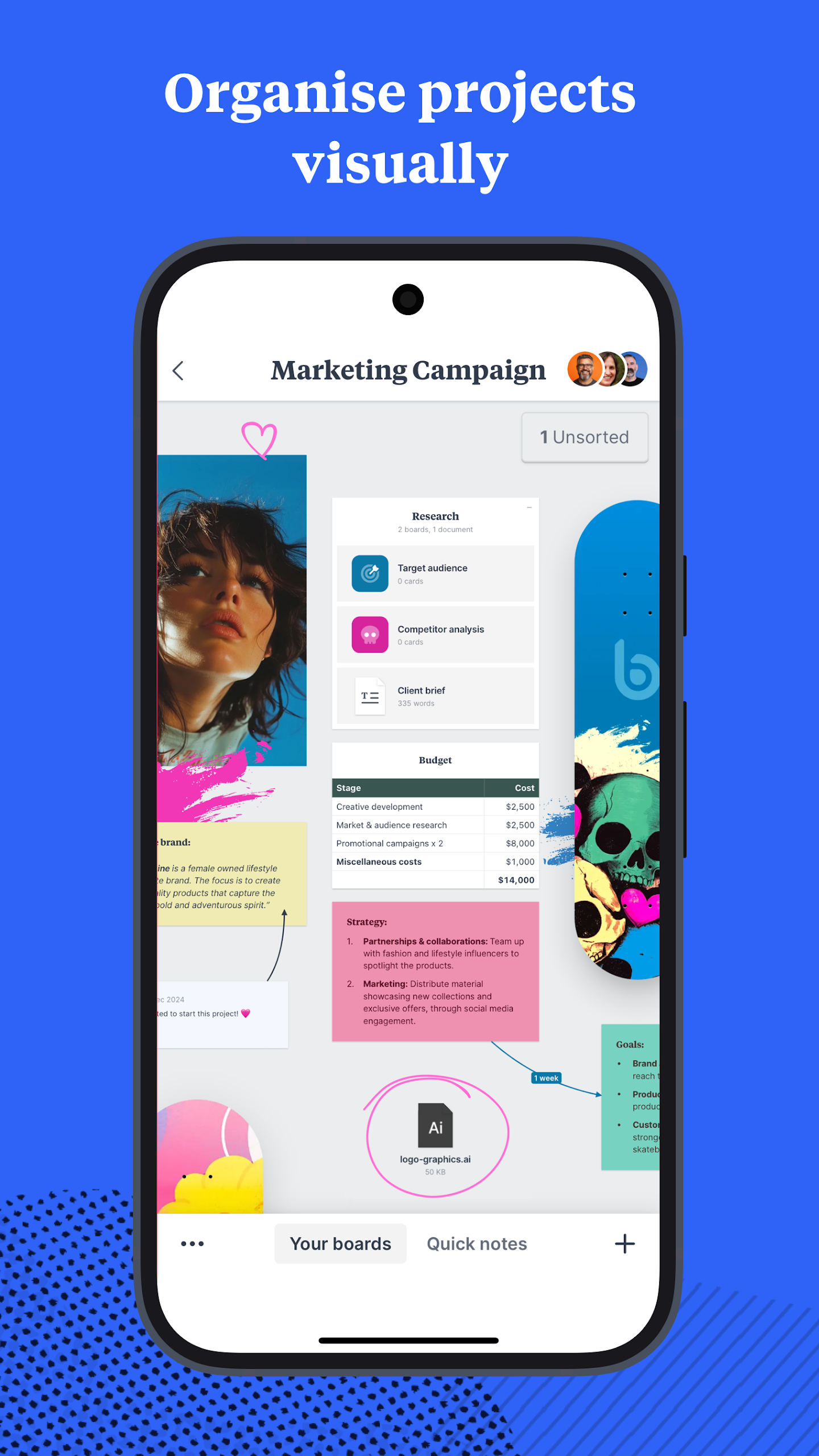
VISUALIZE PROJECT ORGANIZATION
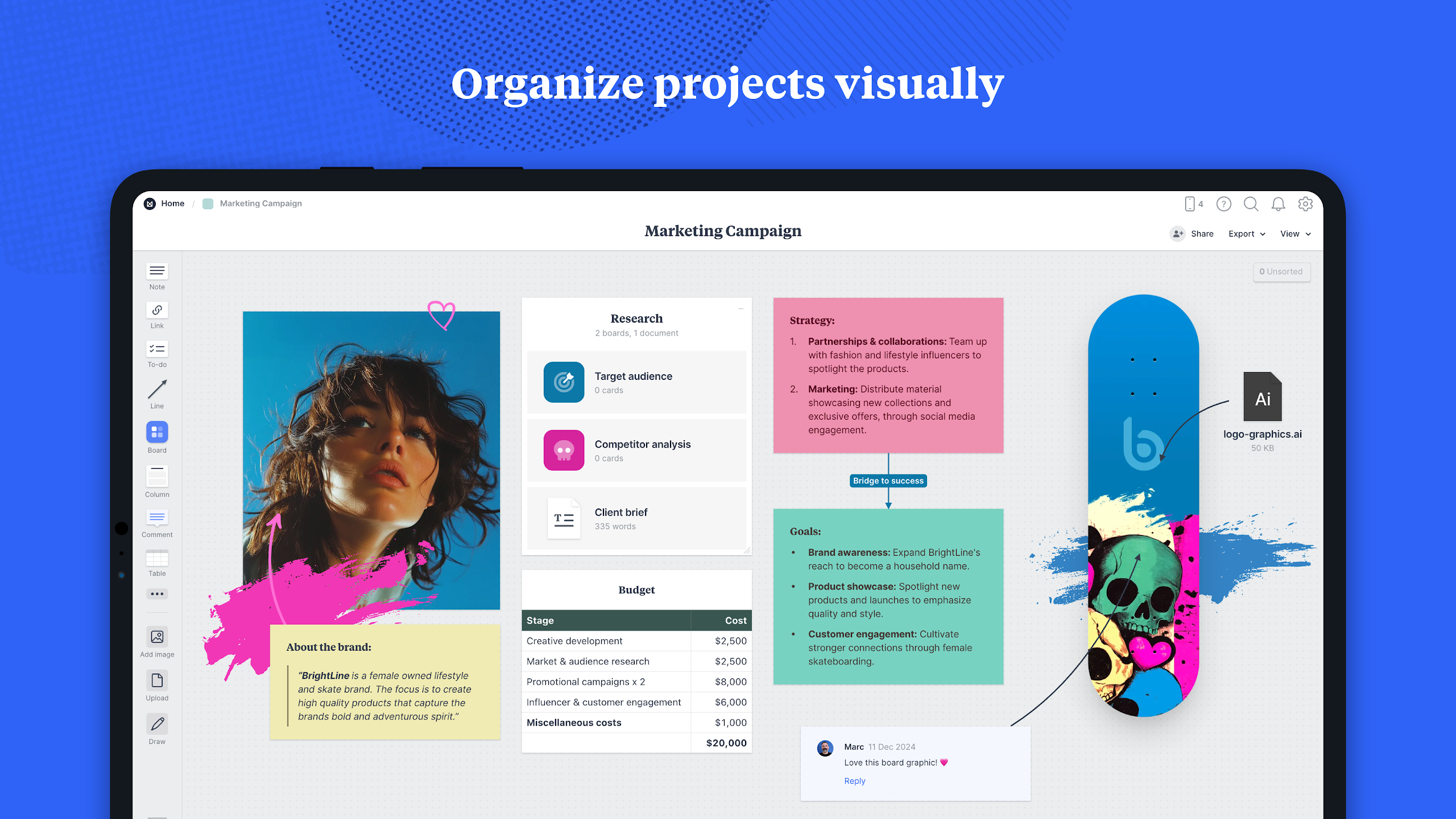
- Consolidate your ideas, tasks, and references into one location—allowing you to grasp both the overall vision and finer details.
CULTIVATE TEAM COLLABORATION
- Milanote boards can function as a personal brainstorming space or a collaborative environment—you dictate who has access to view each element.
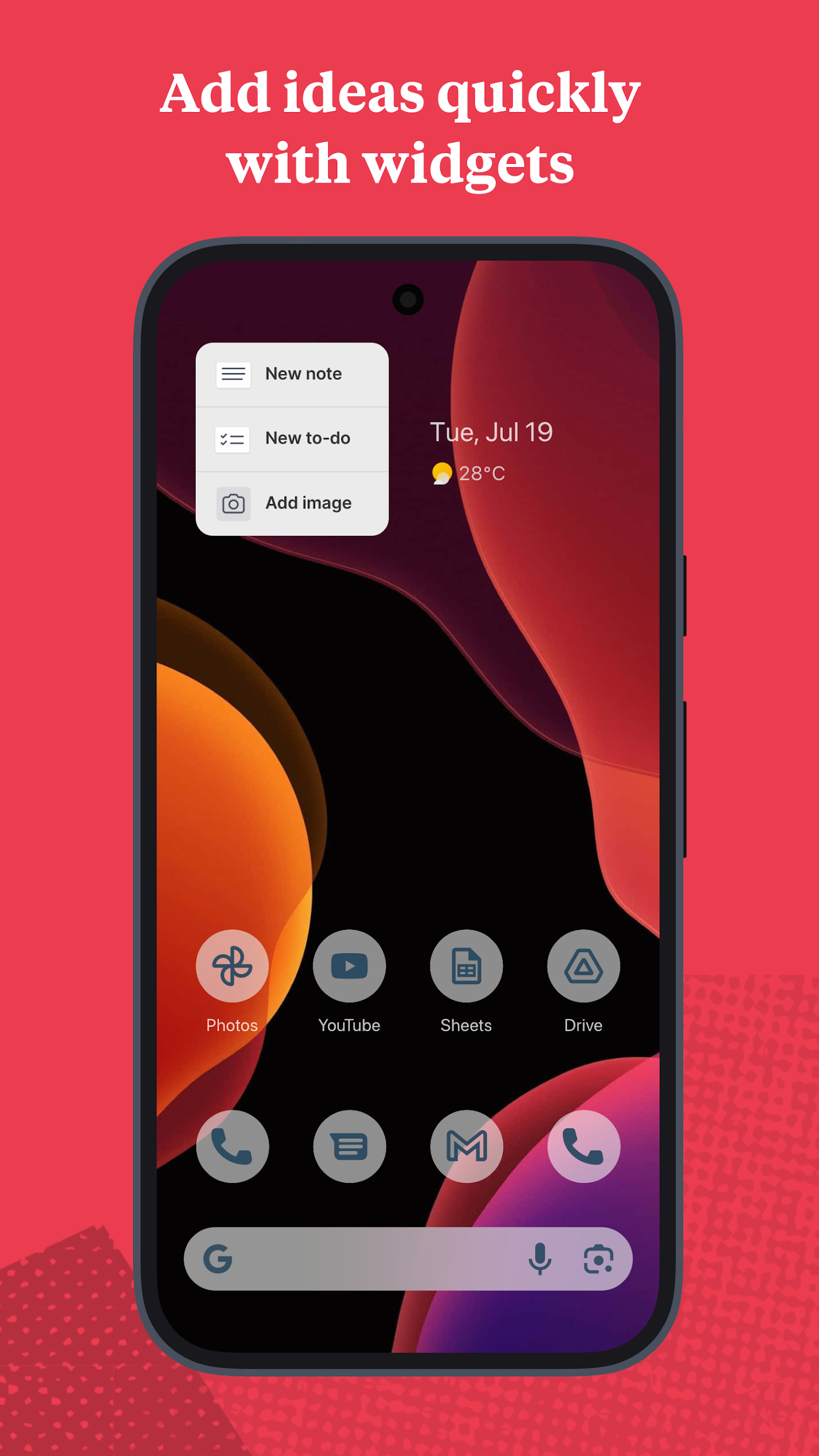
EASILY SAVE CONTENT FROM ANY APPLICATION
- Quickly clip websites, images, and videos directly from your browser, photos app, or anywhere else into Milanote with just a tap.
REAL-TIME SYNC ACROSS DEVICES
- All content saved in Milanote syncs instantaneously across all devices.
Key Features
- Visual Organization
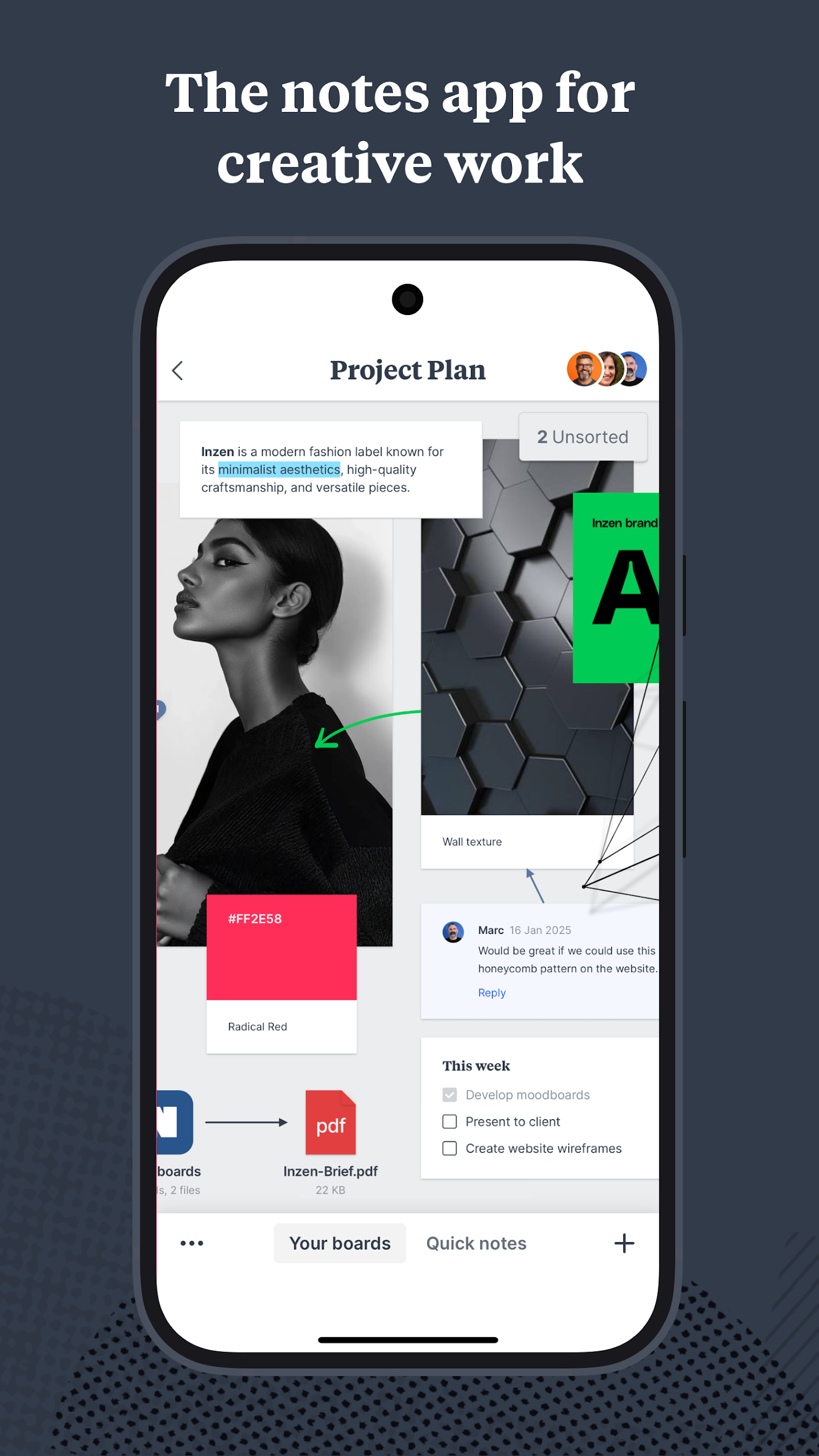
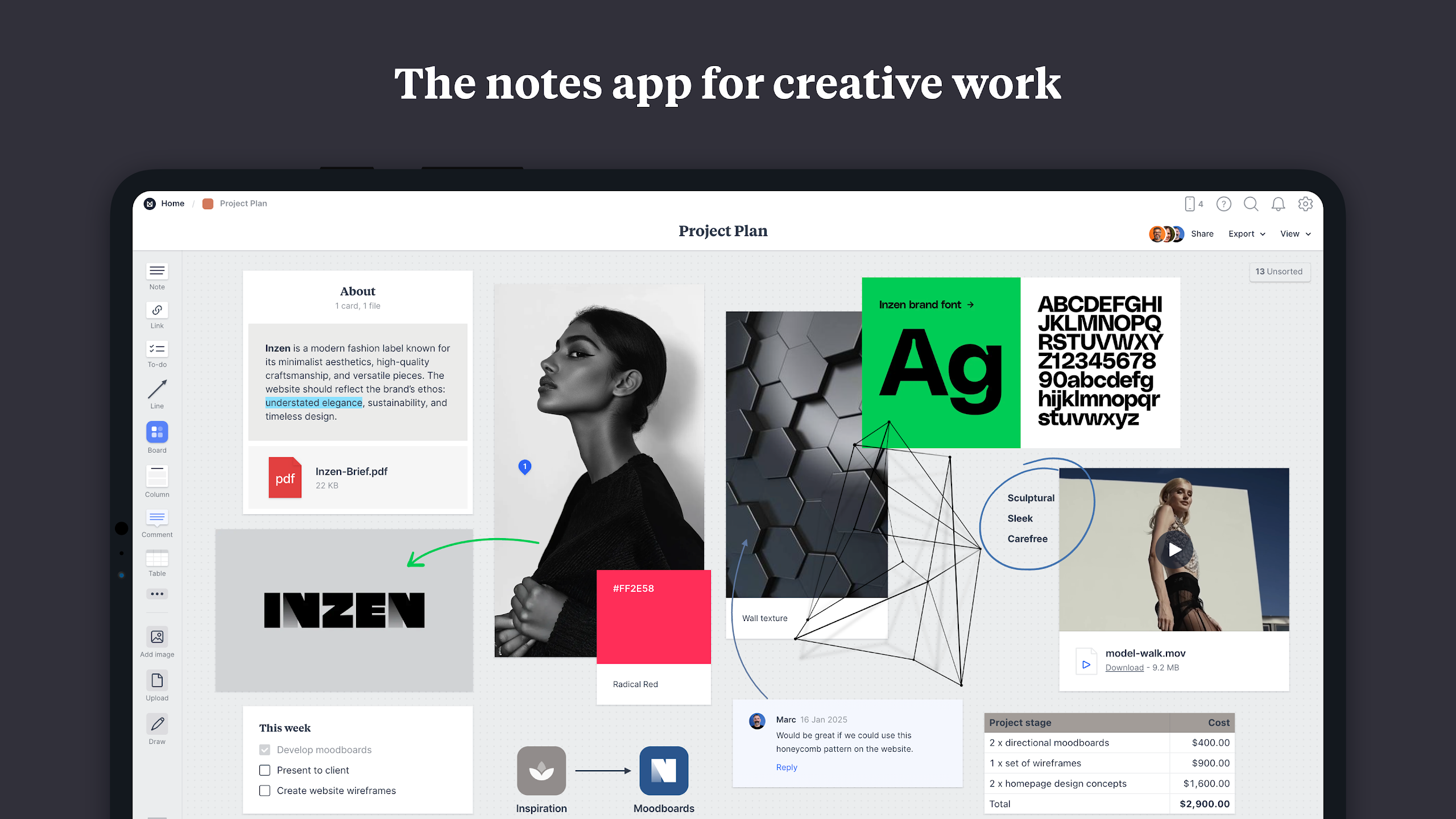
Milanote features a flexible drag-and-drop interface, allowing users to arrange content in any way they want based on project needs. This visual organization helps users more intuitively view and manage project elements, discover connections between ideas and tasks, and gain a holistic understanding of the project.
- Team Collaboration
Milanote serves as an online whiteboard for team members to brainstorm and collaborate, regardless of location. Users can invite team members or clients to discuss ideas and update content in real time, allowing team members to build on each other's ideas. Users also have full control over who can edit, comment, or provide feedback on their boards, and can even share a private link to their boards for easy communication and collaboration.
The Milanote app for Android also offers…
- The ability to create, view, and edit all of your boards
- Options to upload photos, videos, and files
- Tools for sketching and annotating with a stylus
- Notifications regarding comments and content updates
Applicable People and Scenarios
- Designers: Organize project materials, streamline the design process, and integrate inspiration and execution details into visual dashboards.
- Creative Directors: Aggregate scattered inspiration materials (such as images, text, and links) into moodboards to clearly communicate creative direction.
- Marketers: Plan marketing campaigns, integrate market research, creative plans, and action checklists to improve campaign management efficiency.
- Writers: Organize story outlines, character design, and plot lines, and build narrative frameworks through visual dashboards.
- Agencies and startups: Coordinate creative projects, collaborate on brainstorming, or plan business directions to clarify team goals.
Packages and Pricing
Free Plan
- Free forever
- 100 notes, images, or links
- 10 file uploads
- Unlimited panel sharing
Personal Plan
- Price: $9.99/month (annual billing)
- Or $12.50/month (monthly billing)
- Unlimited notes, images, and links
- Unlimited file uploads
- Unlimited panel sharing
Team Plan (Save 50%)
- Price: $49/month (annual billing)
- Maximum 10 users
- Unlimited notes, images, and links
- Unlimited file uploads
- Unlimited panel sharing
- Version3.18.35
- UpdateSep 29, 2026
- DeveloperMilanote
- CategoryProductivity
- Requires AndroidAndroid 10+
- Downloads608K+
- Package Namecom.milanote.milanoteApp
- Signature38a248db5d23181ca761bf958a5d7824
- Available on
- ReportFlag as inappropriate
-
NameSizeDownload
-
34.08 MB
-
34.08 MB
-
34.07 MB


















Easy and intuitive bookmarking from mobile to PC
Quick transfer of copy/pasted URLs into links
Ability to save phone tabs without syncing devices
Useful for quick notes on-the-go
Improved functionality after updates
Smooth collaboration with friends in real-time
Provides excellent organization tools overall
Free version sufficient for basic tasks
Allows fluid experience across devices
Limited functionalities compared to desktop version
Frequent issues with logging into the mobile app
Difficulties in creating or editing layouts on mobile
Major features missing, like column and document support
Inconsistent synchronization between mobile and desktop
Poor performance on Android tablets compared to iPads
Bugs that affect user experience, such as text duplication
Useless for advanced tasks without a computer
Frustrating experience due to lack of offline access