
miEbooks - Interactive e-reader & study tool
Transform reading & studying with interactive notes, highlights, multimedia resources, & offline access for ultimate engagement!

- 6.7.4 Version
- 2.7 Score
- 178K+ Downloads
- Free License
- 3+ Content Rating

1. App Overview
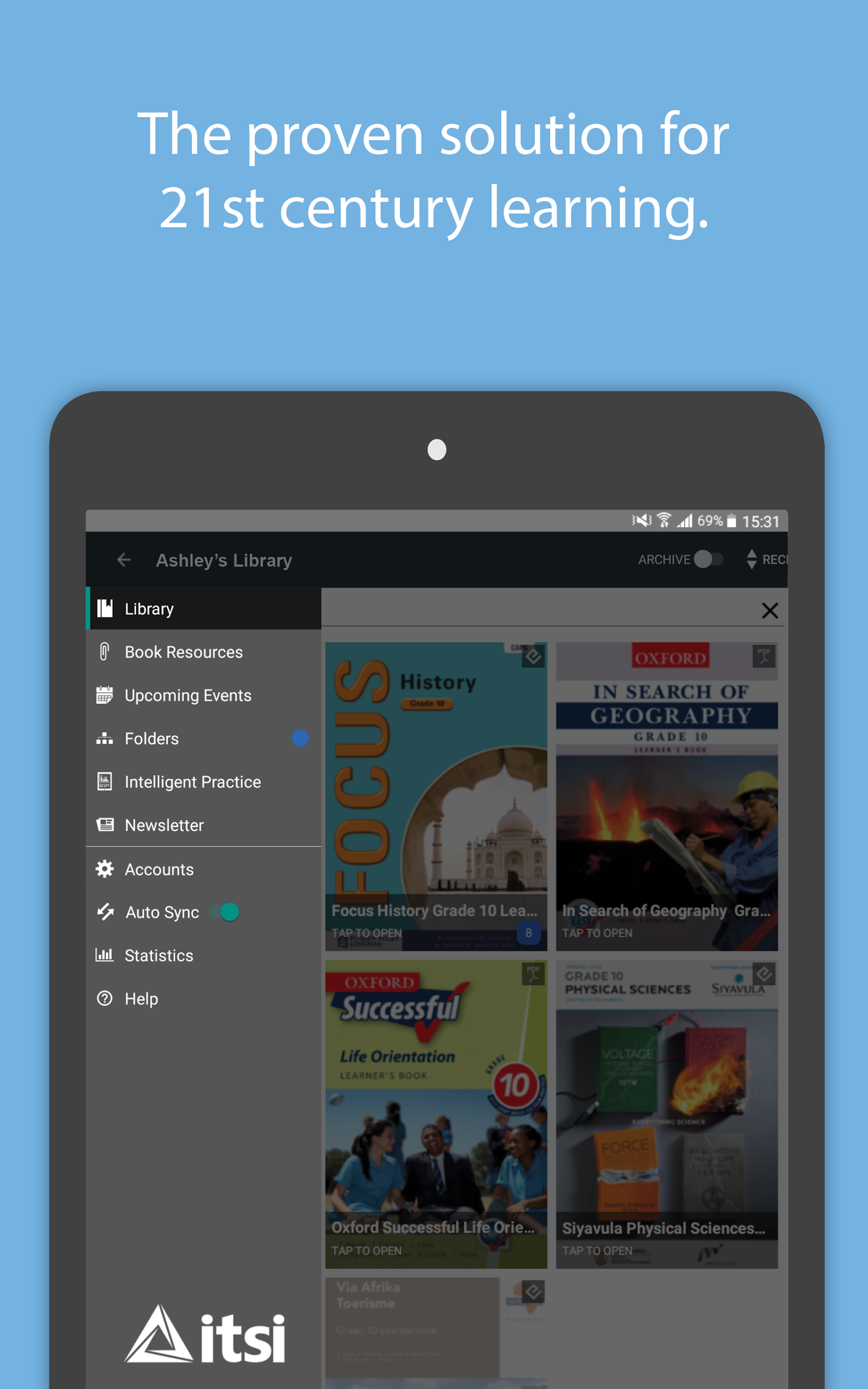
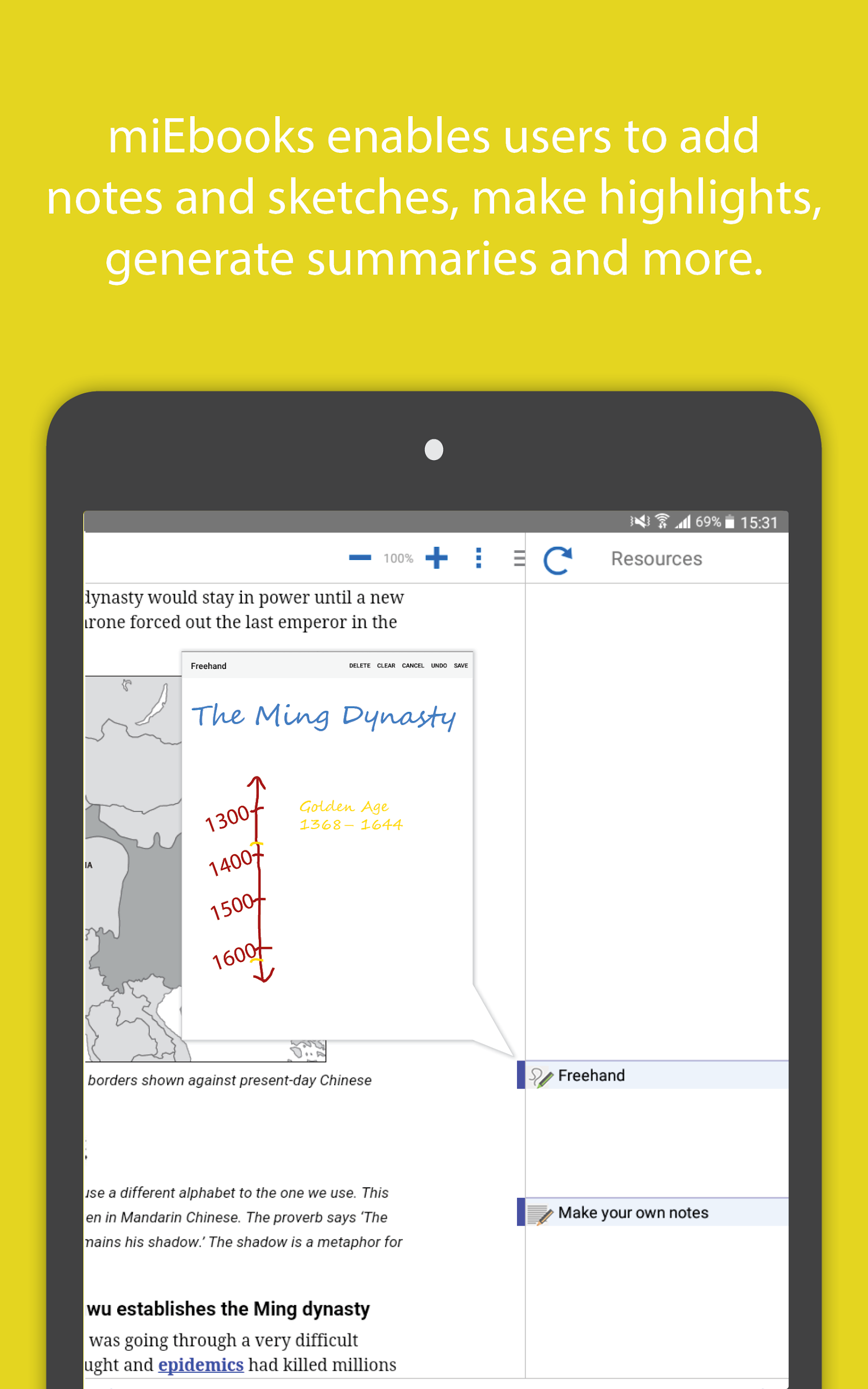
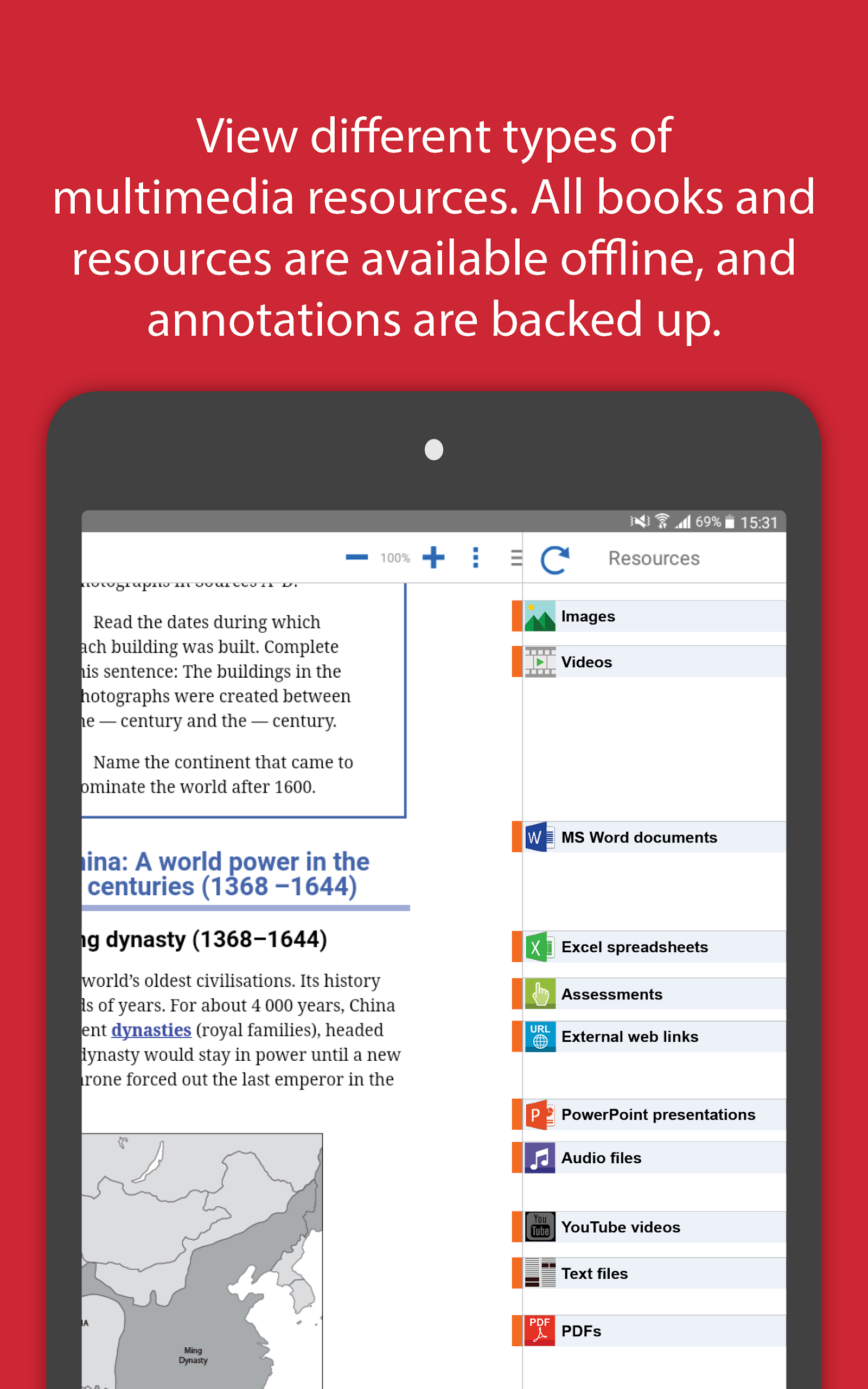
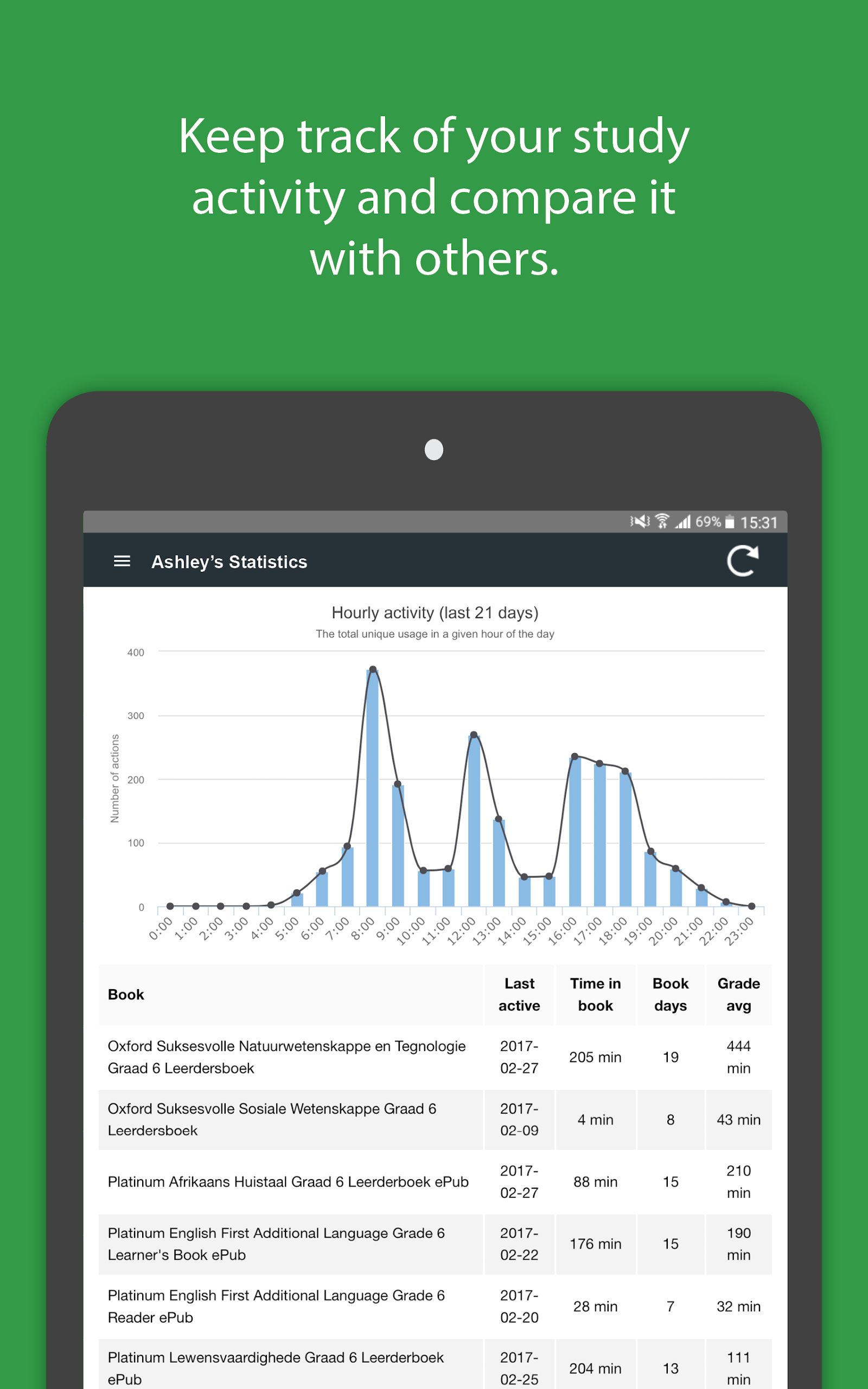
miEbooks is a digital reading and learning application developed by ITSI. Designed for educational and professional environments, it combines e-book reading with tools for annotating materials, organizing information, and reviewing study content. Readers can highlight passages, add written notes and illustrations to specific sections, and generate summaries from selected text. The application also supports supplementary multimedia resources that extend learning materials beyond conventional text-based content.
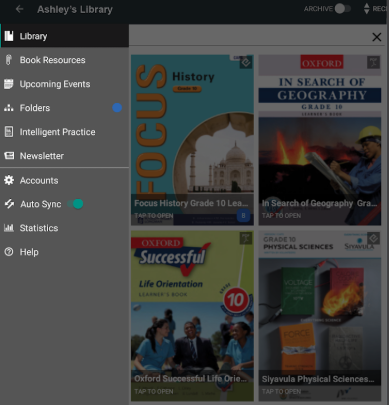
Downloaded e-books remain accessible offline, allowing readers to continue studying without an active Internet connection. Annotations are saved automatically and synchronized when the device reconnects to the Internet or the Wi-Fi network at the user's educational institution.
miEbooks is used in schools, higher education institutions, and businesses as part of their digital learning programs. Its reading and study tools also make it suitable for individuals working with digital educational materials.
2. Key Features
Interactive annotation tools: Highlight passages and add written notes or illustrations directly to specific sections of an e-book.
Highlighted-text summaries: Generate study summaries from selected passages for easier review.
Supplementary multimedia resources: Access additional media materials associated with digital learning content.
Offline reading: Keep downloaded e-books available without an active Internet connection.
Automatic synchronization: Save annotations automatically and synchronize changes when a network connection becomes available.
Multi-sector learning support: Accommodate digital learning programs in schools, universities, and business environments.
3. Main Functions
Read digital books: Open and navigate downloaded e-books within the application.
Annotate reading materials: Highlight relevant passages, write comments, and insert illustrations alongside the original content.
Create revision summaries: Collect highlighted passages into summaries for subsequent review.
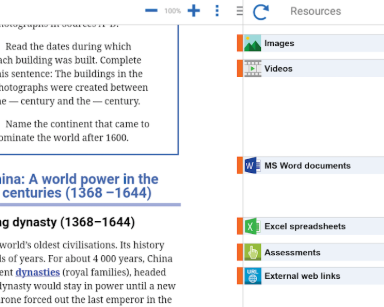
Access supplementary materials: Explore multimedia resources associated with the e-books.
Study without an Internet connection: Continue reading previously downloaded materials offline.
Synchronize saved work: Upload annotations and other changes after reconnecting to the Internet or institutional Wi-Fi.
4. FAQs
Q1: Can miEbooks be used offline?
Yes. Downloaded e-books remain accessible without an Internet connection.
Q2: Does miEbooks support annotations?
Yes. Readers can highlight passages, add written notes, and insert illustrations into specific sections of an e-book.
Q3: Can I create study summaries in miEbooks?
Yes. The application can generate summaries from highlighted text, which can be used for revision.
Q4: Are annotations saved automatically?
Yes. Changes are saved automatically and synchronized when the device reconnects to the Internet or the Wi-Fi network at the user's educational institution.
Q5: Who can use miEbooks?
miEbooks is used by schools, higher education institutions, and businesses for digital learning. Individual readers can also use it to read and annotate e-books.
Q6: Who develops miEbooks?
miEbooks was developed by ITSI, an educational technology provider associated with the Teach360 brand. Teach360 is part of the Optimi Group, which offers educational resources, digital learning tools, assessments, and classroom support.
- Version6.7.4
- UpdateNov 27, 2026
- DeveloperOptimi
- CategoryEducation
- Requires AndroidAndroid 5.1+
- Downloads178K+
- Package Nameza.co.itschools
- Signature06cea5858f745a56d9d29052d58b47f8
- Available on
- ReportFlag as inappropriate
-
NameSizeDownload
-
38.25 MB
-
36.17 MB
-
33.72 MB
















No ads enhancing user experience
Automatic recovery of last opened page
Helpful for studying and note-taking
Useful flashcard decks for learning
Ability to highlight text for study purposes
Access to educational resources shared by teachers
Lightweight, reduces the burden of carrying physical books
Positive customer support experiences reported
Inconsistent loading of textbooks and features
Frequent crashing and freezing of the app
Poor management of e-books with limited removal options
Bugs causing difficulties like deleting notes or textbooks
Limited customization and functionality compared to other apps
Not compatible with certain devices and operating systems
Frustrating user interface design
Slow response from customer support
Risk of losing access to materials during crucial study periods