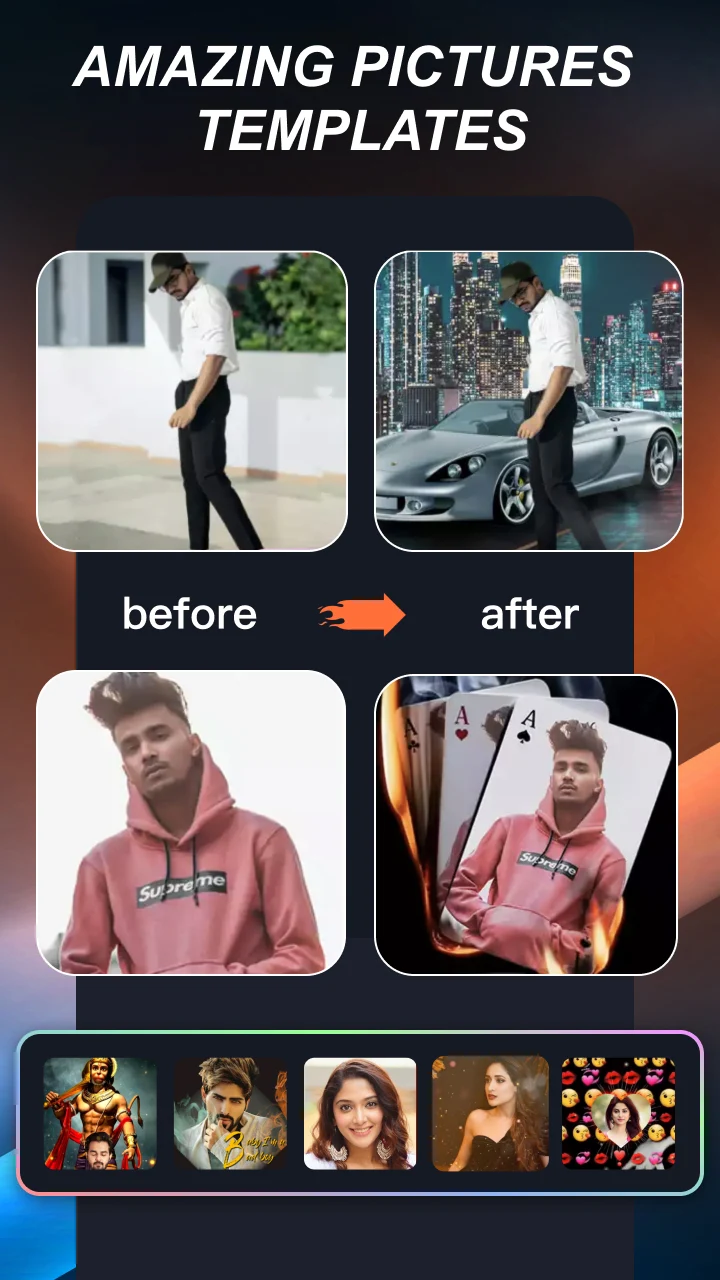
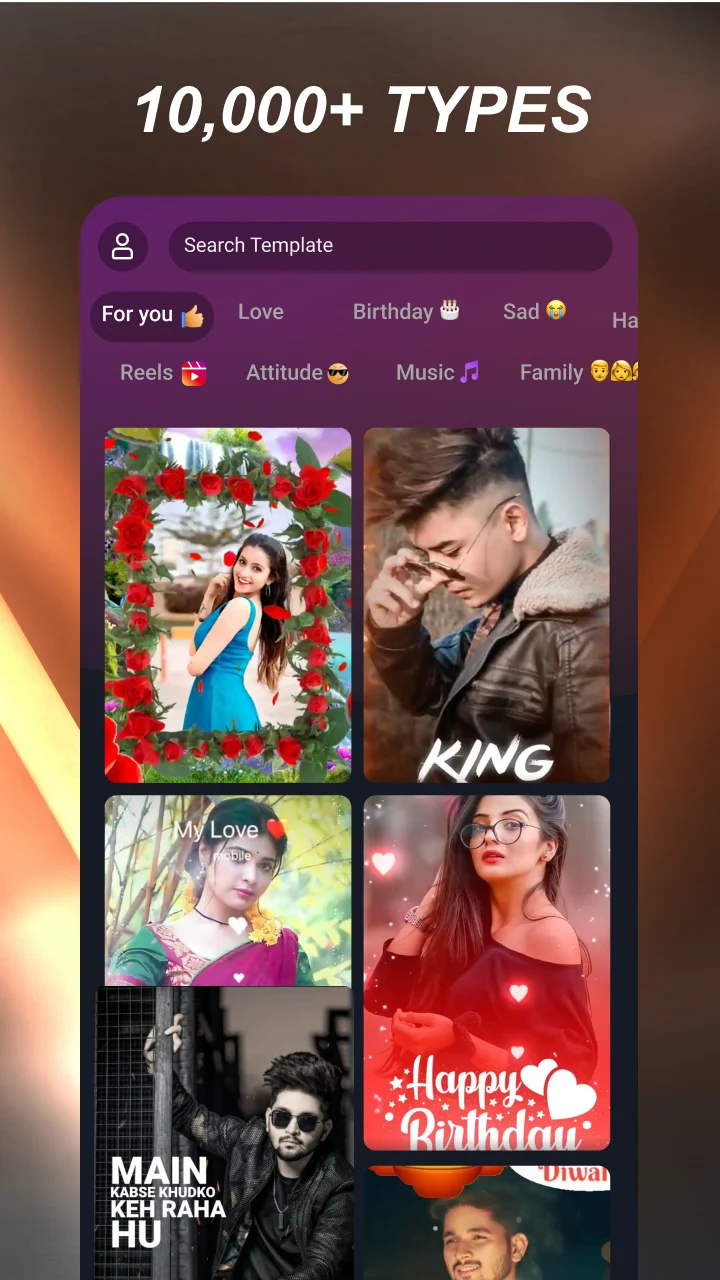
mAst - Music player & streaming
Master your social media analytics and performance with mAst app.
- 2.5.6 Version
- 4.5 Score
- 172M+ Downloads
- In-app purchases License
- 3+ Content Rating
Welcome to mAst!
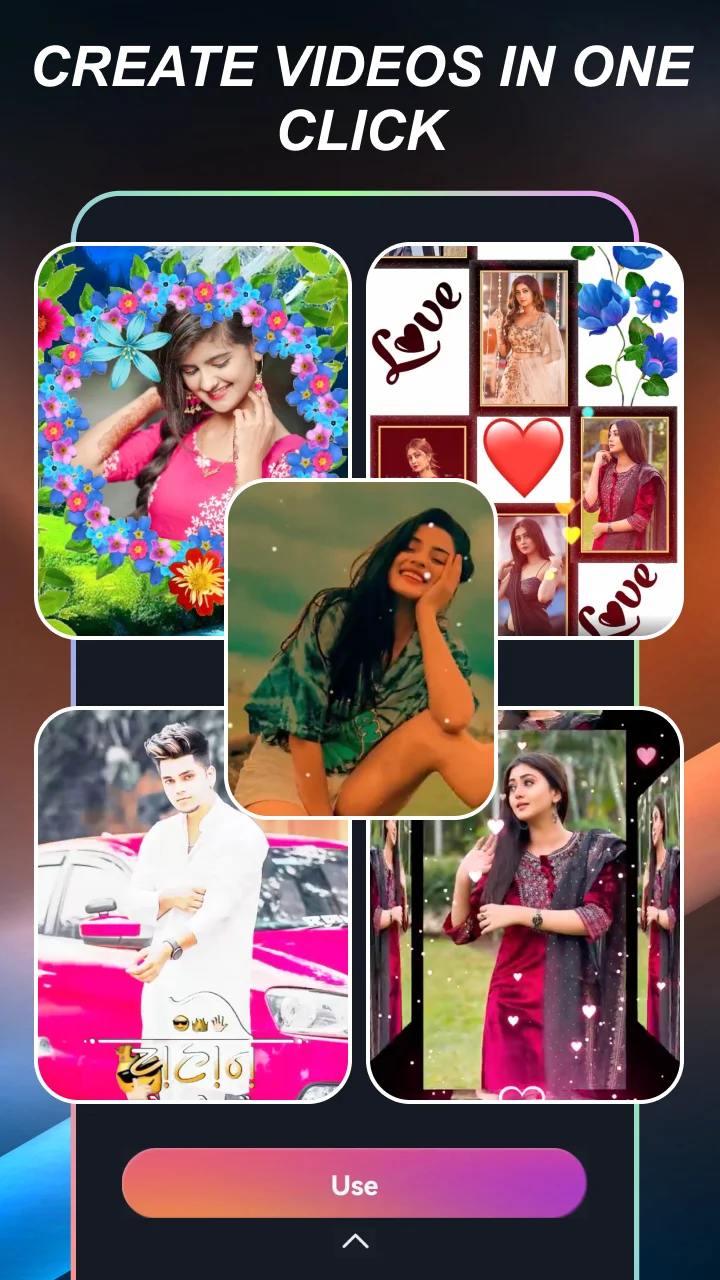
Express yourself with the best Music Status Video Editing APP & Snack Video Status Maker out there. With our innovative mobile wizardry, you can dive into a world where endless possibilities meet the swipe of your fingertips. Say goodbye to average and hello to extraordinary as we revolutionize the way you experience the digital realm. Unleash your creativity and make cool videos effortlessly!
Unlock Your Creative Potential:
- Free Photo Video Maker with Music
- Tons of themes available: from lyrics to magic effects
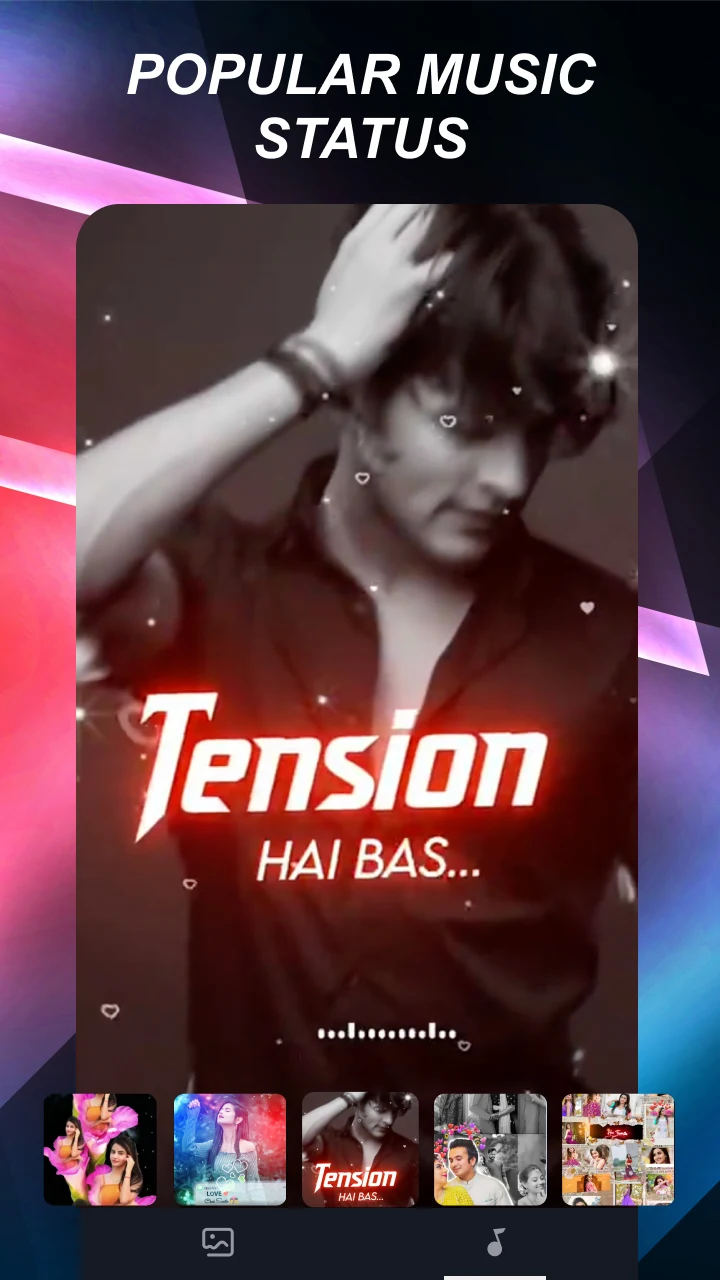
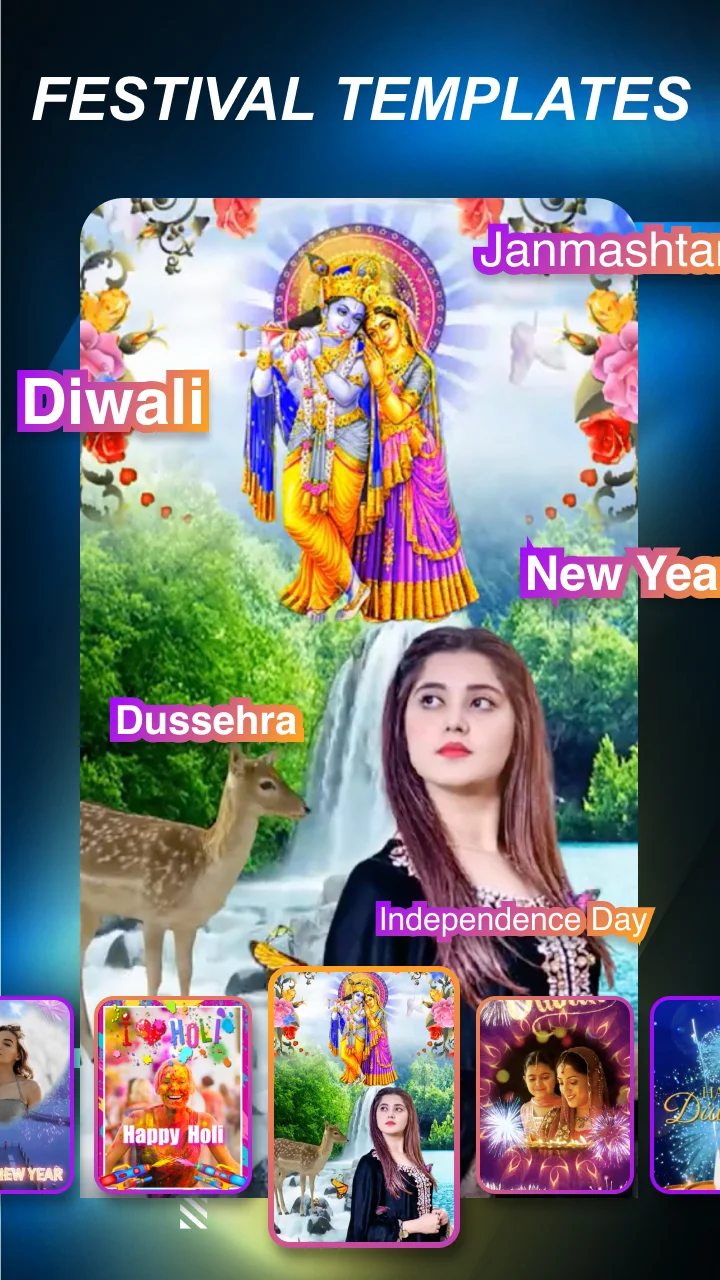
- Create Lyrical Video Status, Festival Video Status, and more
- Choose from a variety of music types like pop, rock, and hip-hop
- Edit your videos with dynamic Beat Effects and unique visual animations
- Share your masterpieces on TikTok, YouTube, Instagram, and more
Join mAst now and become the ultimate master of making blockbuster music videos!
How to create videos on mAst
You need to download mAst from the app store. After downloading, you need to open the application on your phone. Once opened, you will see the Terms of Service. If you can choose the Privacy Policy, then you must accept the terms. If you want to run the application in G language, you must select that language here. After selecting, you will see many templates. Regardless of which template you want to use to create your video, you must select all the options here.
At the bottom, there's a "Create" option; you can select this if you want to create videos on the mAst app. If you want to edit any video on your phone, then you can do so. You can click the "Edit Video" button, and then click here.
However, you'll see a "U" option here. If you select this option and click and hold, you'll see various templates. Then, if you click the "New" option, you can use any of the provided templates to create a video from your photos.
If you want to create a video using the WeiBiao template, please click here.
If you would like to create a birthday-related video, please click here.
It offers many options if you wish, so you can create any type of video you want.
After selecting a template, the video will start playing music. You can upload it here if you wish, and then share and download it from this page later.
You can scroll up to find a template you like, and then select any template video you want to create below. After finding a template you like, click the video option provided below and add the required photos and videos. After clicking, it will ask for some permissions, especially storage permissions. If it requests permission, you must click "Go to top". After confirming, you will be granted access again. After granting permission, your gallery will open from here. Select your favorite materials and click "Confirm".
You can then add music in the bottom right corner; you can choose music already downloaded to your phone. After selecting, return to see the complete video. If you want to remove the software watermark from the video, you can click on the watermark and select the cut function (requires a paid membership).
- Version2.5.6
- UpdateNov 28, 2025
- DevelopermAst App
- CategoryVideo Players
- Requires AndroidAndroid 5.0+
- Downloads172M+
- Package Namecom.mast.status.video.edit
- Signatured141fd0bbe60a813eb5451567faddde1
- Available on
- ReportFlag as inappropriate
-
NameSizeDownload
-
110.14 MB
-
107.67 MB
-
107.56 MB