
Live streaming for Event - Live streaming events & chats
Experience seamless live streaming & engaging interactions with your community through vibrant video content on Facebook!
- 1.2.8 Version
- 4.7 Score
- 352K+ Downloads
- In-app purchases License
- 3+ Content Rating

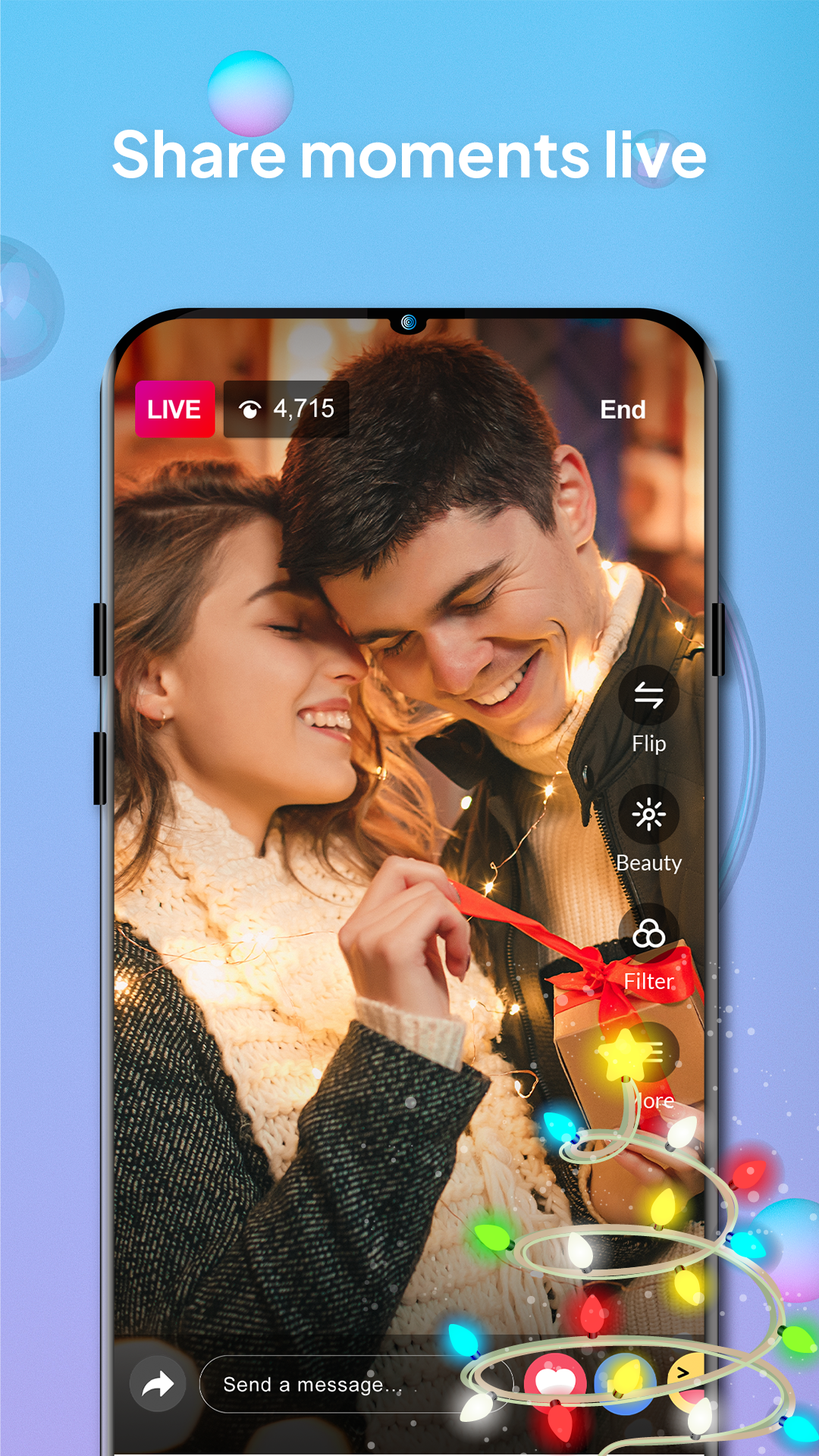
About the app:
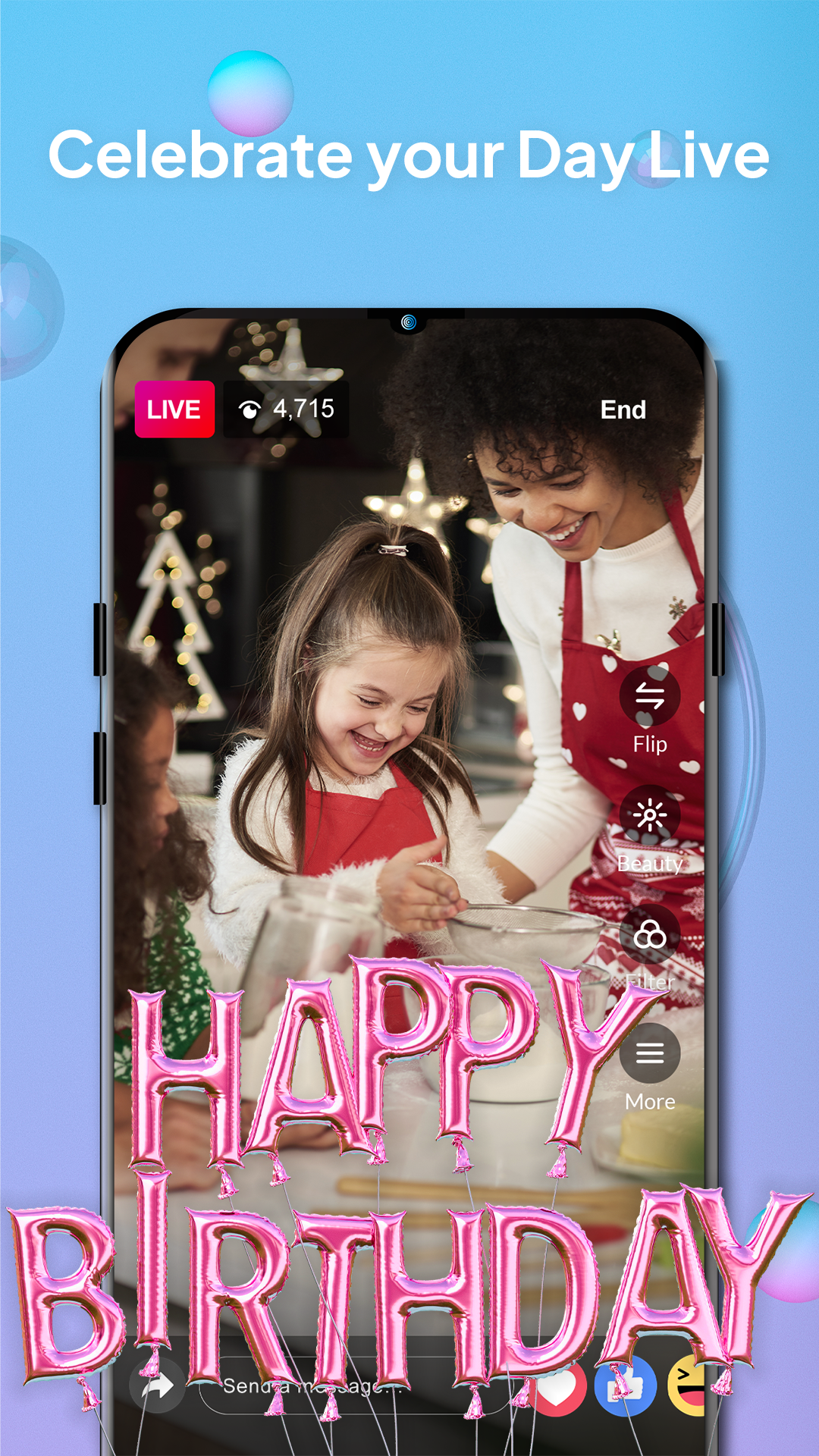
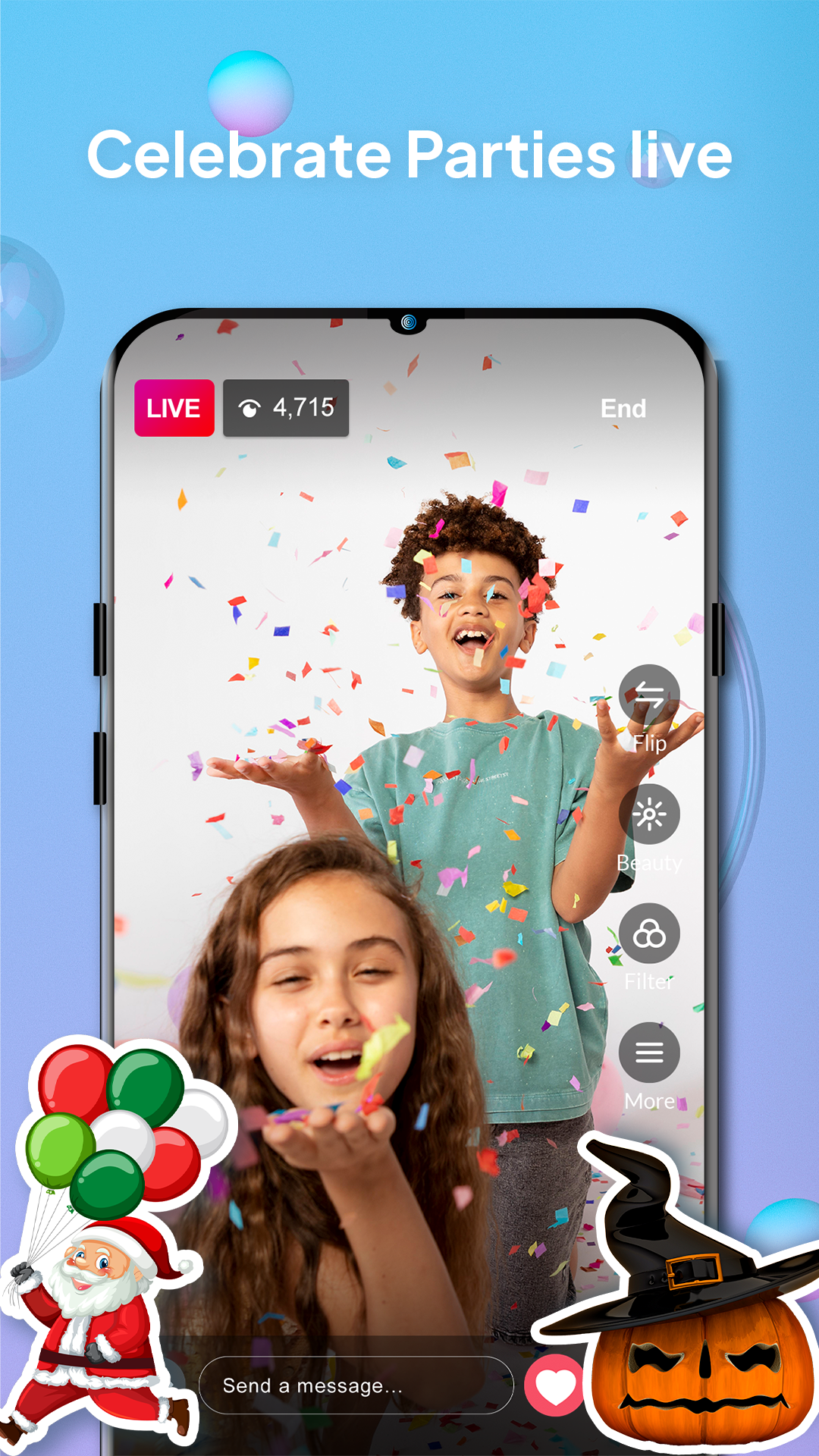
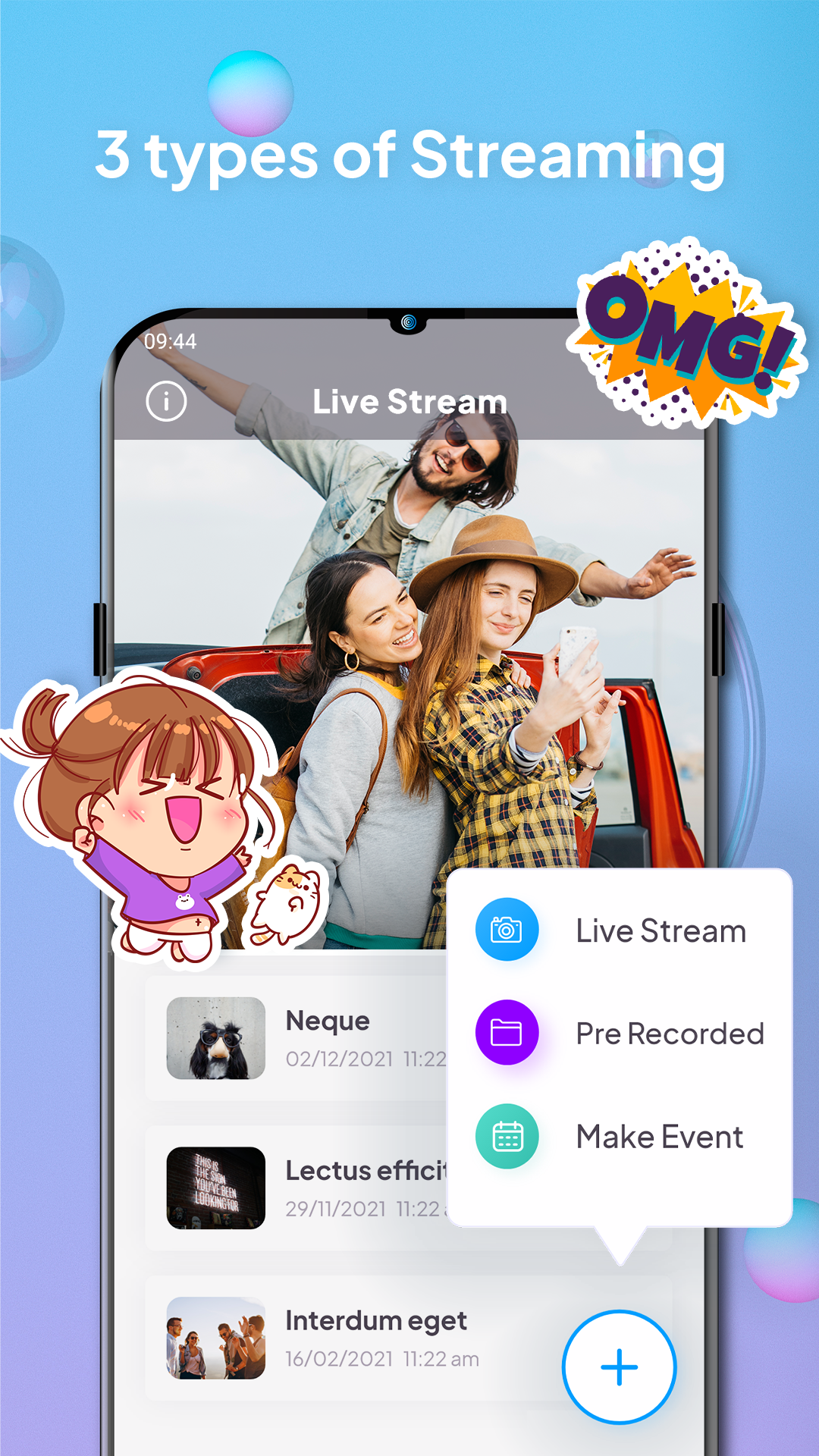
Utilize Facebook live streaming to broadcast a variety of events, including performances, discussions, Q&A sessions, videos from your collection, and even multi-streams to Facebook. The community on Facebook can participate by joining the live stream, asking questions, leaving comments, reacting with distinctive emojis, or simply following along in real-time via live video chats. Facebook live streaming stands out as a premier social application for live video streaming.
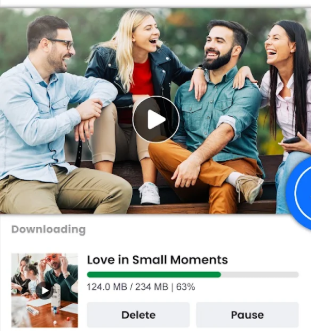
Viewers are able to enjoy your Facebook live streams on mobile devices, computers, or smart TVs equipped with live streaming applications. Live Video Chat captivates the audience through reactions, shares, comments, and various interactive features, enhancing engagement during the Live Stream and facilitating friend connections.
Features:
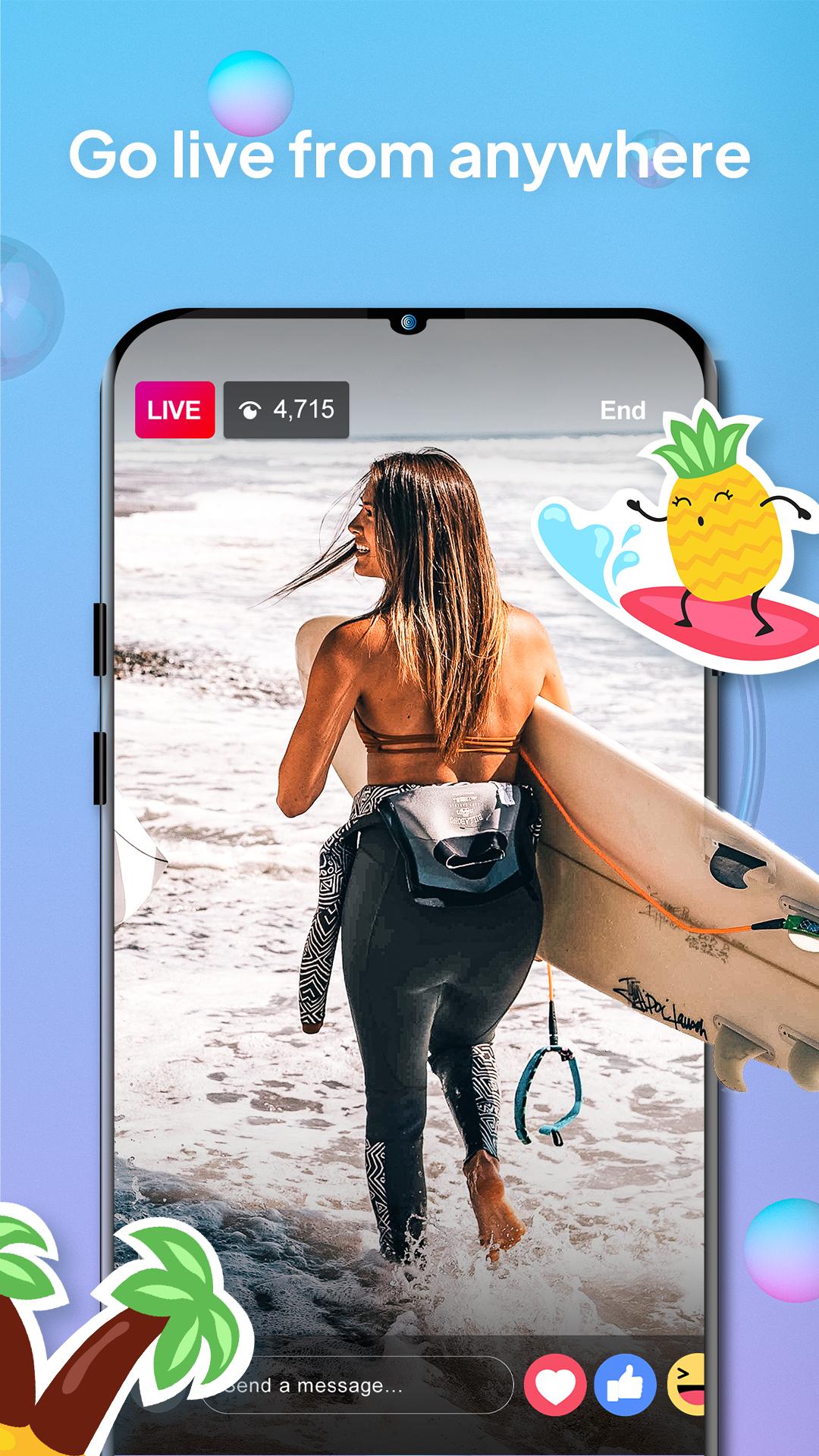
1. **Strong Social Interaction**: Viewers can comment, send unique emojis, chat in real time, and share live broadcasts, providing a direct connection between streamers and fans.
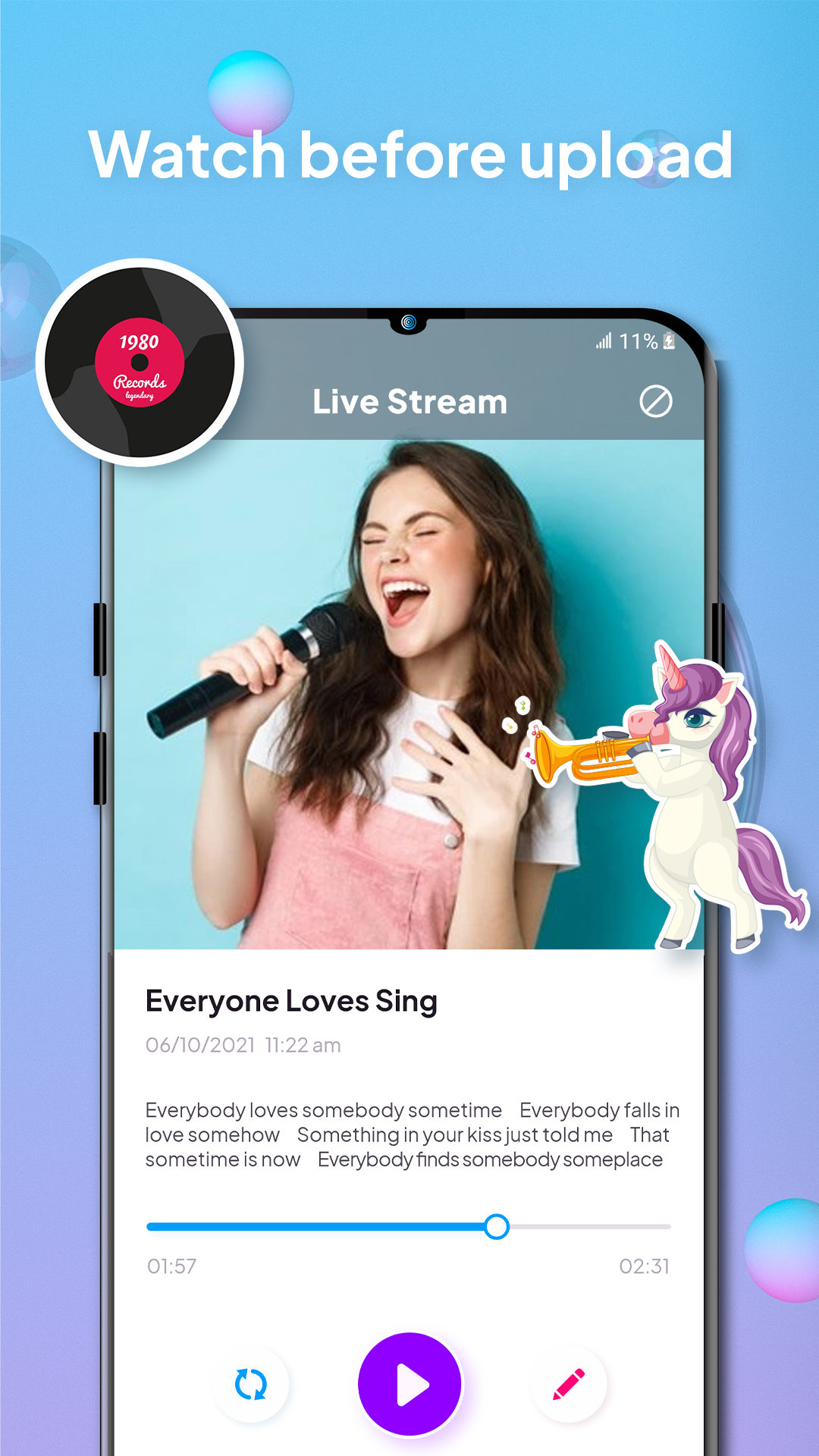
2. **Wide Coverage**: Supports daily sharing (performances/Q&A), game live streaming, and pre-recorded video playback, suitable for individuals, brands, and communities.
3. **Flexible Distribution**: Live streams can be simultaneously broadcast on multiple pages, embedded on websites, and live videos can be saved for on-demand viewing.
4. **Easy to Use**: Basic features are free, and you can start broadcasts on mobile phones or computers, and schedule and notify viewers in advance.
5. **Cross-Device Viewing**: Watch on mobile phones, computers, and smart TVs, regardless of device.
6. **Controllable Permissions**: Limit viewing permissions, balancing public broadcasts with private interactions.
Functions:
Explore options for live streaming on Twitch for gaming purposes.
Through Camera Live Streaming, you can broadcast live on a Facebook page, within groups, or at Facebook events. Using the Streamlab Mobile App allows you access to additional features when going live on a page.
1 - With the live video streaming app, you can share your broadcast across multiple pages.
2 - You can limit access to your livestream using the free broadcasting app and streaming tool.
Engage with your audience through a social live video streaming network.
To initiate live streaming on Facebook, you’ll require Live Streaming Chat and Live Video Chat functionalities. By using services to stream movies and watch live TV shows, you can conduct live broadcasts of events directly. The multi-streaming feature enables you to showcase videos from your gallery. Additionally, Mobile Tournaments allow scheduling for live streaming. Facebook tv watch is an excellent choice for live streaming on Facebook, and you can also post your live videos to your timeline, pages, or groups while utilizing Game Live Streaming.
Boost your Facebook live stream visibility with a video-to-live application.
1 - Through free live streaming, you can distribute your live stream in groups or on Facebook pages as well as on your personal profile. Viewers can share your Live Stream Video Games with their friends on Facebook too.
2 - With a gaming virtual network, you have the capability to simultaneously post your live stream to multiple pages.
3 - You can also embed your video game streams onto your website.
Plan your live streams using a live streaming application.
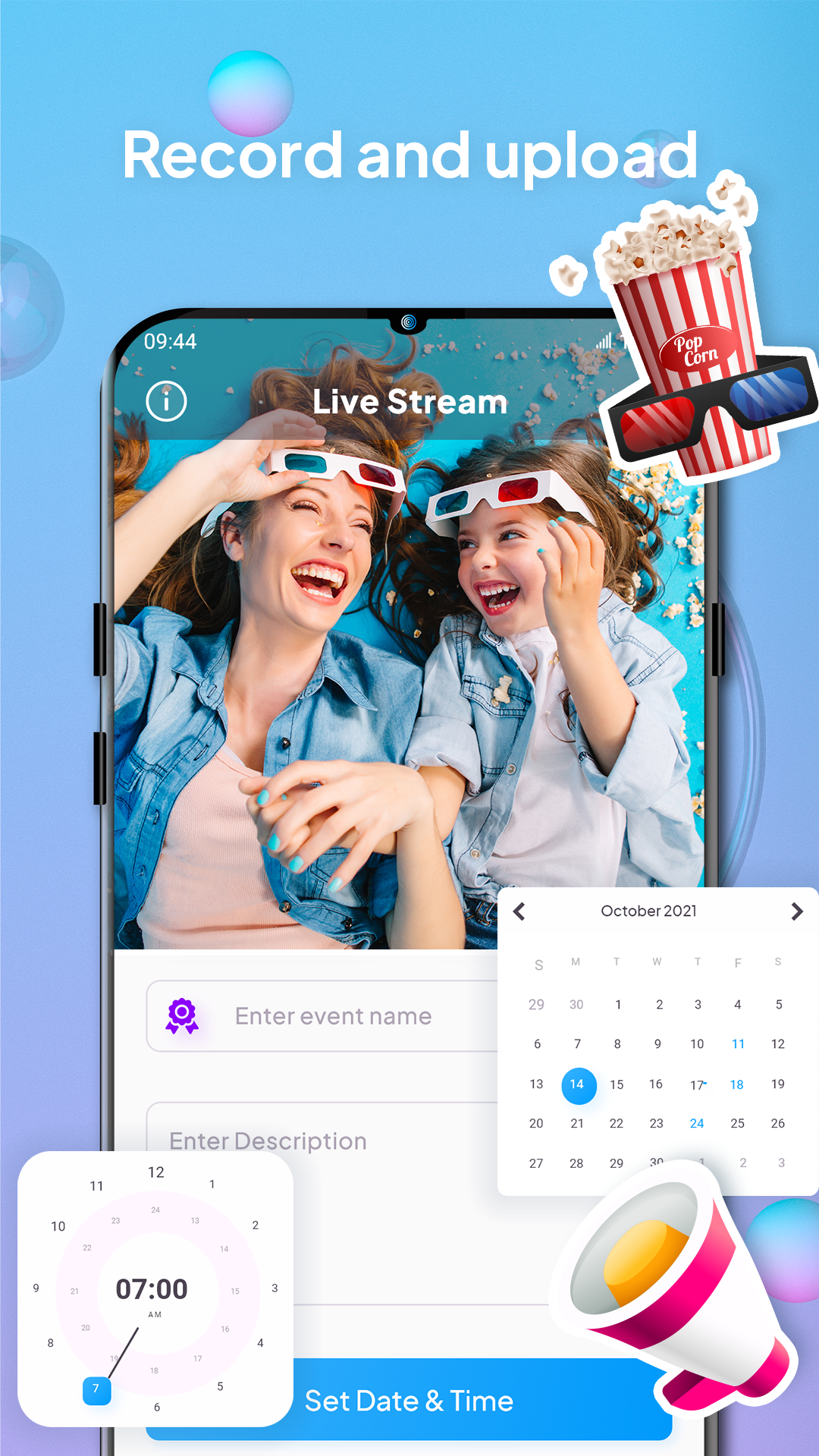
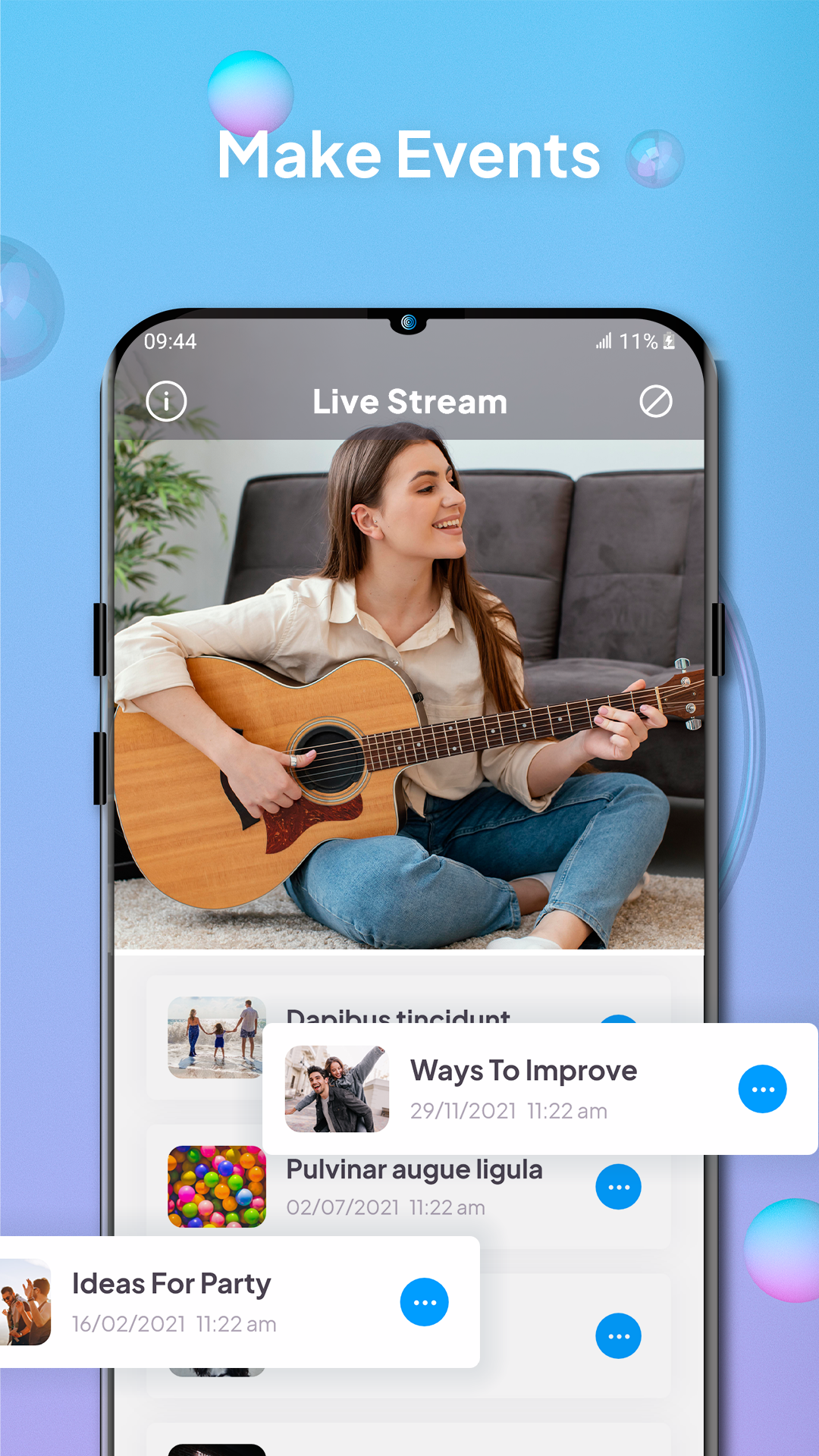
With Live Streaming, Chat, and Live Video Chat capabilities, you can schedule your live streams up to one week ahead of time, keeping your audience informed. Your viewers will easily connect when your live broadcast starts using the gaming live stream app.
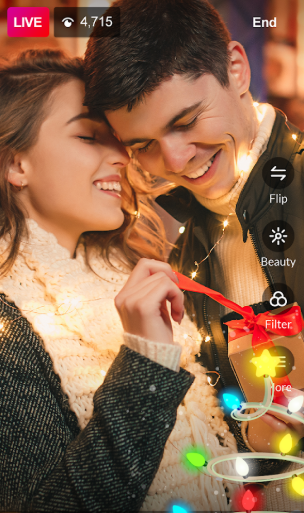
Attract fans with online game streaming.
1 - Utilize the gaming live stream app to engage and interact with your followers.
2 - Showcase your talents through Tuber games, gaining more followers.
3 - This is an opportunity to become a renowned influencer by meeting and chatting with fans.
4 - With live streaming, dedicated gaming communities strive to excel and aim to become the top live streamer on Facebook.
Create a personal live video chat room using the live stream feature on Facebook and engage with fans and gamers alike.
Using free video marketing tools, establish a dedicated live video chat space for your special fans and friends. Stream content specifically for selected individuals to foster interaction and meaningful conversations with the Facebook live app.
Core Values and Target Audience:
1. Core Values
- **Strong Social Attributes**: Leveraging Facebook's massive user base, live streaming can quickly reach existing friends and potential fans, enabling more direct interactions and more efficient follower acquisition.
- **Flexible Scenario**: Whether it's personal sharing, gaming livestreams, brand events, or knowledge education, you can find a suitable livestreaming model without relying on specialized livestreaming platforms.
- **Low-Cost Entry**: Basic features are completely free, allowing you to start broadcasting, interact, and distribute content without paying, making it suitable for novice streamers or small and medium-sized creators.
2. Target Audience
- **Individual Creators**: Talent bloggers (livestreaming performances), knowledge sharers (livestreaming Q&A sessions), and gamers (livestreaming gameplay) can build a following through livestreaming.
- **Brands/Merchants**: Livestreaming can be used for product launches, promotions, and user Q&A sessions, directly reaching target customers and increasing brand exposure and user communication efficiency.
- **Community Operators**: Livestreaming within Facebook groups can enhance group interaction (such as community events and topic discussions), boosting community activity and cohesion.
FAQs:
1. **Q: What types of content can be streamed on Facebook Live?**
A: It supports a wide variety of content types. You can stream performances, Q&A sessions, topic discussions, and other daily sharing, as well as live game streams and play pre-recorded videos you've saved. Additionally, events, brand promotions, and community-specific interactive content can all be presented through this feature.
2. **Q: How can I expand the reach of my Facebook Live?**
A: There are several practical methods. You can simultaneously push your live stream to multiple Facebook pages; you can also embed the live stream into your personal or brand website; scheduling your live stream up to a week in advance and notifying your followers can effectively increase viewership; viewers can also share the live stream with friends, helping to expand its reach.
3. **Q: Can I restrict who can watch my Facebook Live?**
A: Yes. This feature allows you to set viewing permissions for your live stream. You can stream publicly to everyone or restrict it to only your followers, community members, or specific groups, easily balancing the needs of public dissemination and private interaction.
4. **Q: Is there a fee for Facebook Live? Is it easy for beginners to get started?** **
A:** Basic functions are completely free. You can start a live stream using either a mobile phone or a computer; the operation threshold is very low. Beginners can start a live stream directly and can also utilize features such as appointment reminders and multi-page distribution, allowing you to manage your live stream without any additional investment.
5. **Q:** On which devices can viewers watch Facebook Live? And how can they interact?
A: Viewers can watch live streams on various devices such as mobile phones, computers, and smart TVs. Interaction methods are also rich; viewers can send comments in real time, send personalized emojis, participate in live chat, and share the live stream with friends, achieving direct interaction between the streamer and fans.
- Version1.2.8
- UpdateOct 23, 2026
- DeveloperZag Technology
- CategorySocial
- Requires AndroidAndroid 5.0+
- Downloads352K+
- Package Namecom.livevideos.videostreamer
- Signature44792df4d5a0ad22a46c0720fdf59932
- Available on
- ReportFlag as inappropriate
-
NameSizeDownload
-
9.50 MB
-
9.50 MB
-
6.55 MB














User-friendly for those lacking computer skills
Excellent for live advertising
High potential if developed further
Trustworthy application
Engaging for upcoming projects
Encouragement for future improvements
Issues with linking to Facebook account
Errors in switching camera and uploading videos
Unclear registration process with unnecessary questions
Slow login times for first-time users
User dissatisfaction with lack of free trials
App lacks functionality like horizontal rotation
Feelings of suspicion regarding security and phishing
Missing promised features, such as virtual backgrounds
Overall frustration leading to potential app deletion