
LG Universal TV Remote - LG Smart TV Remote
Transform your phone into a powerful remote for LG Smart TVs & enjoy effortless control over your entertainment experience.
- 1.0.14 Version
- 1.6 Score
- 670K+ Downloads
- Free License
- 3+ Content Rating

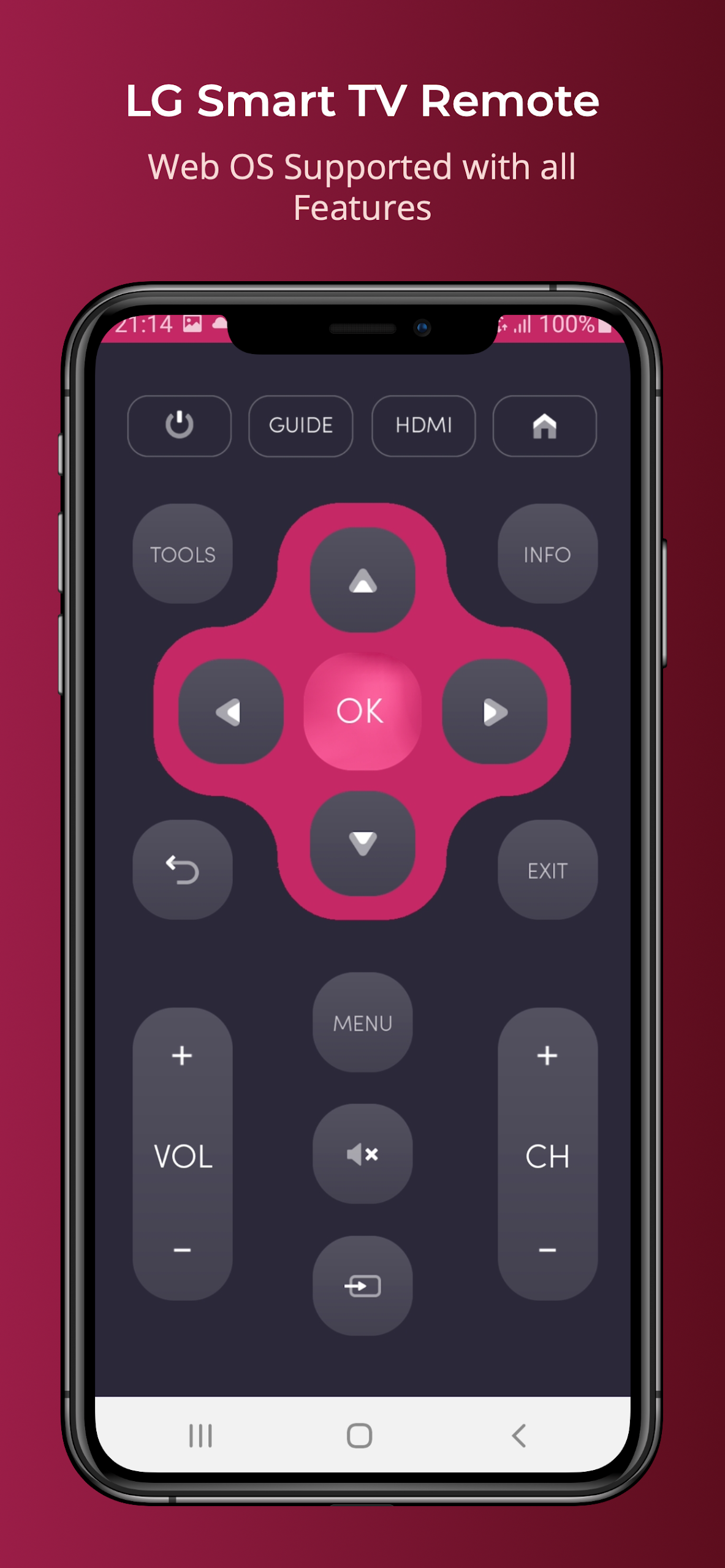
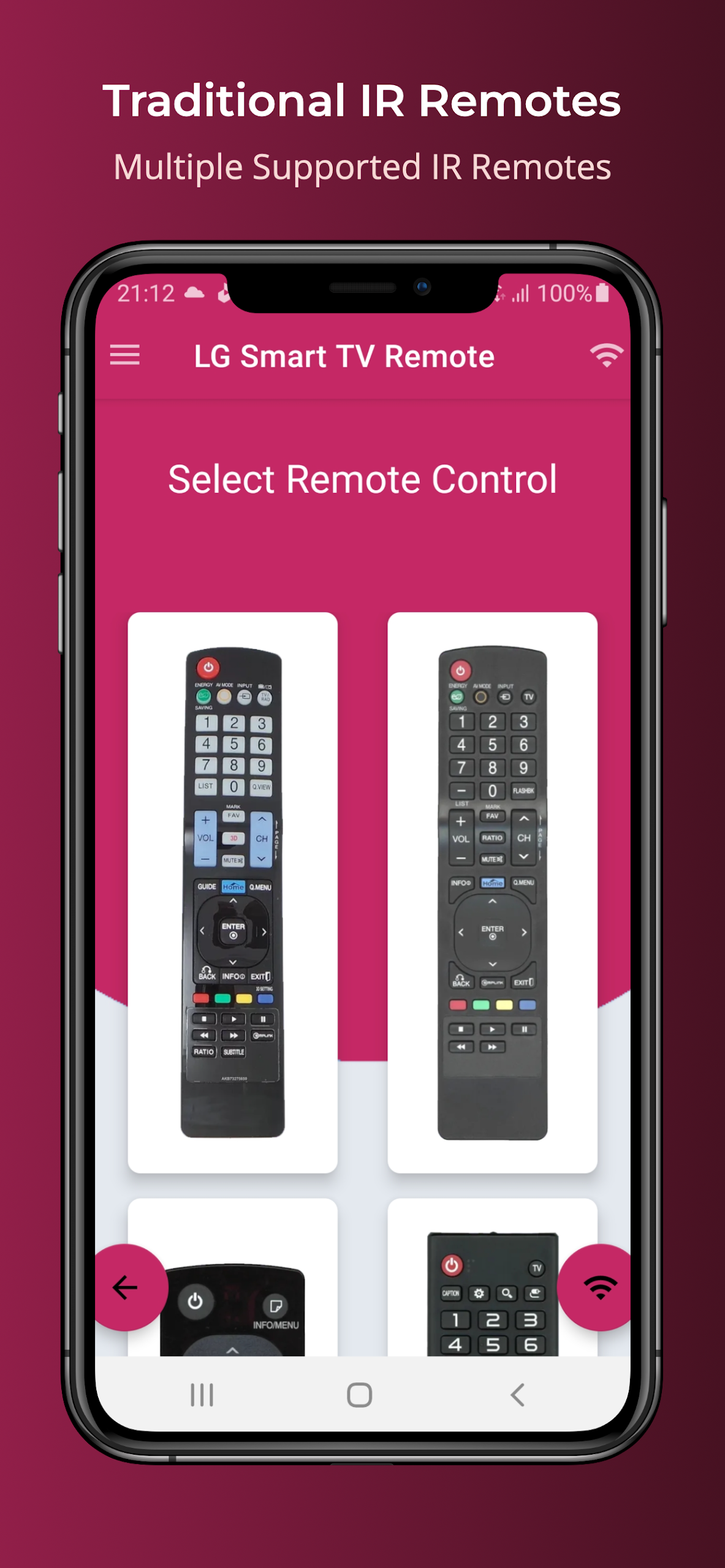
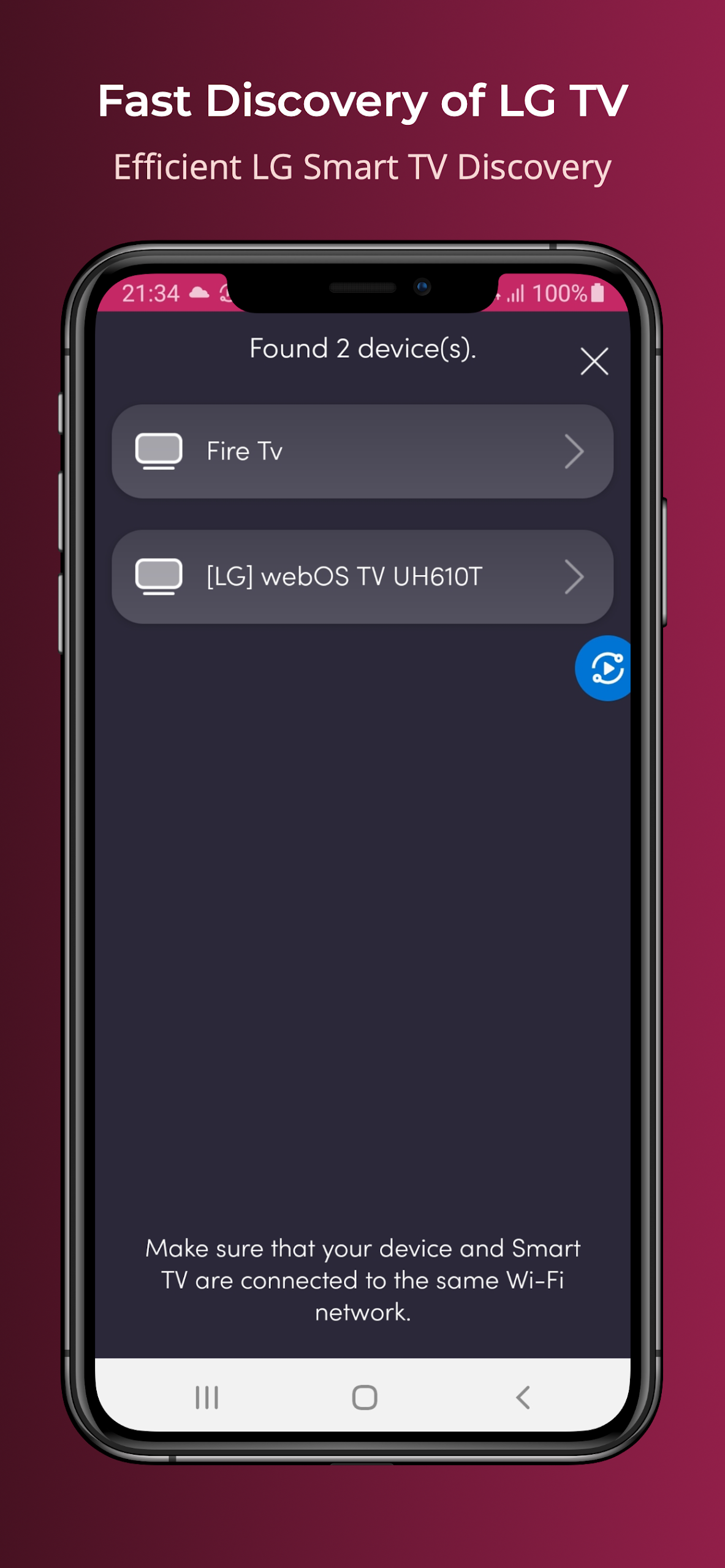
Reasons to Choose LG Universal TV Remote:
*Transform your smartphone into a remote control for your LG Smart TV, eliminating issues with dead batteries and damaged plastic remotes.
*Compatible LG Smart TVs
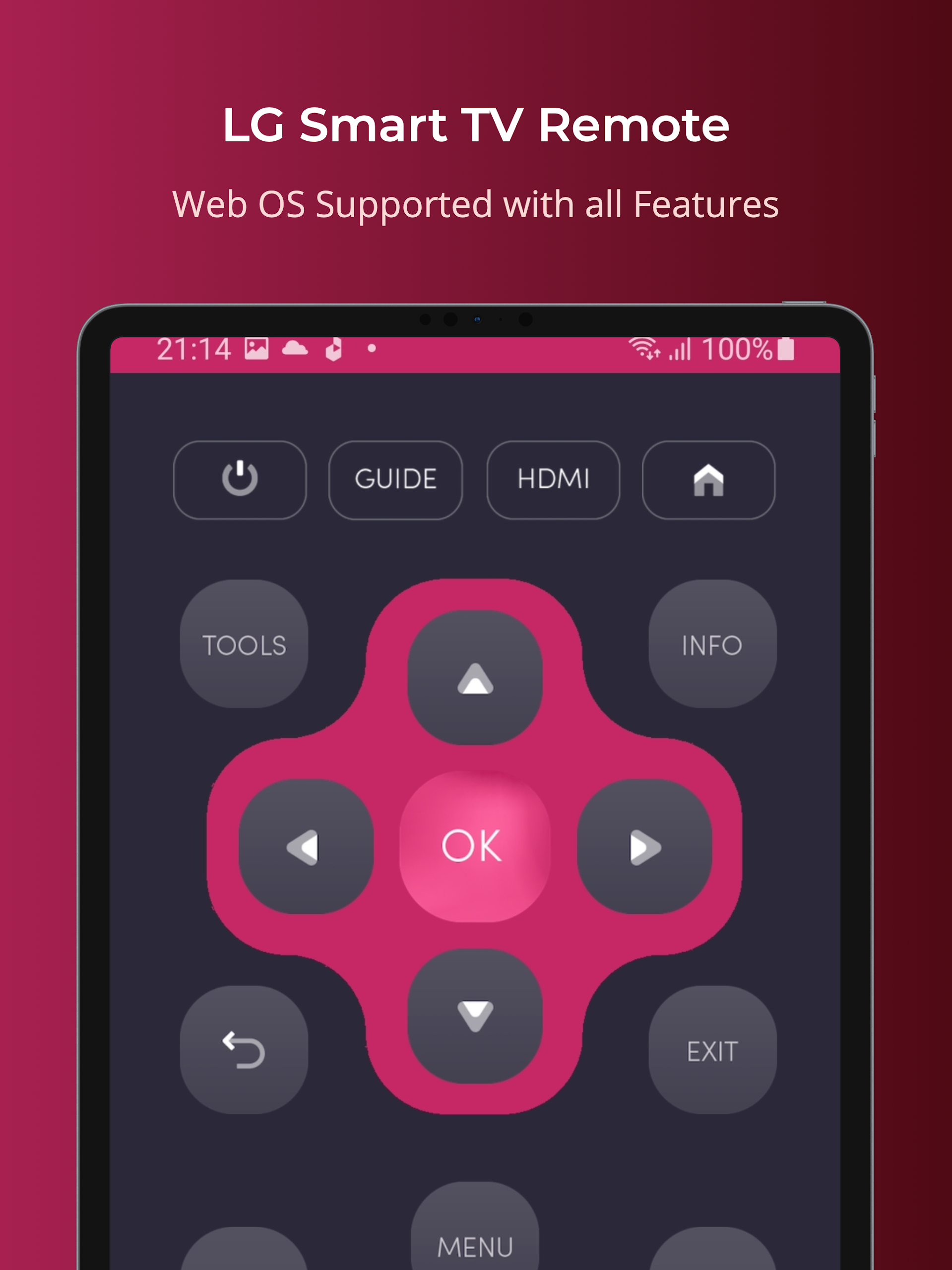
- - Works with all LG Smart TVs using Web OS and IR technology
This remote app is compatible with both Web OS and conventional IR devices.
*Network Requirements
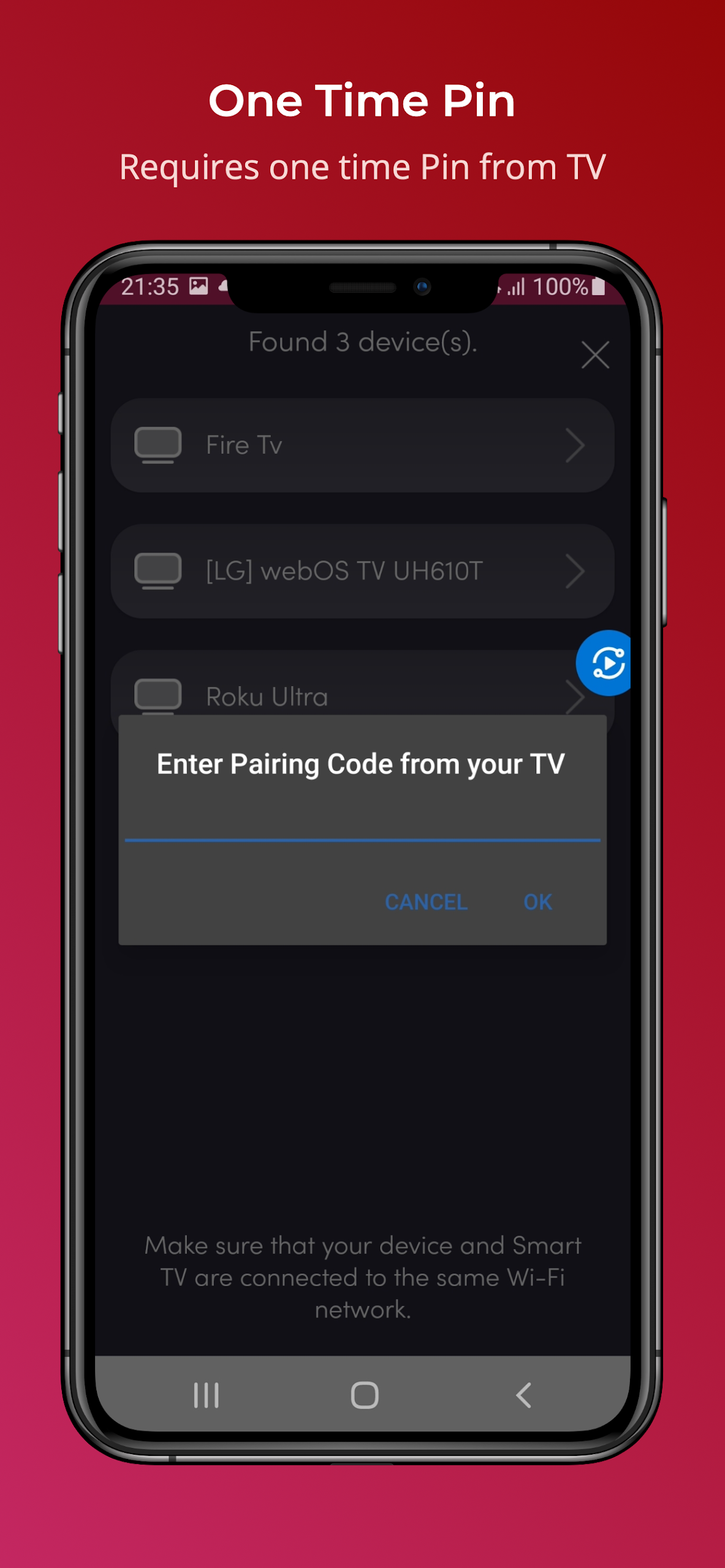
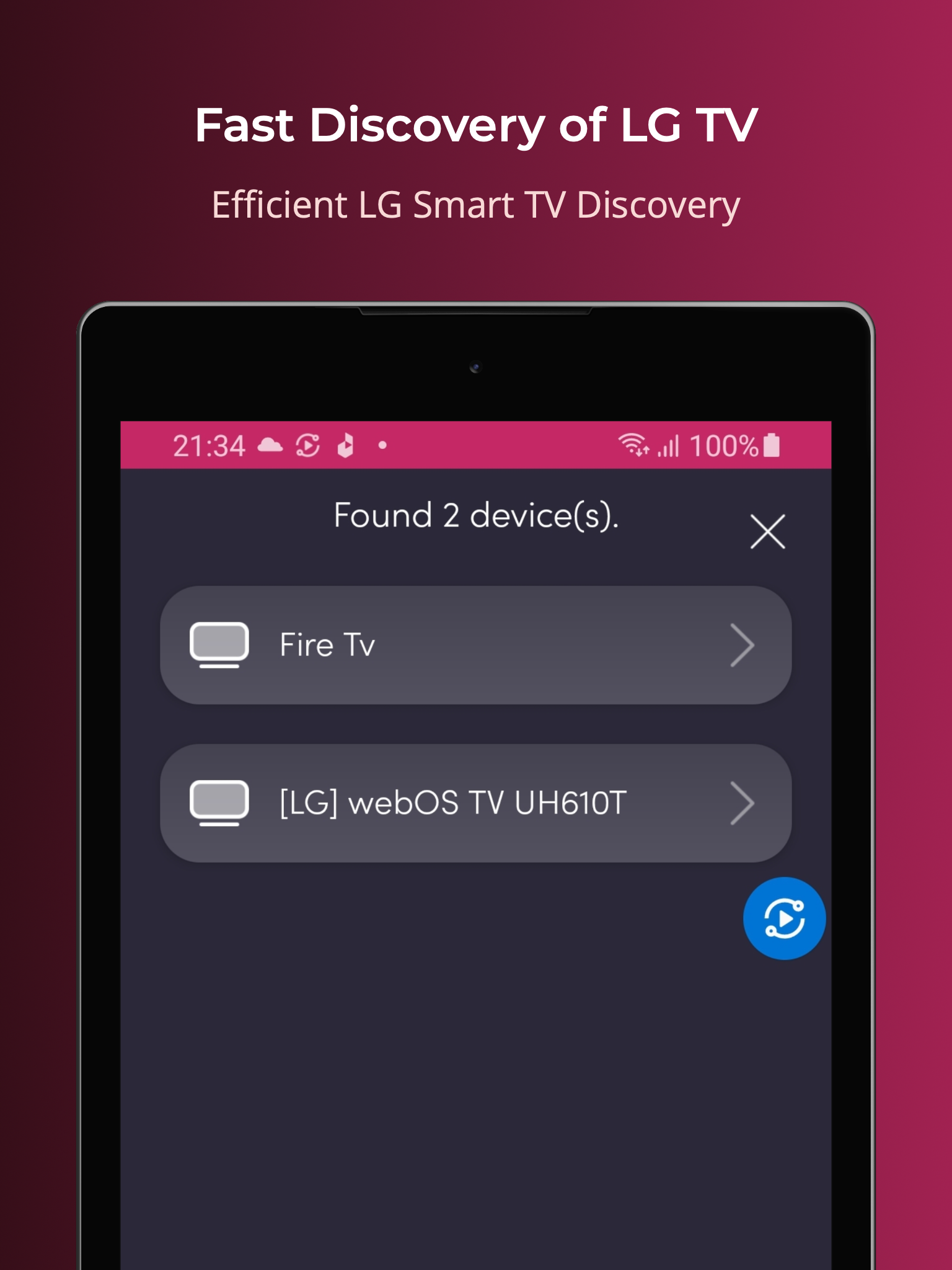
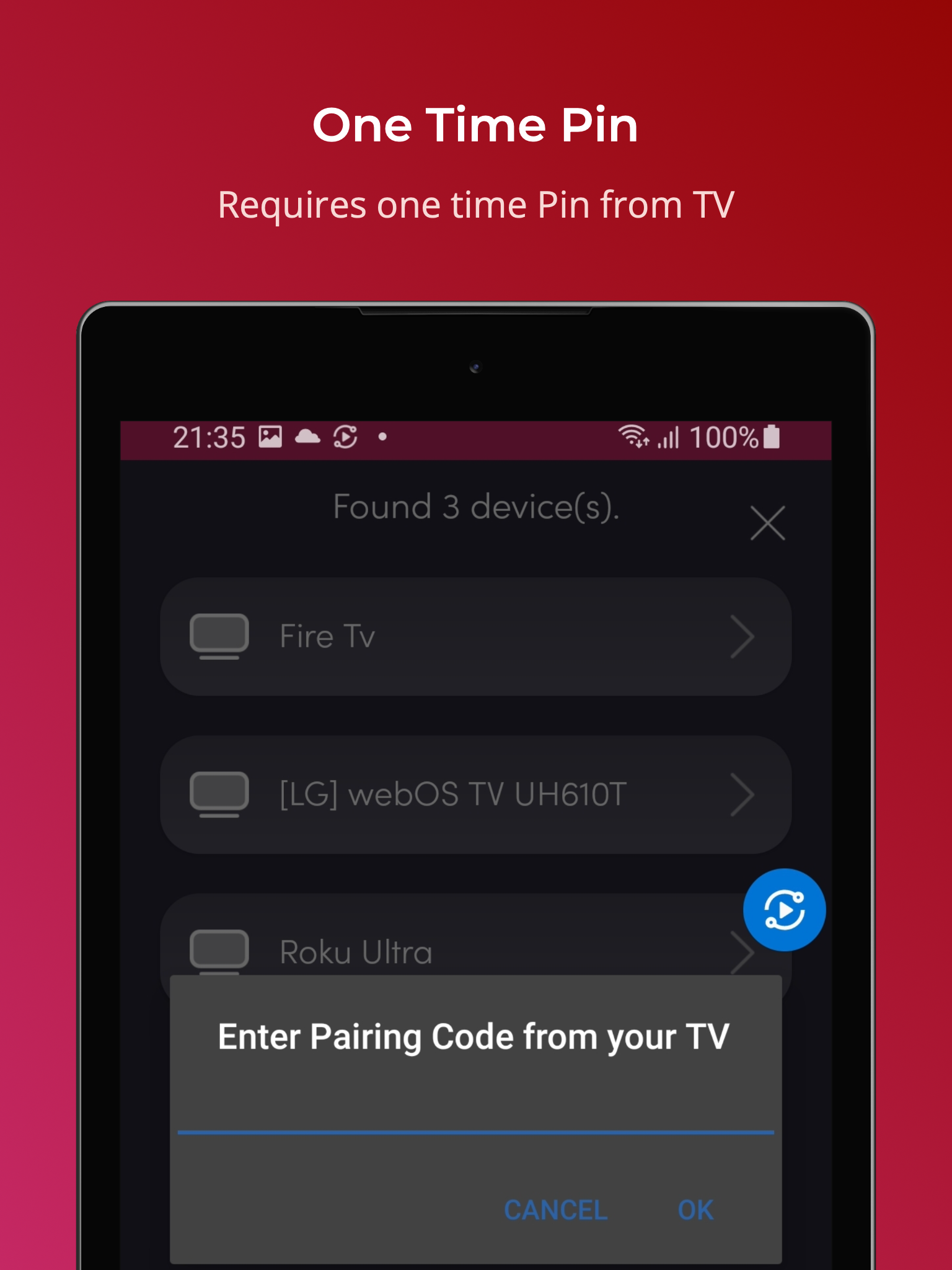
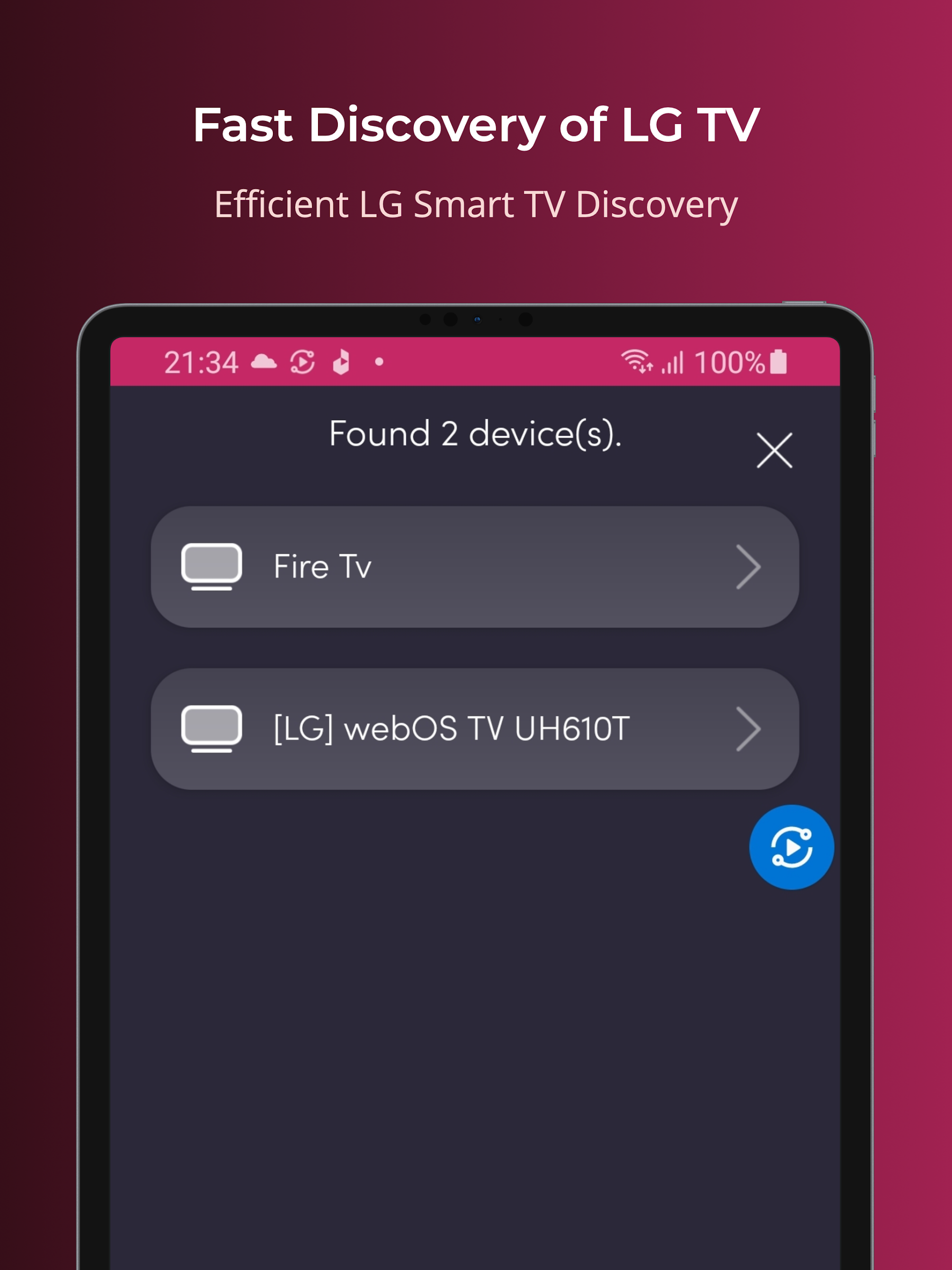
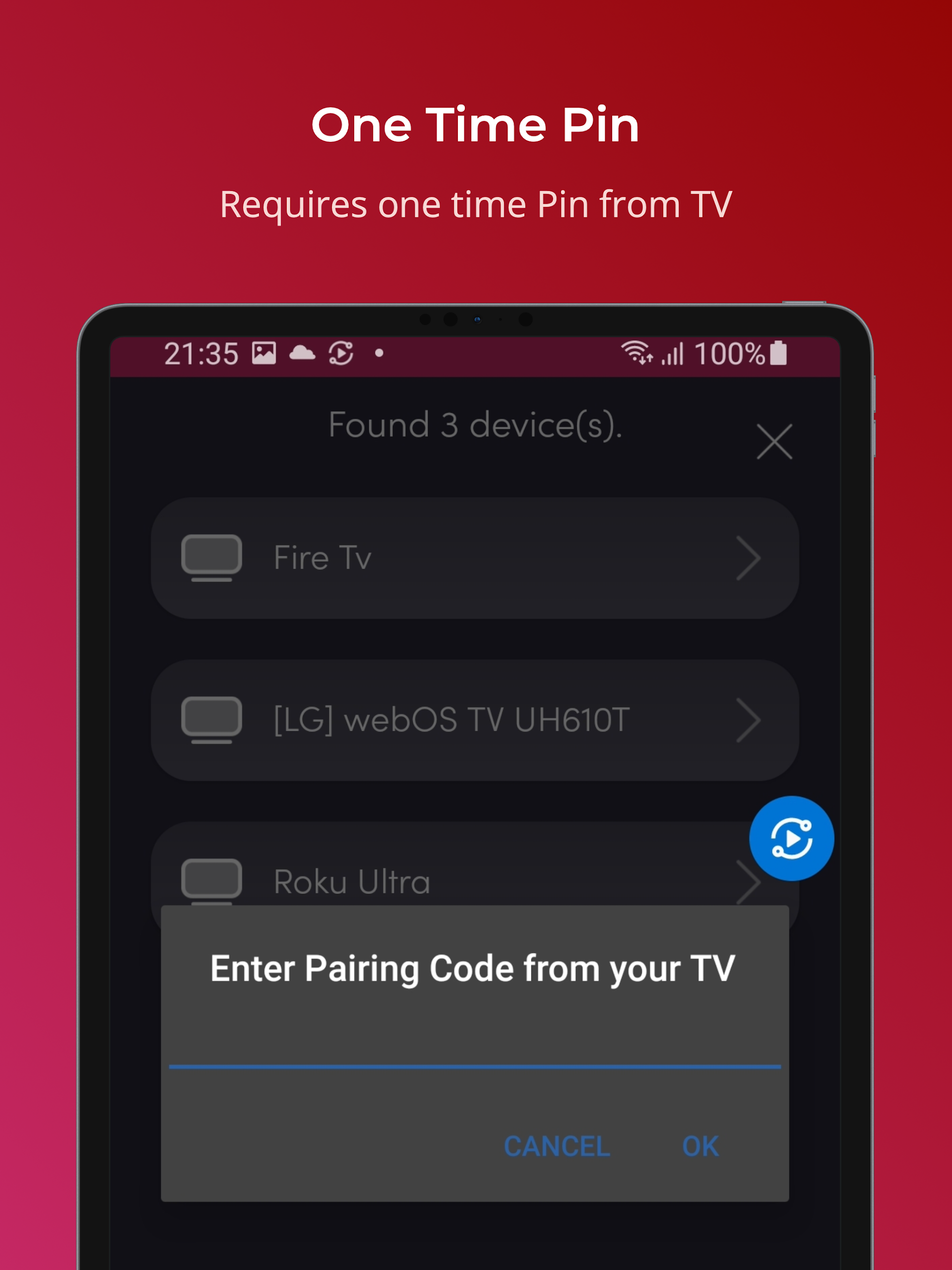
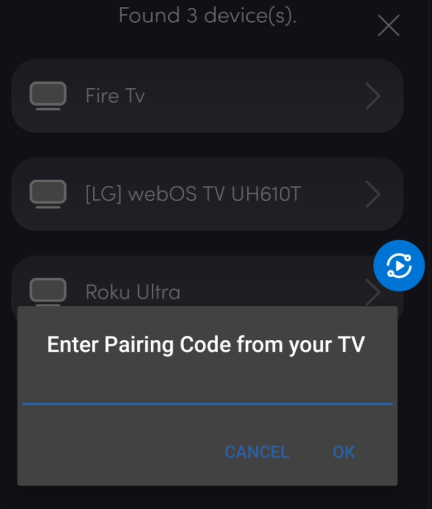
For the LG Universal Remote to function, both your LG Smart TV and mobile device must connect to the same Wi-Fi network. After detecting the Smart TV, you will need to enter the PIN displayed on the screen to begin using the remote.
*IR Device Support
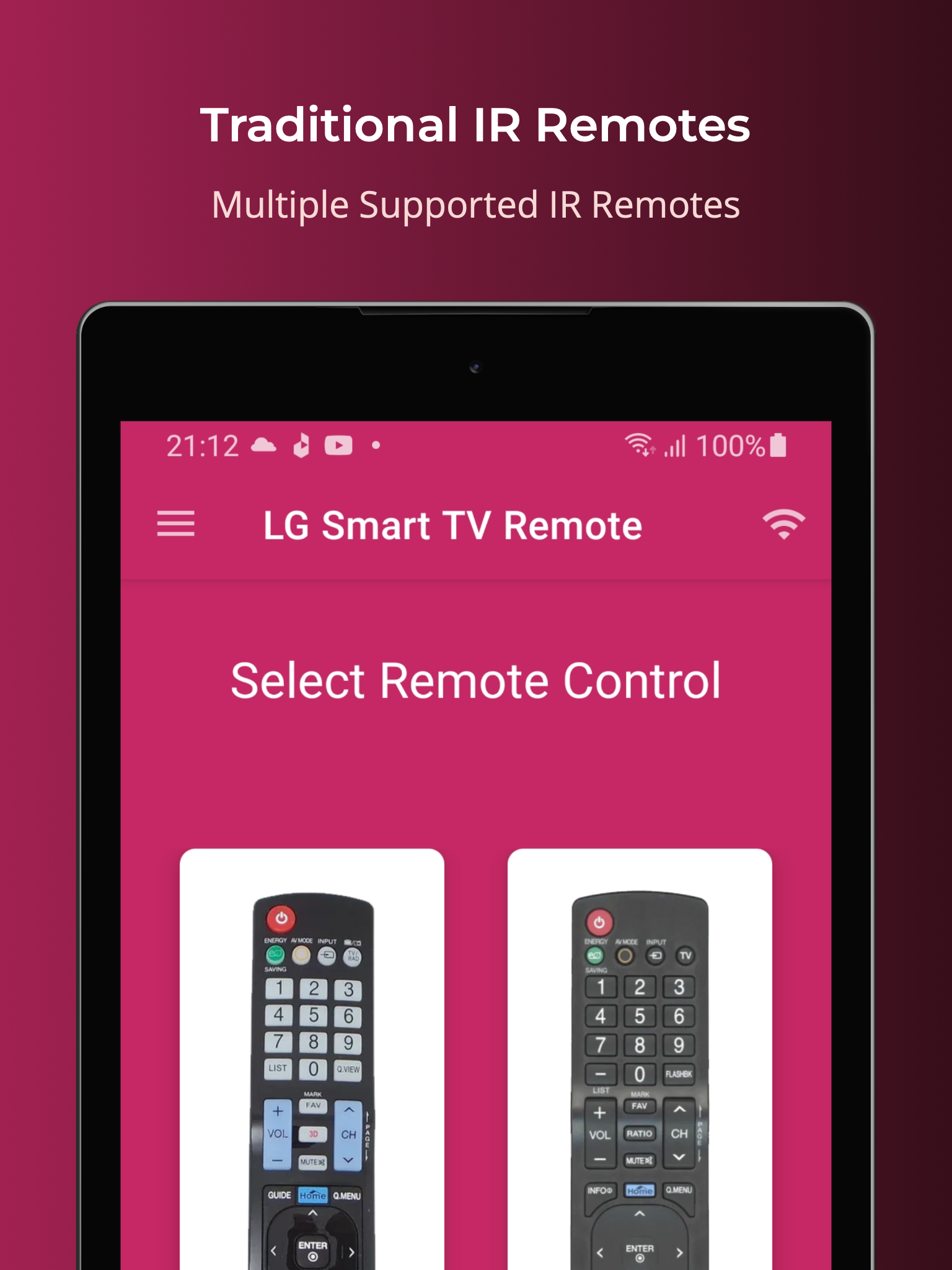
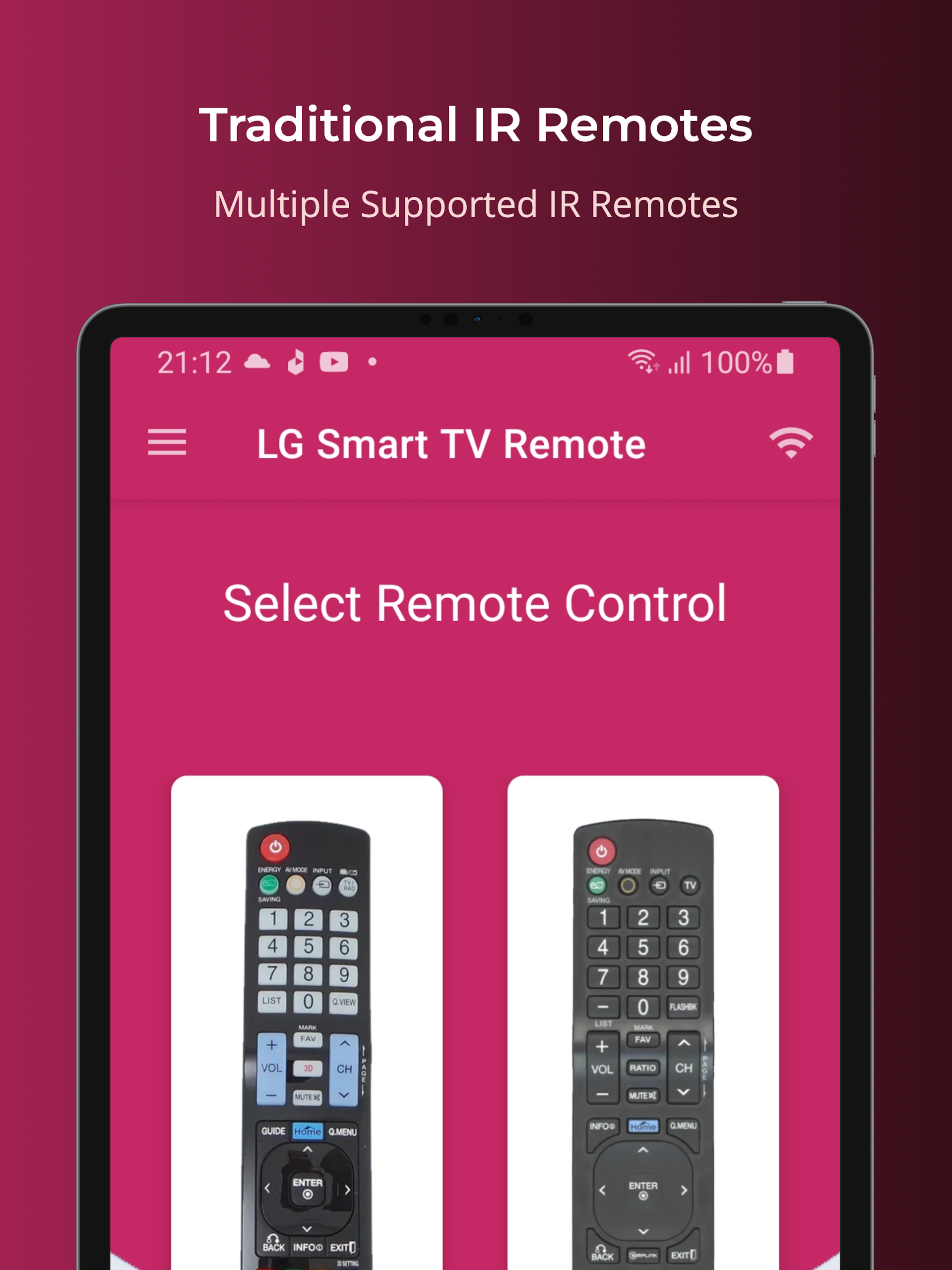
It supports all traditional LG televisions; however, your smartphone needs to be equipped with an IR blaster to utilize the LG TV Remote Control.
Features:
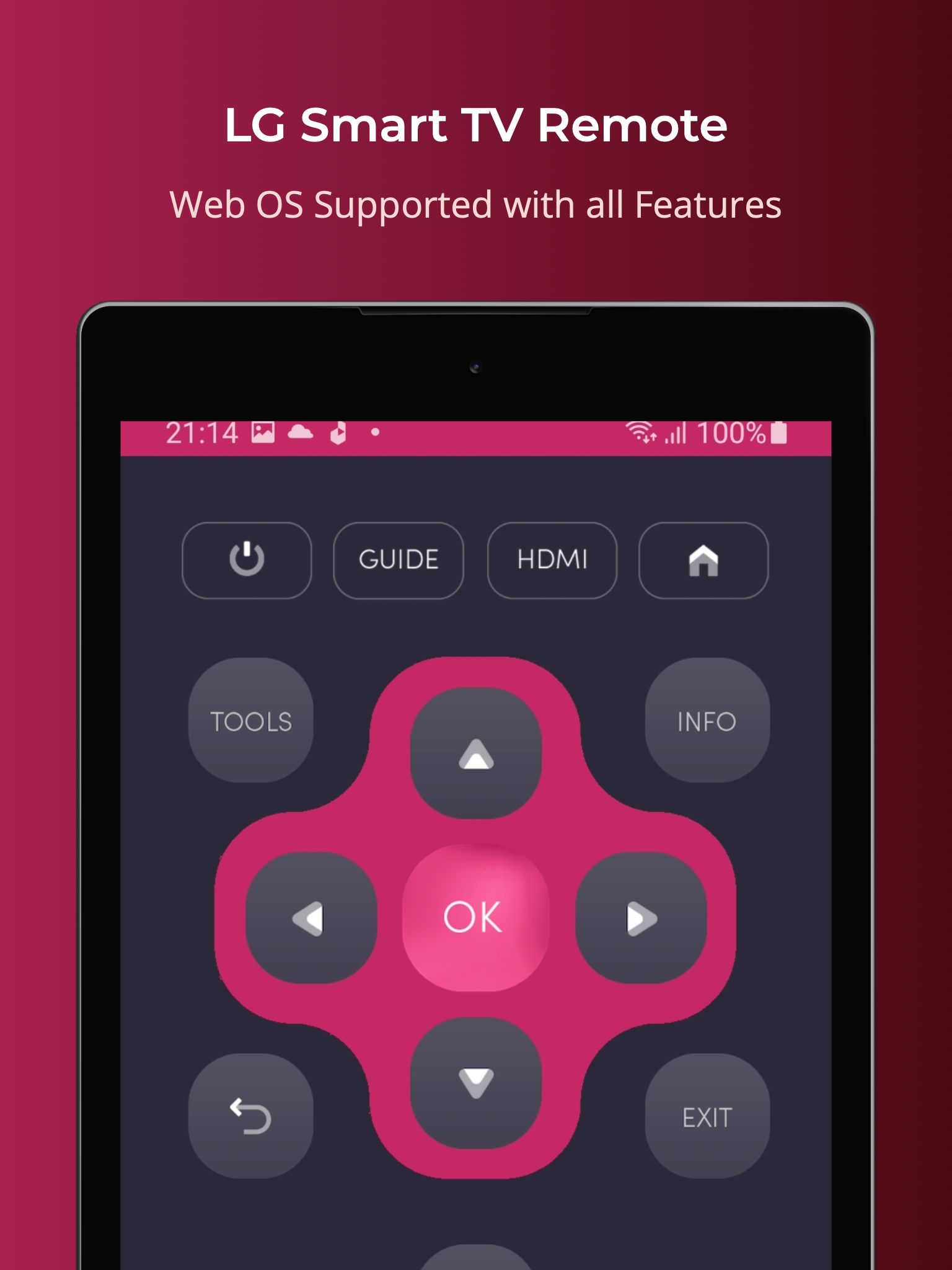
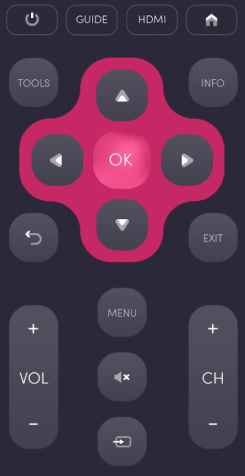
- Power On / Off
- Volume Adjustments
- Channel Changes
- Mute Function
- Navigation Controls
- Multimedia Functions
- Home Button
- Touch Pad Feature
- Additional Functions
- For traditional LG TVs, it encompasses all functions available in the original remote.
Support for Android TV:
Beyond just LG Smart TVs, this universal remote also supports Android devices running Chromecast OS.
Notice:
This application is not an official product from LG. We do not have any affiliation with LG Electronics; we simply aim to present a more user-friendly experience.
App Experience:
This LG universal TV remote app turns your phone into a TV remote, solving the problems of traditional remotes running out of power or breaking down. It's compatible with LG smart TVs running WebOS (requires the phone and TV to be connected to the same Wi-Fi network and enter the on-screen PIN code for pairing), traditional LG infrared TVs controlled by phones with infrared transmitters, and also supports Chromecast OS Android devices.
Functionally, it covers core operations such as power on/off, volume adjustment, and channel changing. Traditional LG TVs can also perform all the functions of the original remote. It's important to note that this app is not an official LG product.
Related Questions and Answers:
### 1. Can this app be used as a remote control for all LG TVs?
No. It supports two types of LG TVs: LG smart TVs using Web OS, and traditional LG TVs (requiring a phone with an IR blaster). Non-Web OS smart TVs or phones without IR functionality may not work.
### 2. What are the requirements for connecting to an LG smart TV?
Two conditions must be met: the phone and LG smart TV must be connected to the same Wi-Fi network, and the TV must be detected by the app. You must enter the PIN code displayed on the TV screen and verify that the app can be used as a remote control.
### 3. Can my phone control my older LG TV without an IR blaster?
No. Controlling traditional LG TVs requires the app to use the phone's IR blaster (infrared function). If your phone doesn't have this hardware, it can't simulate the signal of a traditional remote control and can only control a Web OS smart TV that supports Wi-Fi.
### 4. Can this app replace all the functions of the original LG remote control?
For traditional LG TVs, the app covers all the functions of the original remote control. For LG smart TVs, it also supports core functions like power on/off, volume adjustment, channel change, navigation, and the touchpad, making it a practical replacement for the original remote control in daily use.
### 5. Besides LG TVs, can this app control other brands of TVs?
Currently, it primarily supports LG TVs, but also supports Android devices running Chromecast OS (such as some Android TVs). Non-Chromecast OS TVs from other brands are not currently supported.
### 6. When using this app, can I still turn on the TV if the original remote is dead?
It depends on the situation: If it's a Web OS smart TV, as long as the TV and phone are connected to Wi-Fi and have been previously paired, it's likely that the app will power it on. For traditional LG TVs, the app will only work if the phone has an IR blaster and the TV supports IR power-on (most older TVs do).
- Version1.0.14
- UpdateOct 27, 2026
- DeveloperNaba
- CategoryTools
- Requires AndroidAndroid 4.4+
- Downloads670K+
- Package Namelg.universal.tv.remote
- Signature0a1f8d4493c321b30b804e0d972af778
- Available on
- ReportFlag as inappropriate
-
NameSizeDownload
-
9.69 MB
-
9.64 MB












Quick and easy connection to TV
Reliable performance
No intrusive ads
Functional as a backup remote
User-friendly setup process
Option to connect multiple TVs
Free to use with no credit card requirement
Fast detection and connectivity
Requires constant reconnection to the TV
Connectivity issues when switching apps
Ads can disrupt usage experience
Limited button functions for streaming controls
App doesn't remember previously connected devices
Not able to power on the TV with the app
Laggy response time at times
Lack of customer support options