
Kinolights - OTT content discovery & recommendations
Discover streaming gems effortlessly with real-time recommendations & detailed insights tailored to your viewing preferences.

- 2.3.10 Version
- 1.3 Score
- 206K+ Downloads
- Free License
- 3+ Content Rating

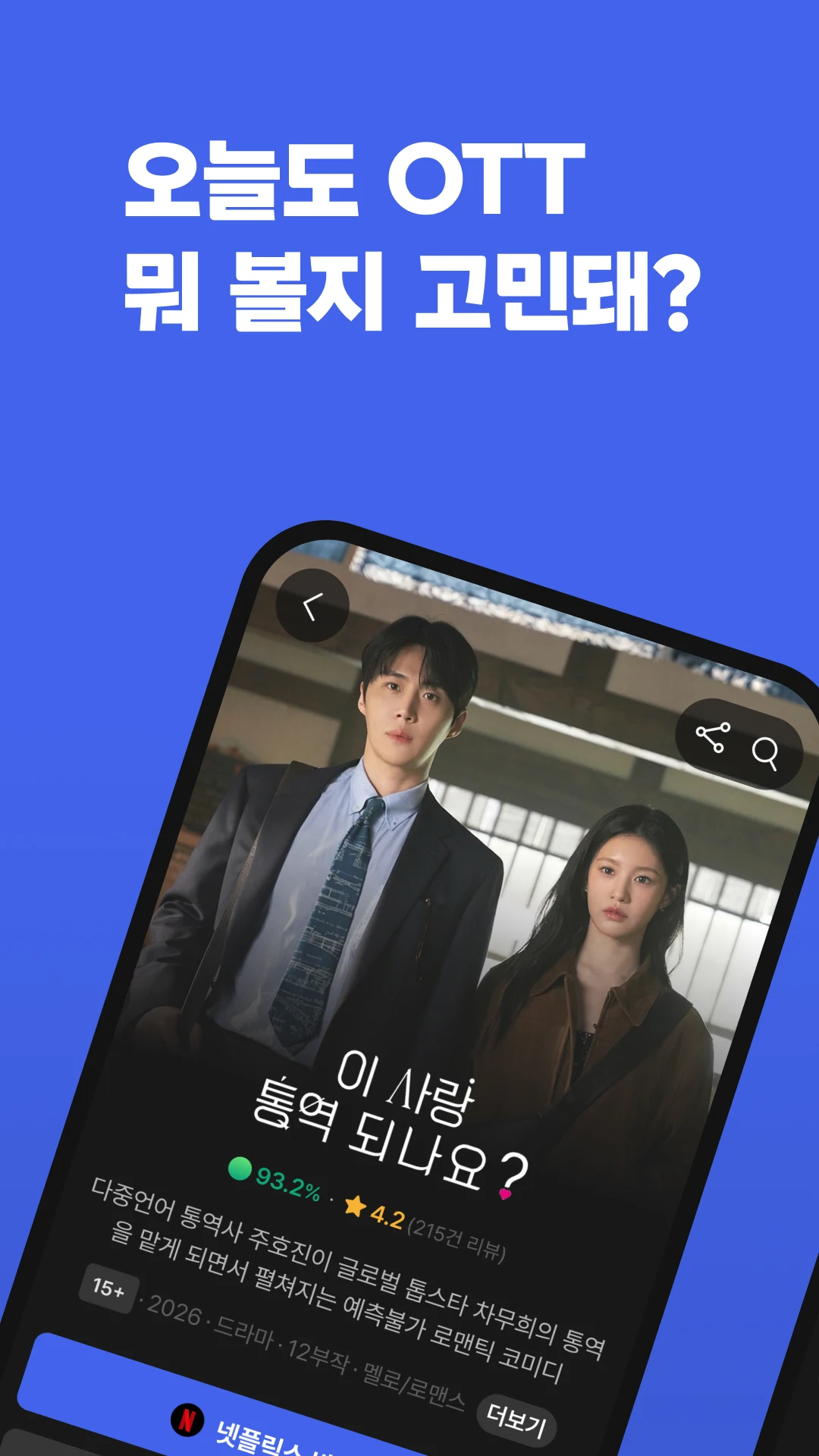
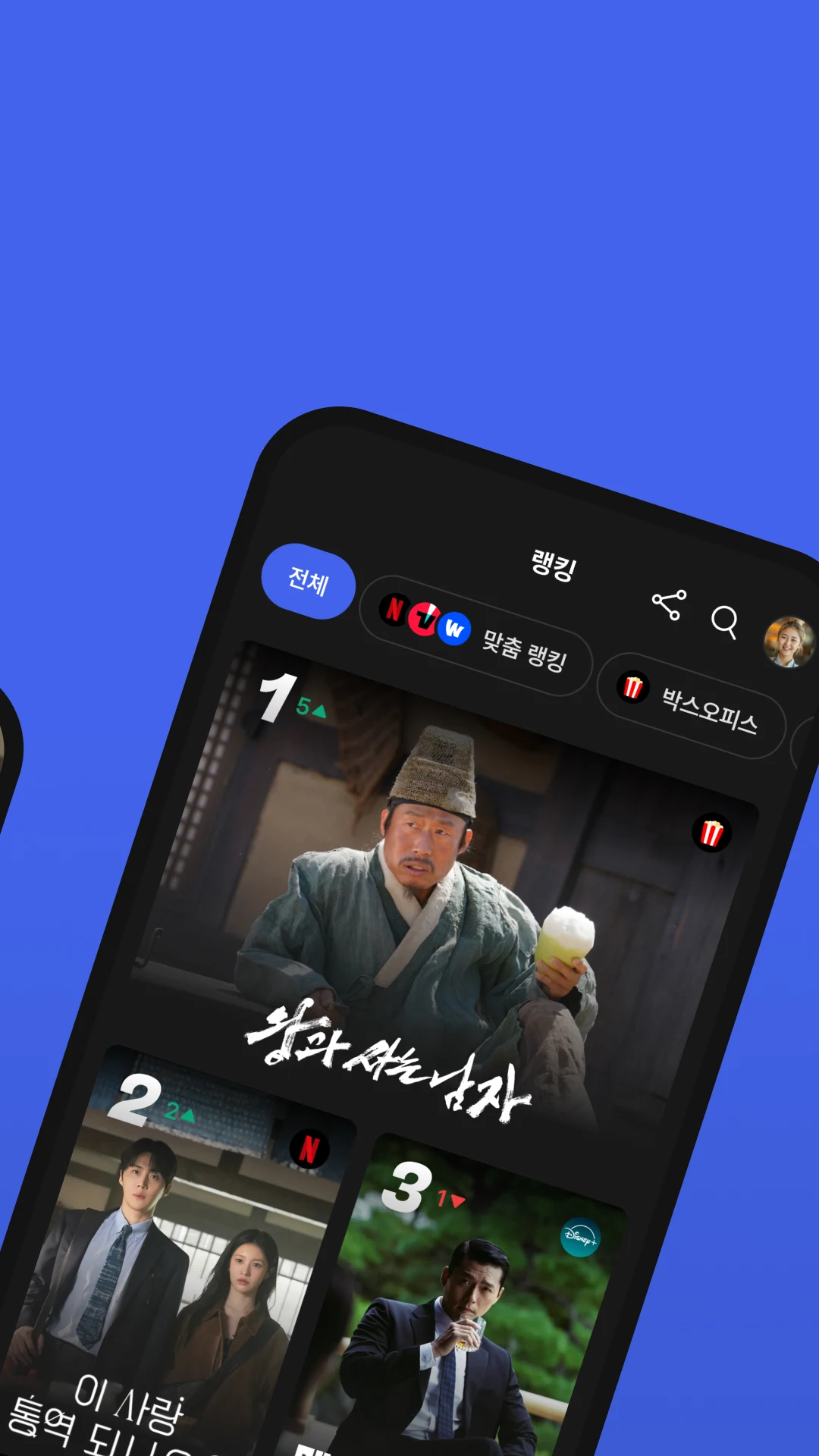
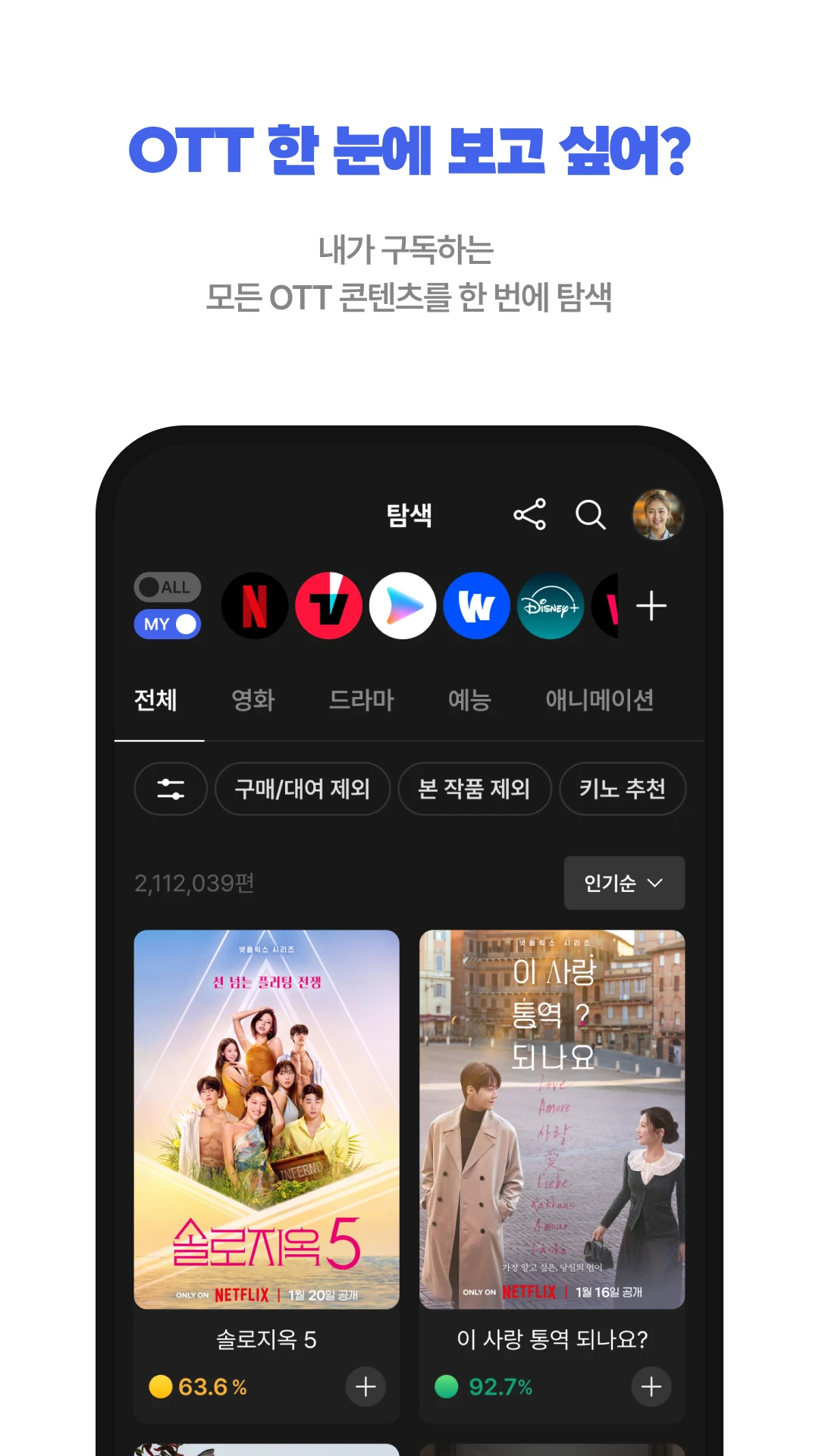
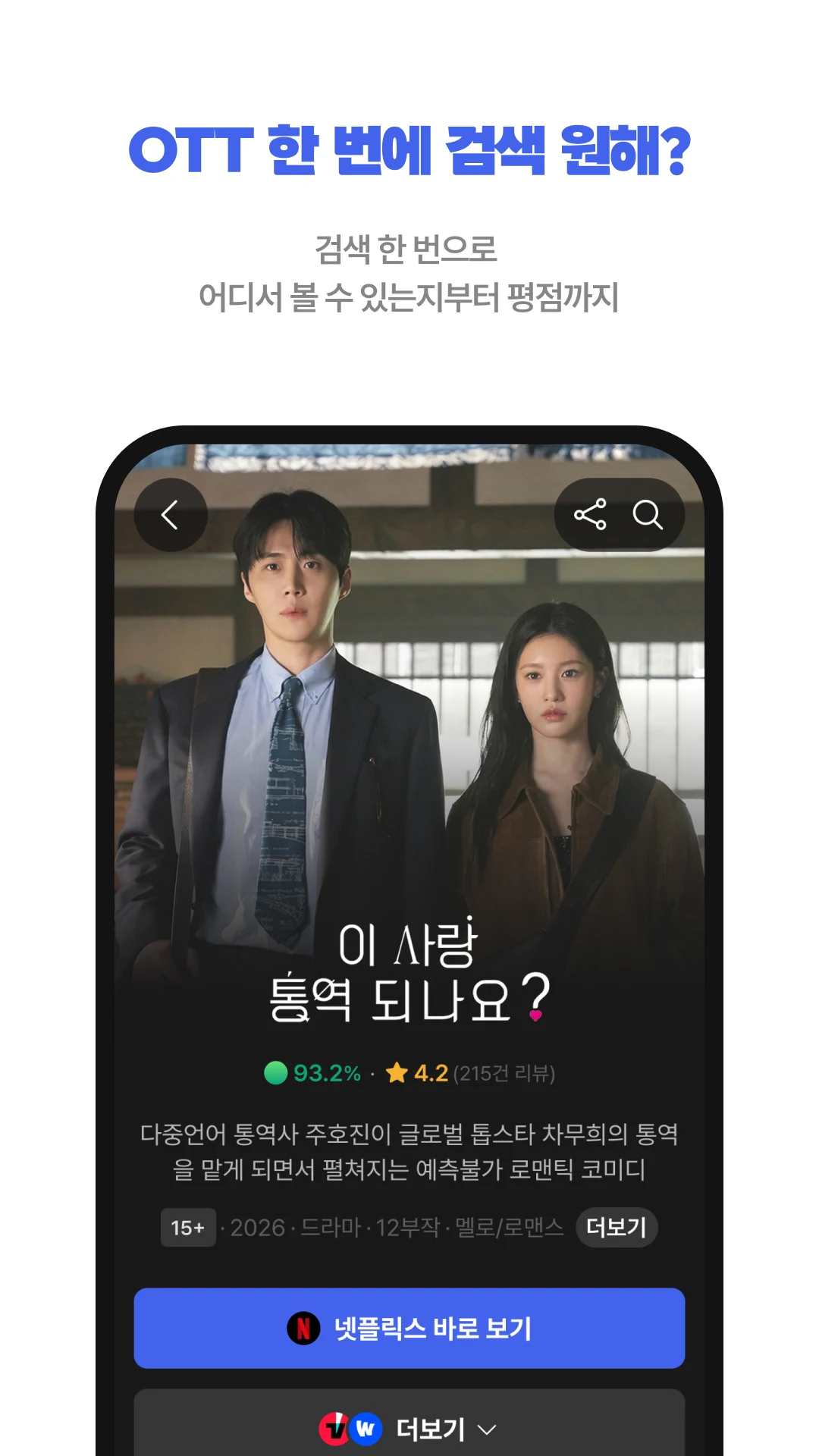
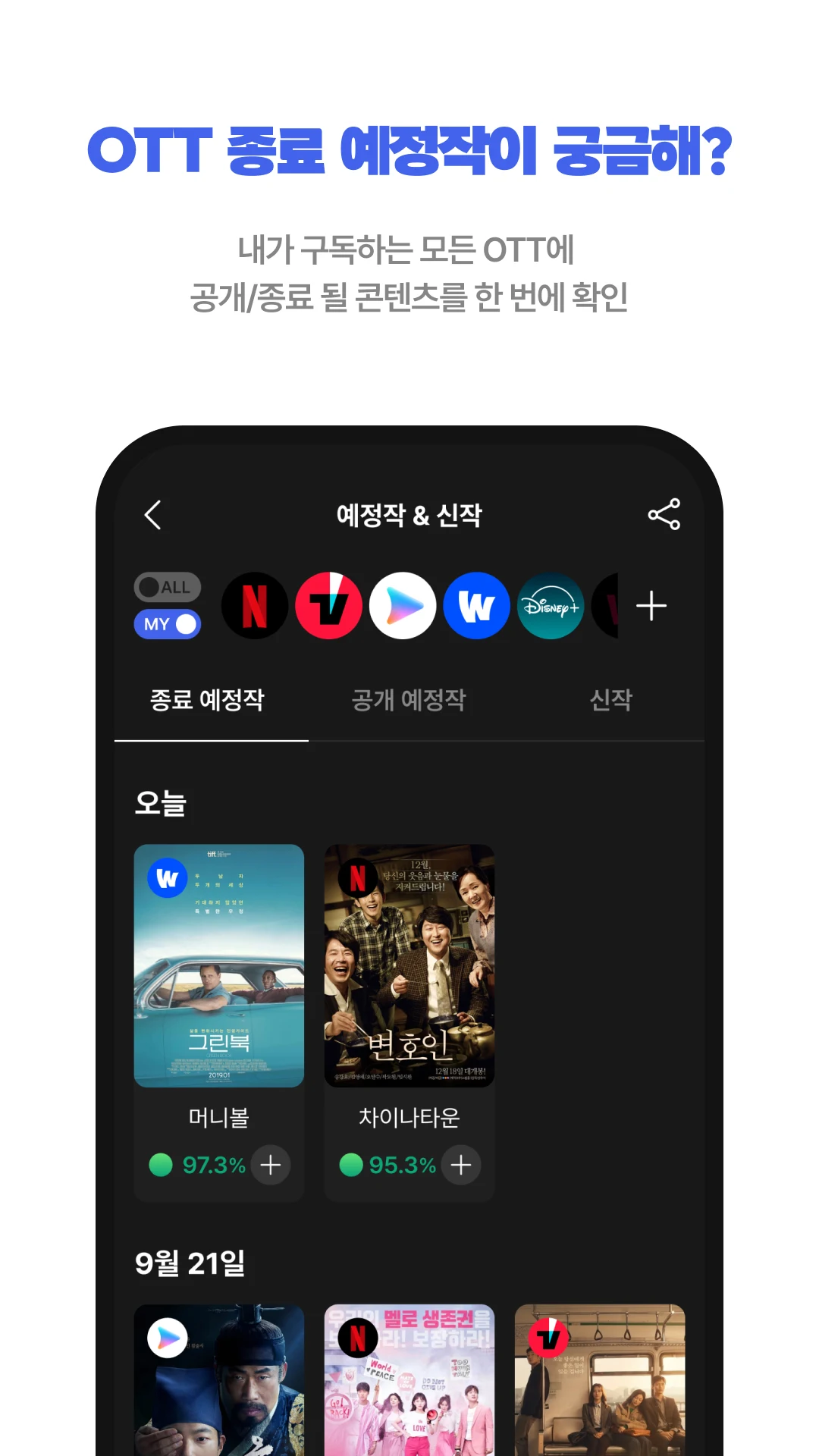
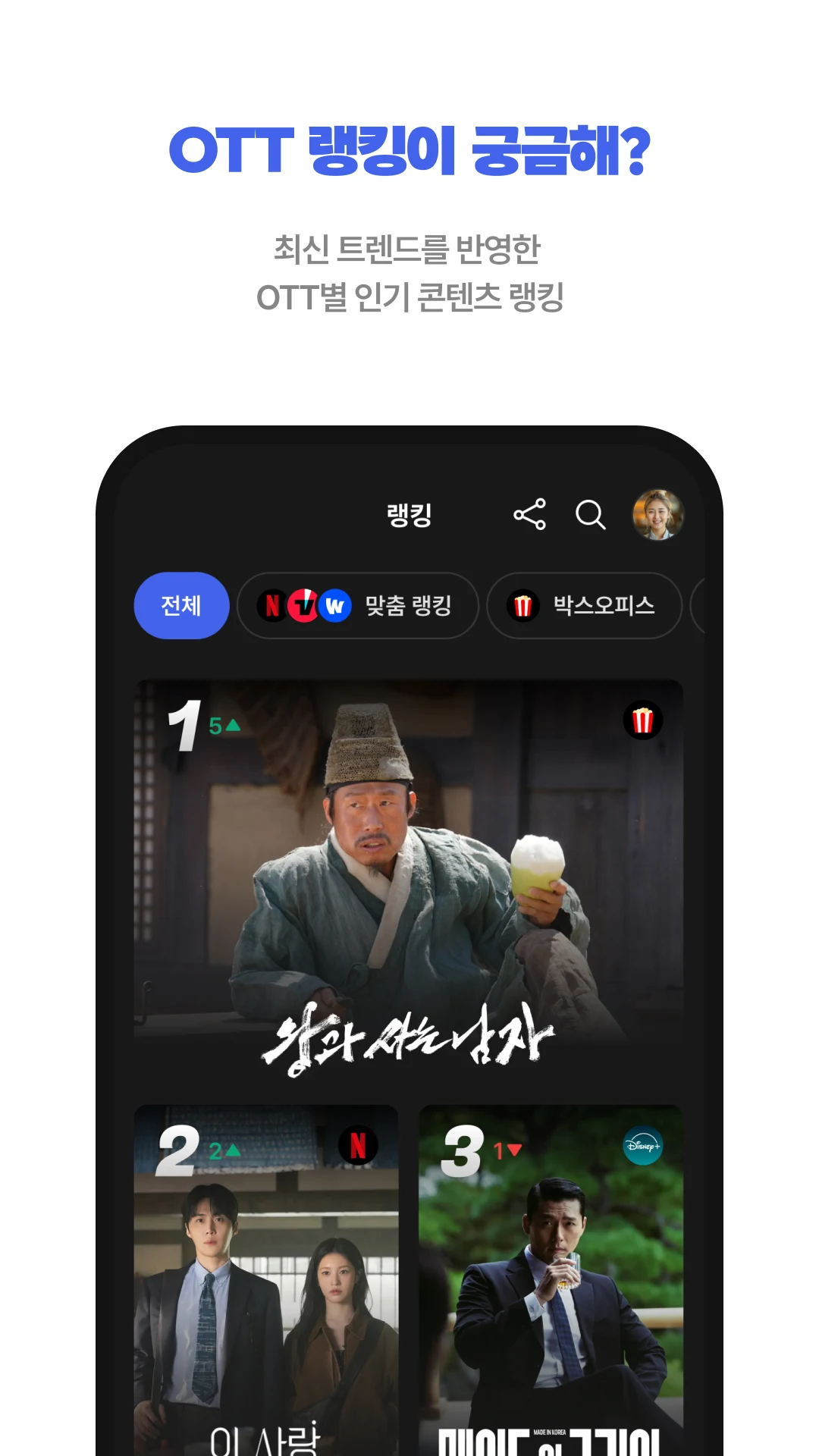
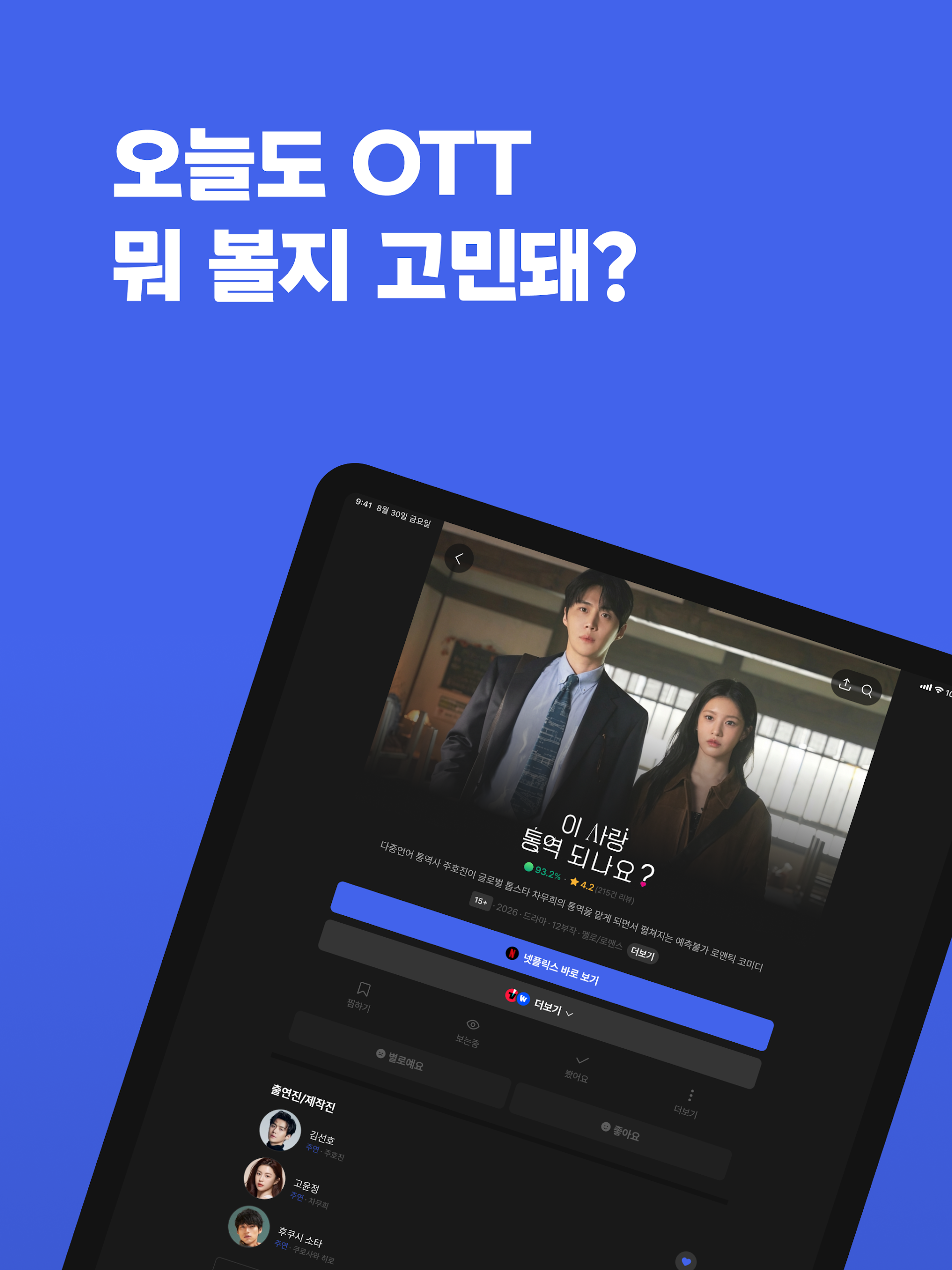
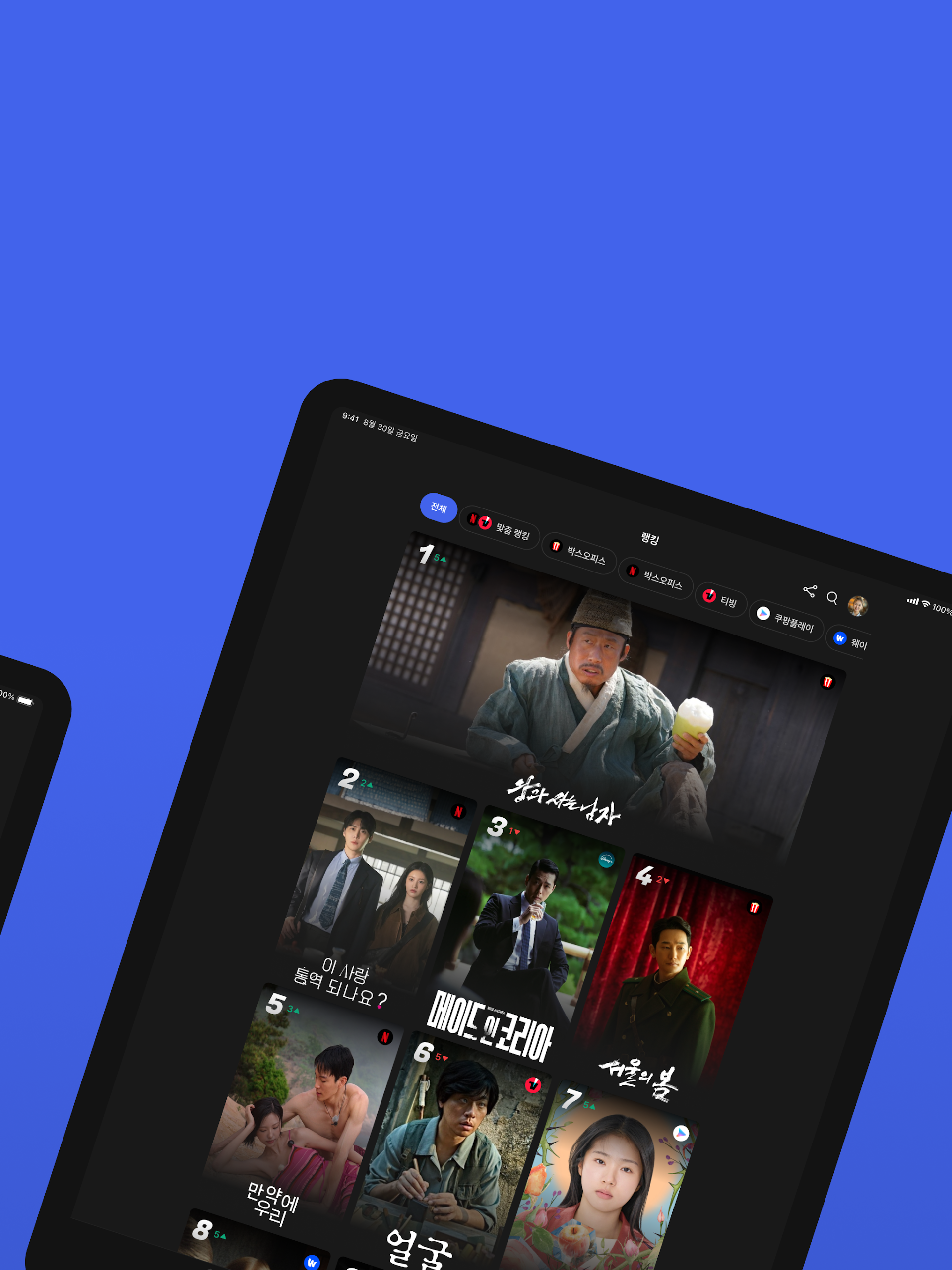
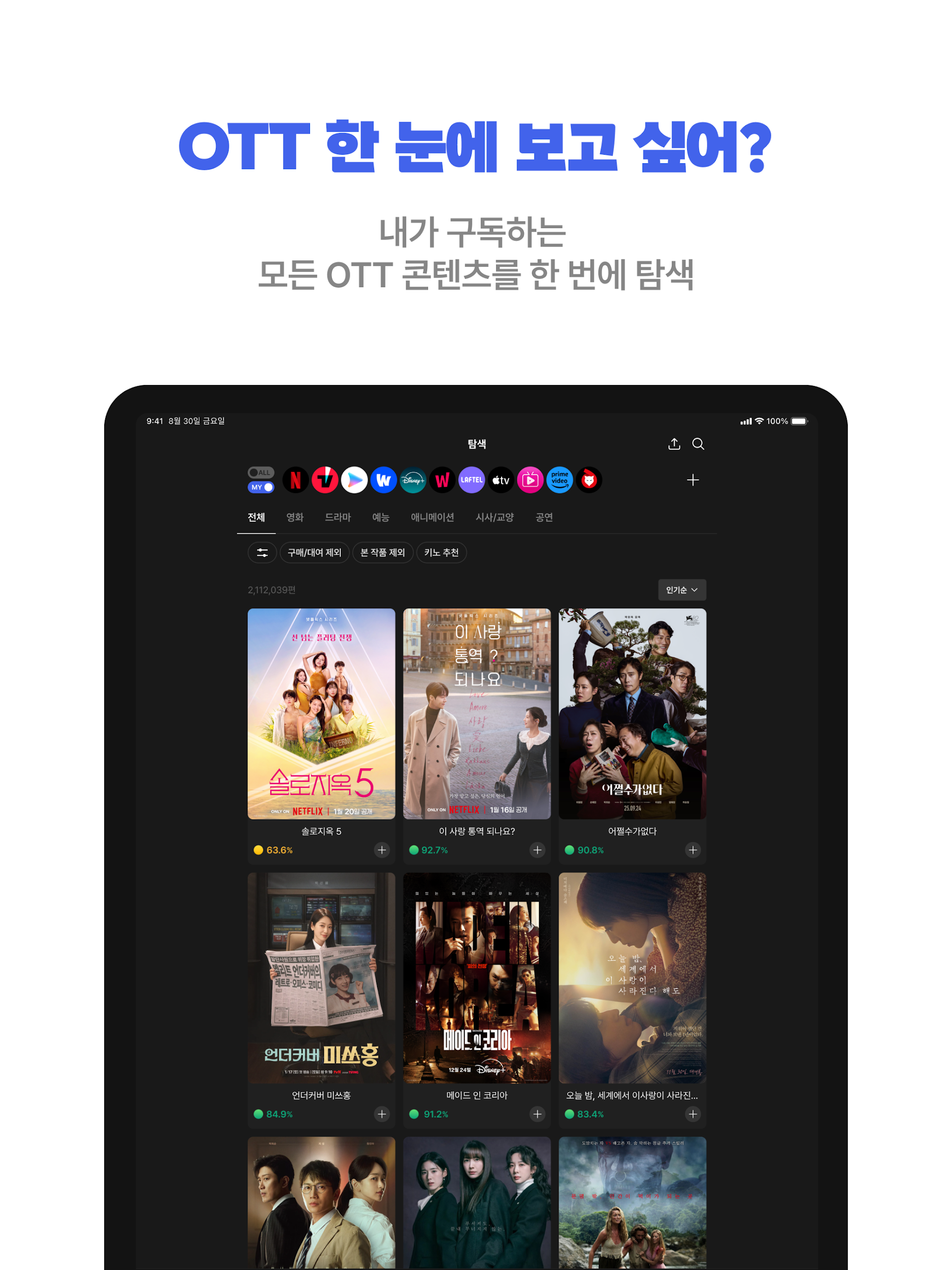
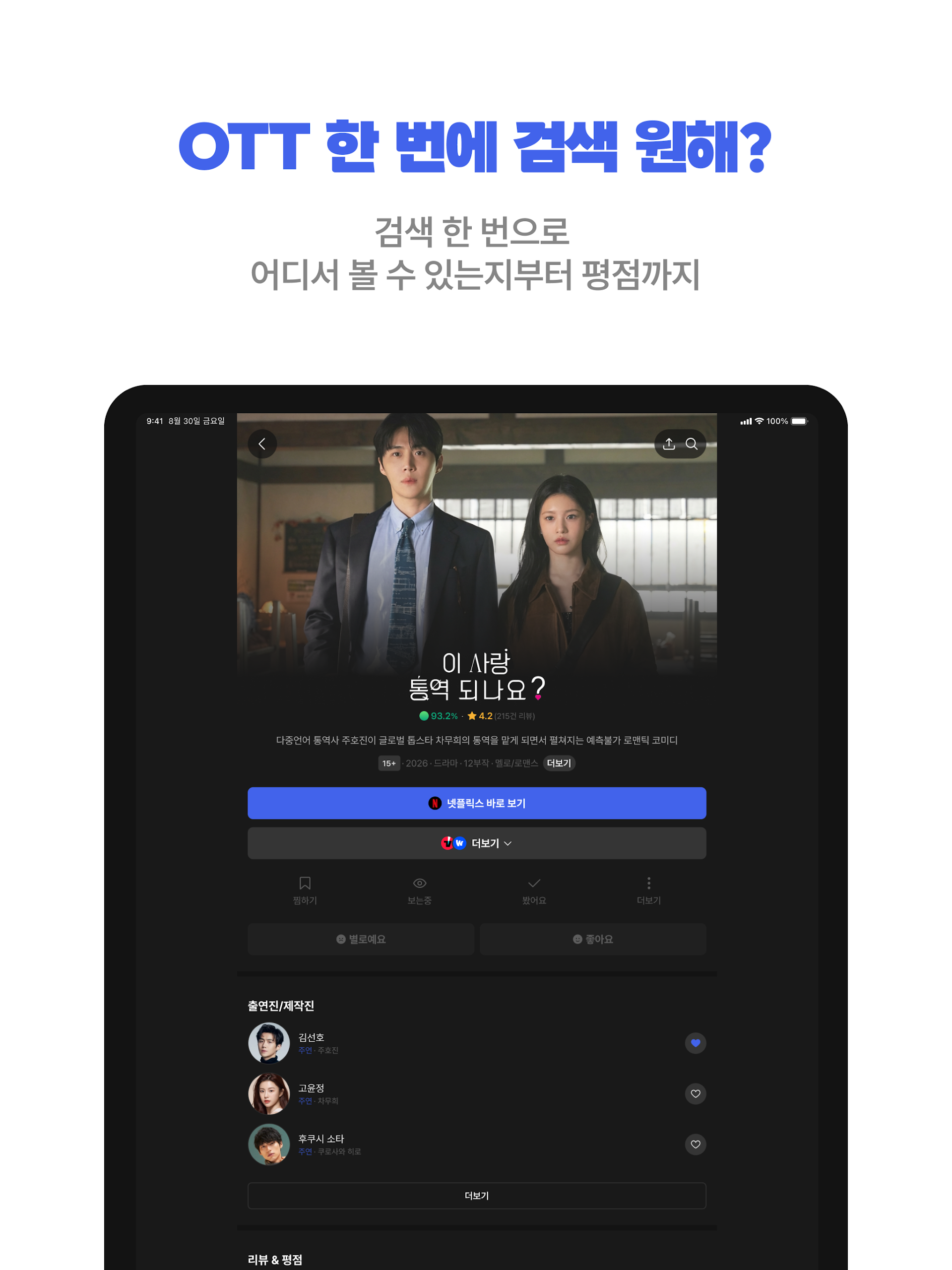
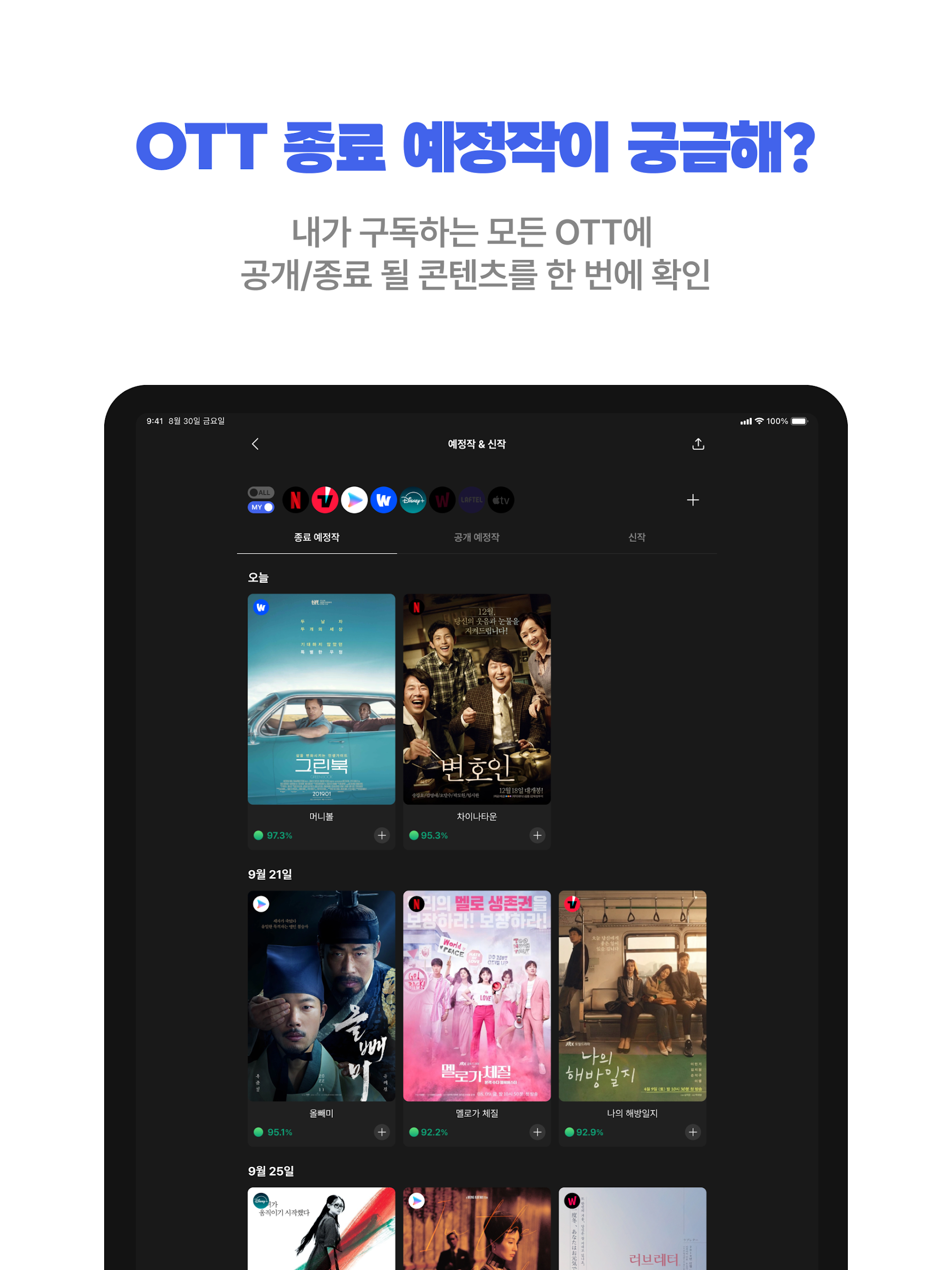
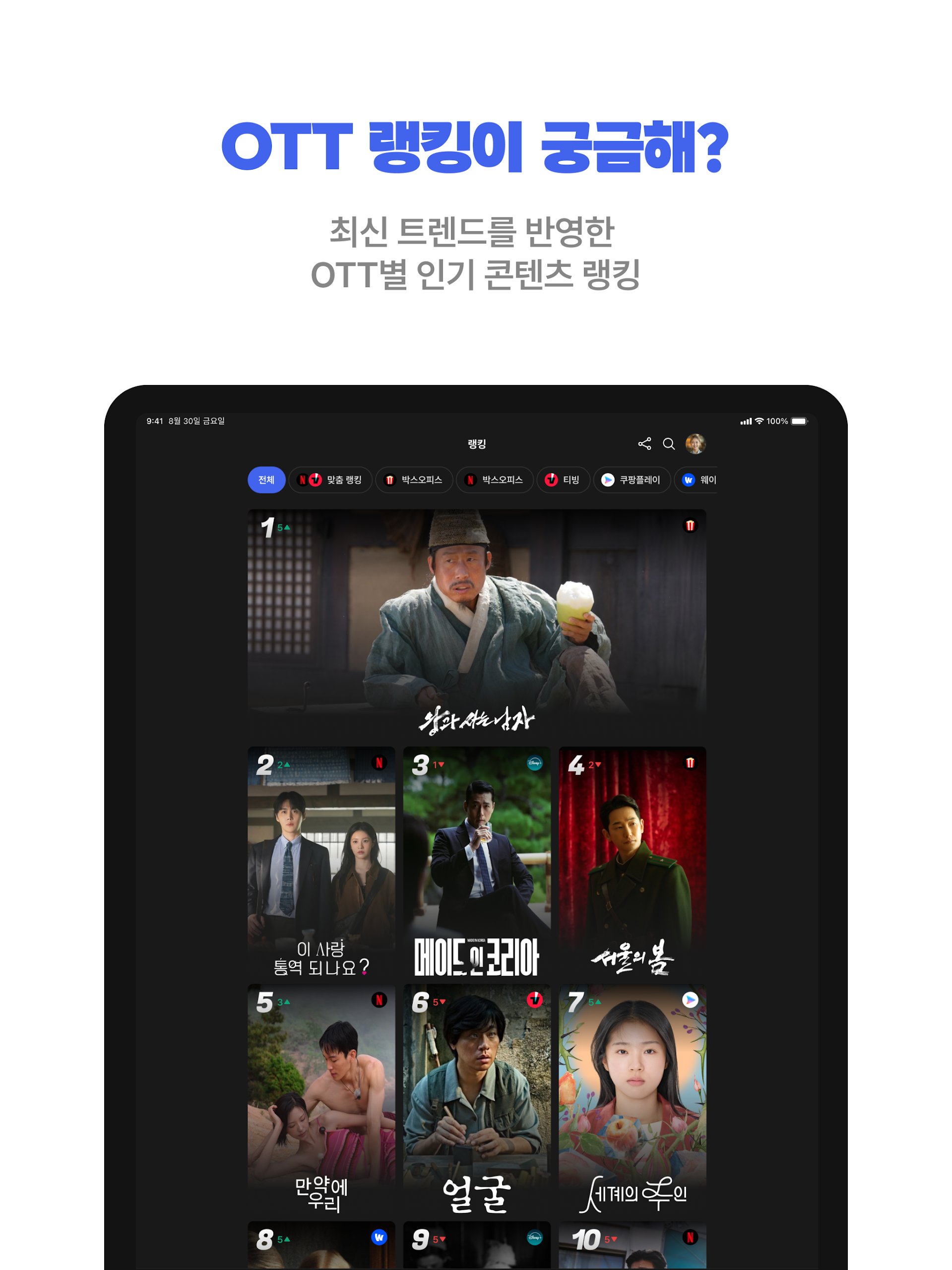
KinoLights is a comprehensive OTT search and content recommendation tool that allows you to explore all your streaming subscriptions in a fast and convenient manner, all from a single interface.
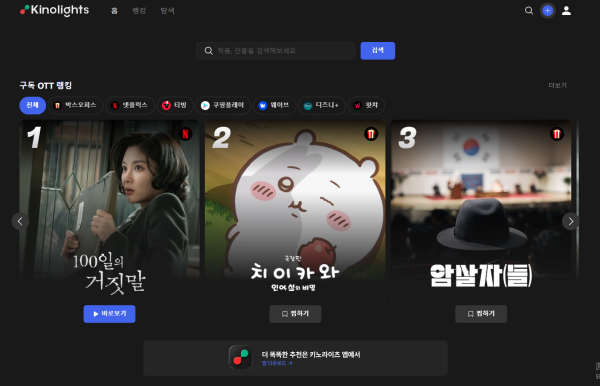
Discover where to find your favorite shows and movies!
Features:
- Look up any film or television program to see instantly which platforms—such as Netflix, Wavve, TVING, Coupang Play, Watcha, and others—are offering it for streaming.
- Compare prices for purchasing or renting various OTT content easily.
- Uncover content available for free viewing!
Keep yourself updated about new releases and titles that are about to expire!
- Choose the OTT services you’re subscribed to and receive daily notifications regarding the newest releases.
- Effortlessly check which titles will be leaving your preferred platforms soon.
Unsure if something is worth your time? Just consult KinoLights!
- If you’re contemplating whether to watch a certain title, KinoLights assists you in making a decision with reliable ratings, reviews, and thorough summaries tailored to your preferences.
From analyzing your tastes to managing subscriptions!
- Uncover your viewing preferences derived from your watch history—you might be pleasantly surprised!
- Determine which OTT service provides the most content that suits your tastes, and assess how well you’re utilizing your current subscriptions.
Highlights:
- Strong community attributes: Focusing on member reviews and sharing of "lifeworks," the platform emphasizes user interaction and reference, helping other users make decisions.
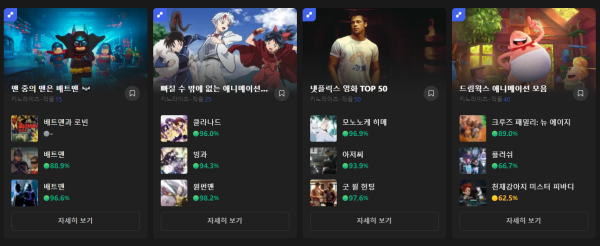
- Clear categorization: Tiered display by "trending," "new releases," and "genre collections," while also supporting precise search, reducing user search costs.
- Highlighted timeliness: Event deadlines such as "Today's Deadline" and "3 Days Left" (3 days remaining) and the "NEW" tag remind users to pay attention to time-sensitive content.
Optional Access Permissions:
- Notifications: Necessary for keeping you informed about events, early screenings, latest releases, and more.
- Photos: Required only if you wish to update your profile image.
- These permissions are optional. You can still use the application without granting them, although some features may not be fully accessible.
How to Use:
1. **Core Search**
Directly search for movies/TV shows, instantly see which platforms like Netflix and Wavve offer them, compare purchase/rental prices, and filter for free content.
2. **Subscription Management**
Add subscribed OTT platforms to receive daily updates; view "soon to be taken offline" content to avoid missing out on your favorite shows.
3. **Viewing Decisions**
Refer to movie ratings, reviews, and summaries, combined with a **matching score** generated by the system based on your viewing history, to determine if a movie is worth watching; also view "masterpieces" marked by verified members and community reviews.
4. **Personalized Features**
Generate a personalized viewing preference report to understand your watchlist style; create and share playlists to interact with other users; to participate in movie screenings, complete real-name authentication and register for a prize draw according to the event requirements.
5. **Permission Explanation**
Notification and photo permissions are optional. You can use the core functions without activating these permissions, but some functions will be limited.
FAQs:
### 1. When searching for movies and TV shows on this platform, how is the "match score" (e.g., 90.2% for "은중과 상연") calculated?
The match score is primarily based on user preferences and content attributes, such as the genres of movies and TV shows you've previously browsed, the style of your favorites, and your rating preferences. It then compares the current movie's genre (e.g., romance, suspense), actors, directors, and audience rating tags. The higher the overlap, the higher the match score, helping you quickly find content that best suits your tastes.
### 2. I'd like to attend the preview of "나쁜계집애: 달려라 하니." What are the requirements for registration?
Typically, to register for these previews, you must first become a "certified member" of the platform (this may require phone number verification or real-name authentication). Some events also require you to "follow the event page," "share the event on social media," or "fill out a movie preference questionnaire." After registering, eligibility may be determined through a random drawing. Specific requirements will be noted on the event details page. We recommend clicking the event link to view the complete rules.
### 3. I saw a drama I'd like to watch in "종료예정작." Can I still find it in other sections after it's removed?
After a "soon-to-be-retired" series is removed, it's likely unavailable on the original platform. However, if the series is part of a compilation (such as "넷플릭스 시리즈") or the platform subsequently repurchases the rights, it may be relisted in "New & Scheduled Works" or a corresponding compilation. We recommend watching the series as soon as possible before it's removed, or clicking the "Save" button. The platform may send a notification if it's relisted later.
### 4. Can I share my own "컬렉션" (Collection) with other users?
Yes, you can. On the "My Collections" page, there's a "Share" button in the lower right corner of each collection. You can share it to social platforms (such as Kakao and Instagram) or directly generate a link and send it to friends on the platform. Some collections created by high-quality users that receive a lot of favorites or likes may be recommended by the platform to the "신규 컬렉션" section, allowing them to be seen by more users.
### 5. After I write a "한줄평" (a one-sentence review) for a film or TV show, can other users like or reply to my review?
In most cases, you can. After you post your short review, it will appear in the comment section of the corresponding film or TV show, where other users can see it and click "Like." Some platforms also support a "Reply to Comment" feature, making it easier for users to communicate about the film or TV show. High-quality reviews (e.g., unique perspectives or high likes) may be pinned to the top of the platform's "Latest Comments" section, increasing their visibility.
### 6. Are the films in "인증회원의 인생작" selected by members themselves or recommended by the platform?
They are manually marked by verified members. After watching a film or TV show and considering it a "Lifetime Masterpiece," members can click the "Mark as Lifetime Masterpiece" button on the film's details page. The platform will then aggregate these films into the member's "Lifetime Masterpiece" list. Other users can then intuitively understand the preferences of veteran members and use them as a reference for their own viewing decisions.
- Version2.3.10
- UpdateOct 21, 2026
- DeveloperKinolights, Inc.
- CategoryEntertainment
- Requires AndroidAndroid 7.0+
- Downloads206K+
- Package Namecom.kinolights.kinolights
- Signaturef68f588687bcaf2ce41edbdd4f1ad082
- Available on
- ReportFlag as inappropriate
-
NameSizeDownload
-
50.19 MB
-
50.08 MB
-
4.22 MB













Accurate recommendations
Highly interactive
Quick information
Clear categories
Content limitations
Activity barriers
Interference with interaction