
Keenetic - Wi-Fi Setup & Management
Easily configure & monitor your home Wi-Fi system anywhere, ensuring seamless internet access for your family.

- 61 Version
- 4.2 Score
- 624K+ Downloads
- Free License
- 3+ Content Rating

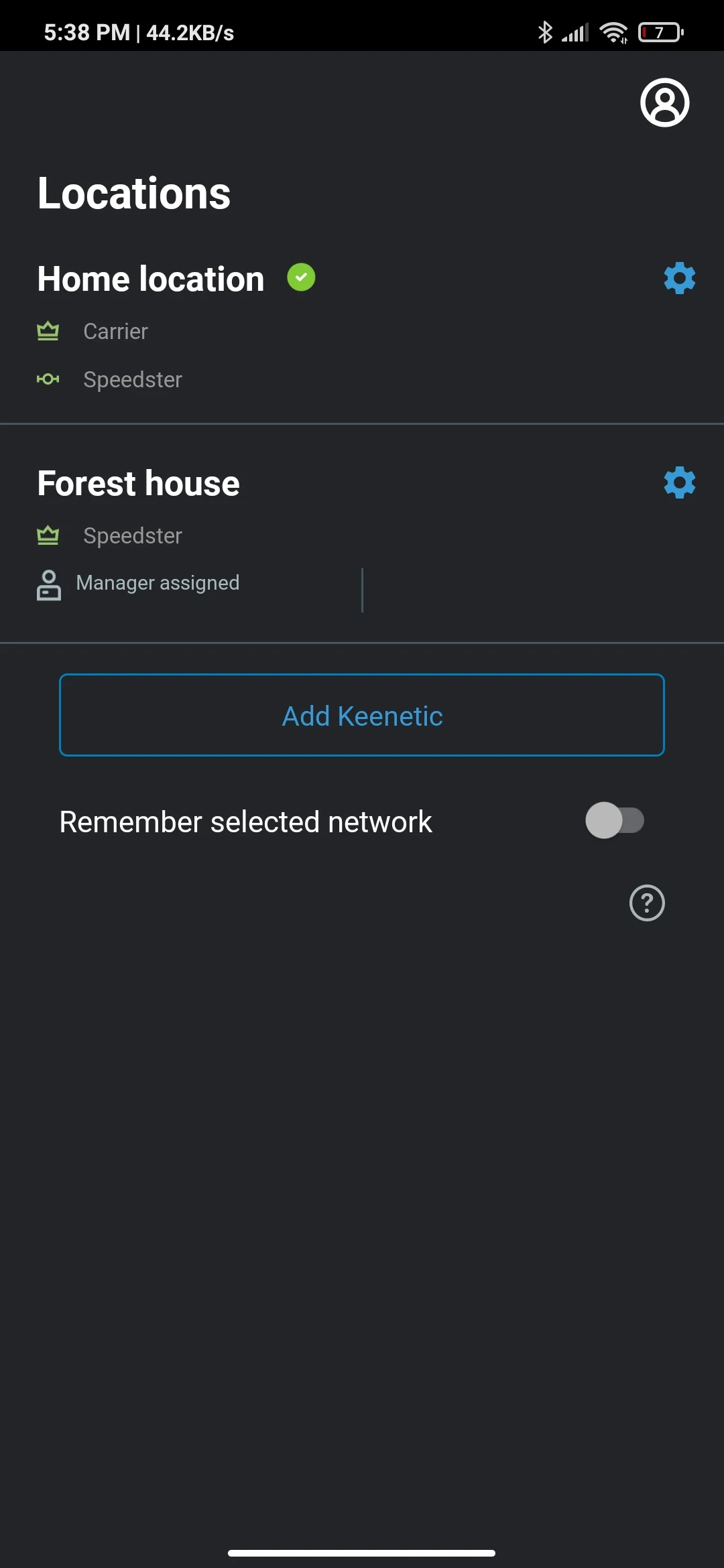
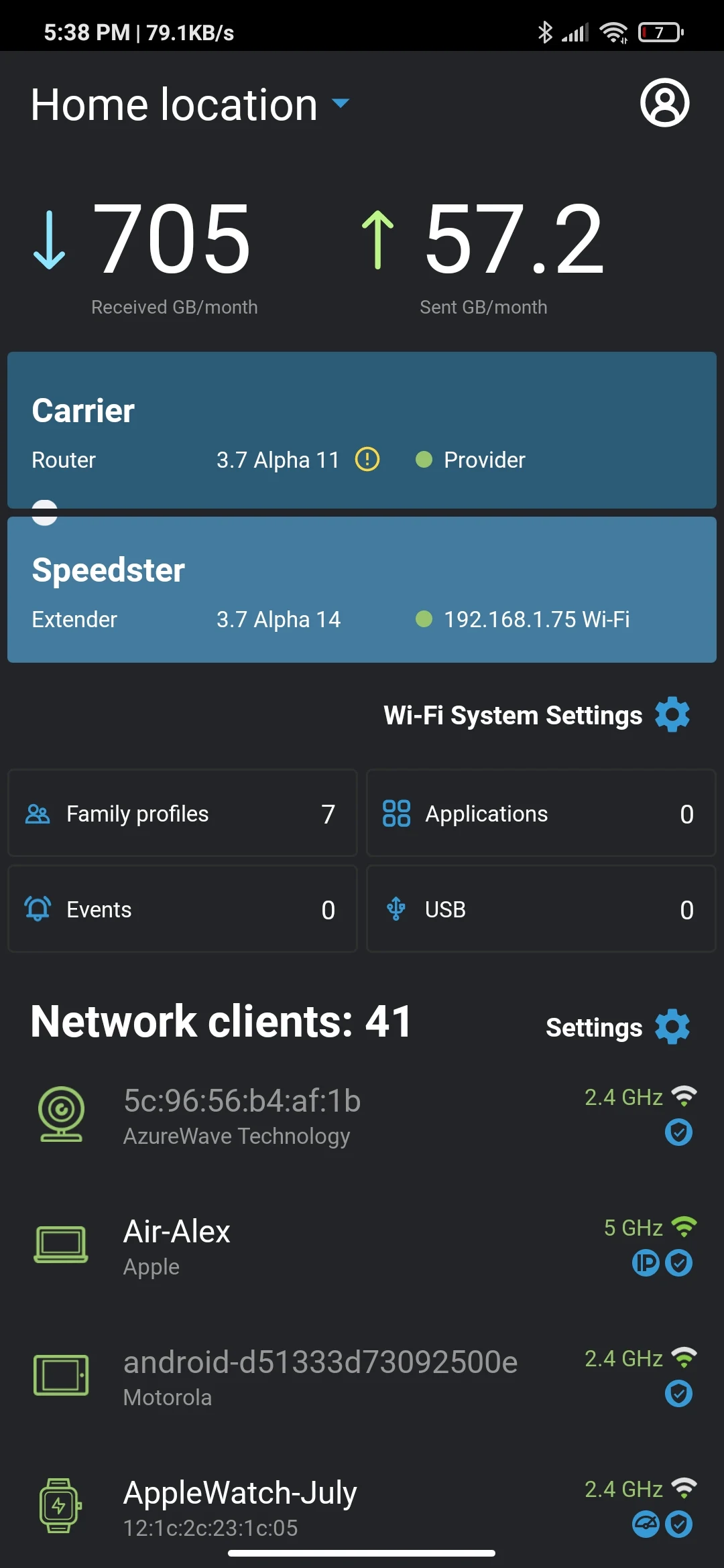
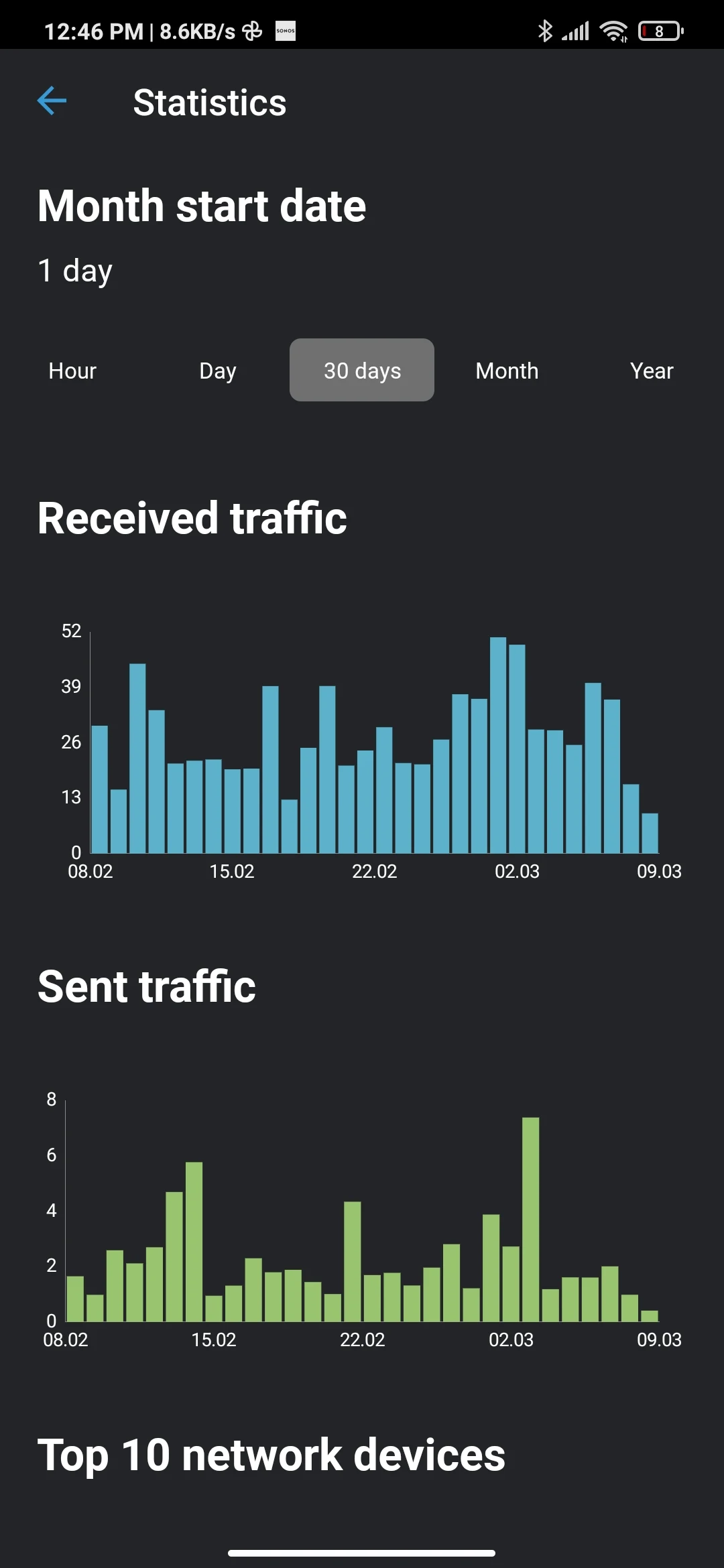
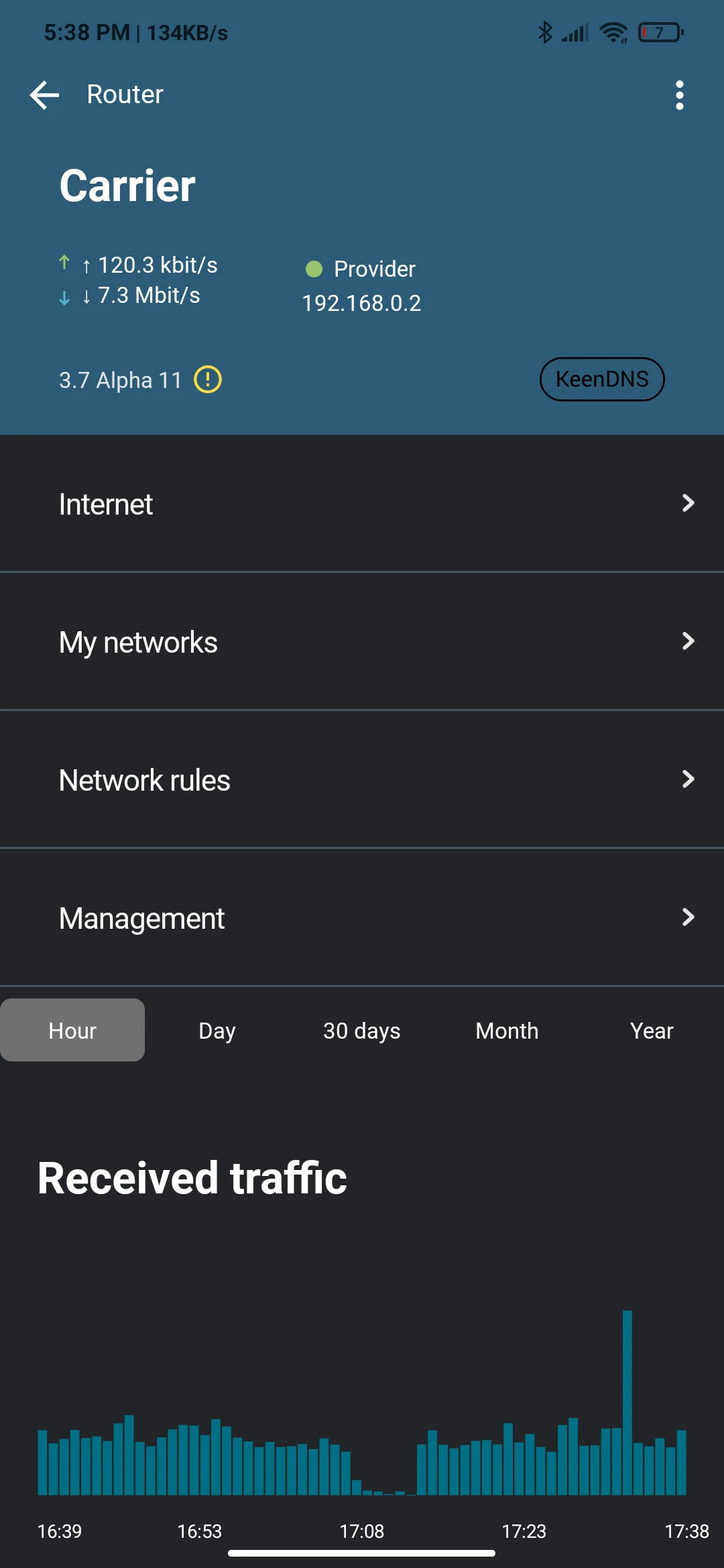
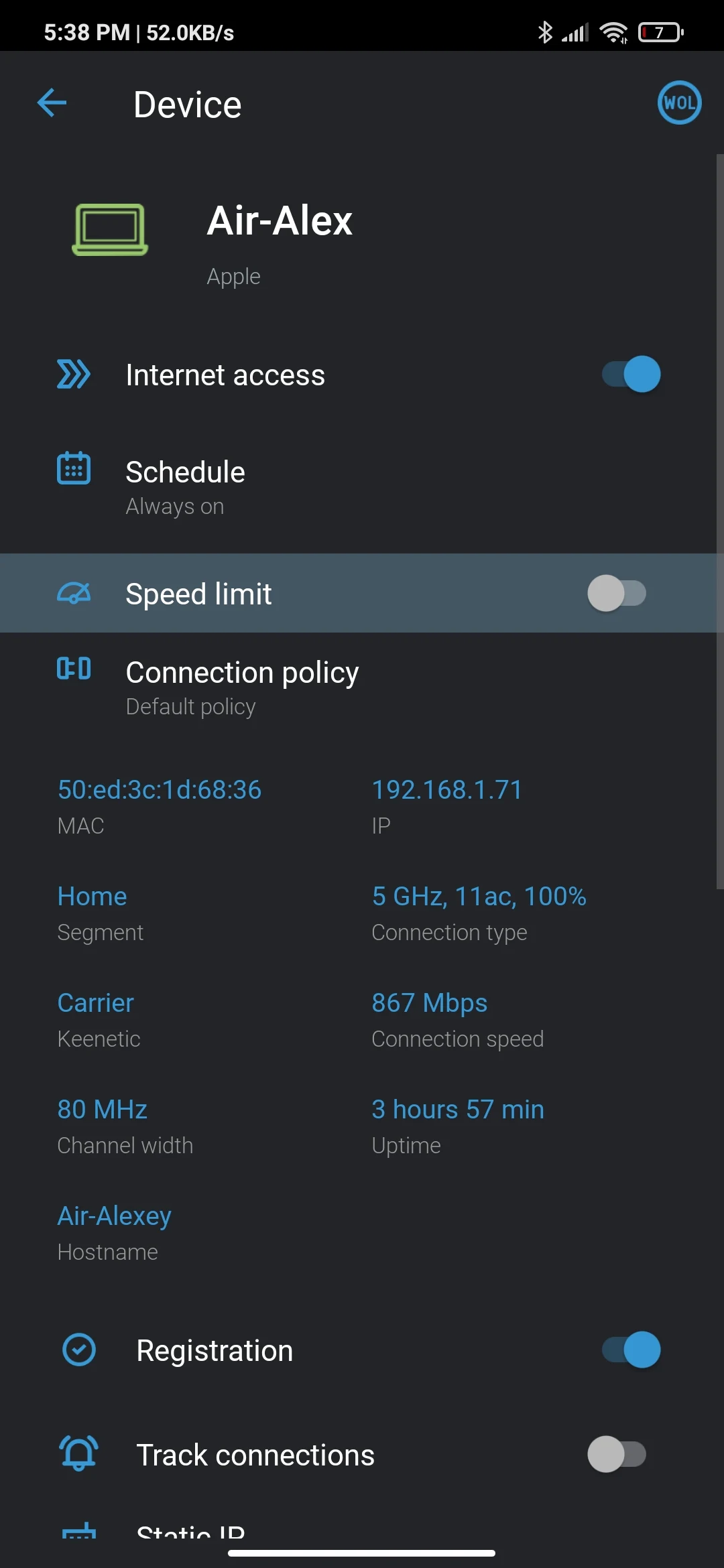
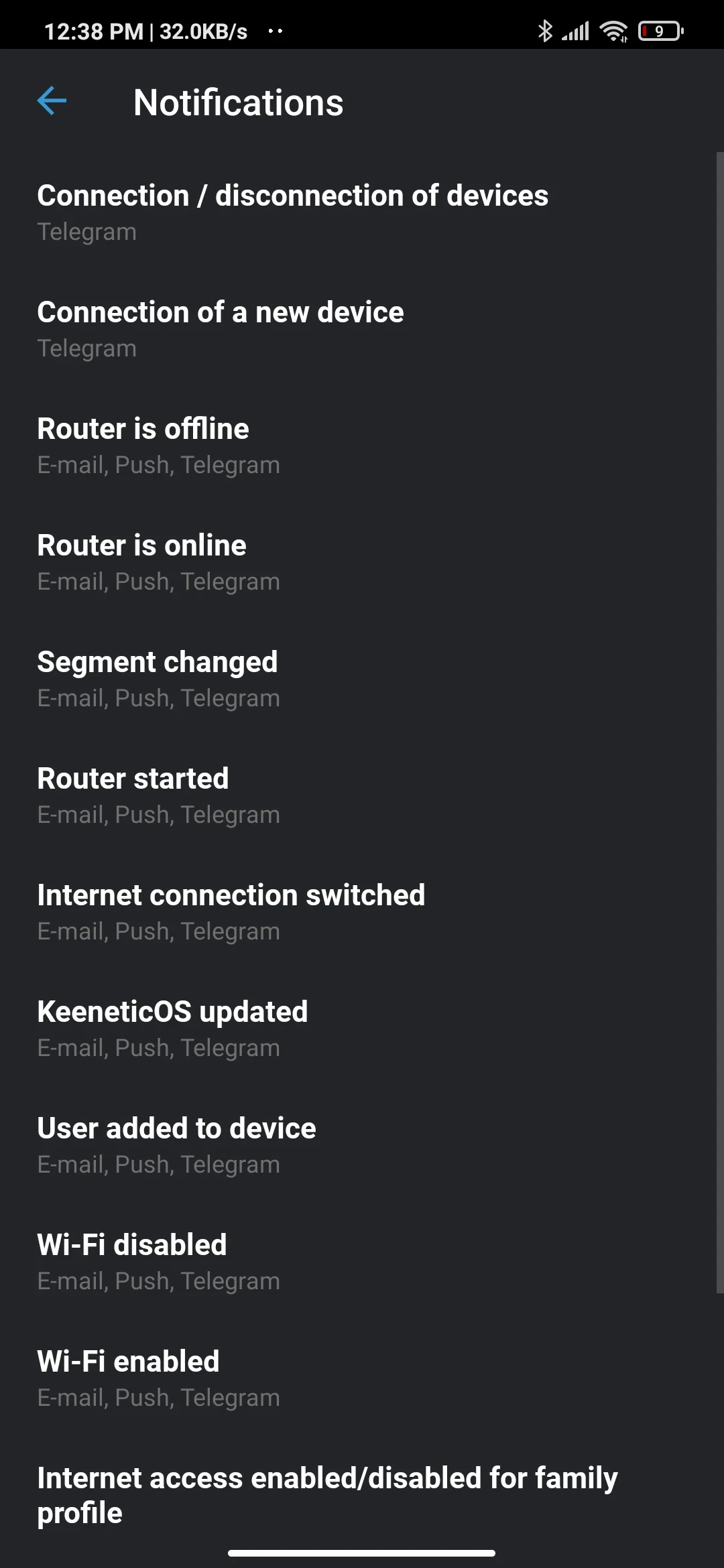
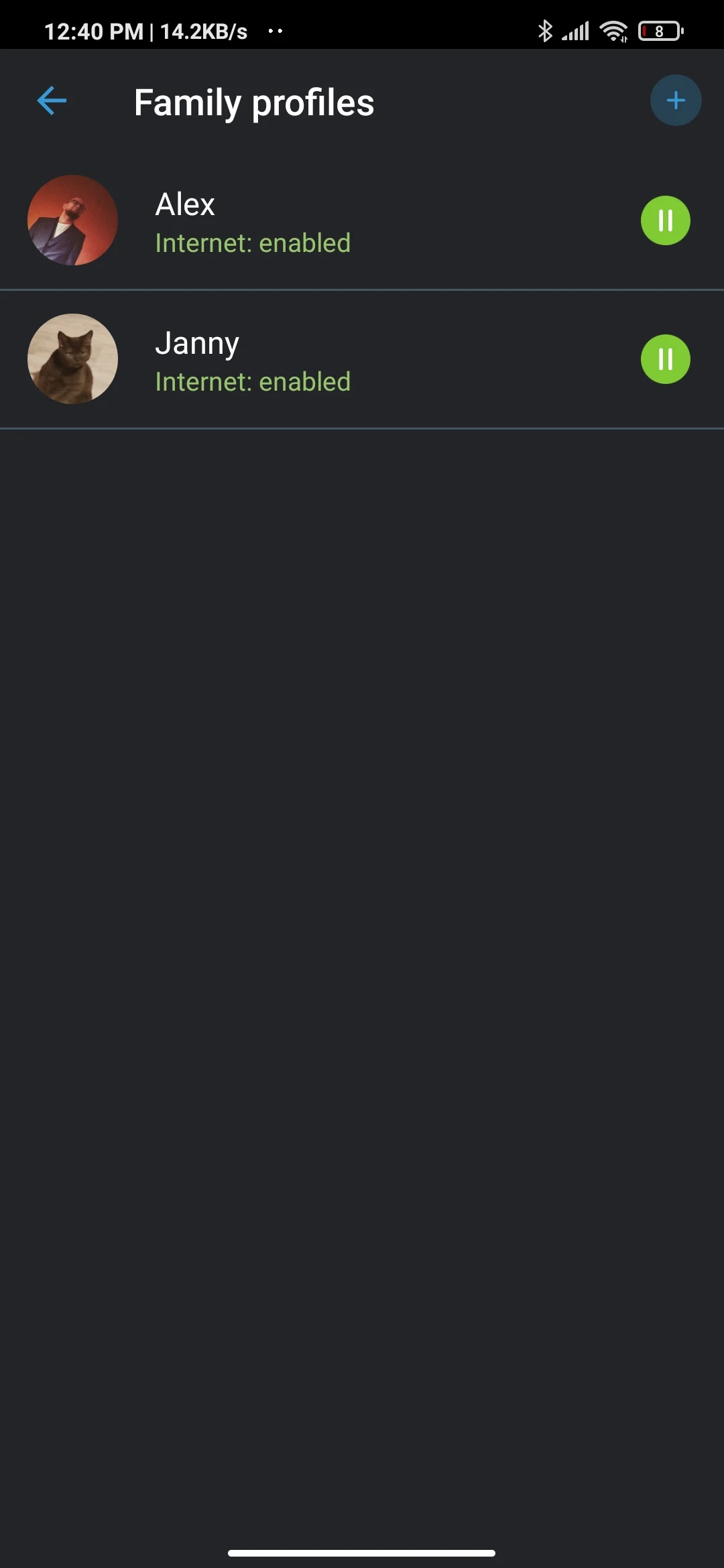
The Keenetic mobile application has been designed to help you effortlessly set up and oversee your Keenetic Whole Home Wi-Fi System.
Utilizing cutting-edge cloud technology, the features of the Keenetic App can be accessed from anywhere, not just within your home network, but also when you're connected to the internet through your smartphone.
This app enables you to configure your Internet connection, update the Keenetic Operating System on your device, or modify your home network settings.
You can install the Keenetic App in a matter of minutes, allowing you to keep an eye on the status and current speed of your Internet connection. It also lets you activate or deactivate the Guest Wi-Fi network, create weekly schedules for family members, supervise their online activity, manage content restrictions, and even suspend, pause, or resume access to the Internet at home.
Keenetic partners with esports organization HEET

Keenetic is deepening its cooperation with the Belgian esports organization HEET. The HEET teams are equipped by Keenetic with routers from the extensive portfolio.
In addition, Keenetic will provide various devices for contests and sweepstakes, as well as unboxing videos via HEET players' streaming channels. Keenetic tournaments will also be held with the chance for the community to win many prizes.
Together with HEET, Keenetic enables esports athletes to ensure the best possible connection speed at a special price. Keneetic products have the same chipsets as the well-known market leaders, but differ significantly in their own advanced software with a wide range of functions such as an extremely reliable Internet connection with several providers at the same time: in the event of a network failure of the main provider, the Keenetic router automatically switches to the backup channel. HEET players don't have to worry about data loss or complicated recovery processes either, thanks to integrated storage and backup functions. Safety is a priority as well. Keenetic delivers the settings for secure operation at home directly from the factory and uses digital HTTPS certificates for this.
“Our players are interested in the most powerful hardware only. With its routers, Keenetic offers products that also meet the highest demands of our professionals. We are very excited to welcome Keenetic as an official partner in our community,” says Daniel Karlík, Partnership Manager of HEET Gaming.
HEET is a tribe of unlikely heroes destined and determined to leave a lasting mark on esports through wild gameplay and a relentless drive to succeed. HEET competes against the biggest names in the industry to write its name in the annals.
HEET comes from all corners of Europe and the fans are not tied to one place or border either. Instead, they share the same burning passion for living life on the wild side, standing up for what they believe in, witnessing historic moments and having a good time in the process.
Keenetic offers latest WPA3 Wi-Fi security for its entire product range
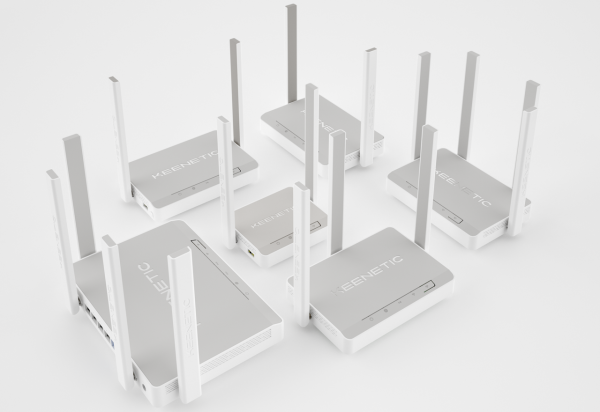
WPA3 represents the next generation of Wi-Fi security, bringing enhanced Wi-Fi protection for both domestic and enterprise networks. WPA3 adds simplified Wi-Fi security, more robust authentication and enhanced cryptographic strength to that offered by WPA2 the previous market standard on which WPA3 has been developed. For the ordinary user WPA3 is a big step forward in robust but convenient Wi-Fi protection, from the now 15 year old WPA2 standard.
WPA3 comes in two levels of complexity:
WPA3-Personal — Password-based authentication, even when users choose passwords that fall short of typical complexity recommendations, is made safer. WPA3 leverages Simultaneous Authentication of Equals (SAE), a secure key establishment protocol between devices to provide stronger protection from attempted password guessing by third parties.
WPA3-Enterprise — Offers networks transmitting sensitive data such as financial or commercially strategic information the enhanced protection delivered by the equivalent of 192-bit cryptographic strength.
By the end of 2019, WPA3 will be available on the majority of recent mobile devices, as it will be preinstalled or appear as part of a software update:
WPA3 will be included in the Android 10 release due as an update for many Android-based phones later this year.
WPA3 already features on The Samsung Galaxy S10, and The Google Pixel 3a.
The iOS 13 update will add WPA3 to all recent Apple smartphones including The iPhone XS and The XS Max, XR, and X, 8 and 8 Plus, 7 and 7 Plus. A similar update is expected for tablets running iPadOS 13.
Uniquely, amongst Network Equipment Manufacturers, Keenetic delivers all the advantages and support for WPA3, WPA3 Enterprise and OWE in the KeeneticOS 3.1 update. This free update is available for all of the current Keenetic product line of Wi-Fi 4 (802.11n) and Wi-Fi 5 (802.11ac) devices. While most manufacturers suggest buying expensive high end next generation devices to take advantage of the latest advanced security features of WPA3 no other vendor has offered them for their entire product range of home routers in time for the mass market shift to the new security standard.
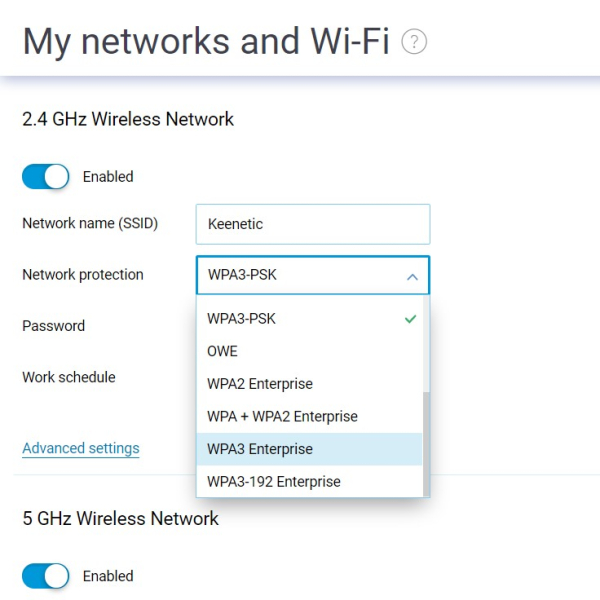
For user convenience and the smooth migration toward better Wi-Fi security, Keenetic also offers WPA2/WPA3 mixed-mode. This allows older devices that use WPA2 to work alongside newer devices that utilize WPA3 authentication.
Please note the WPA3 security protocols for Keenetic products, announced here, work equally well for Standalone Routers and within the framework of a Wi-Fi system with seamless roaming.
Stay secure! Update your Keenetic device today.
- Version61
- UpdateApr 13, 2025
- DeveloperKeenetic Limited
- CategoryTools
- Requires AndroidAndroid 5.0+
- Downloads624K+
- Package Namecom.keenetic.kn
- Signatured206685ce597f850512c67cdf786f044
- Available on
- ReportFlag as inappropriate
-
NameSizeDownload
-
19.27 MB
-
19.04 MB
-
18.61 MB














Ability to monitor home network activity remotely
Connection policy allows for daily tasks without web version
Good traffic monitoring feature
Regular updates from developers
User-friendly interface on web version
Functional app for setup and management
Good design aesthetics
Required account creation for router access
Lack of a Russian language interface option
Glitchy and slow application performance
Limited functionality compared to web interface
Issues with registering and logging in
Frequent disconnections of home devices
Missing advanced settings (e.g., band steering, VLAN)
Notifications do not work properly or cannot be customized