
İzmir Akıllı Ulaşım Rehberi - Transit Timings & Balance Check
Stay on schedule with real-time transit data & favorite stops, all while managing your card balance effortlessly!

- 6.5.1 Version
- 1.2 Score
- 178K+ Downloads
- In-app purchases License
- 3+ Content Rating

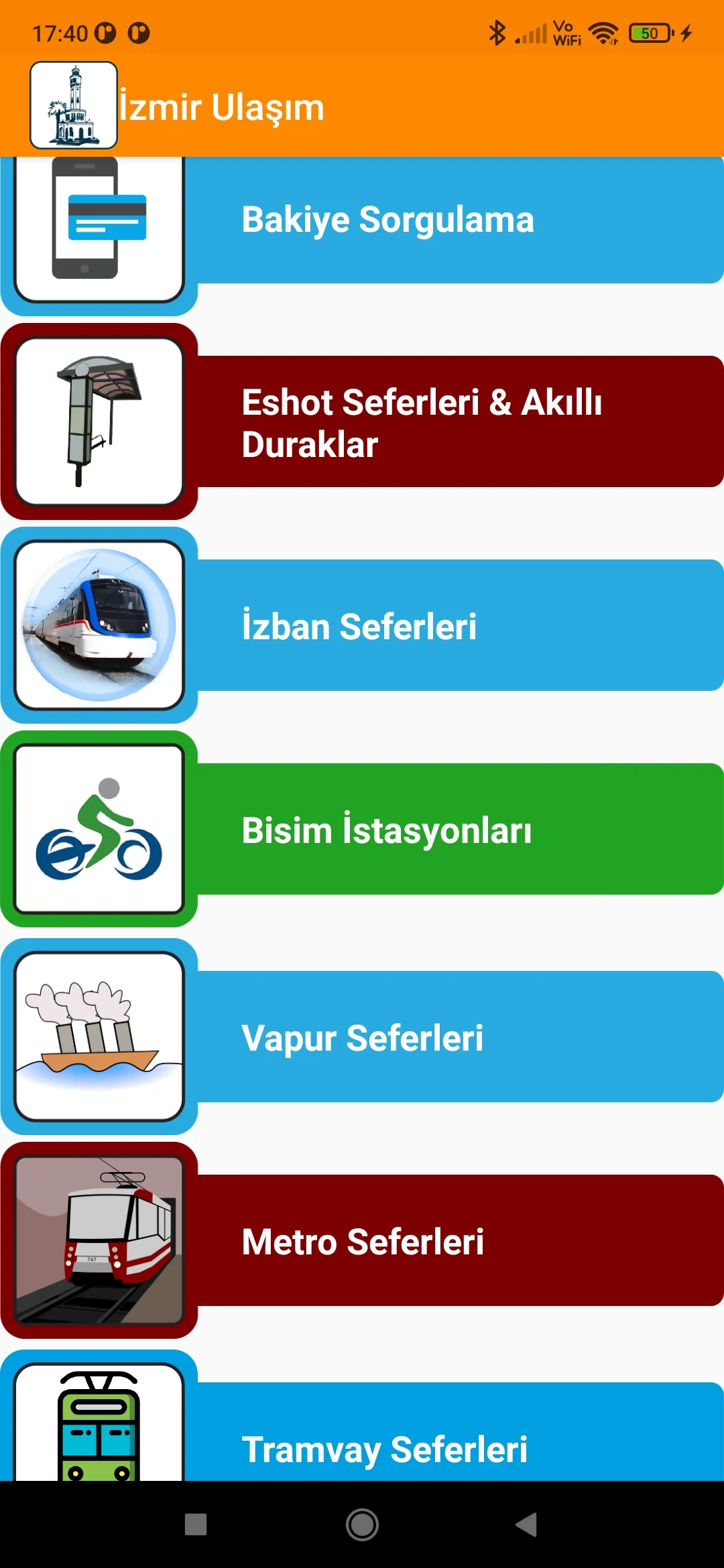
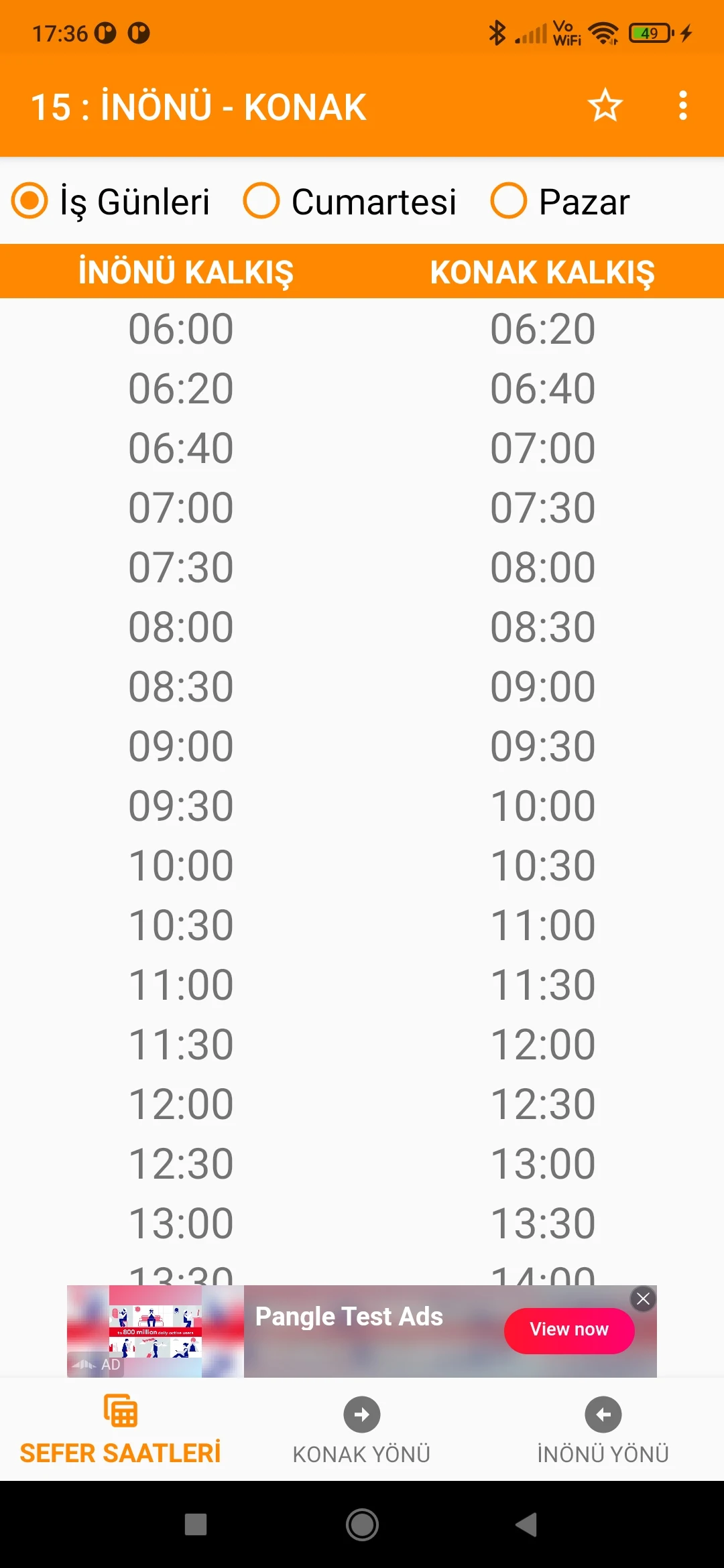
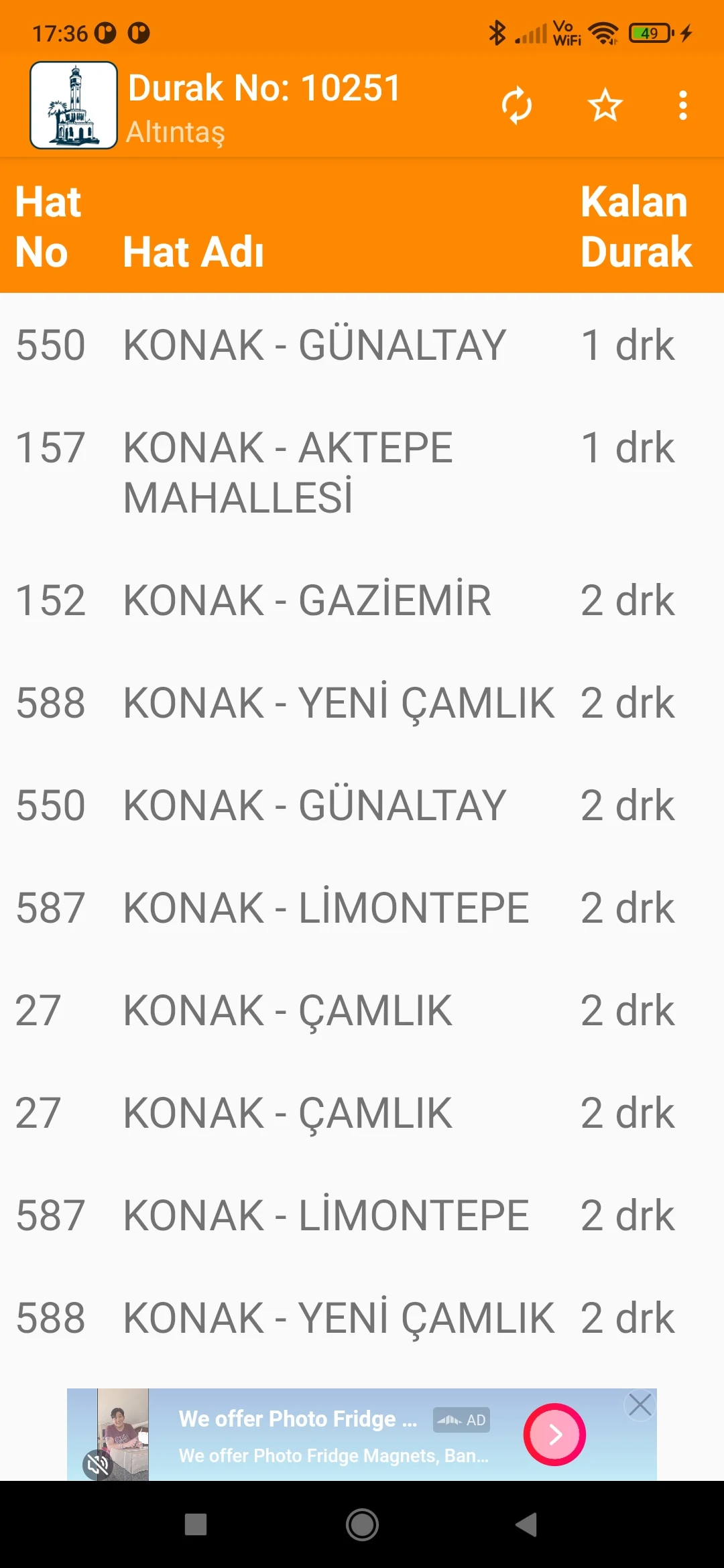
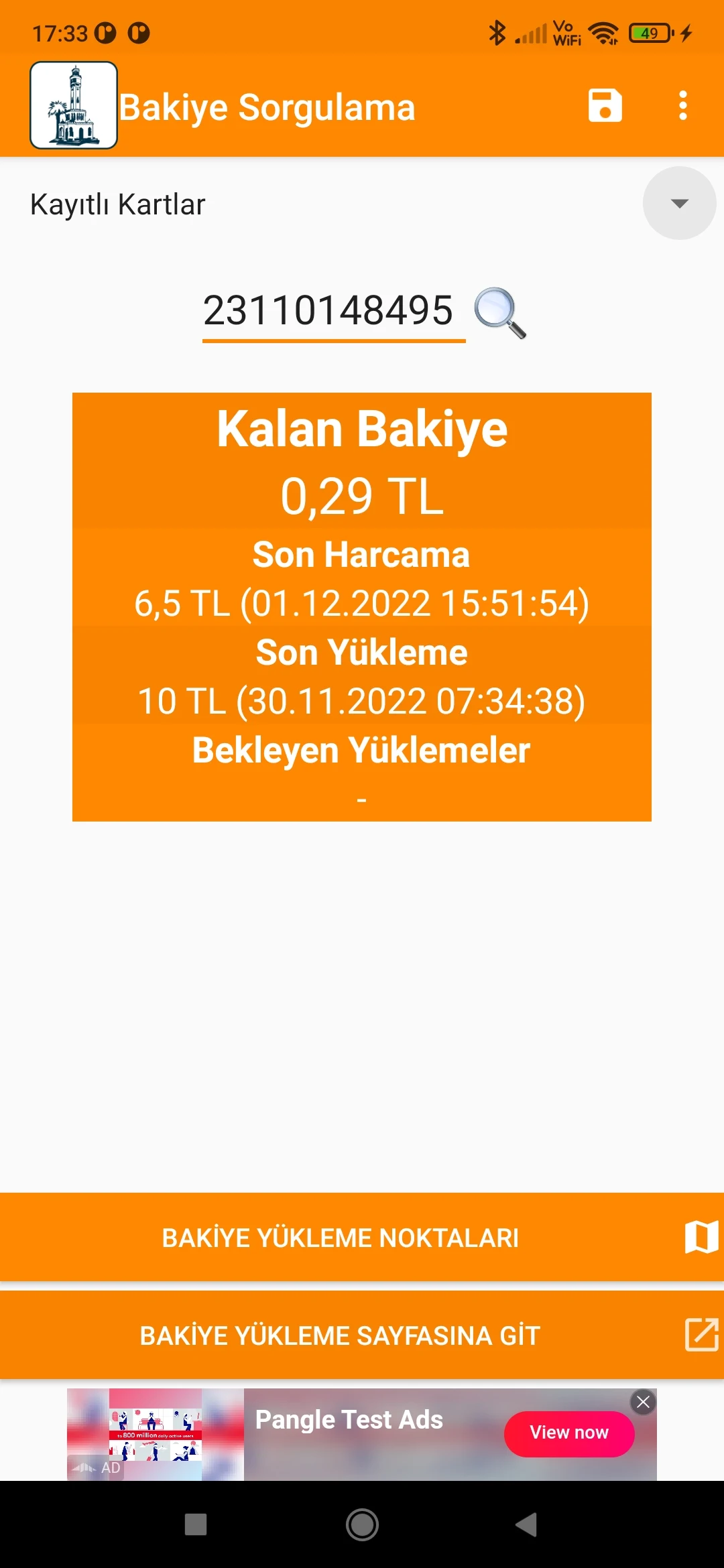
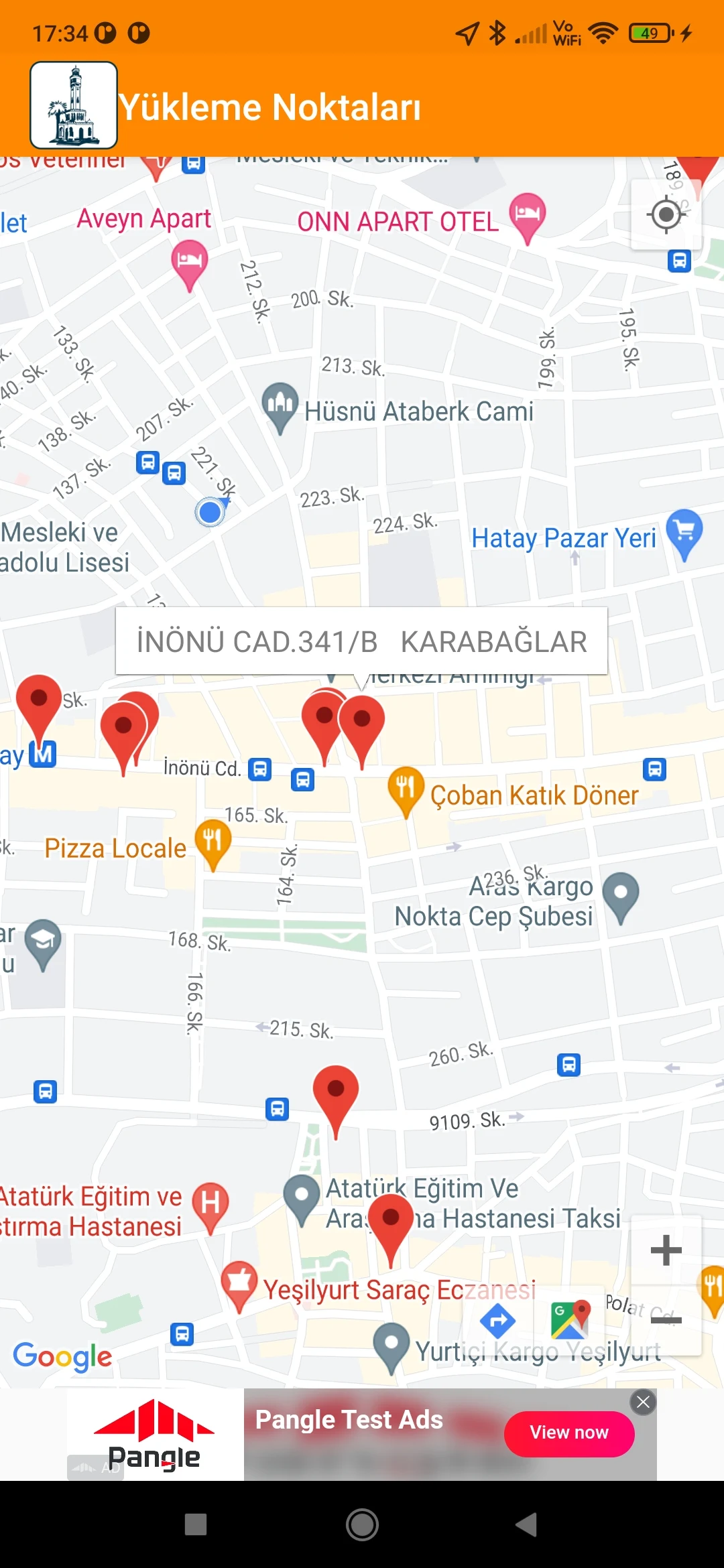
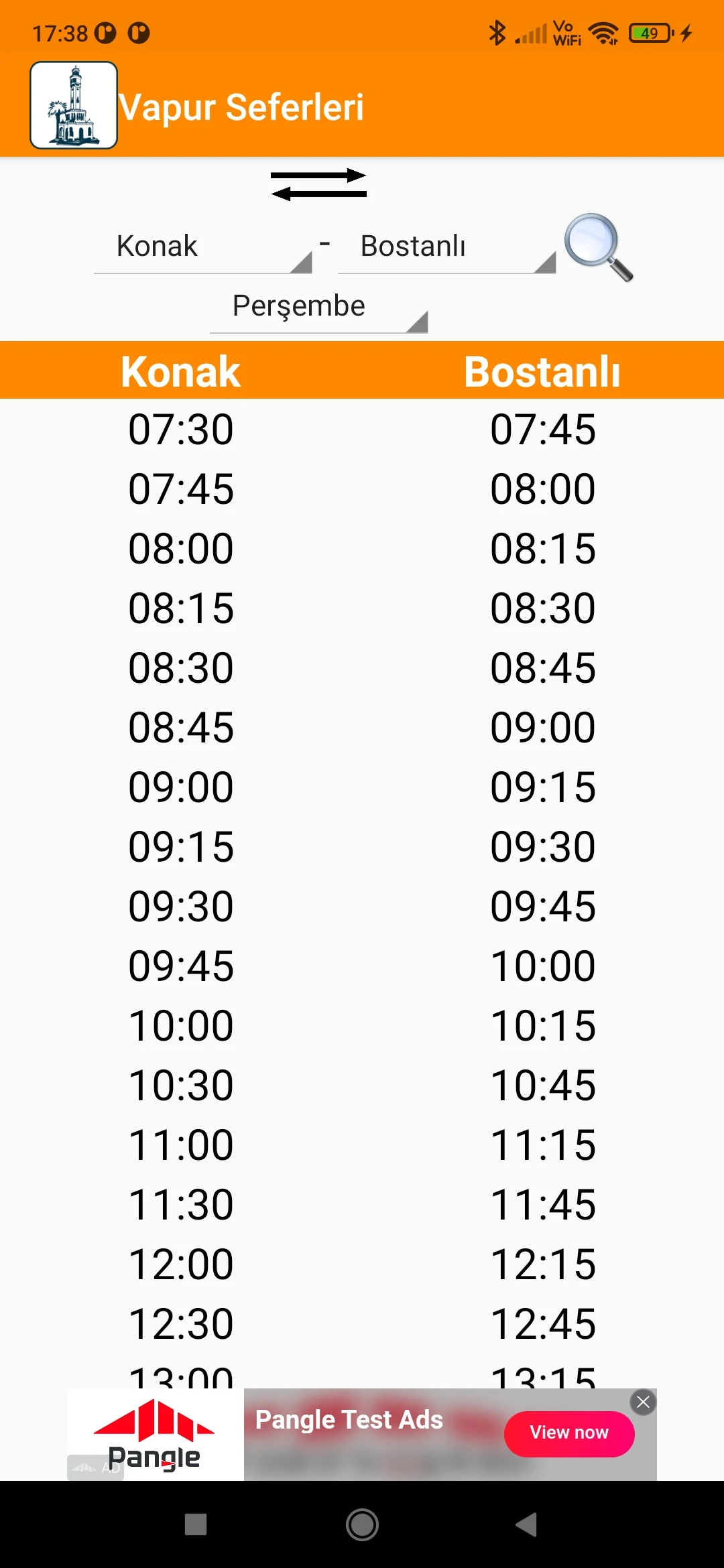
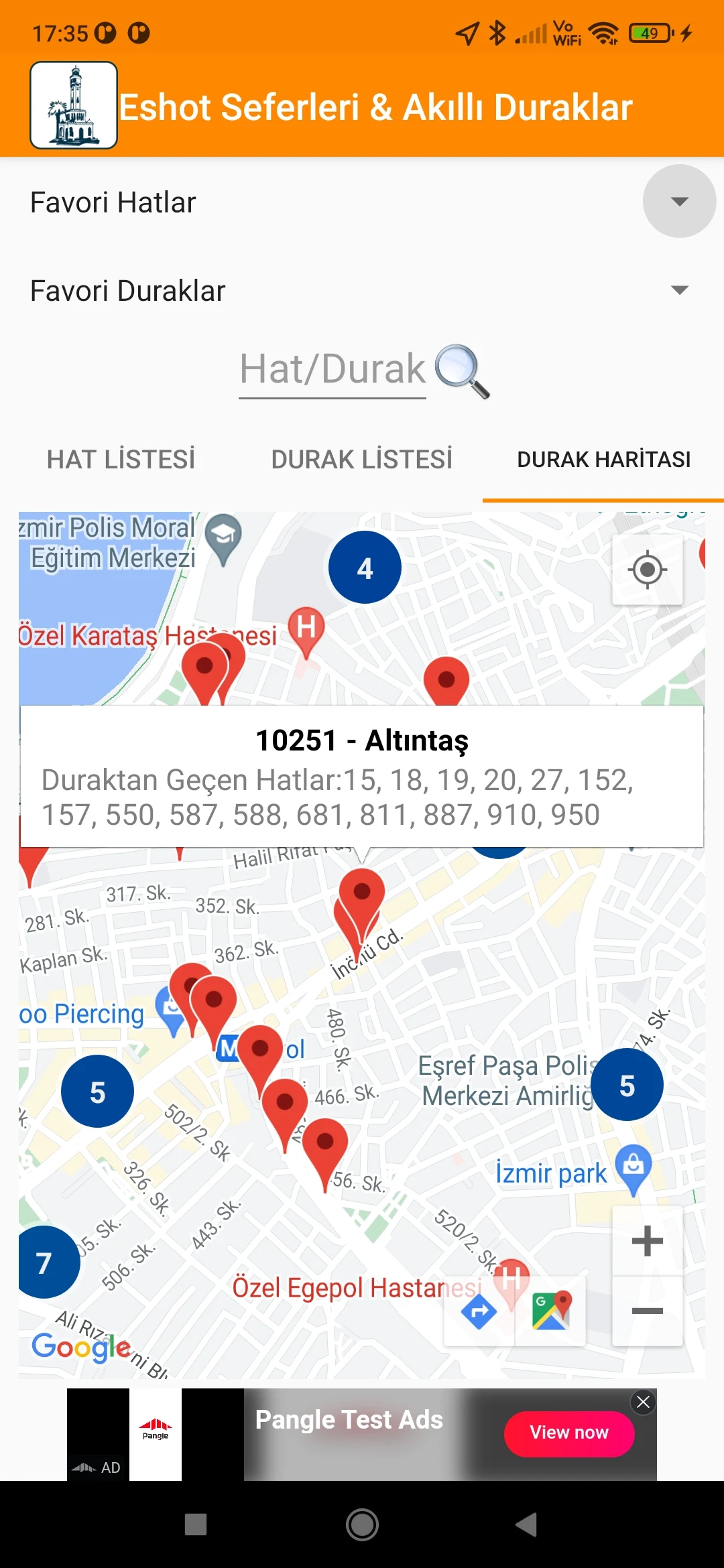
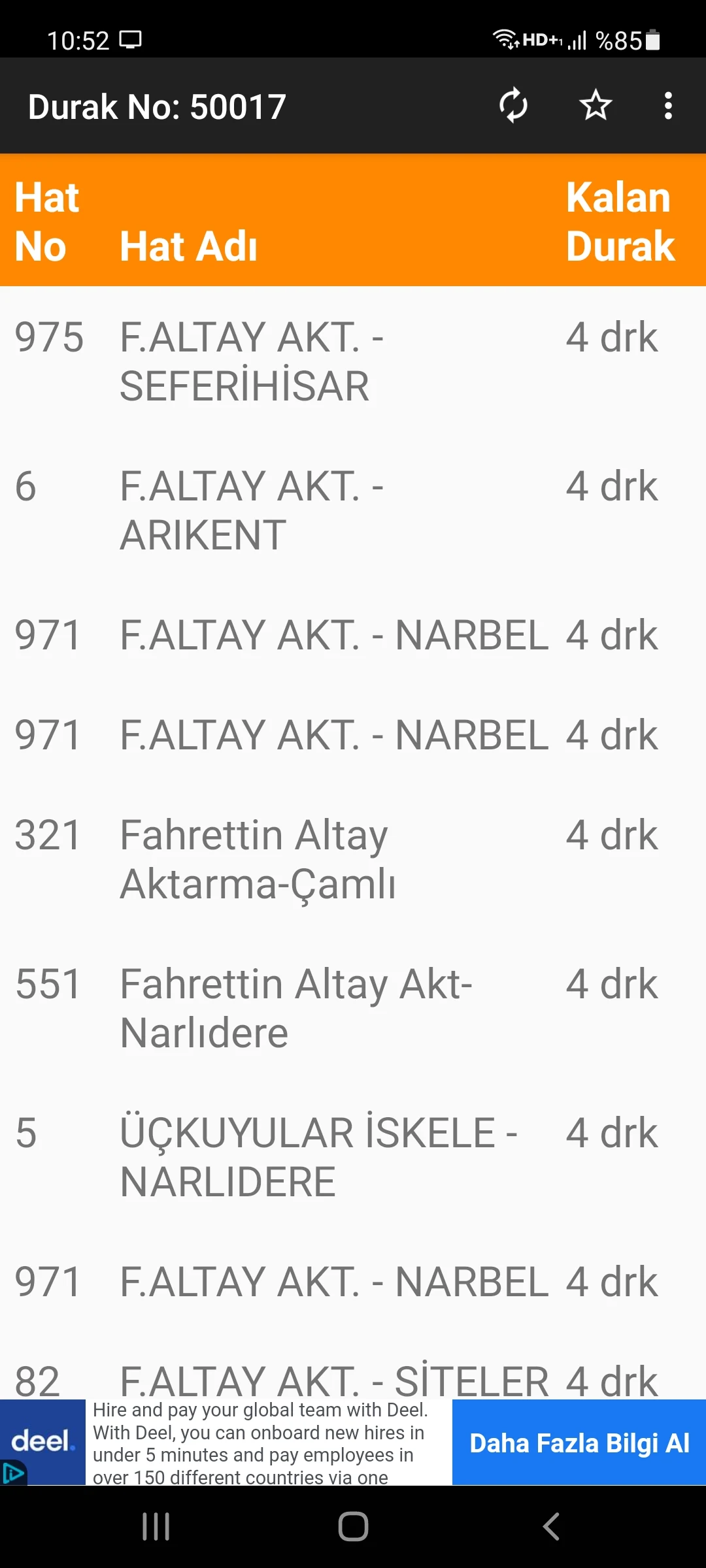
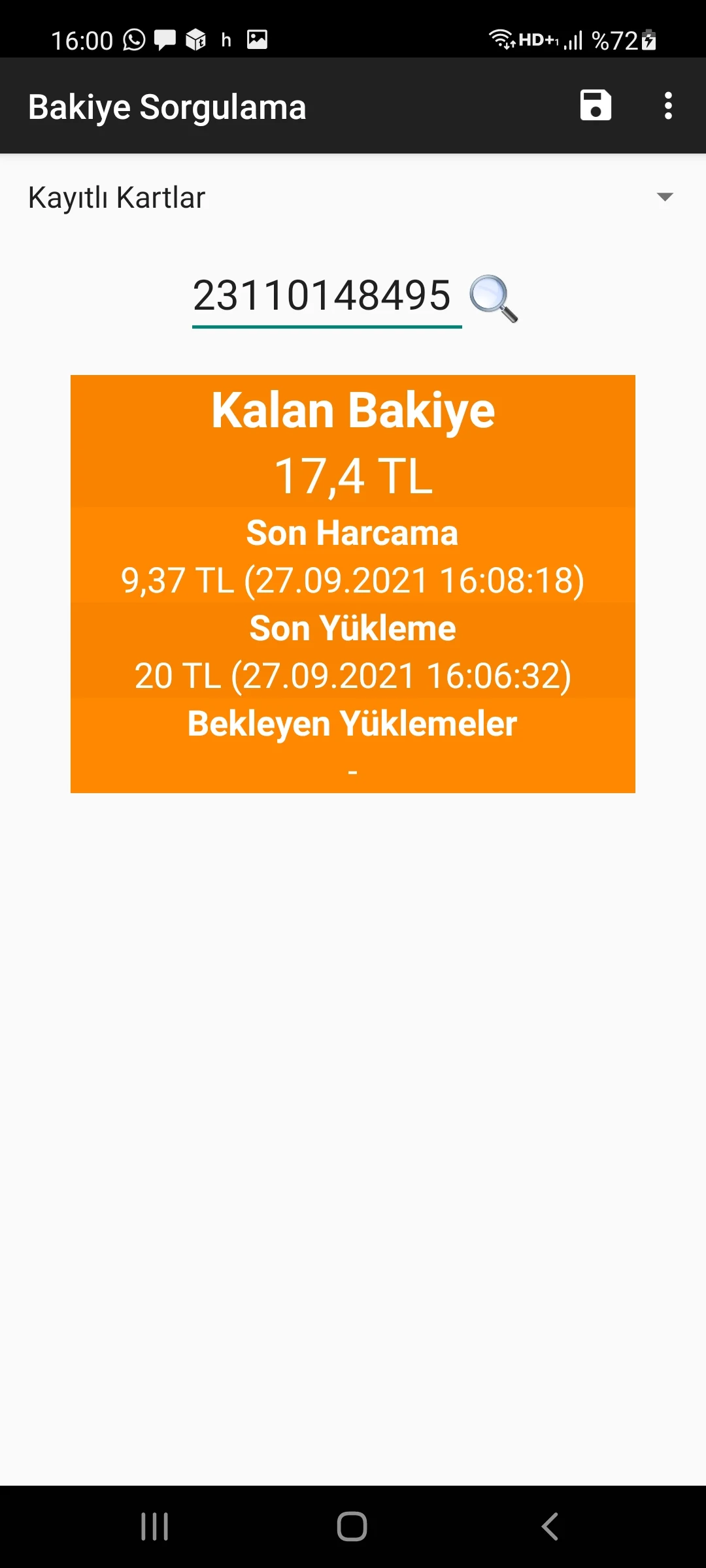
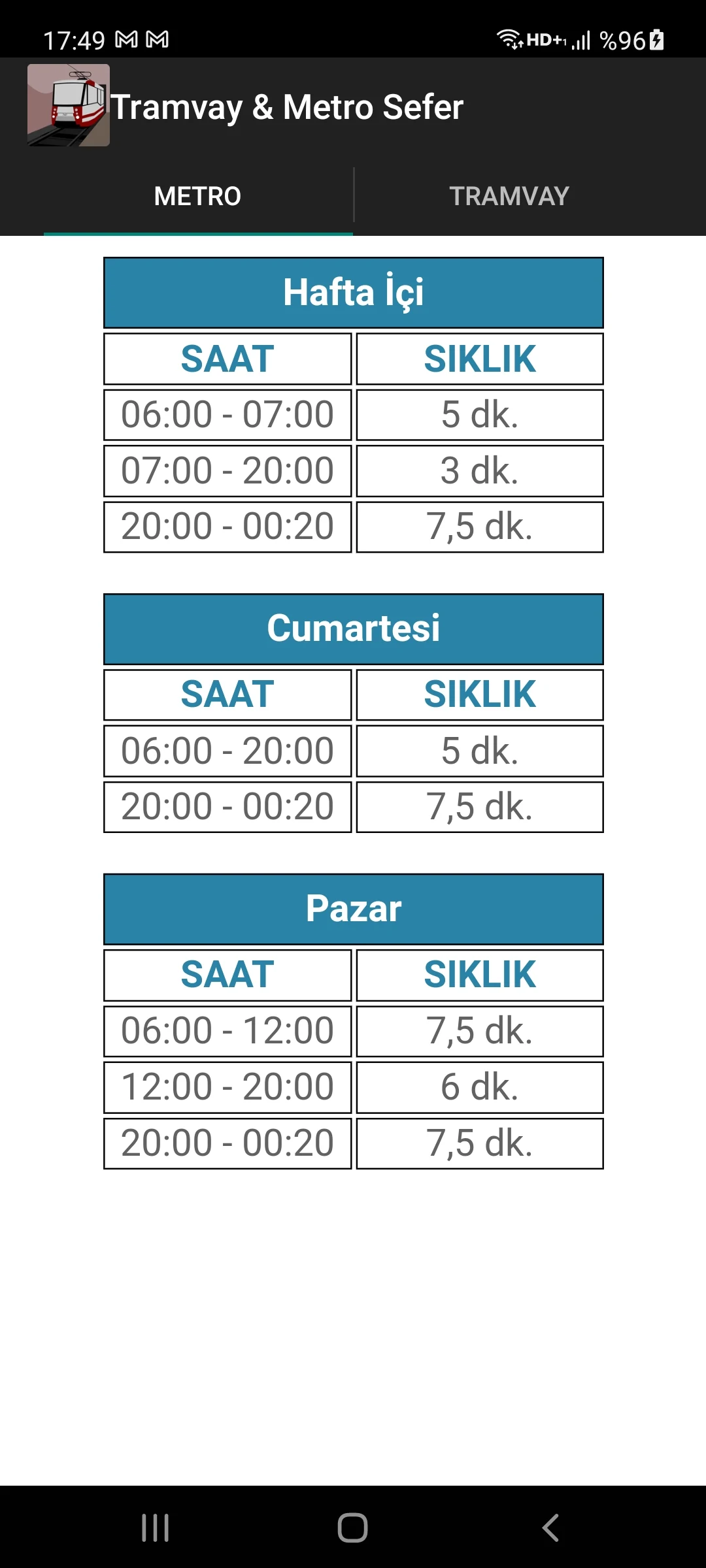
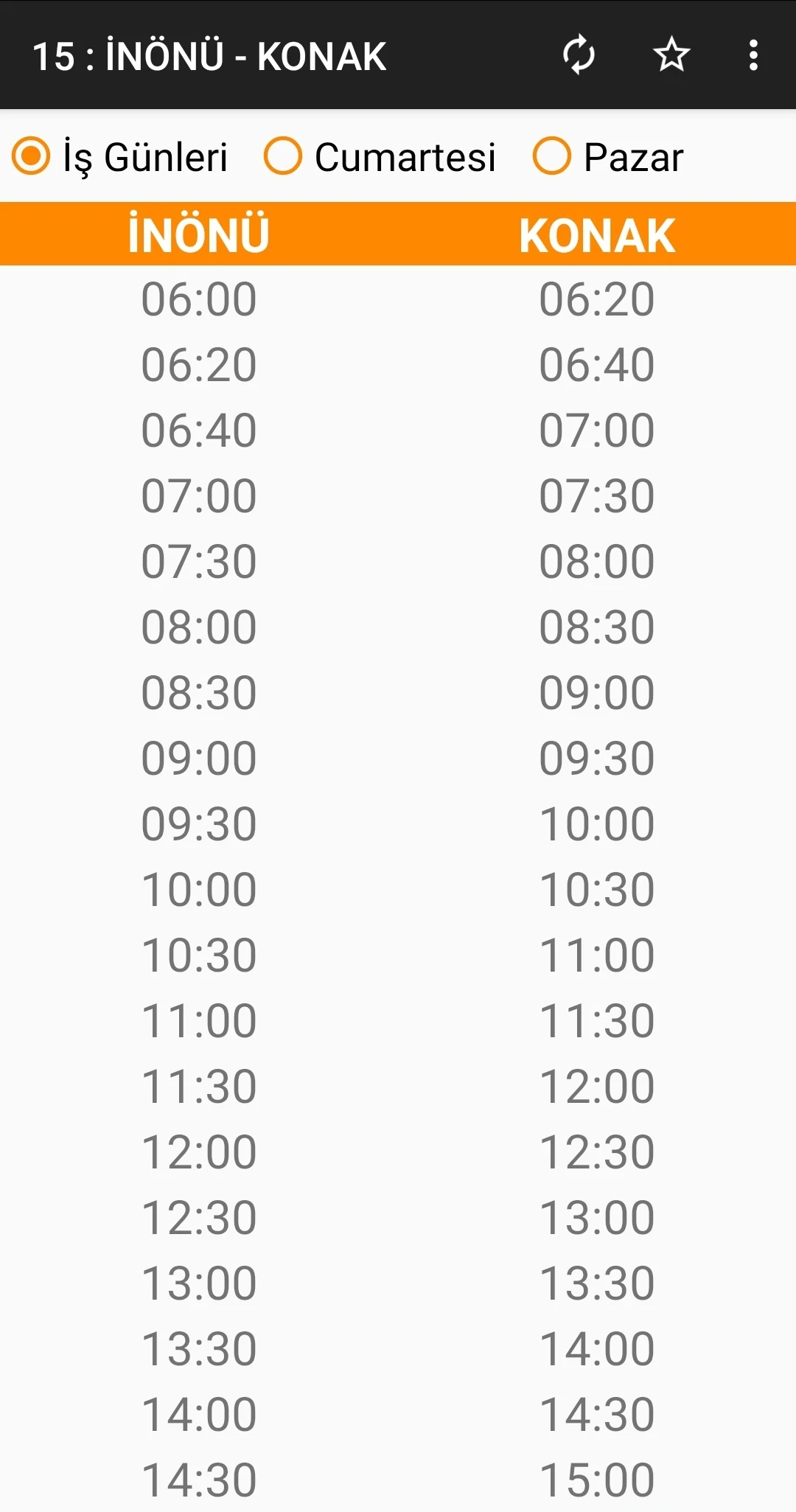
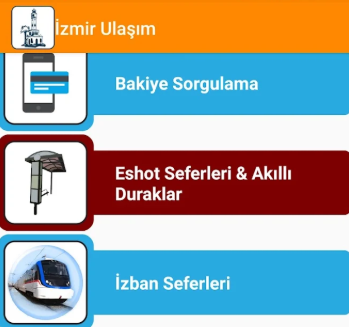
This application allows you to conveniently check the departure schedules for buses, ferries, Izban services, and metro and tram frequencies, as well as inquire about your card balance.
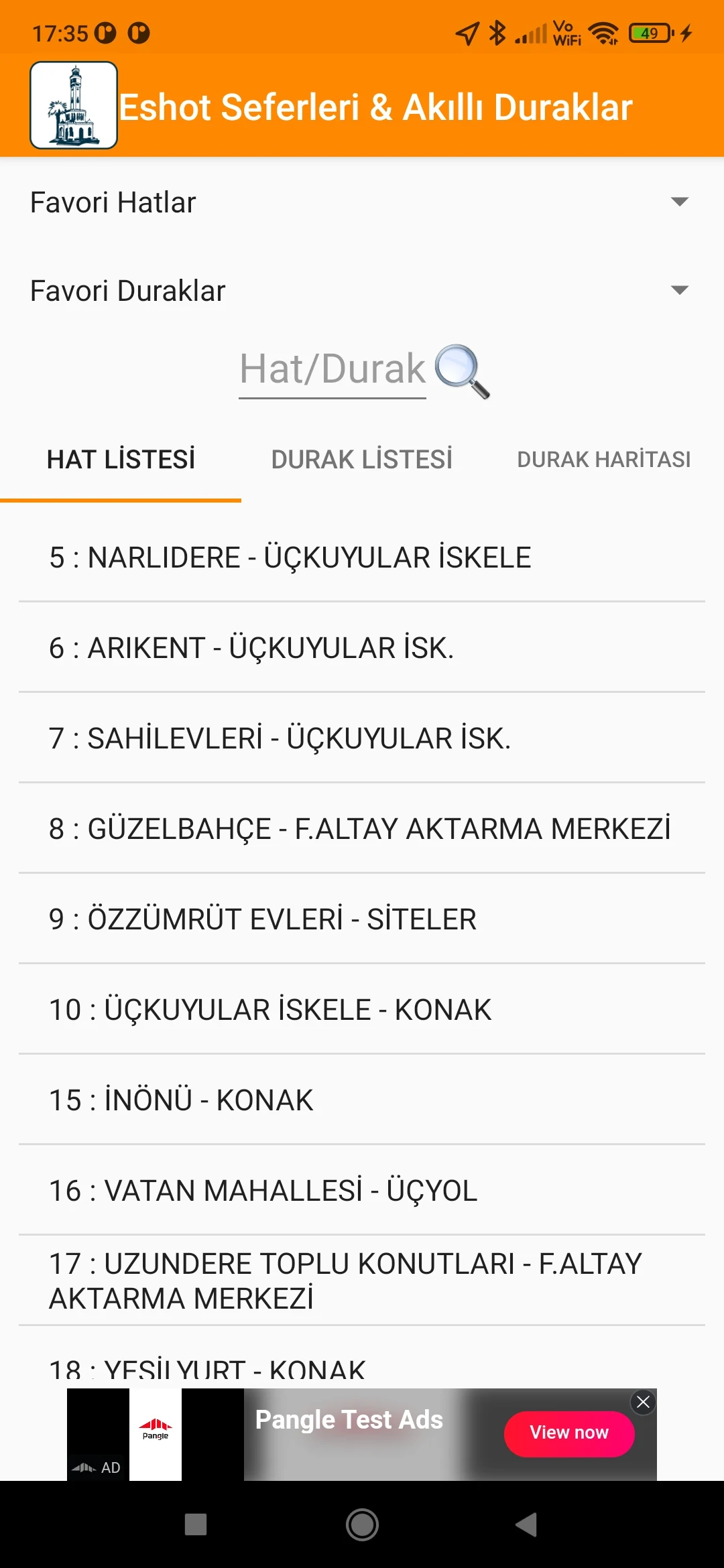
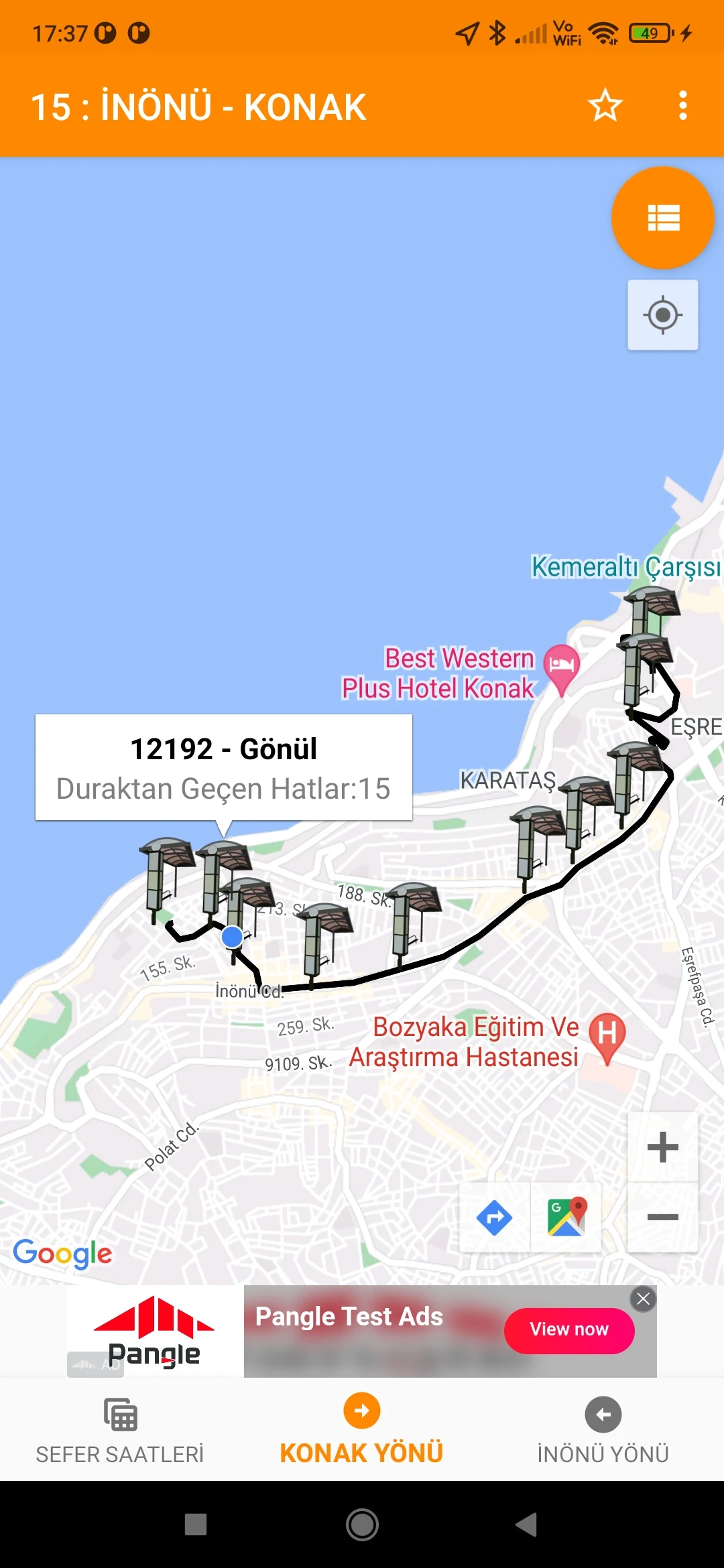
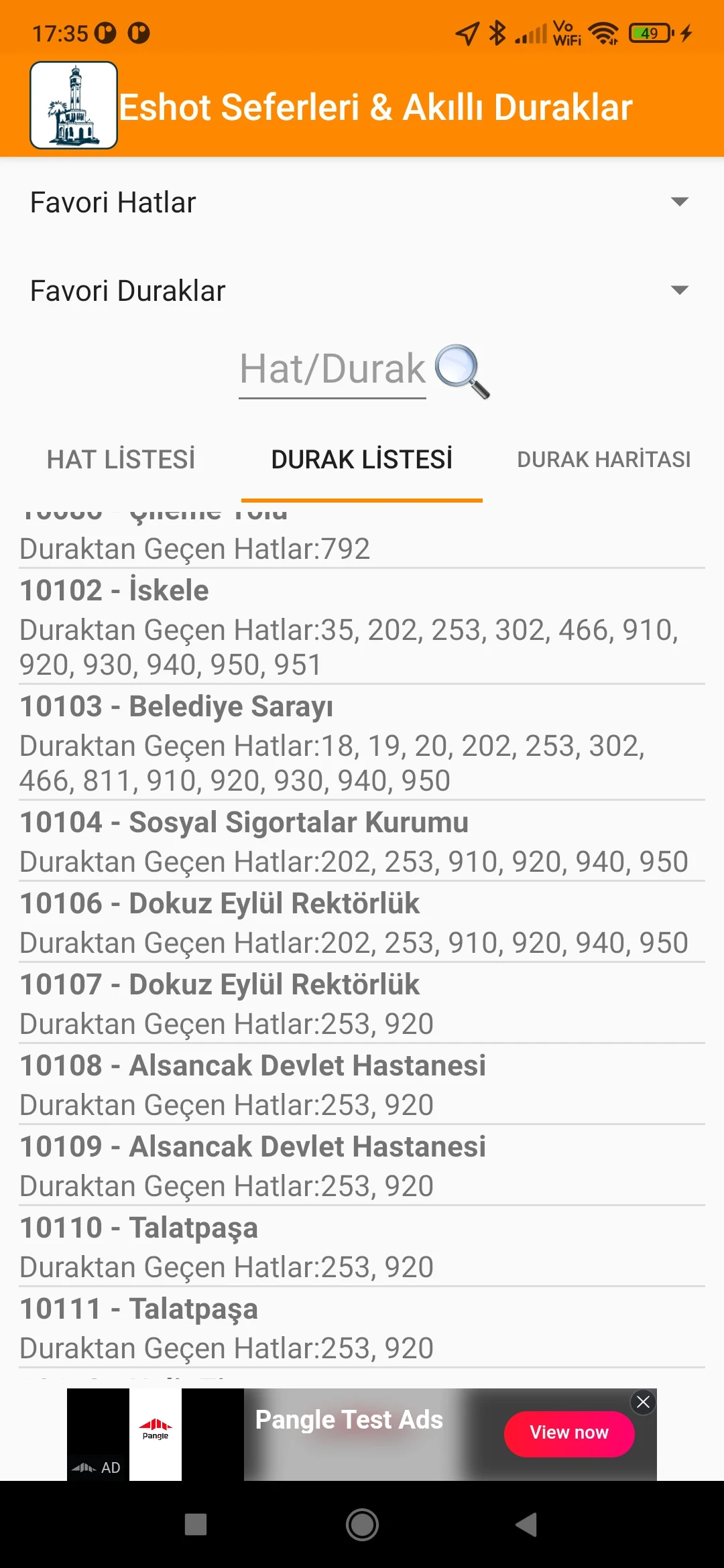
Moreover, in the "Smart Stops" section, you can access information regarding buses that are approaching the stop.
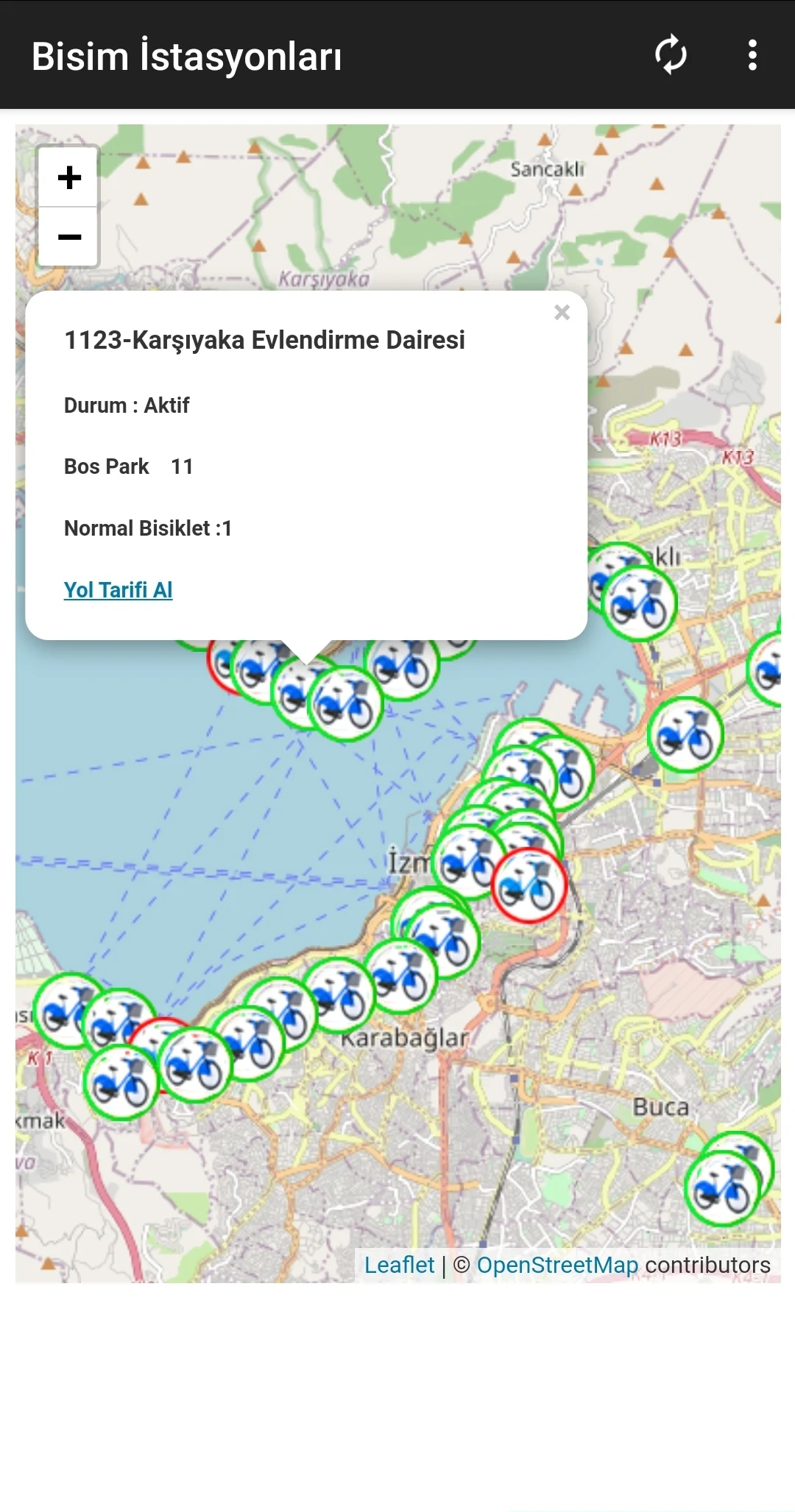
Additionally, the Bisim Stations section provides an interactive map where you can view stations and click on them to find out how many bicycles and parking spaces are available. You can also obtain directions to your selected station if needed.
Features:
*To simplify your experience, you can add frequently used bus lines to your favorites, eliminating the need to enter line numbers each time.
*By saving your card or card numbers, you can quickly check your balance with just one click during future logins without re-entering the number.
*You can also save commonly used stops to your favorites list to view incoming buses with a single click.
*The app is provided free of charge, so please bear with the advertisements.
Usage Process:
1. **Download and Install the App**: Search for the app in your mobile app store, then click Download and Install.
2. **Register and Login**: Open the app. If you're a new user, click Register and enter your phone number, password, and other information to complete the registration process. Once registered, enter your phone number and password to log in.
3. **View Travel Information**
- **View Schedules and Frequencies**: On the relevant pages in the app, you can view the departure schedules and frequencies for buses, ferries, Izban services, subways, and trams.
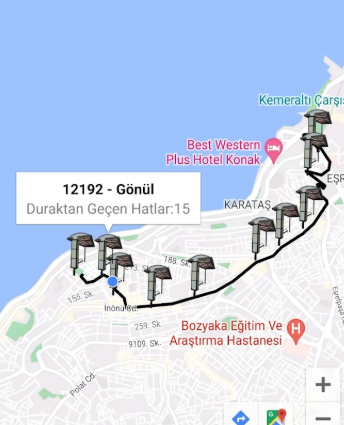
- **View Vehicle Location**: In the "Smart Stops" section, you can view upcoming bus information and track the arrival of buses, trains, or other vehicles on a map.
4. **Check Card Balance**: If you have saved your card or card number, you can log in and click the corresponding button to check your card balance without having to enter your card number again.
5. **Add Frequently Used Information**
- **Add Frequently Used Bus Routes**: Find the bus route page in the app and add frequently used bus routes to your Favorites for quick access next time.
- **Add Favorite Stops**: Save frequently used bus stops to your Favorites list and tap them later to view information about incoming buses at that stop.
6. **Use Other Features**
- **View Interactive Map**: In the "Bisim Stations" section, view an interactive map of stations. Tap a station to see available bike and parking spaces, and get directions to the selected station.
- **Receive Rider Alerts**: Sign up to receive notifications from transportation authorities about service updates, delays, disruptions, or detours, so you can adjust your travel plans in a timely manner.
Contains public sector information licensed under Attribution 4.0 International (CC BY 4.0).
Data is sourced from an open data platform.
Important Note: This application does not represent any governmental agencies, municipalities, or their affiliates.
FAQs:
1. **Q**: What travel-related information does this app provide?
**A**: It allows you to check departure times/frequencies for buses, ferries, Izban trains, metro, and trams, as well as your transit card balance. The "Smart Stations" section shows information about upcoming buses. The interactive map in the "Bisim Stations" section displays the number of bicycles and parking spaces at each station and provides directions to selected stations.
2. **Q**: Can I save frequently used information for quick access?
**A**: Yes, you can add frequently used bus routes and stations to your favorites, and you can also save your transit card/card number for one-click balance checks later without having to re-enter it.
3. **Q**: Is the app free? Are there any ads?
**A**: The app is completely free, but it does display ads. We appreciate your understanding.
4. **Q**: How do I check the number of bicycles and parking spaces at a station?
**A:** Enter the "Bisim Stations" section, open the interactive map, and click on the target station to view the number of available bicycles and parking spaces.
5. **Q:** Do I need to register to use the app?
**A:** Yes, new users need to register with their mobile phone number and password before logging in to use the various functions.
- Version6.5.1
- UpdateOct 28, 2026
- DeveloperMert Adsay
- CategoryTravel & Local
- Requires AndroidAndroid 7.0+
- Downloads178K+
- Package Namecom.mertadsay.izmirulasim
- Signature72be55b9cdb57fdeaab39e2f888a9a1f
- Available on
- ReportFlag as inappropriate
-
NameSizeDownload
-
30.46 MB
-
30.50 MB
-
27.30 MB














Comprehensive and feature-rich
Easy to use
Real-time information
Free to use
Ads are present
Data accuracy depends on external factors