Face Scan, Time Warp Scan - Time Warp Fun & Filters
Transform your selfies with Time Warp Scan’s hilarious effects, creating unforgettable photos & videos your friends will love!

- 21 Version
- 1.1 Score
- 989K+ Downloads
- In-app purchases License
- 3+ Content Rating



1. App Overview
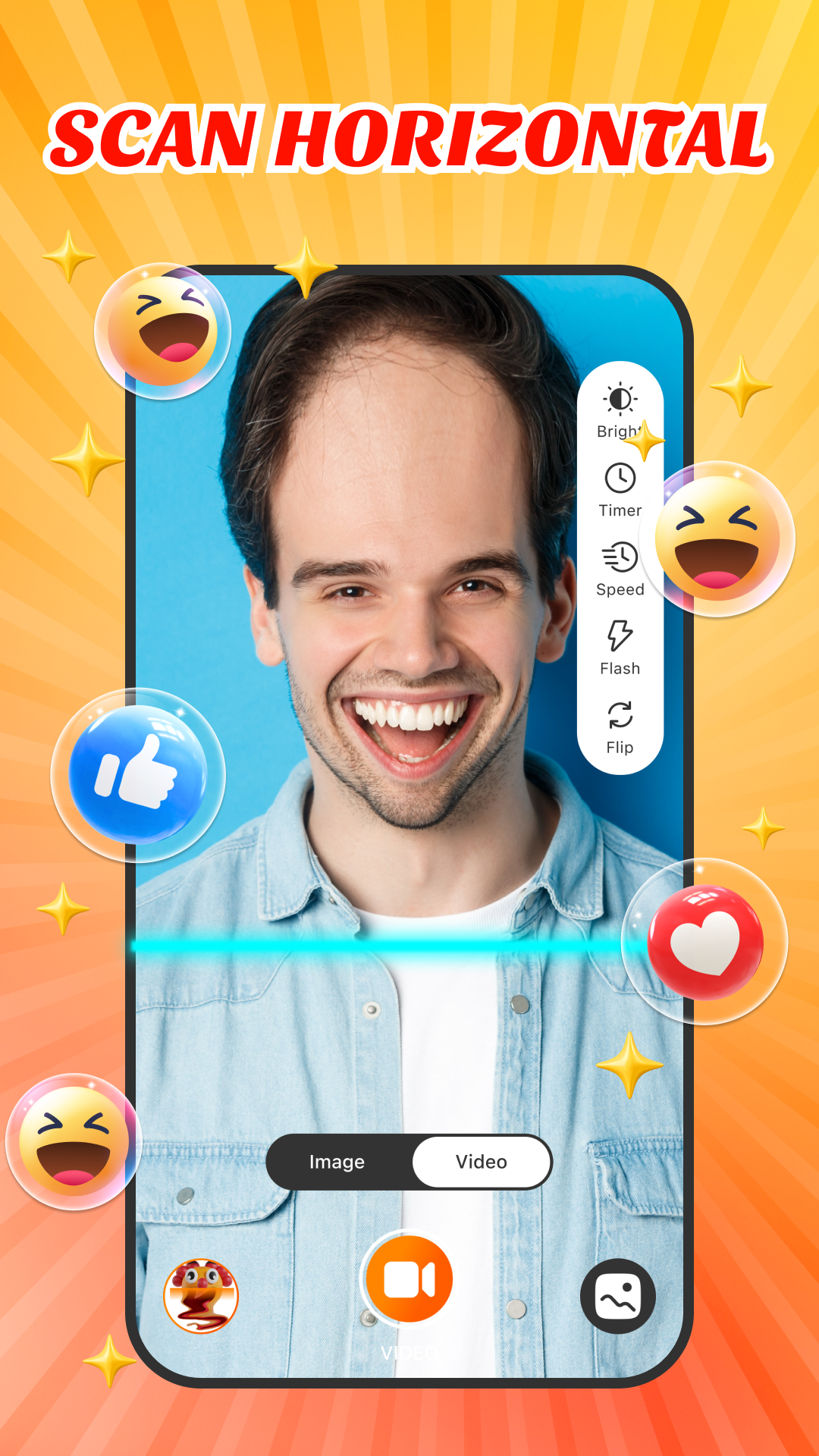
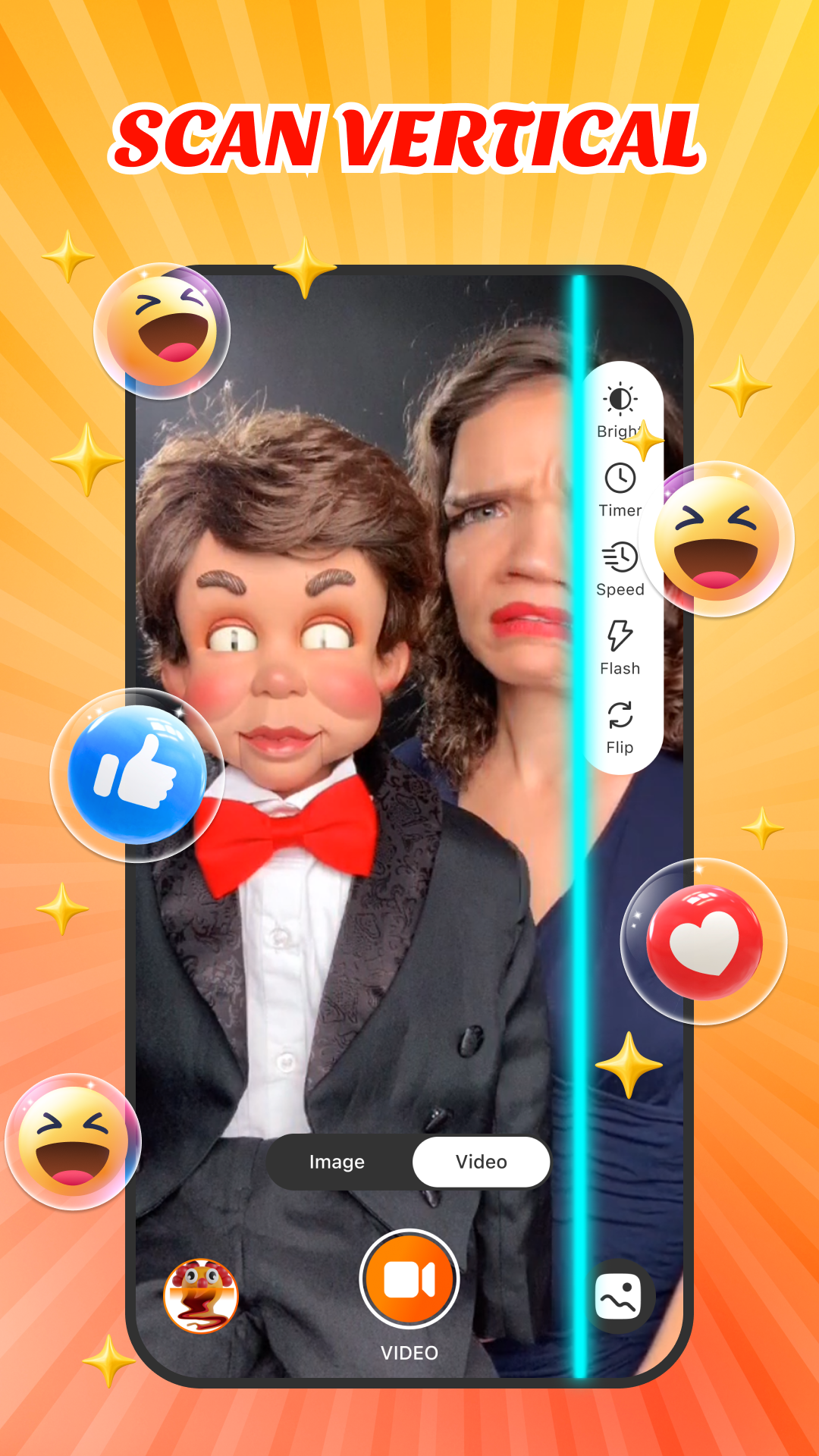
Face Scan, Time Warp Scan is a photo and video editing app built around the Time Warp Scan effect. It uses a moving scan line to capture different parts of the camera view at separate moments, creating visual distortions in faces, bodies, and surrounding objects. Users can choose horizontal or vertical scanning to produce different effects, such as stretched facial features, floating heads, invisible bodies, and warped environments.

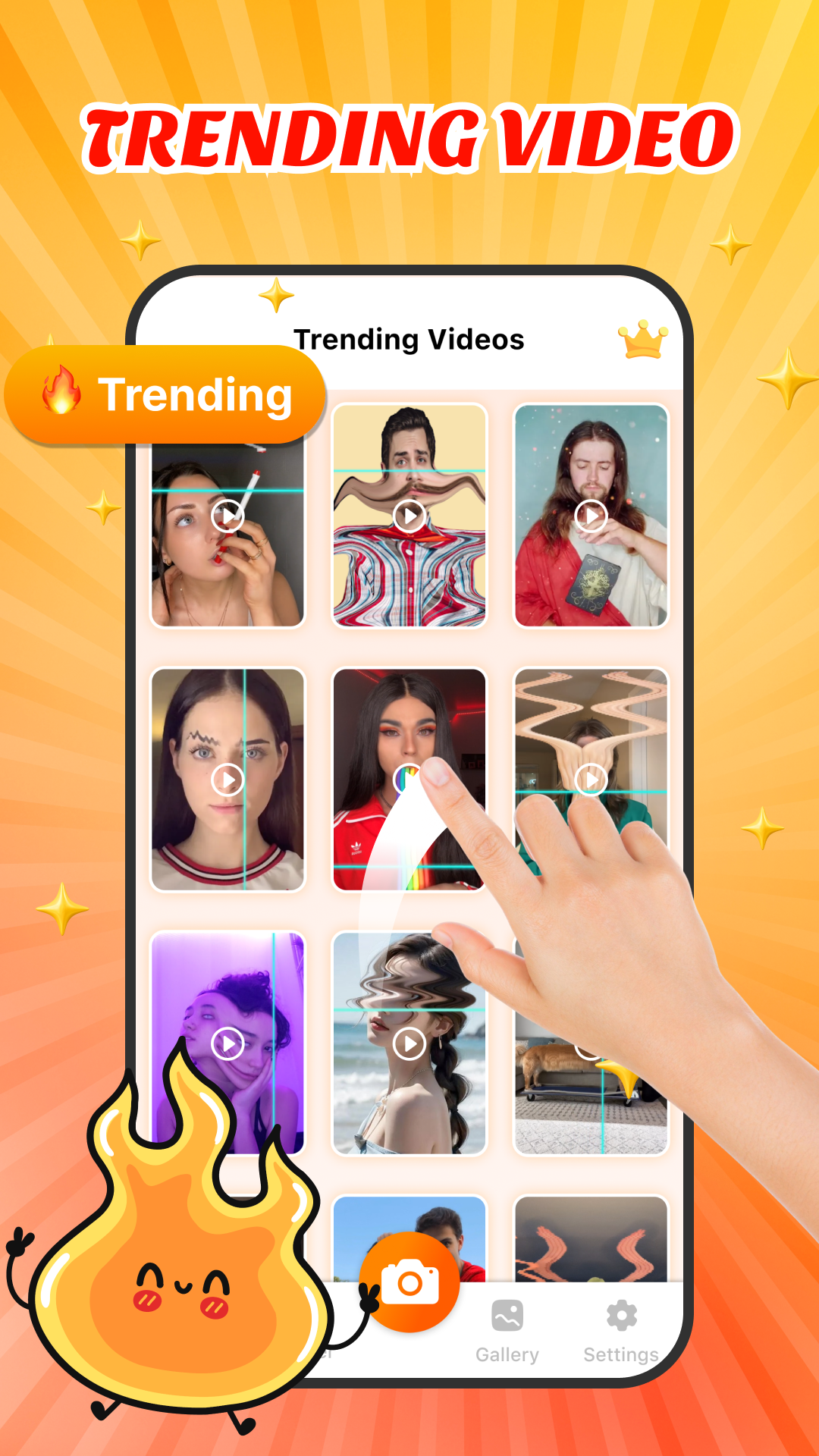
The app includes several camera controls for adjusting the capture process. Users can change the scanning speed, adjust brightness, enable the flash, and set a countdown timer before recording begins. It also supports importing existing photos and videos from the device gallery for applying the available effect.
Designed primarily for creative selfies, distorted portraits, and short videos, the app provides a range of controls for experimenting with the Time Warp Scan effect on both new and existing media.
2. Key Features
Horizontal and Vertical Scanning: Choose between two scan directions to create different distortion patterns.
Adjustable Scan Speed: Control the movement of the scan line.
Camera Controls: Adjust brightness and use the flash when capturing media.
Countdown Timer: Set a delay before the scanning process starts.
Gallery Import: Select existing photos and videos for editing.
Photo and Video Effects: Apply scan-based distortions to create unusual facial features, body shapes, and environmental illusions.
3. Main Functions
Photo Capture: Take selfies and portraits with the Time Warp Scan effect.
Video Recording: Record videos while the scan line moves across the camera view.
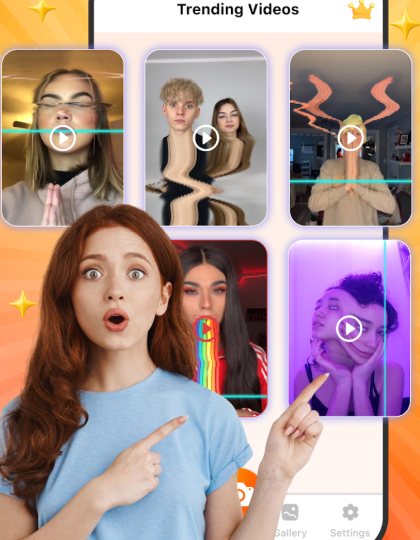
Media Import and Editing: Apply the effect to photos and videos selected from the device gallery.
Capture Configuration: Adjust the scan direction, speed, brightness, and flash before recording.
4. FAQs
Q1: What is the Time Warp Scan effect?
It uses a moving scan line to capture different parts of an image at different moments, creating stretched, shifted, or distorted visual effects.
Q2: Does the app support both horizontal and vertical scanning?
Yes. Users can select either direction to produce different distortion patterns.
Q3: Can I adjust the scanning speed?
Yes. The scan speed can be changed to control how quickly the scanning line moves.
Q4: Can I apply the effect to existing media?
Yes. The app supports importing photos and videos from the device gallery.
Q5: Does the app include a countdown timer?
Yes. Users can set a countdown before the scanning process begins.
- Version21
- UpdateNov 26, 2026
- DeveloperBG.Studio
- CategoryVideo Players
- Requires AndroidAndroid 5.0+
- Downloads989K+
- Package Namecom.asianmobile.facescan.timewarpscanner
- Signature4ffb9f9452bedcfbc25b5510732e3cc4
- Available on
- ReportFlag as inappropriate