
Eyotek - Institution management automation
Experience seamless educational management with automated features for parents, students & staff—all effortlessly integrated!

- 1.3.8 Version
- 2.0 Score
- 253K+ Downloads
- Free License
- 3+ Content Rating

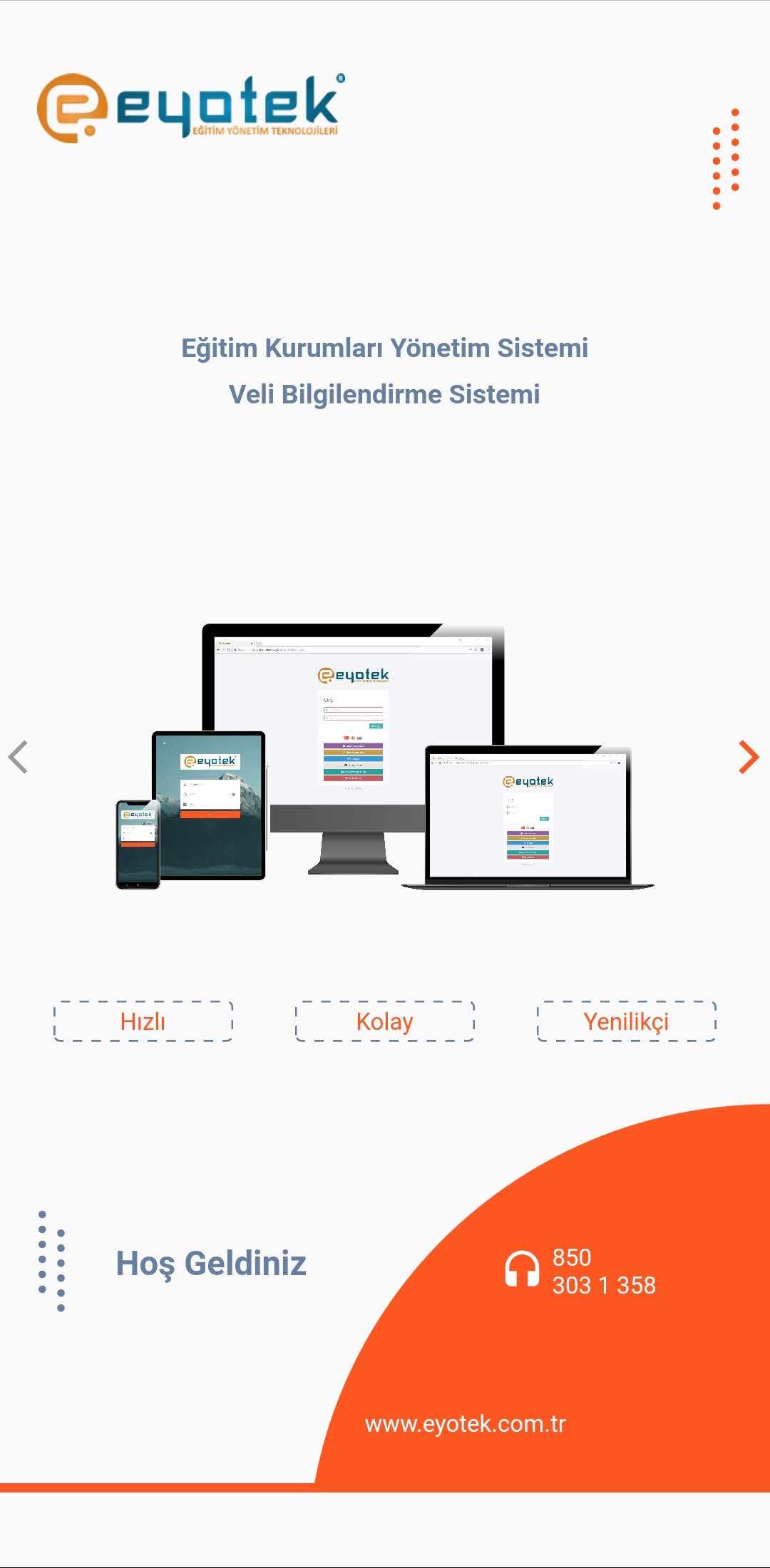
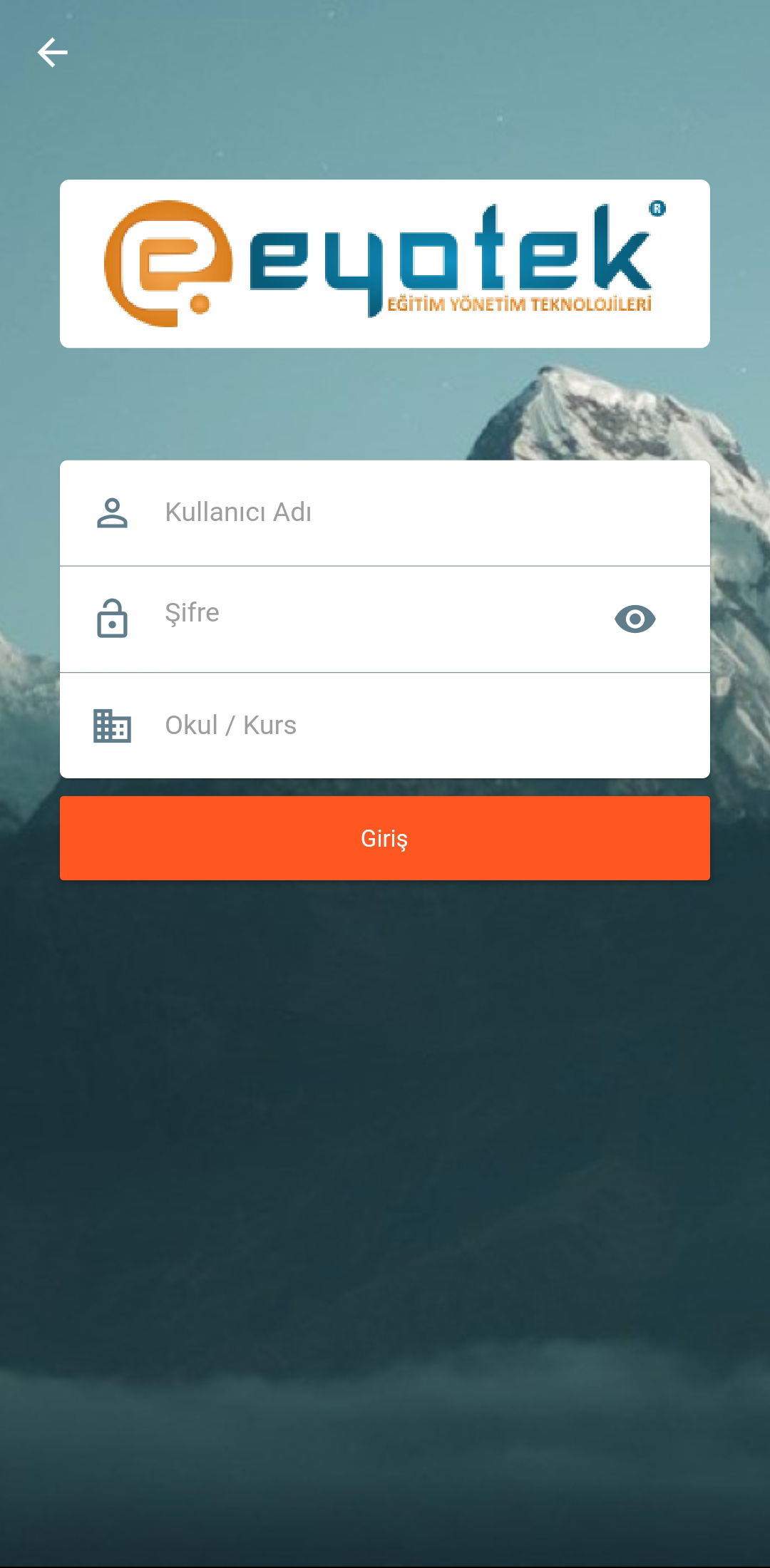
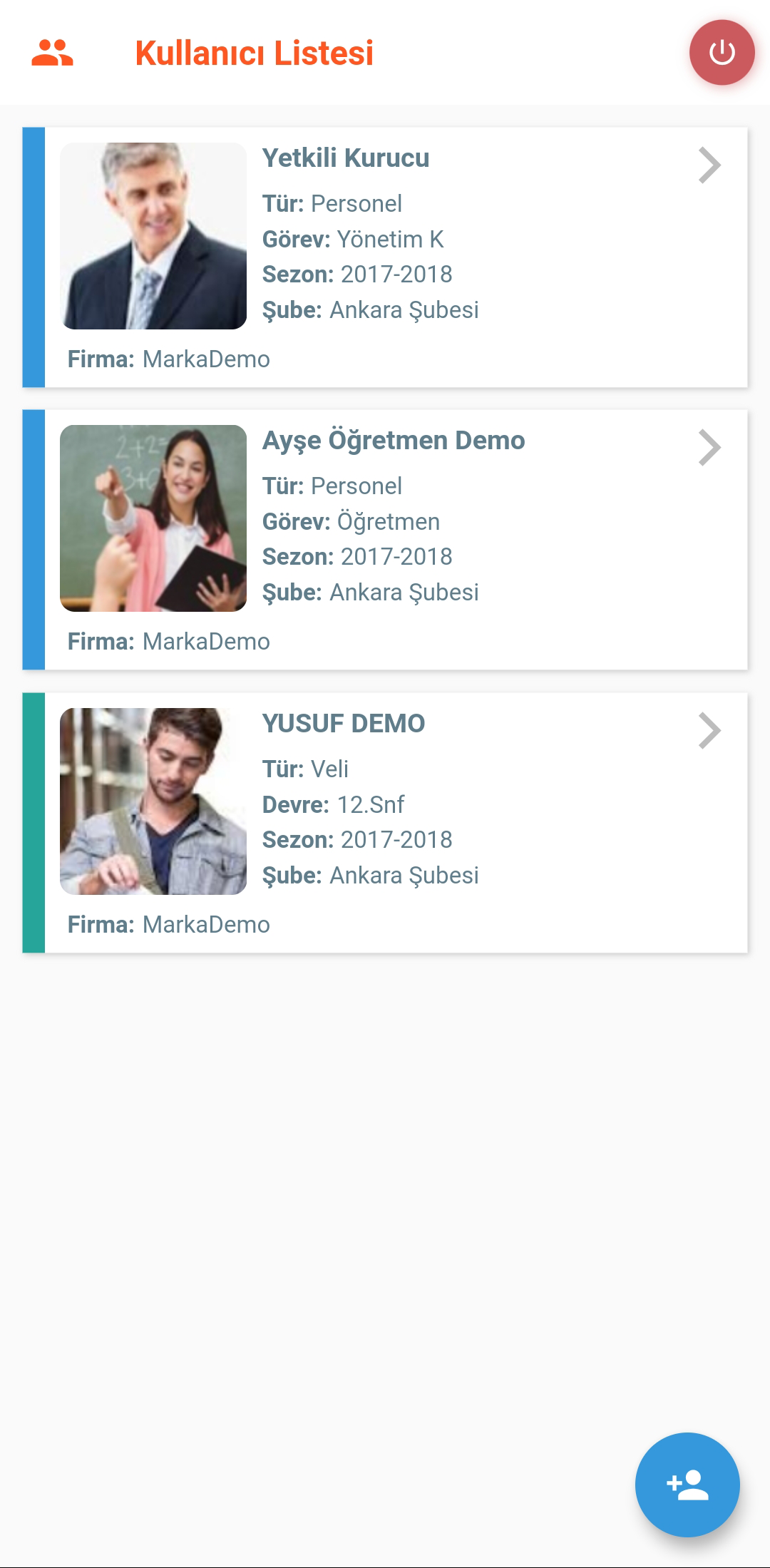
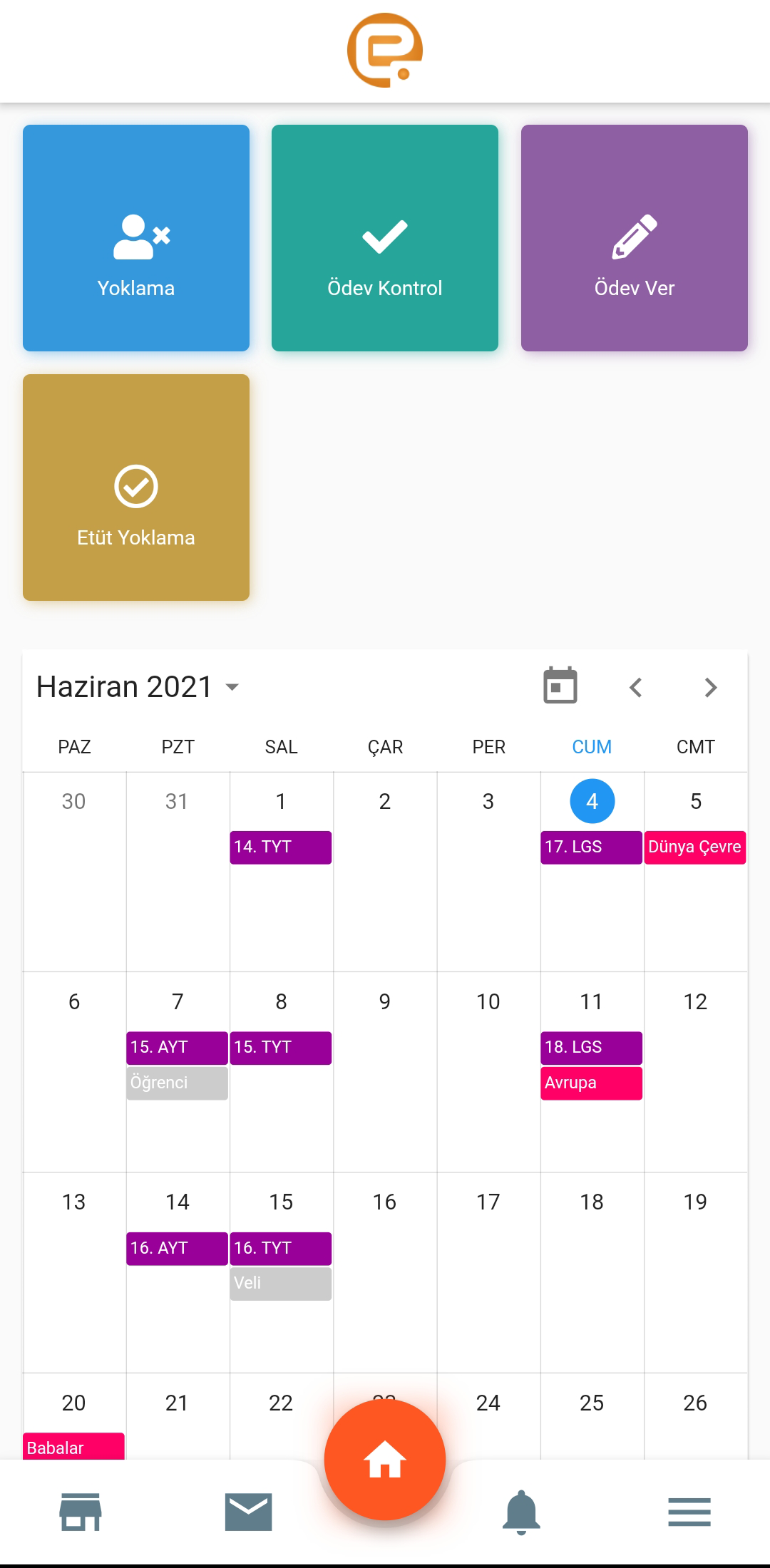
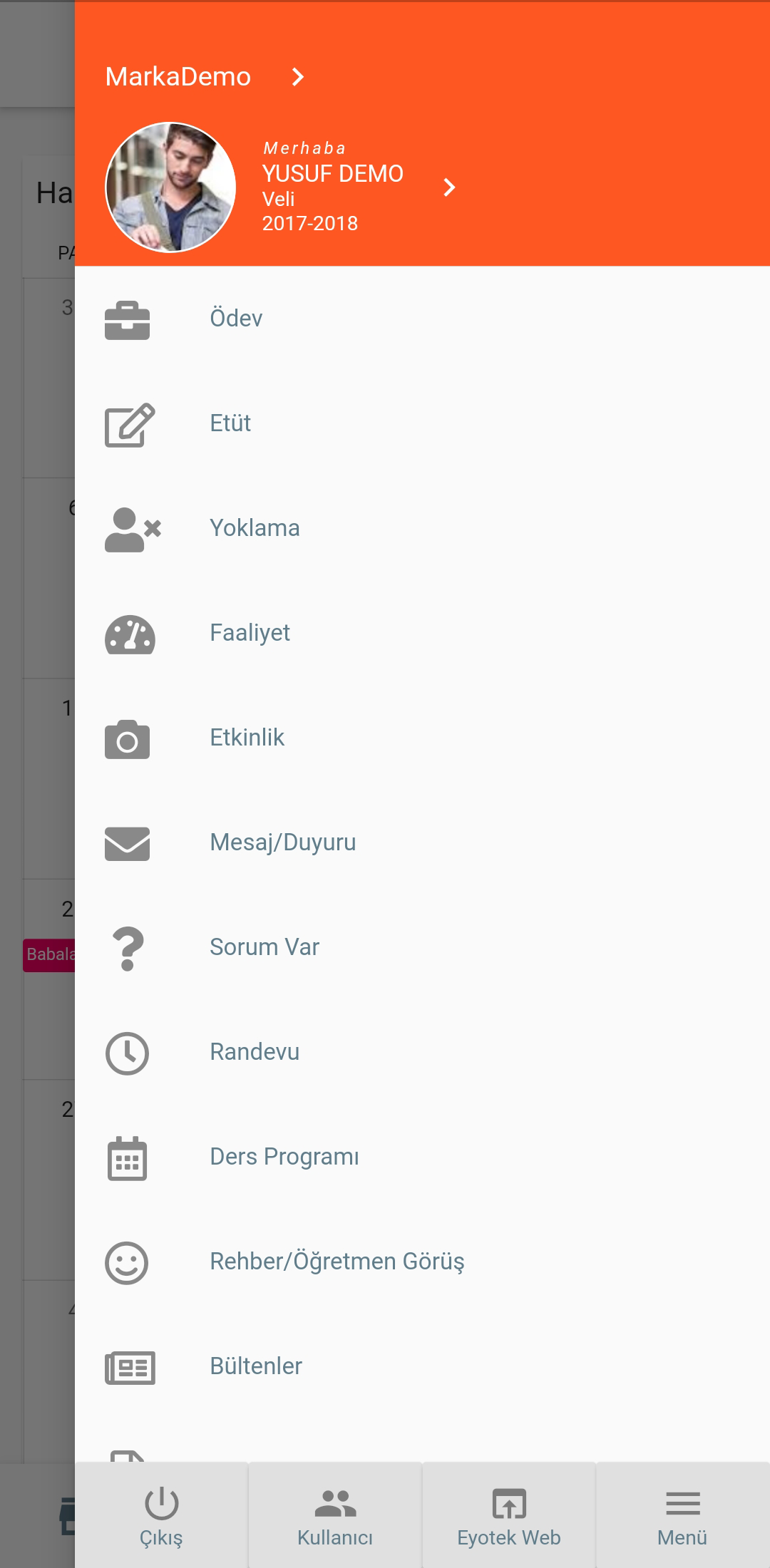
EYOTEK is a comprehensive automation solution for managing educational institutions, catering to various types such as private schools, courses, colleges, and kindergartens.
The program provides several modules that enable users—including founders, administrators, educators, parents, and students—to easily access the information they need within the system. There is no necessity for installation, maintenance, or updates; EYOTEK handles these tasks continuously on your behalf.
Core Advantages:
- Zero Deployment Burden: Users do not need to install, maintain, or update the system themselves. All technical operations and maintenance are continuously managed by EYOTEK, reducing institutions' technology investment costs.
- Full Role Coverage: Targeting key stakeholders in the education landscape (such as administrators who need financial statistics, teachers who need class scheduling and attendance, and parents who need to view their children's information), the module design takes into account the needs of all parties and enables information exchange.
- Full Process Coverage: From enrollment pre-registration to graduation certification, from teaching management to logistics services, the module covers the core aspects of educational institution operations, eliminating the tedious switching between multiple systems.
The available modules in EYOTEK include:
Pre-Registration (CRM) Module
Student Module
Lesson and Duty Program Module
Absence Tracking Module
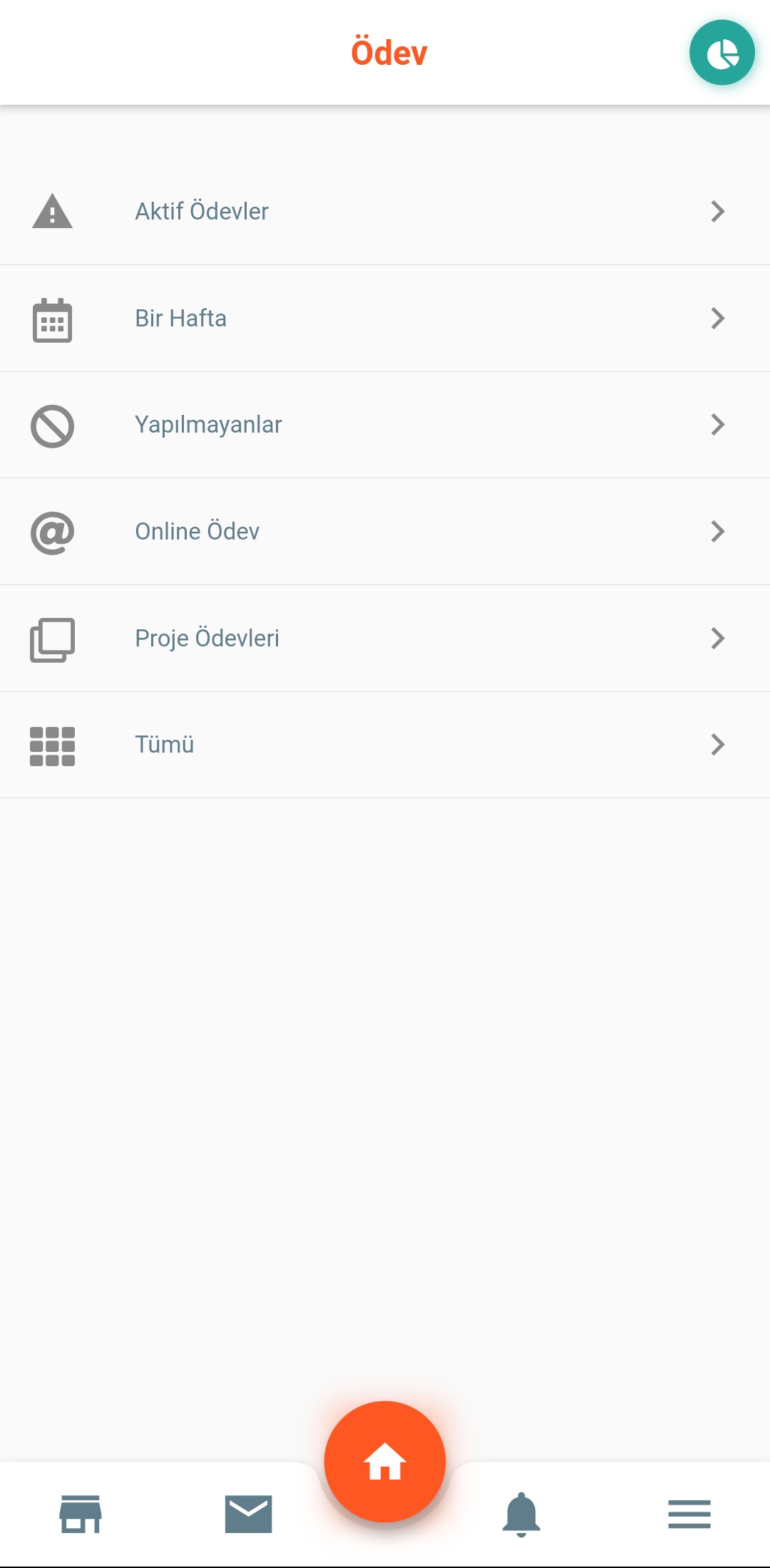
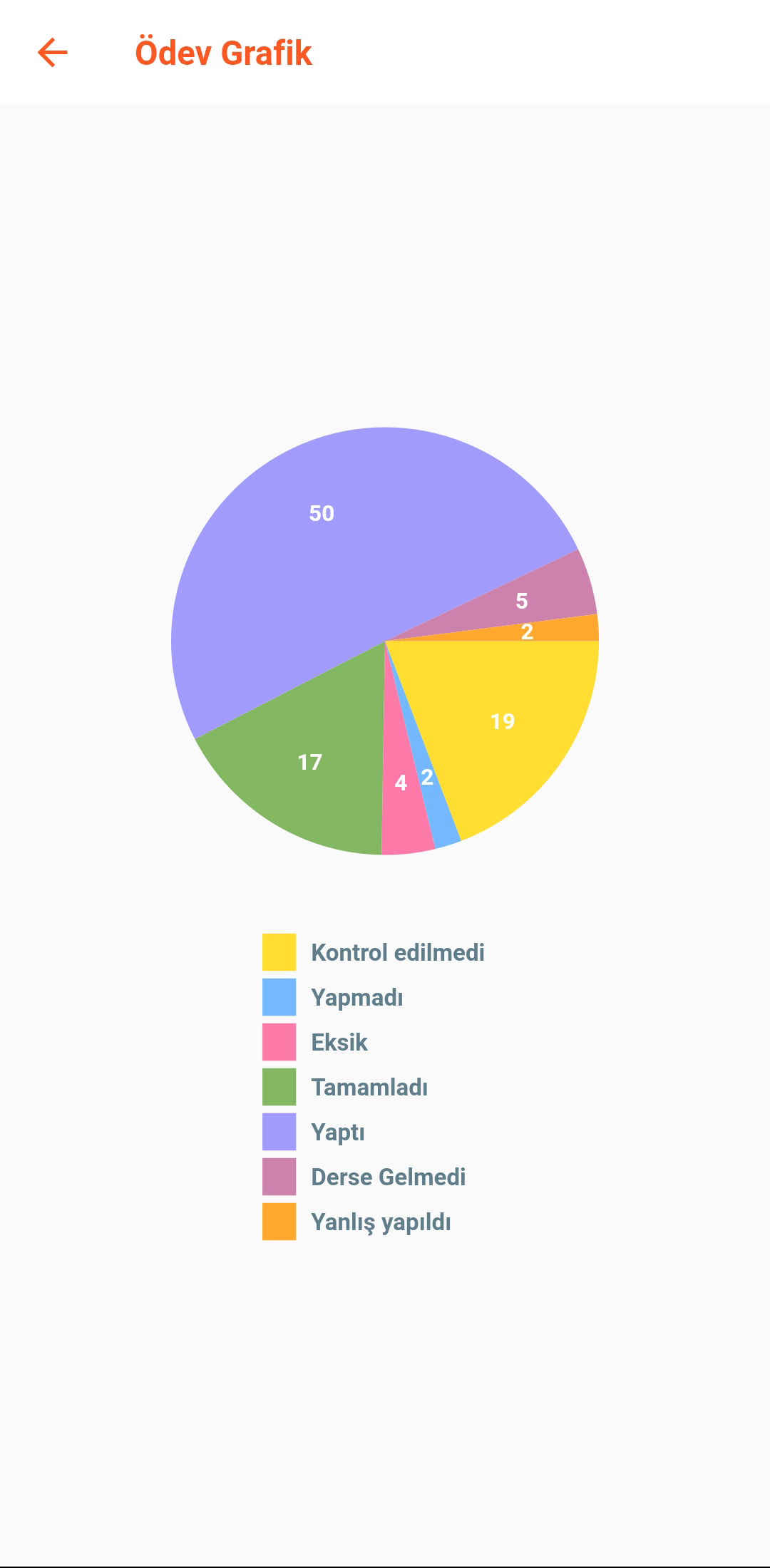
Assignment and Follow-up Module
Study - Private Lesson Module
Exam Class Editing Module
Exam Evaluation Module
Target Question Tracking Module
Online Exam Module
Scholarship Exam Module
Written and Oral Notes Module
Sleep Polling and Tracking Module
Activity Module
I Have a Question Module
Meal Menu, Attendance and Tracking Module
Lawyer Module
Bulletin – Certificate of Achievement Module
Guidance Notes Module
Behavior Module
Subclass - Club - Workshop Module
Public Relations (PR) Module
Parent – Student Information Module
Human Resources Module
Personnel Module
Personnel Assignment Module
Meeting Module
Infirmary Module
Library Module
Form Surveys Module
Online Survey Module
Guidance Questionnaire Module
In-System Message - Announcement Module
SMS - Notification Module
Automatic SMS - Notification Module
User Authorization Module
Agenda - Academic Calendar Module
Question Pool Module
Financial Transactions - Accounting Module
Reports Module
Use Cases:
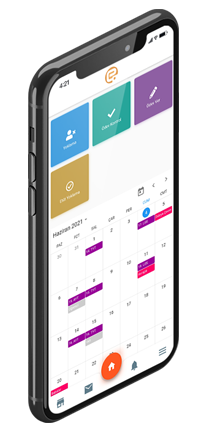
1. **Enrollment**: Private schools and training institutions use the "Pre-registration Module" to collect student information and follow up with inquiries. After students are admitted, they create their student status and record their information in the "Student Module," completing the enrollment process.
2. **Daily Teaching**: Teachers use the "Course Module" to schedule classes and the "Homework Module" to assign assignments and track progress. During exams, the "Online Exam/Assessment Module" organizes exams, analyzes scores, and creates practice questions in the "Question Bank Module."
3. **Home-School Communication**: If a student is absent, the system automatically notifies parents using the "SMS Module." Parents can ask questions in the "I Have a Question Module," and teachers respond online. School announcements and transcripts can also be synchronized within the system.
4. **Operations Management**: Record student attendance (Attendance Module), reward and punish behavior (Behavior Module), manage cafeteria menus and meals (Catering Module), and manage library borrowing (Library Module). Finance staff use the "Finance Module" to calculate tuition and salaries and generate reports.
5. **Faculty and Staff Management**: Assign teaching/duty tasks to teachers (staff assignment module), record meeting content (meeting module), and set system permissions by role (permission module) to ensure operational security.
FAQS:
1. **Q: What type of system is EYOTEK?**
A: A fully automated management system for various educational institutions. No installation or maintenance is required. It covers core operational processes from enrollment to graduation and adapts to the different roles and needs of schools and institutions.
2. **Q: Which roles does the system meet?**
A: It covers all roles, including founders, administrators, teachers, parents, and students. For example, administrators can check financial data, teachers can schedule classes and take attendance, and parents can view their children's information. It supports information exchange among multiple parties.
3. **Q: What are the core functional modules?**
A: It includes dozens of modules such as enrollment pre-registration, student management, class scheduling and attendance, homework tracking, online exams, parent-teacher communication, financial reports, and logistics management, providing a one-stop solution for operational needs.
4. **Q: How is it used in actual teaching and management?**
A: Enrollment is handled by the pre-registration module to collect information; teaching is managed by the class scheduling, homework, and exam modules; parent-teacher communication relies on SMS notifications and online Q&A modules; operational management covers the entire process including attendance, catering, library, and human resources.
5. **Q: What are the advantages of using this system?**
A: Zero deployment burden, no need for self-maintenance and updates; full process coverage, avoiding switching between multiple systems; full role adaptation, meeting the needs of all parties, and reducing the organization's technical and management costs.
- Version1.3.8
- UpdateOct 19, 2026
- DeveloperTurtek Yazılım Tic. Ltd. Şti.
- CategoryEducation
- Requires AndroidAndroid 5.1+
- Downloads253K+
- Package Nametr.com.turtek.eyotek
- Signaturecc0173e46c00916109765203d2d83bd8
- Available on
- ReportFlag as inappropriate












Comprehensive coverage
Maintenance-free
Multi-role adaptability
May lack flexibility
Depends on system stability
New users face a learning curve