
Euroinnova: Online Education - Learn & train anytime
Discover your potential with tailored learning & seamless progress tracking to boost your career wherever you are!
- 0.4.18 Version
- 1.6 Score
- 159K+ Downloads
- In-app purchases License
- 3+ Content Rating

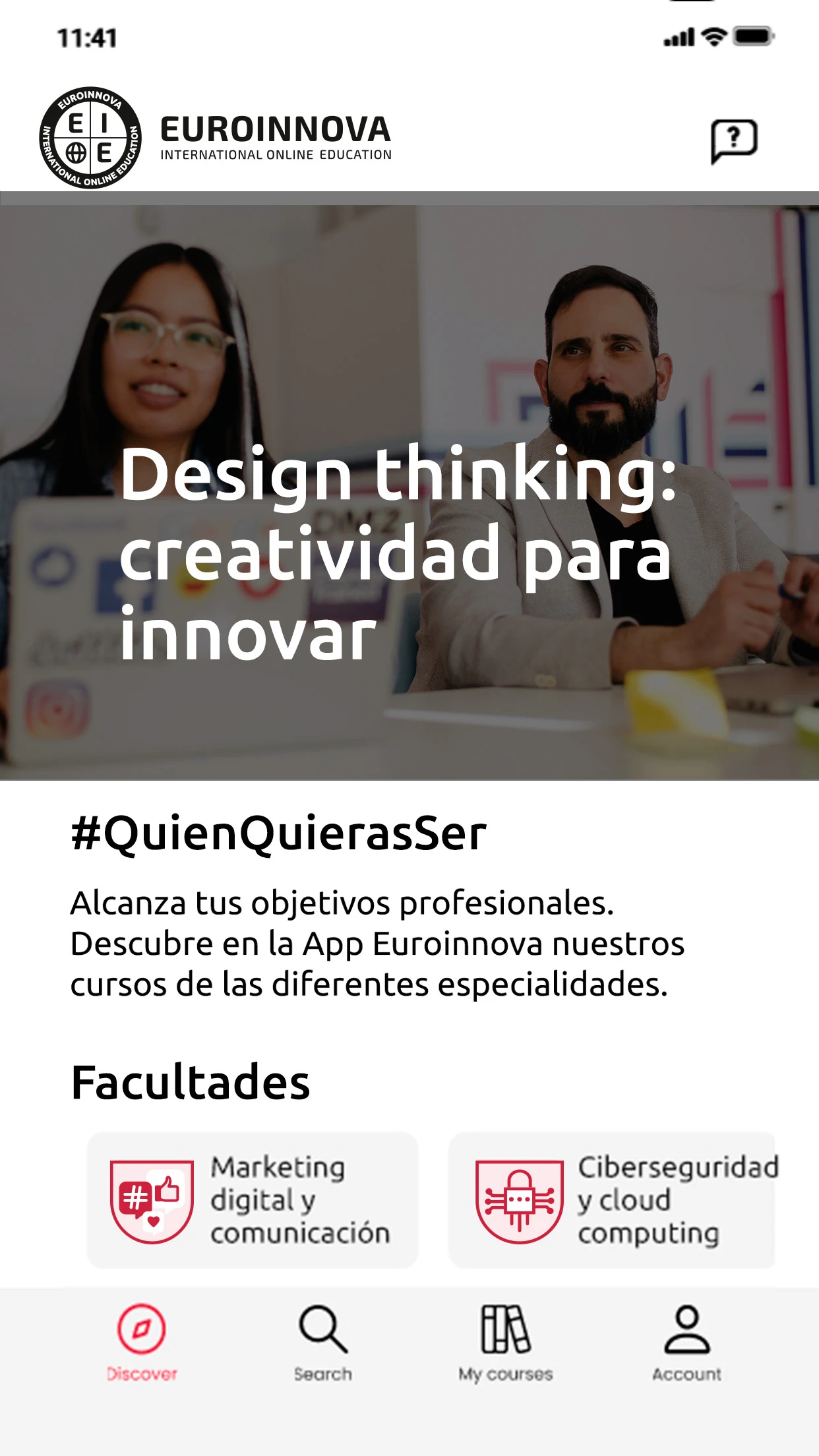
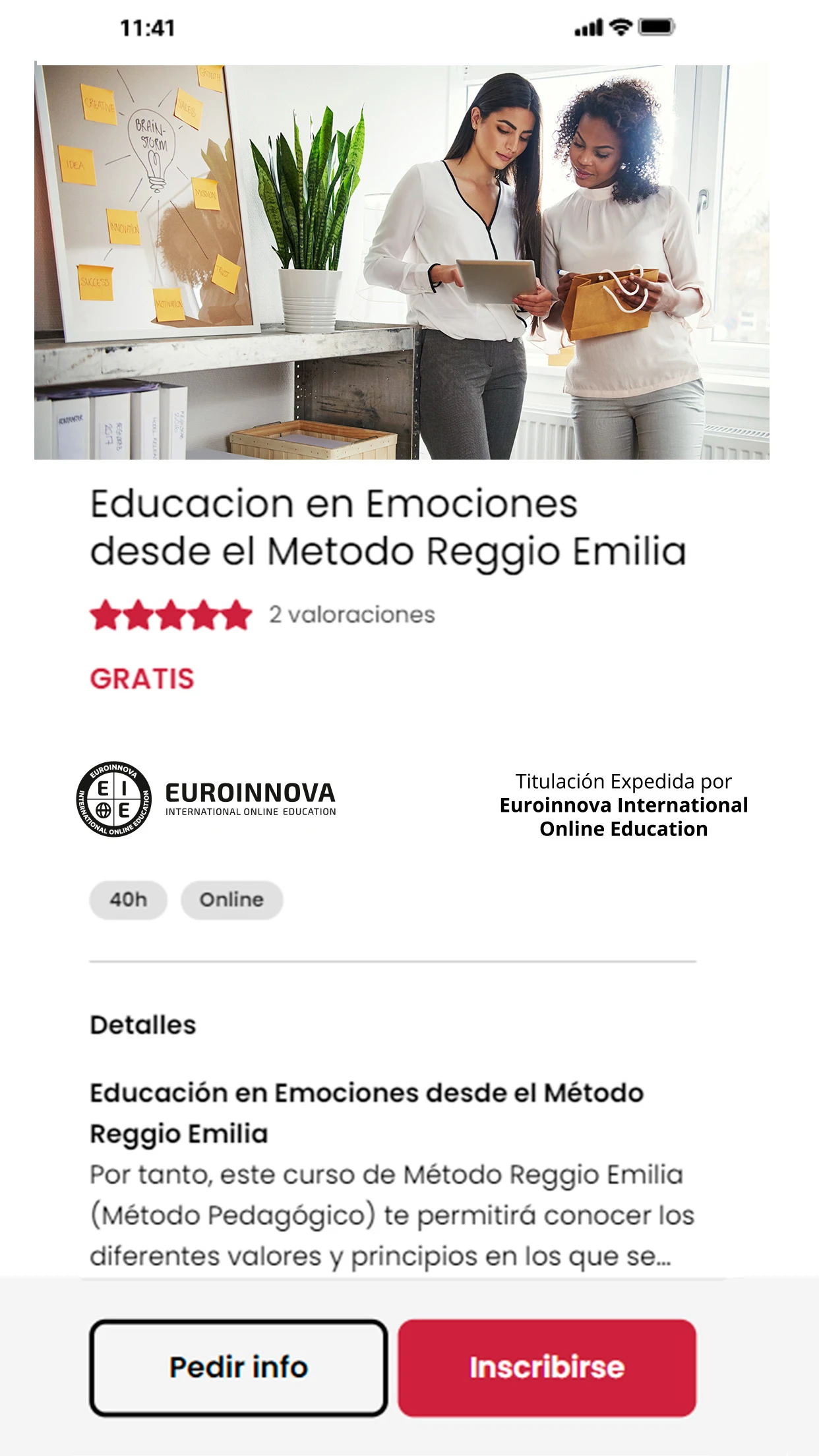
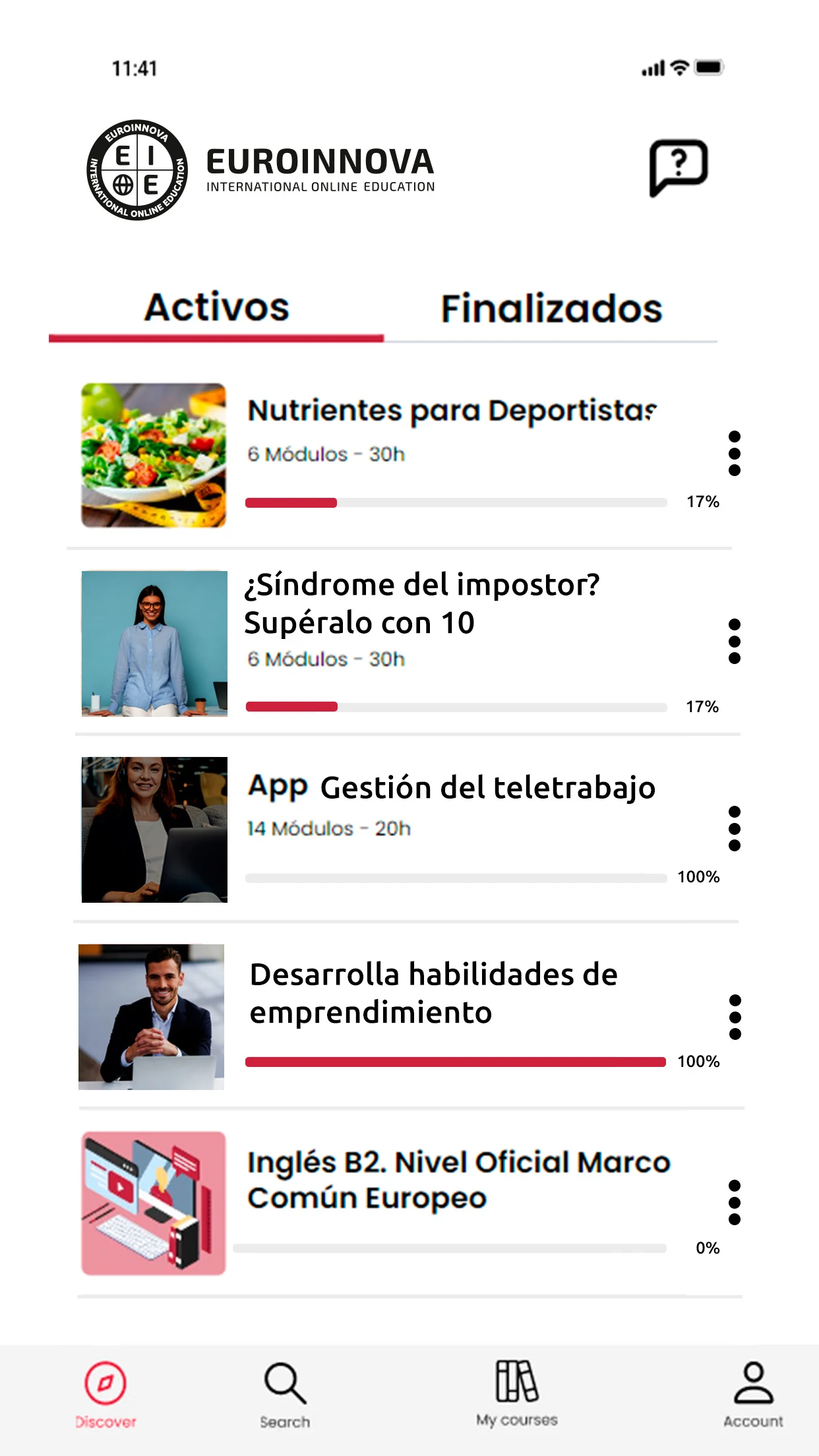
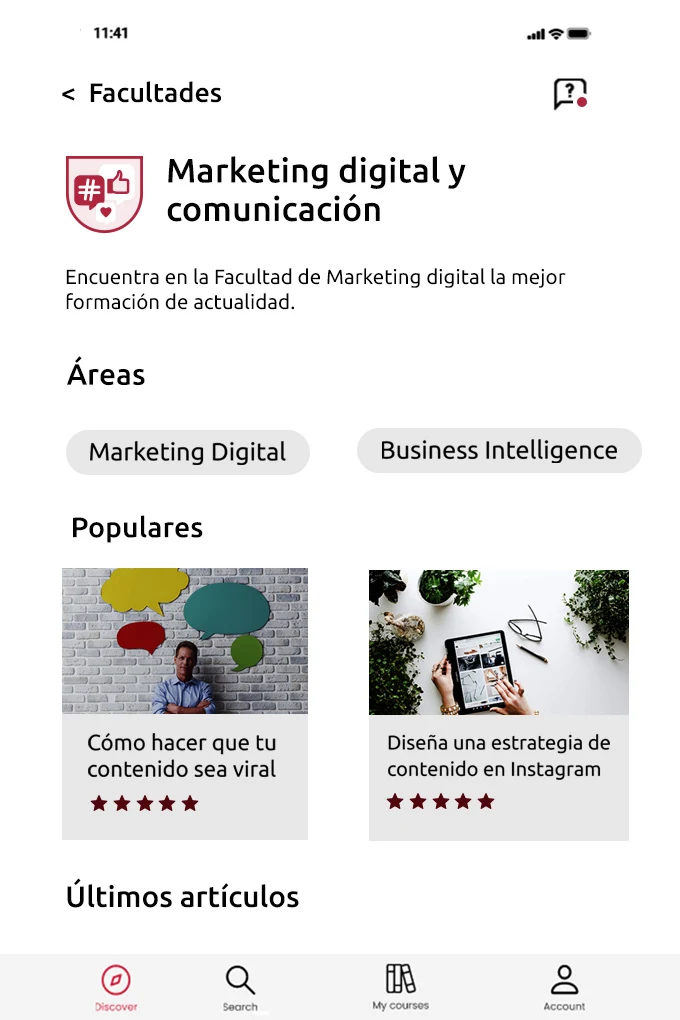
Euroinnova App
1. Overview
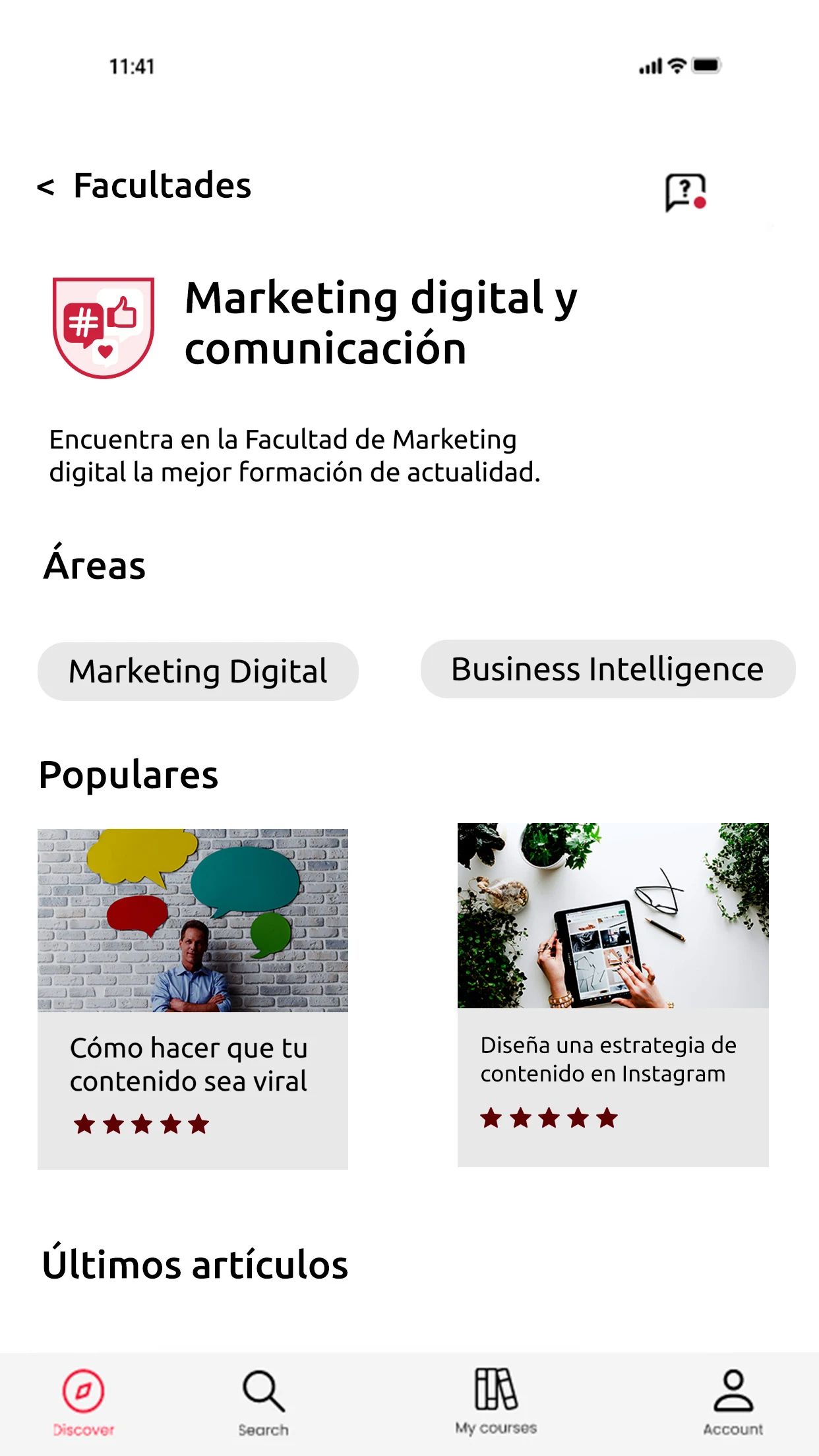
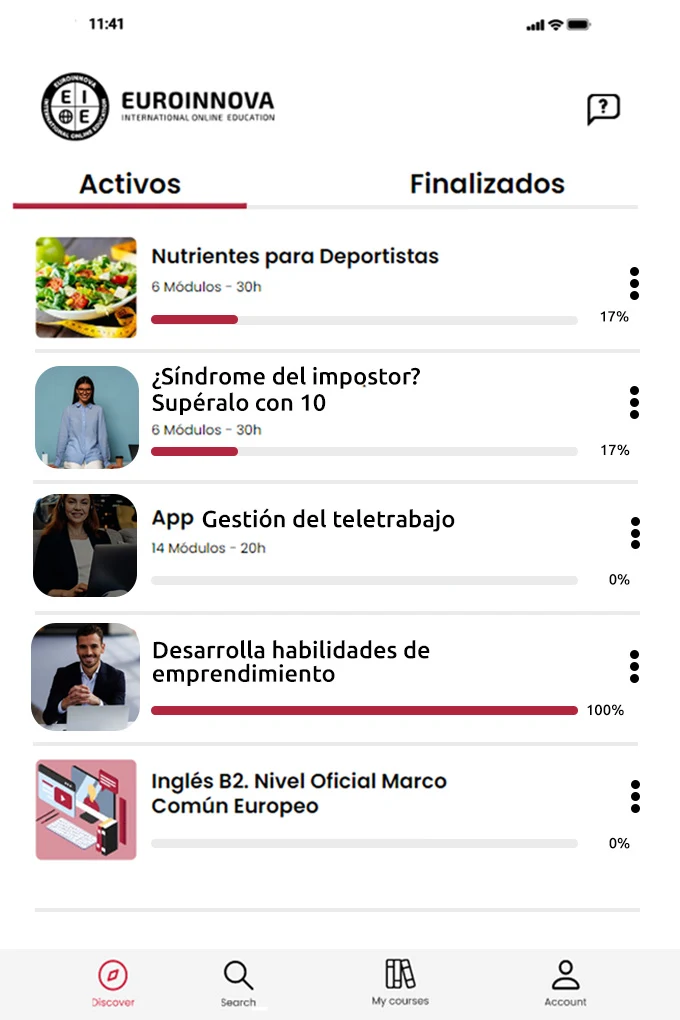
Euroinnova is an online learning platform offering professional training courses and academic programs across various subject areas. Through the app, students can access their enrolled courses, view lessons, and resume their studies from where they previously stopped.
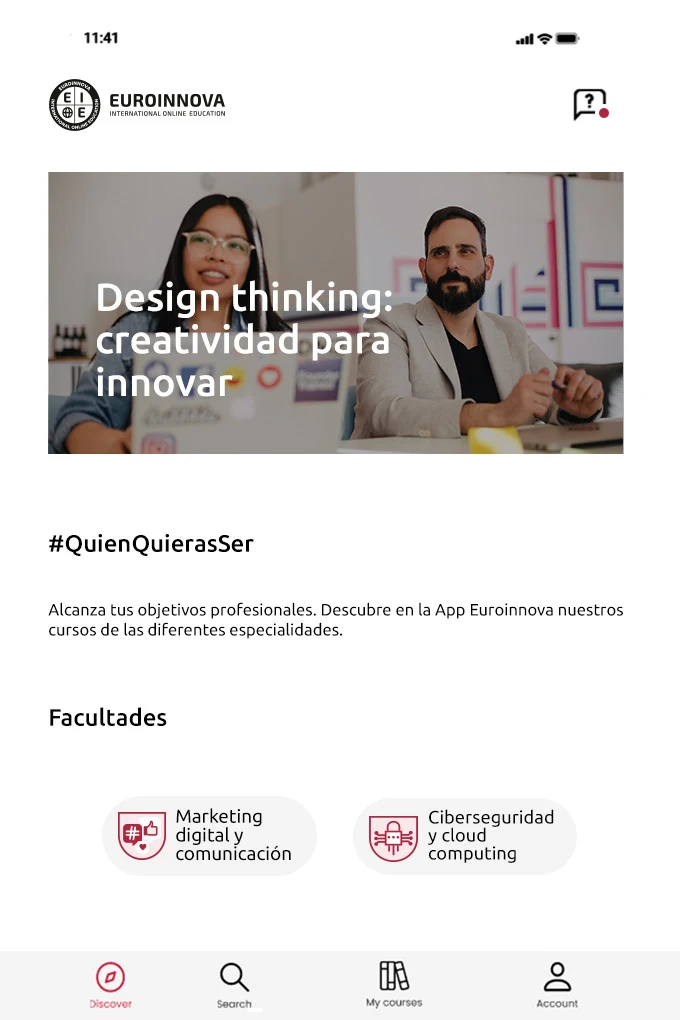
Its catalog includes professional courses, Master's programs, and MBAs covering different academic disciplines and career fields. These programs cater to learners seeking to expand their knowledge, acquire new skills, or pursue further academic and professional development.
Euroinnova also provides academic guidance through tutors and teachers, who can be contacted through the platform, email, or phone. Course discussion forums and interactive activities allow students to exchange ideas and communicate with other learners.
2. Key Features
Professional Courses and Academic Programs: Access professional training courses, Master's programs, and MBAs across different subjects and career fields.
Self-Paced Learning: Follow enrolled courses according to your own schedule and resume unfinished lessons using saved learning progress.
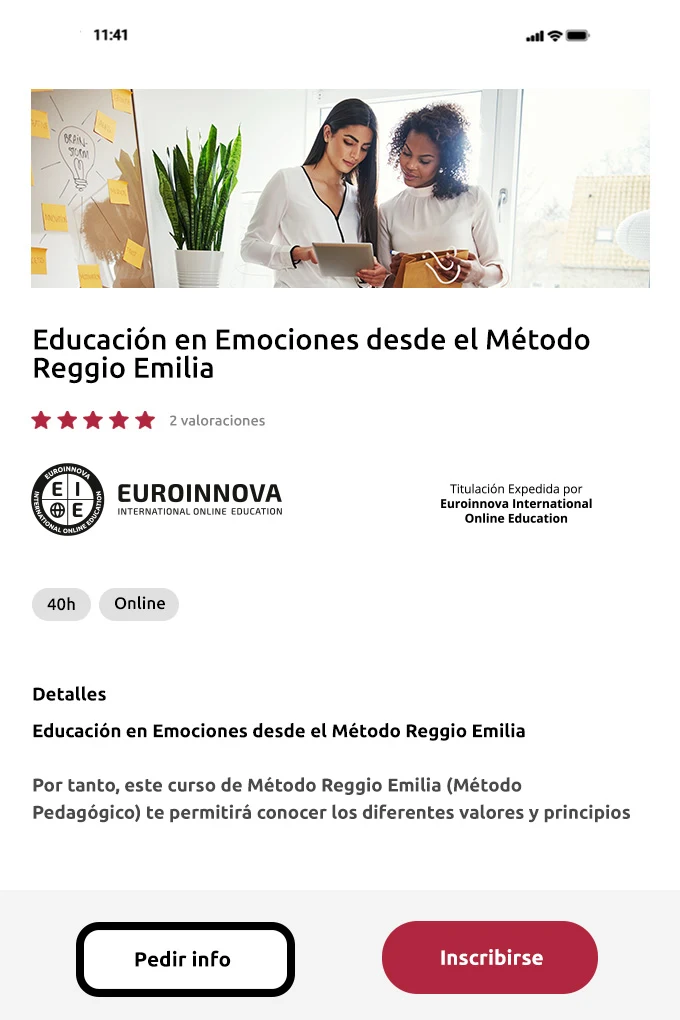
Certificates and Academic Qualifications: Selected programs offer certificates associated with organizations such as the UNESCO International Training Committee and partner universities. Qualifications vary by program.
Academic Guidance: Contact tutors and teachers through the platform, email, or phone for assistance with course materials and academic questions.
Student Discussion Forums: Participate in course-related discussions and interactive activities to exchange ideas with other learners.
3. How to Use
Download and Register: Install the Euroinnova app and create an account to access the platform.
Explore the Course Catalog: Browse professional courses, Master's programs, and MBAs to find a suitable subject.
Select and Enroll: Choose a program and review its enrollment conditions, fees, and qualification details before registering.
Access Course Materials: After enrollment, open your course to view lessons and other available learning resources.
Complete Lessons and Activities: Follow the course content and complete the required activities according to the program's requirements.
Contact Academic Staff: Reach out to your assigned tutor or teacher if you have questions about the course materials or need academic assistance.
4. Learning Experience
Euroinnova's online learning format allows students to organize their studies without attending classes at fixed times. This arrangement accommodates different schedules, including those of people balancing education with work or other commitments.
Coursework combines independent study with access to academic staff. Students can work through lessons individually and consult tutors or teachers when they need assistance. Discussion forums and interactive activities provide opportunities for communication with classmates.
The variety of programs also accommodates different educational goals, ranging from professional skills training to postgraduate studies.
5. Frequently Asked Questions
Q1: Is the Euroinnova app free to download?
Yes. The app is free to download, but some courses and academic programs require payment. Listed prices range from $17.99 to $199.99 USD, depending on the selected program.
Q2: Can I study whenever I want?
Yes. Enrolled students can access their course materials according to their own schedules. Saved progress allows them to resume their studies without repeating completed sections.
Q3: How can I contact my tutor?
You can contact your assigned tutor or teacher through the platform, email, or phone. Course discussion forums also provide a space to exchange questions and ideas with other students.
Q4: Are Euroinnova certificates officially recognized?
Recognition and accreditation depend on the specific program. Some courses offer certificates associated with the UNESCO International Training Committee or partner universities. Check the qualification details of your chosen program before enrolling.
Q5: Do I need previous academic qualifications to enroll?
Admission requirements vary by course and academic program. Review the relevant enrollment conditions to determine whether previous qualifications or specific educational experience are required.
Q6: What should I do if the app fails to install or update?
Check your device's available storage and operating system compatibility first. If the problem persists, restart your device and try again. You can also check whether a newer version of the app is available.
- Version0.4.18
- UpdateNov 10, 2026
- DeveloperEUROINNOVA INTERNATIONAL BV
- CategoryEducation
- Requires AndroidAndroid 8.0+
- Downloads159K+
- Package Namecom.euroinnova.edu
- Signature82fe631cfec810f14485a2aa26c92d03
- Available on
- ReportFlag as inappropriate











Flexible and efficient learning
Authoritative and comprehensive courses
Well-developed support system
The app has a poor user experience.
It's too complicated to use.
Some courses require payment.