Crossfy - Fitness connection & tracking
Discover a seamless way to connect with your fitness community, book classes, & track your progress effortlessly!

- 2.0.25 Version
- 2.0 Score
- 208K+ Downloads
- Free License
- 3+ Content Rating

1. App Overview
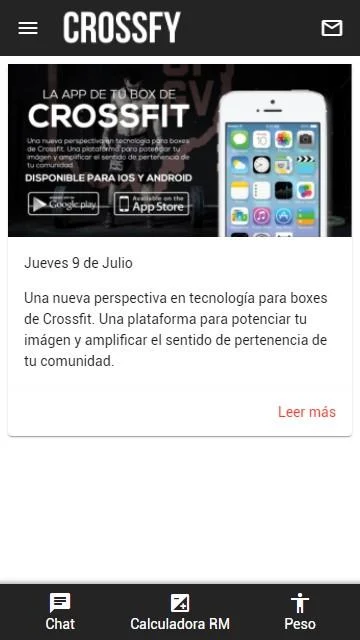
Crossfy connects gym members with their fitness centers through a branded mobile app that brings class bookings, workout information, performance records, and gym communications together. It supports CrossFit boxes, traditional gyms, and other fitness facilities, with available sections configured by each venue.
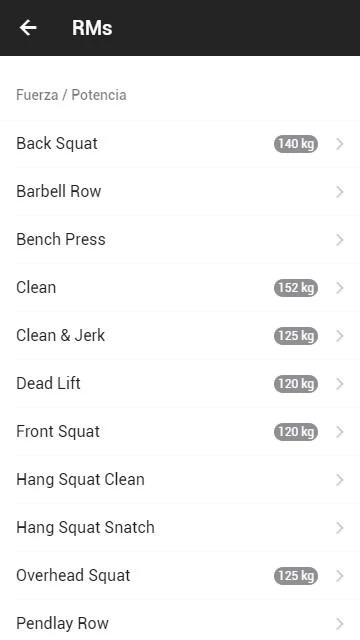
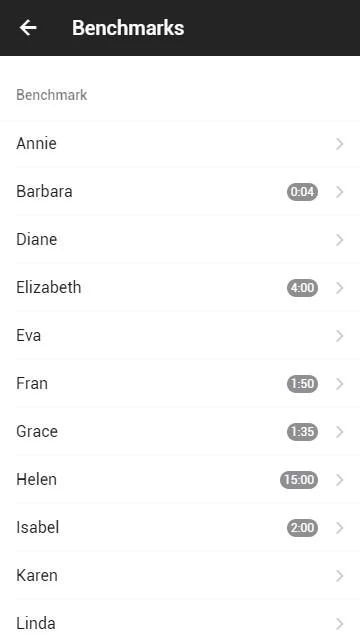
Members can check gym announcements, view daily WODs (Workout of the Day) and training routines, reserve classes, and review their upcoming or past bookings. For training progress, the app includes records for RMs (maximum lifts), benchmarks, and functional fitness skills. Depending on the programs assigned by their gym, members may also receive structured training plans with exercise details, suggested weights, and session records.
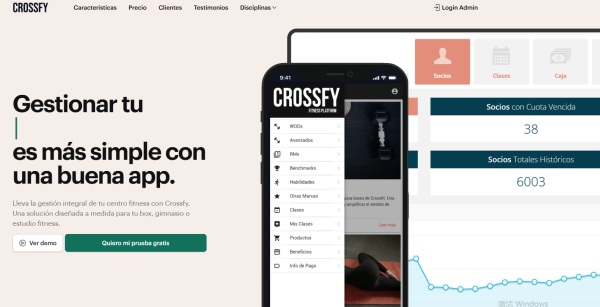
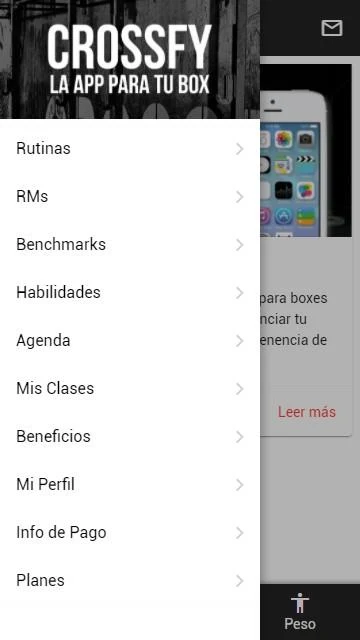
Crossfy also includes communication tools such as private messages, group chat, and push notifications. Other available sections may include an exercise directory, gym benefits, product listings, membership plans, a weight tracker, an RM calculator, and a workout timer. QR code check-in is available at facilities that enable the feature.
The app is part of Crossfy's broader gym management system. Its interface and available tools are customized by each facility, so the exact sections and services depend on the gym a member joins.
2. Key Features
Gym-Specific App Experience: Connects members with their own gym or fitness center. The venue can customize the app's branding, menu names, and visible sections.
Class Scheduling and Reservations: Displays available classes, schedules, remaining spaces, and booking options. A waiting list is available when a class is full, if enabled by the facility.
WODs and Training Routines: Presents daily workouts and assigned routines, with options to record results and review rankings for supported workout formats.
Performance Tracking: Includes records for maximum lifts (RMs), benchmarks, functional training skills, and body weight.
Personalized Training Plans: Members can access assigned programs organized by week and day, with exercise instructions, suggested loads, and progress records when the feature is enabled.
Gym Communication: Provides announcements, push notifications, private messages, and a general chat for members.
Attendance Check-In: Supports QR code scanning for class attendance at gyms that have activated this option.
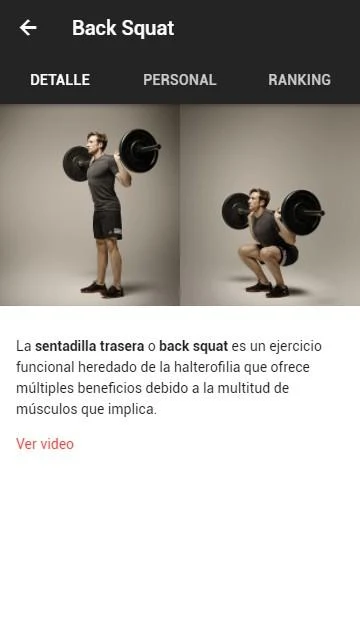
Additional Member Resources: Depending on the gym's configuration, the app may include exercise references, member benefits, product catalogs, available plans, and training utilities.
3. Main Functions
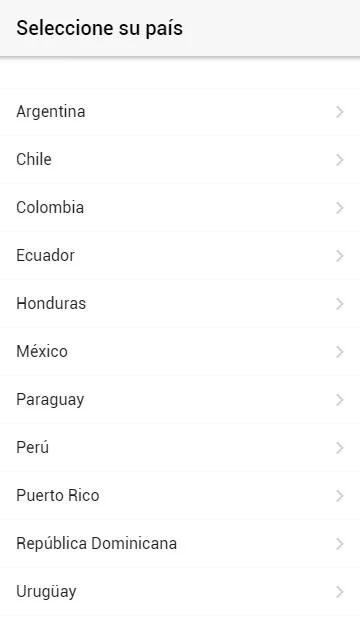
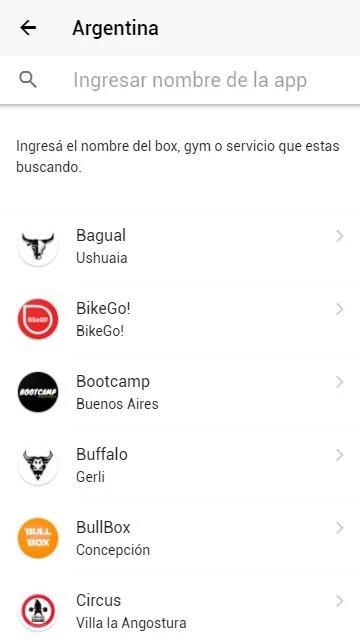
Find and Join a Gym: Select a country, search for the relevant fitness facility, and register for access.
Read Gym Announcements: View news published by the gym and receive notifications about updates, new WODs, account activation, and other relevant events.
Book and Manage Classes: Browse class schedules, check available spaces, reserve sessions, join waiting lists, and cancel eligible bookings.
Review Bookings: Open the My Classes section to check active packages, remaining sessions, upcoming reservations, and past classes.
View Daily Workouts: Browse WODs and routines by date, open workout blocks, and enter results such as time, repetitions, weight, or rounds.
Record Training Performance: Enter RM records, benchmark times, and functional fitness skill results, then review available rankings.
Follow an Assigned Routine: Check the weekly training schedule, review exercises and suggested loads, record actual weights and repetitions, and mark sessions as completed.
Track Body Weight: Log weight measurements, set a target with a date, and follow changes over time.
Use Training Tools: Access available utilities such as the RM percentage calculator and workout timer.
Communicate with the Gym: Send private messages to the facility or participate in the general member chat when available.
Check In for Classes: Scan the gym's Crossfy QR code to confirm attendance if QR check-in is enabled.
View Gym Services: Access available benefits, product listings, membership plans, or assigned training programs when these sections are provided.
4. Frequently Asked Questions
Do I need to belong to a gym to use Crossfy?
Yes. Crossfy is connected to participating gyms and fitness facilities. You need to find your facility in the app and register for access.
Why does my account need approval?
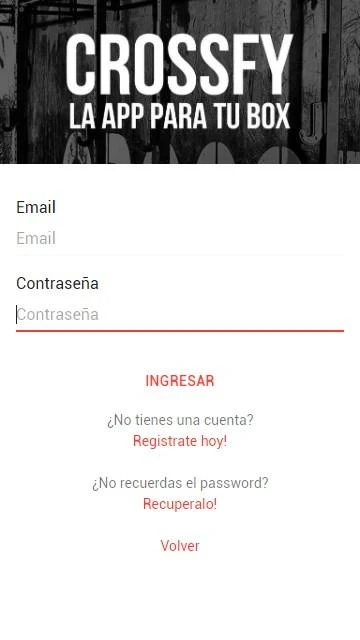
After registration, a gym administrator must activate your account. You can sign in with your email and password once access has been approved.
Can I book classes directly through Crossfy?
Yes, provided your gym allows member bookings and you have an active package with available sessions for the relevant class. Some facilities manage reservations through their administrators instead.
Why are some features missing from my app?
Each gym can customize its menus and choose which sections to display. Features such as WODs, QR check-in, weight tracking, and member benefits may therefore differ between facilities.
Can I use Crossfy without installing the mobile app?
Yes. Crossfy also has a web version at https://app.crossfyapp.com/. It can be accessed through a modern browser, although push notifications may not work in some browsers.
Is Crossfy free to download?
The mobile app is listed as free on the App Store. Crossfy also provides subscription plans for gyms using its management platform. Any membership or class-package charges are determined by the individual fitness facility.
- Version2.0.25
- UpdateNov 26, 2026
- DeveloperCrossfyApp
- CategorySports
- Requires AndroidAndroid 5.1+
- Downloads208K+
- Package Namecom.crossfy.app
- Signaturec7542fa27626921bb66a60ff74189629
- Available on
- ReportFlag as inappropriate
-
NameSizeDownload
-
3.50 MB
-
3.85 MB
-
3.85 MB