
Библия. Синодальный перевод. - Offline Bible & Audio
Discover a comprehensive Orthodox Bible with offline access, audio features & engaging content for all ages in one app!
- 1.0.34 Version
- 1.7 Score
- 281K+ Downloads
- In-app purchases License
- 3+ Content Rating

Bible: Synodal Translation – Orthodox Bible in Russian: App Overview, Features, User Guide, and FAQs
1. App Overview
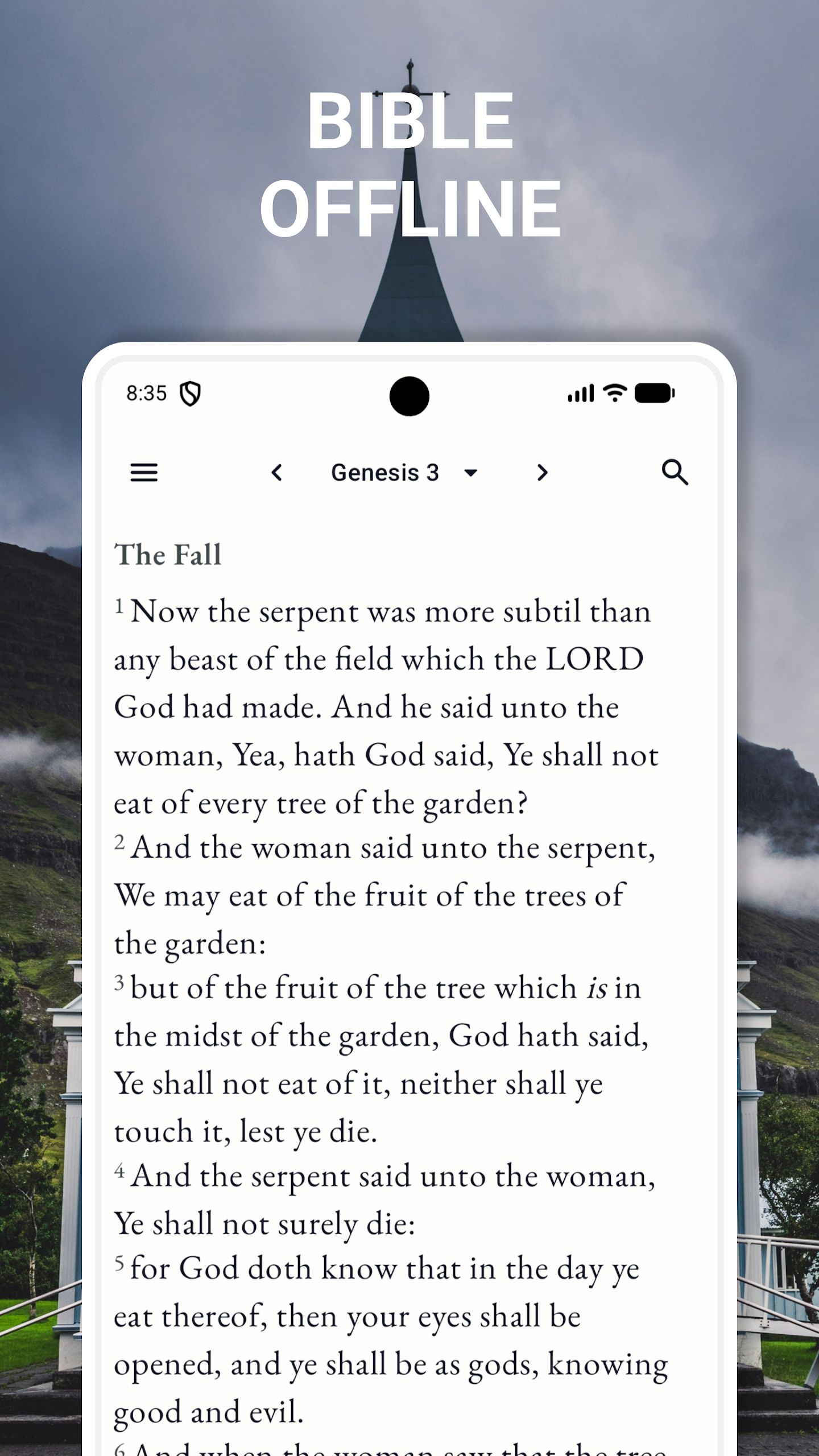
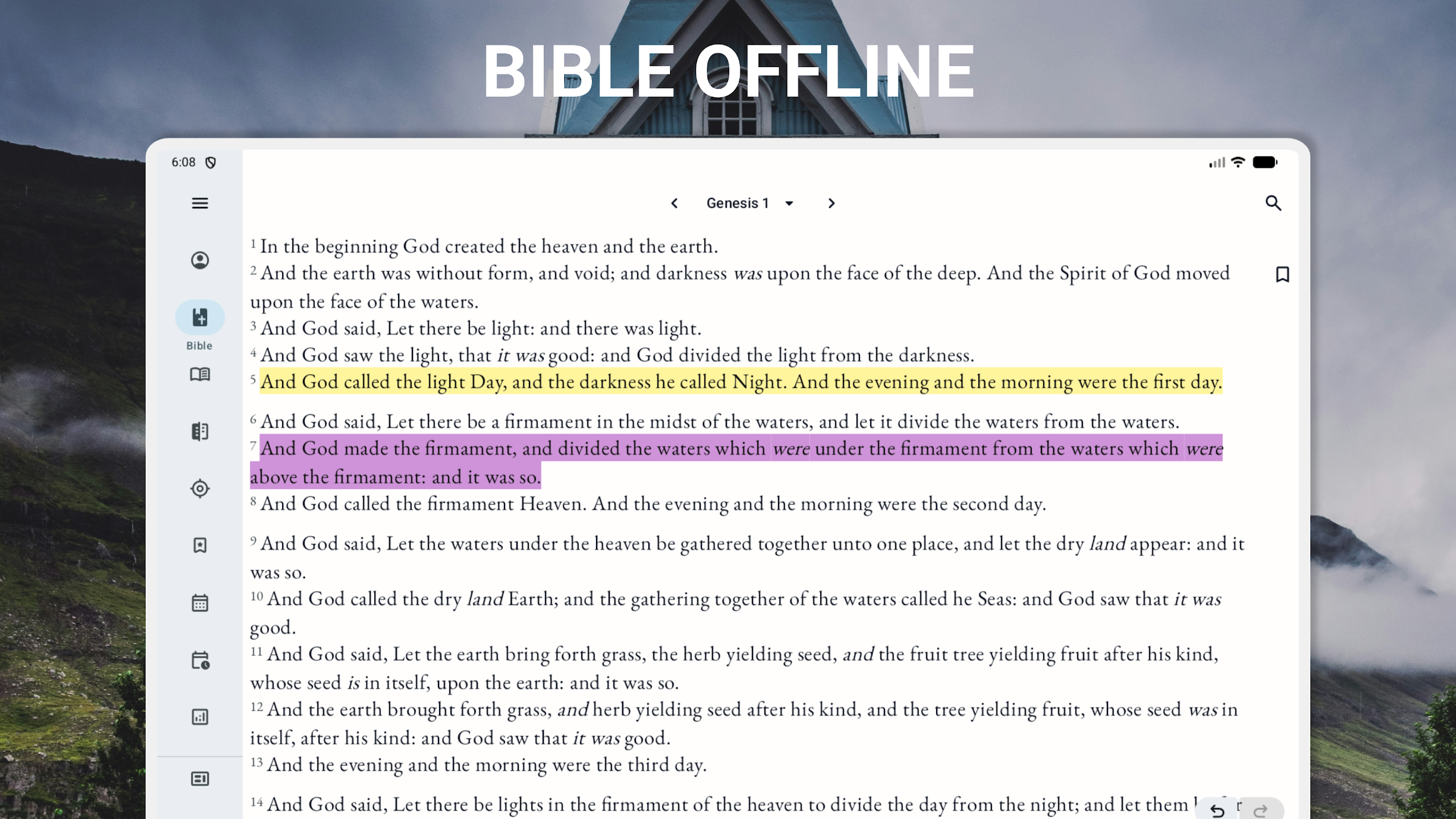
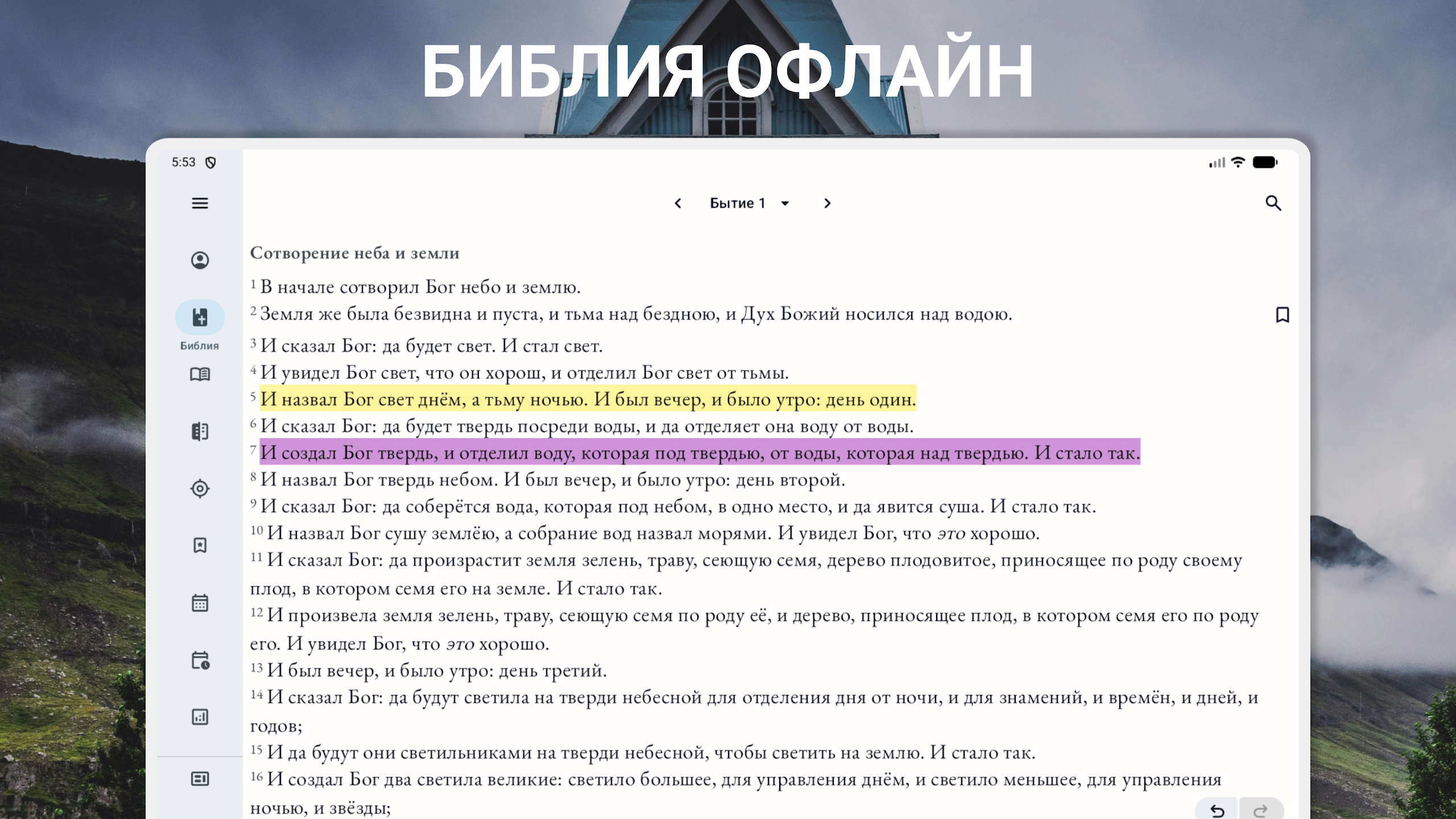
Bible: Synodal Translation is an offline Bible app for Russian-speaking readers who want to access the Russian Synodal Translation on their Android devices. Once the required content has been downloaded, users can read the Bible without an internet connection.
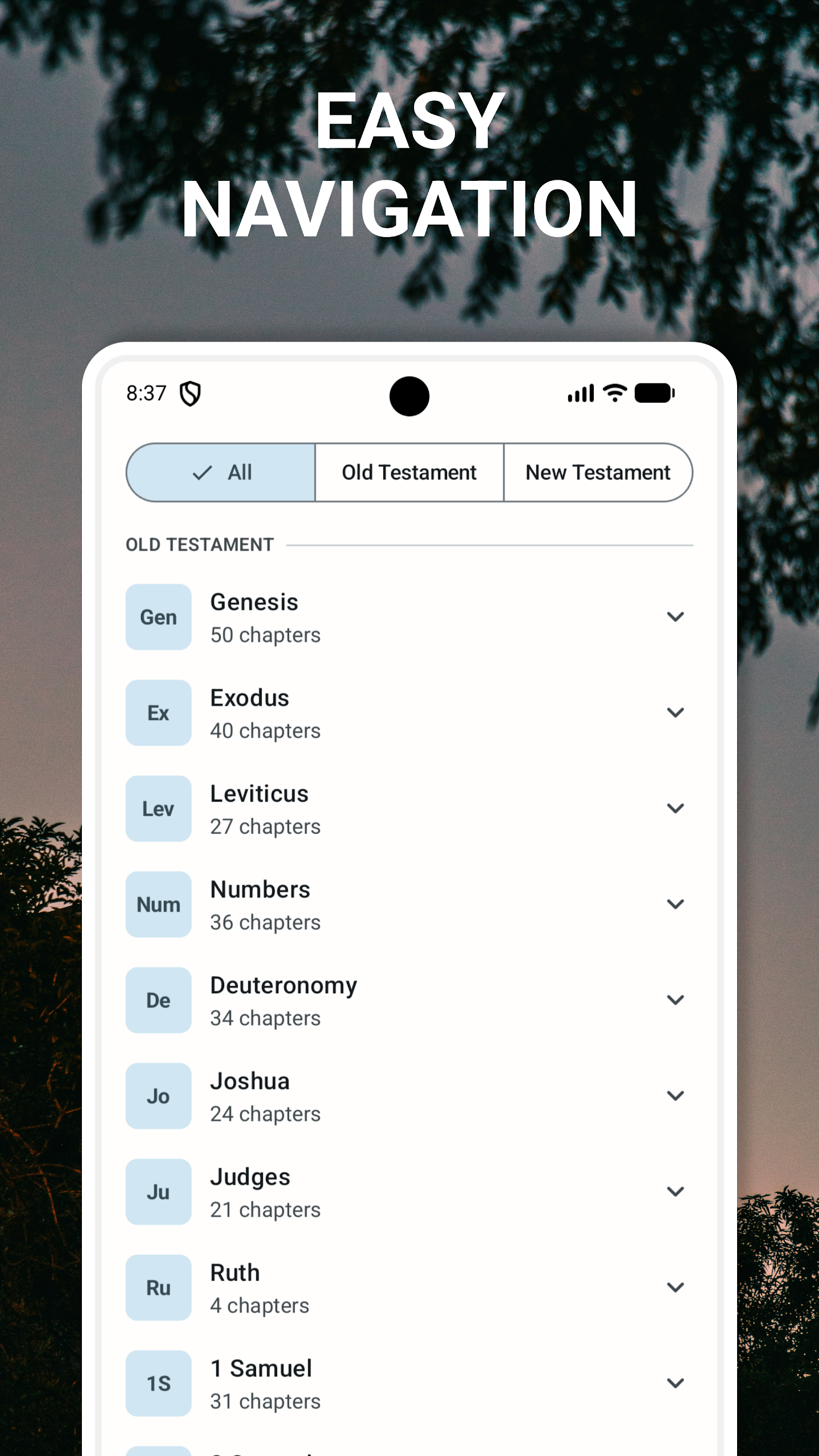
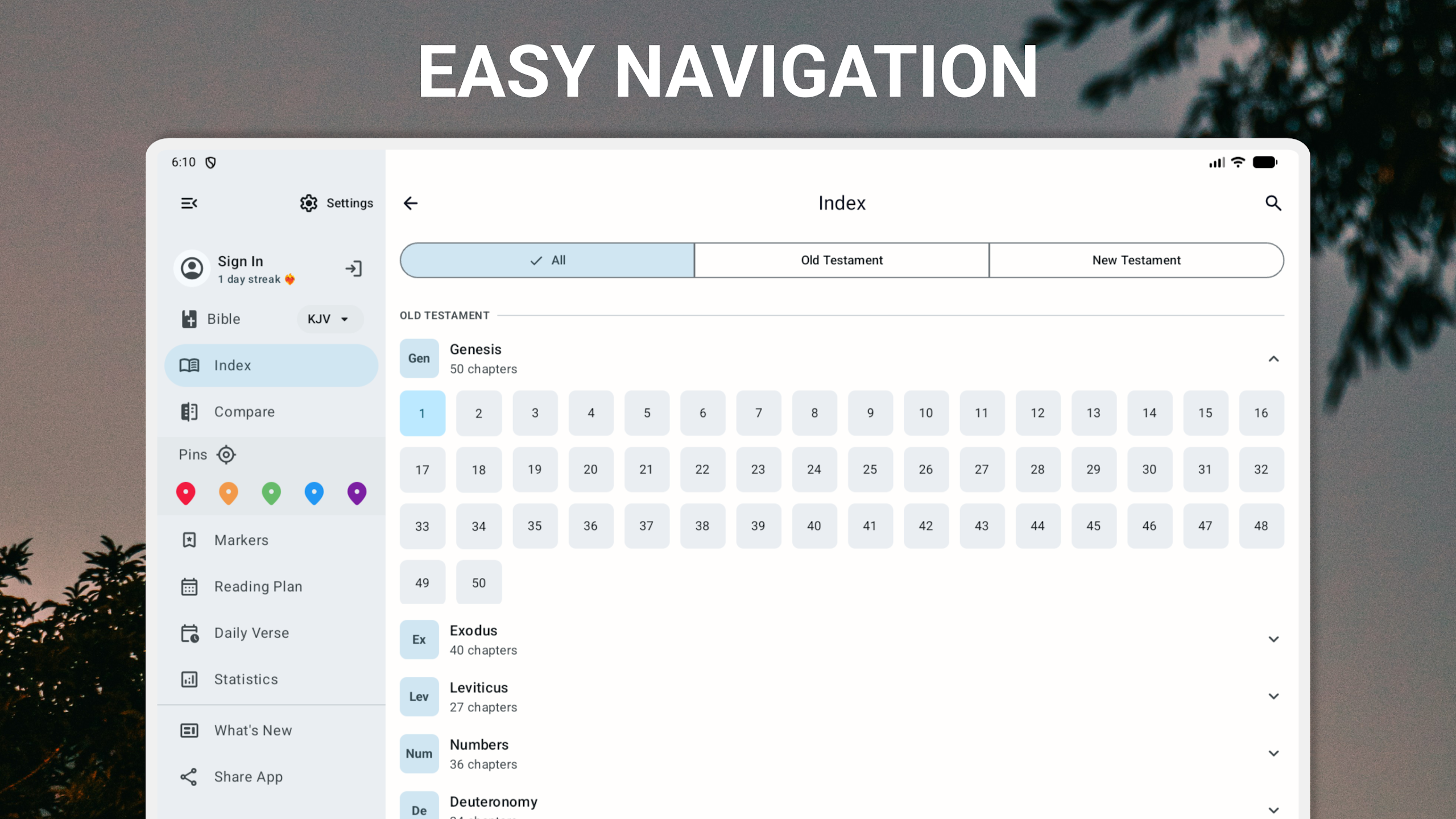
The app provides access to the Old and New Testaments and includes deuterocanonical books associated with the Orthodox biblical tradition. Its simple interface allows users to browse biblical books and chapters and locate specific passages.
It can be used for daily Bible reading, personal study, and reference at home, at church, or while traveling.
2. Bible Content
The app organizes Scripture into the main sections of the Bible:
Old Testament: Includes Genesis, Exodus, Leviticus, Psalms, and other biblical books.
New Testament: Includes the four Gospels, the Epistles, and the Book of Revelation.
Deuterocanonical Books: Includes books such as Wisdom of Solomon, Tobit, and Judith, which are associated with the Orthodox biblical canon.
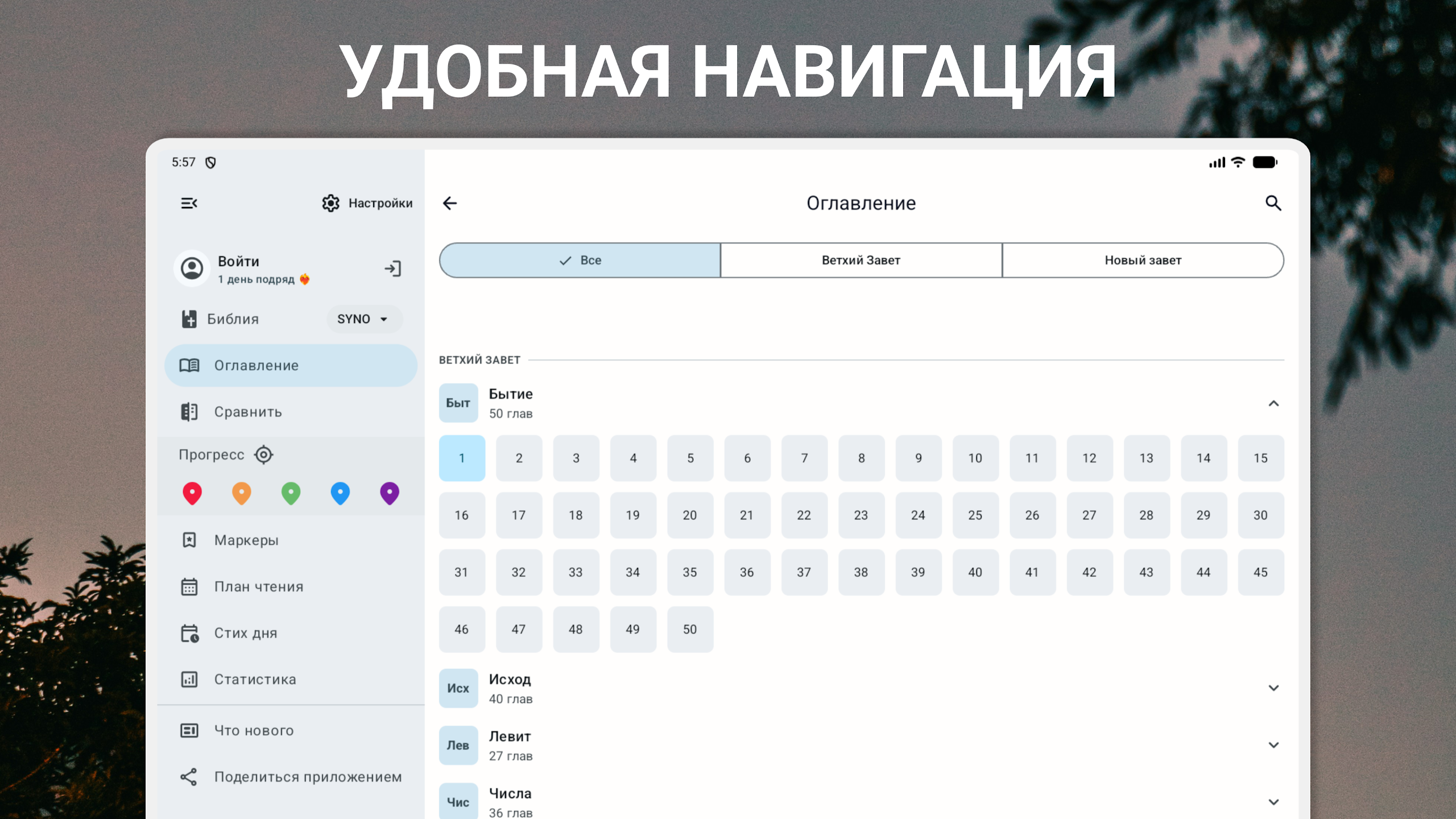
Each book is divided into chapters, making it easier to navigate the text and find particular passages.
3. Audio Bible
The app may also provide audio Bible content for users who prefer listening to Scripture.
Depending on the available audio functions, users may be able to:
Listen to narrated Bible passages
Adjust playback speed
Create or manage playlists
Continue playback in the background
These options provide an alternative to reading directly from the screen.
4. Key Features
Bible: Synodal Translation brings together Bible reading and reference functions in a mobile application.
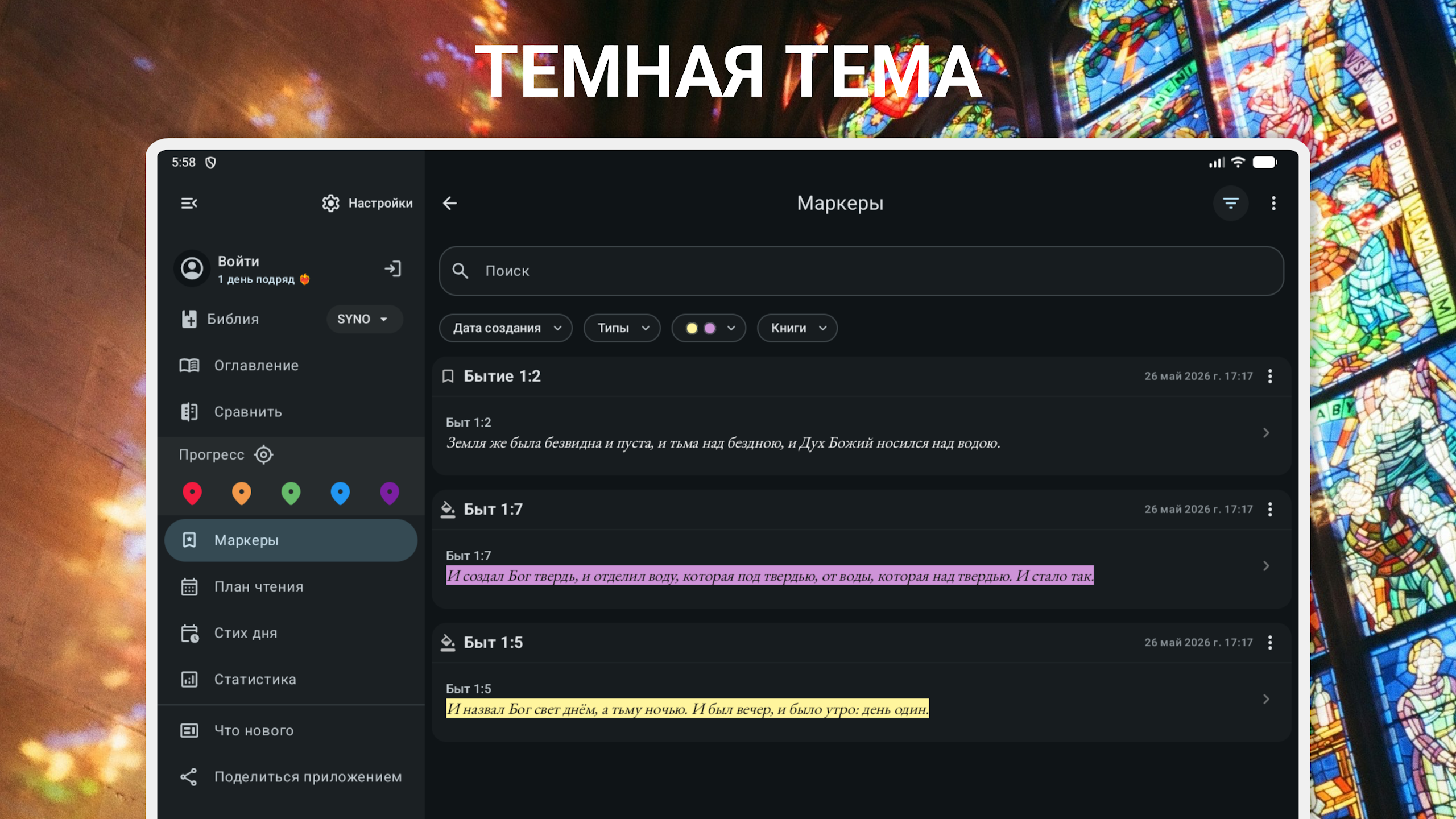
Offline Reading: Read downloaded Bible texts without an internet connection.
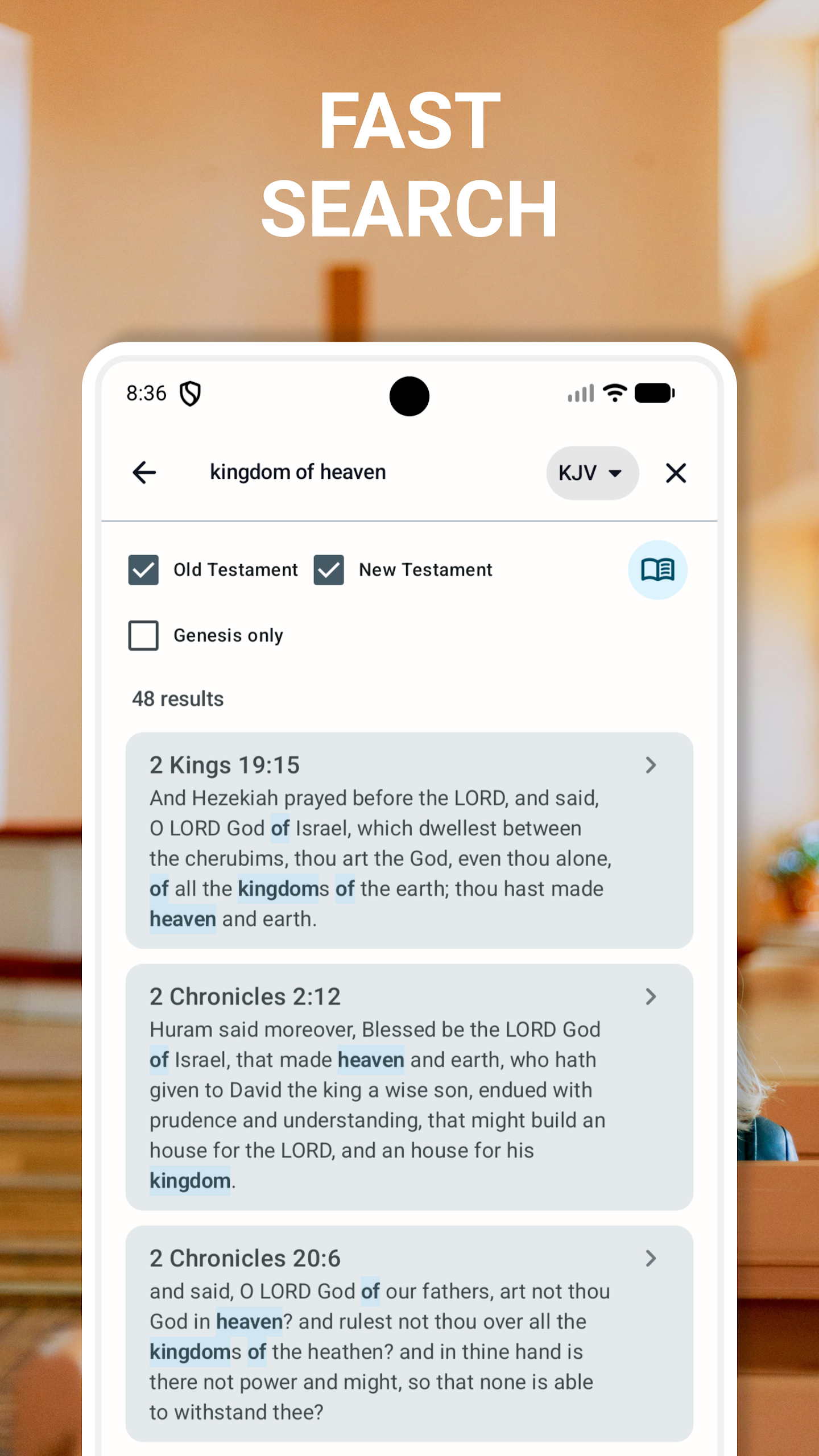
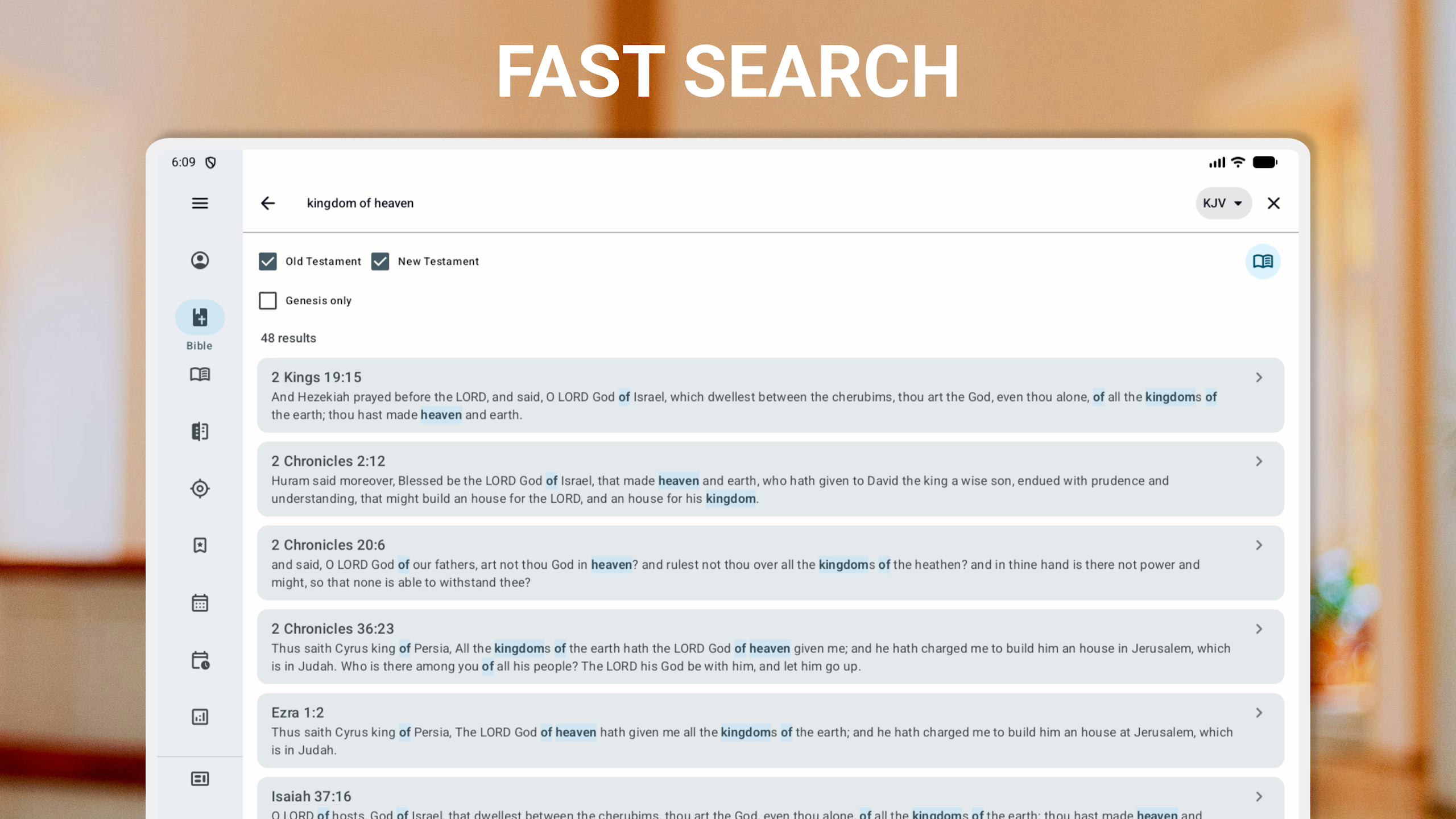
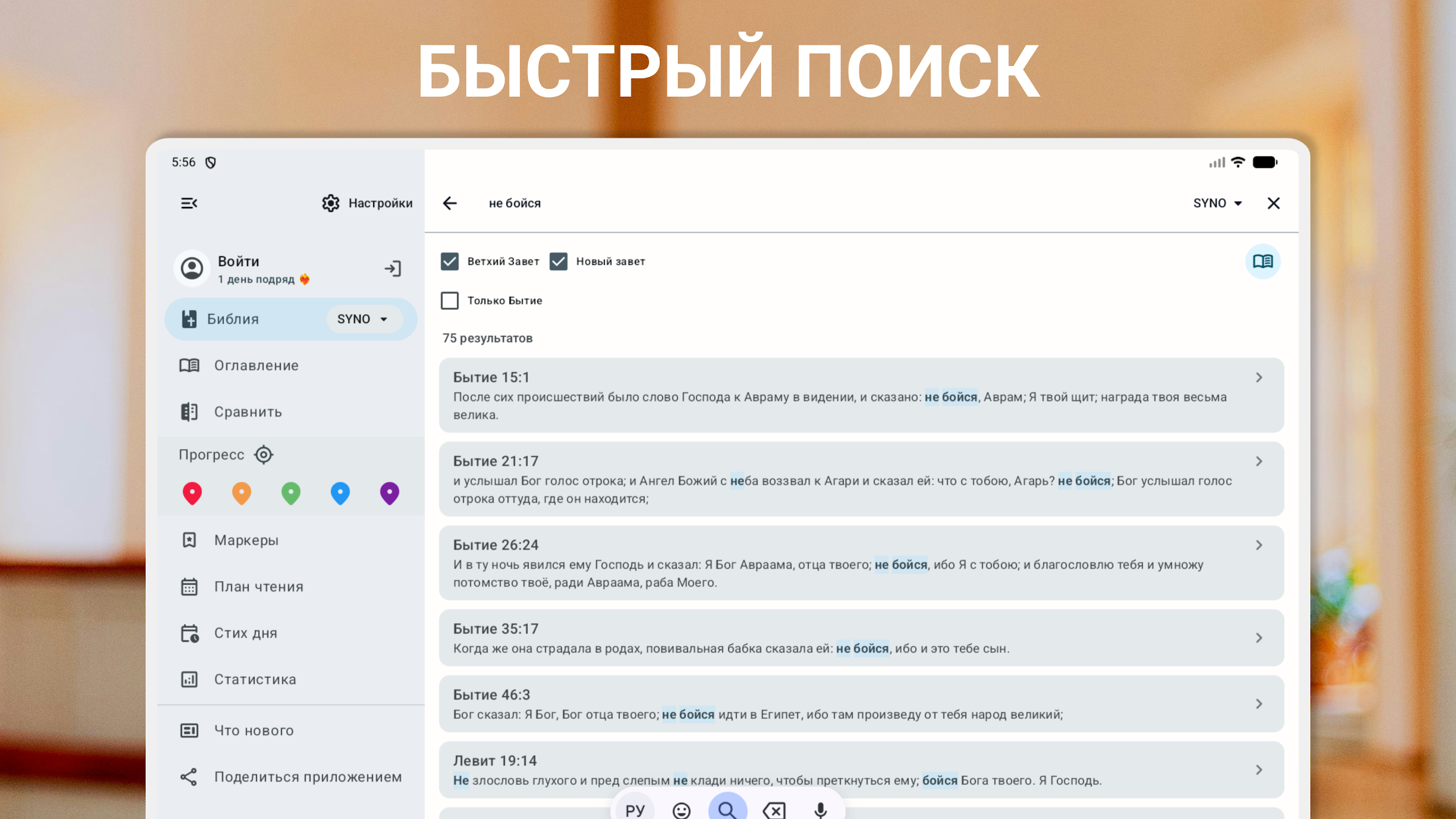
Search: Find specific words, verses, and passages.
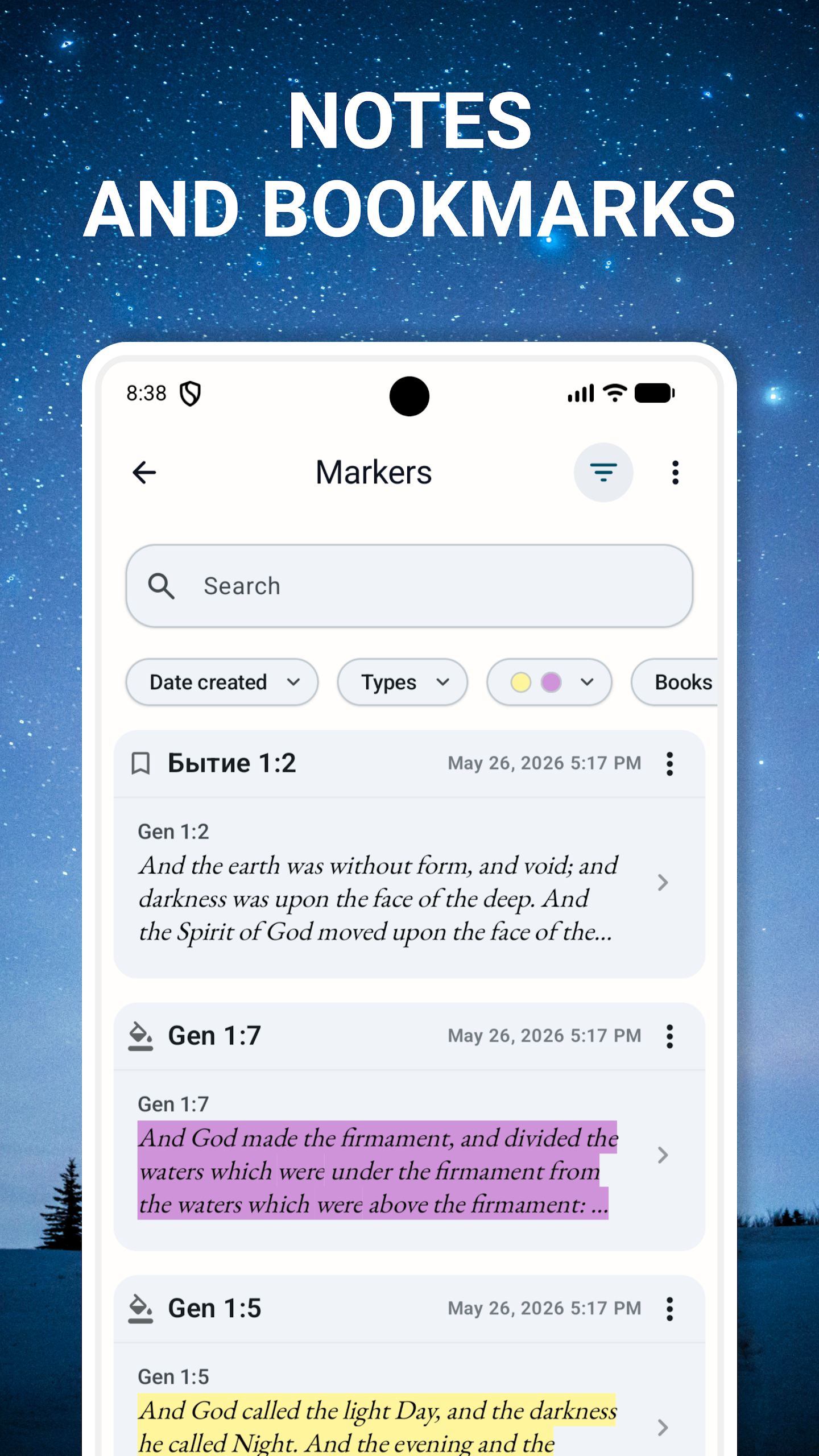
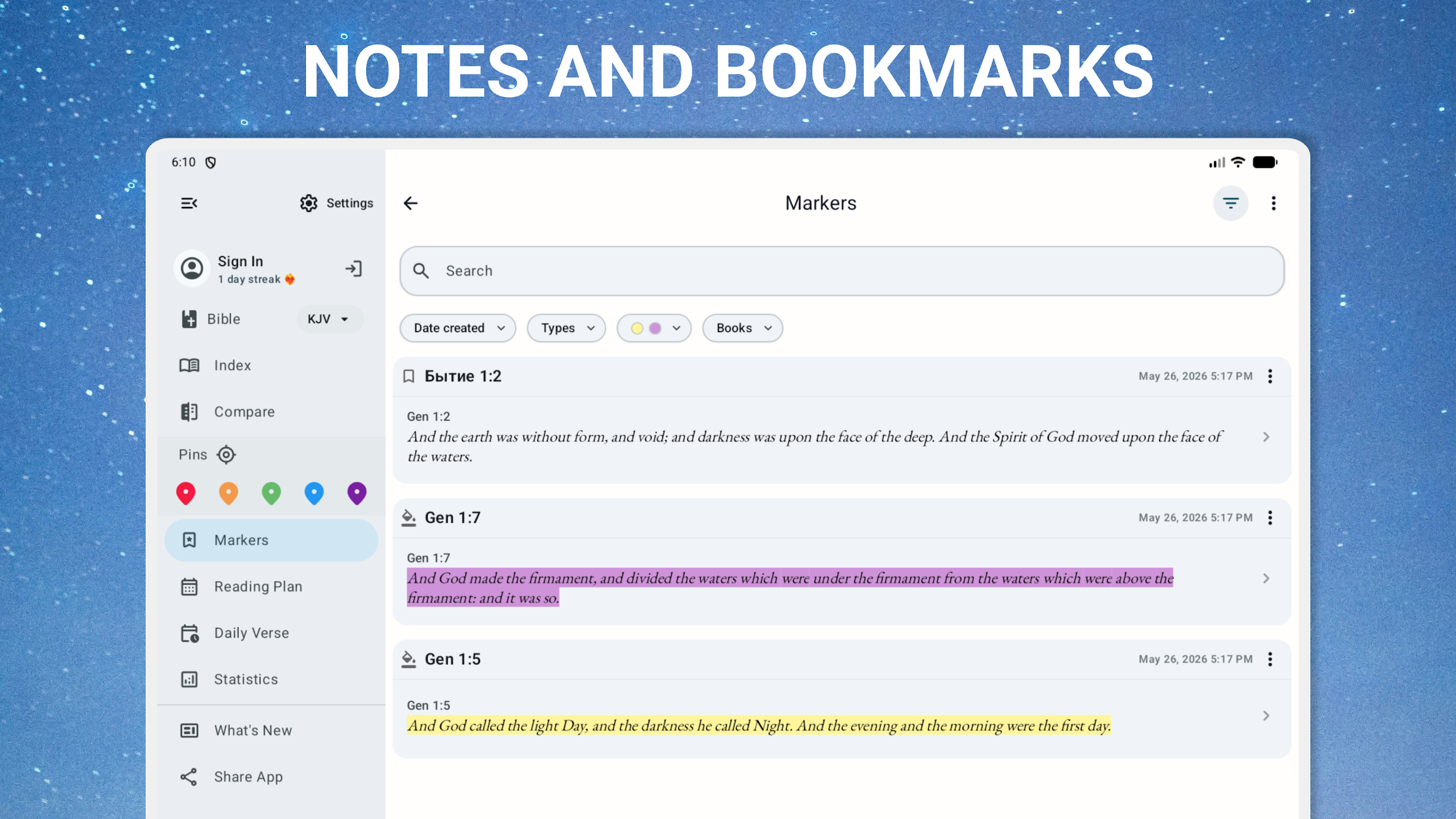
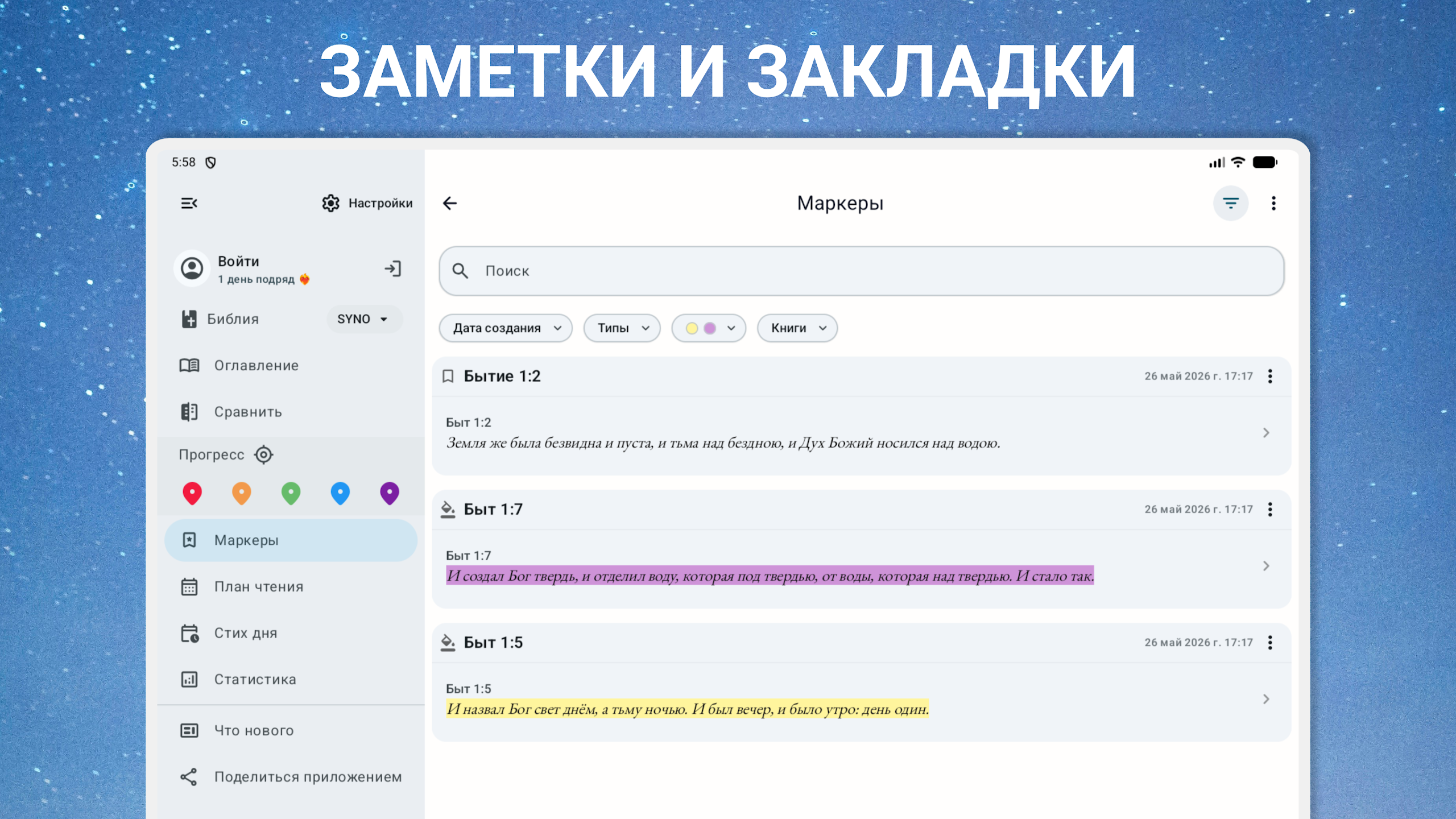
Bookmarks: Save important verses for quick access.
Personal Notes: Record thoughts and comments related to selected passages.
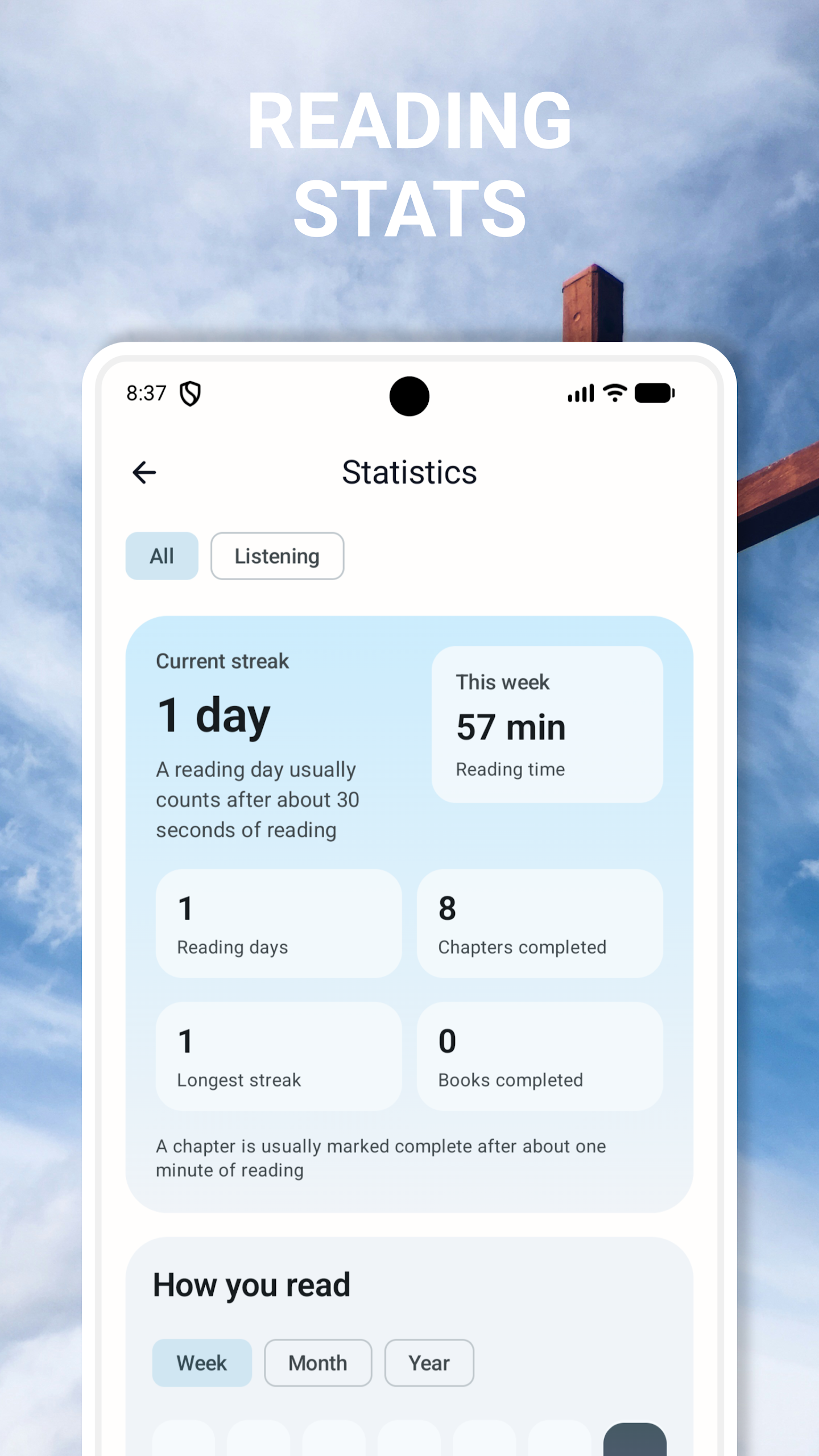
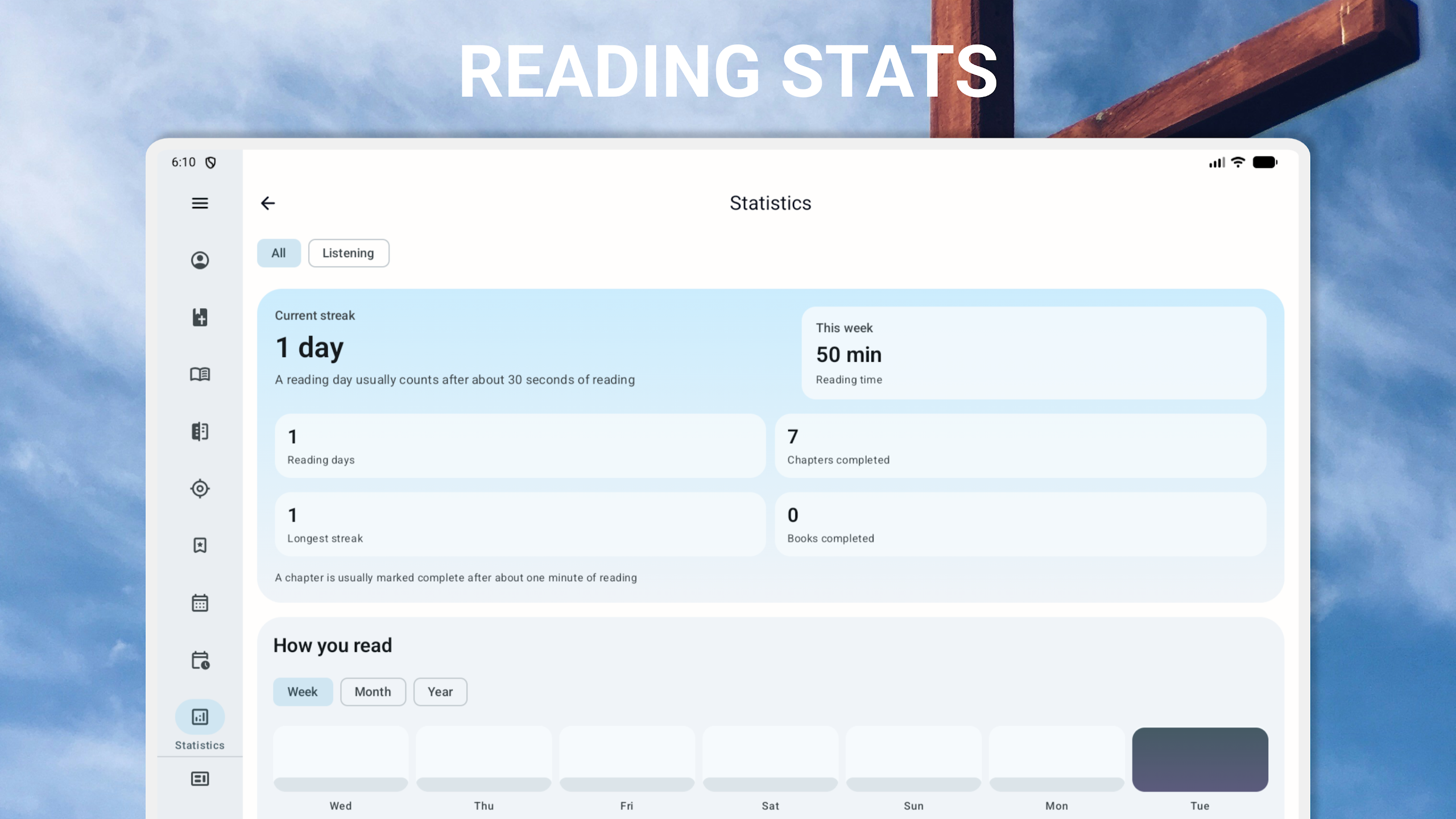
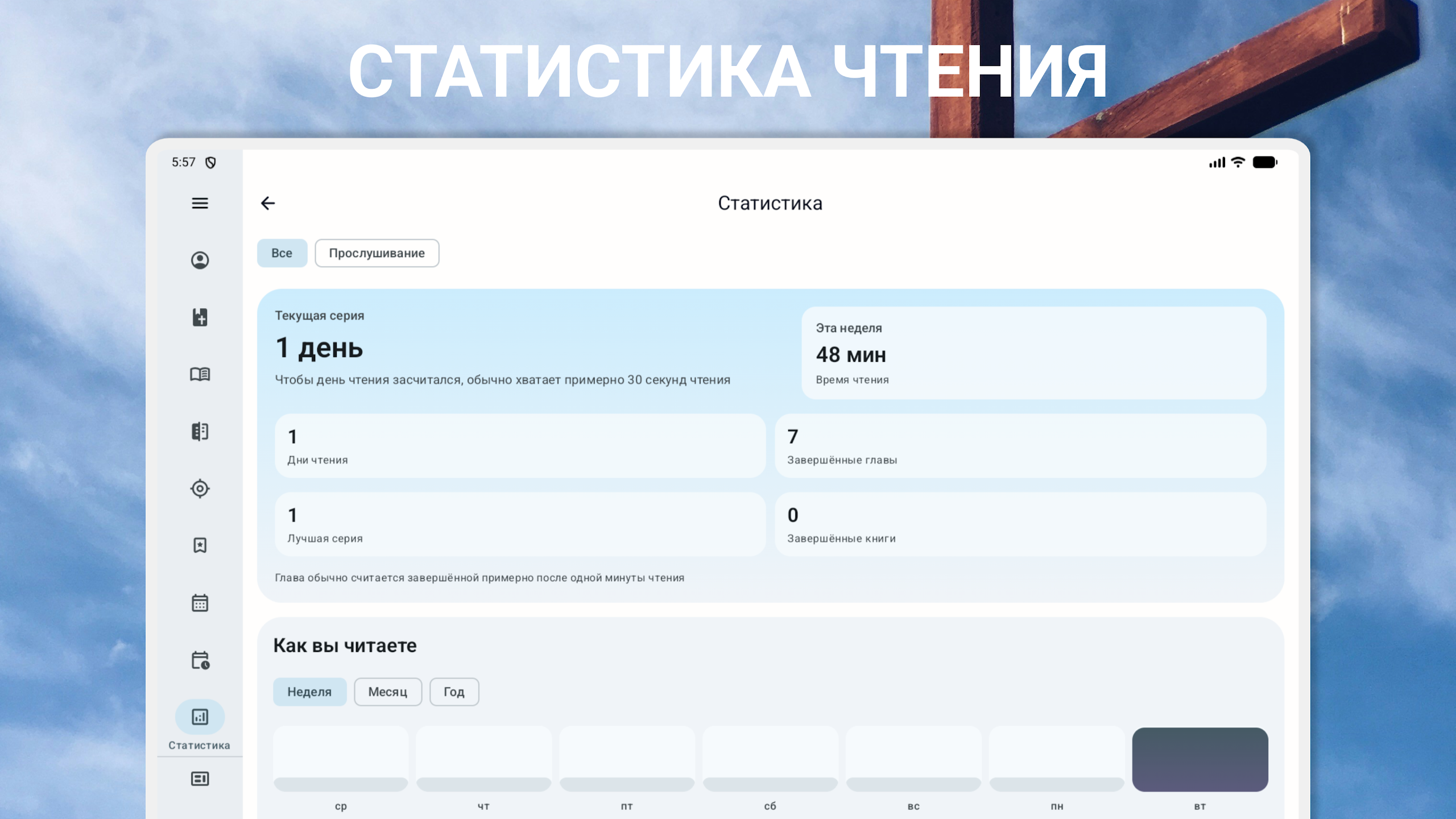
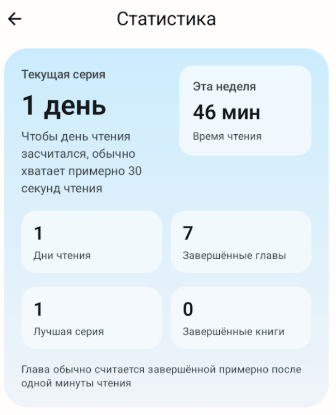
Reading History: Return to previously opened chapters and passages.
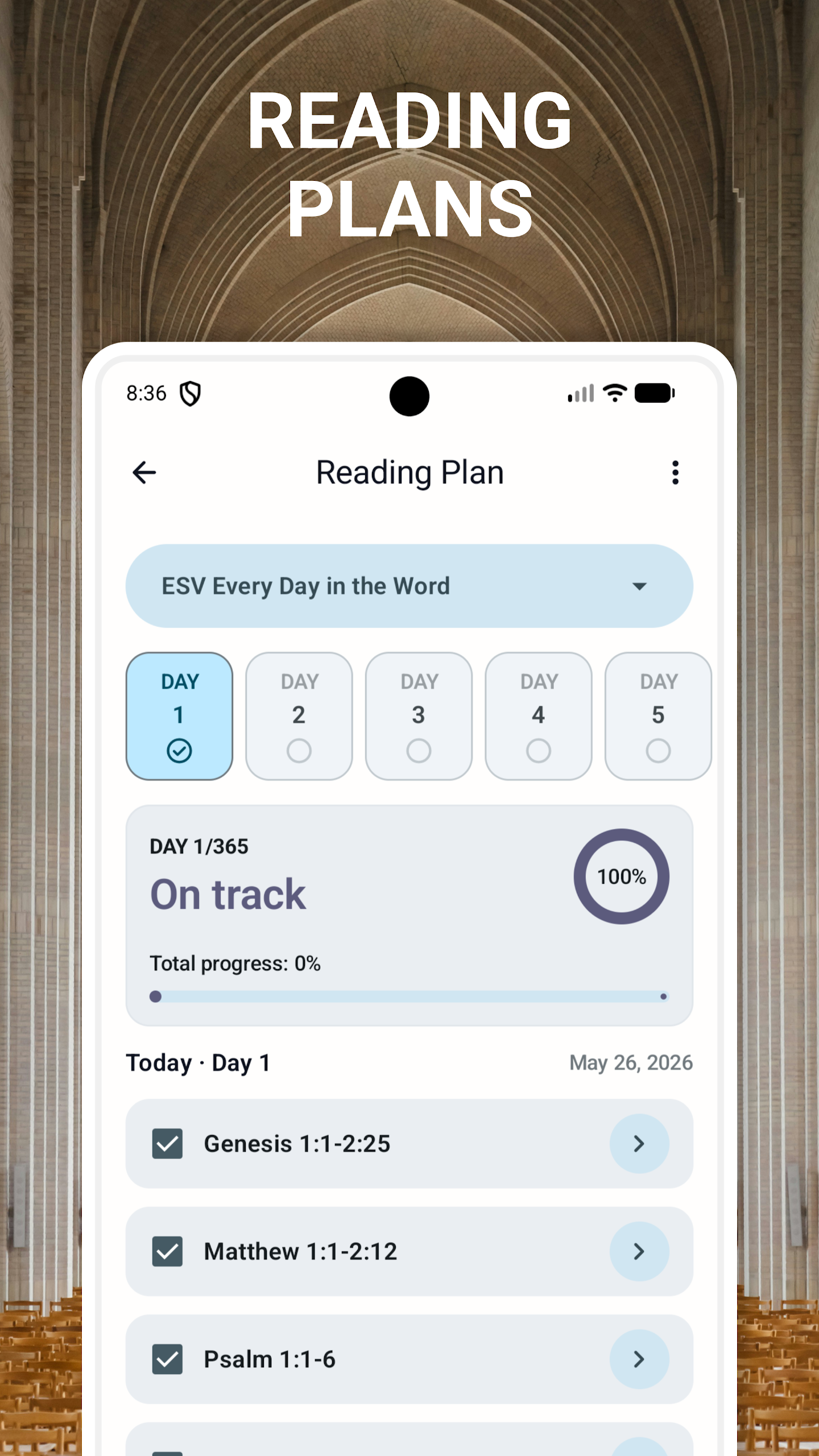
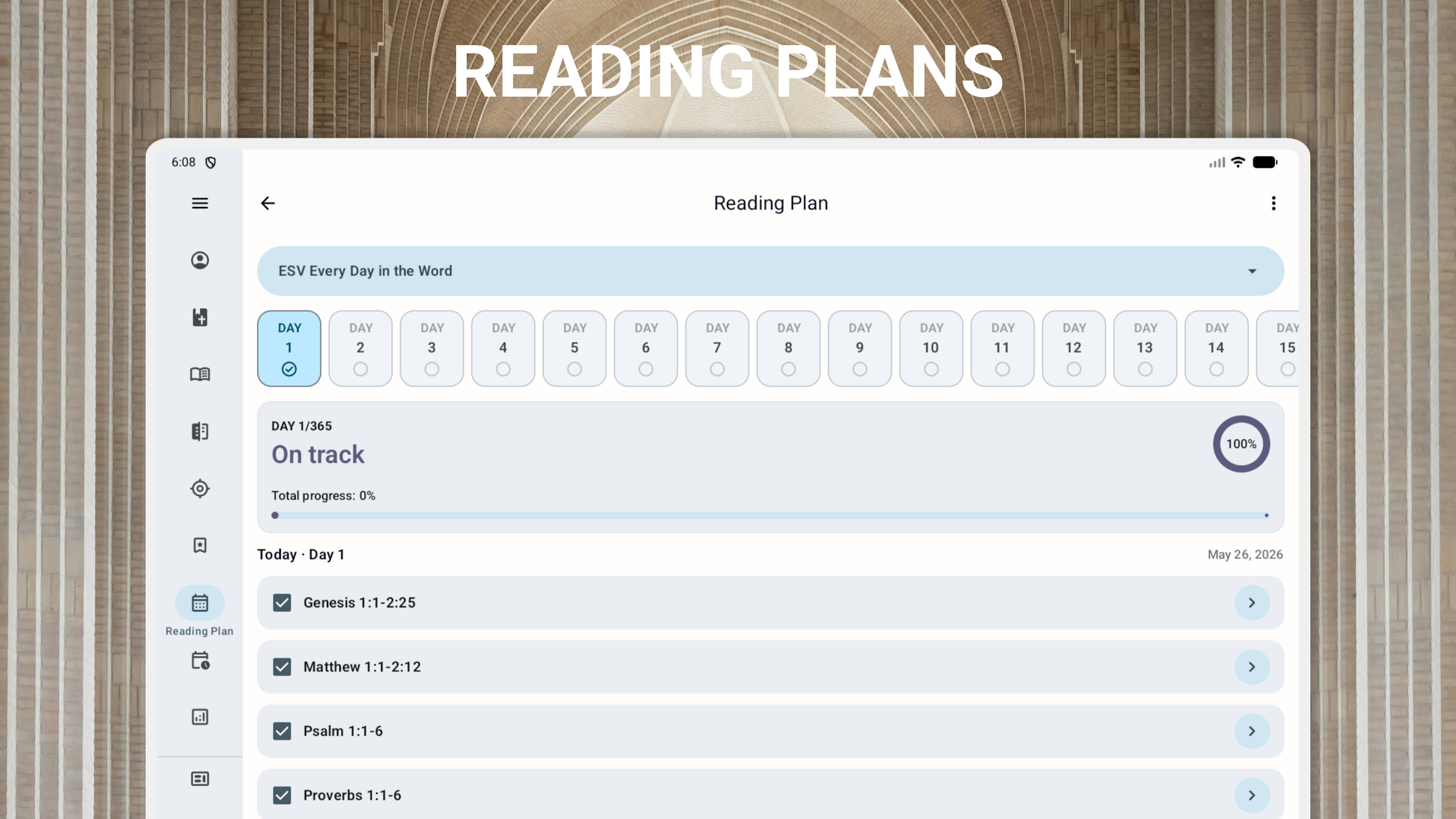
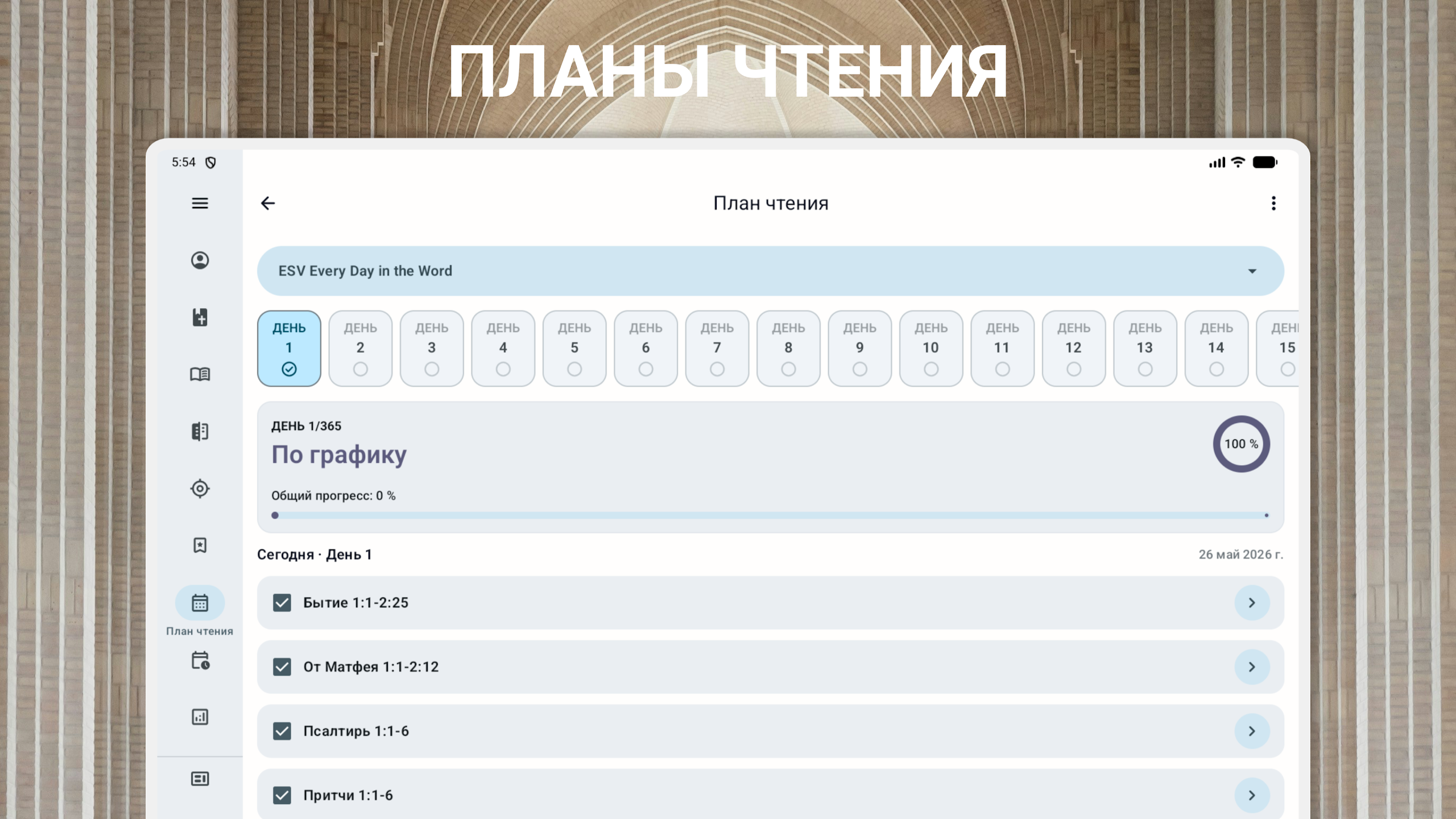
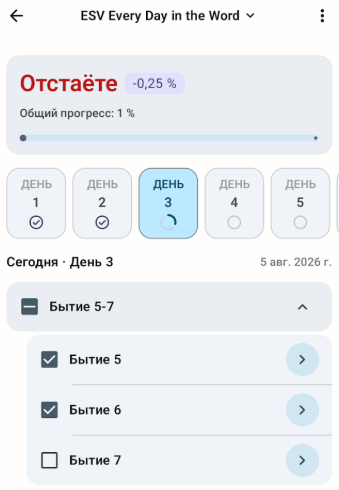
Reading Plans: Follow structured schedules for Bible reading, if available.
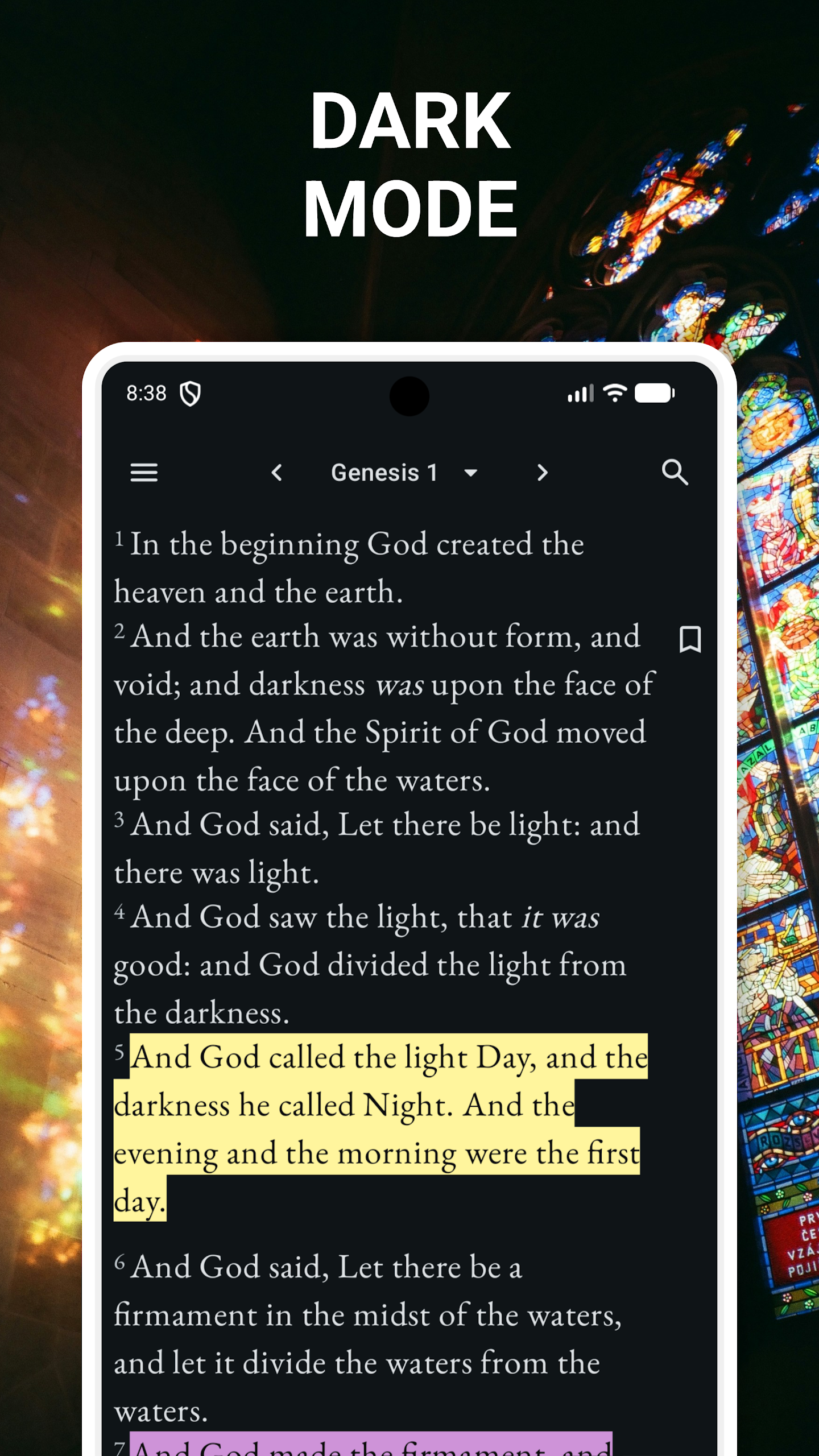
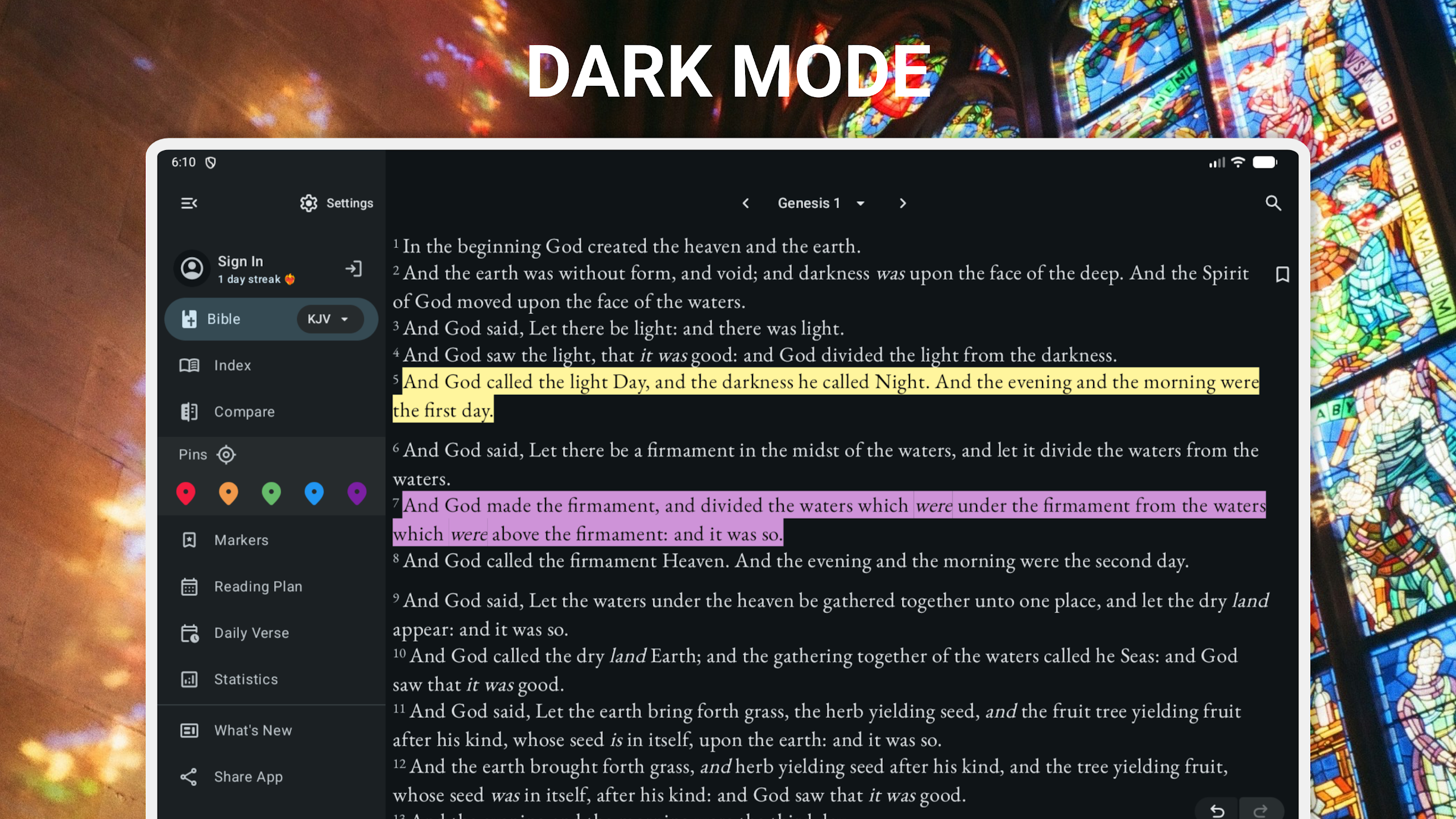
Night Mode: Switch to a darker display for reading in low-light conditions.
Adjustable Font Size: Change the text size for easier reading.
Audio Playback: Listen to available narrated Bible content.
Compact Installation: The application is designed to require relatively little storage space, although downloaded content may increase its overall size.
5. Bible Resources for Children and Families
Some Bible applications also provide materials for younger readers and families. These may include simplified Bible stories, accounts of Jesus Christ, children's prayers, and illustrations.
If these resources are available in the app, parents can use them for shared reading and to introduce children to biblical stories and Orthodox Christian teachings.
6. Additional Study Resources
In addition to the biblical text, supplementary study materials may help readers understand Scripture and its historical and religious context.
Potential resources include:
Biblical Commentary: Explanations of passages and interpretations from Christian theologians and Church Fathers.
Interactive Maps: Geographical references to locations mentioned in the Bible.
Educational Materials: Resources for individual Bible study and religious education.
Availability may vary depending on the app version and downloaded content.
7. Who Is This App For?
Bible: Synodal Translation is suitable for:
Russian-speaking readers who want an offline Bible on their mobile devices
Orthodox Christians who regularly read Scripture
People who prefer listening to Bible passages
Theology students and Bible study groups
Parents looking for biblical reading materials for children
Readers interested in the Russian Synodal Translation
8. How to Use the App
Step 1: Install the App
Download and install the application on your Android device. Connect to Wi-Fi during the initial setup if the Bible text or other content needs to be downloaded.
Once the required files are available, you can access supported offline content without an internet connection.
Step 2: Find a Bible Book or Chapter
Open the app and navigate to the Bible reading section.
Select the Old Testament or New Testament.
Choose the book you want to read.
Select a chapter to open its text.
Use the search function to find a particular word, verse, or passage.
Step 3: Adjust Reading Settings
Change the font size to make the text more comfortable to read. If the app supports night mode, enable it when reading in a dark environment.
You can also use the reading history function to return to previously opened passages.
Step 4: Listen to Bible Passages
If audio content is available, open the relevant passage and select the audio playback option.
Use the playback controls to adjust the listening experience. Background playback, playlists, and speed adjustment depend on the available audio features.
Step 5: Save Passages and Add Notes
Use bookmarks to save important verses and passages for future reference.
If note-taking is supported, you can also record personal reflections, questions, or comments related to specific passages.
Step 6: Explore Additional Resources
Check the app for supplementary materials such as Bible reading plans, commentaries, maps, or children's resources.
These materials can provide additional information for understanding biblical texts and their historical context.
9. Frequently Asked Questions (FAQs)
Q1: Can I use Bible: Synodal Translation without an internet connection?
Yes. The app supports offline Bible reading after the necessary content has been downloaded. An internet connection may still be needed for initial downloads, updates, and certain online functions.
Q2: Is the Bible available in languages other than Russian?
The app focuses on the Russian Synodal Translation. Support for other languages or translations has not been confirmed.
Q3: Can I adjust the audio playback speed?
Playback speed adjustment may be available if supported by the app's audio player. Check the playback settings for available controls.
Q4: Can I continue reading from where I left off?
The reading history feature helps users return to previously opened chapters and passages, if this function is supported in their version of the app.
Q5: Does the app include the complete Orthodox Bible?
The app's listed content includes the Old Testament, New Testament, and deuterocanonical books associated with the Orthodox tradition. The exact collection of books should be checked within the application.
Q6: Does the app include Bible stories for children?
Children's stories, prayers, and illustrations should be checked in the app's available content. Their inclusion has not been independently confirmed.
Q7: Can I access biblical commentaries and study materials?
Check the supplementary resources section for available commentaries, maps, and educational materials. The specific resources may vary by version.
Q8: Does the app take up much storage space?
The application is described as relatively compact. However, downloaded Bible content, audio recordings, and additional resources may require extra storage.
Q9: Can I bookmark verses and save personal notes?
Bookmarking and note-taking may be available depending on the version. Check the reading interface for these options.
Q10: Does the developer release regular updates?
Update frequency depends on the developer's release schedule. Check the app's Google Play listing for the latest version information, bug fixes, and newly added features.
- Version1.0.34
- UpdateNov 05, 2026
- DeveloperSmart Bible Apps
- CategoryBooks & Reference
- Requires AndroidAndroid 7.0+
- Downloads281K+
- Package Nameby.uniq.novyj_zavet_na_russkom_sinoidalnyj_perevod
- Signaturef04f72bac582b3c98a5f12595c562a40
- Available on
- ReportFlag as inappropriate
-
NameSizeDownload
-
10.84 MB
-
10.64 MB
-
9.40 MB










Available offline
Privacy protection
Language limitations
Content comprehension difficulty
Lack of advanced features