
Ballogy AI Basketball Training - Personal training & analytics
Elevate your game with personalized coaching, real-time stats, custom workouts, and global competition at your fingertips!
- 4.8.2 Version
- 1.2 Score
- 166K+ Downloads
- In-app purchases License
- 12+ Content Rating

Ballogy App – Overview, Features, User Guide, and FAQ
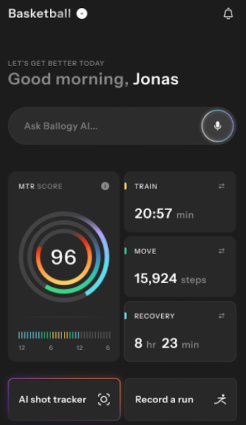
1. App Overview
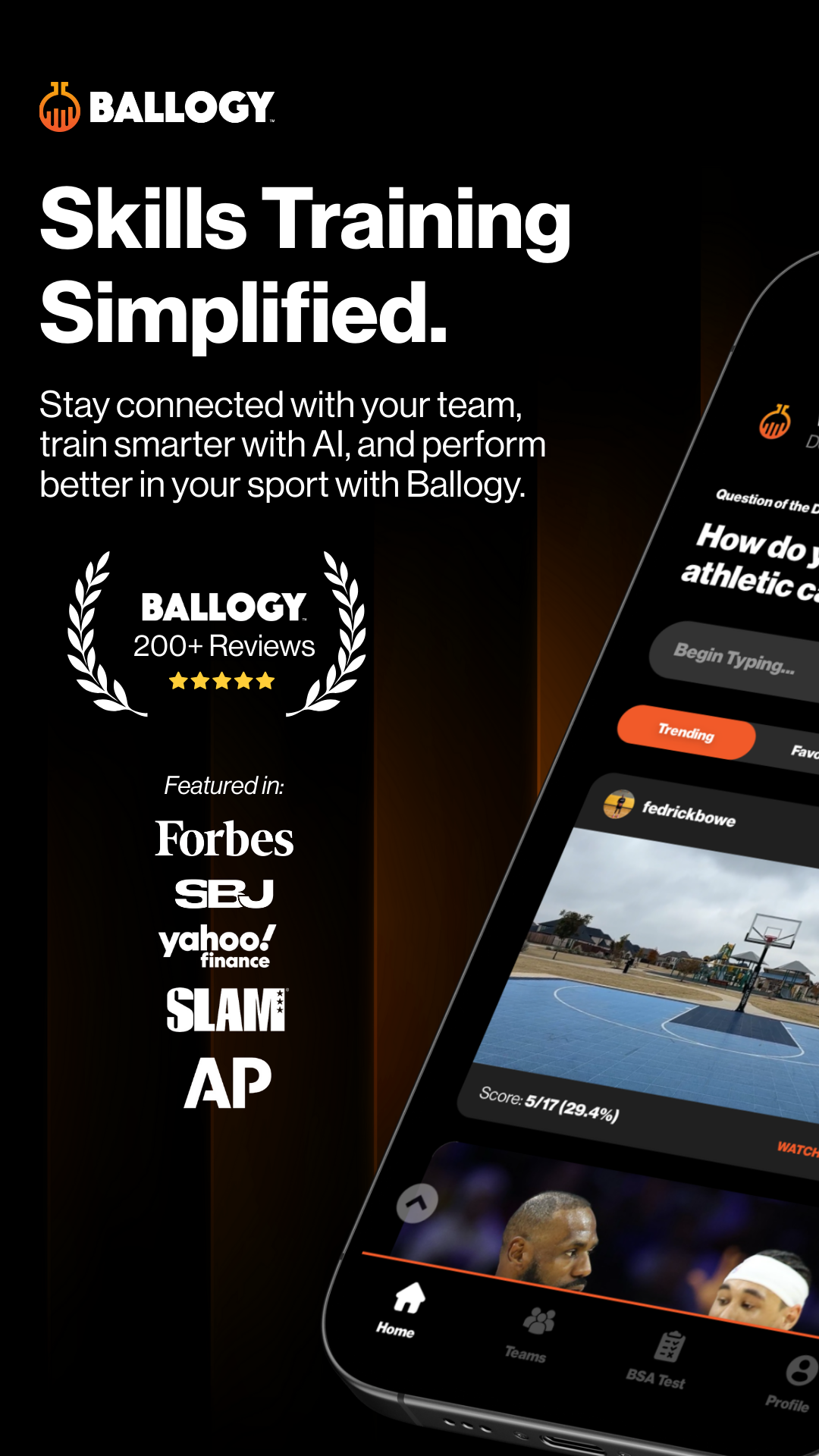
Ballogy is a basketball training app that helps players improve their skills, track performance, and connect with coaches, teammates, and college basketball programs.
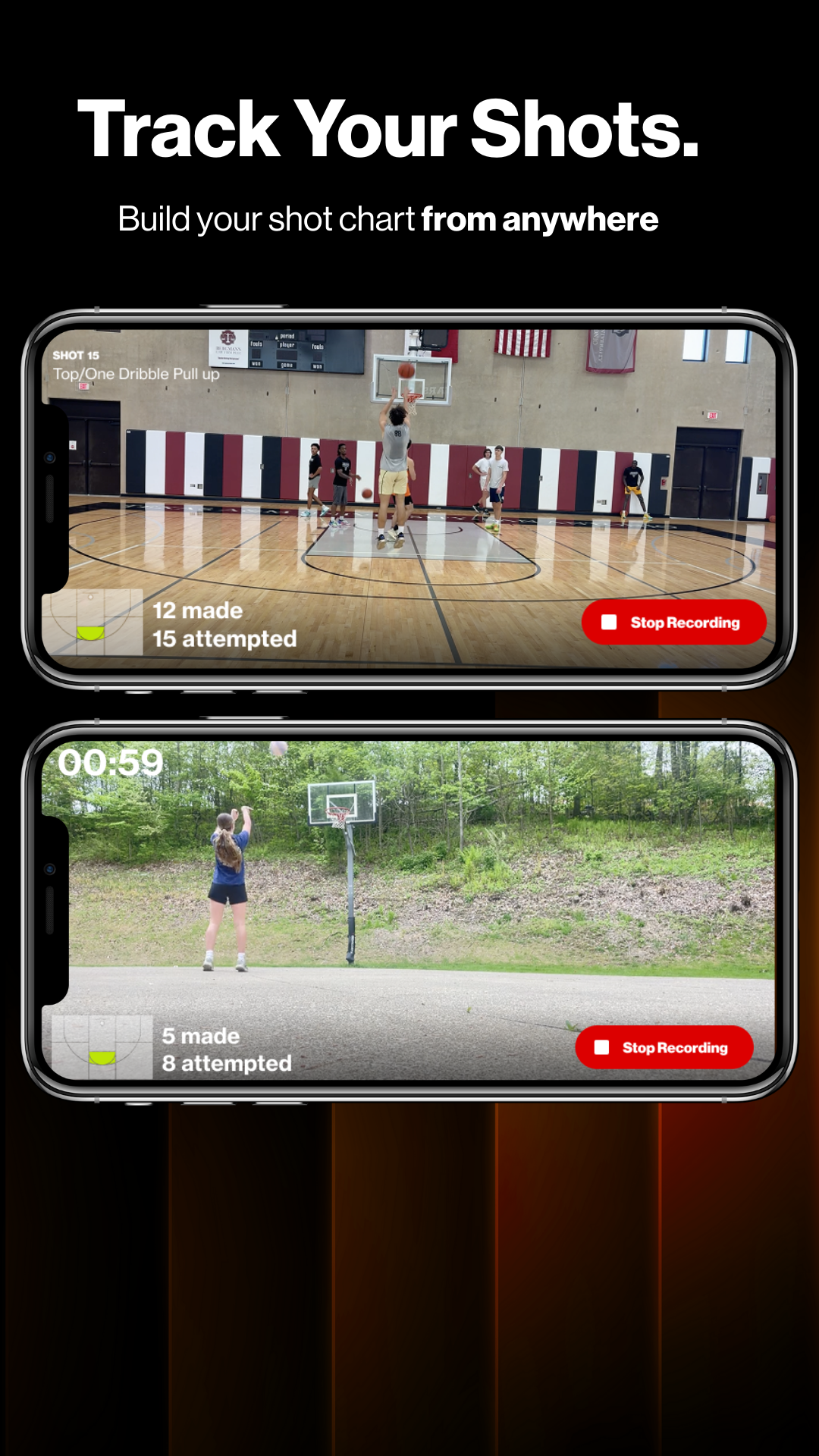
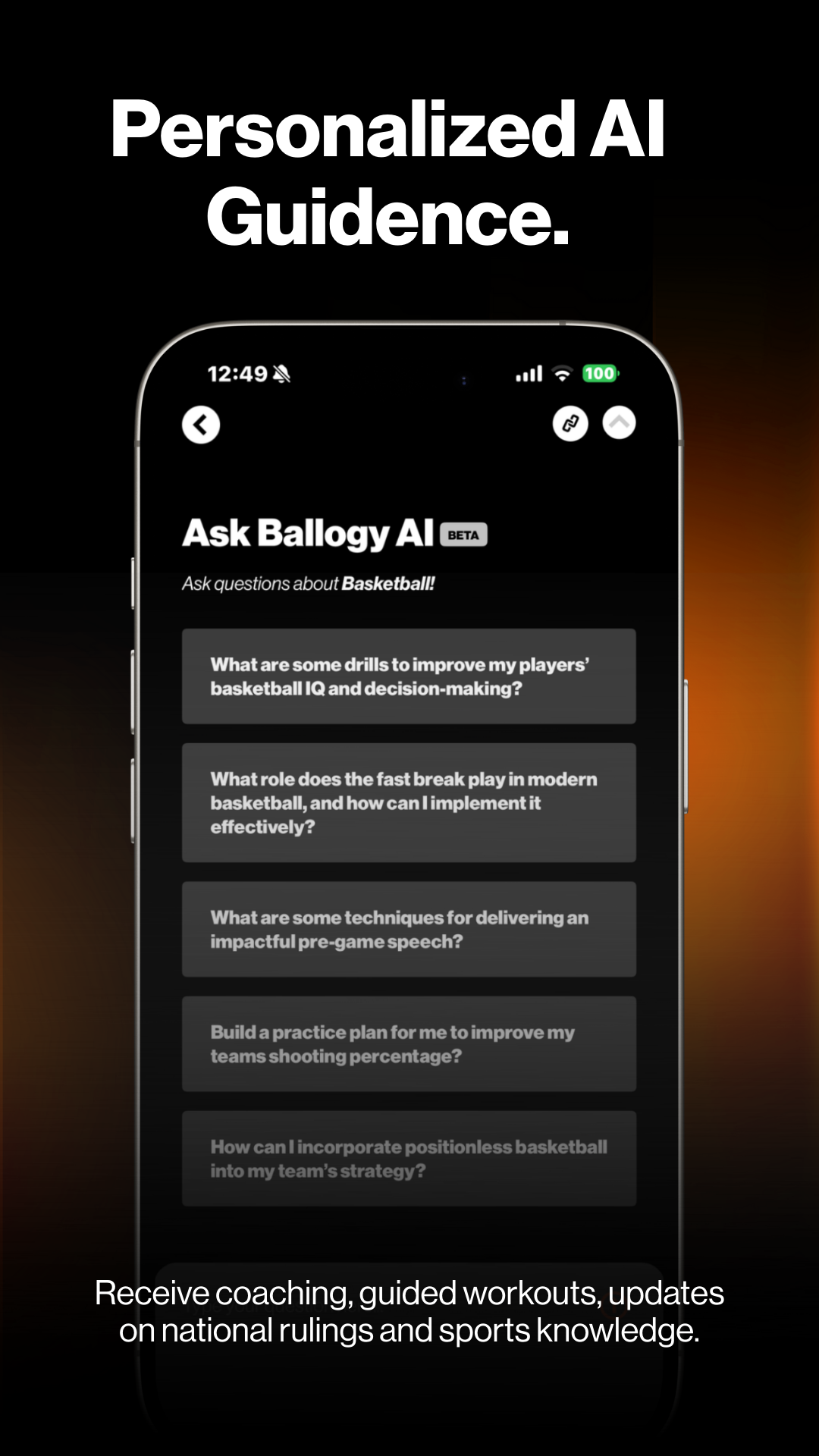
Using a smartphone camera, the app can automatically detect basketball shots, record shooting statistics, and generate heat maps showing accuracy from different areas of the court. Players can also access training programs, complete skills assessments, and receive AI-powered recommendations through Ballogy AI.
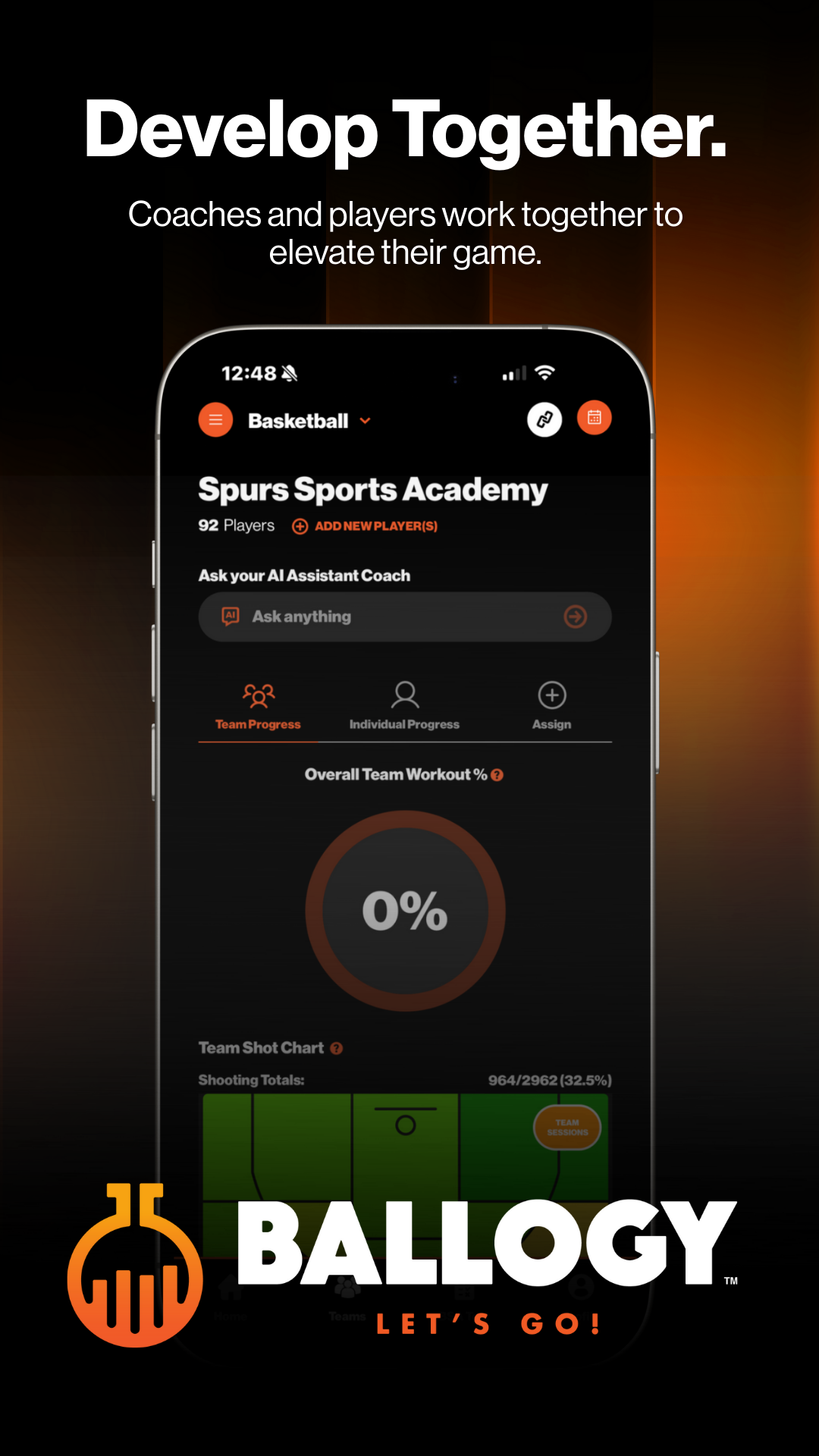
Coaches can create workouts, assign training activities, monitor player progress, and provide feedback. The app combines shooting analysis, training resources, and digital player profiles to support individual development and team training.
2. Key Features
Automatic Shot Detection and Performance Tracking
Automatically detect and record basketball shots using a smartphone camera
Track shooting percentages and other performance statistics
Generate heat maps showing shooting accuracy across different court positions
Review previous training sessions to identify strengths and weaknesses
Training Programs and Custom Workouts
Access more than 100 drills and workout routines created by coaches, trainers, and athletes
Explore exercises for different skill levels
Create customized workouts based on individual training goals
Track workout completion and training progress
Ballogy AI Coaching
Receive AI-generated feedback based on training performance
Get recommendations for improving shooting technique and basketball fundamentals
Develop personalized practice plans
Identify areas that need more attention
Ballogy Skills Assessment (BSA)
Complete structured assessments to evaluate basketball skills
Use Ballogy Vision to record assessment sessions and generate official scores
Review results and track improvements over time
Become eligible for consideration in the monthly Top Performers Report, distributed to more than 2,000 colleges and institutions
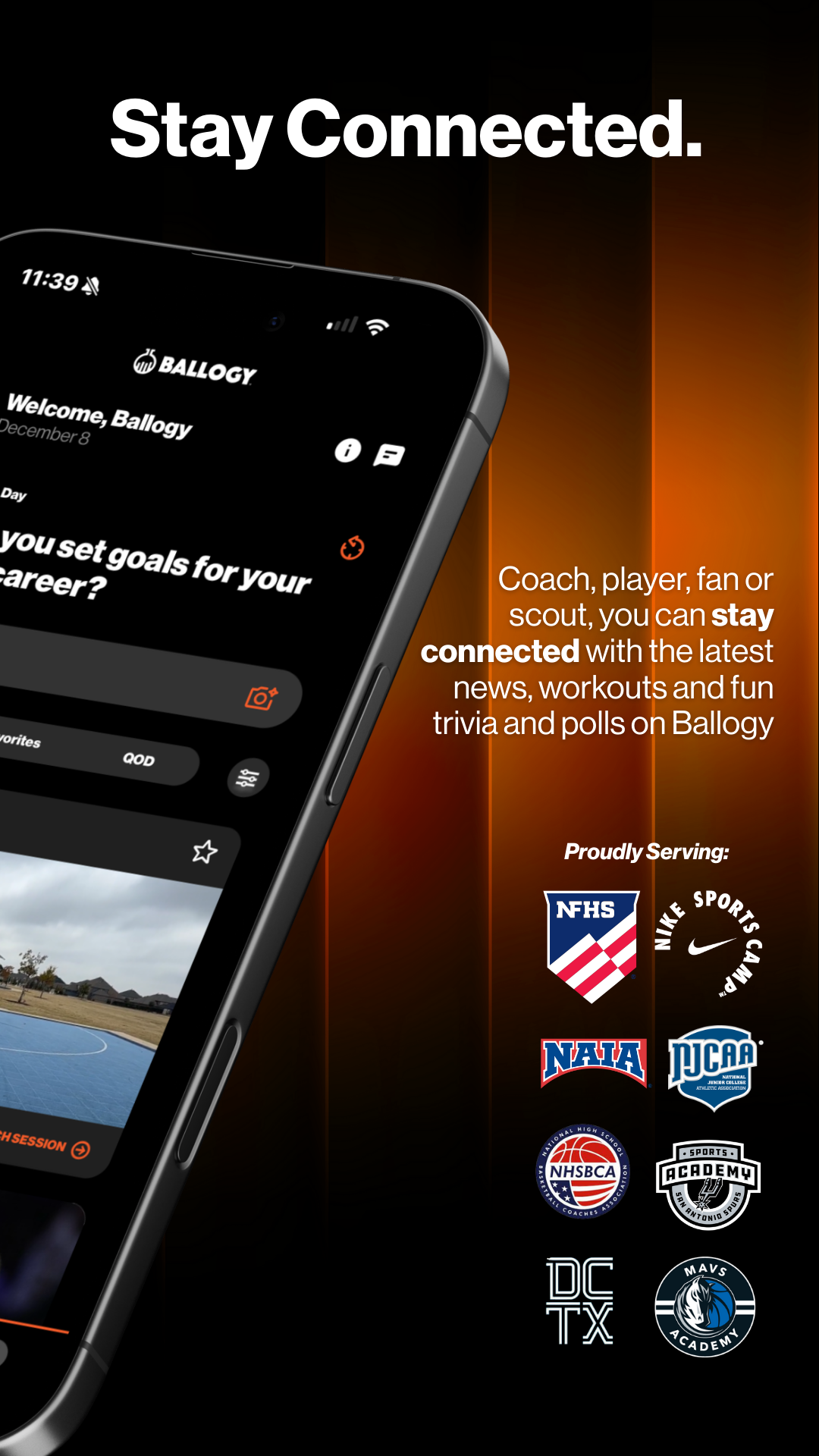
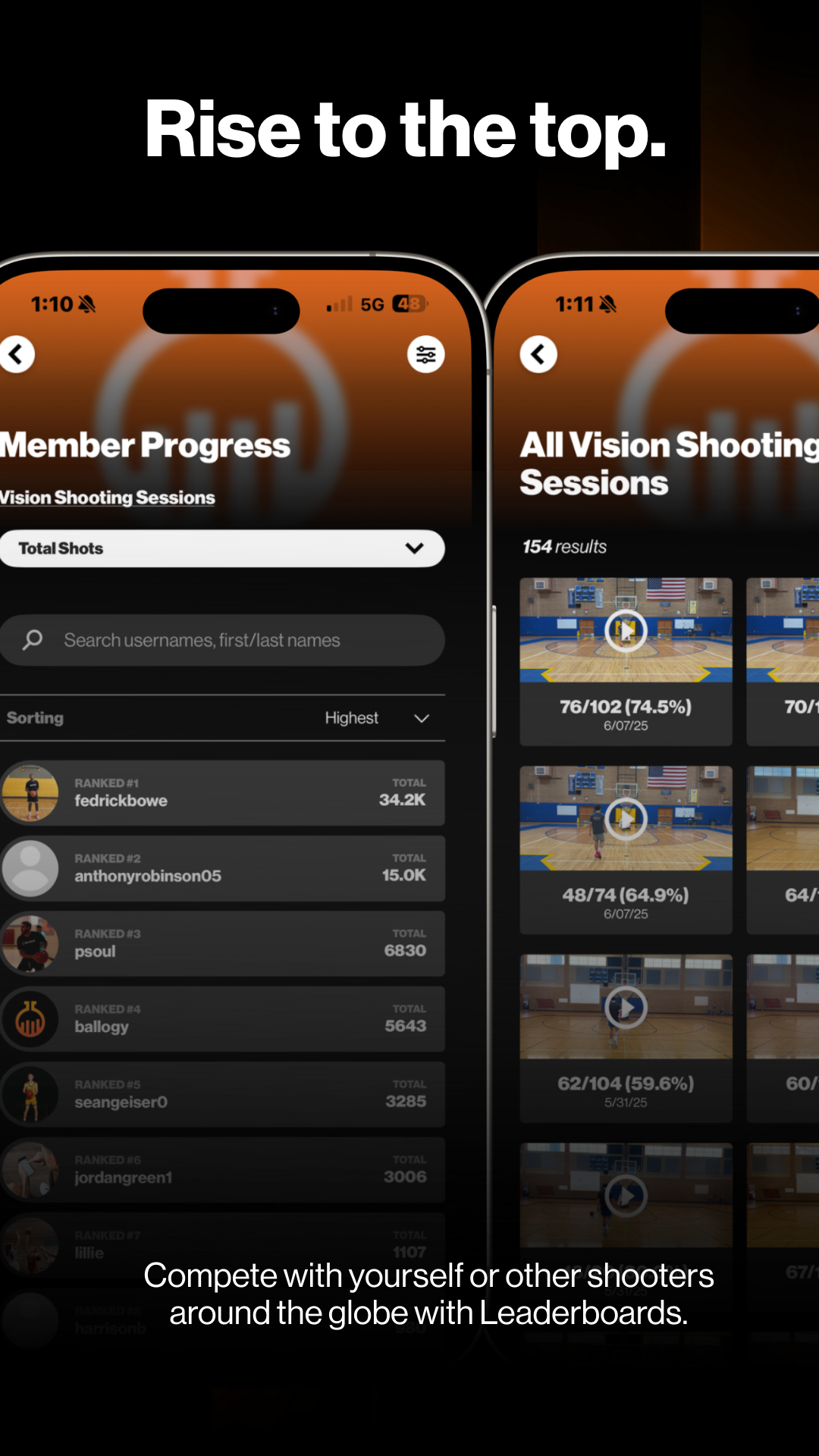
Community and Rewards
Connect with basketball players worldwide
Participate in challenges and competitions
Build a player profile showcasing skills and achievements
Earn Legacy Points through eligible activities
Redeem points for selected basketball equipment and other rewards
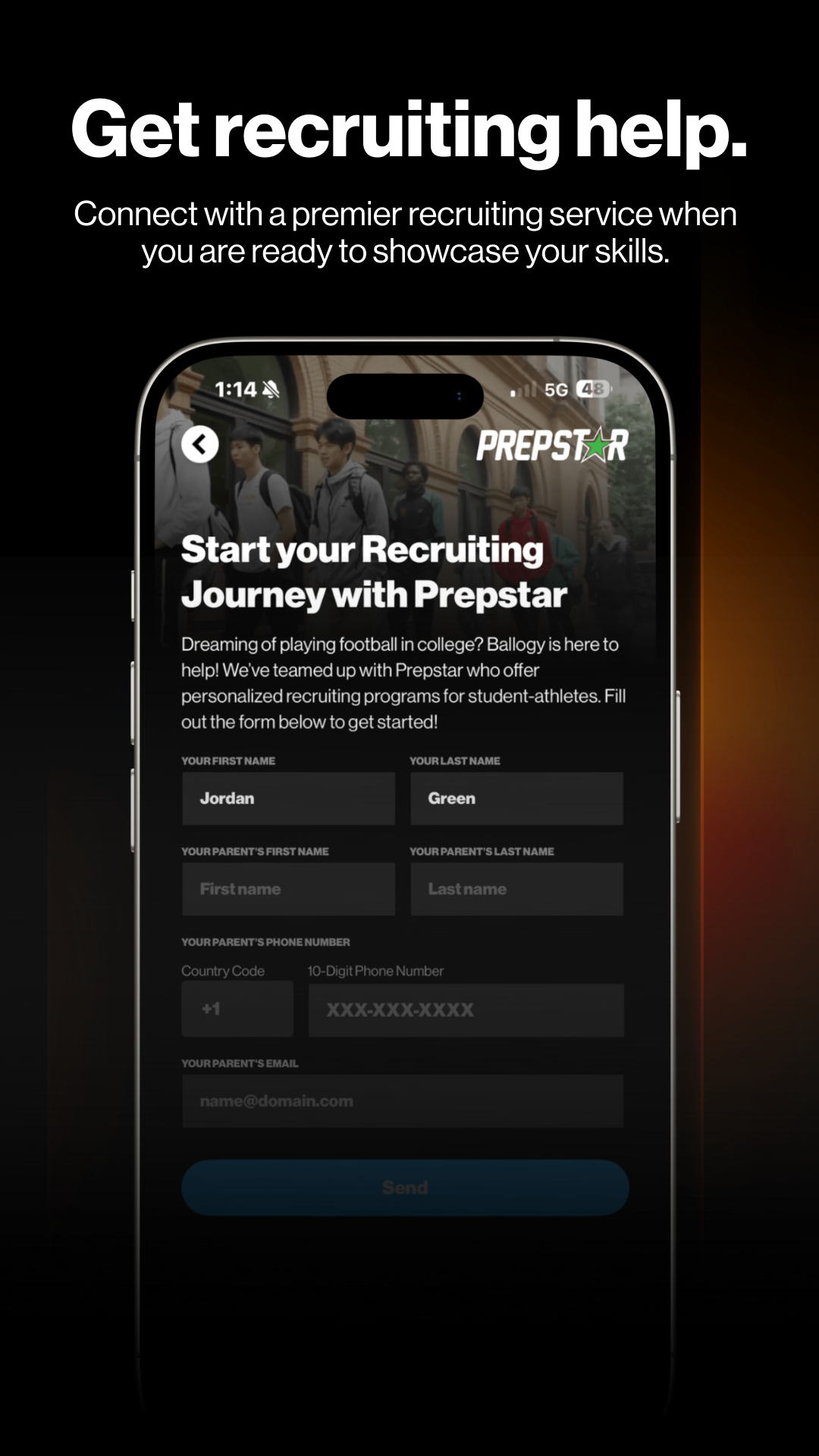
College Recruitment Exposure
Create a digital basketball résumé through your player profile
Showcase playing experience, assessment scores, and training achievements
Gain additional visibility among college basketball programs through Ballogy's network of more than 2,000 organizations
3. How to Use Ballogy
Step 1: Create an Account
Open Ballogy and select Athlete or Coach as your account type.
Complete the registration process.
Add your basketball experience, personal details, and achievements to your profile.
Coaches can create teams and connect players to their training groups.
Step 2: Athlete Guide
Track Shooting Performance
Enable Auto Shot Detection before starting a training session.
Position your smartphone so the camera can clearly capture the basket and shooting area.
Begin practicing while the app detects and records your shots.
Review shooting statistics and heat maps after the session.
Use the results to identify areas for improvement.
Access Training Programs
Open the workout library and browse available drills.
Choose exercises that match your skill level and training goals.
Create customized workouts focusing on specific basketball skills.
Complete the Ballogy Skills Assessment to evaluate your abilities.
Review Ballogy AI recommendations and apply relevant suggestions to future sessions.
Join Challenges and Earn Rewards
Connect with other players through the app.
Browse available challenges and competitions.
Update your profile with assessment scores and training achievements.
Track your development through your digital basketball résumé.
Earn Legacy Points through eligible activities and check available rewards.
Step 3: Coach Guide
Manage Team Training
Browse available NFHS-supported courses and training resources.
Create workouts for individual players or entire teams.
Assign drills based on each athlete's development needs.
Set completion deadlines and performance targets where supported.
Use Ballogy AI to assist with practice planning.
Monitor Player Development
Open individual player records to review training results.
Examine shooting statistics and historical performance.
Identify weaknesses and skills that need additional practice.
Provide feedback based on recorded results.
Adjust workout assignments according to player progress.
4. Understanding the Ballogy Skills Assessment (BSA)
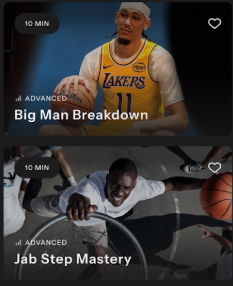
The Ballogy Skills Assessment (BSA) evaluates basketball skills and helps players track their development.
Athletes can use Ballogy Vision to record assessment sessions and receive official performance scores. These results provide insight into their current abilities, shooting performance, and areas that need improvement.
Eligible athletes may also be considered for the monthly Top Performers Report, which is distributed to more than 2,000 colleges and institutions in Ballogy's network.
For players pursuing college basketball opportunities, the assessment provides another way to showcase their abilities to potential recruiters. However, inclusion in the report does not guarantee recruitment, a scholarship, college admission, or a place on a team.
5. Team Training and Player Development
Ballogy helps coaches organize team workouts and monitor individual player development.
Coaches can create customized training programs, assign NFHS-supported courses, and use Ballogy AI for practice planning. Players can complete assigned exercises, record training sessions, and submit results for review.
Shooting statistics and historical performance data help coaches identify skill gaps and evaluate improvements over time. Coaches can then adjust training assignments to address individual needs.
6. Frequently Asked Questions (FAQ)
Q1: Do I need additional equipment to use Auto Shot Detection?
No. The basic shot-tracking process uses your smartphone camera. Enable Auto Shot Detection and position your phone so the basket and shooting area are visible. The app can then analyze your practice session and record shooting statistics.
Q2: How long does it take to receive BSA results? Can they help with college recruitment?
Results are generally available shortly after completing an assessment. Eligible athletes may also be considered for the monthly Top Performers Report, which is shared with more than 2,000 colleges and institutions. This can increase exposure to college basketball programs but does not guarantee recruitment or team placement.
Q3: Can coaches assign workouts with deadlines and performance goals?
Coaches can create customized training assignments and set expectations for players. Depending on the available features, assignments may include deadlines and measurable targets, such as shooting accuracy goals.
Q4: Can I compete with basketball players from other countries?
Yes. Ballogy offers opportunities to connect with players worldwide and participate in challenges. Competition formats and participation options may vary.
Q5: Is Ballogy suitable for beginners?
Yes. The app offers training resources for different experience levels. Beginners can start with fundamental drills, track their shooting performance, and gradually move on to more advanced exercises.
Q6: Can I create customized basketball workouts?
Yes. Ballogy allows athletes and coaches to organize personalized workouts around specific training goals, including shooting accuracy, consistency, and basketball fundamentals.
Q7: Can Ballogy help me get noticed by college basketball programs?
Ballogy provides additional exposure through player profiles, assessment results, and training achievements. Eligible athletes may also be considered for the monthly Top Performers Report, which reaches more than 2,000 colleges and institutions. These resources can support recruitment efforts but do not guarantee scholarships, recruitment offers, admission, or team selection.
Q8: What are Legacy Points used for?
Legacy Points are rewards earned through eligible activities within Ballogy. Depending on the current rewards program, points can be redeemed for selected basketball equipment, sports gear, and other available rewards. Redemption options and eligibility requirements may change.
- Version4.8.2
- UpdateNov 05, 2026
- DeveloperBallogy, Inc.
- CategorySports
- Requires AndroidAndroid 7.0+
- Downloads166K+
- Package Namecom.frt.ballogyapp
- Signature692dc9e22d2a87600ecaf24131fb6143
- Available on
- ReportFlag as inappropriate
-
NameSizeDownload
-
123.66 MB
-
122.52 MB
-
81.81 MB







Feature-rich and powerful
Prominent social features
Excellent user experience
Equipment requirements may be high.
Some functions rely on the network.
There is a risk of information overload.