
अनमोल वचन सुविचार - Motivational quotes & sharing
Discover a collection of over 3000 motivational quotes for inspiration, easily bookmark & share with friends!

- 2.9.0 Version
- 1.3 Score
- 244K+ Downloads
- In-app purchases License
- 3+ Content Rating

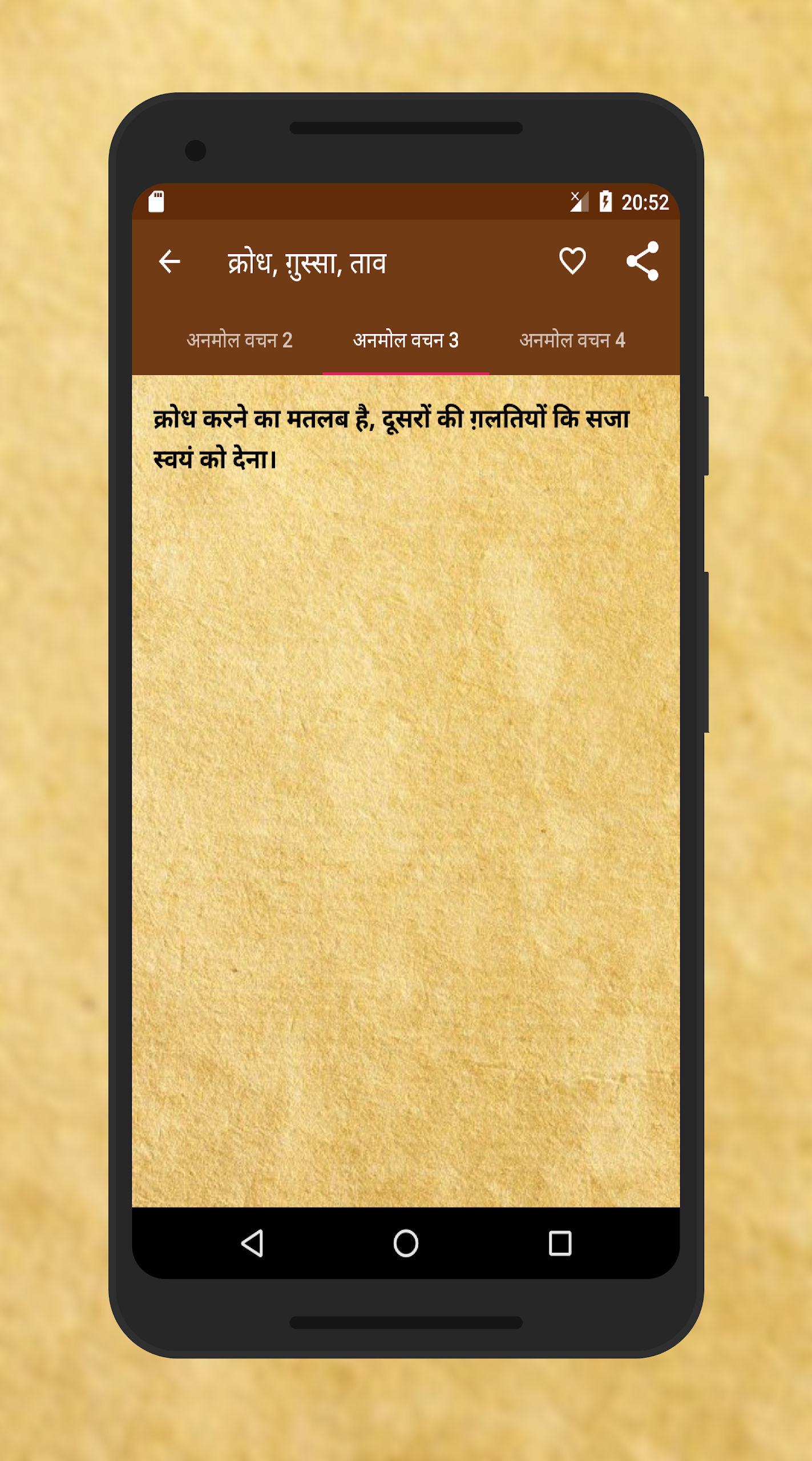
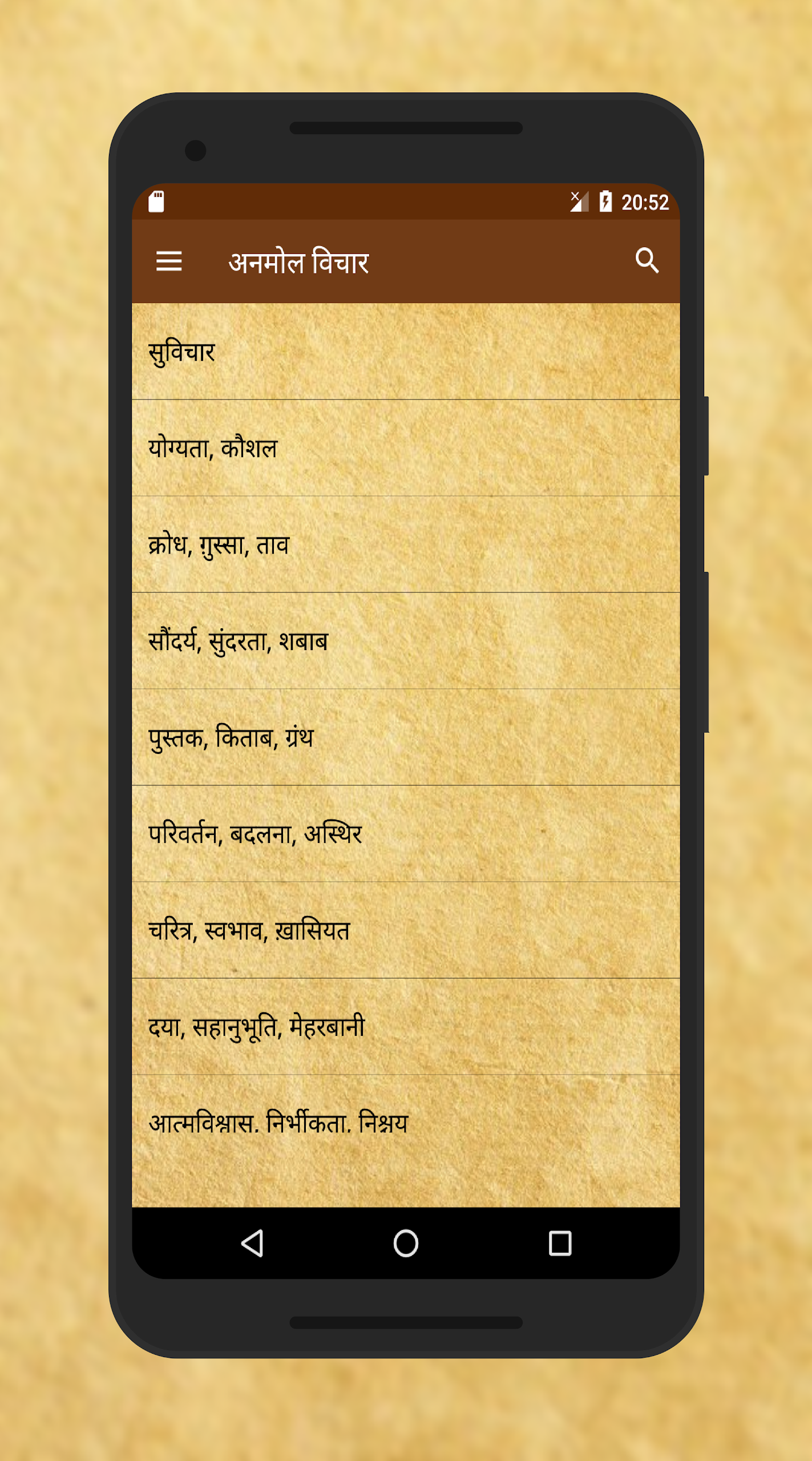
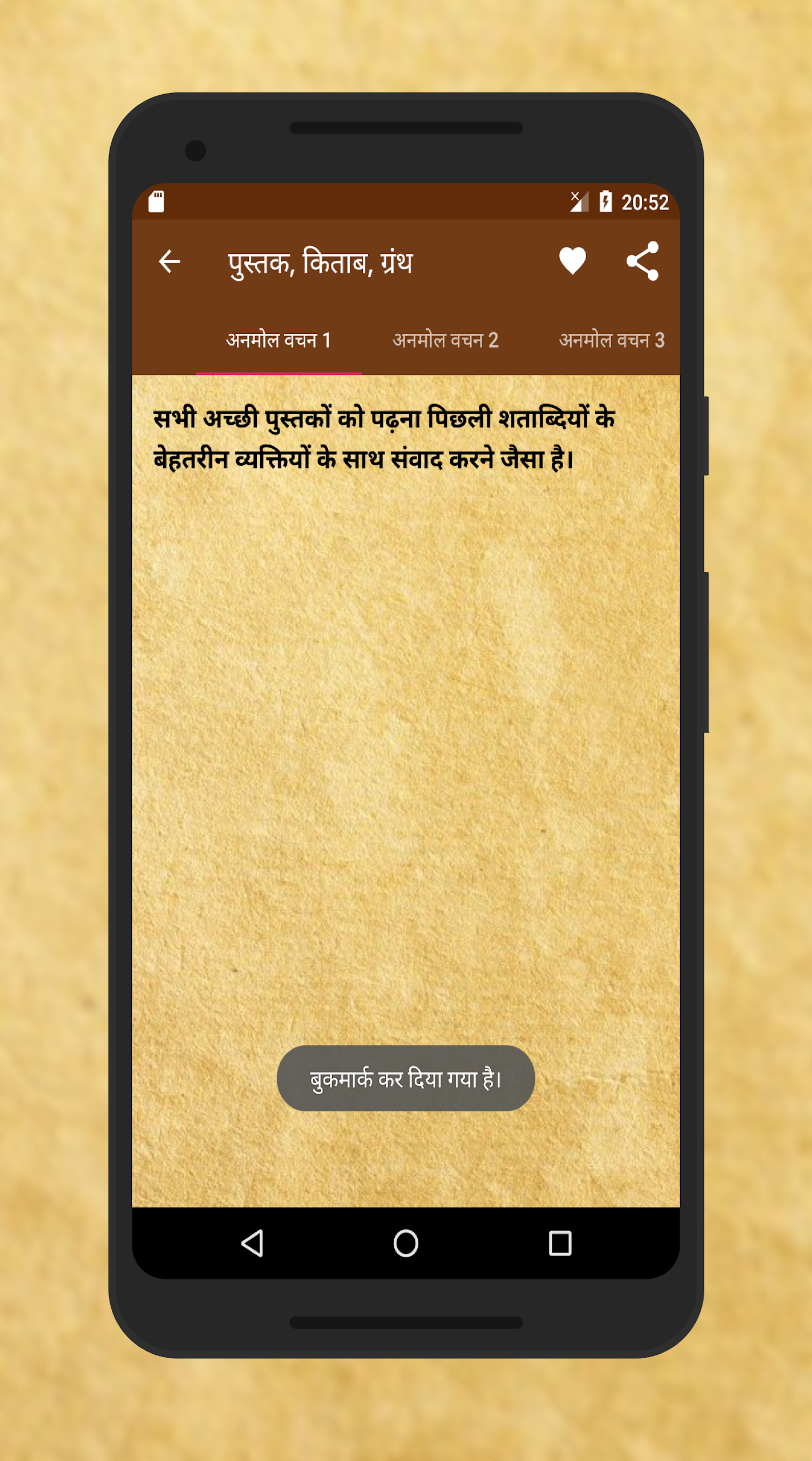
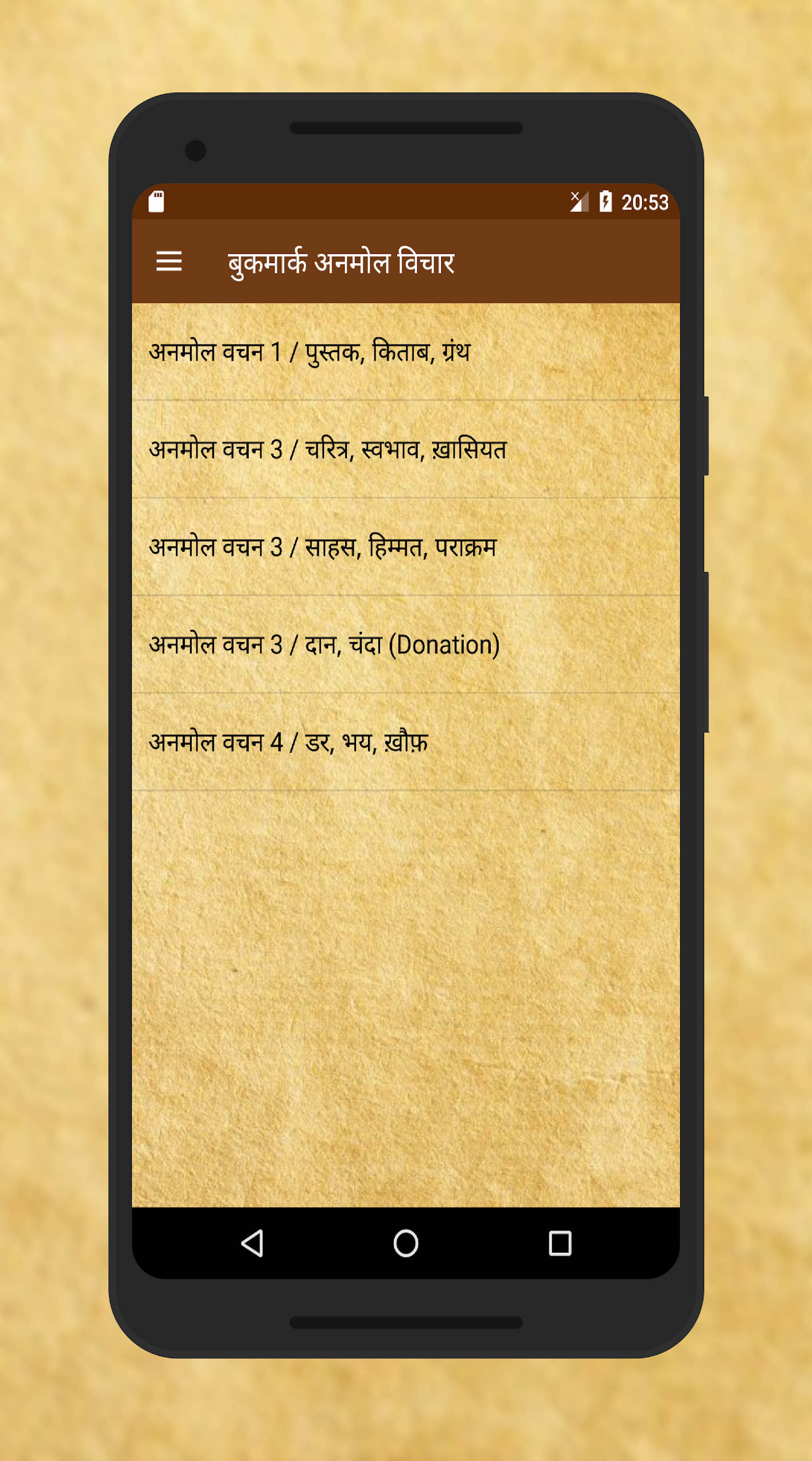
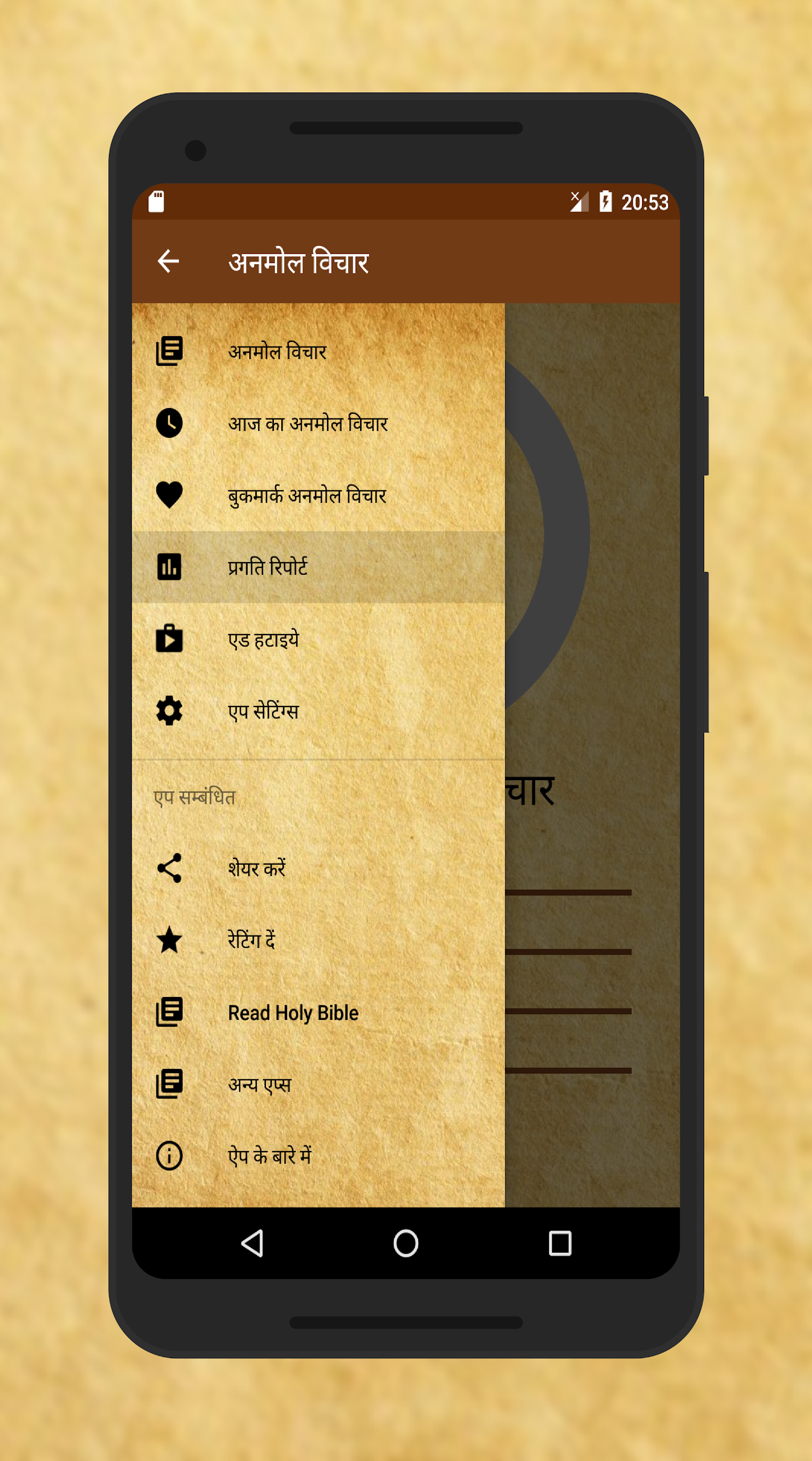
This application is designed for enthusiasts of motivational and inspirational quotes.
We have curated a selection of excellent quotes to feature within the app.
The application operates completely offline. It boasts a quick and responsive user interface that performs well even when in flight mode.
Hindi Status - Hindi Suvichar, Hindi Shayari
Features
• Over 3000 widely recognized motivational and inspirational quotes (अनमोल वचन)
• Option to bookmark your preferred quotes / अनमोल वचन
• User interface is fast and responsive, with search functionality available
• Share capability to effortlessly send your top quotes to friends
• Fully operational without internet access
All quotes and their respective categories are elegantly arranged.
How to Use
1. Download and open the app. All functions are available even without a network connection; the interface operates smoothly.
2. Browse the categorized inspirational quotes. You can also quickly find quotes by entering keywords (topic/author/quote excerpt) in the search bar.
3. When you find a quote you like, click the "Favorite"/"Bookmark" button to quickly view it on the favorites page.
4. Click the share button next to the quote to share it to social media platforms with friends and family.
5. Browsing, searching, favorites, and sharing are all possible in airplane mode and areas without a network connection.
FAQs
### Q1: What topics are covered by the over 3,000 quotes in the app?
A: The quotes in the app cover a wide range of topics, including motivation, personal growth, relationships, health and fitness, and career success. Whether seeking strength in the face of difficulties and setbacks, pursuing self-improvement, improving relationships, striving for career success, or focusing on physical health, you can find the right quote to provide spiritual guidance in every aspect of life.
### Q2: How can I save my favorite quotes in the app?
A: When you find a quote you like, there will usually be a "Bookmark" or "Save" icon on the quote display. Clicking this icon will add the quote to your favorites. You can then quickly and easily find and access these saved quotes on the Favorites page, allowing you to revisit them anytime to inspire yourself.
### Q3: How is the app's search experience? Is the search efficient?
A: The app's search function is simple. Find the search bar on the app interface and enter keywords related to a quote, such as the topic, author, or part of the quote. This will quickly filter for relevant quotes. Thanks to the app's optimized algorithm, search efficiency is high, accurately locating matching quotes from over 3,000 quotes in a short time, saving you time searching for a specific quote.
### Q4: Is it easy to share quotes on social media? Which social platforms are supported?
A: Sharing quotes is very convenient. There's a share button on the quote display page. Clicking it will bring up a list of supported social platforms. Common social media platforms supported include WhatsApp, Facebook, Instagram, and Twitter. Users can share their favorite quotes to the corresponding platforms with one click, sharing inspiring words with friends and family based on their social media habits.
### Q5: Will all features of the app function properly when offline?
A: Yes, this app is designed for full offline use. Whether browsing over 3,000 quotes, using the search function, saving quotes, or sharing previously viewed quotes, you can do so smoothly even without an internet connection. This is true even when you're in airplane mode or in remote areas without a network signal.
- Version2.9.0
- UpdateOct 13, 2026
- DeveloperBanaka
- CategoryBooks & Reference
- Requires AndroidAndroid 4.4+
- Downloads244K+
- Package Namein.banaka.anmol.vichar
- Signature7953105e301bb5a0fa7e7c2830c424a1
- Available on
- ReportFlag as inappropriate
























Rich content
Practical features
Offline use
Nice interface
Insufficient content depth
Lack of personalized recommendations
Copyright risks