
القرآن الكريم كامل بدون انترنت - Quran offline full
Access the full Quran offline for spiritual guidance and reflection

- 10.5 Version
- 4.6 Score
- 47M+ Downloads
- Free License
- 3+ Content Rating


About Holy Quran Offline
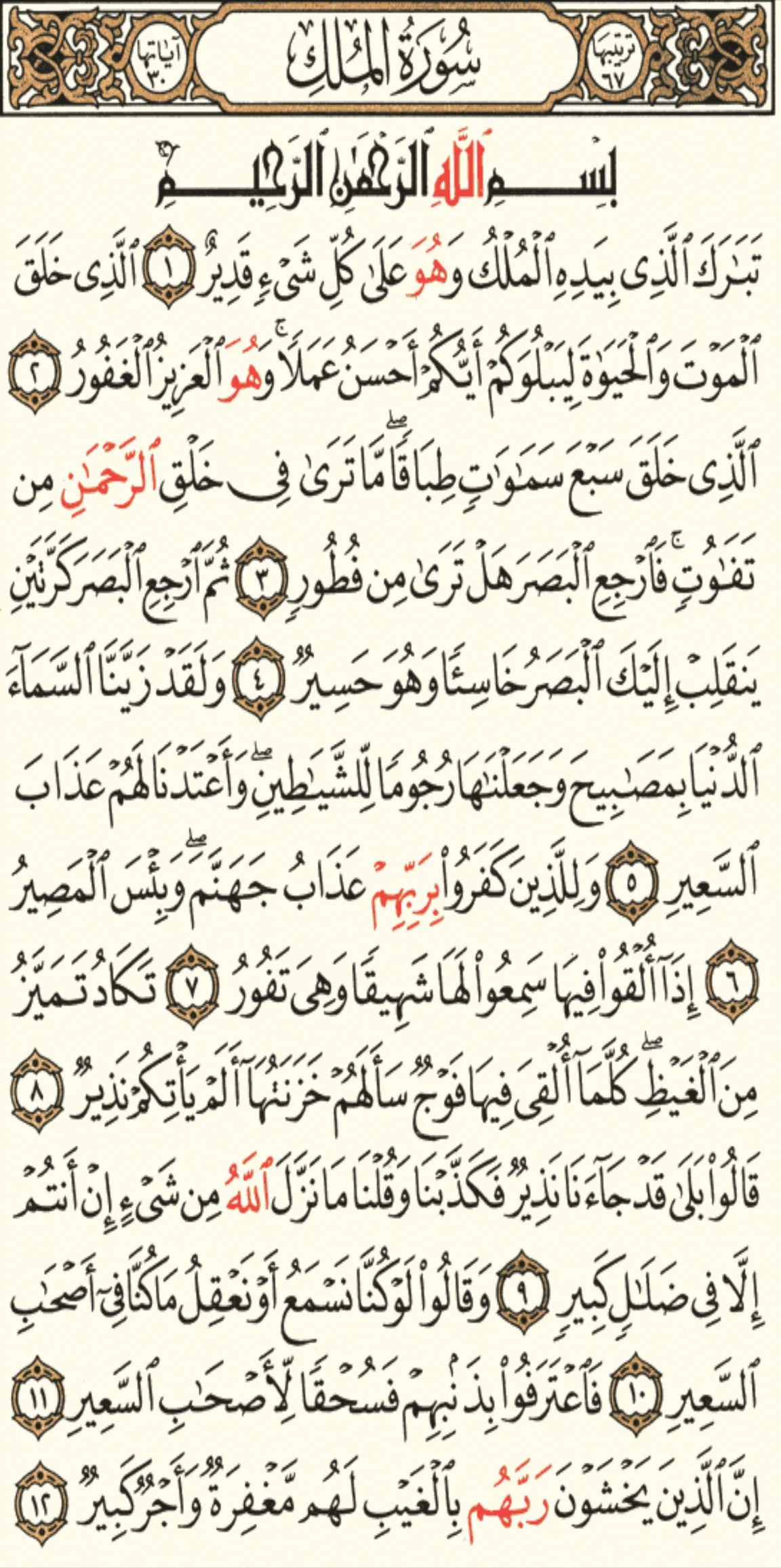
Holy Quran Offline (القرآن الكريم كامل بدون انترنت) is a Quran reading app that provides access to the complete Quran without an internet connection. Its page-based layout resembles a traditional printed Quran, making it familiar to readers accustomed to a physical copy.
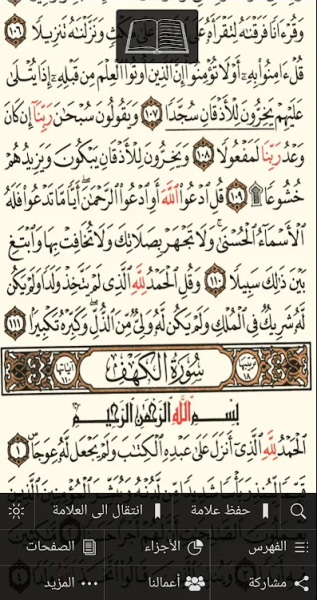
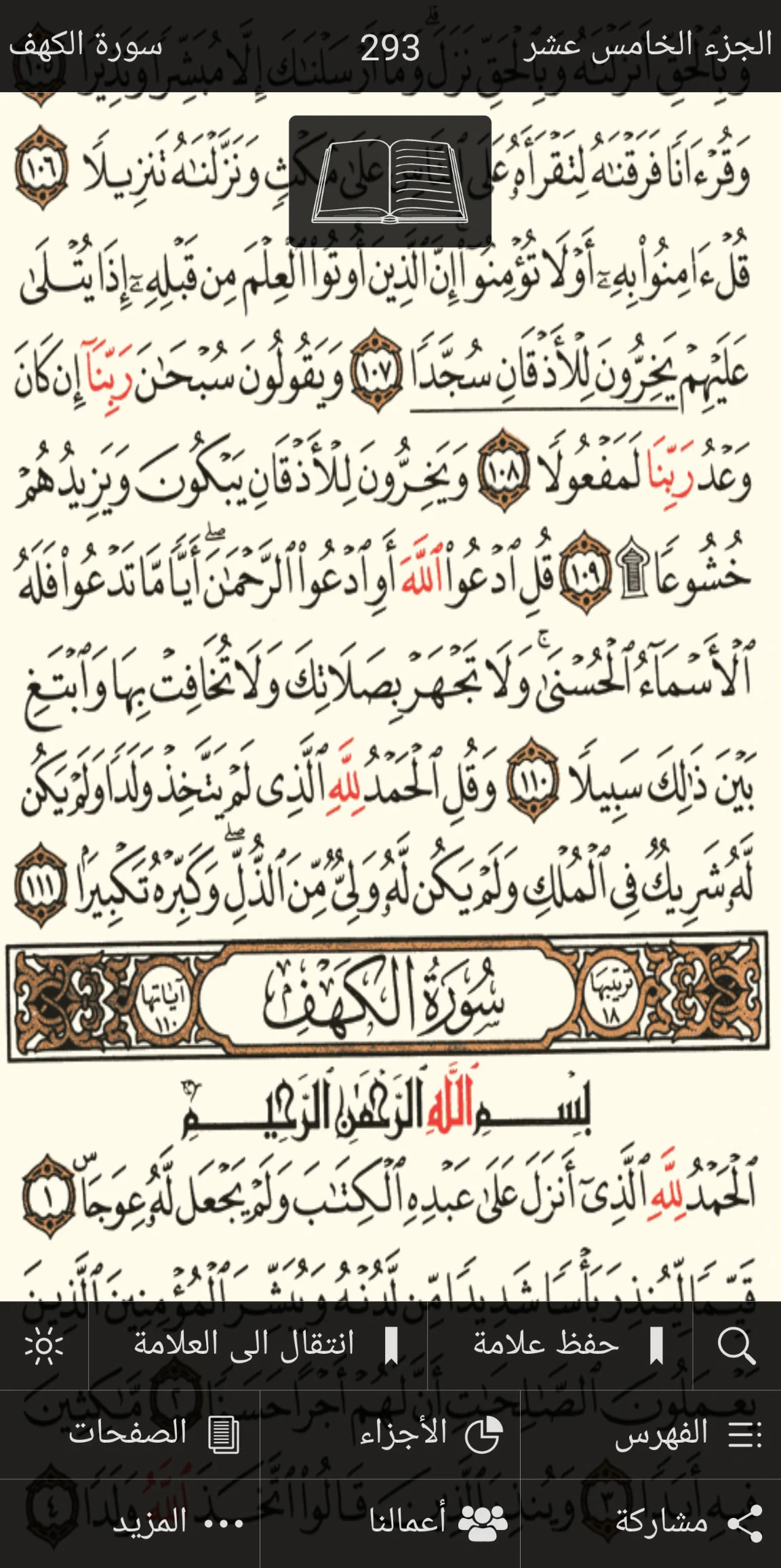
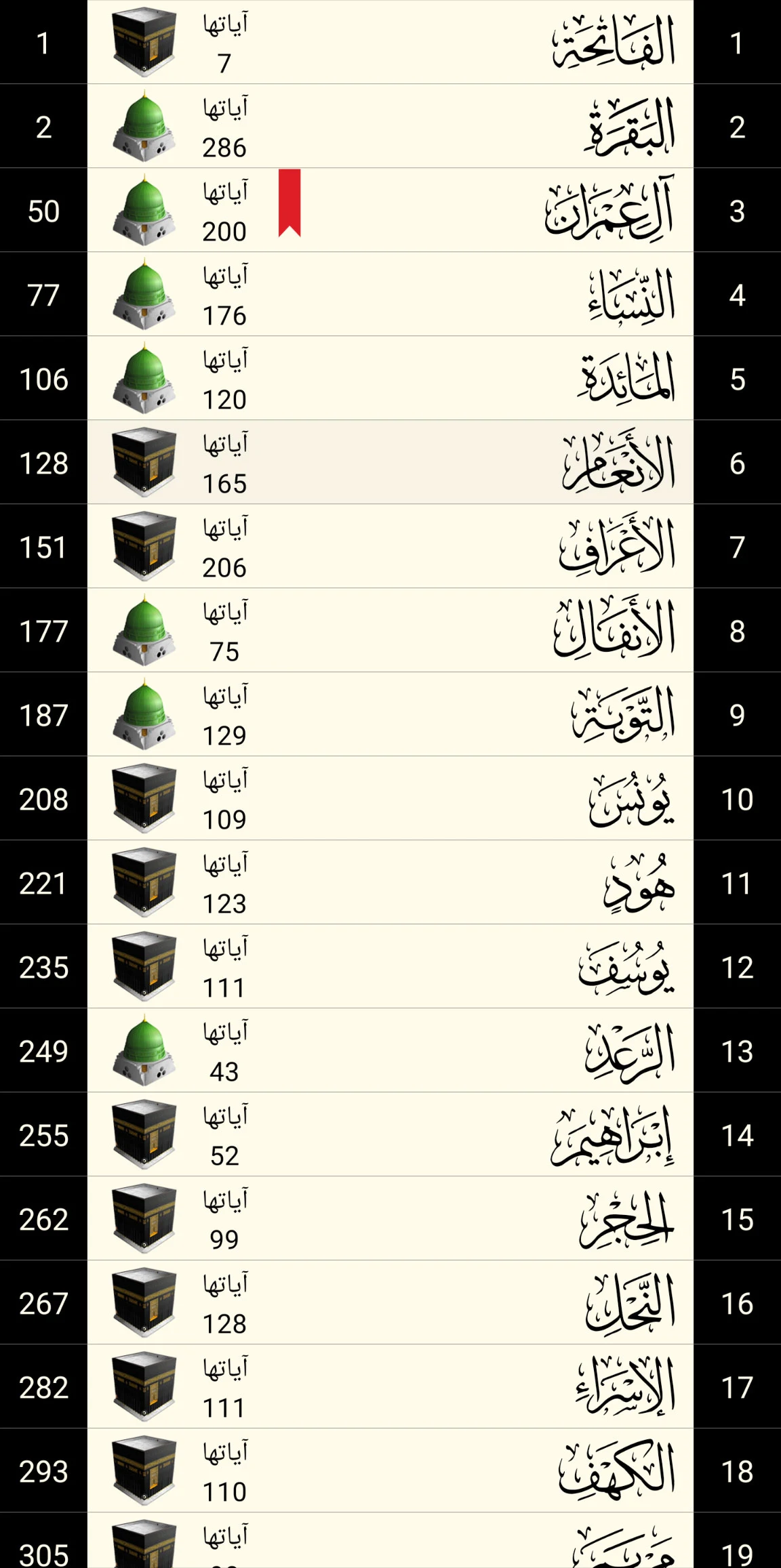
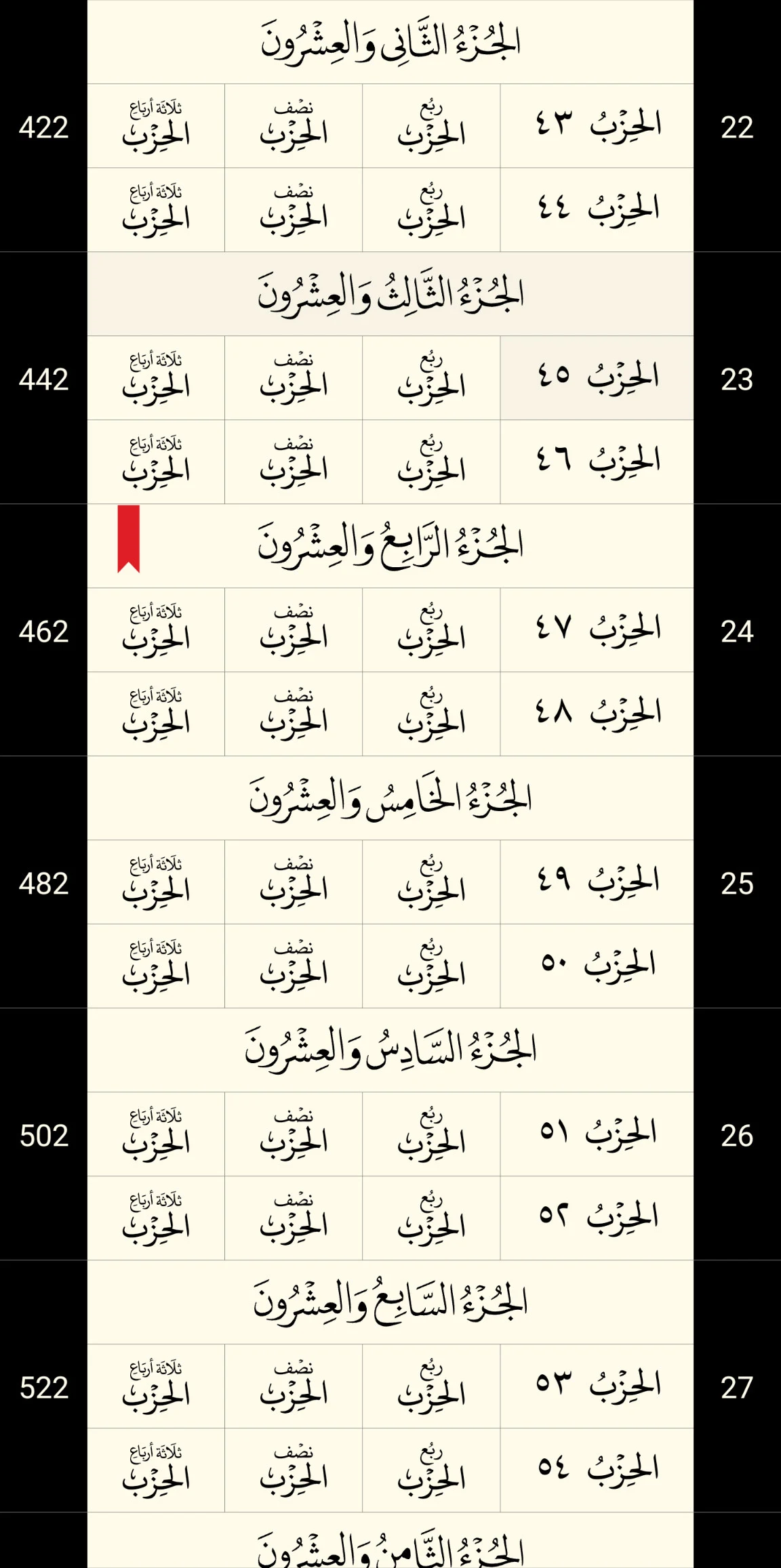
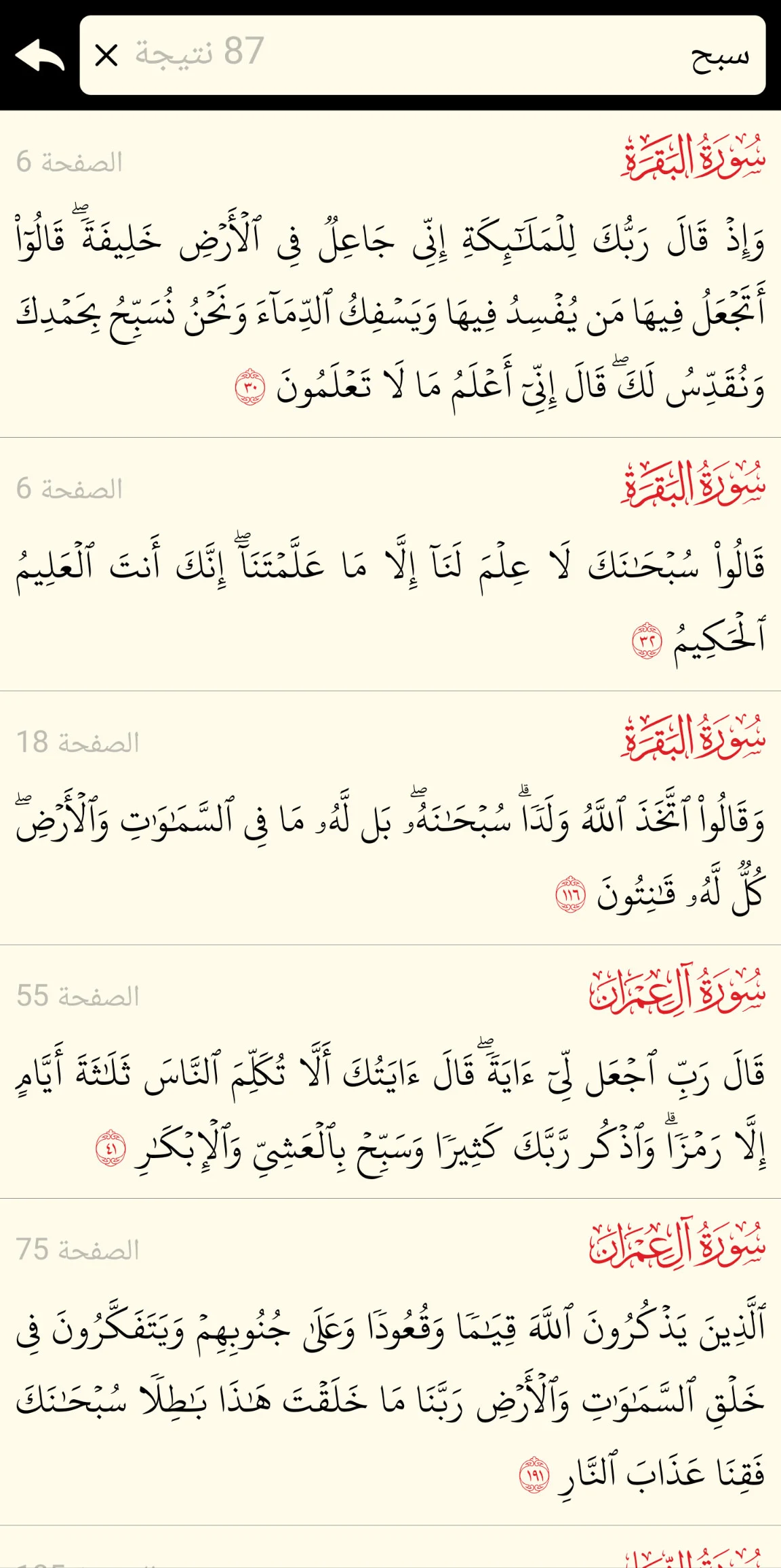
The Quranic text appears in a large, clear font against a comfortable background. Readers can navigate through indexes for surahs, juz, hizb, and page numbers, or use the search function to locate specific verses and passages. The app also includes bookmarks for saving pages and display settings for portrait and landscape orientations, brightness adjustment, and continuous screen illumination.
Reading progress is saved automatically, allowing users to resume from the last page they viewed when reopening the app.
Key Features
Complete Offline Quran: Access the entire Quran without an internet connection
Traditional Page Layout: Read the Quran in a format resembling a printed copy
Clear Text Display: Large lettering and a comfortable reading background
Automatic Progress Saving: Remembers the last viewed page
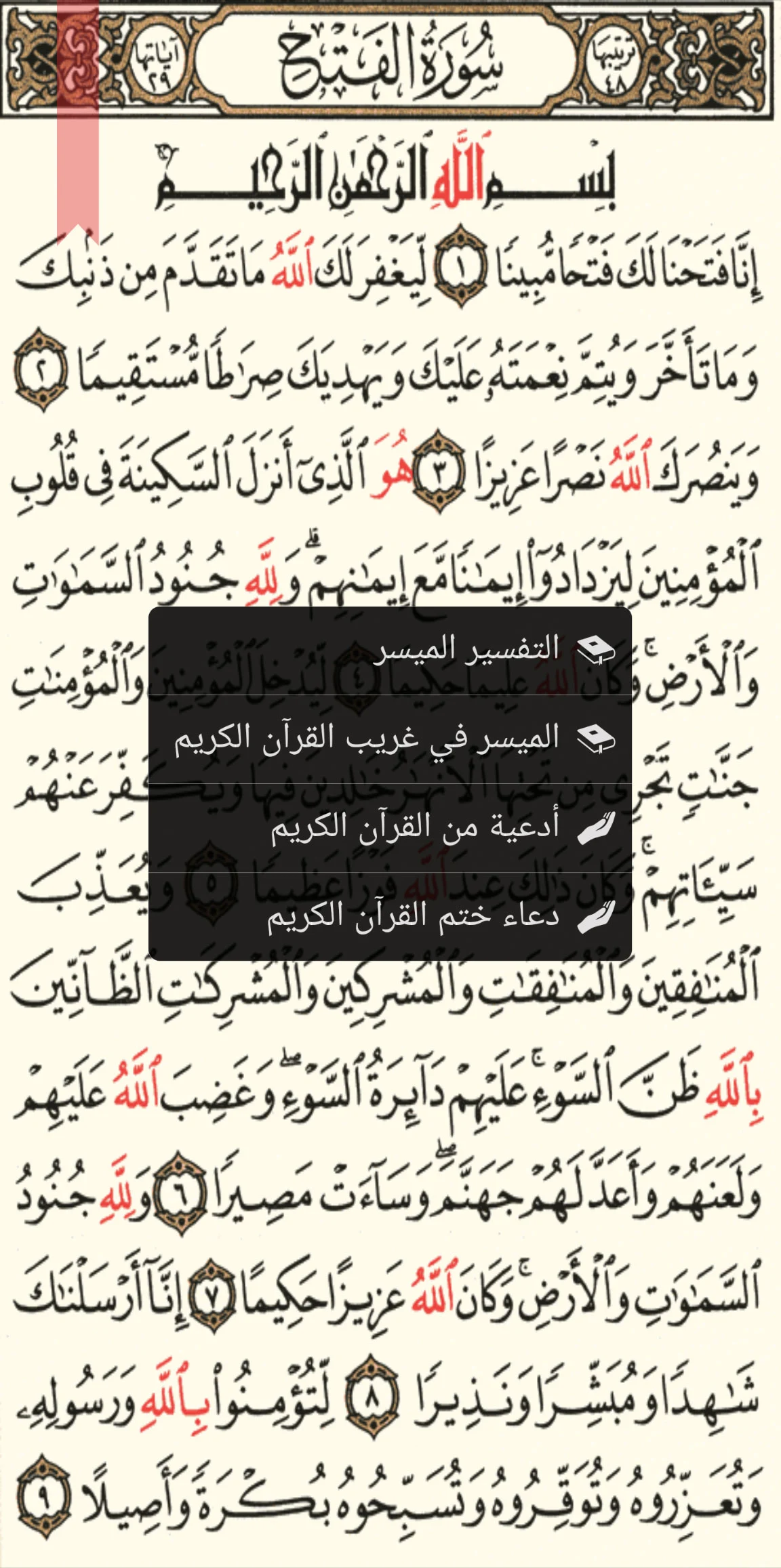
Bookmarks: Save pages for future reference
Search Function: Locate specific verses and passages
Multiple Navigation Options: Browse by surah, juz, hizb, or page number
Screen Orientation: Switch between portrait and landscape modes
Display Controls: Adjust brightness and keep the screen illuminated
Page Indicators: Identify the left or right page corresponding to a printed Quran
How to Use Holy Quran Offline
Open the app to access the main reading screen, where the Quran appears in its traditional page format. The navigation menu at the bottom provides access to the available reading tools.

To open a particular section, select the relevant index and browse by surah, juz, hizb, or page number. You can also use the search function to locate a specific verse or passage. To save your place, add the current page to your bookmarks.
For a more suitable reading display, open the settings to change the screen orientation, adjust brightness, or enable continuous illumination. Your reading position is saved automatically, so you can return to the same page the next time you open the app.
Reading Experience
The app retains the familiar structure of a printed Quran rather than presenting the text as a continuous digital document. Its page-based display and section indexes make navigation familiar to readers who regularly use a physical copy.
Bookmarks and automatic progress saving cover two common reading needs: returning to selected passages and continuing from a previous session. Brightness adjustment and screen orientation settings allow readers to adapt the display to their preferences.
Another defining feature is offline availability. Once installed, the complete Quran can be accessed without an active internet connection.
Frequently Asked Questions
1. Can I read the complete Quran without an internet connection?
Yes. The app provides access to the complete Quran offline after installation.
2. Does the app remember where I stopped reading?
Yes. It automatically saves your last reading position and restores that page when you reopen the app.
3. How can I save a page for later?
Use the bookmark feature to mark a page. You can return to your saved pages whenever needed.
4. Does the app support landscape mode?
Yes. You can switch between portrait and landscape orientations through the display settings.
5. How can I find a specific surah or verse?
Use the indexes to browse by surah, juz, hizb, or page number. The built-in search function can also locate specific verses and passages.
6. How can I contact the developer?
For questions or technical support, email the developer at info@simppro.com.
- Version10.5
- UpdateNov 18, 2026
- Developersimppro
- CategoryBooks & Reference
- Requires AndroidAndroid 6+
- Downloads47M+
- Package Namecom.simppro.quran.offline
- Signature7677f3ced917ccd3d5ba4280120a2d20
- Available on
- ReportFlag as inappropriate
-
NameSizeDownload
-
55.03 MB
-
54.80 MB
-
51.16 MB














complete content
better UI needed